# Pangolin
> Open-source SASE platform providing secure access and connectivity to apps, infrastructure, and AI workloads. Connect and protect your users.
Link index: https://pangolin.net/llms.txt
## Marketing
### Home
URL: https://pangolin.net/
# The Open Security
and Networking Platform
Connect and protect your workforce, AI agents, and infrastructure.
## About
Pangolin delivers seamless access and connectivity across your apps, infrastructure, and AI workloads while continuously enforcing enterprise-grade security. Built for agile IT teams, Pangolin eliminates the friction of bloated, legacy systems with an open platform that’s easier to deploy for your workforce.
## Features
1. Easy to deploy connector behind any firewall
2. Users connect with their existing identity
3. Zero trust access to specific applications
4. Enforce identity and context aware rules
---
### Product
URL: https://pangolin.net/ztna
# The Zero Trust
Access Platform
Replace your VPN with one fast, secure, and easy to use WireGuard® based solution.
## Your network is complex. Your access shouldn't be.
Deploy zero trust access across your entire stack without touching a single firewall rule.
### Peer-to-peer connections to critical infrastructure
Replace bastions and jump-boxes with simple connections to critical backend infra across cloud VPC, CI/CD, IoT, OT networks and more.
### Seamless web access to internal tools and secure SaaS
Protect your internal dashboards, self-hosted tools, and SaaS apps by keeping them private and off the public internet.
### Granular control and real-time activity auditing
Get a unified view of your security posture, allowing you to enforce strict policies and instantly audit why access was granted or denied.
## Pangolin is better than a VPN.
Organizations of every scale use Pangolin to unify and secure their distributed workforce, devices, and cloud workloads.
- **Identity-based access**: Integrates with your existing identity provider to enable SSO and easy MFA.
- **Direct connectivity**: Peer-to-peer connections between your users and your sites for better performance and reduced latency.
- **App & service exposure**: Expose HTTP apps, TCP services, SSH, databases, and internal APIs with fine-grained controls.
- **Policy & visibility**: Simple, human readable, and context-aware policies you can manage in one place.
## A secure connection users don't hate.
Traditional VPNs and jump-box cause friction for users. Pangolin stays out of the way by automating the identity-connection handshake.
### Sign in with identity
Users authenticate through your IdP with SSO and MFA.
### Connect to resources
Peer-to-peer tunnels reach apps and infra without opening ports.
### Enforce zero trust
Policies decide access in real time with full audit visibility.
## Stop managing networks. Start managing access.
---
### AI Gateway
URL: https://pangolin.net/ai-gateway
# The Identity-Aware
AI Gateway
Tunnel AI workloads to cloud and self-hosted models through Pangolin. Use the same identities you already have for other apps and infrastructure.
## Tunnel on both ends. Govern in the middle.
Reach private gateways over the Pangolin client, reach self-hosted models over site connectors, and keep identity, budgets, and logs on every call.
### Keyless access over the Pangolin client tunnel
Private AI Gateway resources stay off the public internet. Connected clients already prove identity, so Claude Code, Codex, OpenCode, and Gemini CLI call the gateway without minting another provider secret.
### Tunnel to self-hosted models behind your firewall
Reach self-hosted models and other private endpoints over site tunnels, then serve them alongside OpenAI, Anthropic, Gemini, and other cloud providers on one URL.
### Budgets, session logs, and usage analytics
Cap spend or tokens by provider, model, resource, role, or key. Store transcripts and chart cost, tokens, and request volume across every client and upstream you connect.
## Built like the rest of Pangolin.
AI Gateway is a protocol-aware resource on the same platform as your apps, databases, SSH, and other resources, not a separate LLM proxy to operate beside it.
- **Manage AI like other infrastructure**: Model access belongs next to the databases, SSH, RDP, and internal apps you already protect in Pangolin. Treat the gateway like any other resource, with the same users, roles, and domains.
- **Grant users and roles instead of managing API keys**: Skip API keys entirely with the Pangolin client, or use identity keys to identify the caller. In both cases, users must log in with your existing identity provider first.
- **Speak each provider's native API format**: Clients keep speaking the protocol they already expect. Pangolin translates and routes each request to the right upstream, so you point tools at one hostname instead of wiring every format by hand.
- **Run multiple gateway endpoints with their own URL**: Traditional LLM gateways expose one URL for the whole instance. In Pangolin, each AI Gateway is its own resource, so you can run many hostnames with different providers, models, and access rules.
## From private models to coding agents.
Attach cloud or tunneled self-hosted providers, publish a public or private AI Gateway resource, and point clients at the Pangolin URL.
### Add a provider
Configure cloud upstreams, or a custom provider with site targets that tunnel to models behind your firewall.
### Create an AI Gateway resource
Attach providers, pick a domain, and choose a public virtual-key gateway or a private client-tunnel gateway.
### Connect your clients
Point coding agents at the gateway URL. Private resources authenticate with the Pangolin client; public ones use a virtual API key.
## Tunnel AI the same way you tunnel everything else.
---
### Pricing
URL: https://pangolin.net/pricing
# Pricing
Select Pangolin cloud or self-hosted. Upgrade for more sites, users, enhanced security, and additional features.
## Cloud plans
#### Basic
Free
- Basic Pangolin features
- Up to 5 users
- Custom domains
- All resource types
- Peer-to-peer connections
Start for free
No credit card required.
#### Team
$4/user/mo
- All Basic features +
- External identity providers (SSO)
- Multiple roles per user (RBAC)
- Audit logging
- Device posture
- Security policy enforcement
Get started
Start 10 day free trial.
#### Business
$9/user/mo
- All Team features +
- Multiple organizations
- SSO auto provisioning
- Device approvals
- Advanced SSH
- Custom branding
Get started
Start 10 day free trial.
#### Enterprise
Custom pricing
- All Business features +
- Custom limits
- Log streaming (SIEM)
- Premium relay nodes
- Priority support and SLA
Get a demo
## Cloud limits
| Limit | Basic | Team | Business | Enterprise |
| --- | --- | --- | --- | --- |
| Users | 5 | 50 | 250 | Custom |
| Sites | 5 | 50 | 250 | Custom |
| Domains | 5 | 50 | 100 | Custom |
| Organizations | 1 | 1 | 5 | Custom |
| Public resources | 15 | 150 | 750 | Custom |
| Private resources | 15 | 150 | 750 | Custom |
| Machine clients | 5 | 25 | 100 | Custom |
## Cloud comparison
### Identity & Access Management
| Feature | Basic | Team | Business | Enterprise |
| --- | --- | --- | --- | --- |
| User and role access | Yes | Yes | Yes | Yes |
| Two-factor authentication (2FA) | Yes | Yes | Yes | Yes |
| Multiple roles per user (RBAC) | No | Yes | Yes | Yes |
| External Identity Providers (IDPs) | No | Yes | Yes | Yes |
| Provided domains | No | Yes | Yes | Yes |
| IDP user auto provisioning | No | No | Yes | Yes |
| Role based SSH management | No | No | Yes | Yes |
### Security
| Feature | Basic | Team | Business | Enterprise |
| --- | --- | --- | --- | --- |
| 2FA enforcement policy | No | Yes | Yes | Yes |
| Session duration policy | No | Yes | Yes | Yes |
| Password expiration policies | No | Yes | Yes | Yes |
| Geoblocking | No | Yes | Yes | Yes |
| Device posture | No | Yes | Yes | Yes |
| Credential rotation | No | Yes | Yes | Yes |
| Device approvals | No | No | Yes | Yes |
| Web access firewall (WAF) | No | No | No | Yes |
### Logging & Audit
| Feature | Basic | Team | Business | Enterprise |
| --- | --- | --- | --- | --- |
| HTTP request logs | Yes | Yes | Yes | Yes |
| Authentication logs | No | Yes | Yes | Yes |
| Network logs | No | Yes | Yes | Yes |
| Admin action logs | No | Yes | Yes | Yes |
| Log retention | 3 days | 30 days | 90 days | Custom |
| Export to CSV | No | No | Yes | Yes |
| Log streamining (SIEM) | No | No | No | Yes |
### AI Gateway
| Feature | Basic | Team | Business | Enterprise |
| --- | --- | --- | --- | --- |
| Virtual API key access | Yes | Yes | Yes | Yes |
| Desktop client keyless access | Yes | Yes | Yes | Yes |
| Desktop client session E2E encryption | Yes | Yes | Yes | Yes |
| Identity based access control | Yes | Yes | Yes | Yes |
| Common provider presets | Yes | Yes | Yes | Yes |
| Connect to private hosted models | Yes | Yes | Yes | Yes |
| Cost control and budgeting | Yes | Yes | Yes | Yes |
| Usage analytics | Yes | Yes | Yes | Yes |
| Session logging | No | Yes | Yes | Yes |
### Platform Features
| Feature | Basic | Team | Business | Enterprise |
| --- | --- | --- | --- | --- |
| API key access | Yes | Yes | Yes | Yes |
| Multi-site routing on resources | Yes | Yes | Yes | Yes |
| Blueprints (declarative config) | Yes | Yes | Yes | Yes |
| Wildcard resources | No | Yes | Yes | Yes |
| Standalone health checks | No | Yes | Yes | Yes |
| Resource maintenance page | No | Yes | Yes | Yes |
| Site provisioning keys | No | No | Yes | Yes |
| Alert rules & notifications | No | No | Yes | Yes |
| Labels and tagging | Yes | Yes | Yes | Yes |
| Automatic site updates | No | Yes | Yes | Yes |
| SSH, RDP, and VNC public resources (browser-based) | Yes | Yes | Yes | Yes |
| SSH and HTTP private resources (client-based) | Yes | Yes | Yes | Yes |
| Shared resource policies | No | No | Yes | Yes |
### High Availability
| Feature | Basic | Team | Business | Enterprise |
| --- | --- | --- | --- | --- |
| Self-hosted relay nodes | No | Yes | Yes | Yes |
### Branding & Customization
| Feature | Basic | Team | Business | Enterprise |
| --- | --- | --- | --- | --- |
| Login page with custom domain | No | Yes | Yes | Yes |
| Custom branding (colors, logo, etc) | No | No | Yes | Yes |
### Support & Compliance
| Feature | Basic | Team | Business | Enterprise |
| --- | --- | --- | --- | --- |
| Support type | Community support | Community support | Ticket based support | Tailored, priority Support |
| Email support | No | No | Yes | Yes |
| Signed SLA | No | No | No | Yes |
| Slack or Teams channel | No | No | No | Yes |
| Deployment assistance | No | No | No | Yes |
| Dedicated engineer | No | No | No | Yes |
| Software BOM | No | No | No | Yes |
### Payment Options
| Feature | Basic | Team | Business | Enterprise |
| --- | --- | --- | --- | --- |
| Pay by card | No | Yes | Yes | Yes |
| Other payment methods | No | No | No | Yes |
| Pay by invoice | No | No | No | Yes |
| Annual billing | No | No | No | Yes |
## Self-hosted plans
#### Community
Free
- Core features
- Community support
- AGPLv3
Quick install
#### Starter
$449/yr (that's $37.42/mo)
- Unlock enterprise features
- Up to 25 users
- Up to 25 sites
- Community support
- Commercial license
Buy now
#### Scale
$1,249/yr (that's $104.08/mo)
- All in Starter +
- Up to 50 users
- Up to 100 sites
- High availability
- Commercial license
Buy now
#### Enterprise
Custom
- All in Scale +
- Custom limits
- High availability
- Priority SLA
- Custom contracts and billing
Contact us
## Self-hosted limits
| Limit | Community | Starter | Scale | Enterprise |
| --- | --- | --- | --- | --- |
| Sites | - | 25 | 100 | Custom |
| Users | - | 25 | 50 | Custom |
## Self-hosted comparison
### Identity & Access Management
| Feature | Community | Starter | Scale | Enterprise |
| --- | --- | --- | --- | --- |
| Two-factor authentication (2FA) | Yes | Yes | Yes | Yes |
| Multiple roles per user (RBAC) | No | Yes | Yes | Yes |
| Server level identity providers (IDPs) | Yes | Yes | Yes | Yes |
| Tenant isolated identity providers (IDPs) | No | Yes | Yes | Yes |
| IDP user auto provisioning | Yes | Yes | Yes | Yes |
| OAuth2/OIDC IDPs | Yes | Yes | Yes | Yes |
| Azure IDPs | No | Yes | Yes | Yes |
| Google IDPs | No | Yes | Yes | Yes |
| Role based SSH management | No | Yes | Yes | Yes |
### Security
| Feature | Community | Starter | Scale | Enterprise |
| --- | --- | --- | --- | --- |
| 2FA enforcement policy | No | Yes | Yes | Yes |
| Session duration policy | No | Yes | Yes | Yes |
| Password expiration policy | No | Yes | Yes | Yes |
| Geoblocking | Yes | Yes | Yes | Yes |
| Device posture | No | Yes | Yes | Yes |
| Credential rotation | No | Yes | Yes | Yes |
| Device approvals | No | Yes | Yes | Yes |
### Logging & Audit
| Feature | Community | Starter | Scale | Enterprise |
| --- | --- | --- | --- | --- |
| HTTP request logs | No | Yes | Yes | Yes |
| Authentication logs | No | Yes | Yes | Yes |
| Network logs | No | Yes | Yes | Yes |
| Admin action logs | No | Yes | Yes | Yes |
| Export to CSV | No | Yes | Yes | Yes |
| Log streaming (SIEM) | No | Yes | Yes | Yes |
### AI Gateway
| Feature | Community | Starter | Scale | Enterprise |
| --- | --- | --- | --- | --- |
| Virtual API key access | Yes | Yes | Yes | Yes |
| Desktop client keyless access | Yes | Yes | Yes | Yes |
| Desktop client session E2E encryption | Yes | Yes | Yes | Yes |
| Identity based access control | Yes | Yes | Yes | Yes |
| Major upstream AI providers | Yes | Yes | Yes | Yes |
| Connect to private hosted models | Yes | Yes | Yes | Yes |
| Cost control and budgeting | Yes | Yes | Yes | Yes |
| Usage analytics | Yes | Yes | Yes | Yes |
| Session logging | No | Yes | Yes | Yes |
### Platform Features
| Feature | Community | Starter | Scale | Enterprise |
| --- | --- | --- | --- | --- |
| API key access | Yes | Yes | Yes | Yes |
| Multi-site routing on resources | Yes | Yes | Yes | Yes |
| Blueprints (declarative config) | Yes | Yes | Yes | Yes |
| Wildcard resources | No | Yes | Yes | Yes |
| Standalone health checks | No | Yes | Yes | Yes |
| Resource maintenance page | No | Yes | Yes | Yes |
| Site provisioning keys | No | Yes | Yes | Yes |
| Alert rules and notifications | No | Yes | Yes | Yes |
| Labels and tagging | Yes | Yes | Yes | Yes |
| Automatic site updates | No | Yes | Yes | Yes |
| SSH, RDP, and VNC public resources (browser-based) | Yes | Yes | Yes | Yes |
| SSH and HTTP private resources (client-based) | Yes | Yes | Yes | Yes |
| Shared resource policies | No | Yes | Yes | Yes |
### High Availability
| Feature | Community | Starter | Scale | Enterprise |
| --- | --- | --- | --- | --- |
| Clustering Pangolin nodes | No | No | Yes | Yes |
| Geographic distribution | No | No | Yes | Yes |
### Branding & Customization
| Feature | Community | Starter | Scale | Enterprise |
| --- | --- | --- | --- | --- |
| Custom branding (colors, logo, etc) | No | Yes | Yes | Yes |
### Support & Compliance
| Feature | Community | Starter | Scale | Enterprise |
| --- | --- | --- | --- | --- |
| License type | AGPLv3 | Fossorial Commercial License | Fossorial Commercial License | Fossorial Commercial License |
| Support type | Community support | Community support | Ticket based support | Tailored, priority support |
| Email support | No | Yes | Yes | Yes |
| Slack or Teams channel | No | No | No | Yes |
| Signed SLA | No | No | No | Yes |
| Dedicated engineer | No | No | No | Yes |
| Software BOM | No | No | No | Yes |
| Secure container images | No | No | No | Yes |
| Security review & compliance paperwork | No | No | No | Yes |
### Payment Options
| Feature | Community | Starter | Scale | Enterprise |
| --- | --- | --- | --- | --- |
| Pay by card | No | Yes | Yes | Yes |
| Annual billing | No | Yes | Yes | Yes |
| Custom billing frequency | No | No | No | Yes |
| Other payment methods | No | No | No | Yes |
| Pay by invoice | No | No | No | Yes |
---
### Solutions - Zero Trust Access by Industry
URL: https://pangolin.net/solutions
# Solutions
Explore how Pangolin secures access for different industries and teams with an open, identity-based zero trust platform.
- [MSP - Secure Zero Trust Access](/solutions/msp): Zero trust remote access for managed service providers. Unify identity-based access across hybrid cloud and on-prem workloads.
---
### MSP - Secure Zero Trust Access
URL: https://pangolin.net/solutions/msp
# Secure Networking for Managed Service Providers
Give each client an isolated, identity-based network in minutes. Replace legacy VPNs and per-client infrastructure with one platform you run for your whole book of business.
## A VPN Built For MSPs
Pangolin was built from the ground up in the open with constant feedback from managed providers. The result? The best networking ecosystem for you and your clients.
### One organization per client
Spin up a fully isolated organization for each client, with its own users, sites, and policies. Onboard a new client in minutes without touching anyone else's environment.
### Make it feel like your own tool
Apply your own branding and logo so the access experience looks like part of your stack, not a third-party product your clients have to be introduced to.
### Build repeatable and declarative configs
Use the integration API or declarative YAML files to create customer environments from a blueprint instead of manually. Automate it into your CI workflow and keep it in git.
## Why MSPs run their clients on Pangolin
Deliver secure, modern remote access to every client you manage without adding headcount or operational overhead to your team.
- **Reduce complexity**: Stop thinking in terms of networks and IPs and instead think about applications, users, and groups. From there the network just gets the job done.
- **Stand behind the security**: Built on WireGuard and SOC2 II and ISO27001 certified. Identity and encryption is at the networking layer, so you can put your name behind the access you're delivering and meet compliance needs.
- **Own the whole stack**: Pangolin is self-hostable meaning you can run the whole stack from server to client on your infrastructure and audit whats running
- **Completely open-source**: All components of Pangolin are completely open-source. All code can be found and audited on our GitHub from the server to the end user clients.
## Stats
- -90% Reduction in deployment time
- 100+ Hours of support time saved
- <10min Time to provision a new client organization
## Testimonials
> I showed them Pangolin and they were mind blown.
> — Christopher Sintes, MSP Principal - Triii Technologies
> We are very happy with the platform... Pangolin gives secure remote access to servers without traditional VPNs.
> — Silvano Carnaúba, MSP Principal - Nordeste Tecnologia
## Further reading
- [Tips and Tricks](/news/pangolin-for-msps): A quick article with some pointers for running Pangolin at a MSP
- [Partner Program](/partners): Become a partner to get discounts and lock in deals with customers
- [GitHub](https://github.com/fosrl/pangolin): Discover Pangolin's open-source core
## Deploy your own Enterprise Edition or start free with the cloud today
---
### Contact
URL: https://pangolin.net/contact
# Contact
We'd love to hear from you! Please fill out the form and we'll get back to you as soon as possible.
## Talk to an engineer
Talk to an engineer. Book a call and ask us anything.
---
### FAQ
URL: https://pangolin.net/faq
# FAQ
Answers to common questions about Pangolin.
### What is Pangolin?
Pangolin is an open-source security and networking platform. It unifies a WireGuard-based VPN, reverse proxy, privileged access, and an identity-aware [AI Gateway](/ai-gateway) under one identity and policy model.
Use it to connect to private apps, infrastructure, and AI workloads. Read more on [How Pangolin Works](https://docs.pangolin.net/about/how-pangolin-works).
### Is Pangolin open source?
Yes. The core platform is open source under a dual license and self-hostable. Community Edition is licensed under AGPLv3. The Enterprise Edition uses the [Fossorial Commercial License](/fcl). All code including Enterprise Edition code is available on [GitHub](https://github.com/fosrl/pangolin).
### What license does Pangolin use?
Community Edition uses AGPLv3. Enterprise Edition uses the [Fossorial Commercial License](/fcl). Pangolin Cloud is governed by the [Terms of Service](/tos) and [Privacy Policy](/privacy).
### Should I use Pangolin Cloud or self-host?
Choose [Pangolin Cloud](https://app.pangolin.net/auth/signup) if you want the fastest, most scalable option where Pangolin operates and manages the control plane. You still run the lightweight connectors at your sites.
Self-host everything if you want the full stack on your own infrastructure for cost control or compliance. Community Edition is free. Paid self-hosted plans add enterprise features, commercial licensing, and higher limits. Compare options on the [pricing page](/pricing).
### Does Pangolin replace a VPN?
Pangolin replaces a traditional remote-access VPN. Users install a Pangolin Client, sign in with identity, then reach only the apps, hosts, and infrastructure that admins allow them to see, all over peer-to-peer WireGuard-based tunnels.
It also covers clientless web access through an identity-aware reverse proxy, so end-users don't always have to download and connect with a client. See [Zero Trust Access](/ztna) for the product overview.
### How does Pangolin differ from a VPN?
A traditional VPN puts users on the private network. Once connected, they can often reach anything that network allows. Pangolin is resource-centric: users reach only the apps, hosts, and ranges you grant, under one identity and policy model.
It also includes reverse proxy capabilities that a VPN does not. Public resources serve HTTP, APIs, SSH, RDP, VNC, and AI Gateway in the browser. Private resources work like a zero-trust VPN through the Pangolin client. Read [Pangolin vs. Proxy vs. VPN](https://docs.pangolin.net/about/pangolin-vs-reverse-proxy-vs-vpn).
### Is Pangolin a mesh VPN?
Pangolin is not a mesh VPN but is similar. It uses a hub-and-spoke model: you deploy site connectors on your networks, and clients connect to those sites to reach only the resources you grant. Clients do not form a mesh with each other, and sites do not connect to other sites.
That client-to-resource model keeps access control easy. You choose which users can reach which resources, instead of isolating which nodes on an overlay can connect to each other and what traffic they can send, often with complicated ACLs. The control plane coordinates identity, discovery, and NAT traversal. See [Pangolin vs. Proxy vs. VPN](https://docs.pangolin.net/about/pangolin-vs-reverse-proxy-vs-vpn).
### Can Pangolin replace Tailscale?
Yes, for teams that want identity-based access to apps, hosts, and infrastructure rather than building an overlay network or device mesh. Tailscale creates an overlay where devices peer with each other, and you typically control that with ACLs that decide which nodes can connect and what traffic they can send. Pangolin grants users access to specific resources behind site connectors, so you say which users can access which resources. It also covers clientless web access through an identity-aware reverse proxy.
If every laptop and server needs to talk to every other node, a mesh VPN is a closer fit. If you want to publish resources and enforce identity and policy, Pangolin is built for that. Compare in [Pangolin vs. Tailscale](/news/pangolin-v-tailscale) and [Pangolin vs. Proxy vs. VPN](https://docs.pangolin.net/about/pangolin-vs-reverse-proxy-vs-vpn).
### Does Pangolin use WireGuard?
Yes. Pangolin uses WireGuard for encrypted tunnels between clients, site connectors, and the Pangolin server. Site backhaul, peer-to-peer client connections, and relayed traffic all ride on WireGuard.
WireGuard is the underlying transport layer. Pangolin adds identity, resource-level policy, NAT traversal, and an identity-aware reverse proxy on top. See [Pangolin vs. WireGuard](/news/pangolin-vs-wireguard) for how the platform differs from running WireGuard on its own.
### Do I need to open inbound firewall ports?
Pangolin uses NAT traversal and intelligent routing, so inbound ports on your sites can remain closed.
For the reverse proxy, this means outbound tunnels from site connectors to Pangolin. For clients connecting to Pangolin sites, connections go peer-to-peer through firewall hole punching, or relay through the Pangolin server. Read more in [How Pangolin Punches Through NATs and Firewalls](/news/nat-holepunching).
### How does identity and SSO work?
Users authenticate through your identity provider with SSO and MFA. Pangolin then enforces roles and resource policies on every connection.
Cloud Team and above, and paid self-hosted plans, add external identity providers, RBAC, and related controls. See [pricing](/pricing) for what each plan includes.
### What resources can I protect with Pangolin?
HTTP apps, TCP services, SSH, RDP, VNC, databases, internal APIs, and AI gateways. Access can be client-based over the Pangolin client or browser-based for web and remote desktop workflows.
Read about all resource types in [Understanding Resources](https://docs.pangolin.net/manage/resources/understanding-resources).
### What is the Pangolin AI Gateway?
AI Gateway is an identity-aware resource on the same platform as your apps and infrastructure. It tunnels coding agents and other AI workloads to major cloud providers and self-hosted models, with budgets, session logs, and the identities you already use. It leverages Pangolin tunneling to authenticate users to AI providers and to serve self-hosted models.
Learn more on the [AI Gateway page](/ai-gateway).
### How much does Pangolin cost?
Cloud Basic and self-hosted Community Edition are free. Cloud Team starts at $4/user/mo. Self-hosted Starter and Scale are annual licenses with options for custom limits and SLAs.
The self-hosted Enterprise Edition is entirely free for personal use.
See the full comparison on [pricing](/pricing).
### What is included in Community Edition?
Community Edition is the free self-hosted core: sites, resources, users, and community support, licensed under AGPLv3.
SSO, RBAC, audit logging, high availability, and more related enterprise controls are on paid self-hosted plans.
### Is the Enterprise Edition free for personal use?
Yes. Self-hosted Enterprise Edition is free for personal, non-commercial use, such as personal learning and hobby projects. It is also free for small-scale commercial use when your organization's gross annual revenue is under $100,000 USD.
Organizations above that threshold need a paid commercial license. Eligibility is defined in the [Fossorial Commercial License](/fcl).
### Do government, education, or other public-sector organizations qualify for a free license?
The free personal license is for individuals and for qualifying small-scale commercial use under the revenue threshold. Government agencies, municipalities, cities, counties, public universities, colleges, school districts, K-12 schools, research institutions, and other public-sector or educational organizations are not treated as personal use.
Those deployments need a paid Enterprise license. We sometimes offer discounts for public-sector and education. [Contact us](/contact) with details about your institution.
### How do I generate a free personal Enterprise Edition license key?
Create a free [Pangolin Cloud account](https://app.pangolin.net/auth/signup), then create an organization. Open Billing & Licenses in the dashboard, complete the license application, and your key is issued as soon as it is approved.
The full walkthrough is in the [Enterprise Edition licensing docs](https://docs.pangolin.net/self-host/enterprise-edition). You can also start from the [self-hosted pricing page](/pricing#Self-Hosted).
### How can I request a trial license key for my business?
Request a free limited trial of Enterprise Edition from the [self-hosted pricing page](/pricing#Self-Hosted). Submit the trial form with your organization details and use case, and we will reach out with a trial key.
If you already know you need a commercial license, [purchase Starter or Scale](https://app.pangolin.net/auth/login?internal_redirect=/settings/license?generate) or [contact us](/contact) for a custom Enterprise agreement.
### Is Pangolin SOC 2 and ISO 27001 certified?
Fossorial maintains SOC 2 Type 2 and ISO 27001 certifications. Controls, subprocessors, and reports are in the [Trust Center](https://trust.pangolin.net).
### How do I get support?
Community users can ask in [Slack](/slack) or [Discord](/discord). Paid Cloud and Enterprise plans include vendor support, with priority support and an SLA on Enterprise.
For sales or a named contact, use the [contact form](/contact) or [book a meeting](https://click.fossorial.io/sFPhJ).
### Is there a Pangolin client for desktop and mobile?
Yes. Install the Pangolin client for macOS, Windows, Linux, iOS, and Android from [Downloads](/downloads). The client is used for private resources, peer-to-peer tunnels, and keyless AI Gateway access.
### Can MSPs and resellers use Pangolin?
Yes. The partner program covers resale, referrals, and implementation, with deal registration and a partner portal. Start at [Partners](/partners).
### How do I get started?
Create a [Cloud account](https://app.pangolin.net/auth/signup), or follow the [quick install](https://docs.pangolin.net/self-host/quick-install) to self-host. Download a [client](/downloads) when you need private resource access.
If you want a walkthrough, [book a demo](https://click.fossorial.io/ep922).
---
### Partner With Us - MSP and Reseller Program
URL: https://pangolin.net/partners
Partners
# Unlock New Opportunities with Pangolin Partnerships
Leverage Pangolin's simplicity and security to enhance your service portfolio and drive value for your clients. Built for MSPs, resellers, and technology partners.
## Why partner with Pangolin
MSPs, resellers, and integrators choose to become partners to
### Get discounts
Partners can leverage special discounts on Pangolin products and services.
### Lock in deals
Register a deal with a customer and we'll make sure that sale goes to you.
### Have a direct line of support
When you're running a technical solution for clients, things can go wrong. Know you have someone to call when they do.
### Custom billing and quoting
Get custom quotes and invoicing that fit how you run your books and structure deals with your clients.
## Partner benefits
What you get when you join the Pangolin partner program.
### Gain additional revenue streams
Drive additional revenue by reselling, referring, and helping customers implement and manage Pangolin.
### Stand out in competitive markets
Elevate your services with a next-generation networking and security platform that's easy to deploy, use, and manage.
### Leverage marketing co-branding
Use Pangolin brand and marketing materials to enhance your credibility and attract new clients.
### Deal registration and protection
Register opportunities to protect your pipeline and receive partner guidance.
## How to get started
A straightforward path from first conversation to delivering Pangolin to your customers.
### Contact us
Share your goals with our team and learn how Pangolin can enhance your service offerings.
### Review agreement
Review the Pangolin Partner Agreement, then contact us to apply. Fossorial will provide a signing form if approved.
### Train and onboard
Access training resources and hands-on support to ensure you're ready to offer Pangolin solutions.
### Launch and grow
Start delivering Pangolin to your clients and leverage our ongoing support to grow your business.
# Contact the Partner Team
Interested in becoming a Pangolin partner? We would like to hear from you. Please complete our Partner Program application form and we will be in touch.
Review the Partner Agreement before you apply. (/partners/agreement)
## Already a partner?
Partner portal
---
### Register a Deal - Partner Program
URL: https://pangolin.net/partners/register-deal
# Register a deal
Submit your opportunity to protect your deal and receive partner guidance. We'll review your registration and follow up shortly.
Back link: Partner program (/partners)
## Form fields
- Partner company
- Your name
- Work email
- Phone number
- Customer company
- Customer contact email
- Deal description
- Estimated number of users
- Estimated number of sites
- Expected close date (optional)
---
## News & Articles
### News & Articles
URL: https://pangolin.net/news
Stay up to date with the latest product updates, guides, and insights in the zero trust remote access space by reading Pangolin's articles.
---
### Pangolin 1.24: Exit Nodes and Improved Clients
URL: https://pangolin.net/news/1-24-release
Published: 2026-09-30
Summary: Pangolin 1.24 adds exit nodes, on-demand connections on Mac and iOS, an overhaul of the client UI on Mac and Windows, and a subnet router for Linux machine clients.
Category: Product
Pangolin 1.24 is here, and most of it lives in the clients. The headline feature is exit nodes: a device can now send its internet traffic out through one or more sites you choose, using exit nodes for secure outbound routing. The tunnel can also come up automatically instead of waiting for someone to open the app and connect. Windows and Mac got a major UI overhaul, and iOS picked up a lot of new features.
## Release Highlights
### Exit Nodes
By default Pangolin is a split tunnel, which is what you want on most networks. Traffic between your sites and clients goes through Pangolin, and everything else, a browser tab or a call to a public API, stays on the device's normal internet connection.
When you do want the full tunnel, create a private resource, set the type to Exit Node, and attach one or more sites. A client that selects that resource sends its internet traffic out through one of those sites on the default routes (`0.0.0.0/0` and `::/0`). From the outside the device looks like it is on the site's network, which is useful on untrusted Wi-Fi or when a service only answers from a particular country.
If the resource has more than one site, the client picks the one with the lowest latency, highest throughput, and availability. Access works the same way as any other private resource, through roles, users, and machine clients, and because an exit node has no destination of its own it allows TCP, UDP, and ICMP.
On Mac, Windows, iOS, and Android, open the exit node control and pick the resource, or choose None to stop. From the CLI:
```shell
pangolin select exit-node
```
If the client is already running, the change applies immediately. Otherwise it waits for the next `pangolin up`. Pass `--exit-node` with the resource's nice ID to skip the prompt. To confirm routing, look up the device's public IP, which should be the exit node's address.
Other Pangolin resources still resolve while an exit node is active, including resources on sites that are not attached to that exit node. Turn on **Exit Node Takes Precedence Over Resources** when you want every route and DNS alias to go through the exit node instead, and the other resources drop until you turn it off.
- Exit nodes are available in:
- [Windows 0.15.0](https://github.com/fosrl/windows/releases/tag/0.15.0)
- [macOS 0.12.0](https://github.com/fosrl/apple/releases/tag/mac-0.12.0)
- [iOS 0.11.0](https://github.com/fosrl/apple/releases/tag/ios-0.11.0)
- [Android 0.8.0](https://github.com/fosrl/android/releases/tag/0.8.0)
- [CLI 0.18.0](https://github.com/fosrl/cli/releases/tag/0.18.0)
- Setup instructions can be found in the [exit node docs](https://docs.pangolin.net/manage/resources/private/exit-node).
Private exit node resources require [Pangolin CLI v0.18.0+](https://github.com/fosrl/cli/releases/tag/0.18.0) or [Newt v1.18.0+](https://github.com/fosrl/newt/releases/tag/1.18.0). Upgrade your site connector before deploying.
### On-Demand and Staying Connected
macOS 0.12.0 and iOS 0.11.0 use Apple's Network Extension API, so the system brings the tunnel up when a network appears instead of waiting for someone to open Pangolin and tap Connect.
Connect Automatically On is a switch for each interface. Connect enables on-demand for that interface, and Disconnect turns it off. On a Mac, Ethernet connects while the machine is on Ethernet and Wi-Fi connects while it is on Wi-Fi. iOS has the same Wi-Fi control, plus Cellular for when the device is on a mobile network.
You can also narrow Wi-Fi down further. Any Wi-Fi Network connects on every SSID. Only these Wi-Fi Networks limits that to the names you list, and Except these Wi-Fi Networks skips the ones you list.
Mac also has Start at Login, which opens Pangolin when you log in. With that and on-demand both enabled, the app opens at login and the tunnel connects for the interfaces you turned on.
Windows has no on-demand API, so Windows 0.15.0 uses Start at Login to open Pangolin when you sign in and Connect at Start to connect the tunnel whenever Pangolin opens. With both enabled, Pangolin launches and connects at login.
Android uses the system VPN setting. Open Pangolin there and turn on Always-on VPN. Always-on shipped in Android 0.8.0.
The new preferences are explained in the platform docs for [Mac](https://docs.pangolin.net/manage/clients/platforms/mac), [iOS](https://docs.pangolin.net/manage/clients/platforms/ios), and [Windows](https://docs.pangolin.net/manage/clients/platforms/windows).
### Improved Client UI
Windows 0.15.0 rebuilds the preferences window and the system tray from scratch so they line up with the Mac client. It now has a clean look and feel, and a consistent UI.
Similarly, the Mac menu bar gets a makeover. The dropdown used to close as soon as you connected, or as soon as you switched account, organization, or exit node, so changing two of those in a row meant opening the menu twice. It stays open now, including while the tunnel is connecting, and the transitions are animated. Hovering over the connection status in the menu lists the connected sites, each with its own details. The Windows tray is updated to match these changes as closely as possible.
The Status page in preferences also has an expanded formatted view on all platforms. Click a site and a card shows whether the client-to-site connection is a relay or a direct connection, whether that site is the exit node, the endpoint, when it was last seen, and more. In order to see this information previously you had to switch the page over to JSON view.
Mac and Windows both have an Accounts page in the preferences window for adding, switching, and removing accounts. The menu bar and the tray could already do this, and the window now matches them.
iOS 0.11.0 brings home screen widgets, a Control Center control, Shortcuts actions for connect, disconnect, and status (usable with Siri), status in the Dynamic Island and Lock Screen Live Activity, and more. macOS 0.12.0 adds Siri app intents. Android 0.8.0 adds a Quick Settings tile that toggles the VPN, the same kind of control as the iOS Control Center button.
### Subnet Router
A Linux machine client can advertise a subnet, so devices on that network reach Pangolin resources without running the client themselves. Use it for a printer, a camera, or a VPC you are not going to install software on one host at a time. Start the client as root with the subnet router flag, which enables forwarding and installs the nftables rules.
```shell
sudo pangolin up client --id --secret --endpoint --subnet-router
```
A subnet router lets devices without the Pangolin client reach private resources, while their own internet routing stays as it is. An exit node sends a Pangolin client's internet traffic out through a site.
The install, the firewall notes, and how to add the route on the network's gateway are in the [subnet router docs](https://docs.pangolin.net/manage/clients/subnet-router).
### General Improvements and Bug Fixes
Windows 0.15.0 also includes an onboarding flow alongside the new login.
As always, this release also includes various UI improvements and bug fixes throughout the product.
---
### Branch Office Networking with Pangolin
URL: https://pangolin.net/news/branch-office-networking
Published: 2026-09-30
Summary: How to connect branch offices, stores, and factories to a cloud network or to each other with Pangolin subnet routers, using a hub and spoke model with no inbound firewall rules.
Category: Guides
Most companies end up with the same network shape. There is a head office or a cloud VPC that holds the shared services, and a handful of branch offices, stores, or factories that need to reach them. Traffic mostly flows between a branch and the center. Branches rarely need to talk to each other directly.
Pangolin fits that shape because it is a hub and spoke system. Every client makes an outbound connection into sites, and access is granted per resource. Branch networking is the practice of joining offices into it, and backhaul is the name for carrying their traffic back to the central network.
This guide covers how to connect an office LAN to a cloud network, how to reach an office from the cloud, and how to link two offices through the center.
## How Branch Traffic Flows
A mesh VPN such as Tailscale connects every node to every other node, and any device can be a peer of any other. That works well for laptops and small teams. For branch offices it means many routes to reason about, and a compromised branch has a network path to every other branch.
Pangolin does not build that mesh. A branch joins the central network and reaches only the resources you grant it.
Two pieces do the work:
- A [site](https://docs.pangolin.net/manage/sites/understanding-sites) runs inside a network and makes it reachable. It connects outbound, so the network needs no open inbound ports.
- A [subnet router](https://docs.pangolin.net/manage/clients/subnet-router) is a Pangolin client that sits on a LAN and lets the other devices on it use the tunnel without installing anything themselves.
The direction of a connection follows from which of the two you put where. A site exposes a network. A subnet router consumes resources on behalf of a network. Put a site on the cloud VPC and a subnet router in the office, and office devices reach the cloud. Swap them, and the cloud reaches the office.
Subnet routing currently runs on Linux with the [Pangolin CLI](https://docs.pangolin.net/manage/clients/install-client#pangolin-cli-linux-macos-windows).
## Reach a Cloud Network from a Branch Office
This is the most common setup. Staff in the office need a database, an internal app, or a build server that lives in a cloud VPC.
1. **Put a site in the VPC.** Deploy a site on a small instance inside the VPC. It needs outbound internet access and a route to the services you want to expose. See [Install Sites](https://docs.pangolin.net/manage/sites/install-site).
2. **Create a machine client for the office.** In the dashboard, go to Clients > Machines and create one. A machine client is not tied to a person, so it keeps working when staff change. See [Credentials](https://docs.pangolin.net/manage/clients/credentials).
3. **Create a CIDR resource for the VPC.** Create a [CIDR resource](https://docs.pangolin.net/manage/resources/private/cidr) for the VPC range, for example `10.20.0.0/16`, and attach the site. If only a few services should be reachable, create [host resources](https://docs.pangolin.net/manage/resources/private/host) with IP destinations and use [port restrictions](https://docs.pangolin.net/manage/resources/private/port-restrictions) to limit the ports. A subnet router needs IP or CIDR destinations, since the LAN sends traffic to the router by address. Give the machine client access to these resources.
4. **Run the subnet router in the office.** On a Linux machine in the office, install the CLI and start it with the subnet router flag:
```bash
curl -fsSL https://static.pangolin.net/get-cli.sh | bash
sudo pangolin up client \
--id {client_id} \
--secret {client_secret} \
--endpoint {endpoint_url} \
--subnet-router \
--attach
```
For a long-running deployment, [run it as a service](https://docs.pangolin.net/manage/clients/install-client#run-as-a-service). The [subnet router docs](https://docs.pangolin.net/manage/clients/subnet-router) cover the firewall and Docker details.
5. **Point the office at the router.** Add a route on the office's default gateway that sends the VPC range to the machine running the subnet router. With the router at `192.168.18.10`:
```bash
sudo ip route add 10.20.0.0/16 via 192.168.18.10
```
Depending on your router make and model you will need to adjust this command.
Every device on the LAN can now reach the VPC. If the subnet router is the office gateway itself, this step is not needed.
## Redundancy at the Branch
A branch with one subnet router has a single point of failure. To fix that, run a second site or subnet router on another machine in the same network and attach both sites to the resource. Pangolin routes through the best available site and fails over when one goes offline, which takes a few seconds. See [Multi-site Routing and High Availability](https://docs.pangolin.net/manage/resources/private/multi-site-routing). Every site attached to a resource must be able to reach the same destinations, so put both machines on the same LAN.
## What to Expect
- Traffic from a device behind a subnet router is source NATed to the subnet router and to the site it is exiting. In the cloud it appears to come from the sites's address, not from the individual office device.
- Access control applies at the resource level. Permissions attach to the machine client, so everything on the office LAN shares them. If departments in one office need different access, run separate subnet routers for each.
- When a direct connection between the client and the site is possible, Pangolin sets one up through [NAT traversal](https://docs.pangolin.net/manage/clients/nat-traversal). Otherwise traffic relays through a point of presence.
- Subnet traffic shows up in the network connection logs, attributed to the subnet router because of the SNAT. Network connection logs are available on Enterprise Edition and Pangolin Cloud.
## FAQ
**Can branch offices reach each other directly?**
_Each branch connects to the central network and sees what it has been granted. There is no default path between branches._
**Do I have to install Pangolin on every device in the office?**
_No. One Linux machine runs the subnet router, and the other devices reach the tunnel through a route on the office gateway._
**Do I need to open inbound ports at a branch?**
_No. Sites and clients connect outbound._
**Does this replace SD-WAN?**
_For backhaul between offices and a cloud network, often yes. Pangolin adds per-resource access control on top of the connectivity.
## Related Reading
- [Subnet Router docs](https://docs.pangolin.net/manage/clients/subnet-router)
- [Pangolin vs. Tailscale](/news/pangolin-v-tailscale)
- [Highly Available VPN](/news/highly-available-vpn)
## Learn More
[Get started on Pangolin Cloud](https://app.pangolin.net/) or [self-host Pangolin](https://docs.pangolin.net/self-host/quick-install). For a multi-site rollout, [contact our team](/contact).
---
### How to Build Your Own Self-Hosted VPN
URL: https://pangolin.net/news/build-your-own-self-hosted-vpn
Published: 2026-09-30
Summary: Build your own self-hosted VPN with Pangolin
Category: Guides
Commercial VPN services sell you a slice of someone else's servers. If you want to know where your traffic goes, who can see it, and what it costs at scale, running your own is the direct answer. You can start with one small VPS and grow into several regions with failover.
This guide builds a self-hosted VPN with Pangolin, from a single server to a multi-region deployment that stays up when a machine dies.
## Two Kinds of VPN in One
Pangolin covers two jobs that people usually call a VPN.
By default it is a split tunnel VPN. Clients reach your private resources, such as servers, databases, and home machines, and everything else goes out over the device's normal internet connection. This is the right setup for secure access to a company or home network.
With an [exit node](https://docs.pangolin.net/manage/resources/private/exit-node), a client sends all of its internet traffic through a site as well. Websites see the exit node's IP address instead of yours. This is what most people mean by a personal VPN: safer public Wi-Fi, or access to services that only work from a particular country.
You can use either one, or both on the same network.
## What You Need
- A domain name for the Pangolin dashboard.
- A Linux VPS with a public IP address for the Pangolin server. See [Choosing a VPS](https://docs.pangolin.net/self-host/choosing-a-vps).
- One machine in each location you want traffic to exit from. These can be small VPS instances, a Raspberry Pi at home, or a cloud instance in another region.
- The Pangolin client on the devices that will connect.
## Step 1: Self-Host the Pangolin Server
Follow the [quick install](https://docs.pangolin.net/self-host/quick-install) on your VPS. It sets up Pangolin, Gerbil, and Traefik with Docker Compose in a few minutes. When it finishes you have a dashboard at your own domain and an organization to work in.
The [DNS and networking](https://docs.pangolin.net/self-host/dns-and-networking) page lists the ports the server needs open.
## Step 2: Deploy an Exit Node Site
An exit node is a [site](https://docs.pangolin.net/manage/sites/understanding-sites), so you deploy it like any other. Traffic leaves to the internet from wherever the site runs.
1. In the dashboard, create a site.
2. Run the site connector on the machine that should be your exit point. See [Install Sites](https://docs.pangolin.net/manage/sites/install-site). This could also be the Pangolin server.
The site connects outbound to your Pangolin server, so the exit machine does not need inbound ports opened for clients. Use one machine for now and add more in step 5.
## Step 3: Create the Exit Node Resource
1. Create a new private resource and set the mode to Exit Node.
2. Select the site you deployed.
3. Choose which roles, users, and machine clients can use it. If its just you - you can leave it blank.
An exit node has no destination, since it routes all traffic through the default routes (`0.0.0.0/0` and `::/0`). All TCP and UDP ports and ICMP are allowed.
## Step 4: Connect a Device
Install the [Pangolin client](https://docs.pangolin.net/manage/clients/install-client) on your laptop or phone and log in to your server.
On macOS, Windows, iOS, and Android, open the app, go to the exit node section, and choose the node. On the CLI:
```bash
pangolin select exit-node
```
To check that it works, look up your public IP address in a browser. It should show the exit machine's address. To stop using the exit node, select None.
By default your other Pangolin resources stay reachable while the exit node is on. To send everything through the exit node, enable [Exit Nodes Take Precedence Over Resources](https://docs.pangolin.net/manage/clients/configure-client#exit-nodes-take-precedence-over-resources).
## Step 5: Add More Regions
To exit from several countries, deploy a site in each region and add them all to the same exit node resource. With multiple sites selected, the client picks the best one by latency. If you want to choose a specific country, create one exit node resource per site and name each after its location, such as `exit-frankfurt` and `exit-singapore`.
Budget VPS providers have locations in most regions, and a 1 vCPU instance handles a lot of VPN traffic. Start small and check the bandwidth limits before you pick a plan.
The exit site's provider determines the IP address that services see, and some streaming and banking services block known datacenter ranges. A site on a residential connection, such as a Raspberry Pi at home, gives you a residential address, at the cost of the home connection's upload speed.
## Keeping It Available
With several sites on one exit node resource, a client fails over to another online site when one goes down. Failover takes a few seconds while the site is marked offline and the change reaches clients. See [Multi-site Routing and High Availability](https://docs.pangolin.net/manage/resources/private/multi-site-routing). If a region matters to you, run two sites there on different machines or providers.
## Access Control and Logging
A self-hosted VPN is only as safe as its access rules. On the exit node resource, give access to specific roles or machine clients instead of everyone, and block or archive devices you no longer need. See [archiving and blocking](https://docs.pangolin.net/manage/clients/archiving-blocking).
Network connection logs record the traffic that crosses the exit node. They are available on Enterprise Edition and Pangolin Cloud.
## FAQ
**Is this the same as running WireGuard or OpenVPN myself?**
_Pangolin uses WireGuard for its tunnels. What you would otherwise do by hand is generate keys, distribute configs, open ports, and manage users on each server. Pangolin handles that from one dashboard and adds identity-based access, NAT traversal, and multi-site routing._
**Do I need to open ports on the exit machine?**
_No. Sites connect outbound. The Pangolin server does need its own ports open. See [DNS and networking](https://docs.pangolin.net/self-host/dns-and-networking#port-configuration)._
**Can I use it on my phone?**
_Yes. The iOS and Android apps support exit nodes._
**Can I connect an office as well?**
_Yes. The same server can link branch offices and cloud networks. See [Branch Office Networking and Cloud Backhaul](/news/branch-office-networking-cloud-backhaul)._
## Related Reading
- [Exit Nodes docs](https://docs.pangolin.net/manage/resources/private/exit-node)
- [Highly Available VPN](/news/highly-available-vpn)
- [Pangolin vs. Tailscale](/news/pangolin-v-tailscale)
- [Pangolin Remote Nodes: Cloud Control Plane & Failover](/news/pangolin-remote-nodes-guide)
## Learn More
[Self-host Pangolin](https://docs.pangolin.net/self-host/quick-install) to build your own, or [get started on Pangolin Cloud](https://app.pangolin.net/) for a managed control plane.
---
### Best Open Source AI Gateways in 2026
URL: https://pangolin.net/news/best-open-source-ai-gateways
Published: 2026-09-18
Summary: Compare the best open source and self-hosted AI gateways in 2026, including LiteLLM, Bifrost, Pangolin, Portkey Gateway, and Kong AI Gateway.
Category: Engineering
This is a comparison of the best open source and self-hosted AI gateways in 2026: LiteLLM, Bifrost, Pangolin, Portkey Gateway, and Kong AI Gateway. An [AI gateway](/news/what-is-an-ai-gateway) sits between coding agents, apps, and pipelines on one side and model providers on the other. It authenticates the caller, picks an upstream, tracks spend, and records what ran.
## What Is a Self-Hosted AI Gateway?
A self-hosted AI gateway is a proxy you run on your own infrastructure. Clients call your URL instead of OpenAI, Anthropic, Gemini, or a local engine. The gateway forwards the request with the organization's real upstream credential, applies policy, and logs the call.
Open source means you can inspect and modify the software. Self-hosted means you can run it on your own infrastructure, so data stays on networks you already trust. When you self-host, you also operate the full process: upgrades, pooling, high availability, database, etc.
```mermaid
flowchart LR
Callers["Coding agents and AI workloads"]
Gateway["Self-hosted AI gateway"]
Cloud["Cloud model APIs"]
Local["Self-hosted models"]
Callers --> Gateway
Gateway --> Cloud
Gateway --> Local
```
## Open Source AI Gateways at a Glance
| | LiteLLM | Bifrost | Pangolin | Portkey | Kong |
| --- | --- | --- | --- | --- | --- |
| **License (OSS core)** | MIT | Apache 2.0 | AGPLv3 | MIT | Apache 2.0 |
| **Self-hostable** | Yes | Yes | Yes / Cloud | Gateway only | Yes; AI is Konnect-first |
| **Runtime** | Python | Go | Go / TypeScript | TypeScript | NGINX / Lua, Go |
| **Auth for people** | Virtual API keys | Virtual API keys | SSO and Virtual API keys | Virtual API keys | Kong auth / OIDC |
| **Gateway URLs** | One per instance | One per instance | Many, each with its own hostname | One per instance | Routes on one Kong instance |
| **Reach self-hosted models** | Requires manual networking | Requires manual networking | Built in tunneling and network reachability | Requires manual networking | Requires manual networking |
| **Provider coverage** | Widest (100+) | Smaller (20+) | Major providers + Custom | Large (250+ LLMs) | Major providers via plugins |
| **What is gated** | SSO, OIDC, SCIM | Some guardrail chaining | Session logs | Dashboard, observability, prompts | Many AI plugins in Enterprise |
| **Best starting point** | Widest catalog, fast setup | Throughput and routing | Identity-awareness and private or self-hosted model reachability | Guardrails | You already run Kong |
## LiteLLM
[LiteLLM](https://www.litellm.ai/) is a dedicated LLM proxy. It presents a unified OpenAI-compatible API in front of many model providers, with virtual keys, spend tracking, fallbacks, and load balancing. Teams run it as a self-hosted proxy or call its SDK from application code. Clients point at one gateway URL for the instance.
The MIT-licensed Python SDK you can integrate into your application code is the usual reason to use LiteLLM, and it is the fastest way to get a working gateway with a huge provider list.
You still have to supply everything around the proxy. Identity is a virtual key you mint, distribute, and revoke, which can be challenging for large numbers of users. Reaching a GPU box on a private network is your networking problem. SSO, OIDC, and SCIM sit outside the MIT core.
LiteLLM fits a dedicated Python proxy or SDK in front of many providers, when you already have a network path and your own identity layer.
## Bifrost
[Bifrost](https://www.getmaxim.ai/bifrost) is a dedicated LLM gateway focused on complex routing rules, failover, and high performance. It is Apache 2.0, written in Go, and self-hosts as a single binary with one gateway URL. Teams pick it for throughput, semantic caching, and MCP support. An example of a complex routing rule is a gateway that only allows users to call models in a specific region during a specific time of day. It advertises sub-millisecond routing overhead at high request rates.
Authentication is still a virtual API key. Like LiteLLM, Bifrost assumes you can already reach the upstreams it routes to. You can also run it downstream of Pangolin as a [Custom provider](https://docs.pangolin.net/manage/ai/providers/custom/bifrost) when Pangolin should authenticate callers and Bifrost should handle complex routing rules.
Bifrost fits a dedicated high-performance LLM gateway for complex routing rules and failover, either on its own or running behind Pangolin.
## Pangolin
[Pangolin](https://docs.pangolin.net/manage/ai/overview) is an open source AI gateway: put one URL in front of many providers, with model routing, usage tracking, and access control. You can create many of those URLs on one platform, each with its own hostname, providers, models, and access rules. Identity, tunnels, and policy use the same users, roles, and connectors you already use for apps and other infrastructure you protect with Pangolin.
You grant users and roles the same way you do for other Pangolin resources. On a [public AI Gateway](https://docs.pangolin.net/manage/resources/public/ai-gateway), coding agents send a virtual API key. That key identifies the user. You grant the user or role. On a [private AI Gateway](https://docs.pangolin.net/manage/resources/private/ai-gateway), the [Pangolin client](https://docs.pangolin.net/manage/clients/install-client) already authenticated that user. Coding agents on that device call over the tunnel, and Pangolin attributes the request to the connected identity. Manual keys remain for services, CI, and machines that cannot run the client.
Pangolin supports all public cloud providers, like OpenAI, Anthropic, Gemini, Bedrock, Vertex, Foundry, OpenRouter, Vercel AI Gateway, and whatever HTTP endpoint you attach. Tunneling works on both sides which also makes it easy to reach self-hosted models. A [site connector](https://docs.pangolin.net/manage/sites/install-site) sits on the network where Ollama, vLLM, or another model server already runs. Custom providers use site targets so the gateway reaches that API over the tunnel. The model host does not need a public IP. Users connect with the client, then reach a private AI Gateway the same way they reach a private host or SSH resource. Each AI Gateway is its own resource with its own hostname, providers, models, and access rules.
The fuller three-way comparison is available at [Pangolin vs. Bifrost vs. LiteLLM](https://docs.pangolin.net/about/pangolin-vs-bifrost-vs-litellm). Pangolin fits when you want the gateway itself to handle identities, tunnels to self-hosted models, and a client on end user devices to keep upstream keys off their devices. Pangolin makes it easy to eliminate virtual API keys from your stack while supporting all the usual AI gateway features.
## Portkey Gateway
[Portkey Gateway](https://github.com/Portkey-AI/gateway) is a dedicated LLM gateway focused on guardrails. PII detection, jailbreak checks, and other input and output policies run on the request path. The gateway can then deny the call, retry, or fall back to another model. An example is stripping secrets from a prompt before it reaches OpenAI, or refusing a completion that looks like a jailbreak. It is MIT-licensed TypeScript, with a large provider catalog, retries, fallbacks, load balancing, and caching. Run the open-source binary with `npx @portkey-ai/gateway` and point clients at that one URL.
That binary is not the full product. Dashboards, request-level observability, cost tracking, prompt versioning, longer log retention, and most of the guardrail catalog sit on a hosted control plane. You can keep the proxy on your own infrastructure but it still connects back to that hosted plane, therefore Portkey is not a fully self-hosted gateway.
Portkey fits when guardrails on the routing path are the main job, and a hosted control plane is acceptable.
## Kong AI Gateway
[Kong AI Gateway](https://docs.konghq.com/gateway/latest/ai-gateway/) extends Kong Gateway with LLM routing, MCP, and agent traffic. Kong Gateway itself is Apache 2.0 and widely self-hosted. LLM traffic is another set of routes that can be added to the same Kong instance. If your organization already runs Kong for APIs, you might consider using Kong AI Gateway instead of starting from scratch.
Kong's current AI Gateway 2.x is documented and sold primarily through Konnect, with an on-prem option. Many of the AI-specific plugins teams actually need (advanced proxy behavior, PII redaction, semantic caching, enterprise SSO) have historically sat in Kong Enterprise rather than in the Apache 2.0 core.
Kong AI Gateway fits teams that already operate Kong. Starting from scratch with Kong just to get an LLM proxy is usually more platform than you need.
## Can You Run LiteLLM or Bifrost Behind Another Gateway?
Yes. Put LiteLLM or Bifrost on the network that already runs your models, then attach it as a [Custom provider](https://docs.pangolin.net/manage/ai/providers/custom/bifrost) in Pangolin. Callers hit a Pangolin URL you choose. Pangolin authenticates them and tunnels to the private network. The downstream gateway keeps doing model routing and failover.
That split is useful when you like LiteLLM's catalog or Bifrost's routing rules and want identity in front of the router. The walkthrough is [How to Stop Using Virtual API Keys](/news/how-to-stop-using-virtual-api-keys). The reasoning is in [Why Virtual API Keys Are a Bad Fit for LiteLLM and Bifrost Deployments](/news/why-virtual-api-keys-are-bad-with-litellm-bifrost). The three-way comparison is [Pangolin vs. Bifrost vs. LiteLLM](https://docs.pangolin.net/about/pangolin-vs-bifrost-vs-litellm).
## Final Thoughts
An open source AI gateway is worth running when you want a URL of your choosing in front of several providers, a place to cap spend, and a record of who called what. LiteLLM, Bifrost, Portkey, and Kong each give you one of those URLs per instance. Pangolin lets you create many, with different rules, on one platform. Self-hosting is worth it when prompts, keys, or model weights should stay on infrastructure you operate or you want to control costs.
## FAQ
**What is the best open source AI gateway?**
_It depends which constraint bites first. LiteLLM has the widest provider catalog. Bifrost is built for routing performance. Portkey is built for guardrails, with a hosted control plane around an MIT proxy. Kong fits teams that already run Kong. Pangolin fits when you want to manage identities, tunnels to self-hosted models, and serve many gateway URLs with their own rules._
**Can you self-host an AI gateway?**
_Yes. LiteLLM, Bifrost, Pangolin, Portkey Gateway, and Kong Gateway all run on your own infrastructure. Pangolin also offers a hosted cloud offering if you want to avoid self-hosting._
**Is LiteLLM fully open source?**
_The proxy core is MIT-licensed and self-hostable, including routing, virtual keys, and spend tracking. SSO, OIDC, and SCIM sit outside that core. That split shows up across this category._
**What is the difference between LiteLLM and Bifrost?**
_LiteLLM is a Python-based LLM proxy with the largest provider list and the fastest path to a working self-hosted endpoint. Bifrost is a Go-based gateway aimed at throughput, routing rules, and failover, with a smaller catalog. Both expose one URL per instance, authenticate people with virtual API keys, and require manual networking to any self-hosted models they call._
**How is Pangolin different from LiteLLM or Bifrost?**
_All three are AI gateways. LiteLLM and Bifrost each expose one URL for the instance, authenticate callers with virtual keys, and expect you to supply the network path to private models. Pangolin does the same routing and spend tracking, and lets you create many gateway URLs on one platform, each with its own rules, plus SSO identity, a client users run to authenticate themselves so they don't need API keys, and site connectors to reach self-hosted models on private networks. The full comparison is [Pangolin vs. Bifrost vs. LiteLLM](https://docs.pangolin.net/about/pangolin-vs-bifrost-vs-litellm)._
**Can you keep LiteLLM or Bifrost and still use Pangolin?**
_Yes. Attach either one as a Custom provider. Pangolin authenticates and tunnels. The downstream gateway keeps routing, budgeting, and failover. See [How to Stop Using Virtual API Keys](/news/how-to-stop-using-virtual-api-keys)._
**Is Kong AI Gateway open source?**
_Kong Gateway is Apache 2.0. Kong's AI Gateway product is Konnect-first, with an on-prem option. Many AI-specific plugins that matter for production LLM routing have historically required Kong Enterprise. Check which plugins you need before treating it as a fully open-source AI gateway._
**When is a managed AI gateway a better fit than self-hosting?**
_When you would rather not operate the proxy, its database, caching, and on-call rotation. Self-hosting wins when you need the request path, prompts, or model weights to stay on infrastructure you control, or when a policy keeps every component in-house._
## See Also
- [What Is an AI Gateway?](/news/what-is-an-ai-gateway): what the category is, and how it differs from API, LLM, and MCP gateways
- [Pangolin vs. Bifrost vs. LiteLLM](https://docs.pangolin.net/about/pangolin-vs-bifrost-vs-litellm): the deeper three-way
- [Why Virtual API Keys Are a Bad Fit for LiteLLM and Bifrost Deployments](/news/why-virtual-api-keys-are-bad-with-litellm-bifrost): keys vs identity
- [How to Stop Using Virtual API Keys](/news/how-to-stop-using-virtual-api-keys): moving people onto client identity
- [How to Connect Any Self-Hosted AI Model to Pangolin](/news/self-hosted-ai-gateway-remote-access): site tunnels to vLLM, Ollama, and custom endpoints
- [AI Gateway Overview](https://docs.pangolin.net/manage/ai/overview): providers, resources, keys, budgets, and logs
---
### What Is an AI Gateway?
URL: https://pangolin.net/news/what-is-an-ai-gateway
Published: 2026-09-17
Summary: Learn what an AI gateway is, how it sits between applications, agents, and models, and how it differs from API, LLM, and MCP gateways.
Category: Engineering
An AI gateway is a control layer that sits between AI consumers and the models, tools, and services those consumers call. Applications, coding agents, copilots, and pipelines send their requests to the gateway. The gateway decides whether each request is allowed, which upstream should handle it, how the call is counted, and what gets recorded, before anything reaches a model or a tool.
That role is easy to understate because the first generation of AI products looked like ordinary HTTP clients. An app posted a prompt to a vendor API and it simply responded with the completion. Production usage is no longer that simple. A single user action can fan out into retries, tool calls, retrieval steps, and several model providers. Cost is measured in tokens rather than requests. The payload is language, images, and tool arguments, which means the security problem is in the actual request content and not in the request metadata.
If you only want the short version, the request path looks like this:
1. A client sends a request to the gateway instead of to a model provider.
2. The gateway authenticates the caller and inspects the input.
3. Policy and routing pick a model, a provider, or a tool path.
4. The request is translated into the upstream's format and executed.
5. The response is checked against output policy before it is returned.
6. Tokens, cost, latency, and the decision trail are logged.
The rest of this article unpacks why teams add a gateway, how the pieces fit together, what the category actually of AI gateways does, and where it differs from API gateways, LLM gateways, and MCP gateways.
## Why Do You Need an AI Gateway?
Calling a provider API directly, such as OpenAI or Anthropic, works when one team uses one vendor from one application. However, this starts to fail as soon as the organization has several of those teams, several of those providers, and callers.
### Use Multiple AI Providers From One Endpoint
A typical engineering org now has coding agents in IDEs, an internal support bot that answers tickets, a retrieval pipeline that embeds documents, and a handful of product features that call a language model at runtime. Some of those callers talk to a hosted API. Others talk to a model running on a GPU box in a lab or a rack. Each integration tends to grow its own keys, retry logic, logging, and cost spreadsheet.
The gateway exists so that work happens once. All of these different callers can use a single, common endpoint for their requests. The gateway then decides which model, provider, or tool to use for each request, and how to handle the request and response.
### Track and Control AI Token Spend
A request to a traditional API-based microservice has a fairly stable cost. A request to a model does not. Input length, output length, model choice, and how many times an agent retries all change the final cost passed down to the caller. Multi-step agents and harnesses make this problem even worse because one user prompt can become dozens of model calls and a chain of tool invocations, each of which can have a different cost.
Without a place that sees every call, finance teams ask where the spend went and engineering cannot easily answer in by looking in one place for a cohesive report. Token rate limits and budgets should be enforced at the same level of infrastructure that handles the model routing, knows who the caller is, and has the token counts.
### Secure Prompts and Prevent Data Leakage
Every AI request to a model that leaves the perimeter can carry source code, customer records, or internal documents inside a prompt. Every response can also carry unsafe content, leaked secrets, or an instruction the caller should not follow. Agents not only generate text, they invoke tools that read data and take actions.
Ordinary API security checks standards like schema, headers, network, etc. It doesn't read a prompt for a policy violation, redaction, or injection attempt. That inspection has to happen on the path between the caller and the model provider at a central control point like an AI gateway.
### Fail Over Across Model Providers
If an application hard-codes a single provider, that provider's outage will take down the application. Model APIs also throttle, change versions, and return differently shaped errors. Ideally, the application should be able to failover to another model, another region, or a self-hosted replica. Those decisions happen in the AI gateway so it's centralized and not re-implemented in every client.
### Detect Shadow AI and Keep an Audit Trail
There are a lot of AI products people want to use: coding agents, chat apps, copilots inside SaaS, and new tools landing every week. Teams often adopt them on their own because waiting on a sanctioned option is slow. That traffic still carries company data, source code, tickets, customer records, and central IT and security have no way to see which tools are in play, what left the building, or how to put a policy in front of it. An AI gateway is how you let people use those tools on a path you can actually control, with an inventory and an audit trail instead of a spreadsheet of mystery vendors.
## How Does an AI Gateway Work?
The gateway sits in the middle of the caller and the model provider on the request path. Clients never need to know which vendor or which GPU served a particular call, and upstreams never need to know which product feature originated it.
```mermaid
flowchart TB
Consumers["AI Consumers"]
Gateway["AI Gateway"]
Inspect["Input inspection"]
Route["Routing and policy"]
Cloud["Cloud models"]
Local["Self-hosted models"]
Tools["Tools"]
Output["Output validation"]
Logs["Logs and attribution"]
Consumers --> Gateway
Gateway --> Inspect
Inspect --> Route
Route --> Cloud
Route --> Local
Route --> Tools
Cloud --> Output
Local --> Output
Tools --> Output
Output --> Logs
classDef consumer fill:#eef2f7,stroke:#c5ccd6,color:#1a1a1a
classDef gateway fill:#5cb85c,stroke:#4cae4c,color:#ffffff
classDef inspect fill:#4a90d9,stroke:#3b7dc4,color:#ffffff
classDef up fill:#eef2f7,stroke:#c5ccd6,color:#1a1a1a
classDef log fill:#eef2f7,stroke:#c5ccd6,color:#1a1a1a
class Consumers consumer
class Gateway,Output gateway
class Inspect,Route inspect
class Cloud,Local,Tools up
class Logs log
```
### AI Gateway Request Flow
**1. Request initiation.** An AI application, coding agent, harness, or any other AI-based product sends a request to a single gateway endpoint URL that you own. The client usually speaks a familiar API shape, most often an OpenAI-compatible chat completion, an Anthropic messages call, or a provider-native format the gateway has advertised.
**2. Authentication and input inspection.** Before the payload is forwarded, the gateway establishes who is calling and whether the call is allowed. It can also inspect the content: policy labels, prompt-injection patterns, schema checks, and redaction of fields that should not leave the environment.
**3. Governance and routing.** The gateway chooses an upstream from the set the caller is permitted to use. Routing can consider identity-based access control, model capability, price, latency, remaining budget, provider health, and data-residency rules.
**4. Provider execution.** The gateway rewrites the request into the upstream's wire format, attaches the appropriate upstream credential that's stored in the gateway (such as your OpenAI API key or Anthropic API key), and issues the call. Streaming responses are passed through. Errors are normalized so clients see one failure model rather than a different one per vendor.
**5. Output validation.** The response is checked before it returns to the caller. That can mean content filters, schema enforcement for structured outputs, or blocking a tool result that would violate policy. Failed checks are dropped, rewritten, or sent down a fallback path.
**6. Logging and attribution.** The gateway records tokens, cost, latency, which caller triggered the work, which model served it, and which guardrails fired. Those records feed live dashboards and the audit trail that compliance teams actually need.
## What an AI Gateway Does
The category is defined by a set of jobs that keep showing up together. Individual products emphasize different ones, but a gateway that only routes and a gateway that only logs are both incomplete for production use.
### A unified API surface
Callers want one base URL and one request shape, even when the organization uses several model vendors and a self-hosted engine. This way they don't have to know which vendor is serving the request. The gateway maps that canonical API onto each upstream, including auth, streaming, tool-call encoding, and error translation. Swapping a model, or adding a second provider, becomes simply adding a new upstream to the gateway configuration.
### Model management and orchestration
Beyond a static mapping of name to endpoint, gateways select among models at request time. They version deployments, shift traffic during rollouts, and pin some workloads to a specific snapshot. They also handle the unglamorous work: timeouts, retries with backoff, and fallback to a secondary model when the primary is unhealthy or over budget.
### Cost, rate, and quota controls
Because pricing is token-based, the gateway has to count tokens and estimated cost per caller, team, application, and model. Budgets can stop a runaway agent before the invoice does. Rate limits can be applied per key, per identity, or per model so you don't have an unexpected bill for a rogue application or user.
Caching belongs here too. Exact-match caches skip duplicate completions. Semantic caches, where they are used, reuse a previous answer for a question that means the same thing in different words. Both exist to cut spend and latency, and both have to respect freshness and tenancy.
### Authentication and policy
The gateway is the enforcement point for who may call which model, with which tools, under which conditions. That can mean API credentials, identity from an existing SSO identity provider, network constraints, or a mix. Policy can go further than simply allow-or-deny. It can redact fields, force a model that stays in-region, or refuse tool invocations that would write to production systems.
### Prompt and output inspection
Content-aware checks are what separate this layer from a generic reverse proxy. On the way in, the gateway can look for secrets, personal data, and prompt-injection attempts. On the way out, it can apply safety filters and require structured responses to match a schema. These checks will never be perfect, but they are the first place a shared rule can run for every client.
### Observability
Because every call passes through one hop, the gateway can emit a single stream of traces, metrics, and logs. Useful dimensions include model, provider, caller, tool name, token counts, cost, cache hit, and guardrail verdict. You can see full sessions including the prompt and output for each request. Many implementations also export to OpenTelemetry so the AI traffic shows up next to the rest of the application's traces.
## AI Gateway vs API Gateway
An AI gateway is a more specialized version of an API gateway. It's designed for the specific needs of AI traffic, such as streaming, token-based pricing, and content-level policy.
| | API Gateway | AI Gateway |
| --- | --- | --- |
| **Designed for** | Deterministic, stateless services | Non-deterministic model, agent, and tool traffic |
| **Connection model** | Short request and response cycles | Long-lived streams, often SSE or chunked tokens |
| **Pricing model** | Per request or per compute unit | Per token, varying with input, output, and model |
| **Routing logic** | Path, header, and service discovery | Capability, cost, latency, health, and residency |
| **Security model** | Transport and schema: auth, TLS, payload shape, IP rules | Content as well as transport: prompts, outputs, tool arguments |
| **Observability** | Request count, latency, error rate | Tokens, cost, model quality, cache hits, guardrail verdicts |
| **Failure handling** | Retries and circuit breakers to the same service | Cross-provider failover and model-aware fallback chains |
Many environments still run both. The API gateway remains the front door for ordinary microservices. The AI gateway is the front door for model and agent traffic.
## AI Gateway vs LLM Gateway
An LLM gateway sits in front of language-model APIs. It normalizes formats, routes across vendors, retries, caches, and tracks tokens. That is enough if the product sends a prompt and shows a completion.
An AI gateway still does that, and it also covers the rest of the run: tools, retrieval, agent steps, and policy for the whole sequence, not one completion.
## AI Gateway vs MCP Gateway
An MCP gateway handles tool access for MCP servers. It decides which agent can call which MCP server and logs what ran. It centralizes the tools in the same way an LLM gateway centralizes model calls.
It does not pick model providers, cap spend on the completions that triggered the tool, or inspect the model output. An AI gateway covers model routing, tool access, and policy across a multi-step agent run all in one place.
## Deployment Models
Where the gateway runs changes latency, residency, and who operates it. The common shapes:
**Managed.** A vendor hosts the data plane, or at least the control plane, and you point clients at their endpoint. This is the fastest way to get routing, keys, and dashboards, at the cost of sending prompts through that operator unless you add extra encryption or a private path.
**Self-hosted.** You run the gateway in your own cluster, VPC, or on-prem environment. Prompts can stay on networks you already trust. You take on uptime, upgrades, and scaling.
## Common AI Gateway Use Cases
**Team-wide model access.** Platform teams publish one endpoint for coding agents, notebooks, and internal chat. Developers pick a model by name. Keys for upstream vendors stay in the gateway.
**Code agents.** A coding agent that needs to call a model, a tool, or a self-hosted engine. The gateway is where you can enforce policies on how much your engineering team can spend on AI and what data they can and cannot pass to a model.
**Production agents.** A customer-facing or internal agent that plans, retrieves, and calls tools needs failover, output checks, tool permissions, and a session-level budget. Doing that inside the agent framework does not scale past the first agent.
**Mixed cloud and self-hosted models.** A lab cluster runs an open-weight model for private code or documents. Product features still call a hosted frontier model. Callers should not have to know which network the GPU lives on.
**Support and retrieval assistants.** A ticket bot might call a language model for the reply, a retrieval service for runbooks, and a classifier for urgency. The gateway is where those hops are authenticated, timed, and logged as one operation.
**Compliance-bound inference.** Healthcare, finance, and similar environments need redaction before a prompt leaves a zone, and a record of every call afterwards. The gateway is the enforcement point for both.
## Limitations and Tradeoffs
A gateway is infrastructure on the request path. It is not a model, and it is not a substitute for application-level authorization inside the tools an agent calls.
It only governs traffic that actually goes through it. If developers can still point a client at a vendor API, or if a model server is reachable on the open network, the gateway becomes optional.
Inspection adds latency and will never catch every bad prompt or bad output. The useful comparison is against uninspected direct calls, not against a perfect oracle. Most of the added time is still small next to model inference, but streaming, tool loops, and poorly placed extra hops can make a careless deployment feel slow.
Semantic caches can serve a stale or cross-tenant answer if they are designed carelessly. Fallbacks can silently send a workload to a weaker or cheaper model. Both are powerful, and both need explicit policy.
Finally, the category is still settling. "AI gateway," "LLM gateway," and "MCP gateway" are used interchangeably. When you evaluate a product, ask which jobs on this page it actually performs, rather than trusting the label.
## Final Thoughts
An AI gateway is the control point for traffic that talks to models, tools, and agents. It exists because that traffic is streamed, token-priced, content-sensitive, and increasingly autonomous, which is a poor match for the basic API gateway-style proxies organizations already run in front of their microservices.
The useful mental model is a front door with opinions: one API for callers, policy and routing in the middle, and a record of what happened. LLM gateways cover the model calls and MCP gateways cover the tool calls. An AI gateway is typically a combination of both.
## FAQ
**What is an AI gateway?**
_An AI gateway is a control layer between applications, agents, and AI workloads on one side and models and tools on the other. It authenticates callers, inspects prompts and outputs, routes work, tracks cost, and records an audit trail_
**How is an AI gateway different from an API gateway?**
_An API gateway is built for deterministic HTTP services. An AI gateway is built for streaming, token-priced, non-deterministic traffic, with content-level policy, model-aware routing, and cost attribution that ordinary API gateways do not provide._
**Do you need an AI gateway if you only use one model provider?**
_Often yes. A single provider still leaves you without a shared place for input inspection, output checks, spend caps, caller attribution, and failover onto a backup model or a self-hosted replica. If you ever want to swap out a model provider, you'll need to rewrite every client that calls it. If you use an AI gateway, you can add a new upstream and change the routing rules._
**Does an AI gateway add latency?**
_It adds a hop and whatever inspection you enable. On a well-placed data plane those checks are usually small compared with model inference completion time. Poor placement, extra network distance, or heavy guardrail checks can make the hop noticeable, which is why the data plane belongs near the traffic._
**How does an AI gateway relate to agents and MCP?**
_Agents call models and they call tools. MCP is a protocol for the tool side. An MCP gateway governs tool access. An AI gateway can cover model calls for prompt and responses, tool calls, and the policy that applies to the whole agent run, rather than only one of those slices._
---
### How We Built A Highly Available Reverse Proxy
URL: https://pangolin.net/news/building-pangolin-high-availability
Published: 2026-09-16
Summary: How we turned Pangolin from a single-box reverse proxy into a stateless, horizontally-scalable cluster.
Category: Engineering
## The Problem With Being One Box
A single Pangolin instance contains a lot of state. It holds open `WireGuard` tunnels to every connected site. It keeps a `websocket` open to every site and client, waiting to push updates. Its `Gerbil` process knows, at any given moment, exactly which domains it can route to locally. None of that is written down anywhere else - it lives in the process, and if the process dies, so does the map.
That's fine for one box. It's a real problem the moment you want two. Run a second Pangolin instance next to the first and you don't get a bigger Pangolin but instead strangers who happen to share a name. A site connected to node A is invisible to node B. A client with a websocket open to node A can't be reached by a message that originates on node B. To a user, this all needs to look like one system sitting behind one domain but underneath it's two different servers that don't share memory and can independently crash, restart, and rejoin at any moment.
Getting there meant sorting state into three buckets: what gets promoted to something shared and durable (`PostgreSQL`), what stays fast and ephemeral but still cross-node (`Valkey`/`Redis`), and what has to stay local no matter what - and then building a routing layer smart enough to find the right node whenever it hits that last bucket.
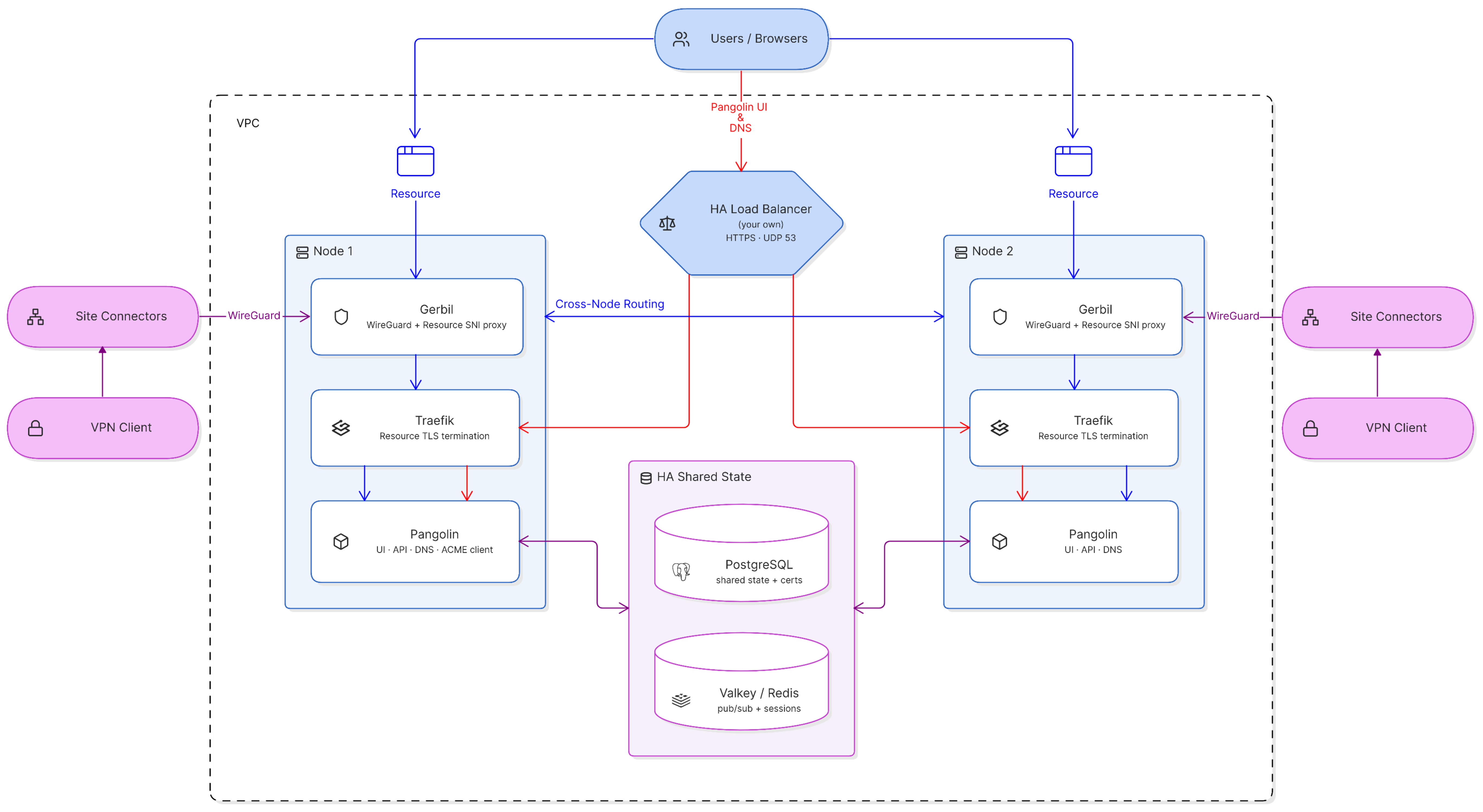
## The Easy Part Is The UI and API
The dashboard, the API, and DNS resolution turned out to be the straightforward part. Any node can authenticate a user or answer a resource query, because the things it needs - accounts, resources, access policies, certificates - already live in the shared database. Put a load balancer in front of every node, health-check it, and a dead node simply stops receiving traffic.
## Certificate Generation
Every node can independently notice a domain needs one, but you don't want every node independently talking to Let's Encrypt. Two nodes racing the same DNS-01 challenge is a good way to get rate-limited or to mess up each other's in-flight validation. So exactly one node in a cluster is designated to issue and renew certificates. It stores them encrypted in the shared database once they're created. Every other node just reads them back out and drops them onto its own local disk, because Traefik on each node can only load certificates from files. It's an oddly analog step in an otherwise fully networked system, but it's the one that makes the certificate story boring: one writer, everyone else a reader.
Having the certificates in the database also means we can pull them out for other uses - like sending them down to site connectors so they can serve private HTTPS resources over the VPN, or out to remote nodes for site-to-cloud backhaul networking. Both need the certs, and storing them centrally is what makes handing them out possible.
## Clustering The Websocket
Every Pangolin VPN client and site connector keeps a persistent websocket open to whichever node it decides to connect to. That connection lives entirely in that node's memory because a single server needs to terminate the other end of that websocket. So when something on node A needs to push a message to a client that's actually sitting on node B's socket, node A has no direct way to reach it.
The fix is a shared pub/sub channel that every node listens to like Redis or Valkey. A node trying to reach a client checks locally first; if the client isn't there, it publishes the message instead, and whichever node actually holds that connection picks it up and delivers it. It lets the cluster treat "a message to this client" as a single operation regardless of which of the nodes is actually holding the socket at that instant.
## Sites Pick Their Own Node
When a site connects - or reconnects after a failure - it pings a `/ping` endpoint on every node in the cluster and measures how fast each one answers. It connects to whichever node comes back fastest.
That's a deliberately simple mechanism, and it produces a useful side effect: regional routing without anyone configuring regions. Run one node in Virginia and one in Frankfurt, and a site sitting in Germany doesn't need to be told to prefer the European node - it measures a few milliseconds to Frankfurt against well over a hundred to Virginia and picks the obvious winner on its own. During a failover, a node stops answering the ping and the site reconnects to whoever's alive now. When that happens, the node the site lands on tells the rest of the cluster it now holds that tunnel, and the DNS server starts answering resource queries for that site with the new node's address on the very next lookup.
## DNS Handles Routing
Most systems treat DNS as a boring, mostly-static lookup - a hostname points at a server, and that mapping changes rarely enough that a five-minute TTL is good. That assumption doesn't hold here. The right answer to "what IP does this domain resolve to" depends entirely on which node currently holds the tunnel to the site serving that resource, and that can change the moment a site reconnects.
We couldn't bolt this onto someone else's DNS provider and call it done. A third-party DNS service can update a record when you tell it to, but it has no idea when a site moves from one node to another. So Pangolin runs its own authoritative DNS server, embedded in the same process that already knows in real time which node is holding which tunnel. A query for a resource's domain gets answered from the live state of the cluster. It's also why DNS delegation is a hard requirement for clustering rather than a nicety: you point an NS record at the cluster and hand it authority over a subdomain, because the entire point is that Pangolin has to be the one answering, not a static provider sitting a step removed from what's actually happening.
## Teaching Gerbil to Ask for Directions
But what happens if the DNS record is stale? Every node runs its own `Gerbil`, and each one only knows the domains for sites tunneled directly to it. DNS returns whichever node the site is connected to, and browsers cache DNS answers for some time. So before Gerbil can do anything else with an incoming connection, it has to answer one question: _do I actually have this site, or does one of the other nodes?_
The trick is the same shape as one we used solving [NAT traversal](/news/nat-holepunching): make a routing decision off a header without fully processing what's behind it. Gerbil peeks at the hostname in the TLS handshake - the one plaintext field a connection exposes before encryption actually starts - before the handshake completes. If that domain belongs to a site tunneled to this node, it hands the raw connection to its local reverse proxy Traefik and gets out of the way. If it doesn't, it asks the control plane which node does have it, opens a plain connection to that node, and pipes the original, still-encrypted bytes straight through. The relaying node never touches the certificate or the traffic inside - it's just a dumb forwarder for an encrypted stream it can't read, which means the actual TLS session is still exactly between the client and whichever node holds the tunnel. Since that relay hop would otherwise hide the real client's IP address behind the relaying node's, each node tells its peers to trust a small header that carries the original address along for the ride.
This relay is meant to be the exception, not the rule. The DNS behavior described above already resolves each resource to whichever node currently holds the tunnel, so most requests reach the right node directly. The relay exists for the small number that don't - a client with a stale cached DNS answer, or a request that arrives mid-failover, before the new answer has had a chance to propagate.
## Failing Over Without Flapping
When a node dies the load balancer notices almost immediately and just stops sending it anything, which is why the dashboard and API should not register much of a change. The sites connected to that node notice slower, because they were never talking through a load balancer in the first place - they hold a direct tunnel to one node's Gerbil, and that tunnel doesn't magically route around a dead process. It has to time out, notice, and go looking for a new home.
When it does, it doesn't just retry the node it lost - it's handed a list of healthy alternatives, checks which one it can actually reach well, and reconnects there. We deliberately bias that choice away from the node it just fell off of, on the theory that a node that failed ten seconds ago probably hasn't un-failed yet. We also deliberately damp the choice so a client doesn't jump nodes every time two options are neck-and-neck on latency - failover should be a decision made once when it's actually warranted and not flapping between nodes.
## Learn more
Curious how clustering fits together end to end? Start with [Understanding Clustering](https://docs.pangolin.net/self-host/clustering/understanding-clustering) for the architecture, then follow the [deployment walkthrough](https://docs.pangolin.net/self-host/clustering/deploy-a-cluster) to stand up a two-node cluster yourself.
For questions about running Pangolin at scale, [reach out](/contact) to our team.
---
### Highly Available Identity-Aware Proxy: Self-Hosting Zero Trust Without a Single Point of Failure
URL: https://pangolin.net/news/highly-available-identity-aware-proxy
Published: 2026-09-16
Summary: Why an identity-aware proxy is harder to make highly available than a normal load balancer, and how to self-host one that stays up without sending traffic through someone else's cloud.
Category: Guides
An [identity-aware proxy](/news/what-is-an-identity-aware-proxy) sits in front of every private application it protects and decides, per request, whether that request gets through. That's exactly what makes it dangerous to run as a single instance: it isn't just routing traffic, it's the thing standing between every user and every app behind it. If it goes down, you've locked everyone out of everything it fronts.
An IAP is harder to make highly available than a normal reverse proxy, because it's also holding identity, session, and policy state, not just routing rules. Self-hosted DIY stacks - an auth proxy plus a reverse proxy plus your own database - usually get HA bolted on late, if at all. Fully managed cloud IAPs like Cloudflare Access or Google IAP are highly available by default, but that availability comes from decrypting your traffic in someone else's cloud. Pangolin runs as a self-hosted, clustered identity-aware proxy instead, where every node shares identity, policy, and certificate state and any node can serve any request.
## Why an Identity-Aware Proxy Is a Harder HA Problem Than It Looks
Put a load balancer in front of a stateless web server and high availability is almost boring: any healthy instance can answer any request. An identity-aware proxy breaks that assumption in a few specific ways. It terminates TLS, so every node needs a valid certificate for every domain it might serve, not just one node. It evaluates policy per request - user identity, role, resource, sometimes device posture or IP - which means every node needs a current view of who's allowed to do what, not a cached copy that might be stale. It holds session state, so a user who authenticated against node A shouldn't get logged out just because their next request lands on node B. And it's the thing everything else depends on: a normal app going down is an incident, but an IAP going down takes every app behind it down at once.
None of that is exotic on its own, but it means "just put it behind a load balancer" isn't enough. The proxy nodes need to actually share state, not just share a hostname.
## The Usual Ways People Try to Solve This
### DIY: an auth proxy bolted onto a reverse proxy
A common self-hosted pattern is an auth layer like `oauth2-proxy` or Authelia sitting in front of nginx or Traefik, backed by a self-managed database for sessions and policy. This works well for a single instance. Making it highly available means solving, yourself, most of what a clustered IAP needs to solve natively: a shared session store, certificate distribution to every node, consistent policy across nodes, and a routing layer that knows which node can currently reach which backend.
### Fully managed: cloud-brokered IAPs
Cloudflare Access, Google Cloud IAP, and similar products solve availability for you - that's a big part of what you're paying for. The tradeoff is architectural, not just financial: your traffic is decrypted in the vendor's cloud before it reaches your infrastructure, because that's where the identity check happens. For a lot of workloads that's fine but for regulated data it can be a problem. For example [HIPAA and similar rules](https://www.hhs.gov/hipaa/index.html) generally require that sensitive traffic stay unreadable to third parties in transit, and a mandatory decrypt-and-reencrypt in a vendor's data center works against that.
## How Pangolin Runs as a Highly Available, Self-Hosted IAP
Pangolin combines an [identity-aware reverse proxy](/news/what-is-an-identity-aware-proxy) with a WireGuard-based private network, and its [self-hosted clustering](https://docs.pangolin.net/self-host/clustering/understanding-clustering) makes the whole thing highly available.
In a Pangolin cluster, every node is a complete, interchangeable identity-aware proxy: it can authenticate a user, evaluate access policy, and terminate TLS for any domain in the deployment. That's possible because the state that would normally live in one process's memory is shared across the cluster instead. Identity and access policy live in a shared PostgreSQL database, so every node evaluates the same rules against the same user, not a stale local copy. Certificates are issued once and distributed to every node, so any node can terminate TLS for any protected domain. Session and connection state synchronize across nodes through a shared Redis-compatible layer, so a client isn't pinned to the one node it happened to authenticate against. And routing finds the right node automatically: if a request lands on a node that isn't the one currently holding the connection to a given backend, Pangolin relays it to the node that is. The client never sees the difference, and TLS still terminates end-to-end between the client and the correct node. We go deep on exactly how that relay works in [how we built high availability into Pangolin](/news/building-pangolin-high-availability).
The result is an identity-aware proxy where losing a node means the load balancer stops sending it traffic - not an outage for every app behind it, and not a compliance conversation about which cloud your traffic was decrypted in.
## What to Look for in a Self-Hosted, Highly Available IAP
- Does every node share the same identity and policy state, or can nodes disagree about who's allowed to do what?
- Is certificate issuance and renewal centralized, or does each node need its own manual TLS setup?
- Does a user get logged out or re-challenged just because a later request landed on a different node?
- Can the platform route a request to the correct backend even if it initially lands on the wrong node?
- Does getting HA require sending decrypted traffic through a third party's infrastructure?
- Can you add capacity by adding a node, without re-architecting how auth or policy works?
## FAQ
**Is an identity-aware proxy the same thing as a VPN?**
_No. An IAP sits in front of specific applications and makes a per-request access decision. A VPN gives a connected device broader network reach. Pangolin combines both models, so you can front web apps with an IAP and give trusted users VPN-style access to other resources through the same policy engine._
**Can I make a self-hosted IAP highly available without clustering it?**
_You can get partial availability - Pangolin's free tier already supports multi-site failover for individual resources - but making the identity, policy, and certificate layer itself redundant requires clustering, since that's the state a single-instance IAP holds in memory._
**Does clustering an IAP mean every node can see every user's traffic?**
_No. Nodes share identity, policy, and certificate metadata, not decrypted application traffic. A request is only ever decrypted on the node actually terminating that connection._
**How is this different from putting a cloud IAP behind a CDN for availability?**
_A cloud IAP is highly available by design, but it achieves that by decrypting your traffic in the vendor's infrastructure. A self-hosted, clustered IAP gets the same node-level redundancy while keeping TLS termination on infrastructure you control._
## Related reading
- [What is an Identity-Aware Proxy (IAP)?](/news/what-is-an-identity-aware-proxy)
- [How We Built High Availability Into Pangolin](/news/building-pangolin-high-availability)
- [Understanding Clustering](https://docs.pangolin.net/self-host/clustering/understanding-clustering)
- [Peer-to-Peer Alternative to Cloudflare Tunnels with Edge TLS Termination](/news/building-a-peer-to-edge-peer-reverse-proxy)
- [Highly Available VPN: How to Remove the Single Point of Failure](/news/highly-available-vpn)
## Learn more
Ready to see it in action? [Self-host Pangolin](https://docs.pangolin.net/self-host/quick-install) to get started, or [reach out](/contact) to our team to plan a clustered, highly available deployment.
---
### Highly Available VPN: How to Remove the Single Point of Failure
URL: https://pangolin.net/news/highly-available-vpn
Published: 2026-09-16
Summary: What makes a VPN highly available, why most self-hosted VPNs are a single point of failure, and three ways to get real HA remote access with Pangolin.
Category: Guides
A highly available VPN keeps remote access working when a server, a data center, or a network path fails - without an admin manually intervening, and without every connected user getting dropped and having to reconnect from scratch.
That's a higher bar than it sounds like. Most self-hosted VPNs, including plenty of "production" WireGuard and OpenVPN deployments, are a single Linux box with a public IP. It's reliable right up until it isn't, and when it isn't, every tunnel through it goes down at once.
A gateway with no redundancy is a single point of failure no matter how good the encryption is. Classic HA techniques for VPNs - VRRP/keepalived, DNS round robin - give you a live standby, but they don't preserve active sessions, and they don't do anything for the control plane: auth, config, certificates. Real HA means no single layer can take the whole system down - not the gateway, not the auth server, not DNS, not certificates. Pangolin gives you three different paths to that, depending on how much infrastructure you want to run yourself, from free built-in failover to a fully self-hosted, clustered control plane.
## What "Highly Available" Actually Means for a VPN
"Highly available" gets used loosely, so it's worth being specific about what it has to cover. A VPN is really a stack of things that can fail independently. There's the tunnel endpoint - the box terminating WireGuard or IPsec sessions, which can crash, get OOM-killed, or lose its NIC. There's authentication and authorization: if your VPN checks users against an identity provider or a local policy store, that check has to keep working during a failure, not just the tunnel itself. And there's DNS, which has to point clients somewhere healthy and update fast enough that a dead record doesn't strand everyone.
A setup is only as available as its weakest layer. Plenty of "HA VPN" deployments solve the first one and quietly ignore the other two.
## Why Most Self-Hosted VPNs Aren't Actually Highly Available
The default self-hosted VPN is a single instance: one process, one config file, one public IP, maybe a cron job renewing a certificate. It works well and it's easy to reason about, which is exactly why it's so common - and it's a single point of failure. There's no failover because there's nothing to fail over to.
The next step up is usually active-passive failover with something like `keepalived` and VRRP: a floating IP moves from the primary to a standby when a health check fails. This genuinely helps - the VPN endpoint comes back online without a human - but it comes with real limits. Session state doesn't move with the IP, so every established WireGuard or IPsec tunnel on the dead primary is gone; clients have to notice and reconnect, which for many VPN clients means a manual nudge or a timeout. And the standby just sits there - you're paying for a second box that does nothing until the first one dies.
The other common pattern, DNS round robin across multiple gateways, spreads new connections across healthy nodes but has the opposite problem: DNS doesn't know a node is unhealthy until you tell it. There's usually still no shared session or policy state between the nodes, either - they're independent islands that happen to share a hostname.
## What Real VPN High Availability Requires
Getting past both of those failure modes takes three things working together:
1. **Multiple active nodes**, not one primary and an idle spare - so failover is "pick another already-running node" instead of "wait for a cold one to take over."
2. **Shared state for anything that isn't the raw tunnel** - user accounts, access policy, and certificates need to live somewhere every node can read, so a node coming up cold isn't starting from zero.
3. **Fast, automatic rerouting** at the layer clients actually use to find the VPN.
This is a meaningfully harder problem than clustering a stateless web server, because a VPN gateway is holding open, stateful, encrypted sessions - you can't just round-robin new TCP connections and call it a day.
## How Pangolin Gets You There
Pangolin combines a reverse proxy and a WireGuard-based VPN in one platform, and it gives you three different levels of high availability depending on how much of the infrastructure you want to own.
### Free: multi-site routing and health-checked failover
Every Pangolin deployment - including the free, self-hosted edition - supports attaching more than one site (Pangolin's lightweight connector) to the same resource. Pangolin health-checks each site and routes client traffic through whichever one is fastest and actually online. If a site goes down, clients start using the next best one automatically, no DNS change and no manual failover required.
This solves the most common real-world case: redundant paths to the same backend, whether that's two Newt connectors in the same data center for hardware redundancy or two offices that can both reach the same internal service. It doesn't make your control plane redundant, but it removes a large category of "one server died and now nobody can reach the app" incidents at no extra infrastructure cost.
### Managed: Remote Nodes on Pangolin Cloud
If you don't want to run the control plane yourself at all, Pangolin Cloud's Remote Nodes let you self-host just the traffic edge which is the piece that terminates WireGuard tunnels and serves traffic. You can decide where your egress and relay capacity physically live without taking on a database, a DNS service, or an ACME client yourself.
### Fully self-hosted: Enterprise clustering
For teams that want everything on their own infrastructure with no single point of failure anywhere, Pangolin's [self-hosted clustering](https://docs.pangolin.net/self-host/clustering/understanding-clustering) runs multiple full Pangolin nodes each with its own Gerbil tunnel manager and Traefik proxy behind a load balancer you control, sharing state through PostgreSQL and Redis-compatible Valkey. Any node can authenticate a user, resolve DNS, or serve a tunnel. If one goes down, sites automatically reconnect to a healthy node in seconds, DNS updates to point at it, and traffic keeps flowing. We wrote up exactly how this works - the certificate handoff, the cross-node relay, the failover logic - in [how we built high availability into Pangolin](/news/building-pangolin-high-availability).
## What to Look for in a Highly Available VPN
If you're evaluating options, not just Pangolin, these are the questions worth asking:
- Does failover preserve active sessions, or does every client have to reconnect from scratch?
- Is the _control plane_ - auth, policy, config - redundant, or just the tunnel endpoint?
- How does DNS or load balancing know a node is unhealthy, and how fast does it react?
- Who issues and renews TLS certificates, and what happens if that node is the one that's down?
- Can you add capacity by adding a node, or does scaling mean re-architecting?
- Does the solution require sending your traffic through a third party's cloud to get HA, or can it run entirely on infrastructure you control?
## FAQ
**Is a VPN with a hot standby the same as a highly available VPN?**
_Not quite. A hot standby (active-passive with VRRP or similar) gets your gateway back online automatically, but it usually drops existing sessions and doesn't make auth, DNS, or certificate issuance redundant on its own. True HA needs those layers covered too._
**Do I need Kubernetes to run a highly available VPN?**
_No. Pangolin's clustering runs as plain Docker Compose services across multiple hosts, coordinating through PostgreSQL and Redis rather than a container orchestrator._
**Can I get VPN high availability without running my own database and load balancer?**
_Yes - Pangolin Cloud's Remote Nodes let you self-host the traffic edge while the control plane, DNS, and failover coordination run in Pangolin Cloud._
**What's the minimum setup for a fully self-hosted HA VPN with Pangolin?**
_Two Pangolin nodes plus a shared PostgreSQL and Redis-compatible server, behind a load balancer you provide. See the [clustering requirements](https://docs.pangolin.net/self-host/clustering/requirements) and [deployment guide](https://docs.pangolin.net/self-host/clustering/deploy-a-cluster)._
## Related reading
- [How We Built High Availability Into Pangolin](/news/building-pangolin-high-availability)
- [Understanding Clustering](https://docs.pangolin.net/self-host/clustering/understanding-clustering)
- [Pangolin vs. Tailscale](/news/pangolin-v-tailscale)
- [What is an Identity-Aware Proxy (IAP)?](/news/what-is-an-identity-aware-proxy)
- [Pangolin Remote Nodes: Cloud Control Plane & Failover](/news/pangolin-remote-nodes-guide)
## Learn more
Want to see it running? [Self-host Pangolin](https://docs.pangolin.net/self-host/quick-install) to try free multi-site failover today, or [get started on Pangolin Cloud](https://app.pangolin.net/) for a managed control plane. For a fully self-hosted, clustered deployment, [reach out](/contact) to our team.
---
### Pangolin 1.23: High Availability and Clustering
URL: https://pangolin.net/news/1-23-release
Published: 2026-09-15
Summary: Pangolin 1.23 makes high availability and clustering self-service on Scale and Enterprise, adds sites to the Pangolin CLI, and improves the server admin panel and Resource Launcher.
Category: Product
Pangolin 1.23 is here. This is a smaller release, but the flagship change is a big one for self-hosters: you can now deploy high availability and clustering yourself. 1.23 also brings sites into the Pangolin CLI, adds a master list of organizations in the server admin panel, support for more than one server admin, and a more useful Resource Launcher side panel. Let's walk through it.
## Release Highlights
### Self-Service High Availability and Clustering
Clustering has existed in Pangolin for a long time. Running multiple server instances as one system, with shared state, failover, and regional distribution, was already possible. The catch was how you got there. Setup depended on external proprietary components, including a custom DNS server and a cert manager, and standing it up meant a contract engagement with us on top of Enterprise Edition.
1.23 folds that work into the main Pangolin container. DNS resolution and certificate management that used to live outside the stack now run inside Pangolin itself. The deployment path is streamlined, and there is public documentation for it.
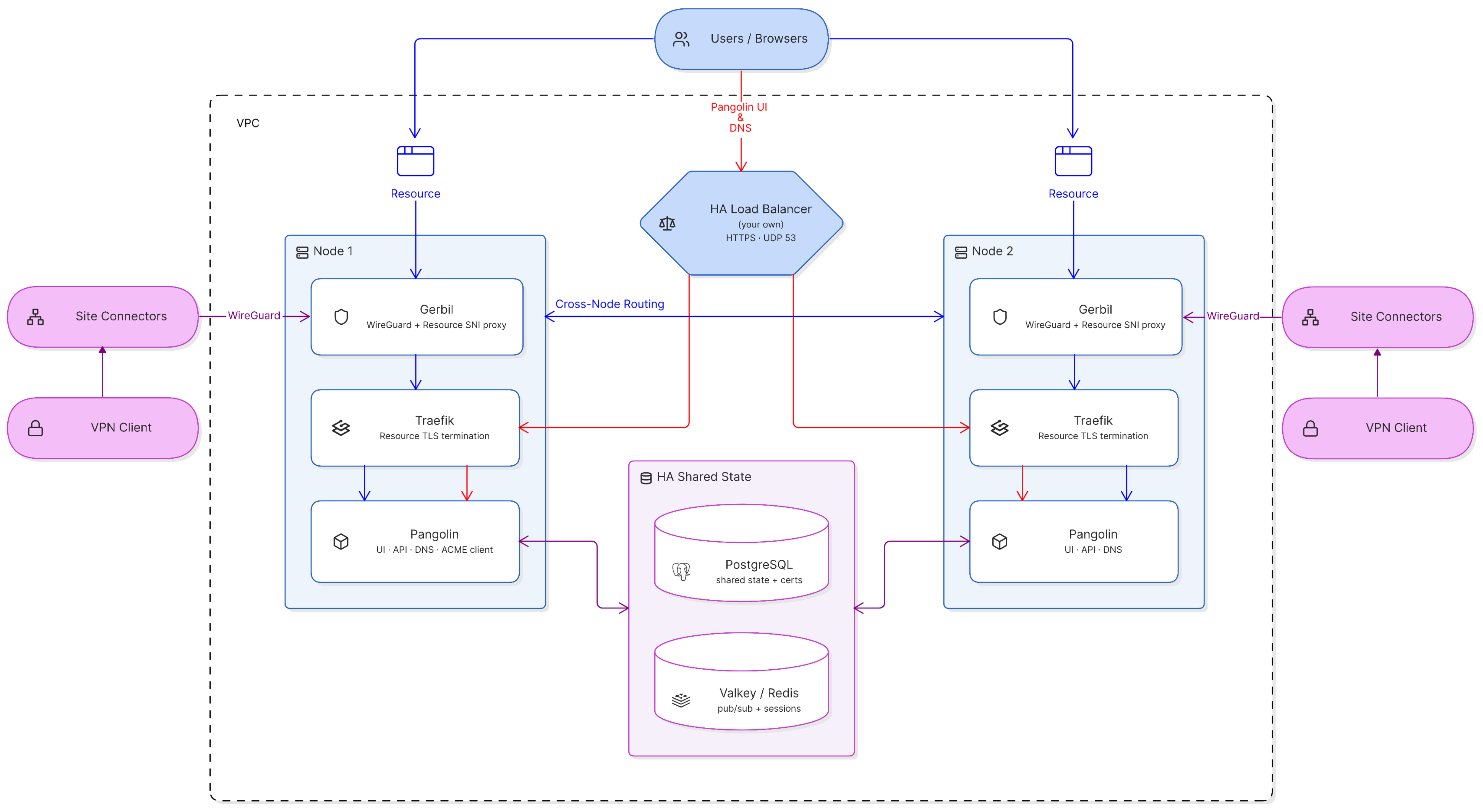
Read [Understanding Clustering](https://docs.pangolin.net/self-host/clustering/understanding-clustering) for the architecture, requirements, and a walkthrough of a two-node cluster.
High availability is included on the self-serve Scale tier and on custom Enterprise contracts. License keys are free for personal use and for organizations under the revenue threshold. Businesses that need to purchase a license can buy Scale on the [Self-Hosted pricing page](/pricing#Self-Hosted). If you need more capacity than Scale, or SLA support, [contact us](/contact) for a custom contract.
### Sites in the Pangolin CLI
If you have ever wondered why the company behind Pangolin is named Fossorial, it is a classification of animals that dig tunnels. That overarching name is why Pangolin's components are named after fossorial animals too: Pangolin, Gerbil, Newt, and the rest.
Newt is the tunnel connector that runs on the remote private network. It handles the intelligent networking and NAT traversal Pangolin uses to make your resources available securely to users anywhere. 1.23 integrates Newt directly into the Pangolin CLI, so you can start a site with the same tool you already use for SSH, client connections, and the rest of the product:
```shell
pangolin up site --id --secret --endpoint https://app.pangolin.net
```
You can also run a site from the `fosrl/pangolin-cli` container:
```yaml
services:
pangolin-site:
image: fosrl/pangolin-cli
container_name: pangolin-site
restart: unless-stopped
environment:
- PANGOLIN_ENDPOINT=https://app.pangolin.net
- SITE_ID=
- SITE_SECRET=
```
Because the site connector now lives in the CLI, installing a system service is a single command too. The CLI can install and manage a service on your host for you, and it is cross-platform. On Linux it uses systemd, on macOS it uses launchd, and on Windows it uses Windows service commands. That creates a persistent site connection from that host.
```shell
sudo pangolin service install site \
--id \
--secret \
--endpoint https://app.pangolin.net
```
Check the service status:
```shell
sudo pangolin service status site
```
And to get the logs:
```shell
sudo pangolin service logs site
```
We are moving toward the Pangolin CLI for as much as possible, so users and admins only need to download one CLI for everything Pangolin. As a result, the create site wizard in the dashboard now treats the CLI method as the preferred, default way to install a new site, and Newt is renamed to Pangolin Site in that flow.
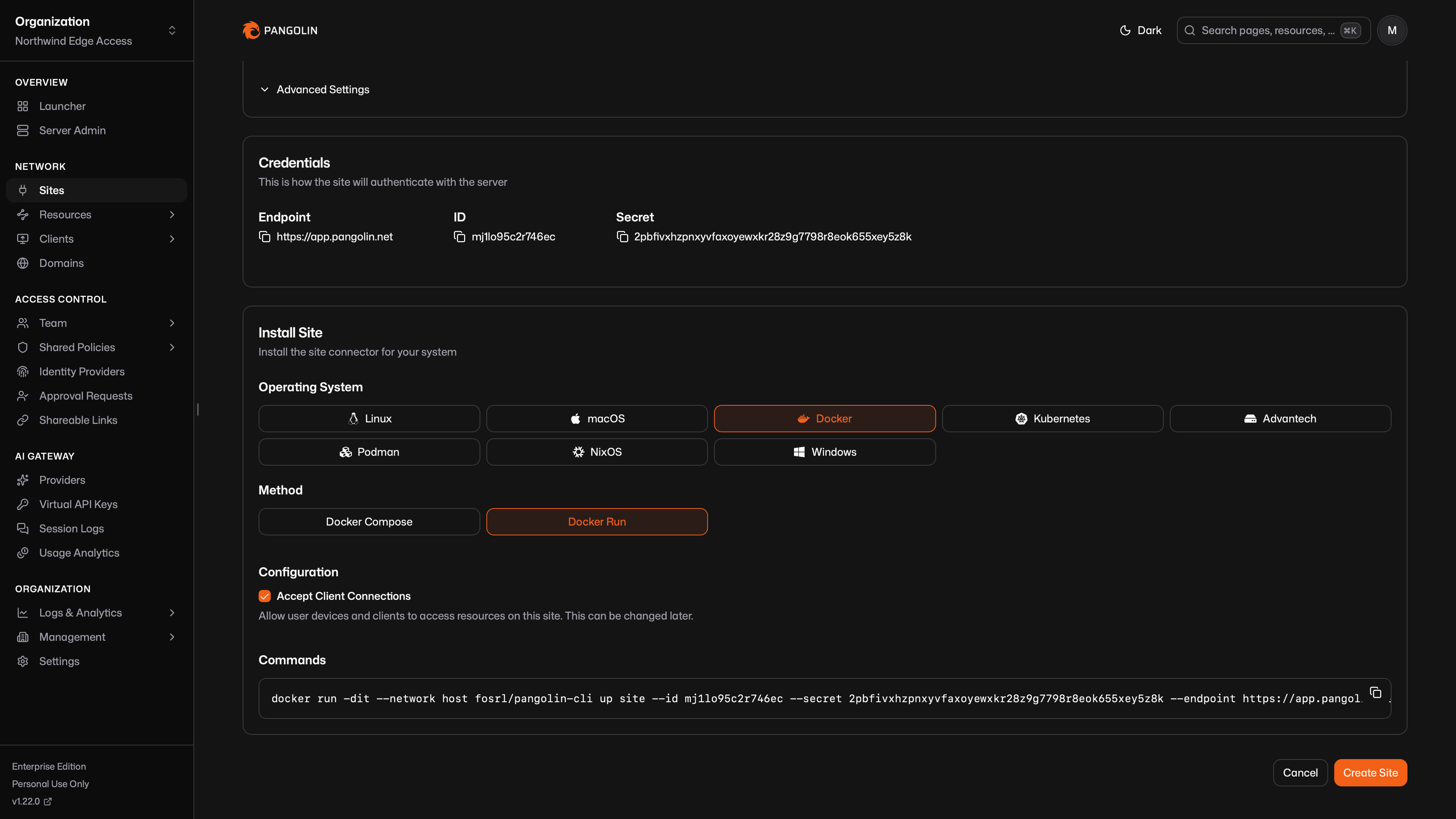
Existing Newt deployments keep working. Leave them as they are, or switch to the CLI when you want to. Newt will continue to be provided in all of its current forms for the foreseeable future. Newt is lighter weight because it does not include the rest of the CLI. If you need the smallest possible binary or container, use Newt directly.
In 1.23, the dashboard reports which agent a site is using, whether that is the CLI or Newt itself, and the version.
Read more about [installing a site](https://docs.pangolin.net/manage/sites/install-site) in the docs.
### Organizations List in Server Admin
The server admin panel is for the people who run a self-hosted instance. There was already a master list of every user on the server, across all organizations. 1.23 adds the same kind of list for organizations.
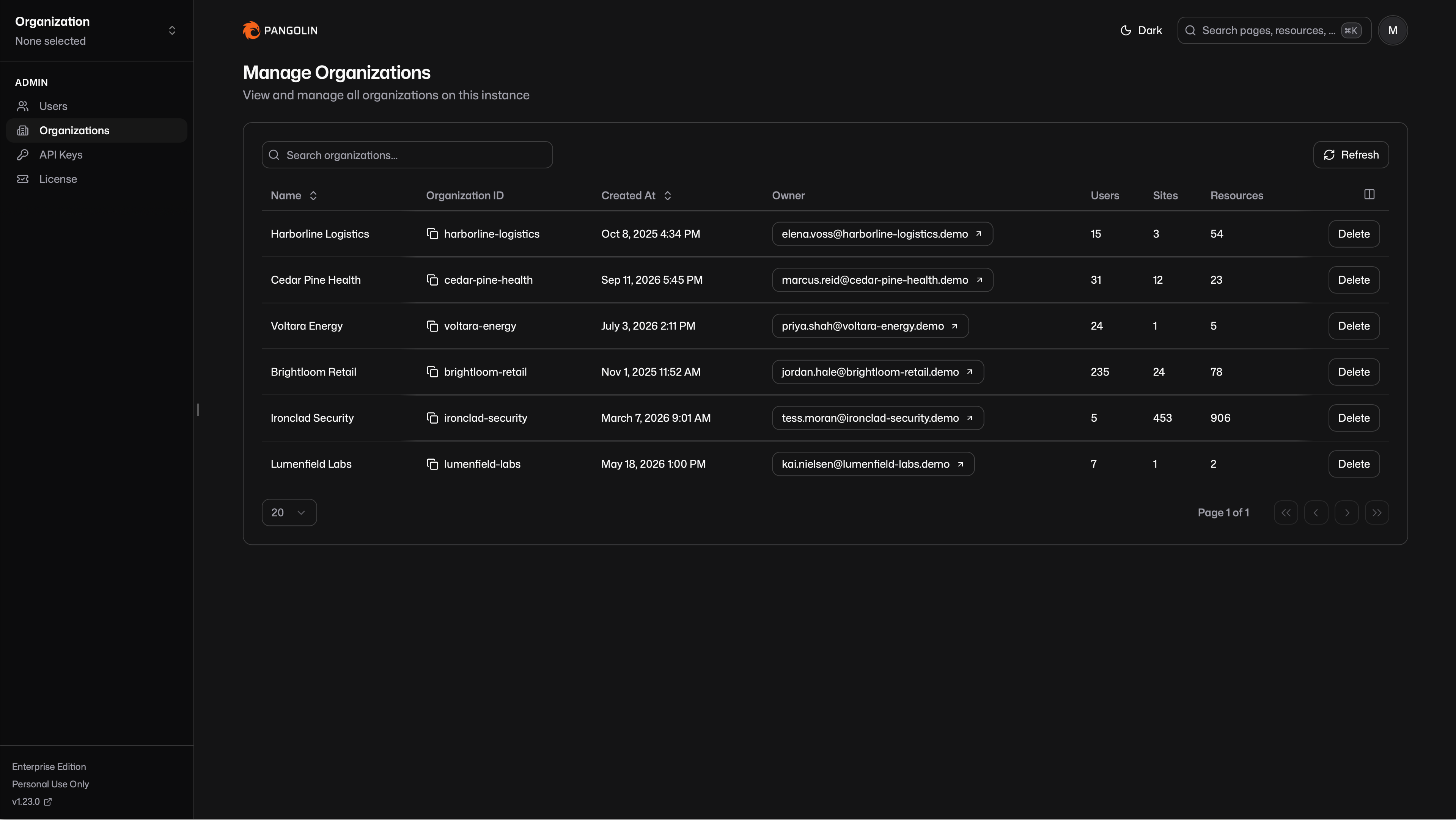
You can see every org on the instance in one place: name, ID, owner, and counts for users, sites, and resources. You can search the table and delete an organization from it.
Server admins can see this list even if they are not a member of an organization. That visibility does not include silently joining an org or impersonating a member. To see an organization's contents in the dashboard, a server admin still has to be a member of that org.
### Multiple Server Admins
You can now have more than one server admin account. From the users table in the server admin panel, you can promote a user to server admin and demote one back. That makes it easier to share instance management without passing around a single admin login.
### Resource Launcher Side Panel
The Resource Launcher is still the place non-admins go to find and open what they have access to. Expand a resource and the side panel now carries more of the context you need without leaving the launcher.
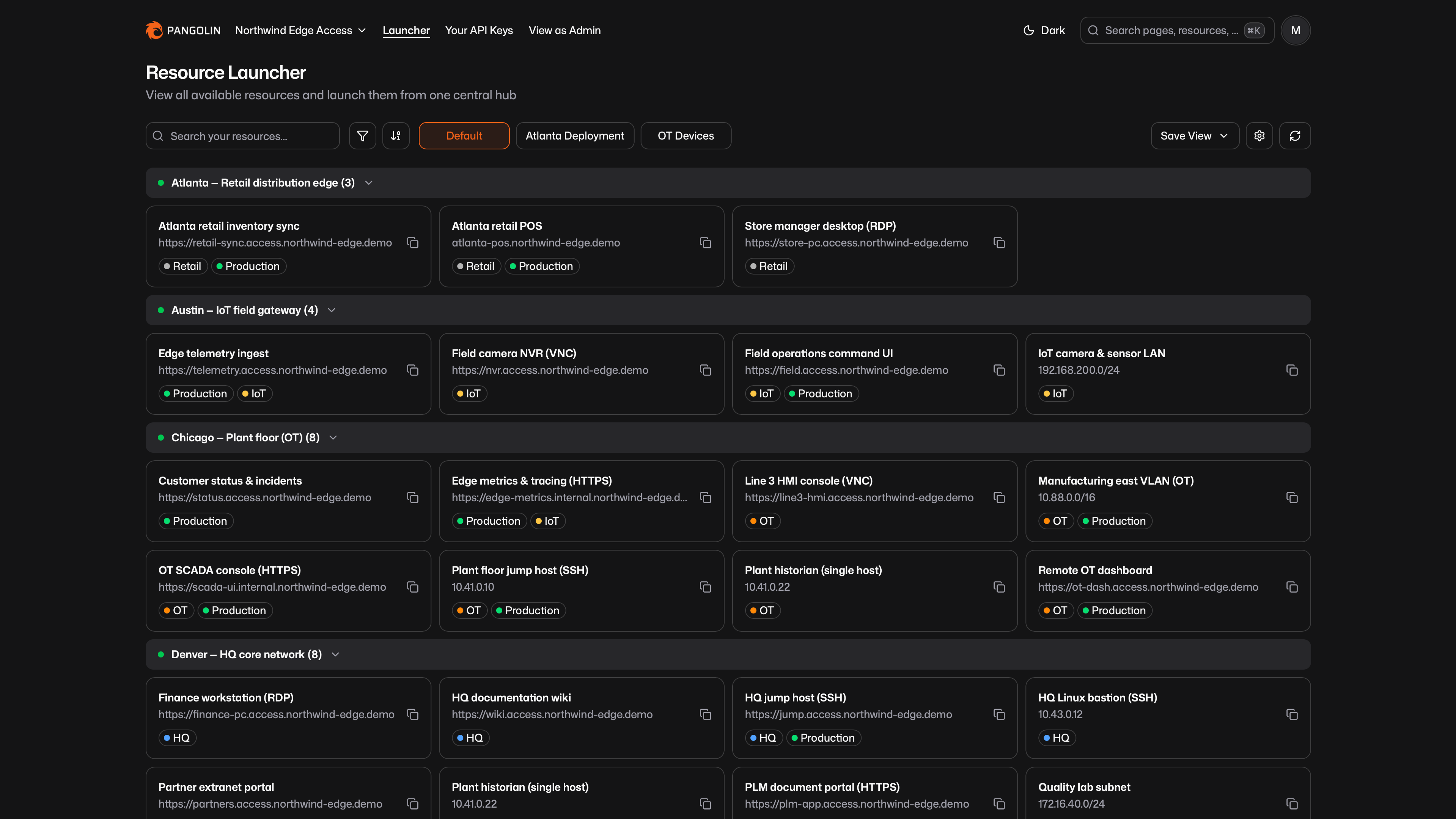
A **Sites** widget lists every site that makes the resource reachable. If a resource has targets on more than one site, or routes through more than one site, all of those sites show up together. From the list you can filter the launcher down to that site, or jump straight to the admin page for the site if you are an organization admin.
For private SSH resources, the panel also shows a ready-to-copy `pangolin ssh` command, so you can start a session from the launcher instead of reconstructing the CLI invocation by hand.
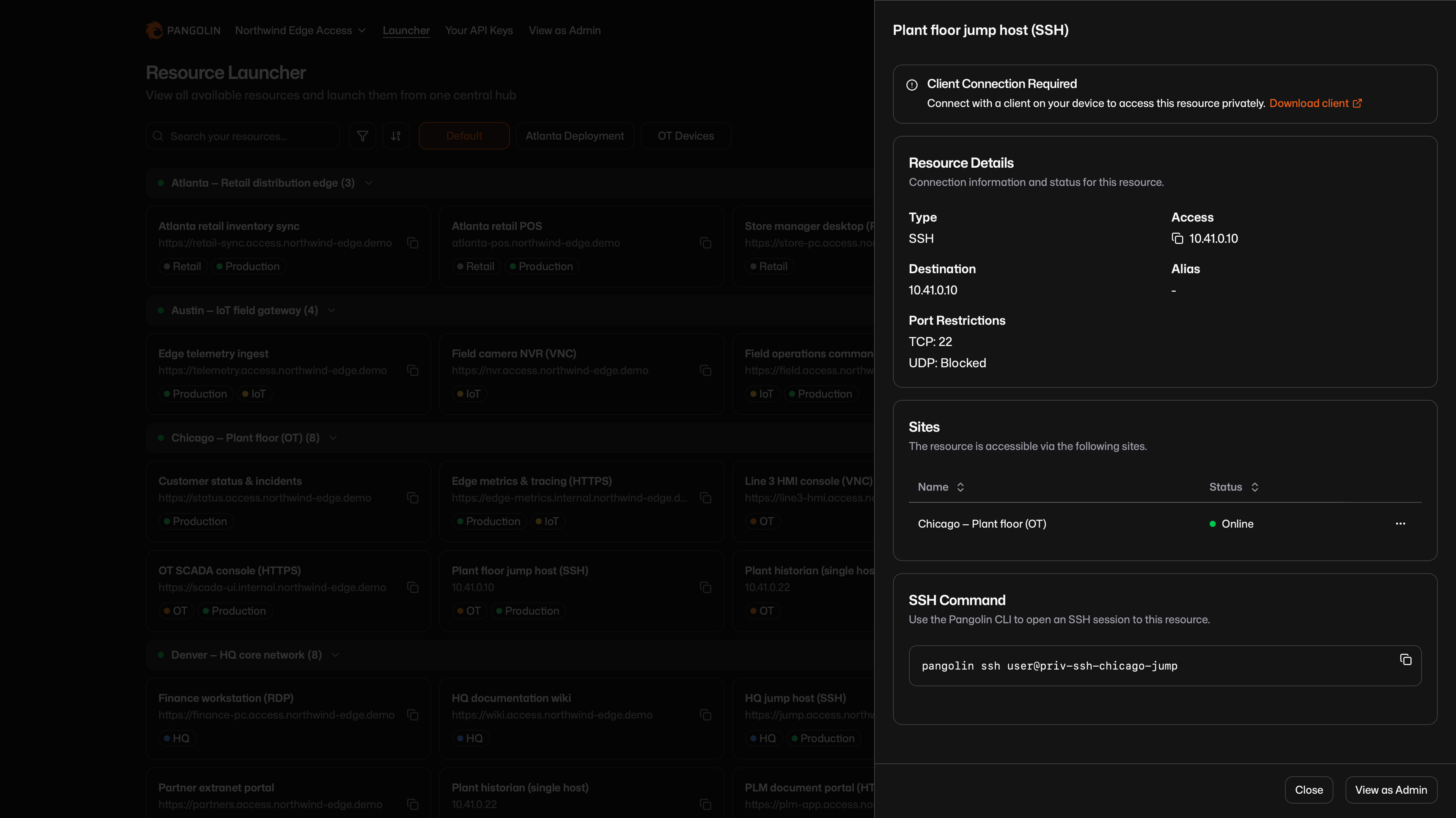
### General Improvements and Bug Fixes
A few smaller additions made it into 1.23 as well:
1. **Dependency security updates**.
As always, this release also includes various UI improvements and bug fixes throughout the product.
---
### How to Scrape Prometheus Metrics Behind a Firewall With No Open Ports
URL: https://pangolin.net/news/prometheus-metrics-header-auth
Published: 2026-09-08
Summary: Publish a private /metrics endpoint as an authenticated Pangolin resource and scrape it with Prometheus using HTTP Basic credentials, without opening inbound ports or standing up a VPN.
Category: Guides
Prometheus scrapes over plain HTTP. That works when the exporter and the Prometheus server sit on the same network, but it is harder when a target is private and the Prometheus instance collecting it is not, or the reverse. A node exporter on a customer site, an application's `/metrics` endpoint in a segmented VPC, or a Kubernetes cluster behind NAT all need a path to the collector that doesn't involve opening an inbound port and pinning it to a source IP that can change.
Pangolin gives that endpoint a public, authenticated URL instead. The exporter stays on its private network, a site connector tunnels the traffic out, and header auth authenticates every scrape with HTTP Basic credentials.
## What You Get
Any process that serves Prometheus-format metrics on an HTTP endpoint (a client library's `/metrics` handler, node_exporter, cAdvisor, blackbox_exporter, a custom collector) can be published as an **HTTPS public resource**. Pangolin assigns it a domain, terminates TLS, and proxies requests through to the target address on your private network.
**Header auth** sits in front of that proxy. It checks incoming requests for an `Authorization: Basic` header (or the equivalent embedded credentials in the URL) and rejects anything that doesn't match the username and password configured on the resource. Prometheus's `basic_auth` scrape config field sends exactly that header on every request, so no additional client, sidecar, or plugin is needed on the Prometheus side.
## Why Tunneling Matters
Metrics targets are usually the least exposed part of a network on purpose. A node exporter binds to every host in a fleet; an application's metrics port often has no authentication of its own because it was only ever meant to be reachable from inside the cluster. Putting any of that on a public IP so a remote Prometheus server can reach it is dangerous.
A **site connector** installed inside the private network maintains an outbound tunnel to Pangolin. When Prometheus scrapes the resource URL, the request travels in through that tunnel to the exporter. The exporter's port is not bound to a public interface and does not need an inbound firewall rule. The connector only requires outbound internet access, which is why this works from behind NAT, inside customer environments, and in cloud VPCs with no public subnet. One connector can front every exporter on its network and you can install a second on the same network for a redundant path. Read more about [sites and connectors](https://docs.pangolin.net/manage/sites/understanding-sites) and [installing a site connector](https://docs.pangolin.net/manage/sites/install-site).
## Step by Step
### 1. Identify the metrics endpoint
Note the internal host and port the exporter listens on. This guide uses a node_exporter instance at `10.20.0.15:9100` serving `/metrics` as the working example. Confirm a site connector is installed on that network and can reach the address.
### 2. Create an HTTP/HTTPS resource
In the Pangolin dashboard, create a new **public** resource and choose **HTTPS**. Assign it a domain, for example `node1-metrics.example.com`, and add a [target](https://docs.pangolin.net/manage/resources/public/targets) pointing to `10.20.0.15:9100`, assigned to the site running the connector.
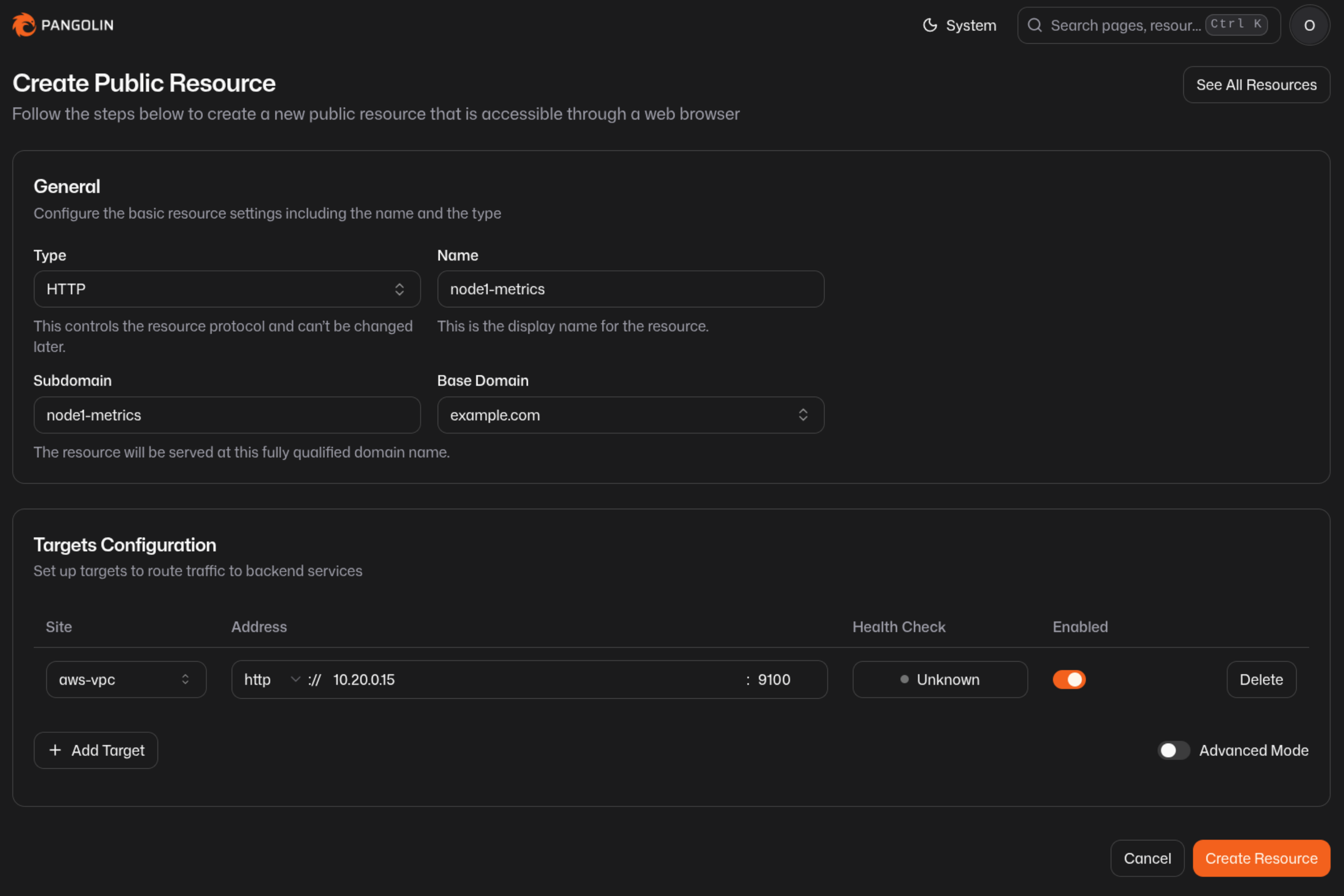
Leave the path at the default unless the exporter serves metrics somewhere other than `/metrics`.
### 3. Turn off Platform SSO and enable Header Auth
Public resources default to **Pangolin (Platform) SSO**, which redirects browsers to a login page. Prometheus cannot complete that flow, so on the resource's **Authentication** tab, disable Platform SSO and enable **Header Auth** as the only authentication method.
Set a username and password. Keep them specific to this resource, or to a small group of related exporters, rather than reusing credentials across unrelated targets.
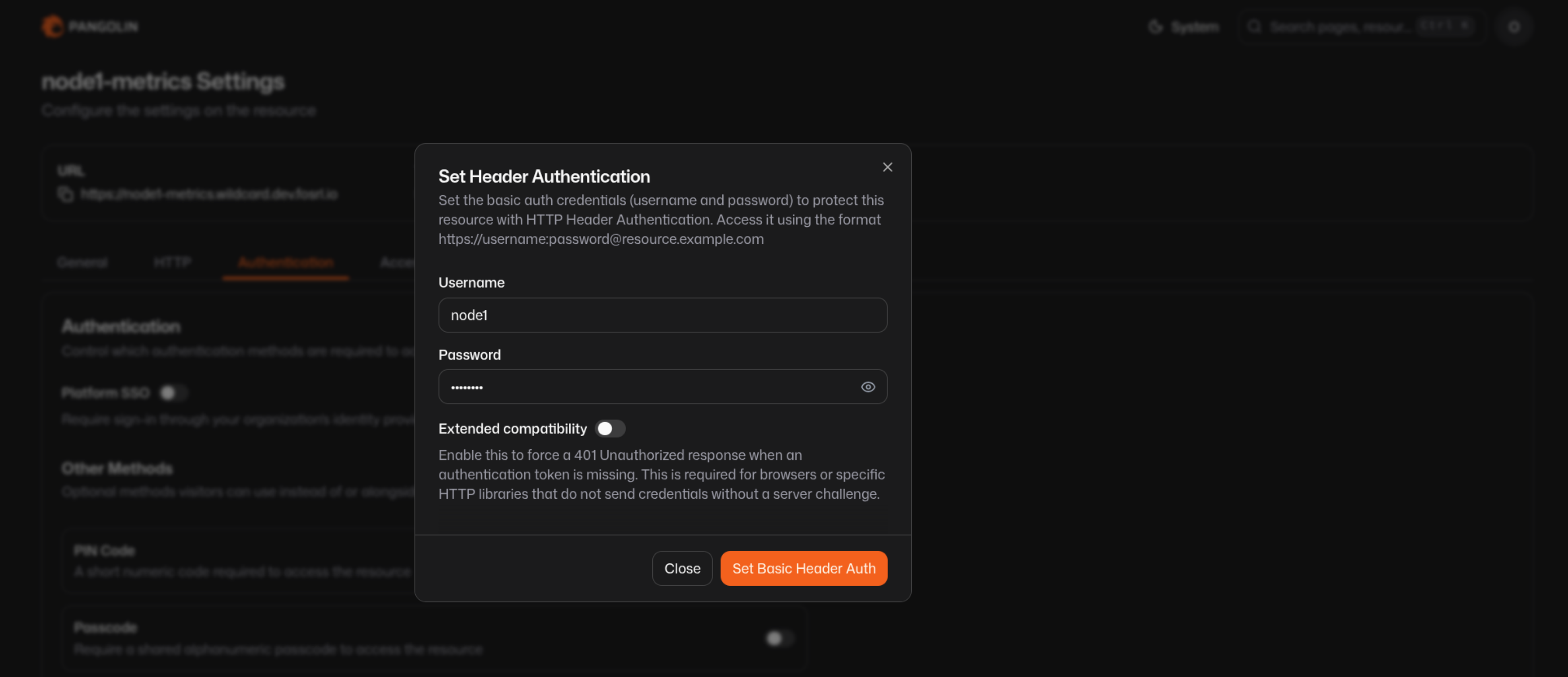
Leave **Extended Compatibility** off for this use case. It forces the resource to answer unauthenticated requests with a `401` so browsers know to prompt for credentials. Prometheus's `basic_auth` sends the `Authorization` header on the first request without waiting for a challenge, so the extra round trip isn't needed. Turn it on only if you also want to open the URL directly in a browser during setup and be prompted interactively.
### 4. Verify the endpoint from the command line
Before touching the Prometheus config, confirm the resource answers with credentials and rejects requests without them:
```shell
# should return metrics
curl -u node1:supersecret https://node1-metrics.example.com/metrics
# equivalent, sending the header directly
curl -H "Authorization: Basic $(echo -n node1:supersecret | base64)" \
https://node1-metrics.example.com/metrics
# should fail with a 401 or an auth error page
curl https://node1-metrics.example.com/metrics
```
### 5. Add the target to Prometheus
Prometheus's `basic_auth` block on a scrape job sends the same header `curl -u` sends. Point the job at the resource's domain over HTTPS:
```yaml title="prometheus.yml (fragment)"
scrape_configs:
- job_name: node1
scheme: https
metrics_path: /metrics
basic_auth:
username: node1
password: supersecret
static_configs:
- targets: ["node1-metrics.example.com"]
```
Keep the password out of version control by using `password_file` instead of `password`, pointing at a file Prometheus can read at startup:
```yaml title="prometheus.yml (fragment)"
scrape_configs:
- job_name: node1
scheme: https
basic_auth:
username: node1
password_file: /etc/prometheus/secrets/node1.pass
static_configs:
- targets: ["node1-metrics.example.com"]
```
Reload Prometheus (`SIGHUP`, the `/-/reload` endpoint, or a restart, depending on how it's deployed) to pick up the change.
### 6. Confirm the target is up
In the Prometheus UI, under **Status > Targets**, the job should show state `UP` with a recent last-scrape time. A `403` or `401` here almost always means the username or password in the scrape config doesn't match what's set on the resource, or Platform SSO is still enabled and intercepting the request before it reaches header auth.

## Scaling to Many Targets
A single site connector can front every exporter on its network, so adding a second or third host is the same three steps: a target on the existing site, a resource with its own domain, header auth turned on with its own credentials. For a fleet, apply a shared [resource policy](https://docs.pangolin.net/manage/resources/public/resource-policies) so authentication settings and access rules stay consistent across every metrics resource instead of being reconfigured one at a time.
Each resource is a distinct scrape job in Prometheus, which keeps the target list explicit and makes it obvious in the Prometheus UI which host stopped responding.
## Layering Additional Access Rules
Header auth authenticates the request; it does not by itself restrict where requests can come from. If the Prometheus server has a stable egress IP, add an [IP allow rule](https://docs.pangolin.net/manage/access-control/rules) on the resource so only that address can reach the endpoint at all, with header auth as the second check behind it. This is the same rule mechanism used for [geo-blocking](/news/how-to-geoblock), applied to a single known source instead of a country list.
## FAQ
**What is header auth in Pangolin?**
_Header auth authenticates requests to a public resource using an `Authorization: Basic` header, or a username and password challenge in the browser. Prometheus scrape jobs send this header automatically when `basic_auth` is set in the scrape config, with no extra client or plugin required._
**Do I need to open the exporter's port or run a VPN?**
_No. The exporter stays on its private network. A site connector on that network maintains an outbound tunnel to Pangolin, and Prometheus reaches the exporter through the resource's public URL over that tunnel. No inbound firewall rule or public IP is needed on the host running the exporter._
**Does Prometheus support HTTP Basic auth natively?**
_Yes. The `basic_auth` field on a scrape config accepts `username` and either `password` or `password_file`, and Prometheus sends the resulting header on every scrape request without a challenge-response round trip._
**Should I leave Platform SSO enabled alongside header auth?**
_For a metrics endpoint, no. Platform SSO redirects browsers to a login page, which a Prometheus scrape request cannot complete. Disable Platform SSO on the resource and use header auth as the sole authentication method for that endpoint._
**Can I restrict scraping to my Prometheus server's IP as well?**
_Yes. Add an IP allow rule on the resource in addition to header auth. Requests then have to match the allowed source and present valid credentials before reaching the exporter._
**Can more than one Prometheus server scrape the same resource?**
_Yes. Header auth checks the credentials on each request; it doesn't limit how many clients can present them. Give every legitimate collector the same credentials, or issue different resources with different credentials per collector if you want to tell scrapers apart in logs._
**How is this different from a Prometheus push gateway?**
_A push gateway requires the target to actively push metrics out, which changes the metric semantics for anything meant to be scraped (like per-scrape gauges and process-level metrics). This approach keeps the standard pull model. Prometheus scrapes on its normal interval; Pangolin just provides the authenticated path to a target it otherwise couldn't reach._
**Is Pangolin open source?**
_Yes. Pangolin is open source and self-hostable. You can deploy the entire platform yourself, use [Pangolin Cloud](https://app.pangolin.net/auth/signup), or mix hosted and self-hosted components. Public resources and header auth are available in both Pangolin Cloud and self-hosted editions._
## See Also
- [Authentication for public resources](https://docs.pangolin.net/manage/resources/public/authentication): the full list of authentication methods, including header auth and access rules
- [Metrics and Observability](https://docs.pangolin.net/self-host/advanced/observability): native Prometheus and OTLP metrics exposed by Pangolin's own components
- [How to Geo-block with Pangolin](/news/how-to-geoblock): ranked allow/deny rules for restricting access by IP, region, and path
- [Resource Policies](https://docs.pangolin.net/manage/resources/public/resource-policies): share authentication and access rule settings across many resources
- [HTTP/HTTPS public resources](https://docs.pangolin.net/manage/resources/public/http-https): full configuration reference for targets, path routing, and proxy settings
- [How Pangolin Works](https://docs.pangolin.net/about/how-pangolin-works): architecture overview for sites, resources, and policy
---
### How to Stop Using Virtual API Keys for Your AI Gateway
URL: https://pangolin.net/news/how-to-stop-using-virtual-api-keys
Published: 2026-08-29
Summary: Move your team off shared and per-user virtual API keys and onto identity-based access for your AI gateway - no keys to generate, distribute, or rotate for human users.
Category: Guides
If your team runs an AI gateway like LiteLLM, Bifrost, or Pangolin's own public resources then there's a good chance every engineer has a key sitting in a config file, an environment variable, or `~/.claude/settings.json` right now. That's the default setup for any gateway reachable over plain HTTP because something has to prove who's calling!
It can cause a lot of maintenance debt. For example keys need to be generated, sent to the right person through some channel that isn't really built for secrets, tracked so you know who has what, and rotated or revoked when someone leaves or a key leaks. None of that is really about authentication. It more about key logistics, and it scales badly as the team and the number of tools each person uses both grow.
This is a practical walkthrough for moving human users off virtual keys entirely, onto access authenticated by their existing SSO identity instead. For the reasoning behind why this matters more than it might seem, see [Why Virtual API Keys Are a Bad Fit for LiteLLM and Bifrost Deployments](/news/why-virtual-api-keys-are-bad-with-litellm-bifrost).
## Virtual Keys vs. Identity-Based Access
| | Virtual API Key | Identity-Based Access |
| --- | --- | --- |
| **What proves who's calling** | A secret string in the request | An SSO login plus a device-level tunnel |
| **Onboarding a new user** | Generate a key, send it somewhere, hope it lands only with them | Grant them the resource; they log in with the account they already have |
| **Offboarding** | Find and revoke every key they were issued | Their IdP account is disabled; access stops with it |
| **If it leaks** | Whoever has the string can use it until someone notices and rotates it | Nothing to leak - there's no bearer secret for the client to hold |
| **Endpoint reachability** | Needs to be public, or everyone needs a VPN to reach it | Reachable only over the tunnel the client builds - never public |
| **Usage attribution** | Tied to whichever key was used, not necessarily the person | Tied to the authenticated user on every call |
## Step 1: Find Out What's Actually Using a Key
Before changing anything, separate your callers into two groups: **People** who are engineers using coding agents, chat clients, or scripts they run themselves. And **Everything else** which are CI pipelines, scheduled jobs, backend services, agents that run unattended. Only the first group benefits from this migration. The second group still needs a credential, because there's no human present to authenticate interactively which is fine, and covered in Step 5.
## Step 2: Set Up a Private AI Gateway Resource
Identity-based access in Pangolin comes from a **private** [AI Gateway resource](https://docs.pangolin.net/manage/resources/private/ai-gateway) - reachable only through the Pangolin client, with no key checked at all. If you're migrating from a self-hosted LiteLLM or Bifrost deployment, or from one of Pangolin's own public resources, you're adding this alongside what exists today, not editing it in place:
1. You need a [Newt site](https://docs.pangolin.net/manage/sites/install-site) with connectivity to wherever your models are actually served - your existing LiteLLM/Bifrost deployment, a cloud provider, or a self-hosted cluster. Private AI Gateway resources can only be created on a Newt site.
2. Resources > **Create** > Type **AI Gateway** > **Private**.
3. Attach the same [providers](https://docs.pangolin.net/manage/ai/providers/overview) your team already uses - point one at your existing LiteLLM or Bifrost deployment as a [Custom provider](https://docs.pangolin.net/manage/ai/providers/custom/bifrost) if you're keeping its routing logic, or attach OpenAI, Anthropic, and self-hosted providers directly.
4. Grant [users and roles](https://docs.pangolin.net/manage/resources/private/authentication) the same way you would for any private resource.
No virtual key exists for this resource. Access is entirely a function of who's connected and what they're granted.
## Step 3: Move Everyone to the Pangolin Client
Each engineer installs the [Pangolin client](https://docs.pangolin.net/manage/clients/install-client) - desktop app or CLI - and logs in with your existing identity provider:
```bash
pangolin login
pangolin up
```
That's the entire credential step. There's no key to request from an admin, no wiki page to find, nothing to paste that could end up somewhere it shouldn't.
## Step 4: Point Clients at the New Resource
Reconfigure coding agents and other tools to use the private resource's URL, with `none` in the key field - most clients still need something typed there, but Pangolin doesn't check it:
```bash
pangolin configure claude --resource
```
For anything that speaks the OpenAI API directly:
```bash
export OPENAI_BASE_URL=/v1
export OPENAI_API_KEY=none
```
Full per-client setup: [Claude Code](https://docs.pangolin.net/manage/ai/configure-ai-clients/claude), [Codex](https://docs.pangolin.net/manage/ai/configure-ai-clients/codex), [OpenCode](https://docs.pangolin.net/manage/ai/configure-ai-clients/opencode), [Gemini CLI](https://docs.pangolin.net/manage/ai/configure-ai-clients/gemini), [Open WebUI](https://docs.pangolin.net/manage/ai/configure-ai-clients/open-webui).
Run both resources in parallel for as long as it takes people to switch over - there's no cutover moment required.
## Step 5: Keep Keys Only Where a Person Isn't Present
CI jobs, scheduled tasks, and unattended agents still need a credential, and that's a legitimate use for one - it just shouldn't be the same credential a person uses day to day. Create a [manual virtual key](https://docs.pangolin.net/manage/ai/virtual-api-keys#manual-keys) scoped to exactly the resource(s) that job needs, and attach a [budget](https://docs.pangolin.net/manage/ai/budgets) so a misbehaving job can't run up unbounded spend. Unlike a key handed to a person, a scoped service key is easy to reason about: it's not going in anyone's laptop config, and revoking it only affects the one job it was issued for.
## Step 6: Revoke What's Left
Once your engineers are running through the private resource, retire the keys they were using before. If you're moving off a self-hosted LiteLLM or Bifrost deployment entirely, that means decommissioning the keys minted there. If you're moving off a Pangolin public resource, delete the [identity keys](https://docs.pangolin.net/manage/ai/virtual-api-keys#identity-keys) tied to those users, or remove their access to the public resource - their identity key stops working for it immediately.
## FAQ
**Can I get rid of API keys entirely?**
_For human users, yes - private AI Gateway resources don't check a key at all; access comes from the authenticated client connection. Services and unattended jobs still need something to authenticate with, since there's no person to log in. Use a scoped [manual key](https://docs.pangolin.net/manage/ai/virtual-api-keys#manual-keys) for those instead of reusing a person's key._
**Do I have to give up LiteLLM or Bifrost to do this?**
_No. Point Pangolin at your existing LiteLLM or Bifrost deployment as a [Custom provider](https://docs.pangolin.net/manage/ai/providers/custom/bifrost) and keep its routing, budgeting, and fallback logic. Pangolin sits in front and handles who's allowed to call in the first place._
**What if some of my team can't install the desktop client?**
_The [Pangolin CLI](https://docs.pangolin.net/manage/clients/install-client#pangolin-cli-linux-macos-windows) is a lighter-weight option that works the same way - log in, connect, and the same identity-based access applies. For a case where neither is possible, a scoped manual key is the fallback, the same as it would be for a service._
**Does this work if my models are self-hosted, not just cloud providers?**
_Yes - that's the more common case, in fact. A [site connector](https://docs.pangolin.net/manage/sites/install-site) reaches your self-hosted models over an outbound tunnel, and the private resource sits in front the same way it would for a cloud provider. See [How to Connect Any Self-Hosted AI Model to Pangolin](/news/self-hosted-ai-gateway-remote-access) for that setup specifically._
**How is this different from just rotating keys more often?**
_Rotation reduces how long a leaked key stays valid; it doesn't remove the key from the loop. Identity-based access removes the bearer credential for the common case entirely - there's nothing for a person to hold that could leak, get copied into a repo, or outlive the reason it was issued._
## See Also
- [Why Virtual API Keys Are a Bad Fit for LiteLLM and Bifrost Deployments](/news/why-virtual-api-keys-are-bad-with-litellm-bifrost): the reasoning behind this migration
- [Virtual API Keys](https://docs.pangolin.net/manage/ai/virtual-api-keys): the full reference for identity keys and manual keys
- [Private AI Gateway](https://docs.pangolin.net/manage/resources/private/ai-gateway): how private resources authenticate without a key
- [How to Connect Any Self-Hosted AI Model to Pangolin](/news/self-hosted-ai-gateway-remote-access): attaching your own models to a gateway resource
- [vLLM and Ollama Clusters](/news/vllm-ollama-cluster-remote-access): the same identity model applied to a self-hosted cluster
---
### Why Virtual API Keys Are a Bad Fit for LiteLLM and Bifrost Deployments
URL: https://pangolin.net/news/why-virtual-api-keys-are-bad-with-litellm-bifrost
Published: 2026-08-28
Summary: Virtual API keys solve model routing and budgeting well, but they were never built to be an identity system. Here's where that gap shows up in self-hosted LiteLLM and Bifrost deployments, and what to do instead.
Category: Engineering
[LiteLLM](https://www.litellm.ai/) and [Bifrost](https://www.getmaxim.ai/bifrost) rout requests across many model providers behind one API, with budgets, rate limits, and fallback logic that a raw provider SDK doesn't give you. Neither one is the issue here. The issue is the credential handling both of them inherited from the APIs they proxy - the **virtual API key** - and what happens when a team quietly starts using that key as a stand-in for identity.
Virtual keys do exactly what they're designed to do: authenticate a caller to an HTTP API. The trouble starts when an engineering team treats "has a valid key" as equivalent to "is an authorized person." Those are very different security considerations and conflating them is where most of the pain in a self-hosted AI gateway deployment comes from.
## What People Are Doing Now
You might stand up LiteLLM or Bifrost on your own infrastructure - Kubernetes, a VPS, wherever - because you want one endpoint in front of OpenAI, Anthropic, and a self-hosted model cluster, plus budgets and usage tracking. That part works fine. Then it needs to reach whatever's actually serving the local models, which usually means it lives on the same network as the cluster, or someone builds a tunnel so it can. Now the gateway is also a network problem, not just a routing one.
Then people need to use it. Someone writes a script - or clicks through an admin panel - to mint a virtual key per engineer. Those keys get emailed, dropped in a wiki page, or sent over Slack, because there isn't a cleaner distribution channel built in. Each engineer pastes their key into every coding tool and chat client they use, and the gateway's URL has to be reachable from wherever they're working - which means it's either public on the internet, or everyone's also running a VPN to get to it. None of these are unreasonable decisions in isolation. Together, they add up to a system where "who can use our AI gateway" is answered by "whoever still has a copy of a key," which is a much weaker answer than most teams realize they're settling for.
## Keys vs Identities
A few consequences follow directly from keys standing in for identity:
**Keys outlive the reason they were issued.** A key minted for a contractor, a short-term project, or someone who's since left the team doesn't expire on its own. Someone has to remember it exists and revoke it. In practice, that tracking degrades the same way any manual process does - slowly, and mostly unnoticed until an audit or incident forces the question.
**Keys travel further than intended.** A key pasted into a coding agent's config file, an environment variable, a CI job, or a support ticket doesn't stay where it was put. It gets copied into a dotfiles repo, logged by a tool that wasn't supposed to log secrets, or shared in a thread with someone who didn't need it. None of that requires anyone to act maliciously. Keys just spread the way any long-lived plaintext credential does.
**Revocation is a rotation problem, not a permission change.** Pulling access from one person by rotating a shared or role-scoped key means rotating it for everyone who legitimately still needs it, then redistributing the new one through whatever informal channel got used the first time. People respond to that friction by not rotating, which reintroduces the first problem.
**The gateway has to be reachable, which conflicts with the reason a lot of teams self-host in the first place.** If the whole point of running your own model cluster is to keep data off the internet, putting the gateway on a public URL - or asking everyone to VPN in - works against that goal. A VPN, in particular, tends to hand out much more network access than "reach the AI gateway" actually requires.
**Usage attribution is only as good as key hygiene.** LiteLLM and Bifrost both track spend and usage per key, which is genuinely useful - budgets and cost dashboards work. But a shared key, or a key that's been handed off between people, attributes activity to whoever holds the string, not to whoever's actually making the call.
It's worth being precise about what's being criticized here. LiteLLM and Bifrost aren't missing a "generate keys more securely" feature. The problem is an API key is, by design, a bearer credential. Whoever holds it can use it. There's no layer underneath it that ties the credential to a verified person, a device, or an organizational identity that has its own lifecycle - onboarding, role changes, offboarding - independent of whether someone remembers to touch the key. A public, internet-reachable endpoint calling itself an AI gateway more or less has to accept a bearer credential from unauthenticated callers - there's no other way to prove who's calling over a plain HTTP request.
## What Identity-Based Access Changes
The alternative is to stop making the key the thing that proves who's calling, and let a verified identity do that instead. A user installs a desktop client and logs in with the identity provider your org already runs - Okta, Azure, Google, whatever handles onboarding and offboarding today. The client does a device check and builds a private, WireGuard-backed tunnel to the gateway. When a request comes through that tunnel, the gateway already knows exactly who's calling, because the network path itself is the proof. There's no key to generate, distribute, rotate, or leak, because there's no key in the loop for that request at all.
This doesn't mean throwing away everything a virtual key is good for. Services, CI pipelines, and agents that can't run a desktop client still need something to authenticate with, and a scoped, budgeted key is the right tool for that. It's the human side of the equation where treating a key as an identity stops making sense. Pangolin still supports both: private resources authenticated by client identity for people, and [virtual keys](https://docs.pangolin.net/manage/ai/virtual-api-keys) scoped for machines that genuinely need them. The difference is that identity is the default, and a key is the exception, not the thing every user ends up depending on because it was the fastest way to wire things up.
You can keep LiteLLM or Bifrost in this picture, too. Point Pangolin at either one as a [Custom provider](https://docs.pangolin.net/manage/ai/providers/custom/bifrost) and let it keep doing model routing and failover - Pangolin only has to sit in front, handling who gets to call in the first place.
None of this requires ripping out your gateway or your provider setup - just changing what sits in front of it and decides who's allowed to call. If you want the walkthrough, [How to Stop Using Virtual API Keys](/news/how-to-stop-using-virtual-api-keys) covers the migration step by step. Or [get started with Pangolin](https://app.pangolin.net/auth/signup) and see what it looks like with your own LiteLLM or Bifrost deployment behind it.
---
### How to Connect Any Self-Hosted AI Model to Pangolin
URL: https://pangolin.net/news/self-hosted-ai-gateway-remote-access
Published: 2026-08-27
Summary: A general-purpose guide to putting any self-hosted model server - vLLM, Ollama, llama.cpp, LM Studio, LocalAI, or a private downstream gateway - behind Pangolin's identity-aware AI gateway.
Category: Guides
On-prem AI usually starts as a cost or data-sovereignty decision: run models on hardware you already own instead of paying per token, or keep certain data from leaving your network at all. It rarely stays that simple. Once a model server exists on your infrastructure, someone has to decide how the rest of the team reaches it, and that's a harder problem than picking an inference engine. Tools like [vLLM](https://docs.vllm.ai), [Ollama](https://ollama.com), [llama.cpp](https://github.com/ggml-org/llama.cpp), [LM Studio](https://lmstudio.ai/), [LocalAI](https://localai.io/) all require you to figure out how to connected to them first.
## The Problem With Reaching Self-Hosted Models
Operating a model gateway requires ongoing infrastructure management - whether deployed on Kubernetes, a VPS, or a spare machine - alongside routine patching like any other production service. It demands dedicated network reachability to the model server, which typically means placing them on the same network or maintaining a custom tunnel. On the user management side, engineers must generate and distribute individual API keys via scripts, email, or manual handoffs. Finally, every consuming client - from coding agents to chat applications - needs to be configured with a static key and a reachable gateway URL, usually exposed publicly or routed through a VPN. That's a lot of moving parts for what's conceptually a simple ask: let authorized people call a model that's running on a box you own.
## The Pangolin Model: Identity Instead of Keys, a Tunnel Instead of a Network
Pangolin's [AI gateway](https://docs.pangolin.net/manage/ai/overview) solves the same routing and access-control problem, but two things work differently.
Users install a desktop app and log in with your existing identity provider - Okta, Azure, Google, whatever you already run. The app does a device check and builds a WireGuard-based tunnel to Pangolin. No key touches the machine, because the client already proved who's calling. Nothing to generate, rotate, or worry about leaking.
The model server never has to be reachable from the internet or a shared network. A small connector runs next to the model, opens an _outbound_ connection to Pangolin, and that's the only thing your infrastructure exposes. Whether the model is a single vLLM instance, an Ollama box, or a cluster behind an internal router, the same connector pattern applies.
## Set Up Any Self-Hosted Provider
The steps are identical regardless of which inference engine you run - only the port and API shape change.
### 1. Confirm the API Format
Almost every self-hosted engine speaks OpenAI's Chat Completions API at some path:
| Engine | Endpoint | Default port |
| --------------------------- | ---------------------- | ------------ |
| vLLM | `/v1/chat/completions` | 8000 |
| Ollama | `/v1/chat/completions` | 11434 |
| llama.cpp server | `/v1/chat/completions` | 8080 |
| LM Studio | `/v1/chat/completions` | 1234 |
| LocalAI | `/v1/chat/completions` | 8080 |
| Bifrost (downstream router) | `/v1/chat/completions` | 8080 |
A few engines speak other formats too - Kimi K2's own server is Anthropic-compatible, for instance. Pick whichever [capabilities](https://docs.pangolin.net/manage/ai/providers/configuration#capabilities) match what your server actually exposes; a Custom provider can select any combination.
### 2. Install a Site Connector Next to the Model
In the dashboard, go to **Sites > Create**, choose **Newt** as the site type, and name it. Pangolin generates a site ID, secret, and a ready-to-copy install command. Run that command on the model host, or any machine on the same network that can reach it:
```bash
curl -fsSL https://static.pangolin.net/get-newt.sh | bash
newt --id --secret --endpoint https://app.pangolin.net
```
See [Install Sites](https://docs.pangolin.net/manage/sites/install-site) for the full reference.
This is the only software your infrastructure needs beyond the model server itself. It makes an outbound connection and holds it open - no inbound firewall rule anywhere.
### 3. Create a Custom Provider
**AI Gateway > Providers > Create > Custom**:
1. Name it for the server ("Internal vLLM", "LM Studio - Dev Box", etc.).
2. Select the API capability it speaks - usually **OpenAI Chat Completions**.
3. **Routing Mode**: **Site Targets**, so the request travels over the Newt tunnel rather than needing the Pangolin node to reach the host directly.
4. **Auth Type**: **No Auth** on a private network, or **Bearer** if the server has its own key.
5. Allow the exact model id(s) it serves.
6. Save, then add the target on the **Network** tab: host, port, HTTP or HTTPS.
Full field reference in [Custom Providers](https://docs.pangolin.net/manage/ai/providers/custom). Worked examples for specific engines: [Ollama](https://docs.pangolin.net/manage/ai/providers/custom/ollama), [vLLM](https://docs.pangolin.net/manage/ai/providers/custom/vllm), [Bifrost](https://docs.pangolin.net/manage/ai/providers/custom/bifrost).
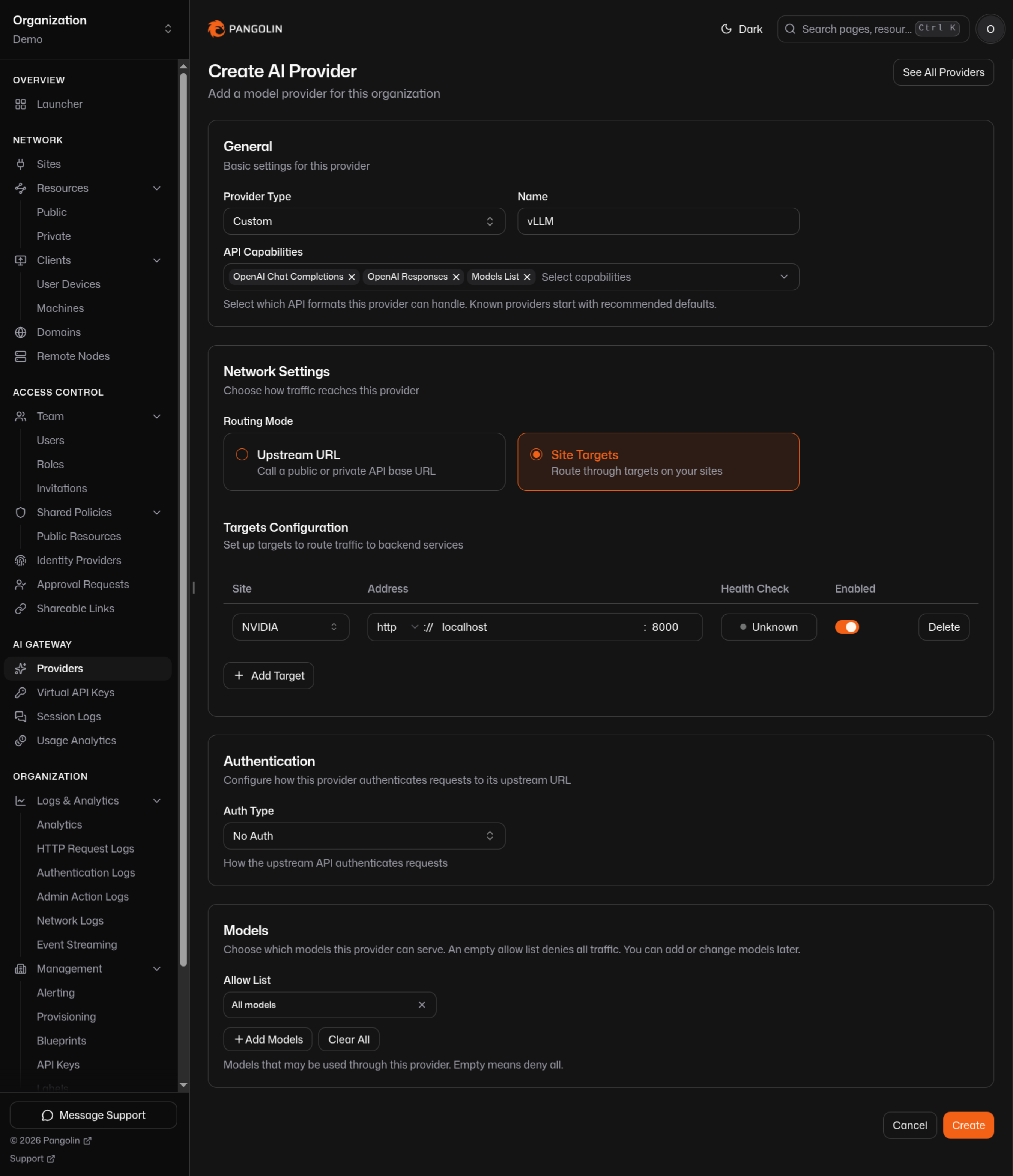
### 4. Attach to a Resource
Resources > **Create** > Type **AI Gateway**, attach the provider. Two reachability options:
- **Private** - only devices connected with the [Pangolin client](https://docs.pangolin.net/manage/clients/install-client) can call it. Identity comes from the tunnel; no API key exists to manage.
- **Public** - reachable from anywhere, authenticated with a [virtual API key](https://docs.pangolin.net/manage/ai/virtual-api-keys) per user or a manual key for services.
### 5. Point Clients at the Resource
Every resource has copy-paste setup for common tools, and `pangolin configure ` writes the config automatically for supported ones:
```bash
pangolin configure claude --resource
```
For anything else that speaks OpenAI's API:
```bash
export OPENAI_BASE_URL=/v1
export OPENAI_API_KEY=none
```
See the full [client setup guides](https://docs.pangolin.net/manage/ai/overview) for Claude Code, Codex, OpenCode, Gemini CLI, and Open WebUI.
## Beyond the Basics
Once the provider is connected, the rest of what you'd expect from an AI gateway is already there:
- **Mix local and cloud on one endpoint.** Attach a self-hosted provider alongside [OpenAI](https://docs.pangolin.net/manage/ai/providers/openai), [Anthropic](https://docs.pangolin.net/manage/ai/providers/anthropic), or others on the same resource. Clients switch models without switching endpoints. See [Model Routing](https://docs.pangolin.net/manage/ai/providers/model-routing) for how the gateway picks between them.
- **Split access by team.** Different [resources](https://docs.pangolin.net/manage/ai/multiple-gateway-resources) can expose different providers, models, and budgets to different roles - even from the same hostname.
- **Budgets.** Cap spend or token usage per provider, model, resource, role, or key. See [Budgets](https://docs.pangolin.net/manage/ai/budgets).
- **Session logs and usage analytics.** Every call is attributed to a user or key, with prompt/response transcripts and cost breakdowns, without instrumenting the model server itself.
- **Virtual keys for machines.** Services, CI, and agents that can't run the desktop client get a [manual key](https://docs.pangolin.net/manage/ai/virtual-api-keys#manual-keys) scoped to exactly the resources they need.
## Self-Hosted or Cloud Control Plane
Everything above works whether you use [Pangolin Cloud](https://app.pangolin.net/auth/signup) or run the control plane yourself. The Community Edition is open source under AGPLv3; the Enterprise Edition is also source-available under a commercial license that permits free personal and small-business use. Point Newt and the client at your own instance instead of `app.pangolin.net` and nothing else in this guide changes.
## FAQ
**How do I expose a self-hosted model to my team without opening a port?**
_Install a Pangolin site connector on the same network as the model server. It opens an outbound-only tunnel, so nothing on your infrastructure needs to accept inbound connections or have a public IP. Attach the model as a Custom provider and reach it through an AI Gateway resource._
**Does this work with any inference engine?**
_Yes, as long as it exposes an HTTP API - vLLM, Ollama, llama.cpp, LM Studio, LocalAI, text-generation-webui, and downstream routers like Bifrost all work the same way. Select whichever [capability](https://docs.pangolin.net/manage/ai/providers/configuration#capabilities) matches the API format it speaks, most commonly OpenAI Chat Completions._
**Can my team use this without API keys?**
_For private resources, yes. Users log in through the Pangolin desktop app with your existing identity provider, and that authenticates every call - no key is issued or required. Public resources, meant for reachability from anywhere, use virtual API keys instead of real provider credentials._
**How is this different from running LiteLLM or Bifrost myself?**
_Those tools solve model routing well but leave key distribution and network reachability to you. Pangolin replaces static keys with identity-based access through a client app, and replaces "the gateway needs network access to the model" with an outbound tunnel from a small connector. You can still run Bifrost or LiteLLM behind Pangolin if you want their routing logic specifically._
**Can I connect more than one self-hosted server to the same gateway?**
_Yes. Add each server as its own Custom provider and attach as many as you need to a resource, or split them across multiple resources for different teams. See [Multiple Gateway Resources](https://docs.pangolin.net/manage/ai/multiple-gateway-resources)._
## See Also
- [AI Gateway Overview](https://docs.pangolin.net/manage/ai/overview): the full provider, resource, and key model
- [Custom Providers](https://docs.pangolin.net/manage/ai/providers/custom): field-by-field configuration reference
- [NVIDIA DGX Spark Remote Access](/news/dgx-spark-remote-access): this pattern applied to a single box
- [vLLM and Ollama Clusters](/news/vllm-ollama-cluster-remote-access): this pattern applied to a multi-node cluster
- [Self-Host DeepSeek, Qwen, and Kimi K2](/news/self-hosting-deepseek-qwen-kimi-k2): open-weight models specifically
- [How to Stop Using Virtual API Keys](/news/how-to-stop-using-virtual-api-keys): moving human users to identity-based access instead of keys
---
### Self-Host DeepSeek, Qwen, and Kimi K2: Private Access From Anywhere
URL: https://pangolin.net/news/self-hosting-deepseek-qwen-kimi-k2
Published: 2026-08-26
Summary: Run open-weight models like DeepSeek, Qwen, and Kimi K2 on your own hardware, then reach them securely from anywhere through Pangolin's AI gateway - no API keys, no data leaving your infrastructure.
Category: Guides
[DeepSeek](https://www.deepseek.com/) V3 and R1, Alibaba's [Qwen](https://qwenlm.github.io/) series, Moonshot AI's [Kimi K2](https://www.moonshot.ai/), and Zhipu's [GLM](https://github.com/zai-org/GLM) family are competitive with frontier closed models on a lot of benchmarks, and the weights are yours to download and run. For teams with data sovereignty requirements, or anyone who'd rather not send every prompt to a third party, that's the whole appeal: the model runs on hardware you control, and nothing leaves your network unless you decide it does.
That guarantee only holds if "your network" is actually private. A model server with no auth in front of it, reachable from anywhere on your LAN or worse, defeats the purpose almost as thoroughly as calling a hosted API would. And most teams still want to reach these models from outside the office with their laptop at home, or a remote engineer, or a CI pipeline - which is where self-hosting usually gets complicated.
## Running the Models
These models are large enough that serving them well takes real GPU infrastructure, not a laptop. The two common paths are **[vLLM](https://docs.vllm.ai)** for production-grade throughput - DeepSeek-R1, Qwen2.5/Qwen3, and Kimi K2 all have day-one or near-day-one vLLM support, with an OpenAI-compatible server built in. Or **[Ollama](https://ollama.com)** for quantized variants that fit on a single GPU or a box like an NVIDIA DGX Spark - smaller Qwen and DeepSeek-distill checkpoints run comfortably this way.
Either way, you end up with an OpenAI-compatible (or in Kimi K2's case, also Anthropic-compatible) HTTP endpoint on your network. The question is how you and your team reach it without punching a hole in your firewall or standing up a VPN just for model traffic.
## Keep It Private, Reach It From Anywhere
Pangolin is an [AI gateway](https://docs.pangolin.net/manage/ai/overview) built around the same principle that makes self-hosting these models worth doing in the first place: nothing should have to leave your network to work. A lightweight connector runs next to the model server and opens an _outbound_ tunnel to Pangolin - the GPU host never accepts inbound connections, never gets a public IP, and is never one misconfigured `iptables` rule away from being reachable by anyone.
### 1. Serve the Model
vLLM example, serving DeepSeek-R1 with its OpenAI-compatible server:
```bash
vllm serve deepseek-ai/DeepSeek-R1 --port 8000
```
Or Qwen through Ollama:
```bash
ollama pull qwen2.5:32b
```
### 2. Install a Site Connector on the Same Network
In the dashboard, go to **Sites > Create**, choose **Newt** as the site type, and name it. Pangolin generates a site ID, secret, and a ready-to-copy install command. Run that command on the model server itself, or any host that can reach it - the connector is the only thing that talks to Pangolin's control plane:
```bash
curl -fsSL https://static.pangolin.net/get-newt.sh | bash
newt --id --secret --endpoint https://app.pangolin.net
```
See [Install Sites](https://docs.pangolin.net/manage/sites/install-site) for the full reference.
### 3. Add the Model as a Custom Provider
**AI Gateway > Providers > Create**, type **Custom**:
- vLLM: select **OpenAI Chat Completions**, Site Targets, target the host on port `8000`, allow `deepseek-ai/DeepSeek-R1`.
- Ollama: select **OpenAI Chat Completions**, Site Targets, target the host on port `11434`, allow `qwen2.5:32b`.
- Kimi K2 via its own Anthropic-compatible server: select **Anthropic Messages**, point routing at the upstream, auth type `x-api-key`.
See [Custom providers](https://docs.pangolin.net/manage/ai/providers/custom) for the full field reference, and the worked [vLLM](https://docs.pangolin.net/manage/ai/providers/custom/vllm) and [Ollama](https://docs.pangolin.net/manage/ai/providers/custom/ollama) examples.
### 4. Attach to a Resource and Connect
Create an [AI Gateway resource](https://docs.pangolin.net/manage/ai/overview), attach the provider, and choose private (reached only through the Pangolin client, no key) or public (reached from anywhere with a [virtual API key](https://docs.pangolin.net/manage/ai/virtual-api-keys)). Install the [Pangolin client](https://docs.pangolin.net/manage/clients/install-client), log in with your identity provider, and point Open WebUI, a coding agent, or your own tooling at the resource URL.
```bash
curl /v1/chat/completions \
-H "Content-Type: application/json" \
-d '{"model": "deepseek-ai/DeepSeek-R1", "messages": [{"role": "user", "content": "hello"}]}'
```
## Mix Local and Cloud Without Changing Endpoints
Most teams don't run open-weight models to the total exclusion of frontier ones - they want the option to use DeepSeek or Qwen for the bulk of traffic and reach for Claude or GPT when a task calls for it. Attach a cloud [Anthropic](https://docs.pangolin.net/manage/ai/providers/anthropic) or [OpenAI](https://docs.pangolin.net/manage/ai/providers/openai) provider to the same resource as your self-hosted models, and switching is a model-name change in the client, not a new endpoint or a new key. See [Multiple Gateway Resources](https://docs.pangolin.net/manage/ai/multiple-gateway-resources) if different teams should see different model sets from the same URL.
## Why This Matters for Data Sovereignty
The reason to self-host DeepSeek, Qwen, or Kimi K2 in the first place is usually some combination of cost, control, and not wanting prompts to leave your infrastructure. That last point is worth taking seriously end to end:
By restricting the model server to outbound connections only, Newt eliminates inbound ports, public IPs, and exposed attack surfaces for external scanners. Access is governed through identity-based authentication—using Pangolin's SSO and a device-level tunnel—eliminating the security risks of easily leaked static API keys. Every interaction remains fully attributable through [session logs](https://docs.pangolin.net/manage/ai/session-logs) and [usage analytics](https://docs.pangolin.net/manage/ai/usage-analytics) to verify data destinations, while organizations with strict compliance requirements can self-host the control plane using Pangolin's [AGPLv3](https://github.com/fosrl/pangolin) Community Edition.
## FAQ
**Can I self-host DeepSeek, Qwen, or Kimi K2 and still access them remotely?**
_Yes. Run the model with vLLM or Ollama on your own GPU hardware, install a Pangolin site connector on the same network, and attach the model as a provider on an AI Gateway resource. You reach it through the Pangolin client from anywhere, without exposing the model server to the internet._
**Is it safe to run these models without exposing a port?**
_That's the point of the setup here. The site connector makes an outbound-only connection to Pangolin, so the model server never listens for inbound traffic and never needs a public IP or forwarded port._
**Does Kimi K2 work with Pangolin?**
_Yes. Kimi K2 speaks the Anthropic Messages API, so a [Custom provider](https://docs.pangolin.net/manage/ai/providers/custom) with Anthropic capabilities selected works whether Kimi K2 is self-hosted or reached through Moonshot's hosted endpoint. Point Claude Code or Claude Desktop at the resulting resource the same way you would for real Anthropic._
**Can I run DeepSeek or Qwen alongside Claude or GPT in the same setup?**
_Yes. Attach both the self-hosted provider and a cloud provider to the same AI Gateway resource. Clients call one endpoint and pick the model by name; Pangolin routes each request to the right upstream._
**Do I need an API key to reach a self-hosted model through Pangolin?**
_Not for a private resource - identity comes from your SSO login through the Pangolin desktop client. Public resources use a [virtual API key](https://docs.pangolin.net/manage/ai/virtual-api-keys) that's separate from any real provider credential, useful for CI or services that can't run the client._
**What GPU hardware do I need to self-host these models?**
_It depends on the model and quantization. Full-precision DeepSeek-R1 or Kimi K2 needs multi-GPU serving infrastructure; quantized or distilled variants of DeepSeek and mid-sized Qwen checkpoints run on a single high-memory GPU or a unified-memory box like an [NVIDIA DGX Spark](/news/dgx-spark-remote-access). The remote access setup in this article is the same regardless of scale._
## See Also
- [AI Gateway Overview](https://docs.pangolin.net/manage/ai/overview): providers, resources, and virtual keys
- [Custom Providers](https://docs.pangolin.net/manage/ai/providers/custom): the general pattern for any self-hosted or vendor endpoint
- [vLLM and Ollama Clusters](/news/vllm-ollama-cluster-remote-access): scaling this to a multi-node cluster
- [NVIDIA DGX Spark Remote Access](/news/dgx-spark-remote-access): running smaller checkpoints on a single box
- [How to Connect Any Self-Hosted AI Model to Pangolin](/news/self-hosted-ai-gateway-remote-access): the general-purpose version of this guide
- [Why Virtual API Keys Are a Bad Fit for LiteLLM and Bifrost Deployments](/news/why-virtual-api-keys-are-bad-with-litellm-bifrost): why identity beats keys for this kind of deployment
---
### vLLM and Ollama Clusters: Secure Remote Access Without a VPN
URL: https://pangolin.net/news/vllm-ollama-cluster-remote-access
Published: 2026-08-25
Summary: Give engineers and coding agents access to a self-hosted vLLM or Ollama cluster from one endpoint, authenticated by identity instead of API keys passed around a team.
Category: Guides
Once a team outgrows running models on a single box like a DGX Spark, they might deploy [vLLM](https://docs.vllm.ai) on a rack of GPUs for throughput and [Ollama](https://ollama.com) somewhere for smaller models and quick iteration, maybe both behind a router to pick between them. That solves model serving. It doesn't solve who gets to call the cluster, or how they reach it if they're not sitting on the same network as the GPUs.
Most teams end up doing one of two things. Either the cluster sits on a network everyone already has VPN access to, which means every engineer's laptop is one misconfigured client away from talking directly to GPU hosts. Or the cluster is only reachable from inside a data center or office, and remote work means SSHing into a jump box before anything useful happens. Both work but neither is something you'd design on purpose for good user experience and security.
## What Managing This Yourself Looks Like
If you've deployed an AI on your own infrastructure you are familiar with some of the challenges. Operating the gateway requires hosting it on self-managed infrastructure-such as Kubernetes, a VPS, or a virtual machine-where you handle uptime, patching, and reachability. Wherever it runs, it needs network access to the vLLM and Ollama endpoints, whether by sitting on the same subnet or connecting via a secure tunnel. Providing engineer access involves generating API keys for each person or team and distributing them manually, through scripts, or via gateway-triggered emails. Finally, every engineer must configure all of their coding tools with the gateway’s reachable URL and store their assigned key in a local config file on their laptop.
None of that is wrong, exactly. It's just a lot of infrastructure and key management to stand between an engineer and a model that's already running on hardware you own.
## Attach the Cluster to Pangolin Instead of Standing Up Your Own Gateway
Pangolin is an [AI gateway](https://docs.pangolin.net/manage/ai/overview) that does the same job - one endpoint, multiple upstream model providers, access control, budgets, logging - but it authenticates callers by identity through a desktop client or by personal API keys instead of by handing out static keys to each person, and it reaches your cluster over an outbound tunnel instead of requiring your gateway and your GPUs to share a network.
### 1. Install a Site Connector Near the Cluster
In the dashboard, go to **Sites > Create**, choose **Newt** as the site type, and name it. Pangolin generates a site ID, secret, and a ready-to-copy install command. Run that command on a machine that can reach both the vLLM and Ollama endpoints - one of the cluster nodes, or a small VM on the same network:
```bash
curl -fsSL https://static.pangolin.net/get-newt.sh | bash
newt --id --secret --endpoint https://app.pangolin.net
```
See [Install Sites](https://docs.pangolin.net/manage/sites/install-site) for the full reference.
This is the only thing installed on your network. Newt opens an outbound connection to Pangolin; nothing needs to accept inbound traffic from the internet.
### 2. Add vLLM as a Provider
vLLM's OpenAI-compatible server defaults to port `8000`. In the dashboard, **AI Gateway > Providers > Create**:
1. **Provider Type**: Custom, name it for the cluster (e.g. "vLLM - Cluster A").
2. Select **OpenAI Chat Completions**.
3. **Routing Mode**: Site Targets.
4. **Auth Type**: No Auth on a private network, or Bearer with the key if you started vLLM with `--api-key`.
5. Allow the served model id - the `--model` or `--served-model-name` value.
6. Save, then add a target: the vLLM host, port `8000`, HTTP.
Full reference: [vLLM as a Custom provider](https://docs.pangolin.net/manage/ai/providers/custom/vllm).
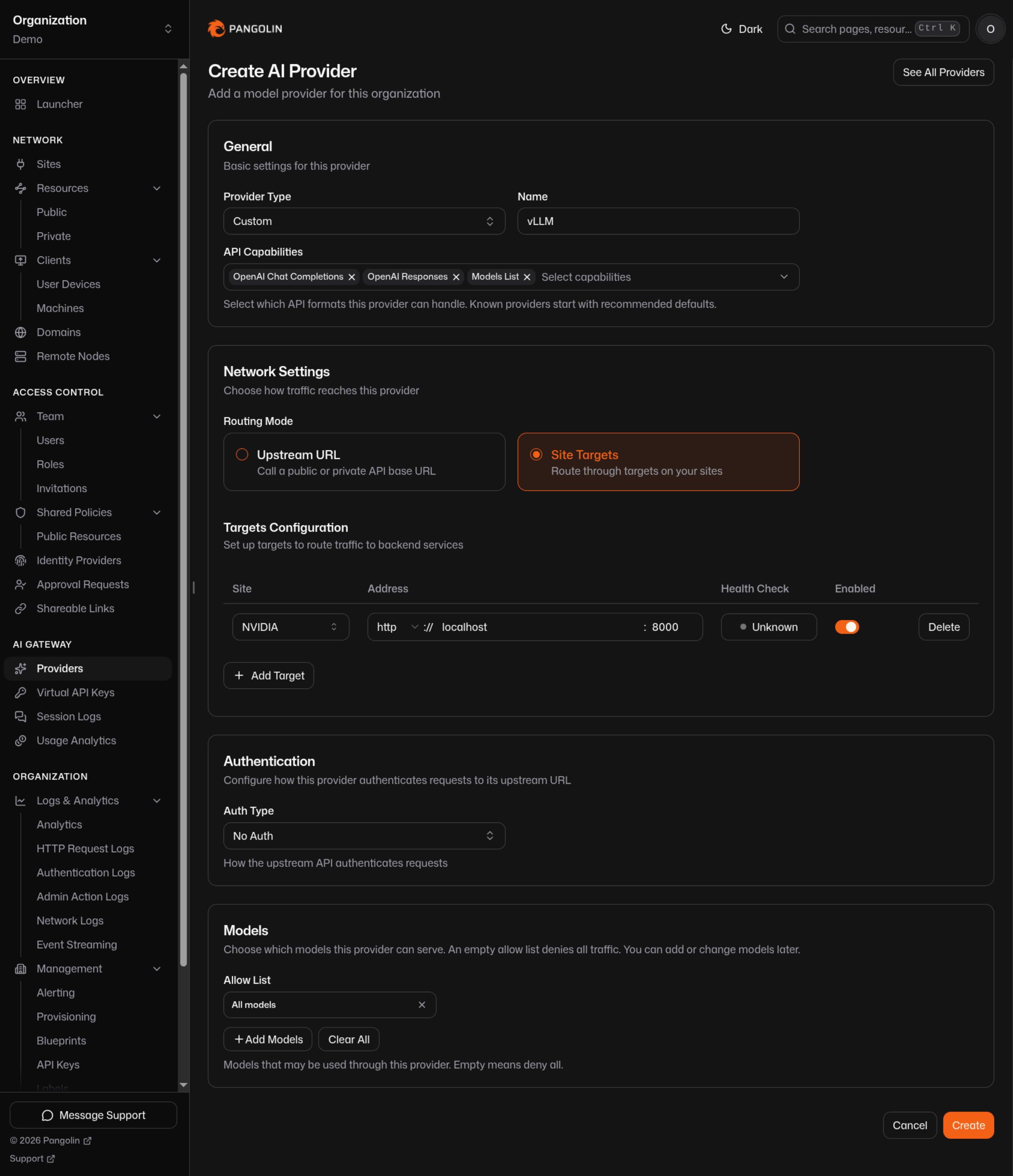
### 3. Add Ollama as a Second Provider
Repeat with a second Custom provider for Ollama:
1. Select **OpenAI Chat Completions**.
2. **Routing Mode**: Site Targets.
3. **Auth Type**: No Auth, or Bearer if you set an Ollama API key.
4. Allow the model ids you serve, e.g. `llama3.2`, `qwen2.5:32b`.
5. Target: the Ollama host, port `11434`, HTTP.
Reference: [Ollama as a Custom provider](https://docs.pangolin.net/manage/ai/providers/custom/ollama).
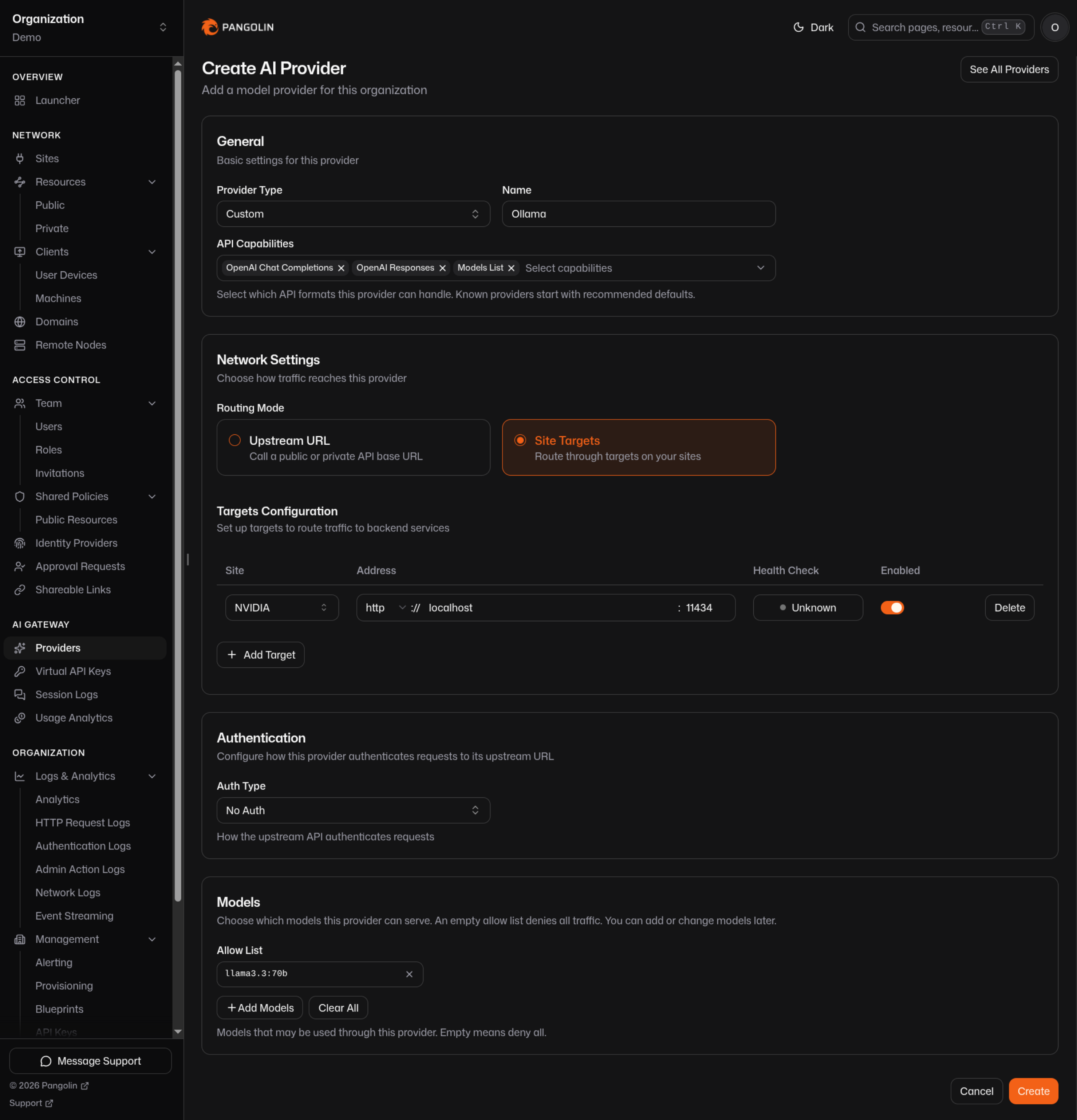
### 4. Attach Both to One Resource
Resources > **Create** > Type **AI Gateway**, and attach both providers. One endpoint now routes to vLLM or Ollama depending on the model requested - the client just asks for a model id, and [model routing](https://docs.pangolin.net/manage/ai/providers/model-routing) picks the right provider. If a model id is served by both, allow-list scoping or [selecting a subset per resource](https://docs.pangolin.net/manage/ai/providers/model-routing#inherit-vs-select) keeps it unambiguous.
If you're already running a downstream router like Bifrost in front of vLLM and Ollama, you don't have to give that up - point Pangolin at Bifrost as a single [Custom provider](https://docs.pangolin.net/manage/ai/providers/custom/bifrost) instead, and let Bifrost keep doing model selection and failover behind Pangolin's identity layer.
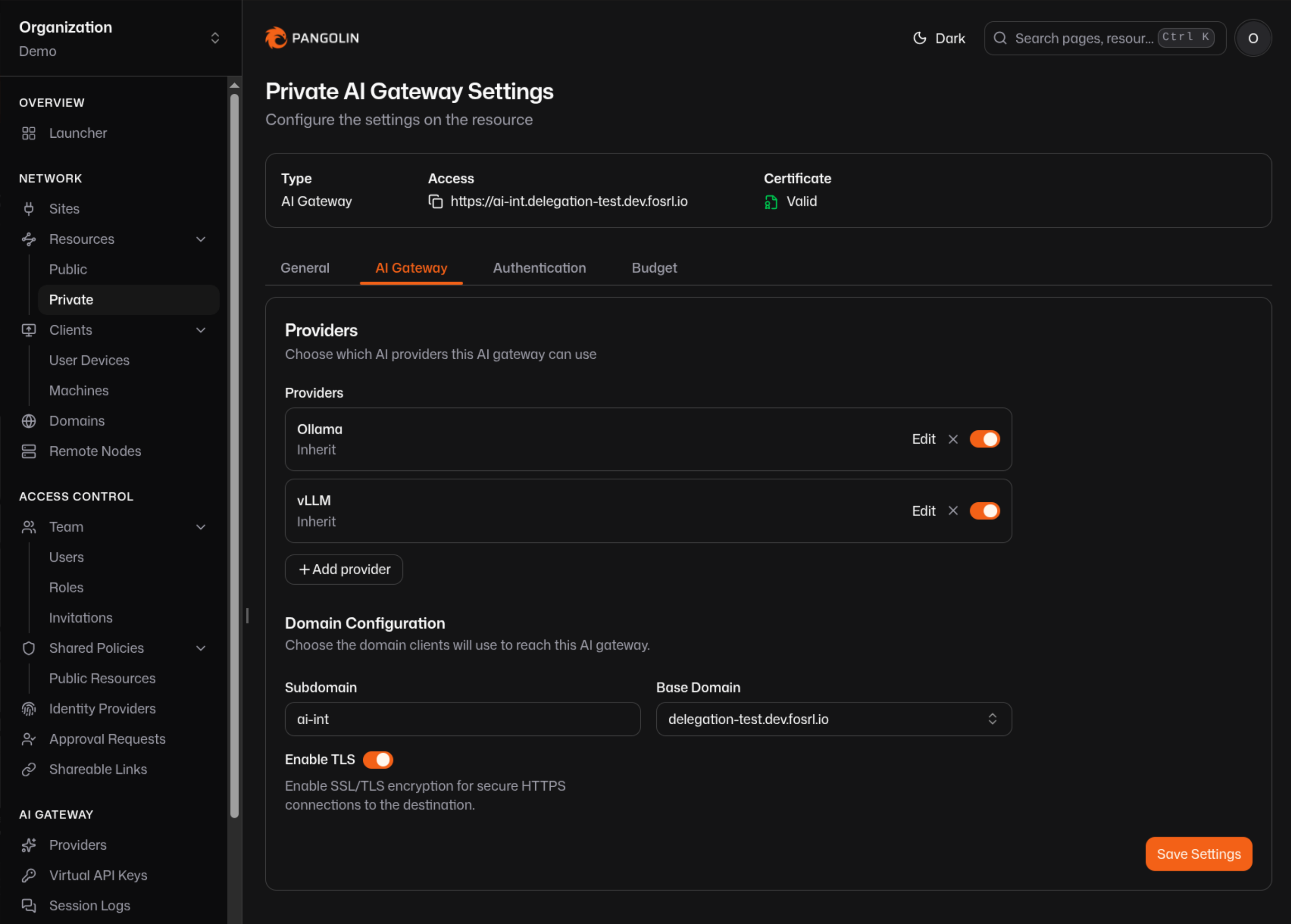
### 5. Split Access by Team
Different roles rarely need the same models. Create separate resources instead of one big shared one. For example, you could break things up like this:
- **Engineering** resource: full model set on vLLM and Ollama, private, reached through the client.
- **Data Science** resource: same cluster, narrower allow list, maybe with a [budget](https://docs.pangolin.net/manage/ai/budgets) attached.
- **CI / Agents** resource: public, authenticated with a [manual virtual key](https://docs.pangolin.net/manage/ai/virtual-api-keys#manual-keys) scoped to just that resource, for pipelines that can't run the desktop client.
See [Multiple Gateway Resources](https://docs.pangolin.net/manage/ai/multiple-gateway-resources) - resources can even share a hostname, so the split is invisible to the person using it.
## Connect Engineers
Everyone installs the [Pangolin client](https://docs.pangolin.net/manage/clients/install-client) and logs in with your existing IdP - Okta, Azure, Google, whatever you already run. No key to request, copy, or rotate. Coding agents and chat clients point at the resource URL:
```bash
pangolin configure claude --resource cluster-a.internal
```
or manually, for any OpenAI-compatible tool:
```bash
export OPENAI_BASE_URL=/v1
export OPENAI_API_KEY=none
```
Revoking someone's access is a permission change on the resource, not a key rotation across every host that had it.
## Why This Beats Self-Managing the Gateway
- **No gateway infrastructure to run.** Pangolin Cloud handles the control plane, or self-host it if that's a requirement - [Pangolin is open source under AGPLv3](https://github.com/fosrl/pangolin).
- **No key distribution.** Identity keys already exist for every org user; there's nothing to generate, email, or leak.
- **The cluster stays private.** vLLM and Ollama are reached over an outbound tunnel from Newt, never exposed to the network your engineers' laptops sit on.
- **Vendor-agnostic on top.** The same resource can also attach OpenAI, Anthropic, or any other provider, so switching between your cluster and a frontier model is a model-name change, not an endpoint change.
- **Usage attribution for free.** [Session logs](https://docs.pangolin.net/manage/ai/session-logs) and [usage analytics](https://docs.pangolin.net/manage/ai/usage-analytics) track who called what, without instrumenting vLLM or Ollama yourself.
## FAQ
**How do I give a remote team access to a self-hosted vLLM or Ollama cluster?**
_Install a site connector on the cluster's network, add vLLM and/or Ollama as Custom providers routed through it, and attach them to an AI Gateway resource. Engineers install the Pangolin client, log in with SSO, and reach the cluster over a tunnel - no VPN and no distributing API keys._
**Can Pangolin route between vLLM and Ollama automatically?**
_Yes. Attach both as providers on the same resource. [Model routing](https://docs.pangolin.net/manage/ai/providers/model-routing) picks the provider whose allow list matches the requested model id, so clients just ask for a model - they don't need to know which backend serves it._
**Do I still need LiteLLM or Bifrost if I use Pangolin?**
_No, but you can keep it. Pangolin replaces the identity and key-management layer, not necessarily your model router. If you already have Bifrost picking between providers, point Pangolin at Bifrost as a single upstream and let Pangolin handle authentication in front of it._
**How do I keep the GPU cluster off the same network as engineer laptops?**
_Only the site connector needs network access to vLLM and Ollama. It makes an outbound-only connection to Pangolin, so engineers never join the cluster's network - they reach a Pangolin resource, which is scoped to the model APIs you've attached, not the underlying hosts._
**Can I give a CI pipeline access without a person's identity?**
_Yes - create a [manual virtual key](https://docs.pangolin.net/manage/ai/virtual-api-keys#manual-keys) scoped to a public resource. It authenticates independently of any user's grants, which is what unattended jobs need._
## See Also
- [AI Gateway Overview](https://docs.pangolin.net/manage/ai/overview): providers, resources, and routing
- [vLLM as a Custom Provider](https://docs.pangolin.net/manage/ai/providers/custom/vllm) and [Ollama as a Custom Provider](https://docs.pangolin.net/manage/ai/providers/custom/ollama)
- [Multiple Gateway Resources](https://docs.pangolin.net/manage/ai/multiple-gateway-resources): split access by team without duplicating the cluster
- [NVIDIA DGX Spark Remote Access](/news/dgx-spark-remote-access): the same pattern for a single box
- [Self-Host DeepSeek, Qwen, and Kimi K2](/news/self-hosting-deepseek-qwen-kimi-k2): running open-weight models on this same kind of cluster
- [Why Virtual API Keys Are a Bad Fit for LiteLLM and Bifrost Deployments](/news/why-virtual-api-keys-are-bad-with-litellm-bifrost): the credential problem this setup avoids
---
### Pangolin 1.22: AI Gateway for Cloud and Self-Hosted Models
URL: https://pangolin.net/news/1-22-release
Published: 2026-08-24
Summary: Pangolin 1.22 introduces an AI Gateway for cloud and self-hosted models with identity-aware access. SSH, RDP, and VNC public resources, plus SSH and HTTPS private resources, are now available in Community Edition.
Category: Product
Pangolin 1.22 is here. This release introduces AI Gateway: an identity-aware proxy in front of both public cloud APIs (OpenAI, Anthropic, Gemini, etc.) and self-hosted model servers (Ollama, vLLM, Mistral, etc.), so coding agents and AI clients call a Pangolin URL. You can publish that URL as a public resource with personal virtual API keys, or keep it private on the Pangolin client tunnel, where the connected client is the credential. The Pangolin client eliminates the need for API keys for authentication. Budgets, session history, and usage analytics sit in front of every call. 1.22 also brings SSH, RDP, and VNC public resources to Community Edition, along with SSH and HTTPS private resources. Let's walk through it.
## Release Highlights
### AI Gateway
An AI Gateway is a new type of Pangolin resource that works like an HTTPS resource: it gets a domain, sits behind Pangolin's reverse proxy, and uses the same users, roles, and identity. The difference is what it proxies. Instead of forwarding browser traffic to HTTP targets, it speaks the API formats of the providers you attach (Chat Completions, Anthropic Messages, Gemini `generateContent`, and others) and forwards each request to the matching upstream.
Coding agents and AI clients already expect an API URL and a key. Point them at Pangolin instead of at OpenAI, Anthropic, Gemini, Ollama, or vLLM, and the organization keeps the real upstream secrets, decides who can call which models, and sees what ran.
#### Cloud and Self-Hosted Models
Pangolin is built around self-hosting, so AI Gateway has first-party support for models you run yourself: Ollama and vLLM on your own hardware, including machines like a DGX Spark. Mix those with existing cloud providers such as Anthropic, OpenAI, and others on the same gateway.
Configure OpenAI, Anthropic, Google Gemini, Amazon Bedrock, Vertex AI, Microsoft Foundry, OpenRouter, or Vercel AI Gateway once per organization. That centralizes each provider's API key (your OpenAI key, Anthropic key, and the rest) on the provider itself, instead of copying it into env files or sharing it across the organization.
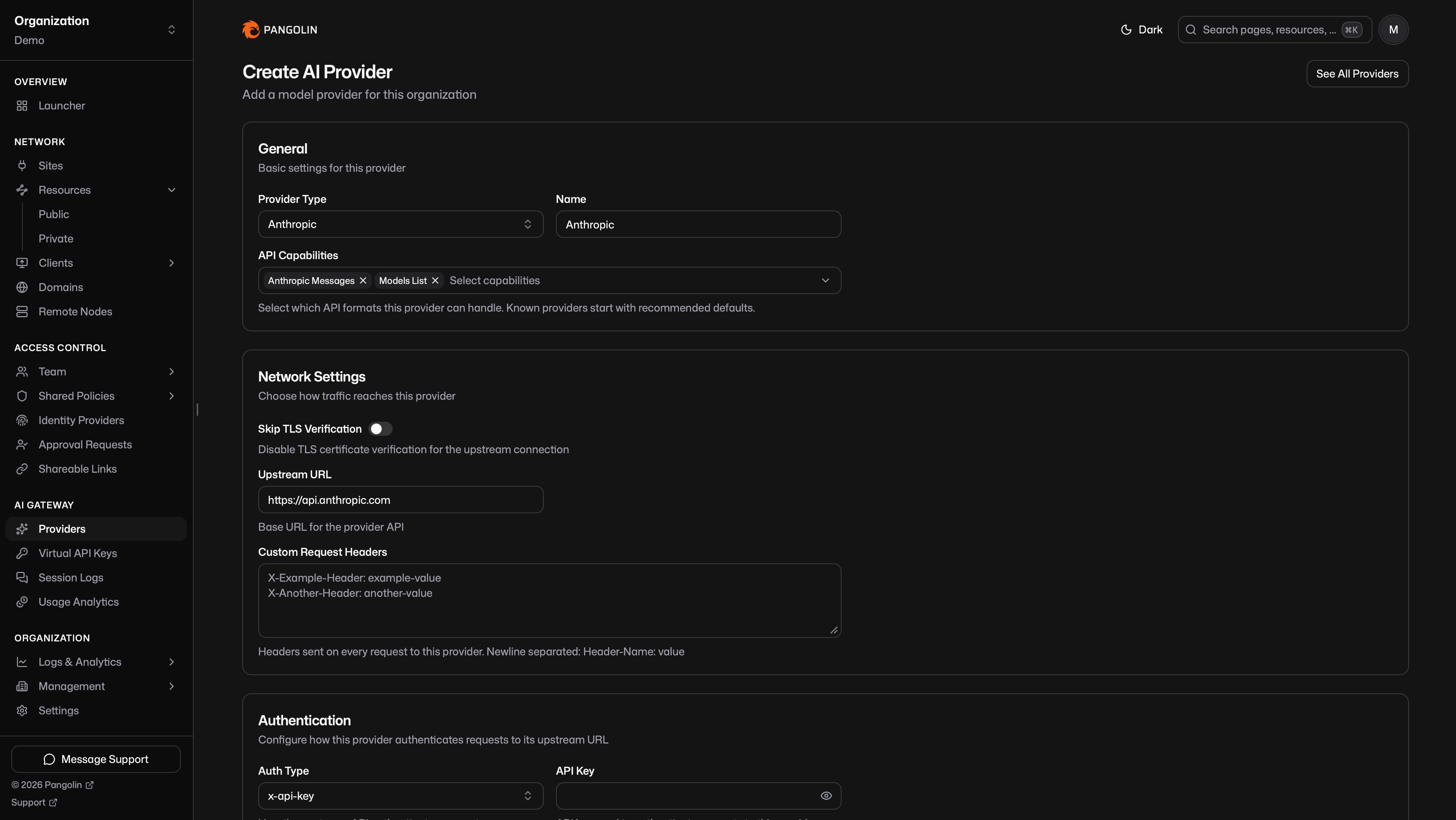
Self-hosted models use the same provider object. Create a **Custom** provider for Ollama, vLLM, Bifrost, or any other endpoint, pick the API capabilities it speaks, and point it at the endpoint URL. The distinctive Pangolin piece is sites. Install a [site connector](https://docs.pangolin.net/manage/sites/install-site) on the network that runs the model server, then add **Site Targets** on the provider's Network tab. The gateway reaches that API over the tunnel, the same way a public HTTPS resource reaches an internal app. The model server stays on the private network protected by Pangolin's reverse proxy which is how remote users and agents get to it.
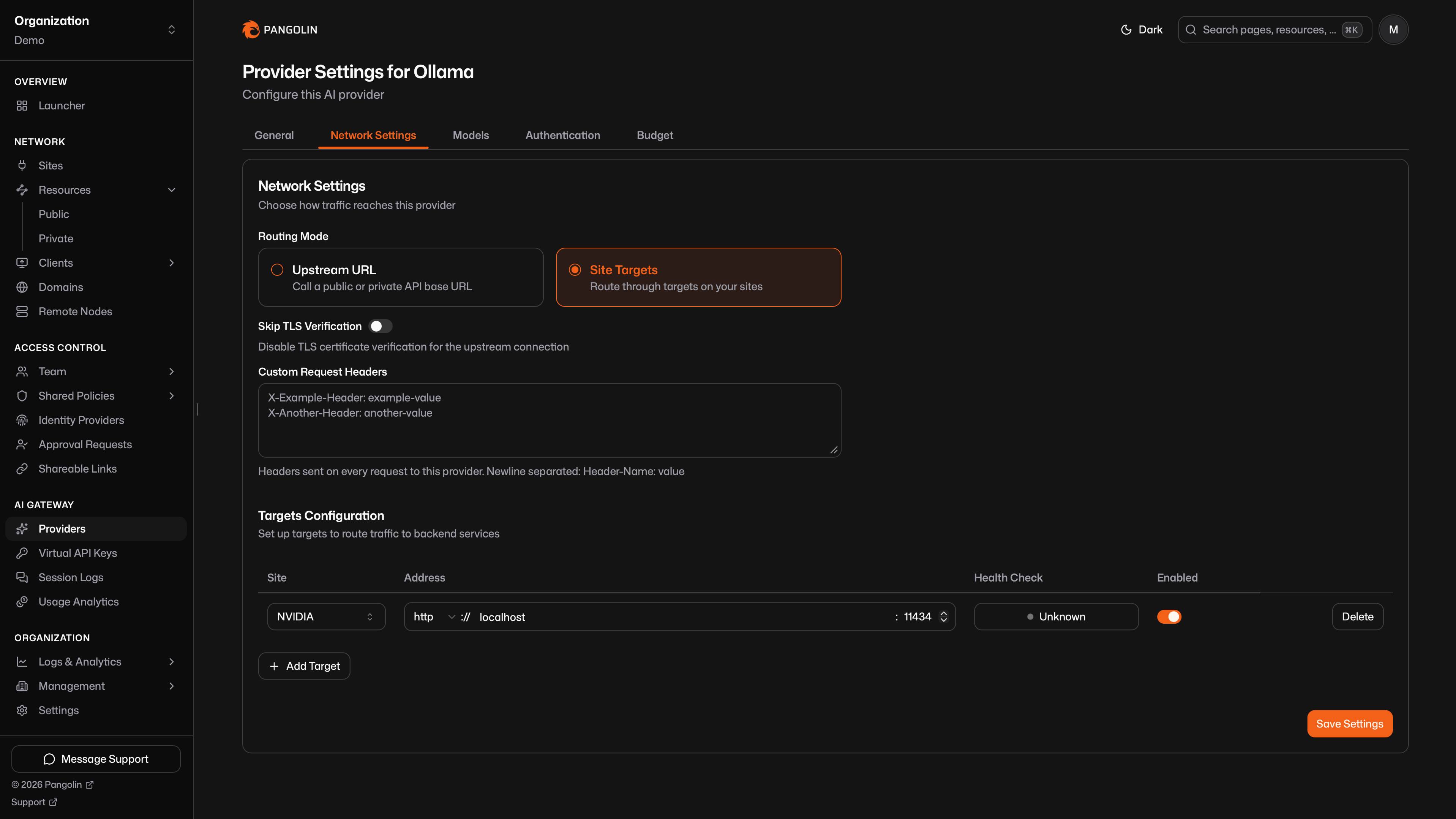
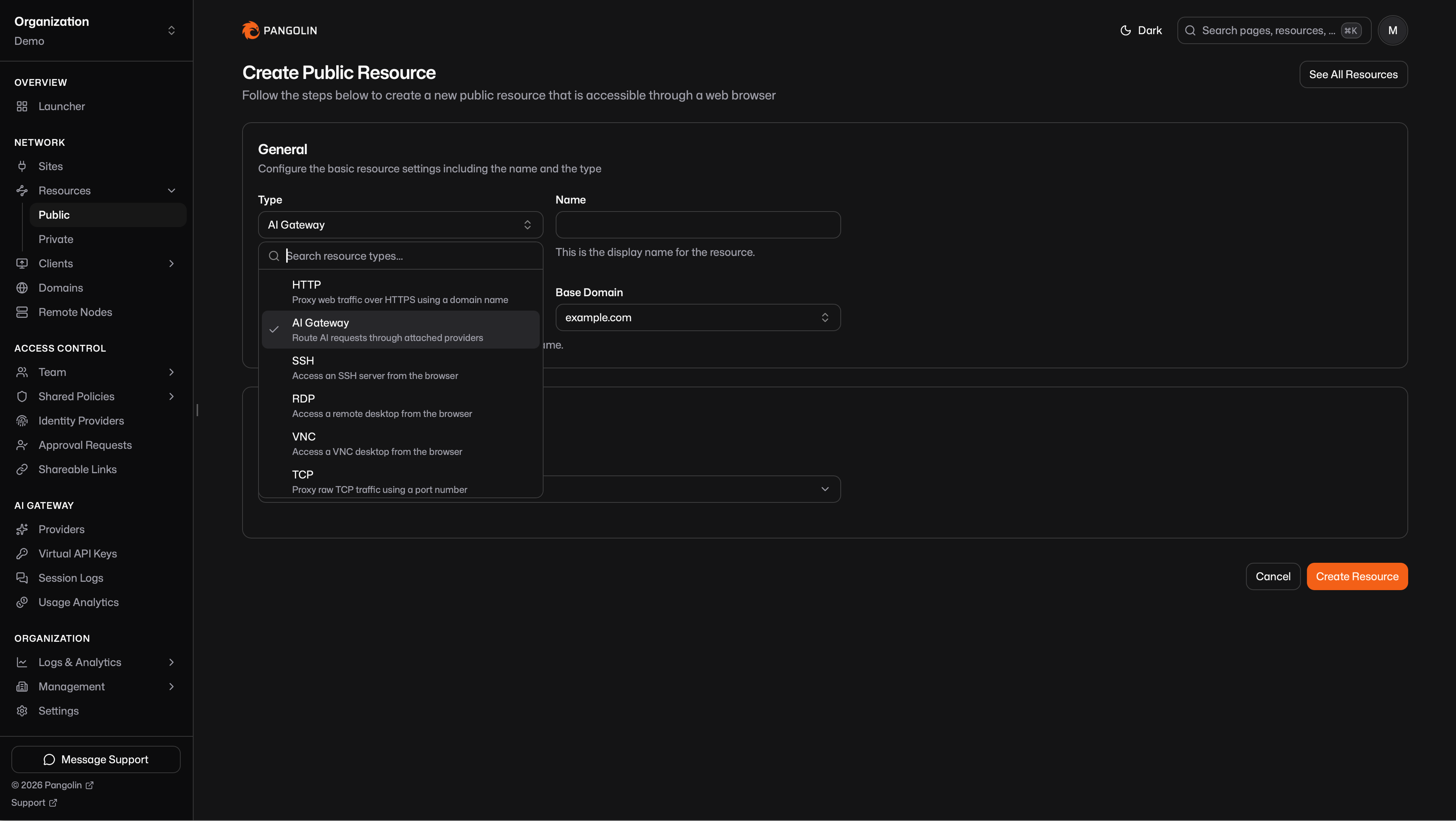
You can attach cloud and self-hosted providers on the same resource. One URL can serve Claude from Anthropic, GPT from OpenAI, and a local Llama from Ollama. Allow and block lists on the provider, plus inherit-or-select on the resource, decide which models each gateway exposes.
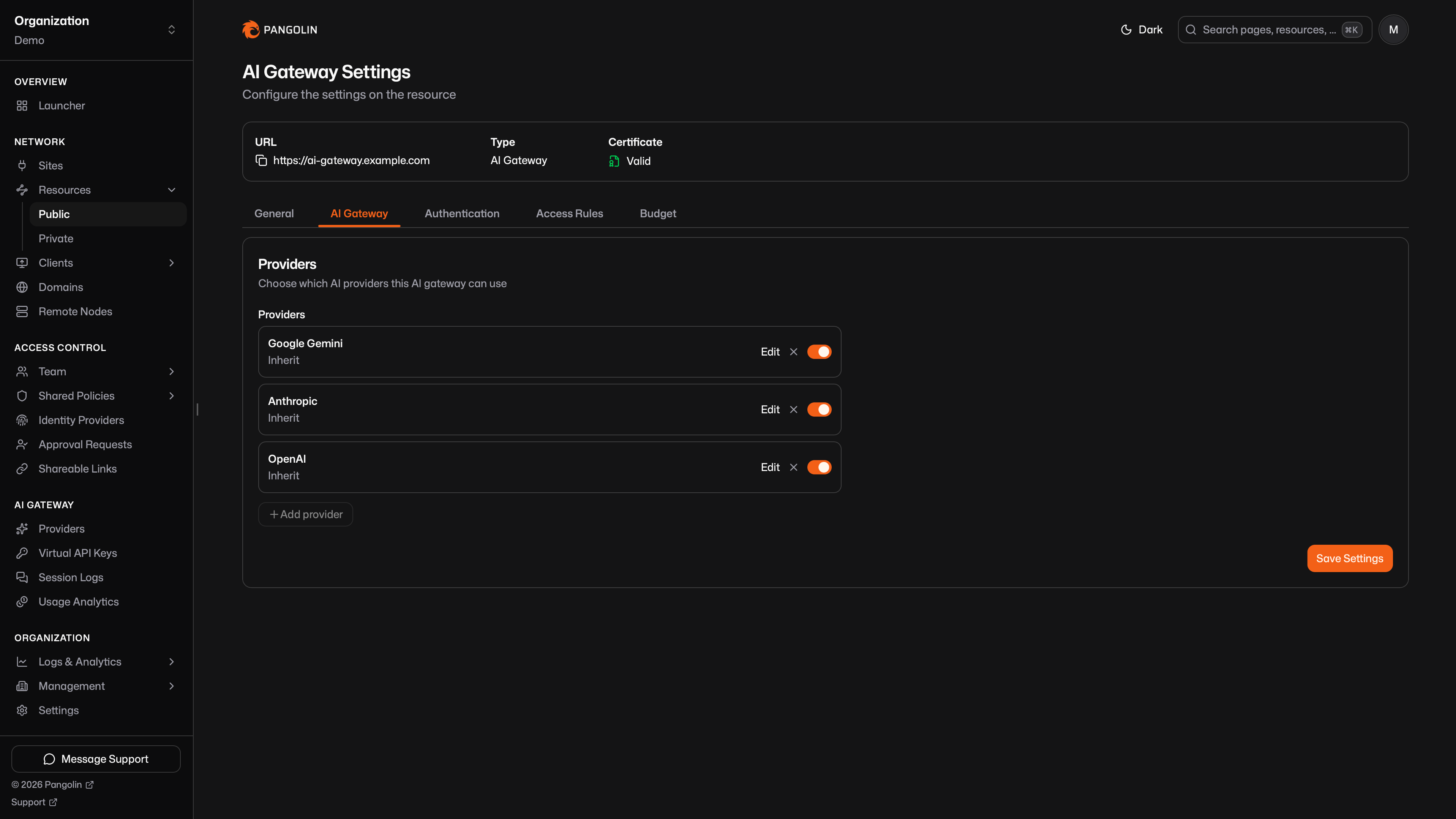
Read more about [custom providers](https://docs.pangolin.net/manage/ai/providers/custom), [Ollama](https://docs.pangolin.net/manage/ai/providers/custom/ollama), and [vLLM](https://docs.pangolin.net/manage/ai/providers/custom/vllm) in the docs.
#### Public and Private Gateways
AI Gateway resources can either be public or private.
A **public** AI Gateway resource gets a fully qualified domain name. Coding agents and AI clients anywhere call that URL and send a virtual API key on every request. Pangolin checks the key, attributes the call to a user or a named key, and forwards to the selected provider with the real upstream secret. The provider key never leaves Pangolin.
A **private** AI Gateway resource is reachable only on devices connected with the [Pangolin client](https://docs.pangolin.net/manage/clients/install-client). Nothing is published to the internet and authentication is keyless because the connected client is the credential.
You can run both. A public gateway for contractors, services, and machines that are not on the overlay. A private gateway for staff whose machines already run the Pangolin client. Multiple gateway resources can also split providers and model lists by role: staff get OpenAI and Anthropic, contractors get a tighter set.
Read more about [public](https://docs.pangolin.net/manage/resources/public/ai-gateway) and [private](https://docs.pangolin.net/manage/resources/private/ai-gateway) AI Gateway resources in the docs.
#### Keyless Authentication with the Pangolin Client
If the Pangolin client is already on the machine, you should not have to mint another secret for Claude Code or Codex. Private AI Gateway resources authenticate with that client session.
The user (or a machine identity) connects with the [Pangolin client](https://docs.pangolin.net/manage/clients/install-client). The overlay already proved who they are, the same way it does for private HTTPS and SSH. Grant users, roles, or machines on the resource, then point the coding agent at the private gateway URL. Pangolin attributes the call to the connected user and forwards it upstream, including `Remote-*` identity headers when the client maps to a person.
Some agents still expect something in the API key field. For example, Codex and Claude Code require a key to be set. Use the literal string `none`:
```json
{
"apiKeyHelper": "echo 'none'",
"env": {
"ANTHROPIC_BASE_URL": "https://ai.internal.example.com"
}
}
```
The Pangolin CLI can automate that config. Run `pangolin configure claude` or `pangolin configure codex` and it writes the client's settings file, so you do not edit it by hand. Most clients will not start if it is missing, and they will send traffic to the real provider instead of through Pangolin.
Read more about [private AI Gateway](https://docs.pangolin.net/manage/resources/private/ai-gateway) resources in the docs.
#### Identity Keys and How You Distribute Them
Every organization user already has an identity key. It is unique to their account and authenticates them as that user. Access follows **Users** and **Roles** on the public AI Gateway resource, the same pattern as a public HTTPS resource. When the user is known, Pangolin forwards that identity upstream as `Remote-*` headers. Keys look like this:
```shell
pangolin-key-os27sbax.f3asds4wivpvdqgwjp7j5taaor4m
```
Admins can email identity keys from **AI Gateway → Virtual API Keys**, either to everyone or to specific users and roles. The email includes the key and the public gateway URLs to call. People can also copy their own key by logging in at the resource URL in their browser, opening the Resource Launcher, or visiting **Your API Keys** via `https:////keys`.
For services, machines, and shared agents that should not depend on a person's resource grants, create a manual key. Scope it to selected public gateways or to every public gateway in the org, optionally associate a user for tracking, and email it on generation.
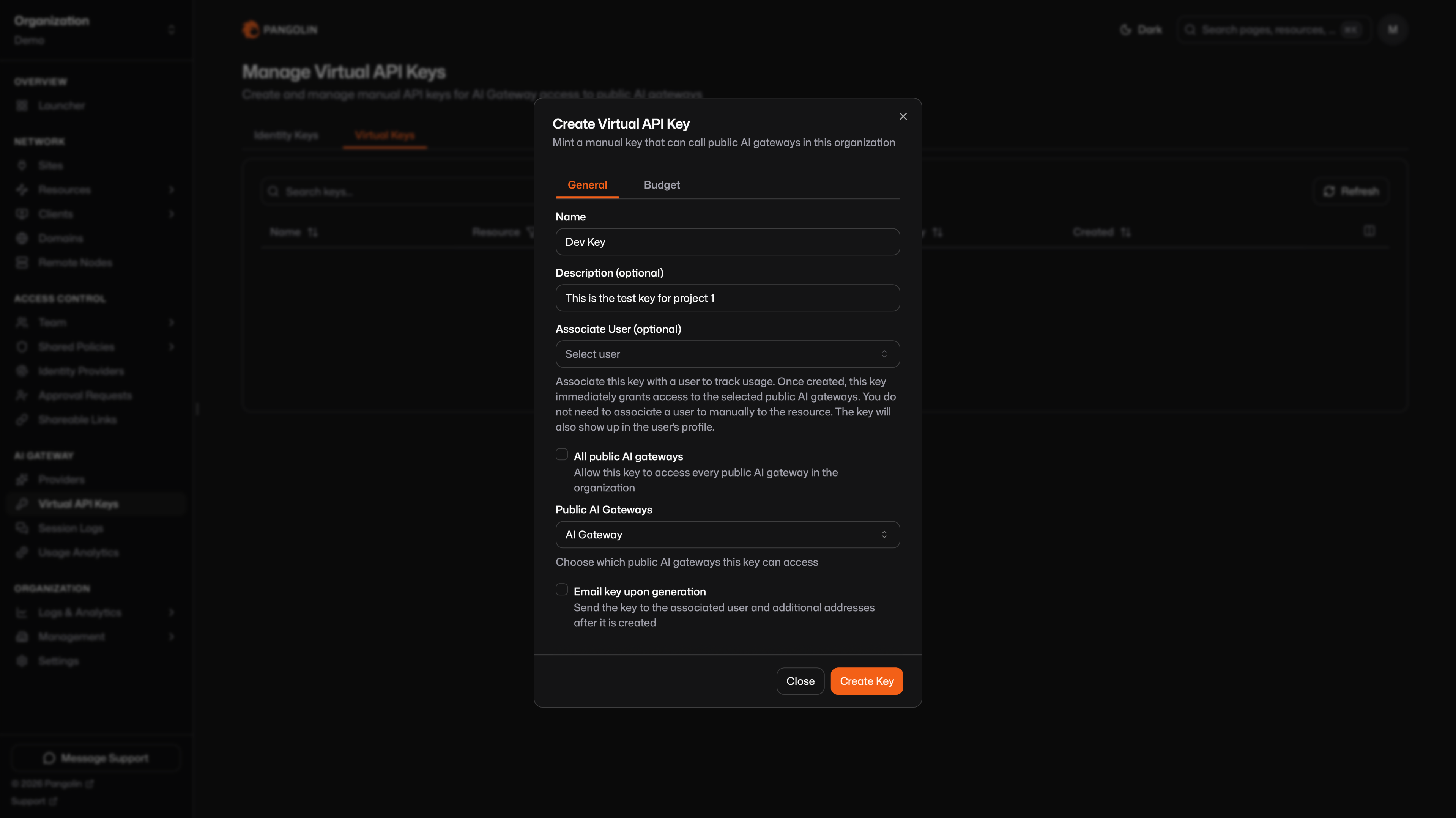
Read more about [virtual API keys](https://docs.pangolin.net/manage/ai/virtual-api-keys) in the docs.
#### Budgets, Analytics, and Session Logs
Set a cap in USD or tokens on a provider, a model, a resource, a role, or a virtual API key. Pangolin checks every matching enabled budget before it forwards a request. If any one is already at its maximum, the call is blocked.
Usage analytics rolls up cost, tokens, and request volume across those same dimensions. Filter by provider, model, resource, role, user, and key. The numbers come from the same recorded usage that budgets enforce.
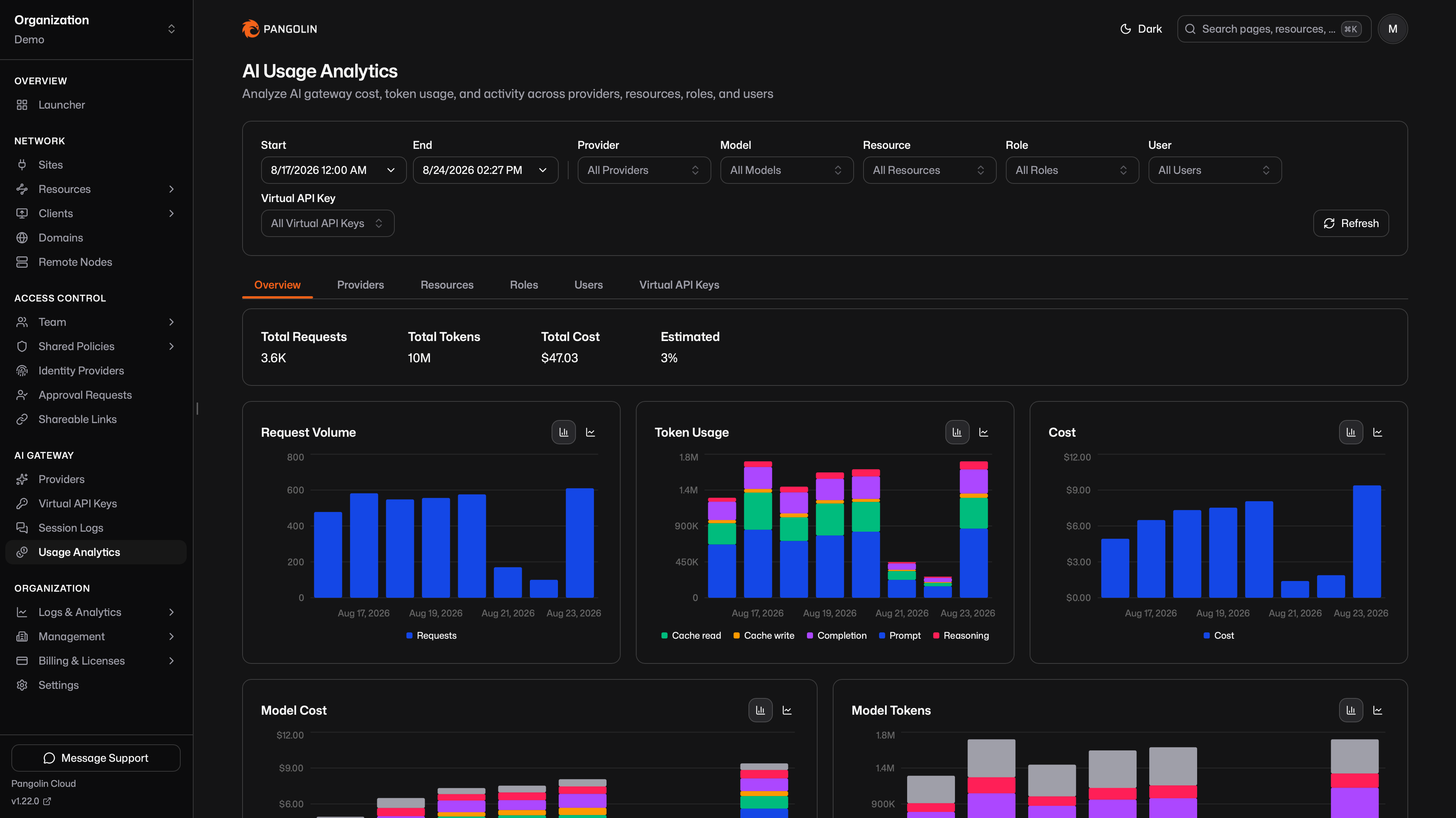
Session logs store the prompt and response for each call, with filters by provider, model, user, key, and resource. Expand a row for the transcript or raw JSON. Session logs are available in Pangolin Cloud and self-hosted Enterprise Edition.
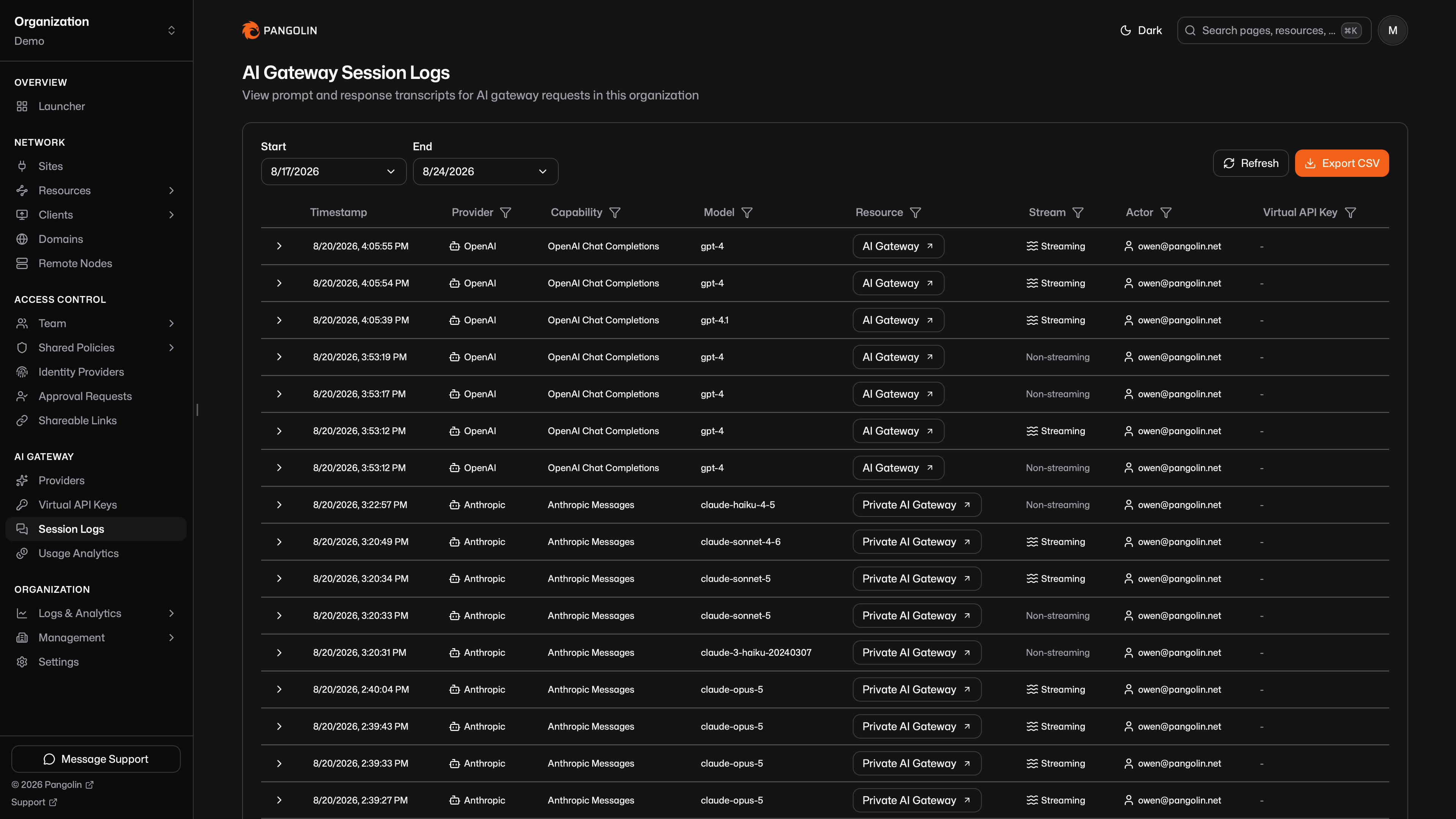
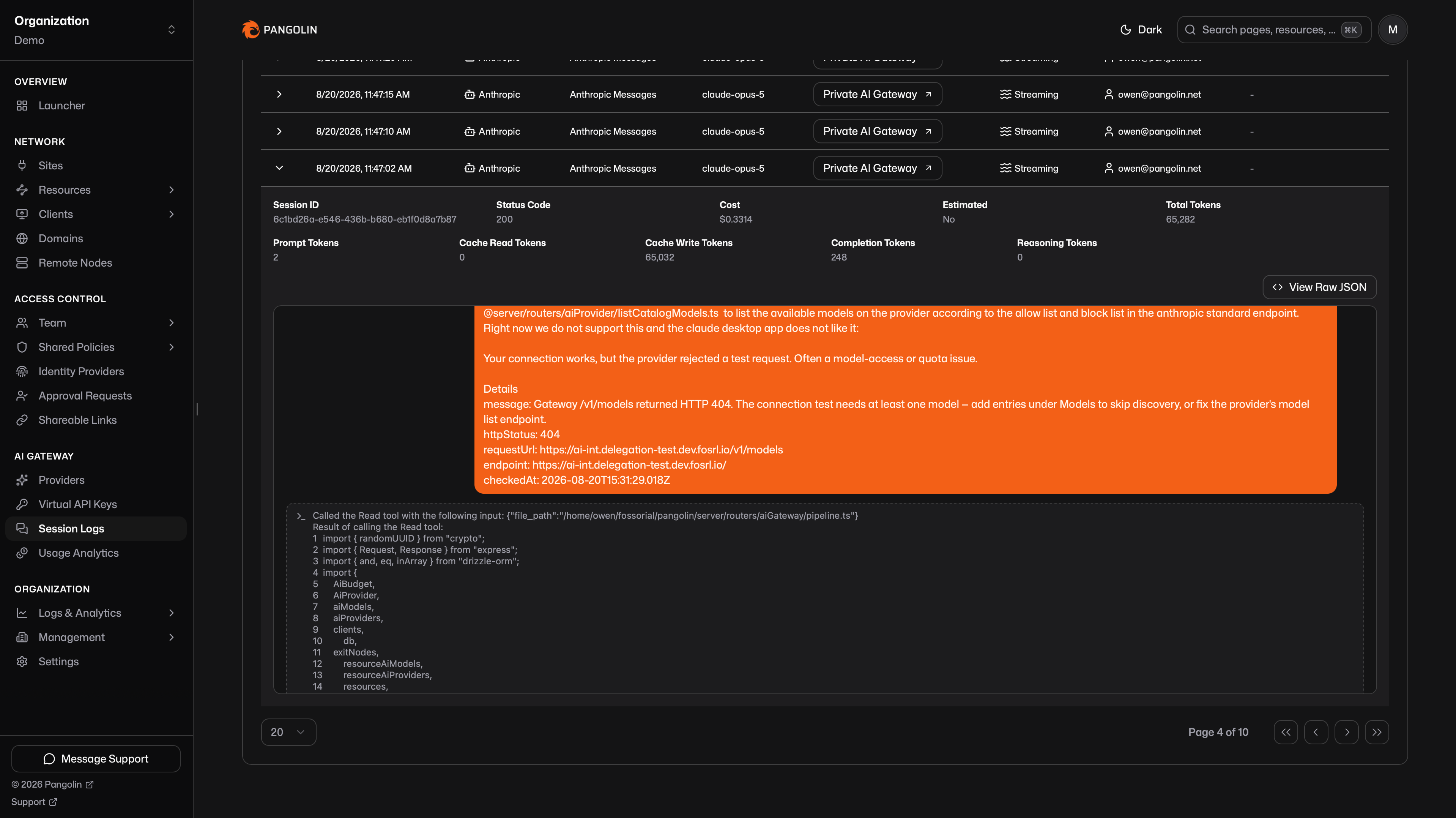
Read more about [budgets](https://docs.pangolin.net/manage/ai/budgets), [usage analytics](https://docs.pangolin.net/manage/ai/usage-analytics), and [session logs](https://docs.pangolin.net/manage/ai/session-logs) in the docs.
#### Connecting Coding Agents
Each AI Gateway resource has ready-to-copy setup for common clients. The Pangolin CLI can write the config for you:
```shell
pangolin configure claude
pangolin configure codex
```
That picks the organization and resource, fetches a key when the resource needs one, and writes the client's settings file. The same identity key, or the same connected client session on a private resource, works across those tools.
You can also configure a client by hand. For Claude Code, put this in `~/.claude/settings.json`:
```json
{
"apiKeyHelper": "echo 'pangolin-key-os27sbax.f3asds4wivpvdqgwjp7j5taaor4m'",
"env": {
"ANTHROPIC_BASE_URL": "https://ai-gateway.example.com"
}
}
```
There are setup guides for [Claude Code](https://docs.pangolin.net/manage/ai/configure-ai-clients/claude), [Codex](https://docs.pangolin.net/manage/ai/configure-ai-clients/codex), [OpenCode](https://docs.pangolin.net/manage/ai/configure-ai-clients/opencode), and [Gemini CLI](https://docs.pangolin.net/manage/ai/configure-ai-clients/gemini), plus [Open WebUI](https://docs.pangolin.net/manage/ai/configure-ai-clients/open-webui), [Claude Desktop](https://docs.pangolin.net/manage/ai/configure-ai-clients/claude-desktop), and [OpenClaw](https://docs.pangolin.net/manage/ai/configure-ai-clients/openclaw).
Start from the [AI Gateway overview](https://docs.pangolin.net/manage/ai/overview). Provider types, capabilities, and model routing are covered under [AI Providers](https://docs.pangolin.net/manage/ai/providers/overview).
### SSH, RDP, VNC, and Private HTTPS in Community Edition
Browser-based SSH, RDP, and VNC shipped in [Pangolin 1.19](/news/1-19-release) as Enterprise features. 1.22 unlocks them for Community Edition as **public** resources.
Users visit a public FQDN, complete Pangolin authentication, and get a full interactive session in the browser: a web terminal for SSH, a Windows remote desktop for RDP with clipboard and file transfer, a remote display for VNC. You manage them as public resources next to HTTP, with the same users, roles, SSO, and access rules.
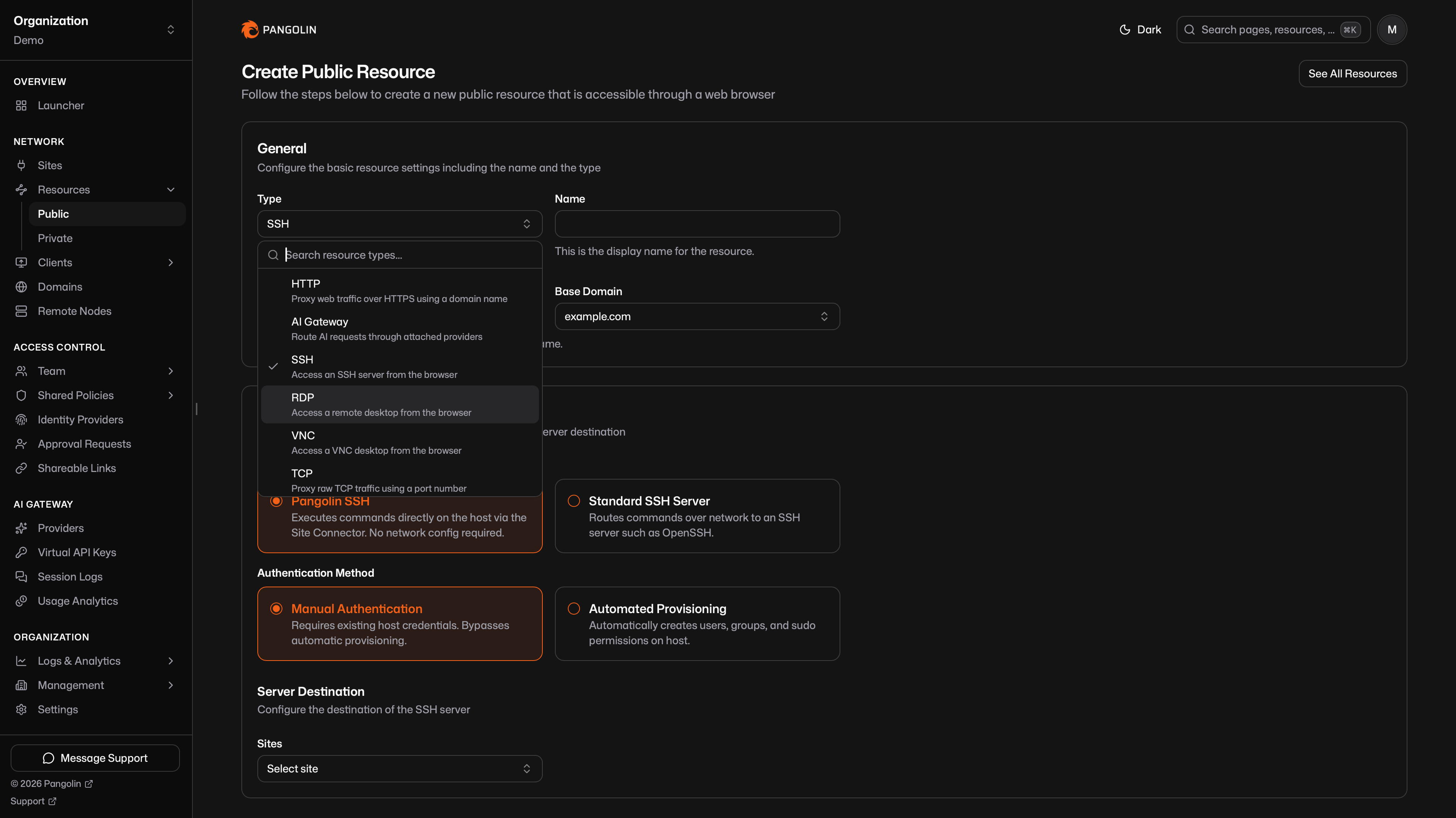
**Private** resources get SSH and HTTPS in Community Edition too. With the Pangolin client connected, you can SSH over the tunnel with `pangolin ssh` and open internal apps at a real HTTPS hostname on the overlay. Those client-based resource types were Enterprise-only, but they are in Community Edition now too.
Pangolin SSH mode is still the default when you create an SSH resource: sessions run through the site connector, so you configure the resource in the dashboard rather than standing up OpenSSH on the host. Standard SSH Server mode remains when you need to reach an existing OpenSSH daemon.
Guides: [SSH in the Browser](/news/browser-based-ssh-remote-access), [RDP in the Browser](/news/browser-based-rdp-remote-access), [VNC in the Browser](/news/browser-based-vnc-remote-access), and [How to SSH with Pangolin](/news/how-to-ssh-with-pangolin). Docs: [public SSH](https://docs.pangolin.net/manage/resources/public/ssh), [RDP](https://docs.pangolin.net/manage/resources/public/rdp), [VNC](https://docs.pangolin.net/manage/resources/public/vnc), [private SSH](https://docs.pangolin.net/manage/resources/private/ssh), and [private HTTPS](https://docs.pangolin.net/manage/resources/private/private-http).
### Certificate Status in Community Edition
Public resources now show certificate validity in Community Edition, including the Valid badge on the resource page. You can see whether TLS for a hostname is in good shape from the same place you already manage the resource.
### General Improvements and Bug Fixes
A few smaller additions made it into 1.22 as well:
1. **Mock-test an alert action**. From the alert rule editor, send a test notification so you can confirm email and webhook actions before the rule fires on a real event.
2. **Resource labels in blueprints**. Attach [labels](https://docs.pangolin.net/manage/labels) when you define resources in YAML or container labels. See [Blueprints](https://docs.pangolin.net/manage/blueprints).
3. **Log table fixes**. Log retention now reads the correct organization setting, and refresh buttons on logs tables fetch a new date as expected.
As always, this release also includes various UI improvements and bug fixes throughout the product.
---
### NVIDIA DGX Spark Remote Access: Run Inference From Anywhere
URL: https://pangolin.net/news/dgx-spark-remote-access
Published: 2026-08-24
Summary: Access your NVIDIA DGX Spark from any laptop without SSH, a VPN, or an open port. Run Ollama on the Spark and reach it through Pangolin's identity-aware AI gateway, from the same endpoint you use for cloud models.
Category: Guides
The [NVIDIA DGX Spark](https://www.nvidia.com/en-us/products/workstations/dgx-spark/) puts a genuinely large amount of inference compute on a desk: a Grace Blackwell Superchip with unified memory big enough to hold models that would otherwise need a multi-GPU server. The catch is that most people don't sit next to it. It lives under a desk, in a home lab rack, or in an office closet, and you want to run inference against it from a laptop somewhere else - another room, another building, another city.
That's a remote access problem, and the default options for solving it are all worse than they should be.
## The Usual Ways to Reach a DGX Spark
| | What people do | Why it falls short |
| --- | --- | --- |
| **SSH or direct ethernet** | SSH in and run inference from a CLI, or plug straight into the Spark over its ConnectX port | Only works when you're on the same LAN or already have a tunnel; nothing your coding agent or chat app can call over a URL |
| **NVIDIA Sync** | Use NVIDIA's own remote access tool for DGX Spark | Built for screen and file access to the box, not for exposing an OpenAI-compatible endpoint you can point coding tools at |
| **Open WebUI on the LAN** | Host a chat UI on the Spark and hit it from other machines on the same network | Stops working the moment you leave the network; still nothing off-LAN can reach it safely |
| **Full VPN (OpenVPN, Tailscale)** | Join the Spark's network with a general-purpose VPN client | You get an entire network back on your laptop, plus routes, subnets, and split-tunnel config to reason about, for a single model endpoint |
| **Open a port** | Forward 11434 or 8000 on the router and call it from the internet | An unauthenticated inference API sitting on the open internet - please don't |
None of these give you what a model endpoint should look like: one URL, that you and your team can point coding agents and chat clients at, with access controlled by who you are rather than what network you happen to be on.
## Run Ollama on the Spark, Reach It Through Pangolin
Pangolin is an [identity-aware AI gateway](https://docs.pangolin.net/manage/ai/overview) that proxies OpenAI, Anthropic, Gemini, and other model APIs behind one endpoint - and it treats a model running on your own hardware the same way it treats a cloud provider. A lightweight connector on the Spark opens an outbound-only tunnel to Pangolin, so the box never needs an inbound port, a public IP, or a VPN client of its own. You reach it with the same desktop app you'd use to reach any other private resource, authenticated with your existing SSO login instead of an API key.
[Ollama](https://ollama.com) is the fastest path to an endpoint on a DGX Spark: one install command, an OpenAI-compatible API out of the box, and enough unified memory on the Spark to run models most laptops can't touch locally. Nothing here is Spark-specific - the same setup works for vLLM, llama.cpp, or LM Studio if you'd rather run one of those instead.
### 1. Install Ollama on the Spark
DGX OS is Ubuntu-based, so the standard install works:
```bash
curl -fsSL https://ollama.com/install.sh | sh
```
Pull a model sized for the Spark's memory:
```bash
ollama pull llama3.3:70b
```
Ollama listens on `11434` and serves an OpenAI-compatible API at `/v1/chat/completions`.
### 2. Install a Site Connector on the Spark
In the dashboard, go to **Sites > Create**, choose **Newt** as the site type, and name it (e.g. "DGX Spark"). Pangolin generates a site ID, secret, and a ready-to-copy install command. Run that command on the Spark itself:
```bash
curl -fsSL https://static.pangolin.net/get-newt.sh | bash
newt --id --secret --endpoint https://app.pangolin.net
```
See [Install Sites](https://docs.pangolin.net/manage/sites/install-site) for the full reference.
Newt makes an outbound connection to Pangolin and holds it open. The Spark makes no inbound listener changes and needs no public IP - the same posture as any other machine behind NAT.
### 3. Create a Custom Provider Pointed at Ollama
In the dashboard, go to **AI Gateway > Providers > Create**:
1. Set **Provider Type** to **Custom** and name it (e.g. "DGX Spark").
2. Select the **OpenAI Chat Completions** capability.
3. Set **Routing Mode** to **Site Targets**.
4. Set **Auth Type** to **No Auth** (Ollama has none by default on a private LAN).
5. Allow the model id you pulled, e.g. `llama3.3:70b`.
6. Save, then add a target on the **Network** tab: host `localhost` (or the Spark's LAN IP), port `11434`, method HTTP.
Full field reference: [Ollama as a Custom provider](https://docs.pangolin.net/manage/ai/providers/custom/ollama).
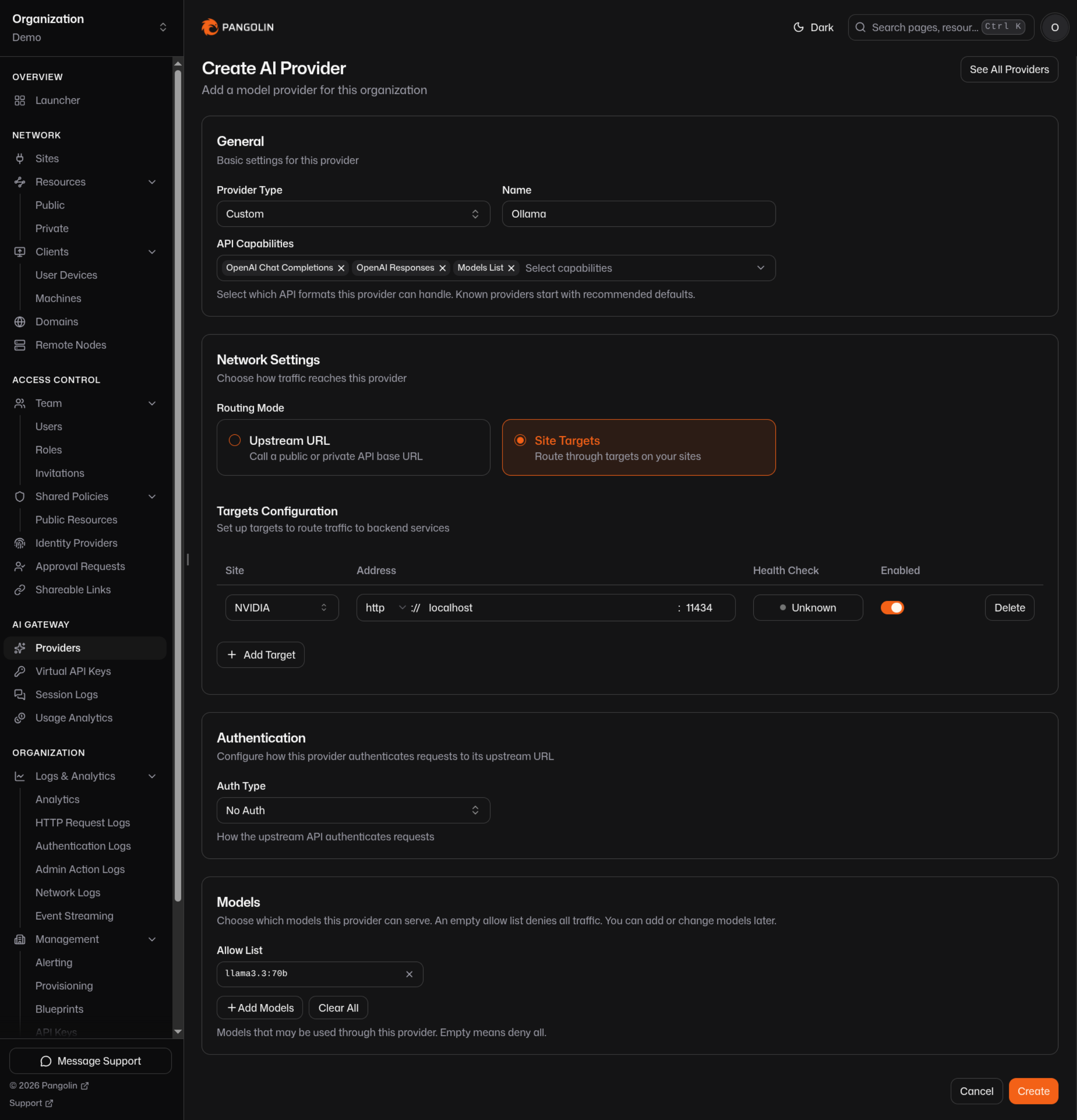
### 4. Create an AI Gateway Resource
Resources > **Create** > Type **AI Gateway**. Attach the provider from step 3. Choose:
- **Private**, if you want to authenticate with the Pangolin desktop app and avoid dealing with virtual API keys.
- **Public**, if you want auth with a [virtual API key](https://docs.pangolin.net/manage/ai/virtual-api-keys) from user machines, a service, or CI job
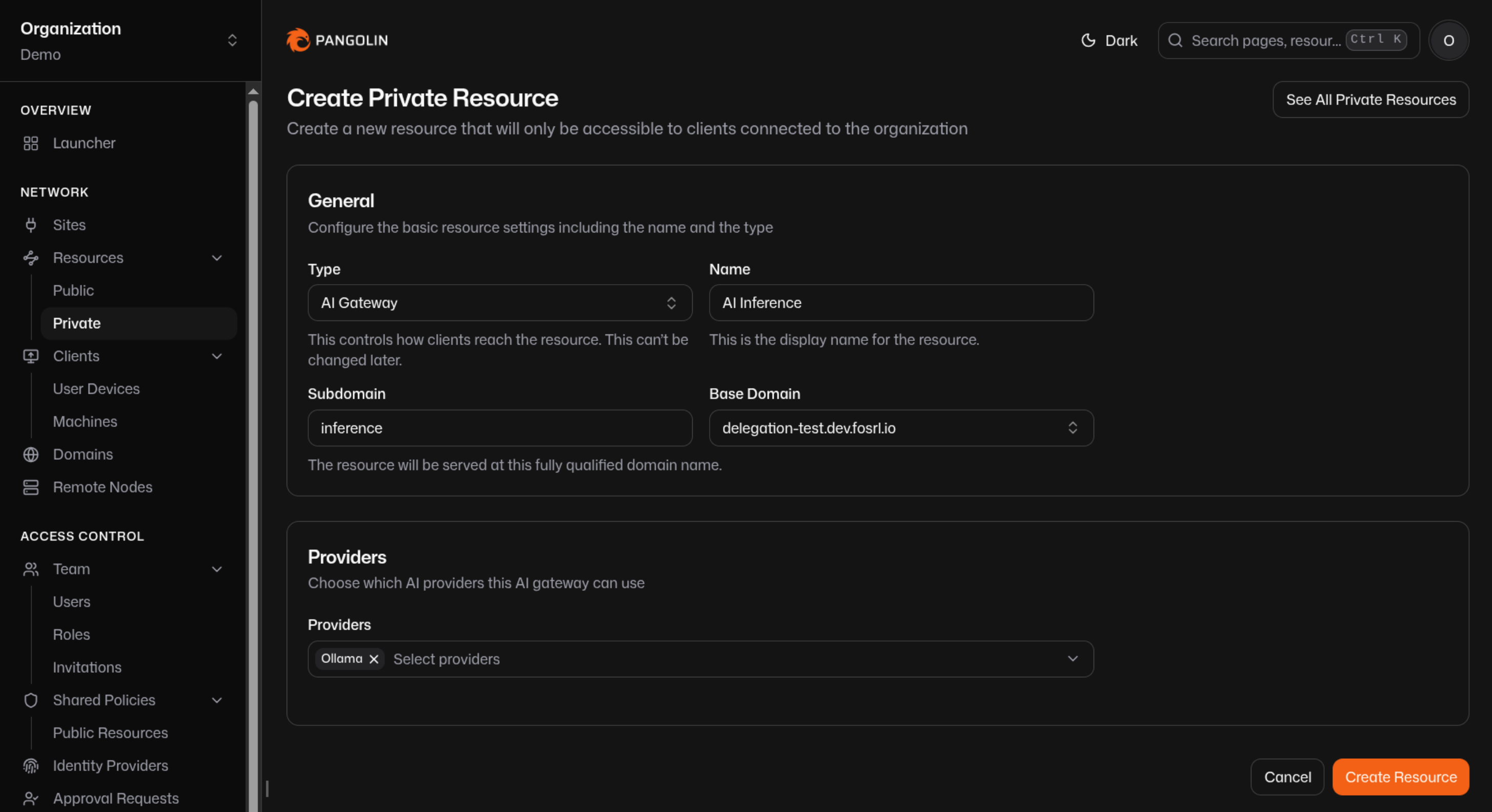
### 5. Connect
If you go with private resources, install the [Pangolin desktop app](https://docs.pangolin.net/manage/clients/install-client) on your laptop and log in with your identity provider - Okta, Azure, Google, or whatever your org already uses. No key to generate or paste. Point any OpenAI-compatible client (Open WebUI, a coding agent, your own script) at the resource's URL, and you're running inference on the Spark from wherever you're sitting. For how to configure [common coding clients see the docs](https://docs.pangolin.net/manage/ai/configure-ai-clients/claude).
For a private resource the API key field is unused by Pangolin, but most clients still need something typed in it - use the literal string `none`.
## Frontier Models on the Same Endpoint
The DGX Spark is enormous for a desktop box, but it still isn't a frontier-scale cluster. Attach an [Anthropic](https://docs.pangolin.net/manage/ai/providers/anthropic) or [OpenAI](https://docs.pangolin.net/manage/ai/providers/openai) provider to the same resource, and both the Spark's local model and a cloud model are reachable from the exact same URL - your coding agent or chat client switches models without touching an endpoint or a key. See [Multiple Gateway Resources](https://docs.pangolin.net/manage/ai/multiple-gateway-resources) if different people on your team should see different sets of models.
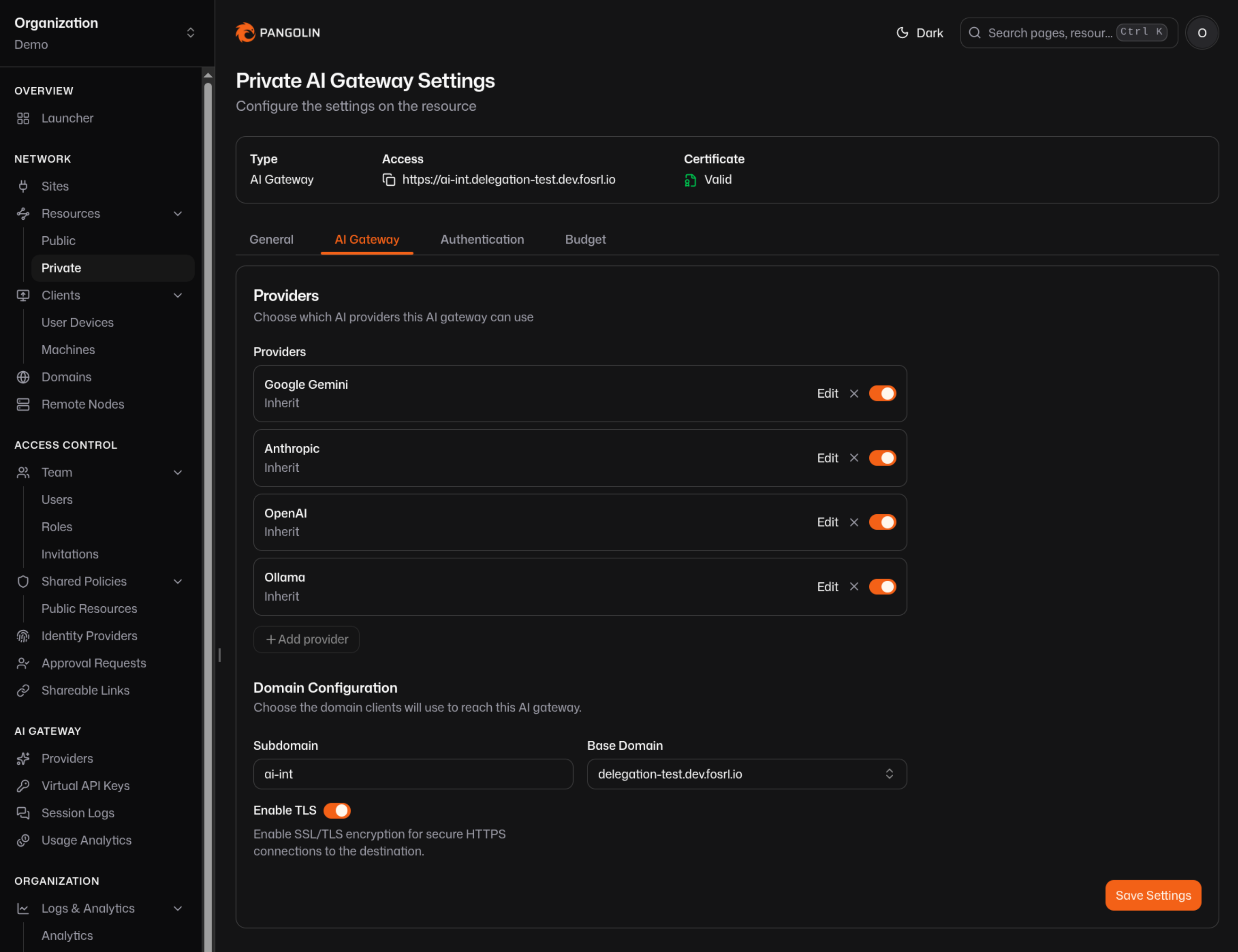
## What You Get That a VPN Doesn't
- **No static credentials.** Access comes from your SSO login and a WireGuard-backed connection the desktop app builds for you, not an API key that can leak, get pasted into the wrong Slack channel, or outlive the person who generated it.
- **Scoped, not network-wide.** You reach the AI Gateway resource, not the Spark's whole LAN, and not the rest of your home or office network.
- **Nothing inbound on the Spark.** Newt only makes outbound connections. No forwarded port, no public IP, no NVIDIA Sync agent to keep patched.
- **One URL for local and frontier models.** The Spark's Ollama endpoint and any cloud provider you also use sit behind the same gateway resource.
- **Usage without extra tooling.** Every call is attributed to a user and shows up in [session logs](https://docs.pangolin.net/manage/ai/session-logs) and [usage analytics](https://docs.pangolin.net/manage/ai/usage-analytics), the same as a cloud provider.
## FAQ
**How do I access my NVIDIA DGX Spark remotely?**
_Install a lightweight site connector (Newt) on the Spark, which opens an outbound-only tunnel to Pangolin. Run an inference server like Ollama on the Spark, attach it as a provider on an AI Gateway resource, then connect from anywhere with the Pangolin desktop app or CLI - no port forwarding, VPN, or SSH tunnel required._
**Do I need to open a port on my router to reach my DGX Spark from outside my home network?**
_No. The site connector on the Spark makes an outbound connection to Pangolin and keeps it open, so the Spark never listens for inbound traffic. This works from behind NAT and typical home or corporate firewalls without any router configuration._
**What inference server should I run on a DGX Spark?**
_Ollama is the fastest path - one install script and an OpenAI-compatible API. vLLM is a good option if you want higher-throughput batched serving. Both work as a [Custom provider](https://docs.pangolin.net/manage/ai/providers/custom) in Pangolin's AI gateway; pick whichever fits how you plan to use the box._
**Can I use my DGX Spark and a frontier model like Claude or GPT at the same time?**
_Yes. Attach both the Spark's provider and a cloud provider (Anthropic, OpenAI, and others) to the same AI Gateway resource. Clients call one endpoint and switch models without reconfiguring anything._
**Do I need an API key to use my DGX Spark remotely?**
_Not if you connect through a private AI Gateway resource. Identity comes from your SSO login through the Pangolin desktop app, not a key. Public resources - for CI jobs or unattended callers - do use a [virtual API key](https://docs.pangolin.net/manage/ai/virtual-api-keys) instead of a real provider credential._
**Is this safer than exposing Ollama directly to the internet?**
_Considerably. Ollama has no built-in auth by default, so port-forwarding it means anyone who finds the address can run inference on your hardware for free, or worse. Pangolin authenticates every caller - by identity for private resources, by virtual key for public ones - before a request ever reaches the Spark._
## See Also
- [AI Gateway Overview](https://docs.pangolin.net/manage/ai/overview): providers, resources, and virtual keys
- [Ollama as a Custom Provider](https://docs.pangolin.net/manage/ai/providers/custom/ollama): full configuration reference
- [Private AI Gateway](https://docs.pangolin.net/manage/resources/private/ai-gateway): identity-based access with no API key
- [vLLM and Ollama Clusters](/news/vllm-ollama-cluster-remote-access): the same pattern for a multi-GPU cluster
- [How Pangolin Punches Through NATs and Firewalls](/news/nat-holepunching): how the outbound-only tunnel works
- [How to Stop Using Virtual API Keys](/news/how-to-stop-using-virtual-api-keys): moving human users to identity-based access instead of keys
---
### Pangolin 1.21: Same Network Detection
URL: https://pangolin.net/news/1-21-release
Published: 2026-07-20
Summary: Pangolin 1.21 adds same-network detection for clients and sites, improves share links and access tokens, and tightens the pending sites provisioning workflow.
Category: Product
Pangolin 1.21 is here. This is a smaller release, but it ships a few changes that matter day to day: clients and sites can connect directly when they share a local network, share links and access tokens pick up identity and session options, and the pending sites provisioning flow is more complete. Let's walk through it.
## Release Highlights
### Same Network Detection
When a Pangolin client and a site are already on the same local network, there is little reason for that traffic to leave the LAN and bounce through a relay. 1.21 adds same-network detection so those peers find each other on the LAN and form a direct peer-to-peer connection.
Packets stay on the local network. They are not routed out through the internet or your Pangolin server, and the connection skips the relay path. That usually means lower latency and less unnecessary egress through your router or ISP, which is especially useful when someone is on-site with the client while the site connector is already on that same network.
This requires updated clients and sites. Older versions will keep using the previous connection behavior.
Read more about [same-network detection and NAT traversal](https://docs.pangolin.net/manage/clients/nat-traversal) in the docs.
### Pending Sites and Provisioning
Site provisioning keys already let you ship connectors into a pending state for admin review before they go live. 1.21 extends that workflow to the resources those sites create.
When a site is pending, resources created for it from a provisioning blueprint are pending too. Pending resources stay hidden from the main resources table and are disabled by default, so end users cannot reach them while the site is still waiting for approval. Admins can still inspect and edit those resources from the site itself: open Resources on the site row, or use the site edit page. That makes it possible to review configuration, temporarily enable a resource, and verify access before promoting the whole setup.
Approving a pending site clears the pending state on its associated resources and enables them together. Rejecting a pending site deletes those pending resources along with the site, so a rejected provisioning run does not leave orphaned resource records behind.
Read more about [site provisioning and pending sites](https://docs.pangolin.net/manage/sites/site-provisioning) in the docs.
### Share Links and Access Tokens
Share links have always had a quieter counterpart: access tokens. Every share link is backed by an access token under the hood. When you create a share link, you can see the access token ID and value and pass them via a query parameter or headers for programmatic access to a resource. That pattern has been available for a while.
1.21 adds two improvements on top of that.
First, a share link can now be associated with a specific account user. When that link or access token is used, the associated user shows up in the logs, and Pangolin attaches the `Remote-*` user headers with that identity so upstream apps can treat the request as coming from a real user.
Second, you can enable persistent sessions on an access token. When the token is passed via a query parameter or header, Pangolin can exchange it for a session cookie so you do not have to attach the token on every subsequent request. Previously, access tokens behaved more like API keys and had to be included on each call.
Read more about [shareable links and access tokens](https://docs.pangolin.net/manage/access-control/links) in the docs.
### General Improvements and Bug Fixes
A few smaller additions made it into 1.21 as well:
1. **Enabled toggle for private resources**. Private resources can now be enabled or disabled without deleting them, including via blueprints.
2. **Remember last used identity provider**. Pangolin remembers the last IdP you used and marks it accordingly on the login page.
As always, this release also includes various UI improvements and bug fixes throughout the product.
---
### Pangolin 1.20: Resource Launcher & Global Command Palette
URL: https://pangolin.net/news/1-20-release
Published: 2026-07-08
Summary: Pangolin 1.20 rebuilds the Resource Launcher with saved views, grouping, and filtering, and adds a global command palette for administrators.
Category: Product
Pangolin 1.20 is here. This release focuses on how people actually find and reach their resources: a rebuilt Resource Launcher for everyday users, a command palette for administrators, and a cleaner private resource workflow across the dashboard. Let's walk through it.
## Release Highlights
### Resource Launcher
The Resource Launcher is the landing page non-administrators see when they sign in. It was always meant to be a quick way to find and open the resources you have access to, but the old version was limited. You could see what was available, but not much beyond that.
The new Resource Launcher is available to both non-administrators and administrators, and it's built to scale with how your organization actually works. Resources are grouped by site or label, searchable, and filterable. Switch between grid and list view depending on what you're looking at. Collapse site sections you don't need and focus on the ones that matter.
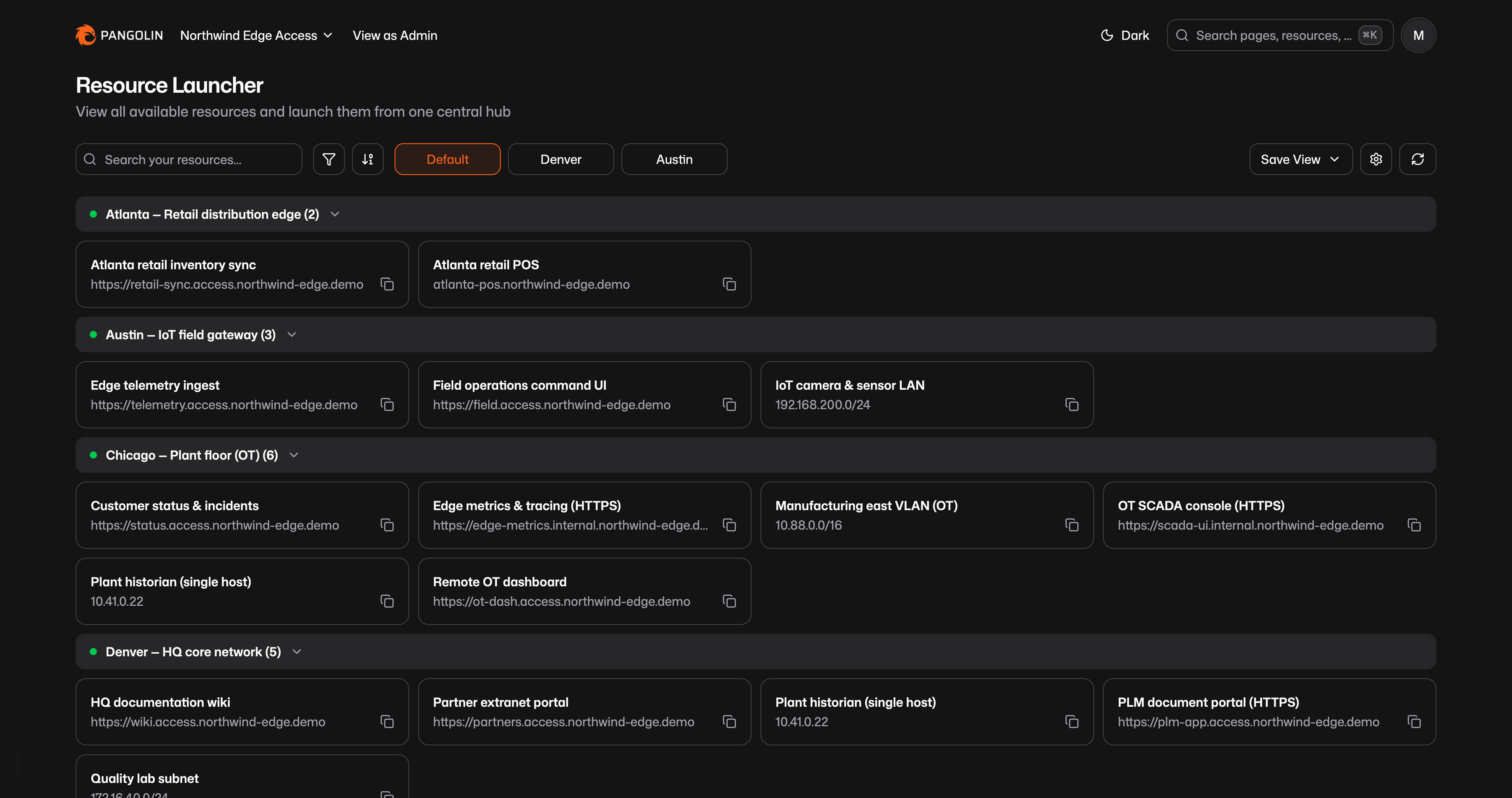
Saved views are the other big piece. A saved view captures your full launcher configuration: which filters are active, how resources are grouped, whether you're in grid or list mode, and anything else you've set on the page. Save it as your personal default, or save it as a named view you can switch between from the tabs at the top.
Administrators can save views for everyone in the organization, set the organization-wide default, and still maintain their own personal views on top of that. Non-administrators can save views for themselves. The result is a launcher that works as a reusable starting point, whether you're an admin curating a page for a team or an end user who wants a quick way back to the same handful of sites every morning.
### Command Palette
Administrators now get a global command palette. Press **⌘K** (or **Ctrl+K** on Windows) from anywhere in the dashboard to open it.
The palette is a single search surface for navigation and discovery. Type a page name to jump straight to Sites, Users, Roles, or anywhere else in the dashboard. Search for a resource or site by name and the palette surfaces matching public resources, private resources, and sites. Select a result and you're there.
If you manage a large deployment, this cuts down on clicking through the sidebar to find the thing you already know the name of. Need the Atlanta retail POS resource? Search for it. Need to get to the Sites page? Same palette.
### Private Resource Pages
Private resources now follow the same page-based patterns as the rest of the dashboard. Previously, creating and editing a private resource happened in a pop-up modal. That worked at small scale, but it felt out of step with how public resources, sites, and other entities are managed elsewhere.
Create and edit private resources on dedicated pages now, with the same layout and navigation you're used to from other parts of Pangolin. No screenshot for this one, but if you've been managing private resources for a while, you'll notice the difference immediately.
### General Improvements and Bug Fixes
As always, 1.20 also includes various UI improvements and bug fixes throughout the product.
### Community Edition & VNC
[Labels](/news/1-19-release), introduced in Pangolin 1.19, have moved from Enterprise Edition to Community Edition.
VNC connections now include a username field in addition to the password. Previously, only a password was required. That improves compatibility with a wider range of VNC servers, including the built-in macOS VNC server.
---
### RDP in the Browser: Remote Desktop Without Installing a Client
URL: https://pangolin.net/news/browser-based-rdp-remote-access
Published: 2026-06-14
Summary: Access Windows desktops through a full RDP session rendered in the browser, with clipboard, file transfer, and standard RDP features. Users need only a web browser on their side.
Category: Guides
Remote desktop access usually means installing something. Microsoft Remote Desktop on macOS, a third-party tool for cross-platform support, or a managed client pushed through IT. Contractors on personal laptops, helpdesk staff on shared machines, and anyone working from a browser-only environment hit the same wall. You need software before you can see the desktop.
In-browser RDP removes that step. The user opens a URL, authenticates, and gets a full Windows session rendered in the tab, with clipboard, file transfers, and the rest of standard RDP behavior included. A modern web browser is the only thing required on their side.
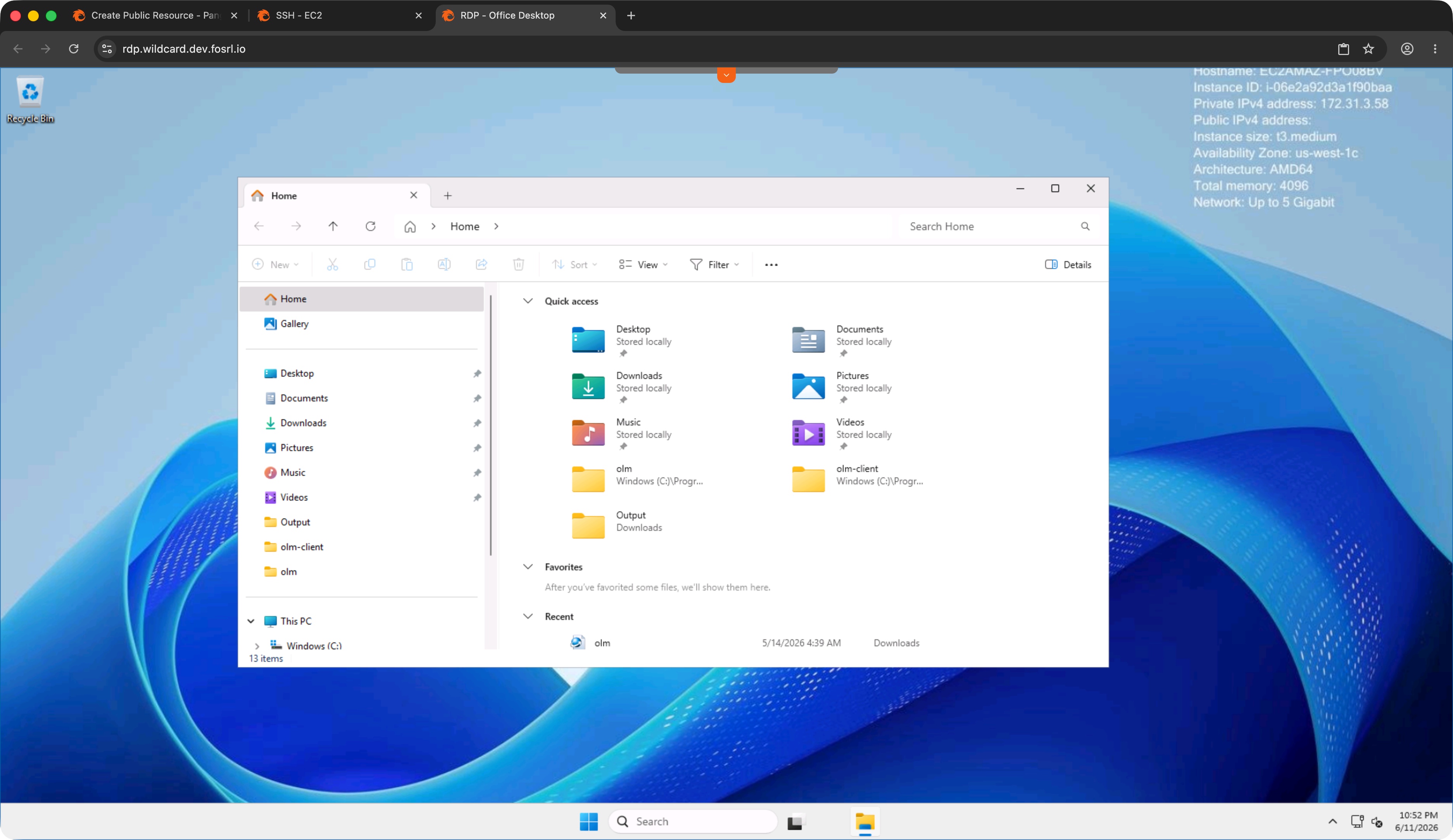
## What You Get
Pangolin lets you publish Windows desktops as **public resources**: URLs that render a complete Remote Desktop Protocol client in the browser. Users visit the address, sign in, and connect to a Windows host on your network. The session supports interactive desktop control, clipboard copy and paste, and file transfer.
## Why Tunneling Matters
Windows machines on a private network are not directly reachable from a user's browser on the internet. Traditional approaches expose RDP through a VPN, a jump host, or open firewall rules. Each adds operational overhead and widens the attack surface.
Pangolin uses **outbound tunneling** to reach private desktops safely. A **site connector** runs on a machine inside your network and maintains an outbound tunnel to Pangolin. When a user opens the RDP URL, their browser session travels through that tunnel to the Windows host. The desktop stays on the private network; nothing needs a public IP or an open inbound port.
The connector only needs outbound internet access, which is why this pattern works from cloud VPCs, office networks, and environments behind NAT. It does not need to run on the Windows machine itself. As long as it is on the same network and can reach the desktop, one connector can serve many machines. Install a second connector on the same network if you want a redundant route for high availability. Read more about [sites and connectors](https://docs.pangolin.net/manage/sites/understanding-sites) and [installing a site connector](https://docs.pangolin.net/manage/sites/install-site).
## How a Session Works
1. You assign a URL to the RDP resource in the Pangolin dashboard.
2. The user completes [public resource authentication](https://docs.pangolin.net/manage/resources/public/authentication) in the browser.
3. Pangolin renders the RDP session and sends traffic through the site connector tunnel to the Windows host on port 3389 (or the port you configure).
You specify which Windows machine to connect to (host and port).
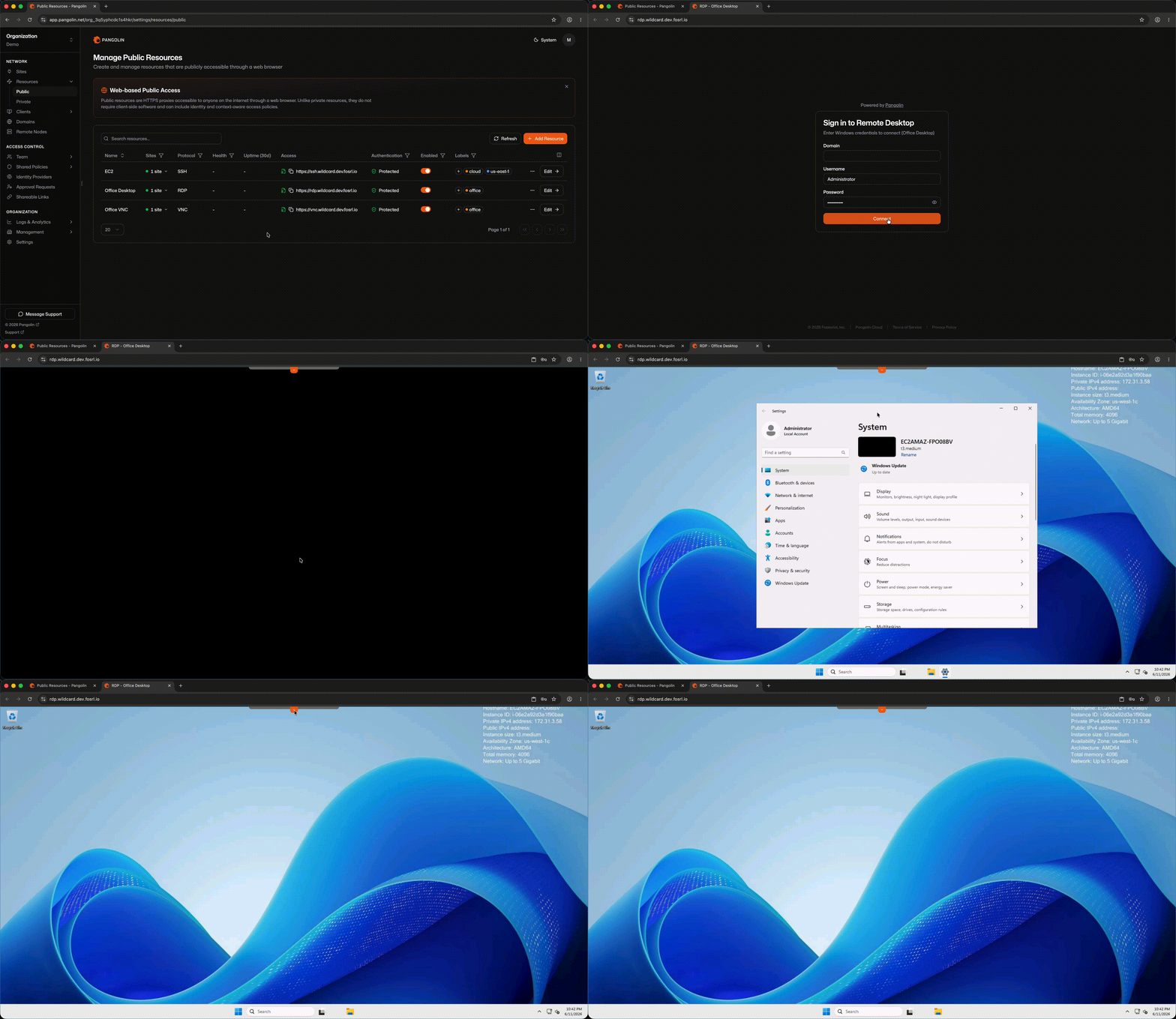
## Authentication and Identity Providers
Access is gated in two stages. First, Pangolin verifies the user at the URL: platform login, SSO through an [identity provider](https://docs.pangolin.net/manage/identity-providers/add-an-idp) like Google Workspace or Microsoft Entra ID, geo-blocking, role assignments, or other [access rules](https://docs.pangolin.net/manage/resources/public/authentication) you configure.
Second, after passing that check, the user enters their Windows username and password in the browser-rendered RDP client. Pangolin controls who can reach the URL; Windows credentials control what they can do on the desktop.
Connecting your existing IdP means helpdesk staff and contractors sign in with the same accounts they already use elsewhere in the organization.
## When Browser-Based RDP Fits
This pattern works well when you need to give someone desktop access without pushing client software. Helpdesk troubleshooting a user's machine, a vendor supporting an application on a Windows server, or a contractor who cannot install Remote Desktop on a corporate-managed laptop are all common cases where a URL is easier than a client deployment.
For organizations that have relied on standalone remote-desktop tools for occasional access, clientless RDP through a managed HTTPS endpoint is a practical [TeamViewer alternative](https://docs.pangolin.net/manage/resources/public/rdp): browser-based remote desktop with outbound tunneling and identity-aware access rules, rather than a separate agent on every machine.
## FAQ
**What is browser-based RDP?**
_Browser-based RDP renders a full Windows remote desktop session inside a web browser. Users visit a URL, authenticate, and interact with the desktop directly in the tab. Clipboard, file transfer, and standard RDP features work without installing Microsoft Remote Desktop or another client._
**Do users need Microsoft Remote Desktop or another RDP client installed?**
_Users only need a modern web browser. Pangolin renders a full RDP session in the tab, including clipboard support and file transfer. Windows credentials are entered in the browser-rendered client after Pangolin authentication._
**Do I need to expose RDP port 3389 to the internet?**
_The Windows desktop stays on your private network. A site connector inside that network maintains an outbound tunnel to Pangolin, so inbound firewall rules and a public IP on the desktop are unnecessary._
**How does authentication work for browser-based RDP?**
_Pangolin verifies the user at the URL first through platform login, SSO via an [identity provider](https://docs.pangolin.net/manage/identity-providers/add-an-idp), or other [access rules](https://docs.pangolin.net/manage/resources/public/authentication). After that check passes, the user enters their Windows username and password in the browser-rendered RDP client._
**Does browser-based RDP support clipboard and file transfer?**
_Yes. Pangolin renders a full RDP client in the browser with interactive desktop control, clipboard copy and paste, and file transfer, matching the features you would expect from a native Remote Desktop client._
**Can contractors use browser-based RDP on locked-down laptops?**
_Yes. Because the session runs entirely in a browser, contractors and vendors do not need to install Remote Desktop or receive admin rights on their machine. You control access through Pangolin authentication, identity providers, and access rules at the URL layer._
**Is Pangolin open source?**
_Yes. Pangolin is open source and self-hostable. You can deploy the entire platform yourself, use [Pangolin Cloud](https://app.pangolin.net/auth/signup), or mix hosted and self-hosted components. Browser-based RDP is available in Pangolin Cloud and self-hosted Pangolin editions._
**How does browser-based RDP compare to TeamViewer?**
_TeamViewer installs an agent on the remote machine and a client on the user's device. Pangolin takes a different approach: users open a URL, authenticate through your identity layer, and get a desktop session in the browser. The Windows host stays on your private network, reached through an outbound tunnel from a site connector rather than a persistent third-party agent._
## See Also
- [How to SSH with Pangolin](/news/how-to-ssh-with-pangolin): browser and private CLI access, PAM provisioning, and getting started
- [SSH in the Browser](/news/browser-based-ssh-remote-access): web-based terminal access without an SSH client
- [VNC in the Browser](/news/browser-based-vnc-remote-access): remote display access without a viewer
- [How Pangolin Works](https://docs.pangolin.net/about/how-pangolin-works): architecture overview for sites, resources, and policy
- [Pangolin 1.19 release](/news/1-19-release): where browser-based SSH, RDP, and VNC shipped
- [RDP public resource documentation](https://docs.pangolin.net/manage/resources/public/rdp)
---
### SSH in the Browser: Web-Based Terminal Access Without a Client
URL: https://pangolin.net/news/browser-based-ssh-remote-access
Published: 2026-06-14
Summary: Run a full SSH session in any modern browser. Users connect with a URL and authentication, without installing an SSH client, VPN, or desktop app.
Category: Guides
Most teams still reach servers the old-fashioned way: install an SSH client, distribute keys, maybe route through a bastion, and hope the person connecting has the right config on their laptop. That works fine for engineers who live in a terminal. It is less ideal for occasional access, contractors on locked-down machines, or anyone who just needs to run a few commands without setting up tooling first.
Browser-based SSH sidesteps that friction. Instead of opening PuTTY or a local terminal, the user visits a URL, completes authentication, and gets a full interactive shell rendered in the tab. Everything happens in the browser, so there is nothing to install on the user's side.
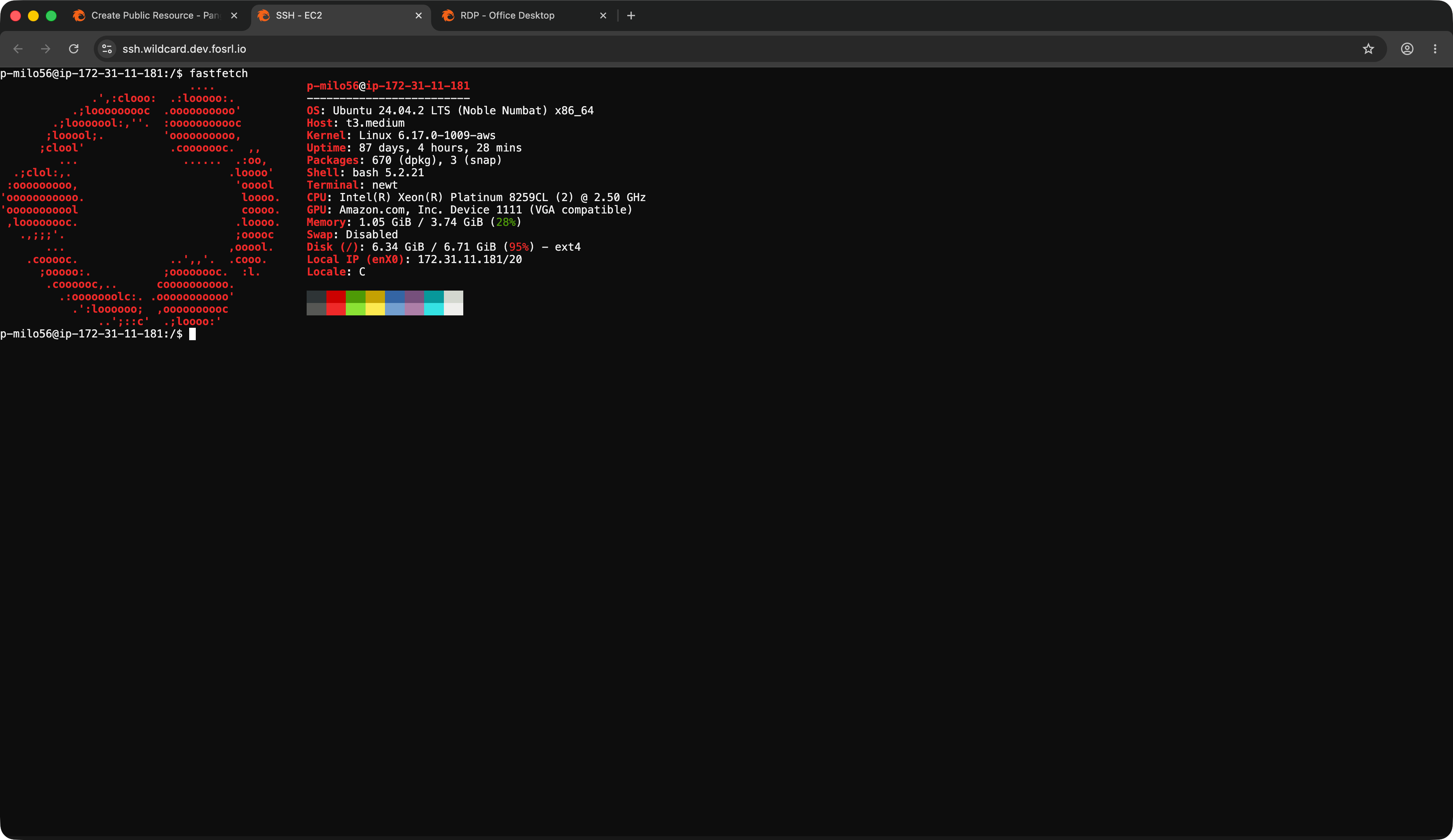
## What You Get
With Pangolin, you publish SSH as a **public resource**: a URL that renders a real terminal in the browser. Users visit that address, sign in, and land in a session on a host in your network. Depending on configuration, they may enter a second set of credentials (password, key, or platform identity) or proceed directly into the shell.
## Why Tunneling Matters
Private servers are not usually reachable from the public internet. Opening SSH to the world creates an attack surface most teams want to avoid.
Pangolin uses **outbound tunneling** instead. You install a lightweight **site connector** on a machine inside your network (an office LAN, cloud VPC, data center, or home lab). The connector initiates an outbound tunnel to Pangolin and stays connected. When a user opens the SSH URL in their browser, Pangolin routes the session through that tunnel to the target host.
The target machine stays private. You do not need to open inbound firewall ports or assign it a public IP. The site connector only needs outbound internet access, which makes this work from behind NAT and typical corporate firewalls.
The connector does not need to run on every server you want to reach. As long as it sits on the same network and can route to your SSH hosts, one connector can serve many machines. For high availability, install a second connector on the same network as a redundant path. Learn more about [how sites and connectors work](https://docs.pangolin.net/manage/sites/understanding-sites).
## How a Session Works
1. You assign a URL to the SSH resource in the Pangolin dashboard.
2. The user opens that URL and completes [public resource authentication](https://docs.pangolin.net/manage/resources/public/authentication).
3. Pangolin renders the terminal and sends traffic through the site connector tunnel to the backend host.
You point the resource at the SSH server you want to reach (host and port).
## Authentication and Identity Providers
Before the terminal loads, Pangolin checks who is connecting. You can require a platform login, connect an [identity provider](https://docs.pangolin.net/manage/identity-providers/add-an-idp) such as Google Workspace or Microsoft Entra ID for SSO, and apply access rules based on user, role, or context (geo-blocking, time windows, and more). These checks happen at the URL layer, before any SSH session begins.
If you already use an IdP for workforce access, the same identity store can gate your SSH URLs. See [public resource authentication](https://docs.pangolin.net/manage/resources/public/authentication) for the full set of options.
## Setup in Brief
Install a [site connector](https://docs.pangolin.net/manage/sites/install-site) on a host that can reach your network, create the SSH public resource, and assign it a URL. Pangolin can run sessions directly on the connector host or route to another SSH server on the network. Configuration options for both paths are covered in the [how to SSH with Pangolin guide](/news/how-to-ssh-with-pangolin) and the [SSH access docs](https://docs.pangolin.net/manage/ssh).
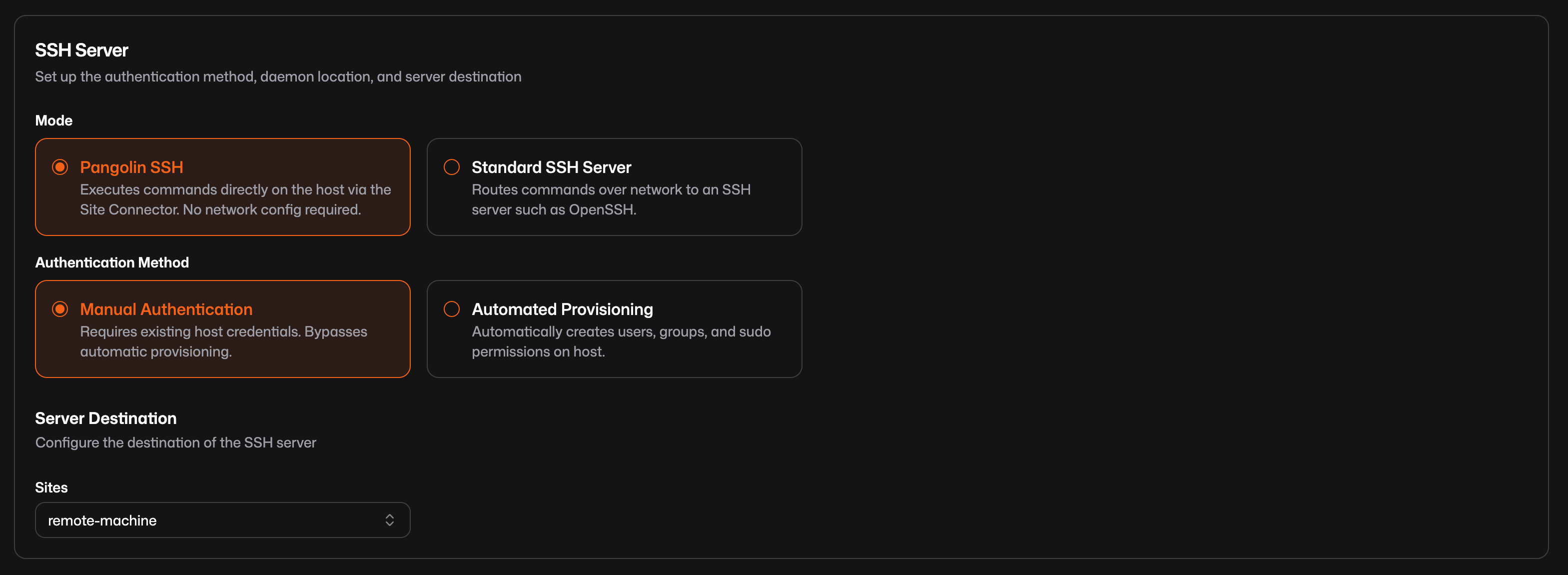
## Practical Notes
Browser-based SSH uses the same identity and policy framework as other public resources, so you manage access consistently across web apps, terminals, and remote desktops.
It also works on phones and tablets. A web-based terminal in mobile Safari or Chrome is enough to check logs, restart a service, or run `htop` from the couch. A dedicated SSH app is not required.
If you have been evaluating standalone web gateways for terminal access, Pangolin covers similar ground as an [Apache Guacamole alternative](https://docs.pangolin.net/manage/resources/public/ssh): in-browser SSH with outbound tunneling and identity-aware access rules, rather than a separate gateway to deploy and maintain.
## FAQ
**What is browser-based SSH?**
_Browser-based SSH renders a full interactive terminal in a web browser. Instead of installing an SSH client, users visit a URL, authenticate, and get a shell session on a remote host. The session is proxied through an outbound tunnel from a site connector on your network._
**Do I need an SSH client like PuTTY or OpenSSH to connect through the browser?**
_Users only need a modern web browser. Pangolin renders a full interactive terminal at a public URL after authentication. The SSH session is proxied through a site connector to the backend host._
**Do I need to open SSH ports on my firewall for browser-based access?**
_The SSH host stays on your private network. A site connector inside that network maintains an outbound tunnel to Pangolin, so you do not need to expose port 22 to the internet or assign the server a public IP._
**How does authentication work for browser-based SSH?**
_Access is checked in two stages depending on configuration. First, the user passes Pangolin authentication at the URL: platform login, SSO through an [identity provider](https://docs.pangolin.net/manage/identity-providers/add-an-idp), or other [access rules](https://docs.pangolin.net/manage/resources/public/authentication). Second, they may enter SSH credentials (password, key, or platform identity) before the terminal loads._
**Can one site connector reach multiple SSH servers?**
_Yes. The site connector only needs to sit on the same network as the servers you want to reach. One connector can serve many hosts. Install a second connector on the same network for a redundant path._
**Can I use browser-based SSH on a phone or tablet?**
_Yes. Any modern mobile browser can render the terminal. This is useful for quick checks like reading logs, restarting a service, or running monitoring tools from a phone._
**Is Pangolin open source?**
_Yes. Pangolin is open source and self-hostable. You can run the full platform yourself, use [Pangolin Cloud](https://app.pangolin.net/auth/signup), or combine a hosted control plane with self-hosted components. Browser-based SSH is available in Pangolin Cloud and self-hosted Pangolin editions._
**What is a good Apache Guacamole alternative for browser-based SSH?**
_Apache Guacamole provides in-browser access to SSH, RDP, and VNC through a standalone gateway. Pangolin offers similar clientless terminal access as part of a broader remote access platform, with outbound tunneling through site connectors, identity provider integration, and unified management alongside web apps and other protocols._
## See Also
- [How to SSH with Pangolin](/news/how-to-ssh-with-pangolin): browser and private CLI access, PAM provisioning, and getting started
- [RDP in the Browser](/news/browser-based-rdp-remote-access): remote desktop without installing a client
- [VNC in the Browser](/news/browser-based-vnc-remote-access): remote display access without a viewer
- [How Pangolin Works](https://docs.pangolin.net/about/how-pangolin-works): architecture overview for sites, resources, and policy
- [Pangolin 1.19 release](/news/1-19-release): where browser-based SSH, RDP, and VNC shipped
- [SSH public resource documentation](https://docs.pangolin.net/manage/resources/public/ssh)
---
### VNC in the Browser: Remote Display Access Without a Viewer
URL: https://pangolin.net/news/browser-based-vnc-remote-access
Published: 2026-06-14
Summary: View and control remote displays through a VNC session in your browser. Users connect with a URL instead of installing a standalone VNC viewer or VPN client.
Category: Guides
VNC has been around long enough that most people assume you need a viewer. RealVNC, TigerVNC, TightVNC: pick one, install it, configure the connection, and hope the firewall rules cooperate. That is manageable for a team that lives with VNC daily. It is less manageable when the person connecting is a contractor, a field technician, or someone who needs to reach a headless box or industrial UI once and move on.
Web-based VNC changes the starting point. Instead of distributing viewer software, you give the user a URL. They authenticate, and the remote display renders in the browser. The user's machine only needs a web browser.
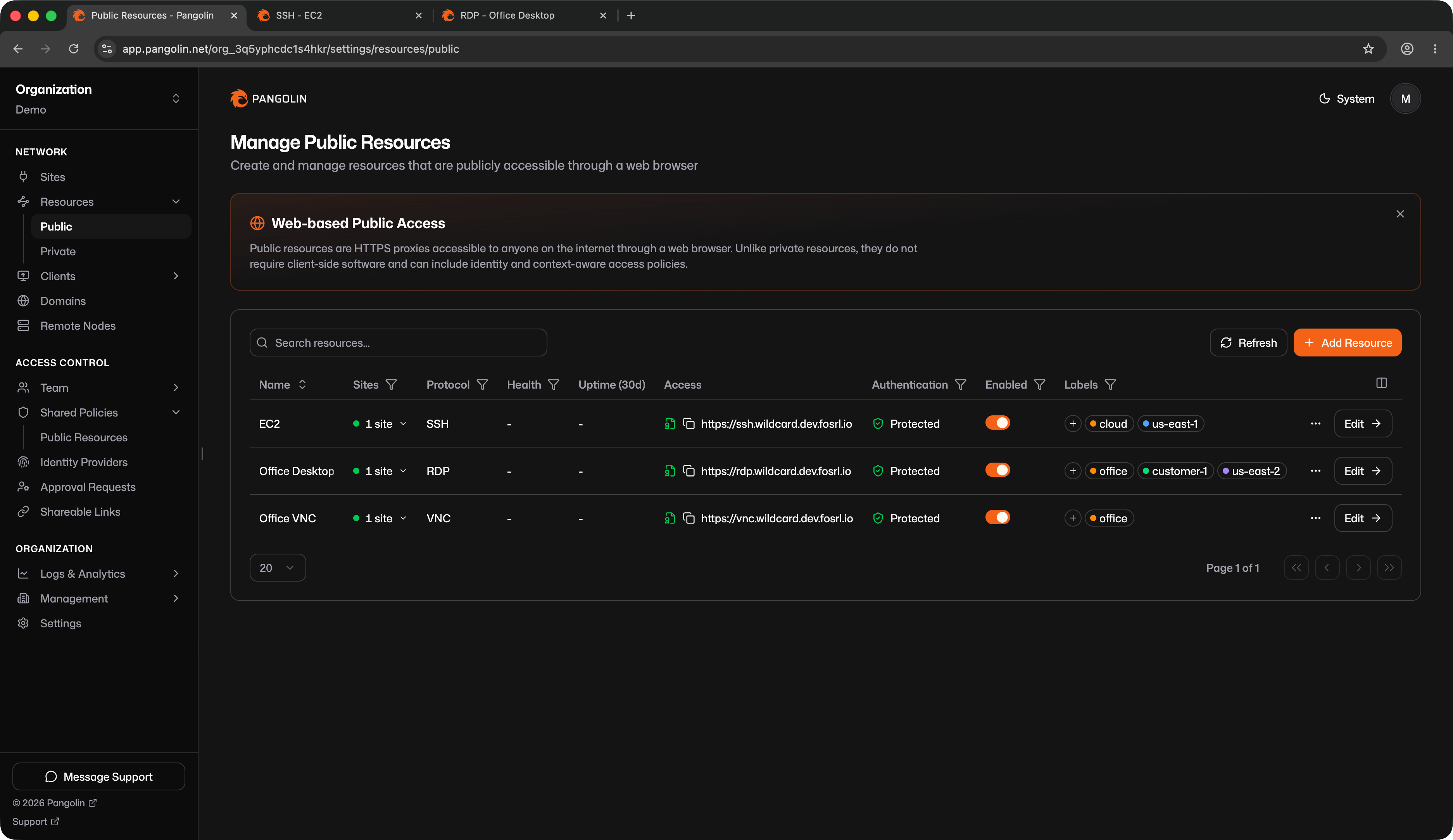
## What You Get
Pangolin lets you publish VNC displays as **public resources**: URLs that render a full VNC client in the browser. Users visit the address, sign in, and get an interactive remote display session on a host in your network.
## Why Tunneling Matters
VNC servers typically listen on a private network. Exposing them directly to the internet is risky, and many environments simply cannot open the required ports.
Pangolin uses **outbound tunneling** to bridge that gap. A **site connector** installed on a machine inside your network maintains an outbound tunnel to Pangolin. When a user opens the VNC URL, their browser session travels through that tunnel to the VNC server. The display stays on the private network without inbound firewall rules or a public IP.
The connector only needs outbound internet access, which makes this workable from industrial networks, cloud environments, and sites behind NAT. It does not need to run on the same machine as the VNC server. As long as it is on the same network and can reach the display, one connector can serve many hosts. A second connector on the same network gives you a redundant path for high availability. Learn more in the [sites overview](https://docs.pangolin.net/manage/sites/understanding-sites).
## How a Session Works
1. You assign a URL to the VNC resource in the Pangolin dashboard.
2. The user completes [public resource authentication](https://docs.pangolin.net/manage/resources/public/authentication) in the browser.
3. Pangolin renders the VNC session and sends traffic through the site connector tunnel to the VNC server.
You specify the VNC server host and port (commonly `5900`, or `5900 + display number` for multi-display setups).
If the VNC server requires credentials, the user enters them in the browser-rendered client after passing Pangolin authentication.
## Authentication and Identity Providers
VNC public resources support the same [authentication and access rules](https://docs.pangolin.net/manage/resources/public/authentication) as other public resources. You can require platform login, connect an [identity provider](https://docs.pangolin.net/manage/identity-providers/add-an-idp) for SSO with Google Workspace, Microsoft Entra ID, or any OAuth2/OIDC system, and apply rules based on user, role, or context.
That means a contractor who should only reach one display gets a URL with rules attached, rather than broad network access. The identity layer that protects your web apps and SSH terminals applies to VNC as well.
## Unified Protocol Management
One practical advantage of running VNC alongside SSH and RDP as public resources is that everything lives in the same dashboard. You manage your VNC resources next to your SSH terminals and RDP desktops in one place. For a full overview of SSH setup, including browser and private CLI paths, see [How to SSH with Pangolin](/news/how-to-ssh-with-pangolin).
If you have been running a separate web gateway for protocol access, Pangolin handles SSH, RDP, and VNC together. That is an alternative to RealVNC or TigerVNC viewers for day-to-day access, and a simpler operational model than maintaining a dedicated [Guacamole alternative](https://docs.pangolin.net/manage/resources/public/vnc) as a standalone deployment. To get started, [install a site connector](https://docs.pangolin.net/manage/sites/install-site) on a host that can reach your VNC server.
## FAQ
**What is browser-based VNC?**
_Browser-based VNC renders a remote display inside a web browser. Instead of installing a VNC viewer, users visit a URL, authenticate, and view and control the remote screen directly in the tab. The session is proxied through an outbound tunnel from a site connector on your network._
**Do I need a VNC viewer like RealVNC or TigerVNC to connect through the browser?**
_Users only need a modern web browser. Pangolin renders a full VNC client at a public URL. If the VNC server requires credentials, the user enters them in the browser after passing Pangolin authentication._
**What port does VNC typically use?**
_VNC servers commonly listen on port 5900, or 5900 plus the display number for multi-display setups (5901 for display :1, and so on). You configure the host and port when creating the VNC public resource in Pangolin._
**Do I need to expose VNC to the internet for remote access?**
_The VNC server stays on your private network. A site connector inside that network maintains an outbound tunnel to Pangolin, so you do not need to open inbound firewall ports or assign the server a public IP._
**When is browser-based VNC a better fit than SSH?**
_SSH gives you a text terminal, which is ideal for servers and command-line work. VNC gives you a graphical remote display, which is better for headless boxes with a desktop environment, industrial HMIs, legacy applications with a GUI, or any system where you need to see and interact with a screen rather than a shell._
**Does the site connector need to run on the same machine as the VNC server?**
_The site connector only needs to be on the same network and able to reach the VNC server. One connector can serve many hosts on that network. Install a second connector on the same network if you want a redundant path for high availability._
**Can I manage SSH, RDP, and VNC resources in one dashboard?**
_Yes. Pangolin treats SSH, RDP, and VNC as public resources alongside your web applications. You manage them in the same dashboard, apply shared access policies, and monitor health from one place._
**Is Pangolin open source?**
_Yes. Pangolin is open source and self-hostable. You can run the full platform on your own infrastructure, use [Pangolin Cloud](https://app.pangolin.net/auth/signup), or combine both. Browser-based VNC is available in Pangolin Cloud and self-hosted Pangolin editions._
**What is a good Apache Guacamole alternative for browser-based VNC?**
_Apache Guacamole provides in-browser VNC, SSH, and RDP through a dedicated gateway you deploy and manage. Pangolin offers clientless VNC access as part of a unified platform with site connectors, identity provider integration, and shared access policies across web apps, terminals, and remote desktops._
## See Also
- [How to SSH with Pangolin](/news/how-to-ssh-with-pangolin): browser and private CLI access, PAM provisioning, and getting started
- [SSH in the Browser](/news/browser-based-ssh-remote-access): web-based terminal access without an SSH client
- [RDP in the Browser](/news/browser-based-rdp-remote-access): remote desktop without installing a client
- [How Pangolin Works](https://docs.pangolin.net/about/how-pangolin-works): architecture overview for sites, resources, and policy
- [Pangolin 1.19 release](/news/1-19-release): where browser-based SSH, RDP, and VNC shipped
- [VNC public resource documentation](https://docs.pangolin.net/manage/resources/public/vnc)
---
### How to SSH with Pangolin: Browser Access and Private CLI
URL: https://pangolin.net/news/how-to-ssh-with-pangolin
Published: 2026-06-14
Summary: SSH to private servers through Pangolin with a browser terminal or private CLI over a scoped tunnel. Automatic user provisioning via PAM, without opening port 22 or distributing static keys.
Category: Guides
SSH is still how most teams reach servers, but the workflow around it has not kept up. You install a client, distribute keys, maybe route through a bastion, or connect a VPN that reaches far beyond the one host you need. Pangolin offers a different path: reach private infrastructure without exposing SSH publicly, with identity and policy enforced before anyone gets a shell.
You can connect in two ways. Use a **browser terminal** at a URL for clientless access, or use the **Pangolin CLI** over a peer-to-peer connection for a VPN-style workflow scoped to specific hosts. Both paths use the same site connector and policy model. The difference is how traffic flows and how users authenticate on the way in.
## Two Ways to Connect
| | In the Browser | Private CLI (VPN-Style) |
| --- | --- | --- |
| **Who it's for** | Contractors, on-call from any device, locked-down laptops | Engineers who live in a terminal |
| **How users connect** | Visit a URL, sign in, get a web terminal | Install the Pangolin client, run `pangolin ssh ` |
| **Client required** | Web browser only | Pangolin client and CLI |
| **Access layer** | Login page, SSO, and access rules at the URL | Identity from the peer-to-peer connection plus resource policy |
**In the browser:** Pangolin renders a full interactive terminal at a public URL. Users complete authentication in the tab and land in a session on a host in your network. See the [public SSH documentation](https://docs.pangolin.net/manage/resources/public/ssh) for configuration details.
**Private CLI:** Users connect with the Pangolin client, then run `pangolin ssh ` to open a session over a peer-to-peer WireGuard path to the site. Access is scoped to authorized resources rather than the whole network. See the [private SSH documentation](https://docs.pangolin.net/manage/resources/private/ssh).
## How Pangolin Reaches Your Servers
Private servers are usually unreachable from the public internet. Opening SSH to the world creates an attack surface most teams want to avoid. Pangolin keeps hosts on your private network and uses two different connectivity models depending on how users connect.
**Public resources (browser SSH)** use **outbound tunneling**. You install a lightweight **site connector** on a machine inside your network. The connector initiates an outbound tunnel to Pangolin and stays connected. When a user opens a browser terminal, Pangolin routes the session through that tunnel to the target host. The connector only needs outbound internet access, which makes this work from behind NAT and typical corporate firewalls.
**Private resources (CLI SSH)** use a **peer-to-peer connection**. The user runs the Pangolin client, which establishes a direct WireGuard path to the site connector on the network. Pangolin [punches through NATs and firewalls](/news/nat-holepunching) to build that link without opening inbound ports. SSH traffic travels over the peer-to-peer path to authorized hosts. It works like a scoped VPN: users reach only the resources they are allowed to access, not the full corporate network.
In both cases, the target machine stays private. You do not need to open inbound firewall ports on the SSH host or assign it a public IP.
One connector on a network can reach many SSH hosts, as long as it can route to them. For high availability, install a second connector on the same network as a redundant path.
## Getting Started: The Default Path
Pangolin 1.19 made SSH dramatically easier to set up. The dashboard now defaults to **Pangolin SSH** mode with **manual authentication**, which works out of the box for most teams.
1. Create a [Pangolin Cloud](https://app.pangolin.net/auth/signup) account or use your self-hosted control plane.
2. [Install a site connector](https://docs.pangolin.net/manage/sites/install-site) on the machine you want to reach. For Pangolin SSH mode, run the connector as root on that host.
3. Create an SSH resource in the dashboard. Choose a **public resource** for browser access or a **private resource** for CLI access.
4. Connect. For browser access, visit the resource URL. For CLI access, run `pangolin up` and then `pangolin ssh `.
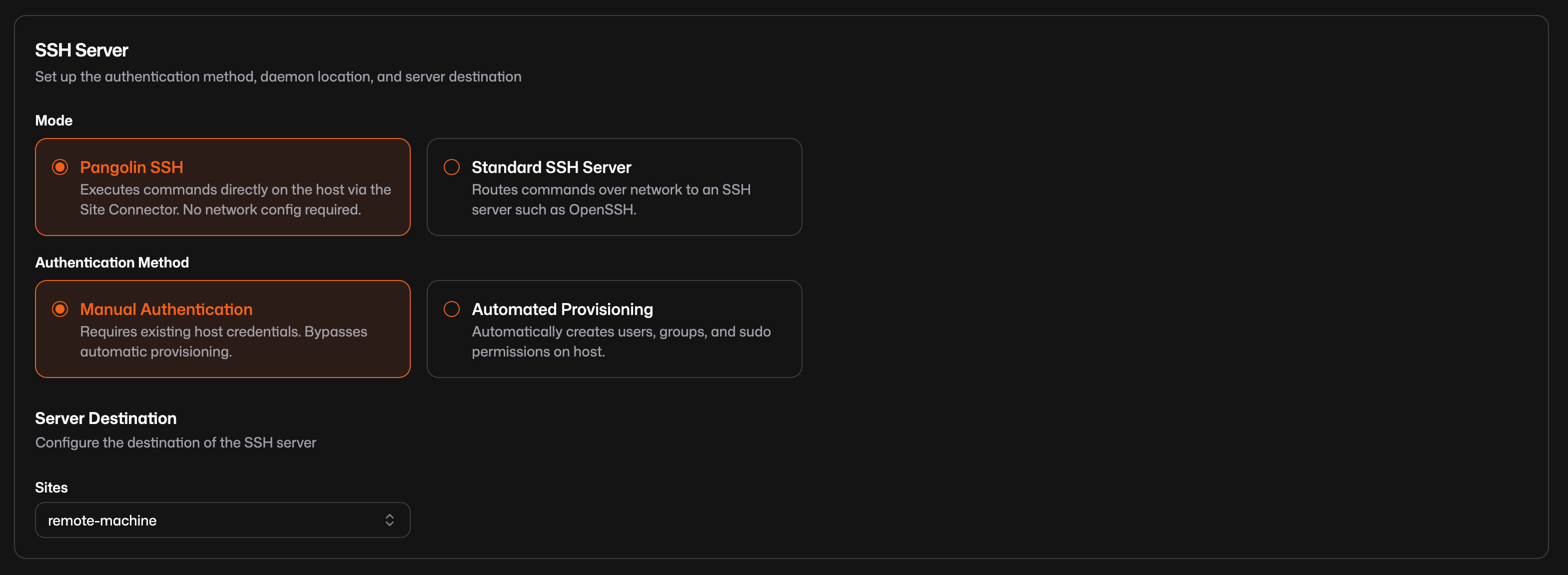
With these defaults, users authenticate with credentials that already exist on the host. There is nothing to change in `sshd_config` and nothing extra to install beyond the site connector.
For private CLI access, the workflow looks like this:
```shell
pangolin ssh prod-app.internal
```
You can also copy files over the same peer-to-peer connection:
```shell
pangolin scp ./config.yml prod-app.internal:/etc/app/
```
## Automatic User Provisioning with PAM
Manual credentials work for many setups, but teams managing dozens of servers often want something better: access tied to organization identity, with accounts created on demand instead of pre-staged on every machine.
When you enable **automated provisioning**, Pangolin creates or updates the Linux user account just before the session starts. Your organization identity maps to a local username, derived from the part of your email before the `@`. If that name is already taken, Pangolin adds a numeric suffix until it is unique. Roles control sudo level, Unix groups, and home directory setup, so permissions follow the same lifecycle as your workforce identity.
This happens automatically through **PAM** (Privileged Access Management). PAM is the mechanism that **pushes the user onto the host at login time**. Pangolin provisions the account, home directory, and group membership before the shell opens. You skip manual account creation across a fleet of servers.
With **Pangolin SSH** and automated provisioning, this works without reconfiguring OpenSSH. Run the site connector as root and switch authentication to automated provisioning in the dashboard.
With **Standard SSH Server** mode, which routes to an existing OpenSSH host on the network, provisioning still uses PAM but requires additional host setup. That path is common when the site connector sits on a bastion and reaches multiple servers behind it. The [SSH access documentation](https://docs.pangolin.net/manage/ssh) covers each configuration combination.
For Standard SSH Server mode with automated provisioning, Pangolin also issues **short-lived SSH certificates** valid for five minutes. That window is enough to establish the session, but short enough that a compromised credential has limited value. Once the session is open, it can stay connected. Access revocation happens through Pangolin policy rather than hunting down static keys on individual servers.
## Browser SSH in Practice
Browser SSH is built for people who need shell access without installing anything. A contractor on a managed laptop, an operator checking logs from a phone, or an admin running a quick command from a machine where they cannot install PuTTY or OpenSSH.
The user visits the resource URL, passes Pangolin authentication (platform login, SSO, or access rules), and may enter a second set of host credentials depending on configuration. Pangolin renders a full terminal in the tab and routes the session through the site connector's outbound tunnel.
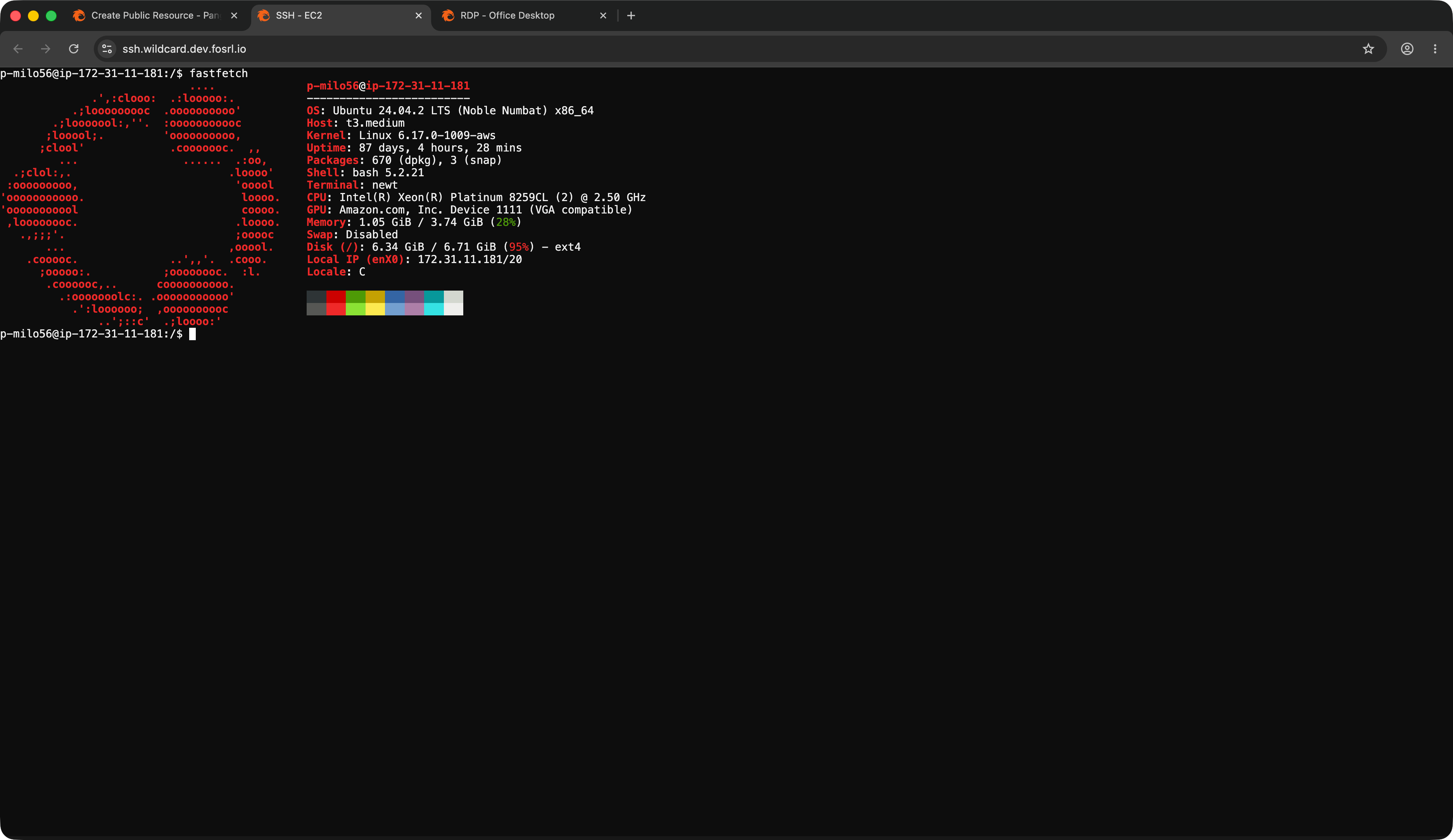
For a deeper look at browser-based terminal access, including mobile use and identity provider integration, see [SSH in the Browser](/news/browser-based-ssh-remote-access).
## Private CLI in Practice
Private CLI access works like a scoped VPN for SSH. The user installs the Pangolin client, connects with `pangolin up`, and establishes a peer-to-peer WireGuard path to the site. From there, they reach only the hosts they are authorized to access. SSH traffic travels over that direct connection, not across the full corporate network.
This fits engineers who prefer a local terminal, use SSH daily, and want file transfer with `pangolin scp`. The Pangolin desktop app can provide the tunnel while the CLI handles the SSH session itself.
Grant access through resource policy and ensure TCP 22 is allowed in port restrictions for private resources. Pangolin checks identity from the active client connection before the session starts.
## When You Need the Advanced Path
**Standard SSH Server** mode is there when Pangolin SSH mode is not the right fit. Use it to reach an existing OpenSSH host elsewhere on the network, connect to legacy infrastructure that already runs its own SSH server, or set up a bastion pattern where one site connector reaches many target machines.
That path can involve certificate authorities, auth daemon placement, and `sshd_config` changes on target hosts. It is powerful for multi-server environments, but it is also more setup than the default. The [SSH access documentation](https://docs.pangolin.net/manage/ssh) walks through each valid configuration.
## Why Teams Choose This Over Traditional SSH
- **Identity-tied access.** Permissions follow organization identity and resource policy, not scattered static keys that outlive the people who issued them.
- **Scoped connectivity.** Browser SSH routes through an outbound tunnel; private CLI connects peer-to-peer to the site. Users reach specific authorized hosts instead of inheriting broad network access from a VPN.
- **Just-in-time users.** PAM pushes accounts onto hosts at login time, so you are not pre-provisioning users across every server in the fleet.
- **Browser option for occasional access.** Engineers use the CLI; everyone else gets a URL and a terminal in the tab.
For the broader case for modernizing SSH across an organization, see [Modernizing Enterprise SSH Access](/news/modernizing-enterprise-ssh-access).
## FAQ
**How do I SSH with Pangolin?**
_Install a site connector on a host inside your network, create an SSH resource in the Pangolin dashboard, and connect. For browser access, visit the resource URL and sign in. For CLI access, connect with the Pangolin client and run `pangolin ssh `._
**Can I SSH from a browser without installing an SSH client?**
_Yes. Pangolin renders a full interactive terminal at a public URL. Users visit the address, complete authentication, and get a shell session on a remote host. Only a modern web browser is required on the user's machine._
**Do I need a VPN to SSH with Pangolin?**
_A traditional VPN is not required. Public SSH routes through an outbound tunnel from a site connector inside your network. Private CLI access uses the Pangolin client to establish a peer-to-peer WireGuard path to the site, scoped to authorized hosts rather than the full network._
**What is the difference between public and private SSH in Pangolin?**
_Public SSH renders a terminal in the browser at a URL and routes traffic through the site connector's outbound tunnel. Users authenticate at the URL layer with login, SSO, or access rules. Private SSH uses the Pangolin CLI over a peer-to-peer WireGuard connection: users run `pangolin ssh ` after connecting with the Pangolin client. Both use the same SSH configuration in the dashboard; the difference is connectivity model, how users connect, and which authentication layer gates access first._
**How does Pangolin automatically create users on Linux servers?**
_When automated provisioning is enabled, Pangolin maps your organization identity to a local Linux username and creates or updates the account just before the session starts. Roles control sudo level, Unix groups, and home directory setup. With Pangolin SSH mode, this works through the site connector without reconfiguring OpenSSH._
**What is PAM in Pangolin SSH?**
_PAM stands for Privileged Access Management. Pangolin uses PAM to push users onto the host at login time: creating the account, home directory, and group membership before the shell opens. This is how just-in-time user provisioning works across your fleet._
**Do I need to open port 22 on my firewall?**
_For browser SSH, a site connector maintains an outbound tunnel to Pangolin, so you do not need to expose port 22 to the internet or assign the server a public IP. For private CLI access, the Pangolin client connects peer-to-peer to the site over WireGuard. TCP 22 must be allowed in the resource's port restrictions so SSH can reach the target host over that path._
**Do I need to edit sshd_config to use Pangolin SSH?**
_Not for the default setup. Pangolin SSH mode with manual authentication works without OpenSSH reconfiguration. If you use Standard SSH Server mode with automated provisioning, the target host's SSH server needs additional configuration. See the [SSH access documentation](https://docs.pangolin.net/manage/ssh) for that path._
**How long are Pangolin SSH credentials valid?**
_In Standard SSH Server mode with automated provisioning, SSH certificates are valid for five minutes from the moment they are issued. That is enough time to establish the connection. Once the session is open, it can stay connected. Pangolin SSH mode uses its own authentication layer rather than short-lived SSH certificates._
**Can I copy files over Pangolin SSH?**
_Yes. The Pangolin CLI supports `pangolin scp` for copying files over the same peer-to-peer connection used by `pangolin ssh`. For example: `pangolin scp ./config.yml prod-app.internal:/etc/app/`._
## See Also
- [How Pangolin Punches Through NATs and Firewalls](/news/nat-holepunching): how peer-to-peer connections work across NAT and firewalls
- [SSH in the Browser](/news/browser-based-ssh-remote-access): web-based terminal access without a client
- [Pangolin 1.19 release](/news/1-19-release): where browser SSH and simplified Pangolin SSH mode shipped
- [How Pangolin Works](https://docs.pangolin.net/about/how-pangolin-works): architecture overview for sites, resources, and policy
- [SSH access documentation](https://docs.pangolin.net/manage/ssh): full configuration reference
---
### Pangolin 1.19: Browser Remote Access - SSH, RDP, VNC & More
URL: https://pangolin.net/news/1-19-release
Published: 2026-06-11
Summary: Pangolin 1.19 adds browser-based remote access with SSH, RDP, and VNC in the browser, a simpler Pangolin SSH mode, automatic site updates, labels, and resource policies.
Category: Product
Pangolin 1.19 is here. This release brings browser-based remote access to SSH, RDP, and VNC, makes Pangolin SSH dramatically easier to set up, adds automatic updates for site connectors, and ships a handful of organizational improvements that make large deployments easier to manage. Let's walk through it.
## Release highlights
### SSH, RDP, and VNC in the Browser
You no longer need a separate SSH client, remote desktop app, or VNC viewer to reach your infrastructure. Pangolin now supports web-based remote access over SSH, RDP, and VNC as first-class public resource protocols. Assign a domain, point it at a site connector, and users get a full interactive session in any modern browser after completing Pangolin authentication.
For SSH in the browser, that means a real web-based terminal with password, key, or Pangolin identity authentication, depending on how you configure the resource. For RDP in the browser, users get a full Windows remote desktop with clipboard support and file transfers. No Remote Desktop client to install. For browser-based VNC, a remote display rendered right in the tab. No Pangolin client or VPN is required on the user's machine.
This uses the same site-resource model as your HTTP resources. You don't need to run a Pangolin site connector on the target machine. Install Newt on a host that can reach your network, select which sites can route to the resource, and point it at any SSH server, Windows box, or VNC display on that network, just like you've always done with HTTPS.
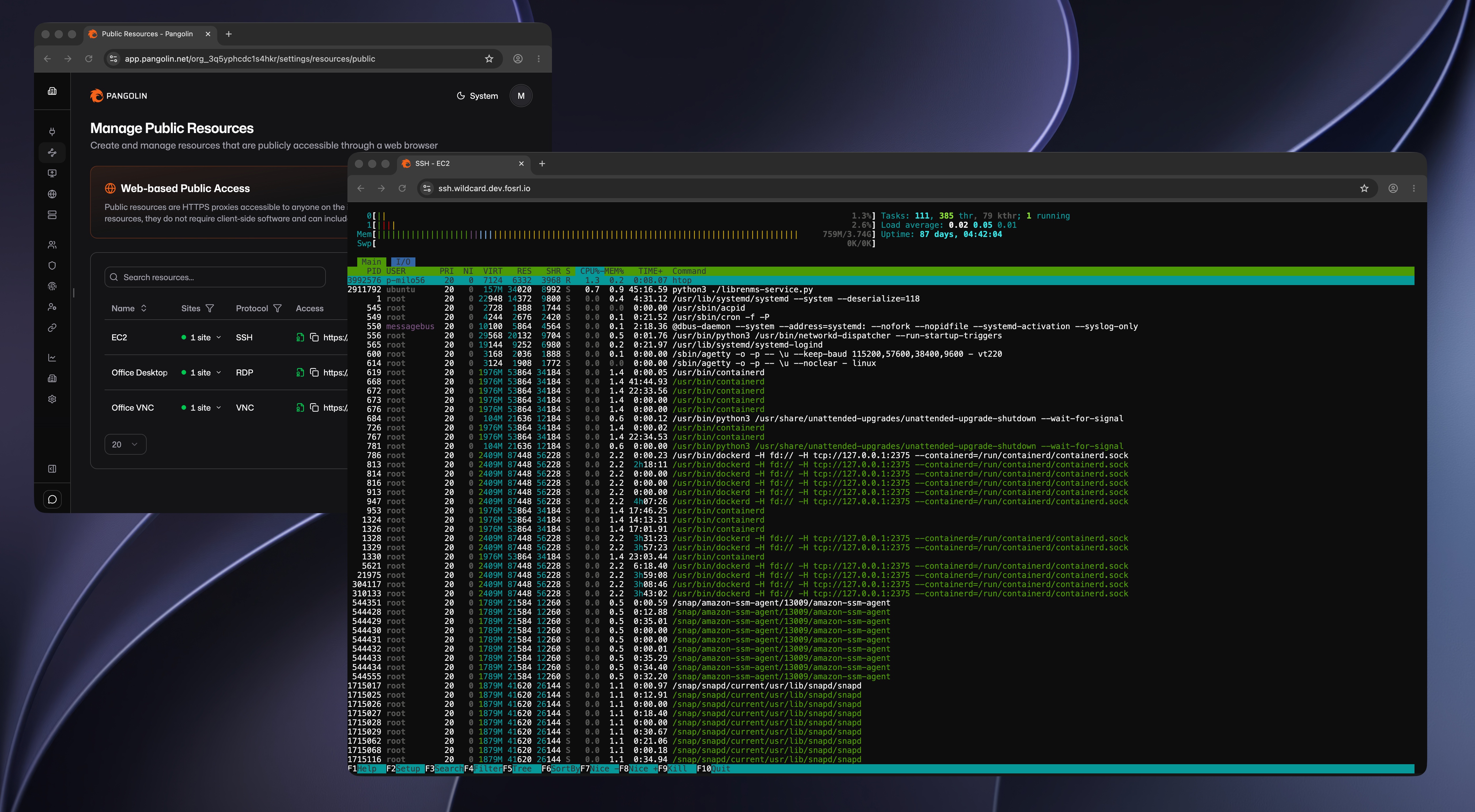
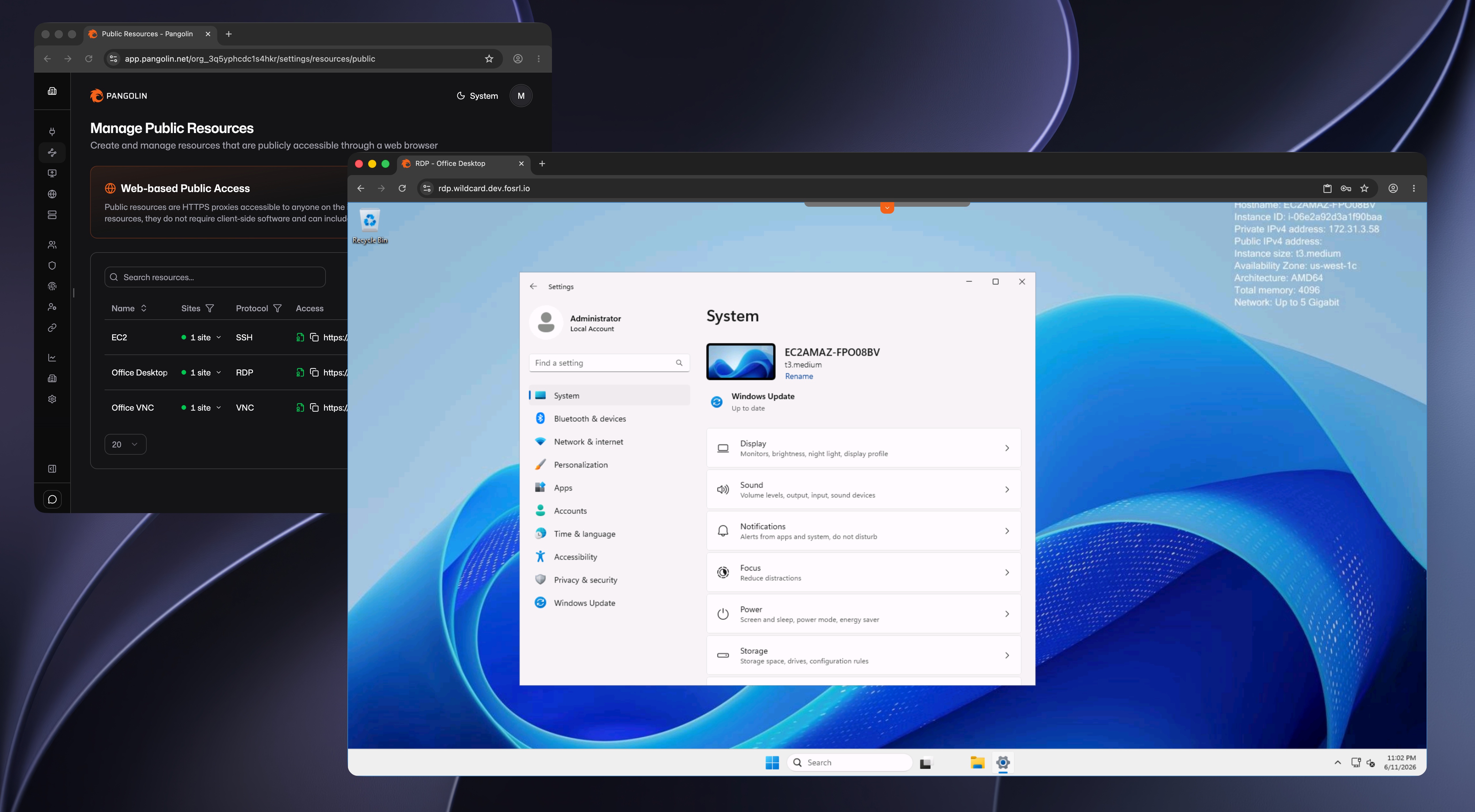
Each protocol gets its own public FQDN, and you manage your SSH, RDP, and VNC remote access resources alongside your other public resources in one place. Identity-aware access rules, SSO, and geo-blocking apply the same way they do for HTTP.
This makes Pangolin an **Apache Guacamole alternative** for browser-based remote access over SSH, RDP, and VNC with site tunneling built in and stronger authentication support through SSO, identity providers, and granular access rules.
Read more about [SSH](https://docs.pangolin.net/manage/resources/public/ssh), [RDP](https://docs.pangolin.net/manage/resources/public/rdp), and [VNC](https://docs.pangolin.net/manage/resources/public/vnc) in the docs.
Watch a full setup walkthrough for each protocol:
### Improved Pangolin SSH
When we shipped native SSH in [Pangolin 1.16](/news/1-16-0-release), the focus was certificate-based authentication, just-in-time user provisioning, and tight integration with OpenSSH. It worked well, but getting there meant configuring an auth daemon, editing `sshd_config`, trusting a certificate authority, and in many cases standing up a bastion pattern for multi-server environments. Powerful, yes, but a fair bit of host setup before your first connection.
Pangolin SSH mode changes that entirely. Instead of routing commands over the network to an OpenSSH server, Pangolin SSH executes sessions directly on the host through the site connector. There's no SSH server to install, no auth daemon to configure, and no `sshd_config` to touch. Select **Pangolin SSH** in the dashboard, make sure Newt runs as root on the machine you want to access, and you're done.
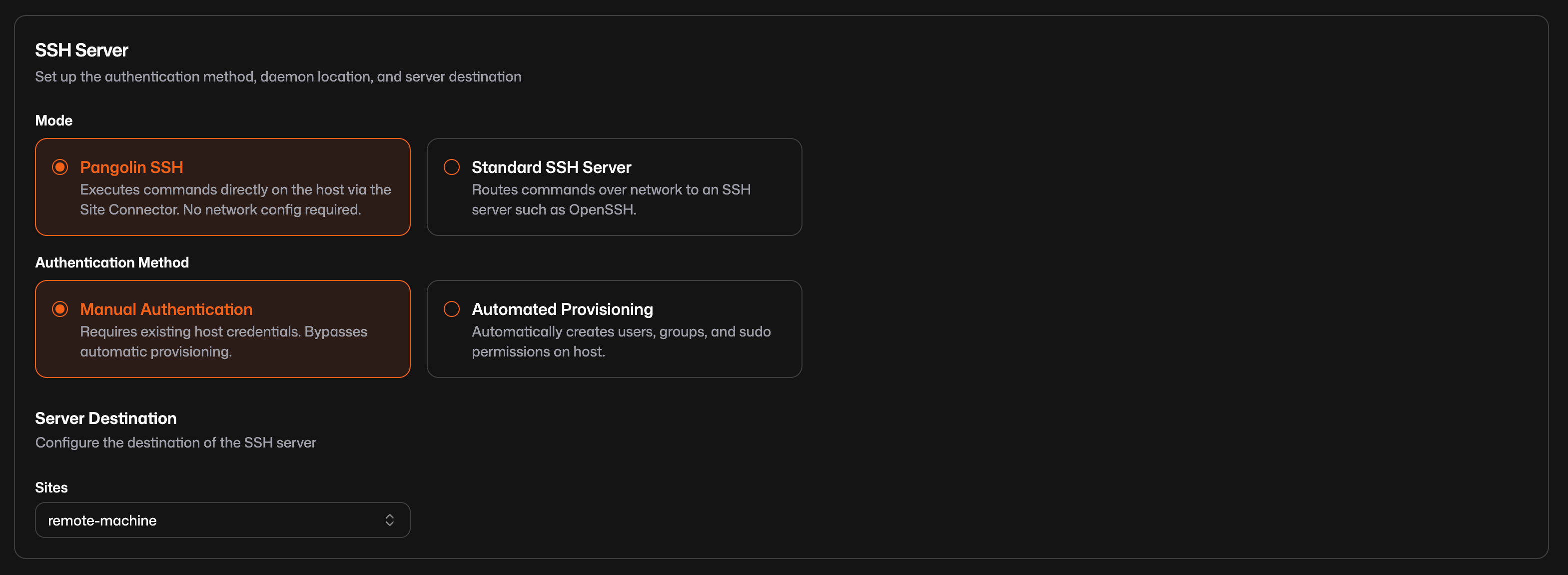
This is now the default when you create an SSH resource. Manual authentication works out of the box with existing host credentials. If you want Pangolin identities provisioned automatically, switch to automated provisioning, still without touching OpenSSH.
Pangolin SSH works on both public and private SSH resources. On a public resource, users get a browser-based terminal at the resource FQDN. On a private resource, connect with the Pangolin client and SSH over the private tunnel:
```shell
$ pangolin ssh prod-app.internal
```
The CLI also now supports SCP for copying files over the same private tunnel:
```shell
$ pangolin scp ./config.yml prod-app.internal:/etc/app/
```
Same mode, same setup - whether users reach the session through a browser or the CLI.
Standard SSH Server mode is still there when you need it, like reaching a legacy OpenSSH host on the network or running the bastion-and-auth-daemon setup from 1.16. But for the common case, SSH into the machine running your site connector, Pangolin SSH is the path of least resistance.
Read more about [SSH access](https://docs.pangolin.net/manage/ssh) in the docs, or see the [How to SSH with Pangolin](/news/how-to-ssh-with-pangolin) guide for browser and private CLI setup.
### Automatic Site Updates
Keeping site connectors up to date across a fleet is tedious. You ship a new Pangolin release, then you SSH into each edge device, pull the latest binary, restart Newt, and hope you didn't miss one.
Automatic updates handle that for you. When enabled, Newt periodically checks for a newer version, downloads it, and restarts itself. The site reconnects on the new version without manual intervention. Pangolin waits 24 hours after a release is published before sites pull it, giving early issues time to surface before your whole fleet updates.
You can enable automatic updates at the organization level for all sites, or toggle it per site. Turn it on globally and disable it on specific sites that need to stay pinned. Turn it off globally and enable it only where you want hands-off updates.
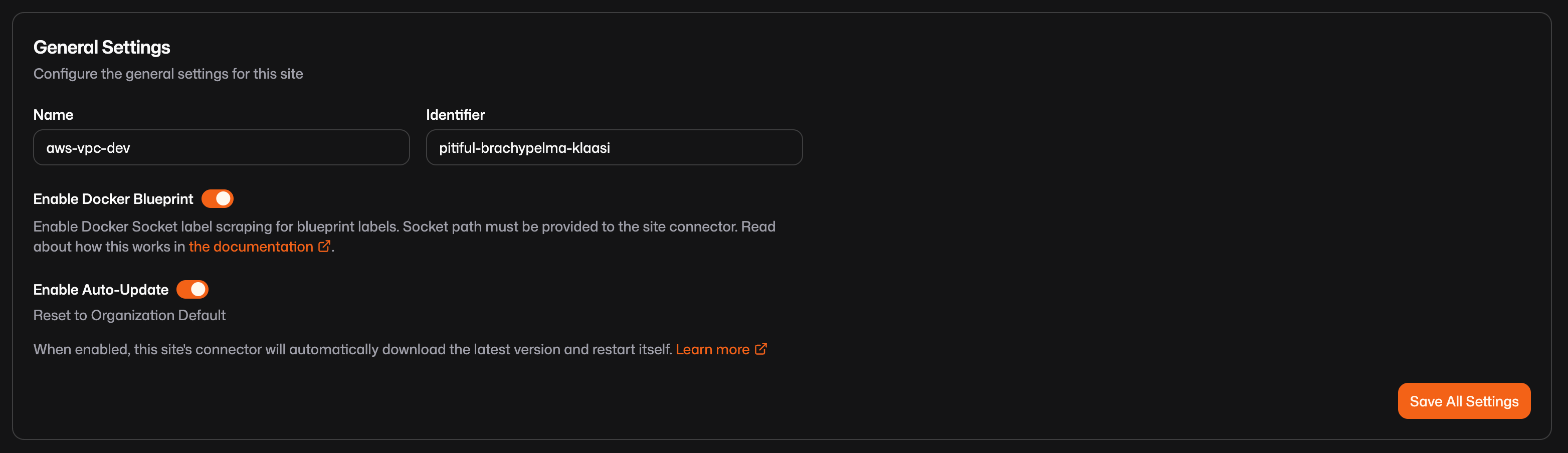
Automatic updates work with binary installations. If you run Newt in Docker or Kubernetes, updates are handled by your orchestration platform as usual.
Read more about [automatic site updates](https://docs.pangolin.net/manage/sites/auto-update) in the docs.
### Labels
As your Pangolin deployment grows, finding the right site or resource in a long table gets old fast. Labels fix that.
Labels are plain string tags you attach to sites, machine clients, and resources. Tag a production site with `prod`, a resource with `customer-1`, a client with `warehouse-1`. Use whatever naming convention fits your workflow. Once attached, you can search and filter by label in the table views for each entity type.
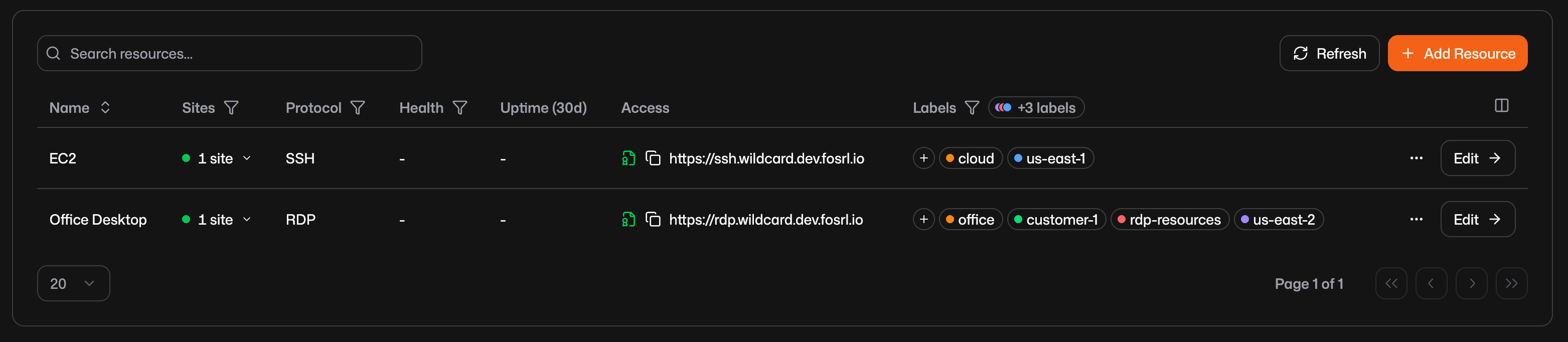
Labels are shared across entity types, which makes cross-referencing easy. Tag the site, the clients, and the resources for a location with the same label and you can filter each table to see everything related to that location.
Add labels inline from any entity table, or manage them organization-wide from the labels page.
Read more about [labels](https://docs.pangolin.net/manage/labels) in the docs.
### Resource Policies
If you've configured public resources before, you know the drill: set up authentication, assign users and roles, configure geo-blocking, repeat for every resource. Resource policies let you define those settings once and attach them to multiple public resources.
A resource policy holds the same authentication and access rule settings you'd configure on an individual resource: SSO, identity providers, PIN codes, user and role assignments, geo-blocking, ASN blocking, IP allow lists, and more. Attach a policy to a resource and it inherits the baseline. Multiple resources can share the same policy, so a team-wide login requirement or geo-block applies everywhere with a single edit.
Policies are additive. A shared policy provides the base layer, and individual resources can add settings on top. Deny all countries in the policy, then add an allow rule for a specific country on one resource. The resource-specific rule sits on top without replacing the shared baseline.
Read more about [resource policies](https://docs.pangolin.net/manage/resources/public/resource-policies) in the docs.
### General Improvements and Bug Fixes
As always, 1.19 also includes various UI improvements and bug fixes throughout the product.
## Documentation & Community
### Helm Chart Documentation
We've added docs for deploying Pangolin and Newt on Kubernetes with Helm, covering repository setup, values files, upgrades, rollbacks, and OCI-based chart installs.
Read more about [Helm installation](https://docs.pangolin.net/self-host/manual/kubernetes/helm) in the docs.
### Community Blueprints
The Community Blueprints repository is a shared library of ready-to-use Docker Compose templates for popular self-hosted apps - Grafana, Jellyfin, Immich, and more - already wired to expose services through Pangolin.
Read more about [Community Blueprints](https://docs.pangolin.net/manage/community-blueprints-repo) in the docs.
## Looking Forward
Browser-based remote access over SSH, RDP, and VNC closes a long-standing gap between public HTTP resources and private terminal access. Whether you need a web-based SSH terminal, remote desktop in the browser, or VNC remote access without a viewer, Pangolin handles it in one platform. Combined with the simpler Pangolin SSH setup path, we're making it easier than ever to get people into their infrastructure without juggling clients, VPNs, and configs. See [How to SSH with Pangolin](/news/how-to-ssh-with-pangolin) for a getting-started walkthrough.
---
### What Are MCP Tunnels? Secure Private MCP Servers Explained
URL: https://pangolin.net/news/what-are-mcp-tunnels
Published: 2026-06-03
Summary: Learn what MCP tunnels are, how they connect AI agents to private Model Context Protocol servers over outbound-only connections, and why they matter for enterprise security.
Category: Engineering
AI assistants are only as useful as the systems they can reach. For most enterprises, the valuable data and tools live on private networks: internal APIs, ticketing systems, runbooks, configuration databases, and custom automation endpoints. Those services were never meant to sit on the public internet.
The [Model Context Protocol (MCP)](https://modelcontextprotocol.io/) gives agents a standard way to call tools and read context from those systems. The hard part is connectivity. Opening inbound firewall ports, publishing internal MCP servers behind a public load balancer, or allowlisting a vendor's IP ranges on every origin conflicts with how modern security teams want to operate.
**MCP tunnels** address that gap. They let a hosted agent platform or your own agent backend reach MCP servers inside your private network over an **outbound-only** connection. Traffic is encrypted end to end, routed by hostname inside your environment, and layered with authentication on each upstream server. You do not expose MCP listeners to the internet, and you do not depend on users or agents sitting on the corporate LAN.
This article explains what MCP tunnels are, how they differ from ordinary remote MCP hosting, how the architecture works, what the security model assumes, and where they fit next to patterns like tunneled reverse proxies and zero trust remote access.
## MCP tunnel definition
An **MCP tunnel** is a managed connectivity path between a backend. This could be your own backend servers running agent infrastructure, or an AI provider's backend like Anthropic or OpenAI. It connects to one or more **upstream MCP servers** running inside a private network. A small **tunnel stack** you deploy initiates connections outward to a **tunnel edge**, typically managed by the backend side. A **proxy** terminates TLS, validates that traffic originated from the backend, and forwards requests to the correct MCP server based on hostname.
Each exposed server gets a hostname under your tunnel domain (for example, `docs.your-tunnel-domain.example`). The AI session or API request targets that hostname; the proxy routes to the real MCP process on your LAN, VPC, or cluster.
The defining property is **connection direction**: your infrastructure calls out. Inbound firewall rules for MCP are not required, and you avoid pinning access to a shifting set of vendor egress IPs at every internal service.
## MCP servers and MCP tunnels
Remote agents typically call MCP **servers** over **HTTP** (Streamable HTTP at paths such as `/mcp` is common). The protocol defines tool discovery and invocation; it does not solve network reachability.
An **MCP tunnel** is separate infrastructure: outbound connectivity, TLS, and hostname routing so an external MCP **client** can reach a private HTTP listener. The tunnel carries the same MCP traffic your server would accept on the LAN; it does not replace the protocol or implement your tools.
## Why MCP tunnels matter
### Private tools without public exposure
Agents need the same systems your engineers use: Grafana, Jira, internal CRMs, fleet APIs, or bespoke Python FastMCP services. Publishing those endpoints to the public internet or punching holes in perimeter firewalls increases blast radius. MCP tunnels keep listeners on private addresses while still allowing governed access from managed AI sessions.
### Outbound-only aligns with zero trust
[Zero Trust](https://www.nist.gov/publications/zero-trust-architecture) assumes no implicit trust based on network location. Outbound-initiated connectivity matches how ZTNA connectors, site-based remote access, and tunneled reverse proxies work: the protected environment establishes the path, not the internet at large. MCP tunnels apply that same inversion to AI tool traffic.
### Compliance and data boundaries
Regulated environments often require that payloads stay encrypted in transit, that third-party networks cannot read content, and that access is scoped per application. Tunnel setups combined with strong per-application authentication, such as **OAuth** or **bearer tokens** on each MCP server, help meet these requirements more robustly than solutions like flat VPNs or a single shared API key on a public URL.
## How MCP tunnels work
### Components
A typical deployment runs a lightweight **tunnel connector** inside your network:
| Component | Role |
| --- | --- |
| **Tunnel connector** | Initiates outbound encrypted connections to the tunnel edge, accepts tunneled traffic from the provider, and forwards requests to your internal MCP server. Sometimes, the connector also contains the proxy, so everything is handled within a single component. |
| **Proxy (optional)** | Terminates TLS, validates that traffic originated from the backend, and routes requests to the correct MCP server by hostname. In some deployments, this function is integrated into the tunnel connector itself rather than running as a separate component. |
On the provider side, the **tunnel edge** receives traffic from the AI backend. The **setup** component (often run once at deploy time) talks to the Tunnels API for tokens, certificate registration, and rotation.
You also run one or more **upstream MCP servers**, for example FastMCP, a custom Node service, or an internal gateway, that speak MCP over HTTP at paths such as `/mcp` or `/`.
The stack layers look like this: an external access gateway reaches your network only over an outbound secure tunnel; a connector (often containerized) and optional internal proxy route traffic to MCP tools behind the firewall without opening inbound ports.
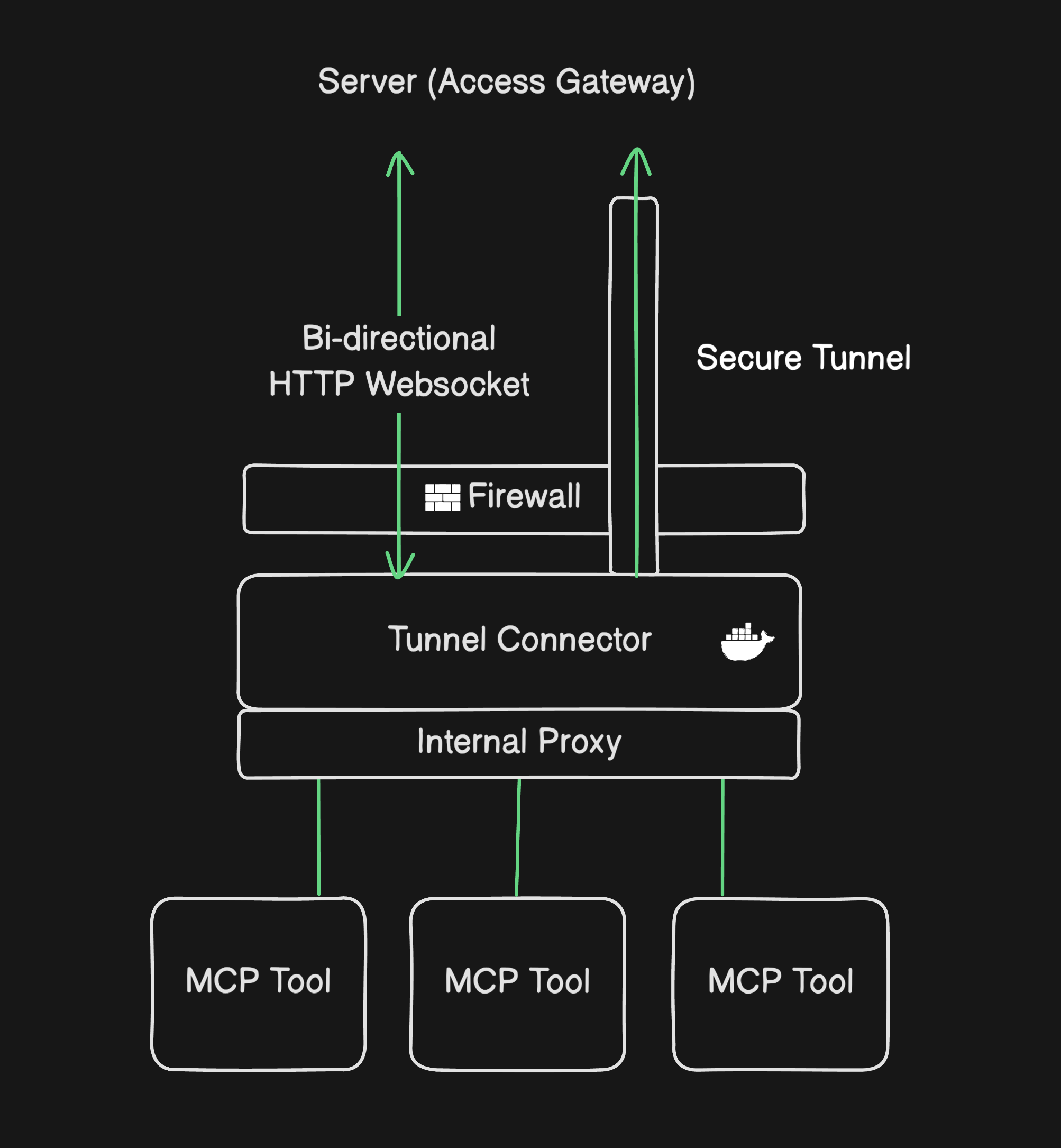
### Request flow
At a high level, a request crosses from the agent or API client in the cloud through policy checks, down the encrypted tunnel, and into a private MCP server on your LAN or VPC:
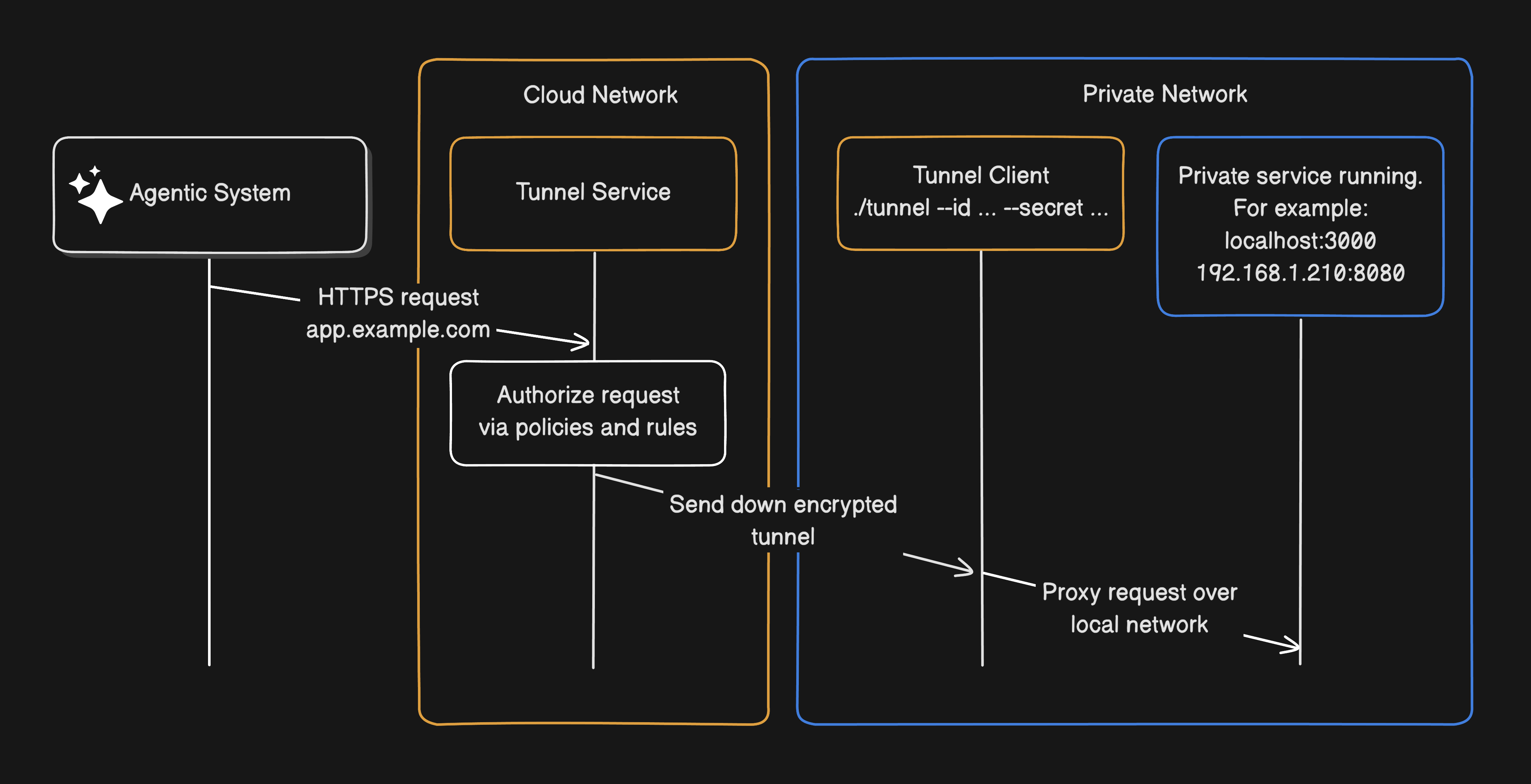
The numbered steps below follow the same path in more detail:
1. An operator starts an **agent session** in a vendor console, or an **API integration** issues a request that references an MCP server URL on your tunnel domain.
2. The provider's cloud gateway applies policy, including **IP allowlists** where configured, then sends the MCP request through **outer mTLS** to the tunnel edge (transport over the connector's outbound path).
3. Traffic reaches your **proxy**, which completes **inner TLS** using a certificate signed by a CA you registered with the provider.
4. The proxy forwards the HTTP request to the upstream MCP server matching the hostname (path is passed through unchanged).
5. The MCP server handles tool calls; responses return along the same encrypted path.
### Hostname routing
Each logical MCP service maps to a **subdomain** of your tunnel domain. The proxy configuration ties `echo.your-tunnel-domain` to `http://echo-svc.internal:8080/mcp`, and `docs.your-tunnel-domain` to another upstream. That mirrors how reverse proxies use virtual hosts, but the client on the internet is the AI platform rather than a browser tab on a user laptop.
### Credential provisioning
Before a tunnel carries traffic, you provision your stack so the provider trusts your connector. The provider gives you a tunnel **ID and token** (from their console or API). You pass that pair to the setup component or connector on boot; it registers with the provider, pulls certificates, and completes the TLS handshake.
For example:
```bash
./tunnel --id tun_7xk2m9p4 --secret 3f8a1b2c9d0e4f7a6b5c2d1e0f9a8b7c
```
This is a generic example. Flag names, binary names, and formats vary by vendor; the ID and secret are always provider-issued credentials.
The provider cannot connect to your proxy until provisioning finishes, so no tunneled MCP traffic flows until you have explicitly completed trust setup.
## Security model
MCP tunnel security combines **several controls at different layers**, not a single switch. Some run on the provider's cloud gateway before traffic enters the tunnel; others protect the path over the transport network and at each MCP server inside your edge. Understanding where each applies clarifies what the tunnel does and does not guarantee.
| Layer | What it protects |
| --- | --- |
| **IP allowlists at the cloud access gateway** | Random internet hosts attempting the first connection to your tunnel endpoint |
| **Outer mTLS (provider to transport edge, with IP validation)** | Unauthorized clients impersonating the tunnel path |
| **Inner TLS (provider backend to your proxy)** | Payload inspection by the transport provider or intermediaries |
| **OAuth or tokens on each MCP server** | Unauthorized use of tools even when tunnel traffic is legitimate |
### IP allowlists at the cloud gateway
Alongside certificate-based tunnel auth and per-server OAuth or bearer tokens, many setups add **IP allowlists** on the **cloud access gateway**, enforced before traffic enters the tunnel toward your edge. Traffic from anything not on the list is dropped; it never hits your connector or MCP servers.
Rules are usually built from the provider's published egress, your own agent cloud, or broad cloud nets, for example a single host `203.0.113.42/32`, a vendor prefix like `198.41.192.0/19`, your agent egress `52.94.1.0/24`, or ASN filters such as `AS16509` (AWS), `AS15169` (Google), or `AS13335` (Cloudflare). Use the ranges your vendor documents; these are illustrative anchors, not a universal checklist.
ASN rules trade precision for maintainability when IPs churn. They complement, not replace, mTLS and application auth. The gateway also spares you from pinning the same vendor IPs on every internal MCP server separately.
### Shared responsibility
**The provider** typically controls tunnel access in your organization, validates your CA before connecting, and restricts which tunnels a workspace can use.
**Your organization** owns everything inside the boundary: tunnel tokens, TLS private keys, proxy hardening, network segmentation for MCP servers, OAuth configuration, certificate renewal, and incident response if credentials leak.
If an attacker obtains both your **tunnel token** and a **TLS private key**, they could impersonate your proxy and read MCP payloads. Treat those secrets like cluster-admin kubeconfig or VPN private keys.
### What the transport provider can see
When the tunnel uses a third-party transport network, that provider **cannot read MCP request or response bodies** if inner TLS is terminated only on your proxy. It may still observe **connection metadata**: egress IP of the host running the connector, timing, byte volume, and the assigned tunnel subdomain. Architecture reviews should document that telemetry for subprocessors and acceptable-use policies.
### MCP tunnel vs. tunnel authentication vs. server authentication
**IP allowlists** (cloud gateway), **tunnel authentication** (certificates and mTLS on the path), and **server authentication** (OAuth, tokens, headers on the MCP process) answer different questions. The first limits which networks can open a conversation with your tunnel domain. The second proves the traffic path and encrypts payloads across the transport layer. The third decides whether a given caller may use specific tools once the request arrives upstream.
The tunnel secures **reachability** and **transport integrity**; it does **not** log users into your MCP server. If the upstream requires OAuth, API keys, or mutual TLS, configure that on the server the same way you would for any other remote MCP deployment. The agent runtime—whether a console session or an API client—supplies those credentials according to your MCP server documentation.
## Prerequisites and network requirements
Before deploying, teams usually need:
- A **deployment target**: Kubernetes (Helm chart) or a VM with Docker Compose.
- A **tunnel** created in the provider console, with API access for the workspace that will call MCP tools.
- **Outbound connectivity** from the setup component to the provider's control-plane API (hostname and port in vendor docs, commonly 443 TCP), from the connector to tunnel edge addresses (for example `198.41.192.0/19` on port 7844 TCP and UDP), and from the proxy to internal MCP listeners on your chosen ports.
- One or more **MCP servers** already running and reachable from the proxy host or pod network.
Vendor-managed tunnels usually pair with that vendor's **hosted agent console** and **HTTP APIs** for attaching remote MCP servers. They are not a substitute for every local MCP integration (stdio, IDE plugins); product boundaries change as vendors ship updates.
## Common use cases
- **On-prem files and records**: MCP server on the LAN queries file shares, SharePoint Server, or internal doc repos; the tunnel lets outside agents search without exporting the corpus.
- **Private databases**: MCP server beside SQL Server, Oracle, or Postgres runs governed queries; the tunnel reaches in without opening the database to the internet.
- **On-prem ERP and LOB apps**: MCP server wraps SAP, CRM, or HR APIs on internal hostnames; agents read and write through scoped tools, not a public URL.
- **On-site ops automation**: MCP server drives backup, patching, or facility tools that cannot leave the building; the tunnel replaces VPN-wide LAN access.
- **Pre-production labs**: MCP server on sanitized clones in a test VLAN; tunnel only from non-production agent workspaces.
In each case, security review should cover **which tools** are exposed, **which identities** may invoke them, and **what data** can leave the environment in tool responses.
## Limitations and product reality
Tunnels solve **connectivity**, not **governance** by themselves. You still need tool allowlists, logging, PII review, and human approval workflows for high-risk actions. Zero Data Retention and HIPAA BAA eligibility depend on the provider's feature matrix, not on the tunnel alone.
## How MCP tunnels relate to tunneled reverse proxies
Both patterns share the same architectural idea: **publish capability through an outbound-initiated encrypted path** instead of opening the private network inbound.
A **tunneled reverse proxy** targets human or machine HTTP clients reaching internal web applications: browsers, mobile apps, or service meshes. An **MCP tunnel** targets **MCP clients** embedded in AI runtimes reaching **tool servers**. The payload shape differs (MCP JSON-RPC and tool schemas vs. HTML and REST), but the security story (connector, proxy, hostname routing, deny-by-default at the edge) is familiar to platform engineers.
Organizations already using outbound connectors for ZTNA or tunneled app access can treat MCP tunnels as just **another private upstream**, not an entirely new security paradigm. Pangolin's identity-aware access model fits the same environments where MCP servers are commonly deployed.
## Final thoughts
MCP tunnels exist because AI agents need the same private systems as your staff, and those systems cannot move to the public internet without unacceptable risk. The pattern combines outbound connectivity, layered TLS, and per-server authentication so external agent backends can invoke tools on your terms.
For architects, the decisive questions are who can open a tunnel, which hostnames map to which tools, how credentials rotate, what the transport provider can observe, and what happens when secrets leak. Clear answers there beat any vendor checklist.
Start in a sandbox with one low-risk MCP server; prove tunnel auth, logging, and OAuth before you widen scope.
## Related reading
- [What Is a Tunneled Reverse Proxy? Architecture & Uses](/news/tunneled-reverse-proxy)
- [What is an Identity-Aware Proxy (IAP)?](/news/what-is-an-identity-aware-proxy)
- [How Does ZTNA Work?](/news/how-ztna-works)
- [How Pangolin Works](https://docs.pangolin.net/about/how-pangolin-works)
## FAQ
**What is an MCP tunnel?**
_An MCP tunnel is an outbound-only encrypted path that lets an AI provider reach Model Context Protocol servers inside your private network without opening inbound firewall ports or publishing those servers on the public internet._
**Do MCP tunnels replace authentication on my MCP server?**
_No. The tunnel provides secure connectivity and routing. Each upstream MCP server should still enforce its own OAuth, API keys, or other auth as you would for any remote MCP deployment._
**Can I use MCP tunnels with any AI product?**
_Major model providers often ship managed MCP tunnels so their hosted AI backends can reach your private MCP servers, see [Anthropic's MCP tunnels](https://platform.claude.com/docs/en/agents-and-tools/mcp-tunnels/overview) and [OpenAI's Secure MCP tunnels](https://developers.openai.com/api/docs/guides/secure-mcp-tunnels); availability and beta headers vary by vendor. That is one deployment shape, not the whole idea. An MCP tunnel is fundamentally a way to give any agentic system, a provider cloud or agents you run yourself, outbound access to tools and data on a private network without inbound firewall holes._
_If you deploy your own agents in your own cloud against custom tools on private networks, or prefer not to rely on a provider's tunnel infrastructure, you can run your own tunnel stack and route your runtime to the same hostname-scoped MCP endpoints. Check vendor docs for managed options; for self-hosted agents, you own tunnel auth, CA registration, and routing end to end._
**How is an MCP tunnel different from a VPN for AI tools?**
_A VPN often grants broad network access. An MCP tunnel exposes specific hostname-routed MCP servers to the AI backend, which aligns better with least-privilege tool access._
**Is the transport provider able to read MCP tool payloads?**
_In designs that terminate inner TLS on your proxy with keys only you hold, the transport layer should not decrypt MCP bodies. Connection metadata such as IPs, timing, and subdomain may still be visible to the transport operator._
**What do I need before production use?**
_A deployment environment, registered tunnel and CA, outbound network rules, hardened proxy and MCP servers, credential rotation, and governance over which tools and data agents may touch._
---
### 5 Remote Access Policy Examples for Secure Teams
URL: https://pangolin.net/news/remote-access-policy-examples
Published: 2026-06-02
Summary: Use these remote access policy examples to scope access for admins, contractors, OT systems, internal web apps, and emergency workflows.
Category: Guides
Remote access policy is where secure access becomes operational. It turns broad goals like "protect internal systems" and "require MFA" into enforceable rules about who can connect, what they can reach, when access is allowed, and what evidence is logged.
That matters because modern remote access is no longer just an employee VPN problem. Teams need to support administrators, developers, vendors, MSPs, industrial operators, and device fleets across cloud, on-prem, and edge environments. A single broad network access rule rarely fits all of those cases.
The broader strategy is covered in our [secure remote access implementation guide](/news/secure-remote-access). This article goes one level deeper with practical remote access policy examples you can adapt into roles, resources, and access rules.
## What should a remote access policy include?
A useful remote access policy should be specific enough to enforce. If it only says "use MFA" or "connect securely," it will not help an administrator decide whether a real request should be approved.
At minimum, each policy should define:
- **Subject:** the user, group, role, service account, or vendor identity requesting access.
- **Resource:** the exact application, server, subnet, device, or admin interface being accessed.
- **Authentication requirement:** SSO, MFA, device approval, or step-up authentication.
- **Scope:** whether access is browser-based, client-based, protocol-specific, time-limited, or restricted to a site.
- **Logging requirement:** what must be recorded for audit and incident response.
- **Review cycle:** how often the policy and assigned users should be reviewed.
This maps closely to Zero Trust guidance from [NIST SP 800-207](https://www.nist.gov/publications/zero-trust-architecture), where access decisions are based on policy and evaluated around subjects, assets, and resources. It also aligns with the [CISA Zero Trust Maturity Model](https://www.cisa.gov/resources-tools/resources/zero-trust-maturity-model), which emphasizes identity, devices, networks, applications, workloads, and data as separate control areas.
In Pangolin terms, this usually means translating policy into **Sites**, **Resources**, **Roles**, and **Policies**. A site describes where the resource lives, a resource describes what is protected, a role describes who can request access, and a policy defines the conditions under which access is allowed.
## Example 1: Production admin access policy
Production infrastructure access should be the strictest policy in most environments. These systems often include [SSH hosts](/news/how-to-ssh-with-pangolin), databases, Kubernetes control planes, cloud consoles, observability tools, and deployment systems.
### Policy goal
Allow approved engineering and operations users to access production resources only when needed, with strong identity checks and full auditability.
### Example policy
**Users:** Engineering and operations users assigned to the `Production Admins` role.
**Resources:** [Production SSH hosts](/news/how-to-ssh-with-pangolin), production databases, infrastructure dashboards, and deployment systems.
**Access requirements:**
- SSO required.
- MFA required on every session or after a short reauthentication window.
- Device approval required for privileged access.
- Access limited to explicitly assigned production resources.
- No broad network-level access by default.
**Logging requirements:**
- User identity.
- Target resource.
- Access result: approved or denied.
- Time and source context.
- Policy or role used to grant access.
**Review cycle:** monthly for privileged users, immediately after role changes or offboarding.
### Why this policy works
The important shift is that the user is not placed onto a full production network. The policy is tied to the resource. That reduces lateral movement risk and makes access reviews easier because the security team can see which people can reach which production systems.
**Legacy approach:** give production admins a VPN profile, rely on internal segmentation, and audit activity across several systems.
**Better approach:** grant named users access to specific production resources, require strong authentication, and log the user-resource-policy decision in one access layer.
In Pangolin, this can be modeled with production Resources assigned only to production Roles, with separate Policies for high-risk systems that require stronger authentication or tighter review.
For the broader model behind this, read [How ZTNA Works](/news/how-ztna-works).
## Example 2: Vendor and contractor remote access policy
Vendor access is risky because external users often need temporary access to a small set of systems, but organizations sometimes grant them long-lived VPN accounts or shared credentials.
### Policy goal
Allow third-party users to reach only the resources required for their contract, without shared accounts or persistent broad network access.
### Example policy
**Users:** Named contractor or vendor identities assigned to a vendor-specific role.
**Resources:** Only the application, site, device, or support portal required for the vendor's work.
**Access requirements:**
- Individual identity required for every vendor user.
- Shared accounts prohibited.
- MFA required.
- Access expiration date required.
- Access limited to specific resources, not entire subnets.
- Vendor access disabled automatically when the contract ends.
**Logging requirements:**
- Vendor user identity.
- Sponsoring internal owner.
- Resource accessed.
- Session timestamp.
- Policy used to approve the request.
**Review cycle:** before each renewal, monthly for active vendor groups, and immediately at contract termination.
### Why this policy works
This policy creates accountability. If a vendor does something risky, you can trace it to an individual identity rather than a generic external account. It also prevents a temporary support need from becoming permanent unmanaged access.
**Legacy approach:** issue a shared vendor VPN account or reuse a generic support login.
**Better approach:** create named vendor identities, assign them to the smallest possible role, set an access end date, and review the role before renewal.
In Pangolin, vendor access should usually be represented as a narrow Role that maps to one customer, site, or resource set. That keeps vendor access separate from employee access and makes offboarding cleaner.
## Example 3: OT and industrial remote access policy
Operational technology environments need remote access, but the risk profile is different from ordinary IT systems. PLCs, SCADA interfaces, HMIs, building systems, and remote industrial devices often sit behind NAT, live at physical sites, and cannot tolerate unnecessary exposure.
### Policy goal
Give approved operators, engineers, and support users access to specific OT systems without exposing industrial interfaces to the public internet.
### Example policy
**Users:** OT engineers, site operators, approved vendors, and emergency support users.
**Resources:** Specific PLC interfaces, SCADA tools, HMIs, building management systems, or engineering workstations.
**Access requirements:**
- SSO and MFA required.
- Resource-level access required.
- Access separated by site.
- No public inbound ports for OT resources.
- Vendor access must be time-limited and tied to a named internal sponsor.
- Emergency access must be logged and reviewed after use.
**Logging requirements:**
- User identity.
- Site name.
- Target resource.
- Access window.
- Vendor or internal owner.
**Review cycle:** monthly for vendor access, quarterly for internal operator access, and after every emergency access event.
### Why this policy works
OT access should be narrow and site-aware. The user should not receive a general path into every device on an industrial network. They should reach the approved resource at the approved site through an authenticated access layer.
**Legacy approach:** expose a remote desktop host, open a firewall path, or put users onto the plant network through a VPN.
**Better approach:** keep OT systems private, connect the site through an outbound connector, and grant access to specific resources by site and role.
In Pangolin, this pattern maps naturally to Sites and Resources. Each plant, customer location, or remote environment can be modeled separately so access is scoped to the actual operational boundary.
For more on this use case, see [Remote PLC/SCADA Access Without Open Ports](/news/remote-plc-scada-access-without-open-ports).
## Example 4: Internal web application access policy
Many organizations have internal dashboards, admin panels, documentation portals, staging apps, analytics tools, and support systems that need remote access. These are often exposed through VPNs, IP allowlists, or public login pages.
### Policy goal
Allow employees to access internal web applications from a browser without exposing the application publicly or requiring broad client-based network access.
### Example policy
**Users:** Employees assigned to the correct department or role.
**Resources:** Internal web apps, dashboards, admin panels, support tools, and development portals.
**Access requirements:**
- SSO required.
- MFA required for sensitive apps.
- Access scoped by app, not network.
- Admin apps separated from read-only dashboards.
- Public internet exposure removed where possible.
**Logging requirements:**
- User identity.
- Application accessed.
- Authentication status.
- Access decision.
- Policy matched.
**Review cycle:** quarterly for normal apps, monthly for administrative apps.
### Why this policy works
This is a strong fit for identity-aware proxy patterns. Users get browser-based access to the approved app, but they do not need to join the private network first.
**Legacy approach:** expose the app behind a public login page, allowlist office IPs, or require a VPN just to open a web dashboard.
**Better approach:** put identity and policy in front of the app, remove direct public exposure, and let users reach only the approved application.
In Pangolin, browser-based private app access can be handled as a resource protected by identity-aware policy, while deeper private access can remain client-based where needed.
For related background, read [What is an Identity-Aware Proxy?](/news/what-is-an-identity-aware-proxy).
## Example 5: Emergency break-glass access policy
Every access strategy needs an emergency path. The mistake is treating emergency access as an excuse for permanent, unmanaged admin accounts.
### Policy goal
Provide a controlled emergency access path for outages and incidents while keeping usage rare, visible, and reviewable.
### Example policy
**Users:** A small group of approved senior operators or incident responders.
**Resources:** Critical production systems, site connectors, recovery tooling, and incident response dashboards.
**Access requirements:**
- Break-glass role must be separate from normal admin roles.
- MFA required.
- Access time-limited.
- Business justification required.
- Automatic alert sent when break-glass access is used.
- Post-incident review required.
**Logging requirements:**
- User identity.
- Reason for access.
- Resource accessed.
- Duration.
- Incident or ticket reference.
- Reviewer name after the event.
**Review cycle:** after every use, plus scheduled quarterly validation that break-glass users are still appropriate.
### Why this policy works
Emergency access is not the problem. Unreviewed emergency access is the problem. A good break-glass policy gives teams a way to recover systems quickly without creating a permanent bypass around the normal access model.
**Legacy approach:** keep a standing emergency admin account and hope it is only used during incidents.
**Better approach:** separate emergency access from daily access, require justification, alert on use, and review every session after the incident.
In Pangolin, this should be a distinct Role or Policy path, not a hidden exception inside normal admin access. The goal is to make emergency use fast but visible.
## Turning policy examples into enforceable access controls
Remote access policies should not live only in a document. They should become configuration that your access platform can enforce.
In Pangolin, a practical model is to map policy concepts into:
- **Sites:** where the resource lives.
- **Resources:** the application, service, device, host, or network range being protected.
- **Roles:** the users or groups that need access.
- **Policies:** the rules that decide whether access should be allowed.
- **Blueprints:** repeatable configuration that can be managed through GitOps.
This is especially useful when your organization has many sites, repeated customer environments, or remote edge devices. Instead of manually recreating access rules, teams can use a consistent template and review changes before rollout.
For a deeper implementation pattern, see [GitOps Workflow for Pangolin Blueprints](/news/gitops-pangolin-blueprints-ci-cd) and [How Pangolin Works](https://docs.pangolin.net/about/how-pangolin-works).
## Remote access policy checklist
Use this checklist before approving a new remote access path:
- [ ] Is the request tied to a named user, group, or service identity?
- [ ] Is the target resource clearly defined?
- [ ] Is access scoped to the minimum resource set required?
- [ ] Is MFA required?
- [ ] Is the device or endpoint posture requirement clear?
- [ ] Is vendor access time-limited?
- [ ] Is emergency access separated from normal access?
- [ ] Are access logs detailed enough for an audit?
- [ ] Is there a review schedule?
- [ ] Can the policy be enforced automatically?
## Related secure access guides
[How to SSH with Pangolin](/news/how-to-ssh-with-pangolin)
[Secure Remote Access: Enterprise ZTNA Implementation Guide](/news/secure-remote-access)
[How ZTNA Works](/news/how-ztna-works)
[How Pangolin Works](https://docs.pangolin.net/about/how-pangolin-works)
[GitOps Workflow for Pangolin Blueprints](/news/gitops-pangolin-blueprints-ci-cd)
## FAQ
**What is a remote access policy?**
_A remote access policy defines who can access private systems remotely, which resources they can reach, how identity is verified, and what activity must be logged._
**What is the most important remote access policy rule?**
_The most important rule is least privilege. Users should receive access to the specific resource they need, not broad network access by default._
**Should vendors get VPN access?**
_Vendors should not receive broad VPN access unless there is no narrower option. A better model is named vendor identities, MFA, resource-level access, expiration dates, and detailed logging._
**How often should remote access policies be reviewed?**
_Normal employee access can often be reviewed quarterly. Privileged access, vendor access, and production access should be reviewed monthly or whenever roles, contracts, or incidents change._
---
### Secure Remote Access: Enterprise ZTNA Implementation Guide
URL: https://pangolin.net/news/secure-remote-access
Published: 2026-05-29
Summary: Learn how to modernize secure remote access with identity-driven ZTNA, resource-level policy, and reduced public exposure.
Category: Guides
Secure remote access is now a core business need. Engineering teams, hybrid employees, and third party vendors all need a way to reach private apps, production systems, and edge devices from outside the office.
Legacy VPNs often grant too much access. Once a user connects, they may be able to see large parts of the private network. If that account is compromised, the attacker gets a wider path for lateral movement.
Modern secure remote access starts with identity, policy, and least privilege. This guide explains how to move away from broad network access and toward a Zero Trust Network Access (ZTNA) model.
## **What is Secure Remote Access? (Access vs. Remote Control)**
Secure remote access lets approved users reach private systems from outside the network. It should protect each connection with identity checks, policy, encryption, and logging.
Common examples include:
- Employees accessing internal corporate web applications.
- Engineers connecting directly to private cloud infrastructure.
- External vendors managing specific enterprise portals.
### **Remote Access vs. Secure Remote Control**
The terms are often mixed together, but they are not the same.
- **Secure remote access:** lets a user reach a specific app or service, such as an internal analytics dashboard.
- **Secure remote control:** lets a user manage a system directly, such as administering a server, troubleshooting a device, or changing infrastructure settings.
Remote control carries more risk. It should require stronger authentication, shorter access windows, and detailed audit logs.
An enterprise remote access model should answer three questions for every request:
1. **Who** is the user requesting entry?
2. **What** exact resource or application are they attempting to reach?
3. **Should** this specific transaction be permitted based on identity, context, and real time policy?
## **The Risk of Legacy Architecture: Why Modernizing Matters**
Remote access often grows without a clear plan. One team opens a firewall port. Another creates a VPN profile. A vendor gets a shared account. Over time, these shortcuts create risk.
The most common problems are:
- **Broad network visibility:** VPN users can often see more systems than they need.
- **Lateral movement:** A compromised device can scan and attack nearby private assets.
- **Public internet exposure:** Internal admin dashboards, staging sites, and IoT interfaces become easy targets when they are open to the web.
- **Weak authentication:** Shared accounts and single factor login make access harder to trust.
- **Poor audit trails:** Security teams may not know which person accessed which system.
Modern secure remote access reduces these risks. It puts identity, policy, encryption, and logging in front of private infrastructure.
## **5 Core Pillars of a Zero Trust Remote Access Strategy**
Strong remote access depends on five core controls. These controls work together. Identity tells you who is connecting, policy decides what they can reach, and logging gives you evidence after the fact.
### **1\. Identity Based Access Control**
Every request should map to a known user or service account. Connect remote access to a trusted Identity Provider (IdP). Enforce Multi Factor Authentication (MFA) for external access, privileged accounts, and sensitive systems.
Central identity also makes offboarding easier. When a user leaves or changes roles, you can remove access from one directory.
### **2\. Strict Enforceability of Least Privilege**
Users should only see the systems they need.
For example:
- A support user may need one customer dashboard.
- A DevOps engineer may need one backend server.
- A vendor may need one support portal.
Resource level access avoids broad network privileges.
### **3\. Resource Level Micro Segmentation Policies**
Traditional access often depends on network location. For example, a user may be allowed because they are on a certain subnet.
ZTNA moves the decision closer to the resource. Access is evaluated for the app, database, server, or device being requested. This keeps high value systems separate from routine business apps.
### **4\. End to End Encrypted Connectivity**
Remote traffic must be encrypted in transit. Encryption helps protect data as it moves across public networks.
Encryption alone is not enough. It should work with identity checks, policy, and session logging.
### **5\. Centralized Logging, Monitoring, and Alerting**
Security teams need clear answers:
- Who accessed the resource?
- What did they access?
- When did access happen?
- Was the request approved or denied?
- Which policy allowed it?
Monitoring should also track tunnel and site health. If a remote site goes offline, operations teams need an alert.
## **Comparing Remote Access Solutions**
The right tool depends on the resource, the user, and the workflow. Most teams use more than one access method. The goal is to keep identity and policy consistent, even when the connection method changes.
| Access Method | Best Used For | Primary Strengths | Core Limitations |
| --- | --- | --- | --- |
| **VPN (Virtual Private Network)** | Network level access across legacy systems. | Deep protocol support; familiar deployment model. | Often grants too much access; higher risk of lateral movement. |
| **Remote Desktop Tools (RDP)** | Interactive workstation control and helpdesk troubleshooting. | Excellent for direct, visual desktop and server administration. | High risk if exposed to the public internet; requires strong MFA. |
| **SD-WAN and Network Overlays** | Resilience and site to site connectivity for branch offices. | Advanced routing, high availability, and network resilience. | Does not solve user identity or resource level access by itself. |
| **Identity Aware Proxy (IAP)** | Browser based connection to internal web tools. | No client required; good user experience; limits network exposure. | Usually limited to HTTP/HTTPS web applications. |
| **ZTNA (Zero Trust Network Access)** | Protecting private applications, cloud infrastructure, and vendor portals. | Identity driven policies and least privilege by design. | Requires a current resource inventory and clear policies. |
| **Tunnel Based Private Access** | Edge devices, remote physical sites, and NAT isolated servers. | Reduces inbound firewall exposure with secure outbound connections. | Requires monitoring for tunnel and edge health. |
## **Step by Step Secure Remote Access Implementation Framework**
Move to identity aware, resource level access in clear phases. This keeps the migration manageable and gives users time to adapt.
### **Phase 1: Build a Definitive Remote Access Inventory**
You cannot secure what you cannot see. Start with an inventory of every resource that needs remote access.
For each asset, document:
- Resource name, technical owner, and business purpose.
- Physical or cloud location, plus current internet exposure.
- Authorized user groups and legacy authentication types.
- Current logging status and compliance sensitivity.
### **Phase 2: Categorize Corporate Assets by Risk**
Not every resource needs the same controls. Group assets by risk so you can focus first on the highest impact systems.
- **Low risk:** read only metrics tools or internal documentation.
- **Medium risk:** corporate apps, development portals, or IT helpdesk tools.
- **High risk:** production databases, customer deployments, cloud consoles, and [SSH endpoints](/news/how-to-ssh-with-pangolin).
High risk assets should require MFA, short lived access, and tighter review.
### **Phase 3: Define Granular Role Based Profiles**
Create roles that match real job duties. Avoid broad, generic permissions.
Common roles include:
- Employee
- Engineering
- Operations
- Third Party Vendor
- Read Only Support
Clear roles make access easier to review as the company grows.
### **Phase 4: Establish Clear, Auditable Access Policies**
Write the policy before you configure the platform.
For each resource, define:
- Which groups can access it.
- Whether MFA or device approval is required.
- Whether access is ongoing or time bound.
- How often access should be reviewed.
For concrete templates you can adapt, see [5 Essential Remote Access Policy Examples for Secure Work Environments](/news/remote-access-policy-examples).
**Operational Tip:** Use a **GitOps workflow** to reduce drift. Managing policies through CI/CD makes each change reviewed, tracked, and repeatable.
### **Phase 5: Minimize Public Ingress and Internet Exposure**
Hide private systems from the open internet. Admin consoles, production databases, and internal dashboards should not have public IPs or open inbound ports.
Use secure outbound tunnels or identity aware proxies instead. This keeps origin servers hidden from public scanners while still allowing approved users to connect.
### **Phase 6: Execute a Staged Rollout**
Avoid a big bang migration. Start with one low risk, visible use case.
Good first targets include:
- One internal web app.
- One engineering resource group.
- One vendor portal.
Test login speed, policy behavior, log quality, and user friction. Once the flow works, expand to more resources.
## **Operational Best Practices for Security Leaders**
Secure remote access needs ongoing maintenance. Use these practices to keep risk low:
- **Review access often:** Standard access can be reviewed quarterly. Privileged and vendor access should be reviewed monthly or after role changes.
- **Watch for unusual behavior:** Alert on unexpected locations, repeated failed logins, off hours admin access, stale accounts, and policy changes.
- **Remove shared accounts:** Every user, including vendors, should have an individual identity.
- **Check device posture:** Verify device approval, patch level, and security settings before granting access.
## **Technical Spotlight: Transitioning Your Enterprise with Pangolin**
Teams that want a modern ZTNA model can use **Pangolin**, an open source, WireGuard powered Zero Trust Access Platform. Pangolin helps teams reach private resources without exposing them directly to the public web.
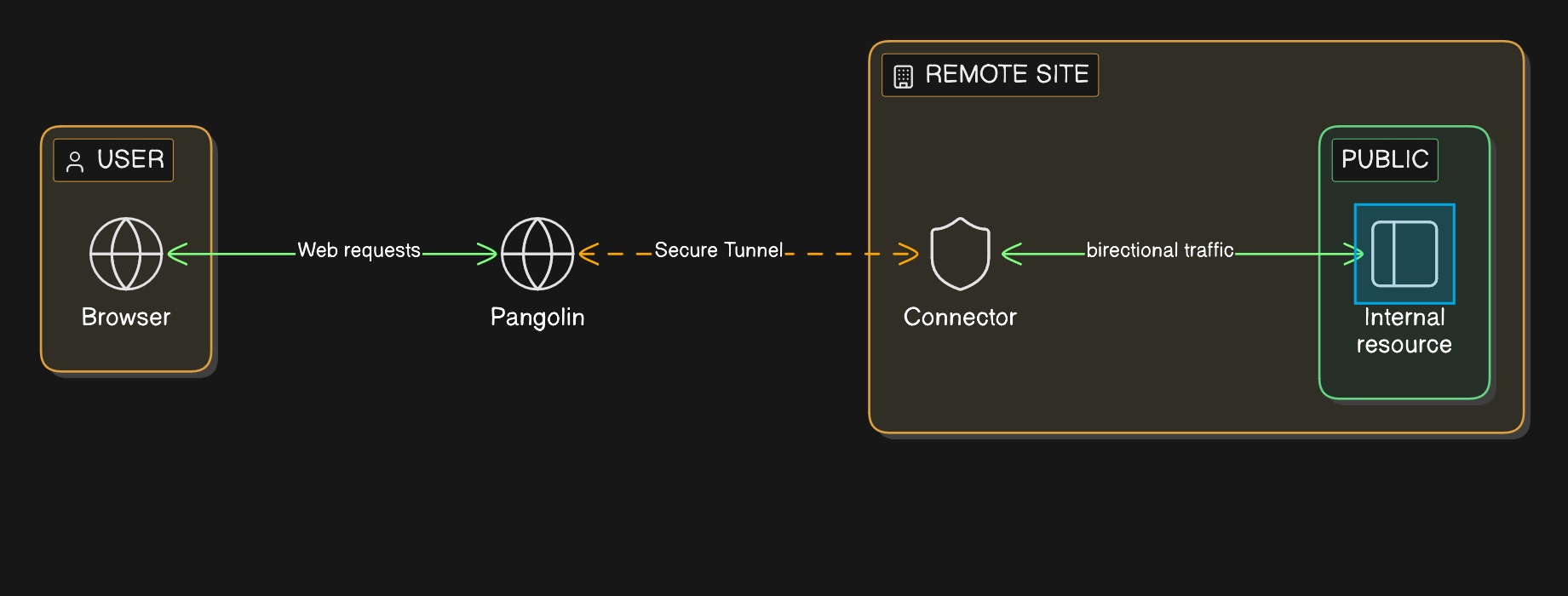
### **Key Capabilities of the Pangolin Platform**
- **Resource level access:** Pangolin organizes access around Sites, Resources, Roles, and Policies.
- **Clientless browser access:** Pangolin supports HTTPS private resources, so users can reach internal web apps without public exposure.
- **Endpoint protection:** Device approvals and posture checks help limit access to trusted devices.
- **GitOps configuration:** Pangolin Blueprints can be managed through CI/CD repositories for version control and review.
- **Automated edge provisioning:** Templates help teams roll out access across IoT networks, branch sites, and edge fleets.
## **Checklist: Evaluating Your Current Remote Access Security**
Use this checklist to audit your current remote access setup:
- [ ] **Inventory:** Do you have a current list of every server, app, and device interface that needs remote access?
- [ ] **Ownership:** Does each resource have a technical owner and a business owner?
- [ ] **Identity:** Is every access request tied to an individual user instead of a shared login?
- [ ] **MFA:** Is multi factor authentication required for external access and privileged actions?
- [ ] **Least privilege:** Are users limited to the apps and systems they need?
- [ ] **Public exposure:** Are admin portals and staging environments hidden from public scanning?
- [ ] **Auditing:** Can your team see who accessed what, from where, and under which policy?
- [ ] **Offboarding:** When an employee or vendor leaves, is their access removed from one central identity provider?
## Further reading
[How ZTNA Works](/news/how-ztna-works)
[How Pangolin Works](https://docs.pangolin.net/about/how-pangolin-works)
[5 Essential Remote Access Policy Examples for Secure Work Environments](/news/remote-access-policy-examples)
[What is an Identity-Aware Proxy (IAP)?](/news/what-is-an-identity-aware-proxy)
[GitOps Workflow for Pangolin Blueprints](/news/gitops-pangolin-blueprints-ci-cd)
[Pangolin Clients Documentation](https://docs.pangolin.net/manage/clients/understanding-clients)
[Templated Provisioning and Rollouts for the Edge](/news/templated-provisioning-and-rollouts-for-the-edge)
[Pangolin Documentation](https://docs.pangolin.net/)
## Related reading
- [How to SSH with Pangolin](/news/how-to-ssh-with-pangolin)
- [How ZTNA Works](/news/how-ztna-works)
- [What is an Identity-Aware Proxy?](/news/what-is-an-identity-aware-proxy)
- [How Pangolin Works](https://docs.pangolin.net/about/how-pangolin-works)
## FAQ
**Is a traditional VPN sufficient for modern remote access security?**
_A VPN can still be useful, but it is often too broad for modern teams. Once users connect, they may be placed on a large network segment. ZTNA reduces this risk by limiting each user to specific apps or resources._
**What is the most secure strategy for managing third party vendor access?**
_Give each vendor an individual identity. Require MFA. Limit access to the exact app or resource they need. Set an expiration date, log each session, and review vendor access every month._
**How does Zero Trust Network Access (ZTNA) protect against automated cyber attacks?**
_ZTNA removes trust based on network location. A user is not trusted just because they are on a VPN or known IP range. Each request is checked against identity, device posture, and policy. ZTNA can also keep origin systems private, which reduces exposure to internet scanning._
**What specific logs are required for remote access compliance auditing?**
_Access logs should capture user identity, login time, logout time, target resource, approval status, device context, IP address, and the policy used. Monitoring should also track tunnel and site health._
---
### Peer-to-Peer Alternative to Cloudflare Tunnels with Edge TLS Termination
URL: https://pangolin.net/news/building-a-peer-to-edge-peer-reverse-proxy
Published: 2026-05-27
Summary: How Pangolin built a peer-to-edge reverse proxy that keeps TLS termination and private application traffic on infrastructure you control.
Category: Engineering
## The Two Tradeoffs of Reverse Proxies
When you deploy a standard reverse proxy, you typically opt into two things: terminating SSL at the server level, and exposing your service to the public internet. Generally speaking, there is nothing wrong with this.
The first major tradeoff emerges with cloud-brokered reverse proxies like Cloudflare Tunnels or Ngrok. Because they intercept your traffic in the cloud, they act as a mandatory man-in-the-middle decrypting your SSL before passing it down a tunnel to your network edge. While this allows them to inspect and block bad traffic, it breaks strict compliance rules like HIPAA, where sensitive data must remain completely unreadable by third parties between the client and the destination.
The second tradeoff is exposure. If you are hosting a sensitive internal site, like a password manager or a web panel for a legacy hardware controller, a standard reverse proxy leaves it discoverable to anyone with a web browser. Modern tools can throw an authentication page in front of it, but your resource is never truly "cloaked" from the public internet. Undetected vulnerabilities remain exploitable.
To solve both issues simultaneously, we have to flip the architecture: combine peer-to-peer networking with an edge reverse proxy. Instead of relying on public DNS and a cloud server to terminate connections, the client connects to a virtual private network (VPN) and resolves DNS entirely over the tunnels. The HTTPS traffic travels over a blind transport layer and decrypts all the way down at the local network edge. The result is a service that is fully functional with valid SSL, yet entirely cloaked and untraceable from the public internet.
All code is available on GitHub: [https://github.com/fosrl/pangolin](https://github.com/fosrl/pangolin)
## Key details
### Cloud-Terminated vs. Edge-Terminated
Briefly, to understand the difference, look at how the lifecycle changes in these two diagrams.
Traditional Cloud-based Tunneled Reverse Proxy:
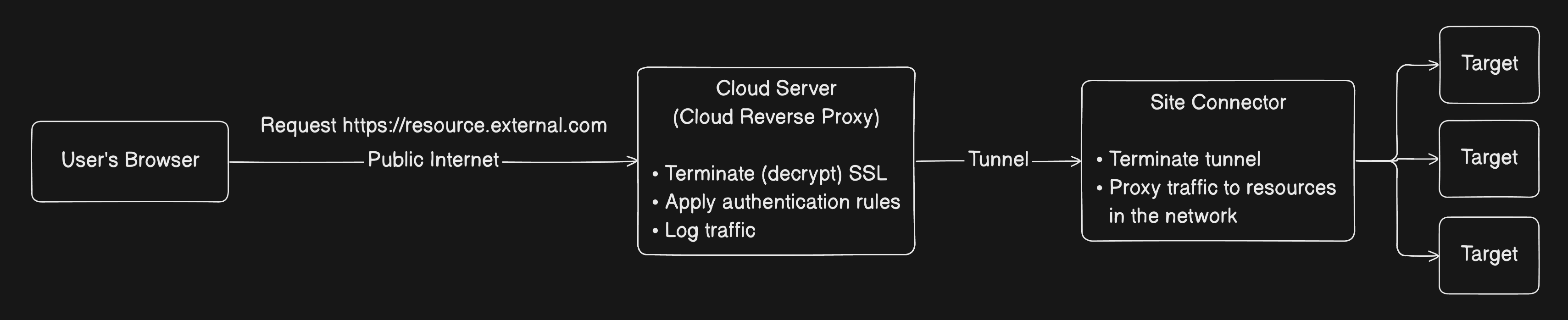
Peer-to-Peer Tunneled Edge Reverse Proxy:
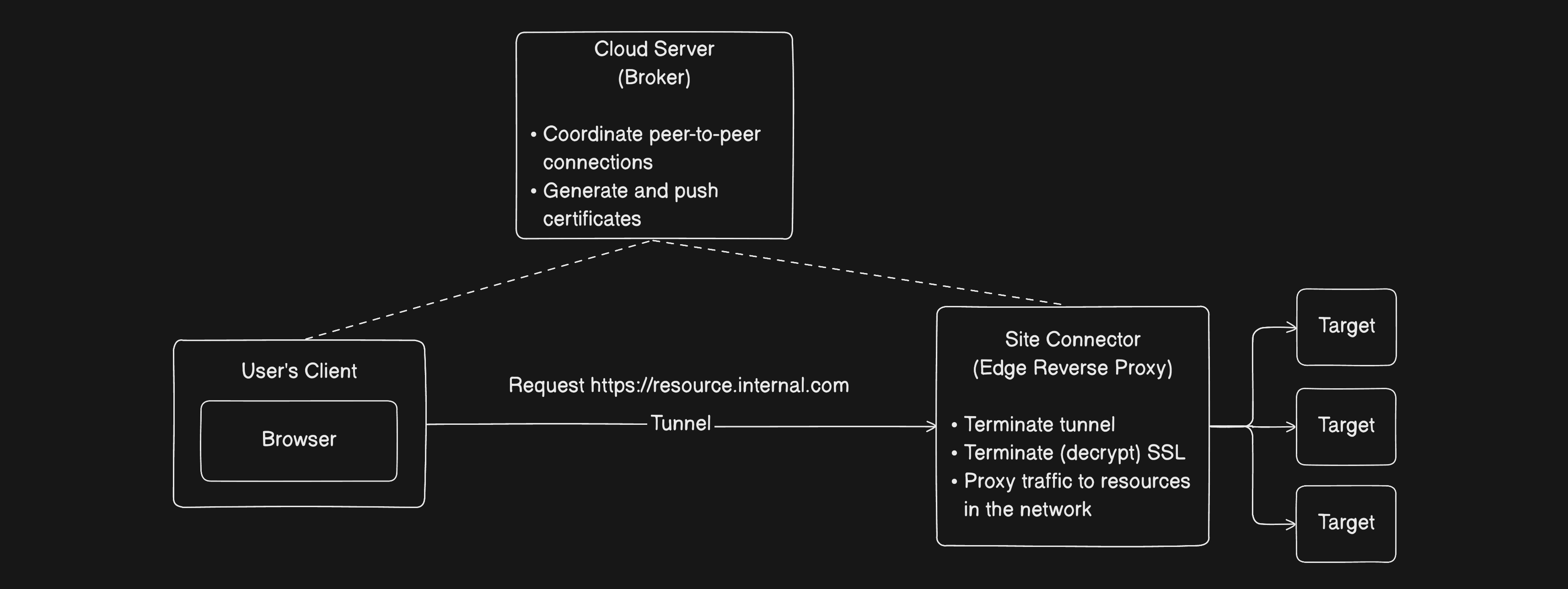
### How Did We Build It?
A quick background on our architecture: Pangolin natively provides two core capabilities. First, a server-terminated, cloud-based reverse proxy (our direct alternative to Cloudflare Tunnels). Second, a client-to-site peer-to-peer VPN. In both setups, you deploy a lightweight site connector (which we sometimes nickname a Newt) on your local network to facilitate access.
To deliver this new "private HTTPS" modality, we smashed components from both products together.
Here is exactly how the layers come together under the hood to make the system work. (And yes, if you want to skip straight to the implementation, the code is all [available on GitHub](https://github.com/fosrl/pangolin)).
### Hijack the OS DNS
To get traffic into a private tunnel without forcing the user to type in a raw IP address you have to capture their web traffic at the very beginning of its lifecycle: the DNS request.
If a user types `https://vault.pangolin.net` into their web browser, we cannot let that request escape to a public DNS server like `1.1.1.1` or `8.8.8.8`. If it leaks, the request fails, or worse, reveals internal domain topography to the public internet. First, we had to build a mechanism that hijacks the operating system’s DNS routing without breaking the user’s normal internet traffic.
This is easily the most brittle and complex part of the codebase because every operating system handles DNS configuration differently. To make this seamless, we built native clients for macOS, Windows, Linux, iOS, and Android to tap into platform-specific networking APIs. For example, on macOS, we leverage the native System Extensions combined with `scutil` to dynamically set our private DNS server at the top of the network interface resolution order.
### Local DNS Resolution and Logical Mapping
Once the OS-level hook is established, the Pangolin client starts a tiny local DNS server listening directly inside our virtual network interface (usually at `100.96.128.1`). Because it lives right on the interface, the traffic never leaves your machine
When the OS pipes a private domain query to this interface resolver, we don’t resolve it to a physical IP on the local network. Instead, the local resolver maps that friendly domain to a unique, logical overlay address (within the `100.96.128.0/18` range) assigned to that resource. This is all under the hood and you never have to think about the overlay address space.
To the browser and the operating system, this looks like a completely standard networking event. The browser receives the logical IP, assumes it’s talking to a normal web server and initiates a standard TCP handshake. Behind the scenes, the Pangolin client intercepts those TCP packets destined to `100.96.128.20` and preps them to be shot across our virtual private network.
### Smart P2P Routing & Anycast-style Site Selection
The core peer-to-peer transport and NAT traversal are already standard features of the primary Pangolin VPN. We can treat the connection itself as a black box, but to learn more about how that works, checkout our [explanation on how Pangolin punches through NATs and firewalls](/news/nat-holepunching). Part of the magic for our private HTTPS modality lies in how the client chooses where to send traffic.
For high availability, a private resource can be fronted by multiple site connectors deployed across different physical offices or regions.
Before firing packets to a site, the client first sends small health probes to all sites that you configure that are available as routable for this resource. Based on uptime status and round-trip time, the client chooses to send the packets to the most ideal site.
For example, a user in New York automatically routes through the New York site connector instead of the Los Angeles connector due to the lower latency. If a connector drops offline, the client detects the failure, and fails over to the next best path.
### Push Automated Certificates to the Edge
Once the client selects the optimal site, the encrypted packets travel over the peer-to-peer tunnel to the site and land directly at your local perimeter.
To prevent browsers from throwing certificate warnings, the edge needs a valid SSL cert. However, we cannot run a standard HTTP-01 challenge at the edge because they are completely hidden from the public internet with zero inbound open ports.
How do we automatically generate valid LetsEncrypt certs and get them to the edge?
The central Pangolin control server already manages certs on behalf of your domains using standard LetsEncrypt DNS or HTTP challenges. We need these for the cloud brokered reverse proxy.
Therefore, we can issue certs at the control server level, then use a websocket to push these valid certs down to the on-prem site connectors. The edge infrastructure never faces the public internet or runs its own ACME client. It simply receives its valid certs from the cloud control plane and stores them in its memory.
### Embedded Micro-Proxy at the Perimeter
This is where everything we’ve built comes to a head. The encrypted packets have now arrived over a blind peer-to-peer tunnel, jumped over any firewalls, and landed on the site sitting in your network. Now, we have to turn that raw network stream back into a secure web session. To do that, we embedded our own, highly optimized, tiny, reverse proxy directly into the site binary itself. We built the proxy using basic Go standard library networking tools.
In the traditional reverse proxy setup, the proxy sits on the public internet, accepts connections, terminates SSL, and passes traffic inward. In our model, the tunnel terminates first, then the reverse proxy handles the payload.
Because our local client-side DNS server preserved the original domain request, the browser initiates a standard TLS handshake over the P2P connection. When those packets hit the site, the embedded proxy intercepts them, reads the incoming HTTP host header or SNI, matches it against the propagated certificates, and completes the TLS handshake. SSL terminates at the edge.
Once the traffic is safely decrypted inside your network, the small micro-proxy forwards the plain HTTP request to the downstream target resource you configured in Pangolin.
### Auditing and Logging
The micro-proxy at the edge can still log HTTP requests and enforce rules and authentication – all the same things the cloud broker reverse proxy can do. The difference is, the site collects this data, cleans it, bundles it, and pushes it back up to the cloud for auditing and analytics purposes. This way you can centralize all your edge reverse proxies under one platform.
### One Small Edge Case
Browsers like Chrome maintain internal DNS caches that completely bypass the OS routing table. If a user tries to visit `vault.pangolin.internal` before starting the client, the browser might query public DNS, get an NXDOMAIN, and aggressively cache it. This only ocurrsif the domain already exists on a public DNS server.
When the tunnel boots a second later, the browser completely ignores our local DNS server and keeps trying to hit the public internet. Because browsers don't expose an external API to force-flush this cache, there is no clean programmatic fix. The user simply has to wait out the TTL, open a new tab or session, or manually restart the browser to force it to see the new DNS hooks.
## Conclusion
Ultimately, shifting the reverse proxy from a centralized cloud data center directly to the local network edge proves that zero-trust convenience doesn't require sacrificing data transport privacy. By combining platform-native DNS manipulation, automated wildcard certificate orchestration, and localized perimeter decryption, we can completely cloak critical infrastructure at the edge from the public internet while ensuring end-to-end regulatory compliance for sensitive payloads. Security should protect your data, not act as a mandatory third-party intermediary and by reversing the traditional proxy architecture, you get the absolute best of both worlds.
---
### GitOps for Pangolin Blueprints: Access Control via CI/CD
URL: https://pangolin.net/news/gitops-pangolin-blueprints-ci-cd
Published: 2026-05-06
Summary: Manage Pangolin Blueprints with GitOps using declarative YAML, pull request review, and GitHub Actions automation.
Category: Guides
As Pangolin environments grow, managing resource and access changes only in the dashboard can add operational overhead. New environments get added, existing ones change direction, and policies can drift from the original intent.
GitOps is the practice of keeping operational state in version control and applying that state through automation. For Pangolin, that means storing blueprints in Git and letting CI apply them instead of treating the dashboard as the source of truth.
That gives teams a few practical benefits immediately:
- version history for every exposure and access change
- pull request review before changes reach Pangolin
- cleaner rollback when a hostname, target, or policy change needs to be reversed
- easy ability to apply changes in bulk for large-scale management and rapid provisioning
- less dashboard drift between intended state and live state
## GitOps implementation flow
### Keep blueprint.yaml in a GitOps repo
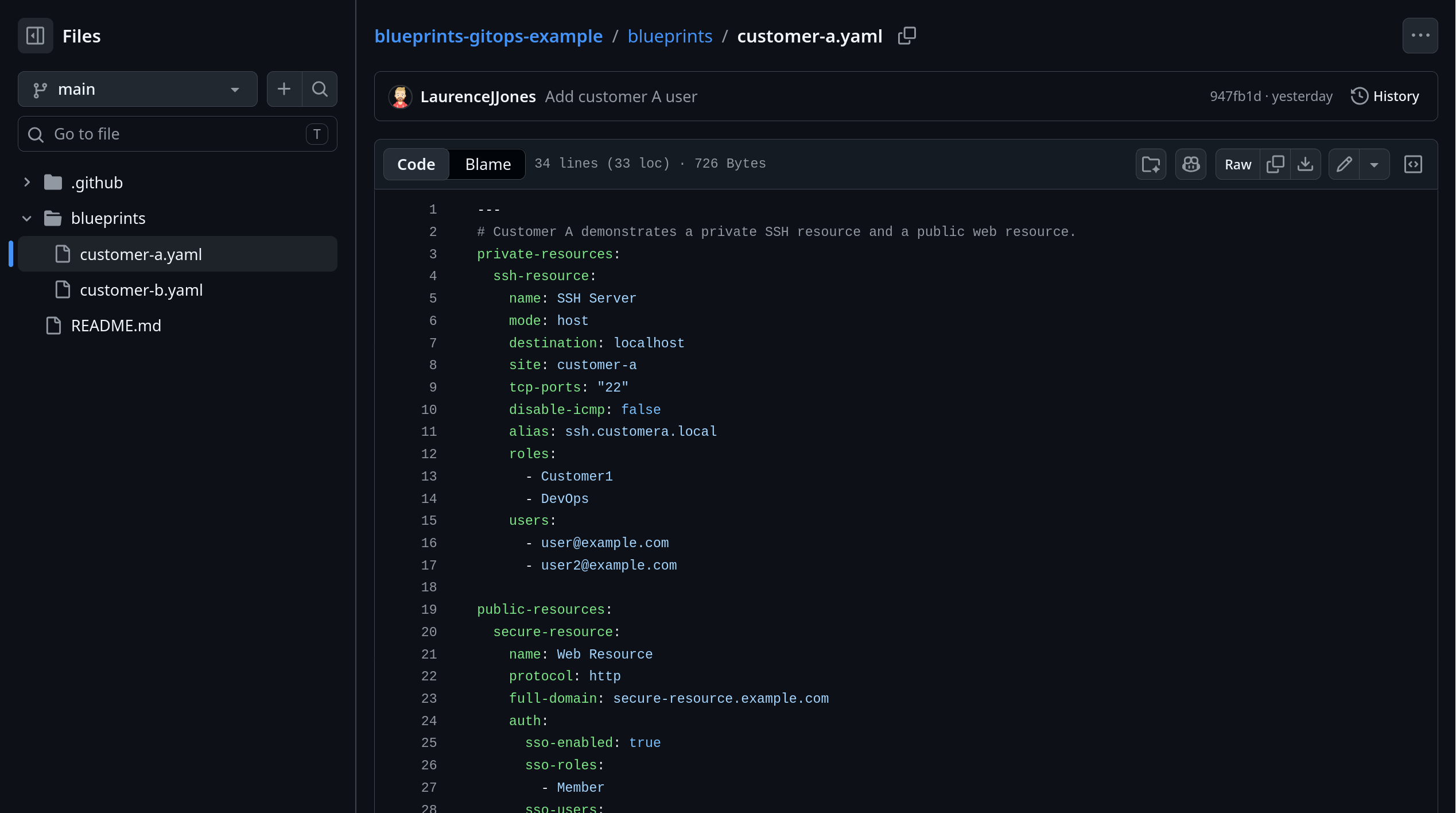
The important pattern is simple:
1. The blueprint lives in a Git-managed operations repo.
2. Pull requests update the Pangolin definition together with the rest of the environment change.
3. GitHub Actions applies the blueprint from that repo.
That turns Git into the source of truth for exposure intent and access state.
If a target changes, a domain changes, or a user list changes, the reviewer can see that change in the same pull request as the rest of the operational change. That is a much better model than changing infrastructure in one place and fixing Pangolin later in a dashboard.
One common layout looks like this:
```plaintext
pangolin-gitops/
├─ blueprints/
│ ├─ customer-a.yaml
│ └─ customer-b.yaml
└─ .github/workflows/apply-blueprints.yml
```
That is only one way to structure it. Some teams keep blueprints with application code, but a separate GitOps repo is often cleaner when Pangolin definitions are shared operational state managed by platform or infrastructure teams.
### What a Pangolin blueprint controls
In Pangolin, a blueprint is a declarative definition for resources and their settings. For this workflow, YAML is the useful format because it sits naturally in Git and can be applied from CI. For the broader feature, see [Blueprints](https://docs.pangolin.net/manage/blueprints).
The important part is not that the file is YAML. The important part is that it captures the intended state:
- what resource should exist
- where it should point
- which site it belongs to
- who should be allowed to reach it
That is the information teams often leave split across deployment notes, dashboard settings, and memory. A blueprint pulls it back into one reviewable file.
### Example blueprint.yaml
Suppose one customer environment needs both a private connectivity path and a published web service. The same blueprint can define both.
```yaml
private-resources:
ssh-resource:
name: SSH Server
mode: host
destination: localhost
site: customer-a
tcp-ports: "22"
disable-icmp: false
alias: ssh.example.local
roles:
- Customer1
- DevOps
users:
- user@example.com
public-resources:
secure-resource:
name: Web Resource
protocol: http
full-domain: secure-resource.example.com
auth:
sso-enabled: true
sso-roles:
- Member
sso-users:
- user@example.com
targets:
- site: customer-a
hostname: localhost
method: http
port: 8080
```
This file is doing real work:
- it defines a private resource for host-level access
- it defines a public web resource on the same site
- it scopes private access by roles and users
- it scopes public access through SSO roles and users
Without a blueprint, teams usually make those changes directly in the dashboard. With a blueprint, the same changes live in version control and move through review first.
### How to use Pangolin in CI with GitHub Actions
Once blueprint.yaml is in a GitOps repo, GitHub Actions becomes the apply step that keeps Pangolin aligned with the reviewed state.
The sequence is straightforward:
1. An operator updates the blueprint or related environment definition.
2. The change goes through pull request review.
3. GitHub Actions applies blueprint.yaml.
4. Pangolin updates the resource state to match Git.
That means Pangolin stops being a manual follow-up step after an environment change. It becomes part of the CI workflow itself.
### GitHub Actions example
At a minimum, the workflow needs to check out the repo and apply the blueprint with the new non-interactive CLI flags.
```yaml
name: Apply Pangolin blueprint
on:
push:
branches:
- main
jobs:
apply:
runs-on: ubuntu-latest
steps:
- name: Check out repository
uses: actions/checkout@v4
- name: Install Pangolin CLI
run: curl -fsSL https://static.pangolin.net/get-cli.sh | bash
- name: Apply Pangolin blueprint
env:
PANGOLIN_INTEGRATION_API_KEY: ${{ secrets.PANGOLIN_INTEGRATION_API_KEY }}
PANGOLIN_ENDPOINT: ${{ secrets.PANGOLIN_ENDPOINT }}
PANGOLIN_ORG_ID: ${{ secrets.PANGOLIN_ORG_ID }}
run: |
pangolin apply blueprint \
--api-key "$PANGOLIN_INTEGRATION_API_KEY" \
--endpoint "$PANGOLIN_ENDPOINT" \
--org "$PANGOLIN_ORG_ID" \
--file ./blueprints/customer-a.yaml
```
The rest of the infrastructure workflow will vary by team. The useful boundary is that the blueprint gets applied from the same reviewed Git state that approved the access change.
Keep the secret-handling boring:
- store Pangolin credentials in GitHub Secrets
- do not hardcode credentials in the workflow
- do not make blueprint apply a separate manual runbook
- keep the API key, endpoint, and org ID in CI secrets, not in the repo
### Why CI beats dashboard-only changes
The dashboard is useful, but it is a weak source of truth for Git-managed environment and access changes.
If environment changes happen in Git while Pangolin changes happen somewhere else, reviewers do not get one clear picture of intent. A hostname change, target change, or access-list change is not cosmetic. It changes what is exposed and who can reach it.
Putting that in a blueprint gives you a cleaner workflow:
- access changes get code review
- version history stays in Git instead of disappearing into the dashboard
- exposure changes show up in Git history
- rollback is easier to reason about
- drift is easier to spot
- the access layer stops becoming a hidden manual system
If changing access means editing one file in the GitOps repo and letting CI apply it, precise resource changes stay realistic. If the alternative is another set of manual dashboard steps every time a target or user list changes, drift keeps growing.
## Conclusion
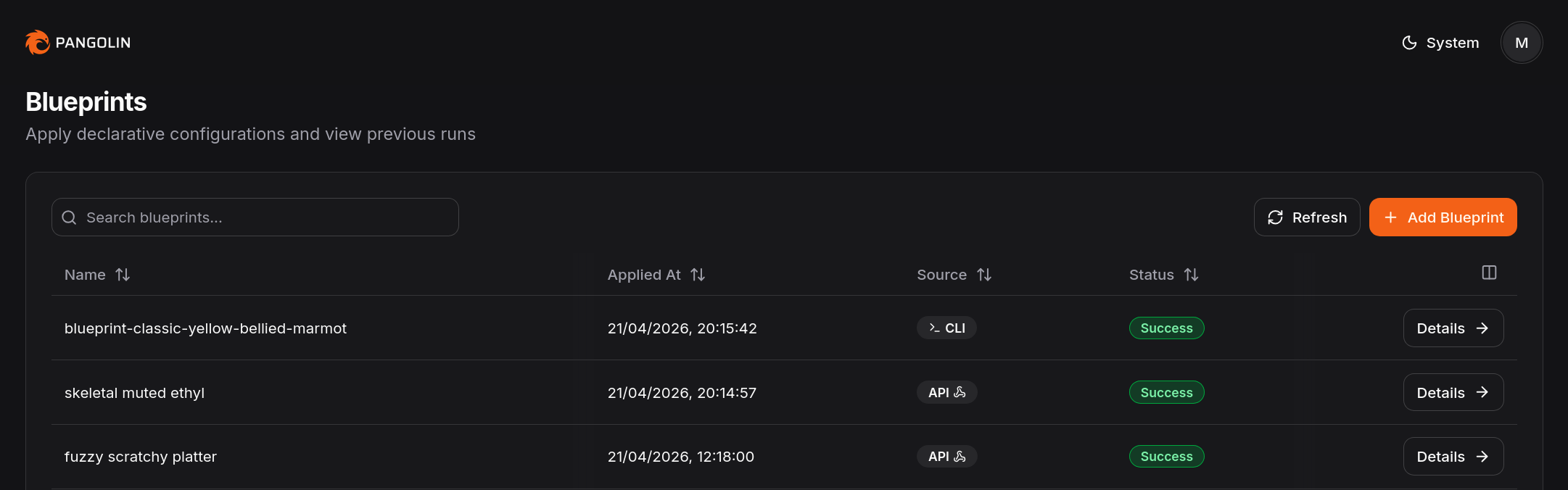
Pangolin is easier to review at scale when blueprint state lives in Git and CI applies it consistently.
Blueprints and GitHub Actions give you a cleaner path. Keep blueprint.yaml in a GitOps repo. Review the environment and exposure changes together. Apply them together.
That does not eliminate access management work. It does put that work back inside a normal Git-managed workflow, which is usually where it belonged all along.
## FAQ
**What is a Pangolin blueprint?**
_A Pangolin blueprint is a declarative configuration for resources and their settings. In practice, it lets you manage exposure and access settings as code instead of only through the dashboard._
**Should blueprint.yaml live in a dedicated GitOps repo?**
_Usually yes, if Pangolin state is owned by platform or infrastructure workflows. The important part is that it lives in version control and moves through the same review and CI path as the change it belongs to. Some teams still keep it with application code, but that is an implementation choice, not the core requirement._
**Can GitHub Actions apply Pangolin blueprints automatically?**
_Yes. Pangolin supports applying blueprints through the CLI with non-interactive flags for API key, endpoint, and org ID, which makes the workflow a good fit for CI/CD._
**Are blueprints better than managing everything in the dashboard?**
_For teams that want reviewability, version history, and automation, usually yes. The dashboard still has value, but blueprints are the better fit when Git should be the source of truth._
**Can I keep Pangolin blueprints outside the app repo?**
_Yes. This guide assumes a dedicated GitOps repo because that is often the cleaner model for platform and infrastructure teams. Keeping the blueprint with application code is also possible if that matches your operating model better._
**Do blueprints replace access design?**
_No. They make access design easier to preserve operationally. Teams still need to decide what should be exposed and who should be allowed to reach it._
---
### Templated Provisioning and Rollouts for the Edge
URL: https://pangolin.net/news/templated-provisioning-and-rollouts-for-the-edge
Published: 2026-05-01
Summary: Automate edge device rollouts with Pangolin provisioning keys, declarative blueprints, and golden-image workflows.
Category: Guides
Pangolin is a remote access and management solution designed for the edge. Its site- and resource-based architecture is purpose-built for servicing large fleets of IoT devices. This guide demonstrates how Pangolin can be deployed in an automated, templated, and consistent manner across a global fleet.
## **Why Is Device Provisioning Difficult?**
Provisioning remote access to edge devices is traditionally a complex, manual process. Standard workflows often require writing intricate scripts to interact with APIs, generating unique credentials or certificates for every individual device, and securely distributing those keys to remote hardware.
Once an agent is running on the device, you typically face a second hurdle: configuring the service. This involves either more API scripting or manually clicking through a dashboard to define [SSH access](/news/how-to-ssh-with-pangolin), IP addresses, users, and Role-Based Access Control (RBAC).
For hundreds or thousands of devices this is brittle and hard to scale. Even worse, there isn’t a single source of truth.
## **The Power of Automated Rollouts and Templated Deployments**
When managing edge devices at scale, a consistent rollout is essential. Manual configurations lead to configuration drift, increased operational costs, and security gaps. Templated deployments ensure every device is provisioned with a verified and uniform configuration.
A single image with templated variables enables you to create a “golden image” so new deployments are predictable and don’t require manual setup. Changes to edge configurations can be pushed and applied automatically and declaratively, ensuring the local configuration remains the source of truth.
Pangolin simplifies this through Provisioning Keys and Declarative Blueprints. These tools allow you to use existing orchestration pipelines (like Ansible or Puppet) to deploy identical configuration files across your fleet without custom scripting.
## Provisioning workflow
### **Create the Provisioning Key**
Typically, a Pangolin site connector (known as Newt) requires a unique ID and Secret to authenticate. Generating these individually for thousands of devices is inefficient.
Provisioning Keys solve this by acting as a temporary handshake. When Newt starts for the first time, it exchanges the provisioning key for a permanent, unique ID and Secret. It then overwrites its own configuration file, wiping the provisioning key from the disk. This ensures that even if a device is later compromised, the original key is gone and the device possesses its own isolated credentials.
To set this up:
1. Navigate to the Pangolin Dashboard > Management > Provisioning.
2. Generate a new key.
3. (Optional) Set security constraints, such as an expiration date (e.g., one week) or an activation limit (e.g., 50 uses).
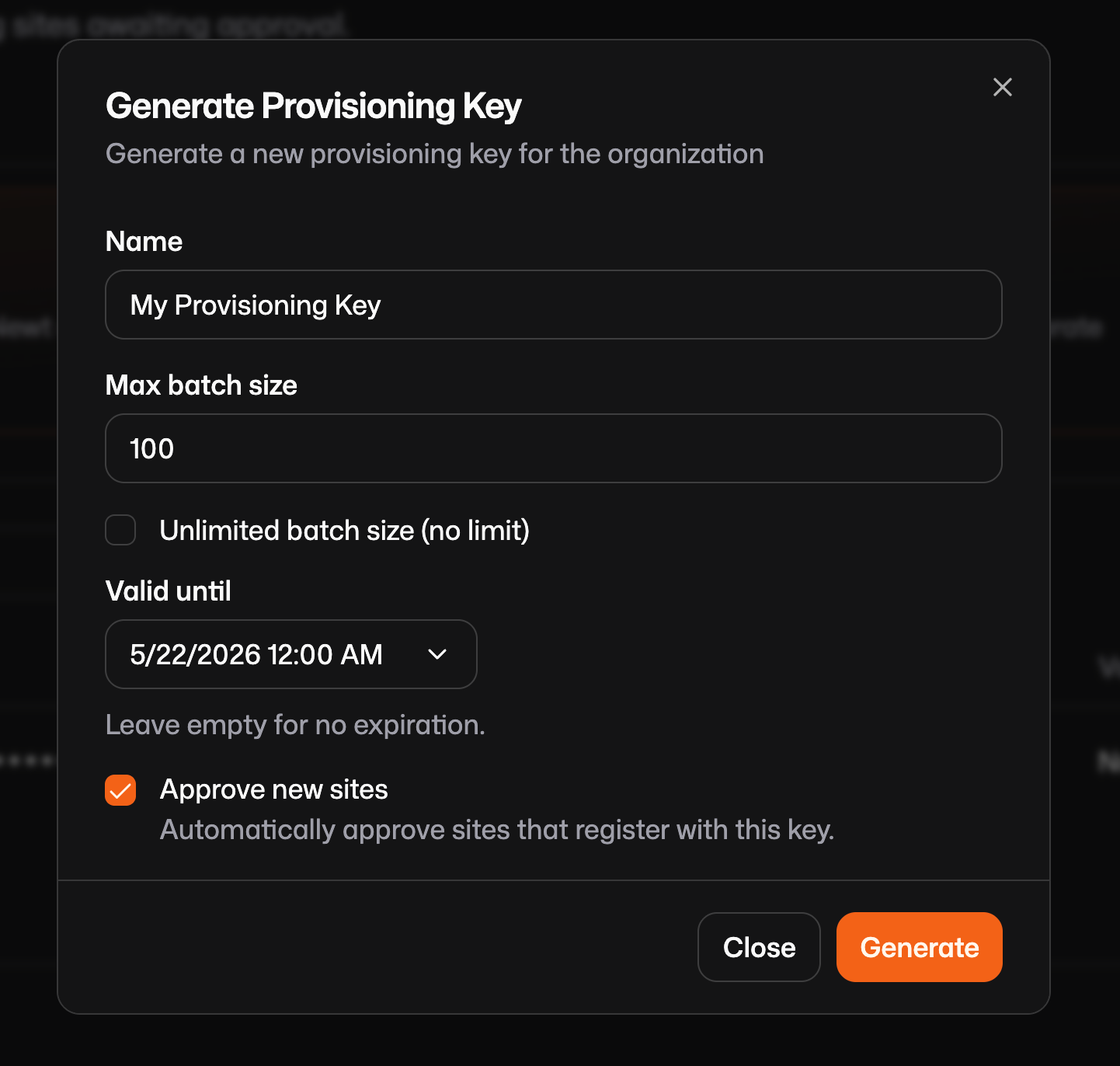
Create a `/var/config.json` file that looks like this on your device and include the key you just generated:
```json
{
"Name": "{{env.HOSTNAME}}",
"provisioningKey": "spk-g6smpa86cn6oa2h.o3efm7a7rl5cn7exqpdsuxacnup7b7v36biq4o25",
"endpoint": "https://app.pangolin.net"
}
```
After the first run, Newt will automatically overwrite this file with unique credentials:
```json
{
"id": "2ix2t8xk22ubpfy",
"secret": "nnisrfsdfc7prqsp9ewo1dvtvci50j5uiqotez00dgap0ii2",
"endpoint": "https://app.pangolin.net"
}
```
When creating a provisioning key, you will notice an Approve New Sites checkbox. When enabled, any new site created using that key is automatically added to your production site table. If disabled, new sites are placed in a "pending" state which is essentially a waiting room that requires an administrator to manually review and approve or reject the connection before it moves into production. This adds an extra layer of security for high-trust environments.
### **Create the Blueprints**
Getting a device online is only the first step. Blueprints eliminate the need to manually configure resources (like SSH or Web access) in the dashboard.
Blueprints are a declarative YAML file that defines exactly what resources should exist and how they should be configured on that device. You define Pangolin resources (public or private) for this device and include roles or users that should have access. You can use environment variables like `{{env.SERIAL_NUMBER}}` so that each device dynamically names its own resources or domains for easier management later.
Reference the blueprint documentation to create a file for you, but this is a simple example [https://docs.pangolin.net/manage/blueprints](https://docs.pangolin.net/manage/blueprints). Create the blueprint in /var/blueprint.yml:
```yaml
private-resources:
ssh-resource:
name: SSH Server
mode: host
destination: localhost
tcp-ports: "22"
roles:
- Engineering
- DevOps
public-resources:
secure-resource:
name: Web Resource
protocol: http
full-domain: {{env.SERIAL_NUMBER}}.example.com
auth:
sso-enabled: true
sso-roles:
- Admin
targets:
- site: my-site
hostname: app
port: 8080
method: http
```
When provisioned, this blueprint will create a resource like this:
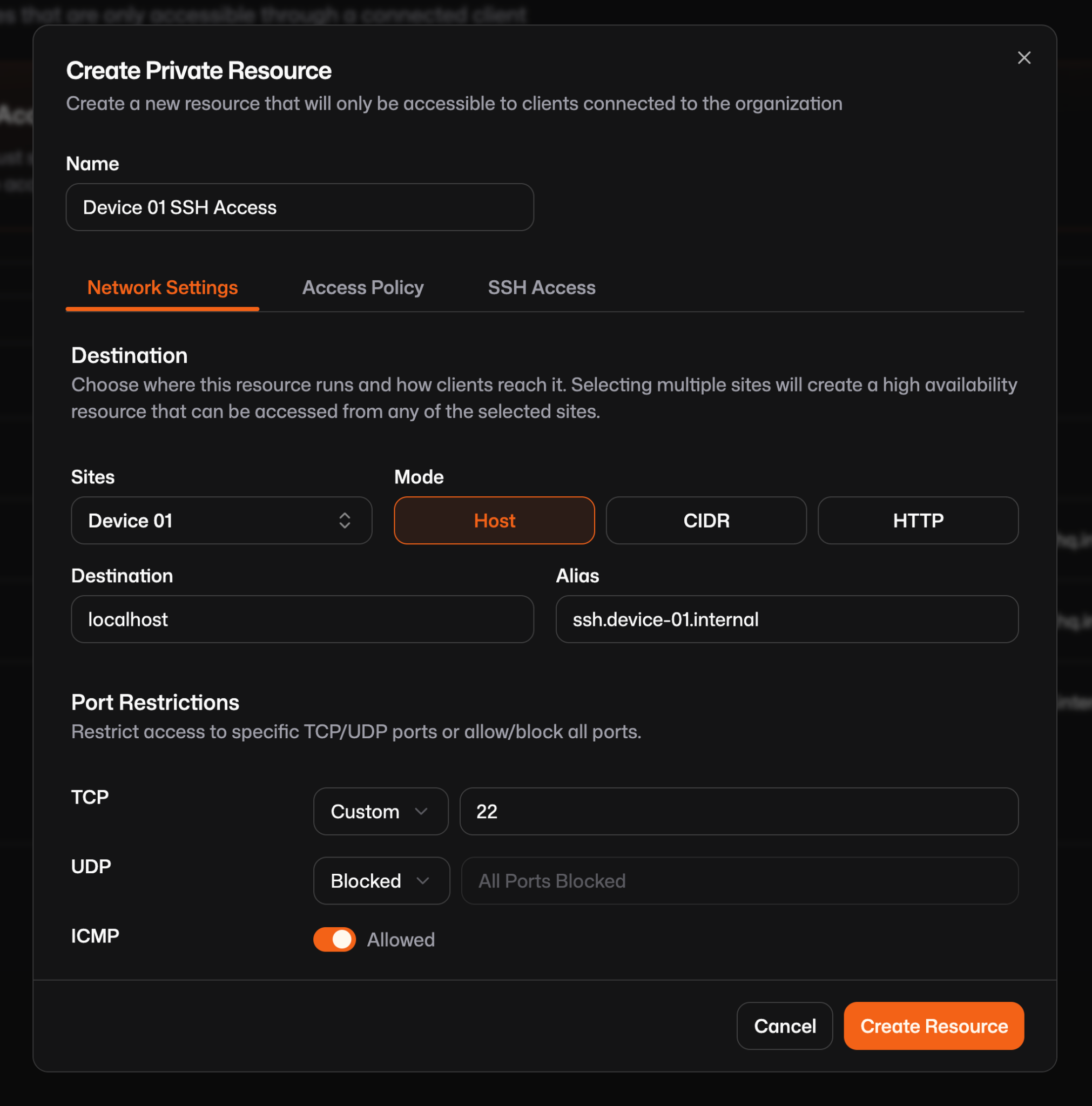
A couple notes about using blueprints this way:
Usually when using blueprints to define resources you must define the sites on each so Pangolin can route to the right device, but when a blueprint is applied via Newt, the local site is automatically assigned to the resources, removing the need to define site IDs manually.
Pangolin gives you two ways to manage these configurations long-term:
- **Provisioning Mode**: Use `--provisioning-blueprint-file`. The device sets itself up once, and then you can make manual tweaks in the dashboard that won't be overwritten.****
- **Continuous Sync**: Use `--blueprint-file`. This makes the device the "source of truth." If you need to change the SSH ports across 500 devices, you just push an updated YAML file to them. newt watches that file, detects the change, and updates the Pangolin cloud immediately.
### **Deploy via systemd**
Finally, we need a way to run newt, the site connector. Systemd is a good option because it is easy to push out using tools like Ansible or Puppet. You should deploy the exact same service file and config to every device in your fleet (that's configured the same) then start the systemd service. When newt runs for the first time it will trigger the provisioning and connection process.
Either push the Newt binary directly to `/usr/local/bin` or download it with:
`curl -fsSL https://static.pangolin.net/get-newt.sh | bash`
Define the `/etc/system/systemd/newt.service`:
```plaintext
[Unit]
Description=Pangolin Newt Connector
After=network-online.target
[Service]
Type=simple
Environment=SERIAL_NUMBER=123456789
Environment=HOSTNAME=my-device-1
ExecStart=/usr/local/bin/newt --config-file /var/newt.json --provisioning-blueprint-file /var/blueprint.yml
Restart=always
RestartSec=2
[Install]
WantedBy=multi-user.target
```
The environment variables `HOSTNAME` and `SERIAL_NUMBER` should be available to the binary via environment variables in the systemd service so that newt can inject them. If you are not using interpolation this is not required.
## **Wrapping Up**
Pangolin simplifies the complex and typically brittle process of provisioning remote access to edge devices using provisioning keys and blueprints. By creating a temporary provisioning key that the Newt site connector exchanges for a unique permanent ID and secret upon first run and defining resources and access controls using declarative YAML blueprints you eliminate the need to script against the service API. Deploying the Newt connector using a systemd service file is easy and allows a single configuration to be deployed across thousands of units using existing pipelines like Ansible or Puppet.
---
### Pangolin 1.18: HTTPS Private Resources, Multi-Site, & Alerts
URL: https://pangolin.net/news/1-18-release
Published: 2026-04-28
Summary: Pangolin 1.18 adds HTTPS private resources, multi-site routing, uptime tracking, alert rules, and wildcard resources.
Category: Product
Pangolin 1.18 is a big one. This release adds HTTPS support for private resources, multi-site high-availability routing, uptime tracking, a flexible alerting system, wildcard resources, and more. Let's walk through everything.
## Release highlights
### HTTPS on Private Resources
Private HTTP is a new kind of private resource designed for web workloads. It works like a public resource in that it gets a real domain name on your Pangolin-managed domain and traffic flows through a reverse proxy with valid TLS, but it's only reachable when the user has an active Pangolin client connection. Nothing is exposed on the public internet.
When a connected user opens the URL in their browser, Pangolin resolves the name through the tunnel, the site-side reverse proxy terminates TLS using a certificate provisioned by the control plane, and the request is forwarded to your backend. The scheme and destination port are both configurable. If you've been approximating this with aliases and non-standard ports, private HTTP is the cleaner answer!
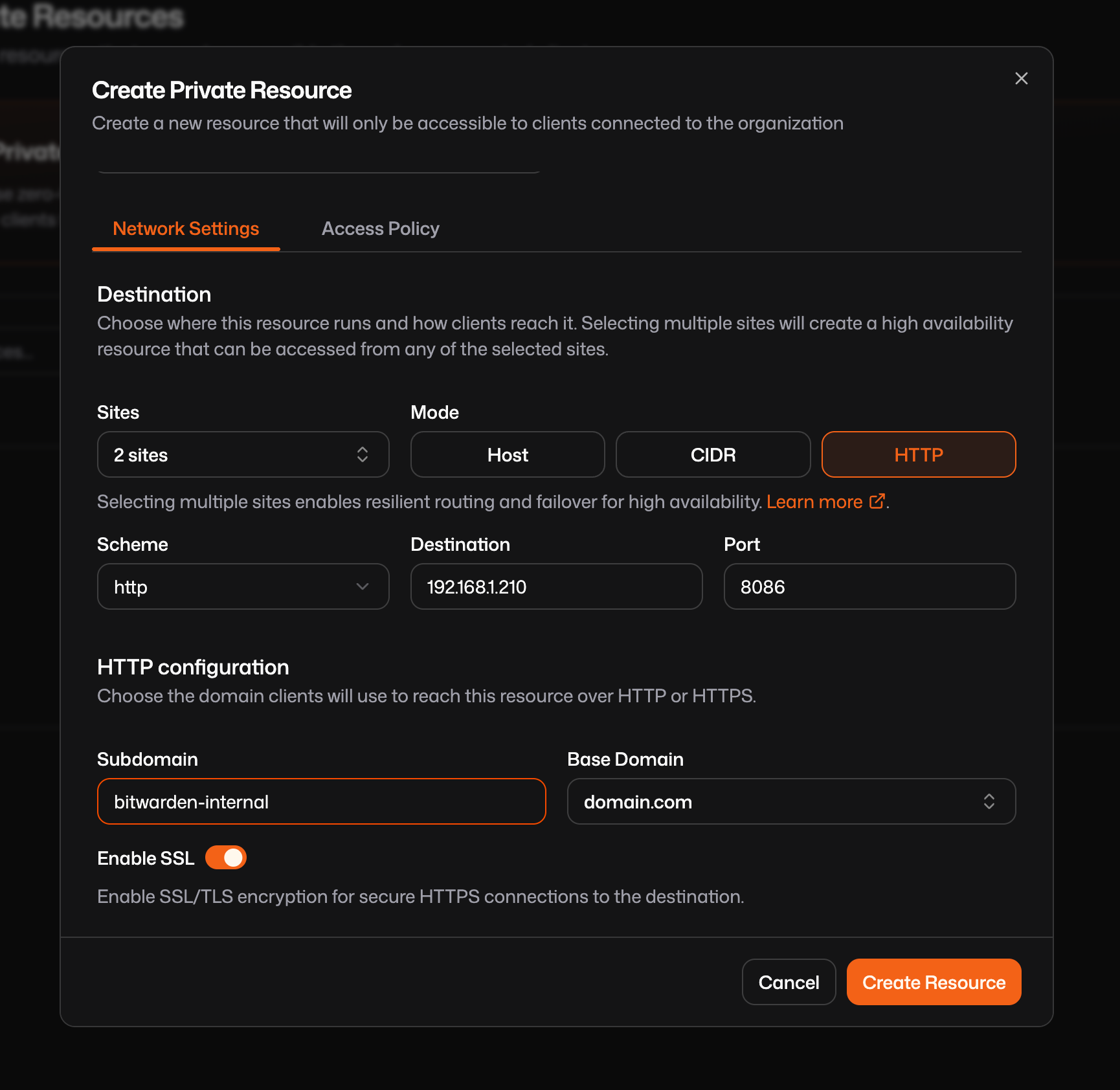
Read more about [HTTPs on private resources](https://docs.pangolin.net/manage/resources/private/private-http) in the docs.
### Multi-Site Routing (HA) on Private Resources
Private resources now support multiple sites. Attach more than one site connector to a resource and Pangolin routes client traffic through whichever path is best at the time, weighing factors like latency and availability. If a site goes offline, clients automatically fail over to the next available site with no manual reconfiguration needed.
A common pattern is redundant connectors into the same network. Install a Pangolin site on two servers in the same LAN, attach both to your private resource, and you have a resilient path in. One connector goes down and users stay connected through the other.
The one requirement is that every site you attach must have routable access to the resource's destination. Pangolin assumes any site in the list is a valid path to the same backend, so confirm reachability before adding a site. Expect a short gap of a few seconds during failover while the downed site is registered and routing changes propagate to clients.
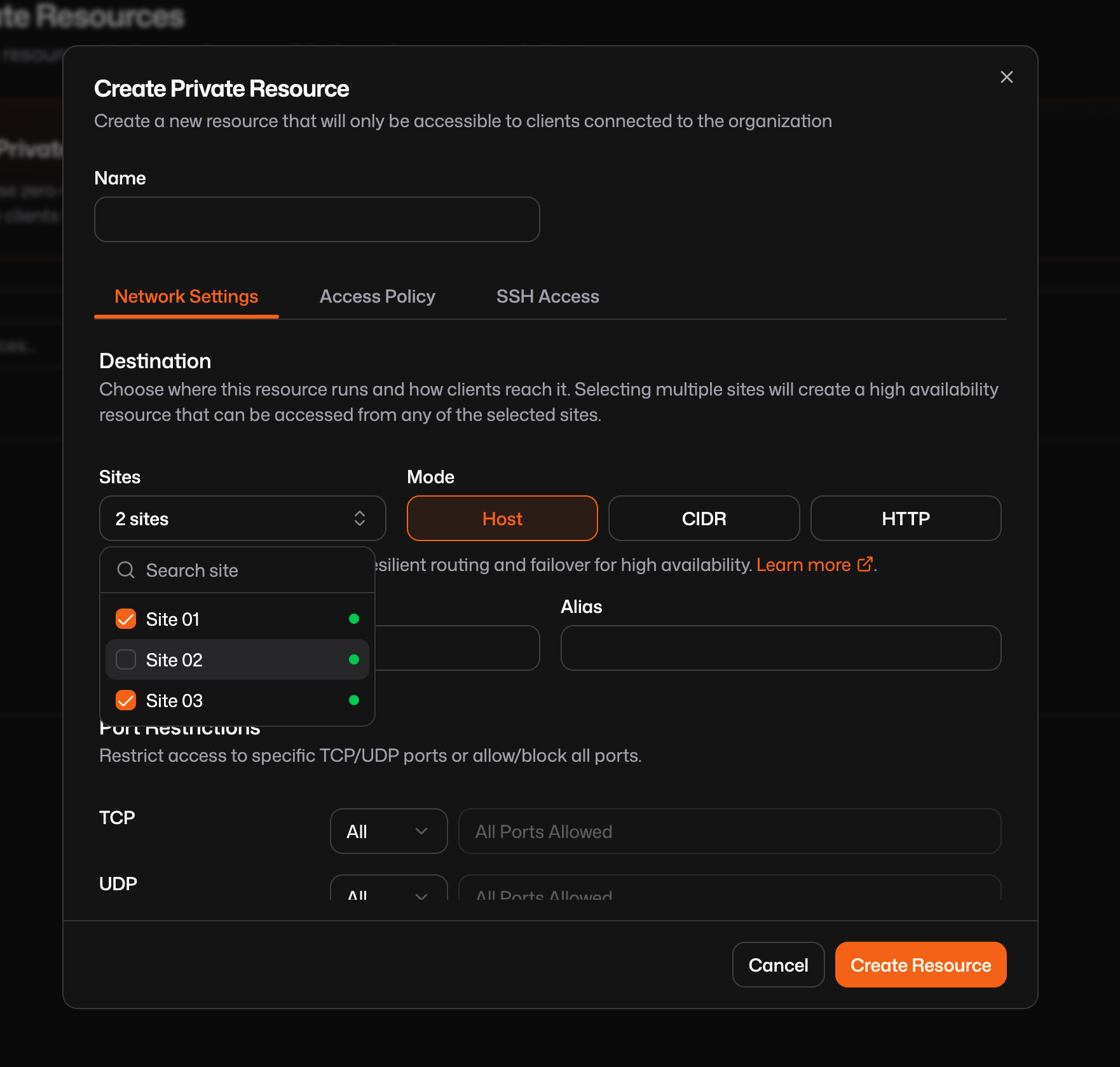
Read more about [multi-site routing on private resources](https://docs.pangolin.net/manage/resources/private/multi-site-routing) in the docs.
### Uptime Tracking
Sites and resources now track uptime. You'll see uptime history on site and resource detail pages, giving you a quick at-a-glance view of recent availability. This also serves as the jumping-off point for creating alert rules. More on that below!
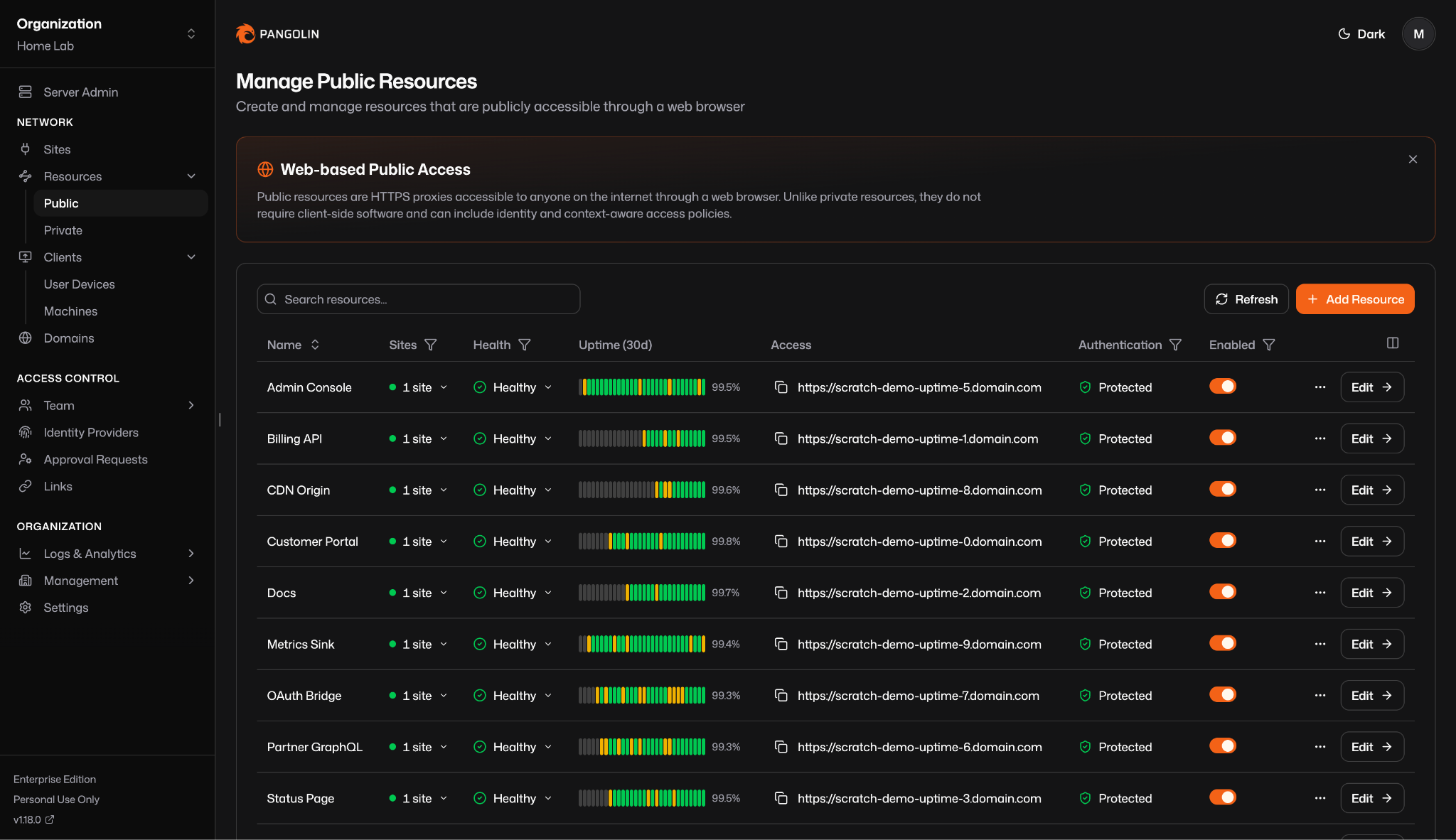
### Standalone Health Checks
Pangolin now supports standalone health checks that aren't tied to any resource. Pick a site to run the probe from, give it a target, choose HTTP or TCP, configure your timing and thresholds, and Pangolin continuously checks whether that endpoint is reachable from the site's network.
This is useful for anything you want to monitor but haven't modeled as a Pangolin resource such as a network printer, an IP camera, a PLC, a legacy server. HTTP checks issue a full request and validate the response; TCP checks simply confirm a connection can be established on a given port.
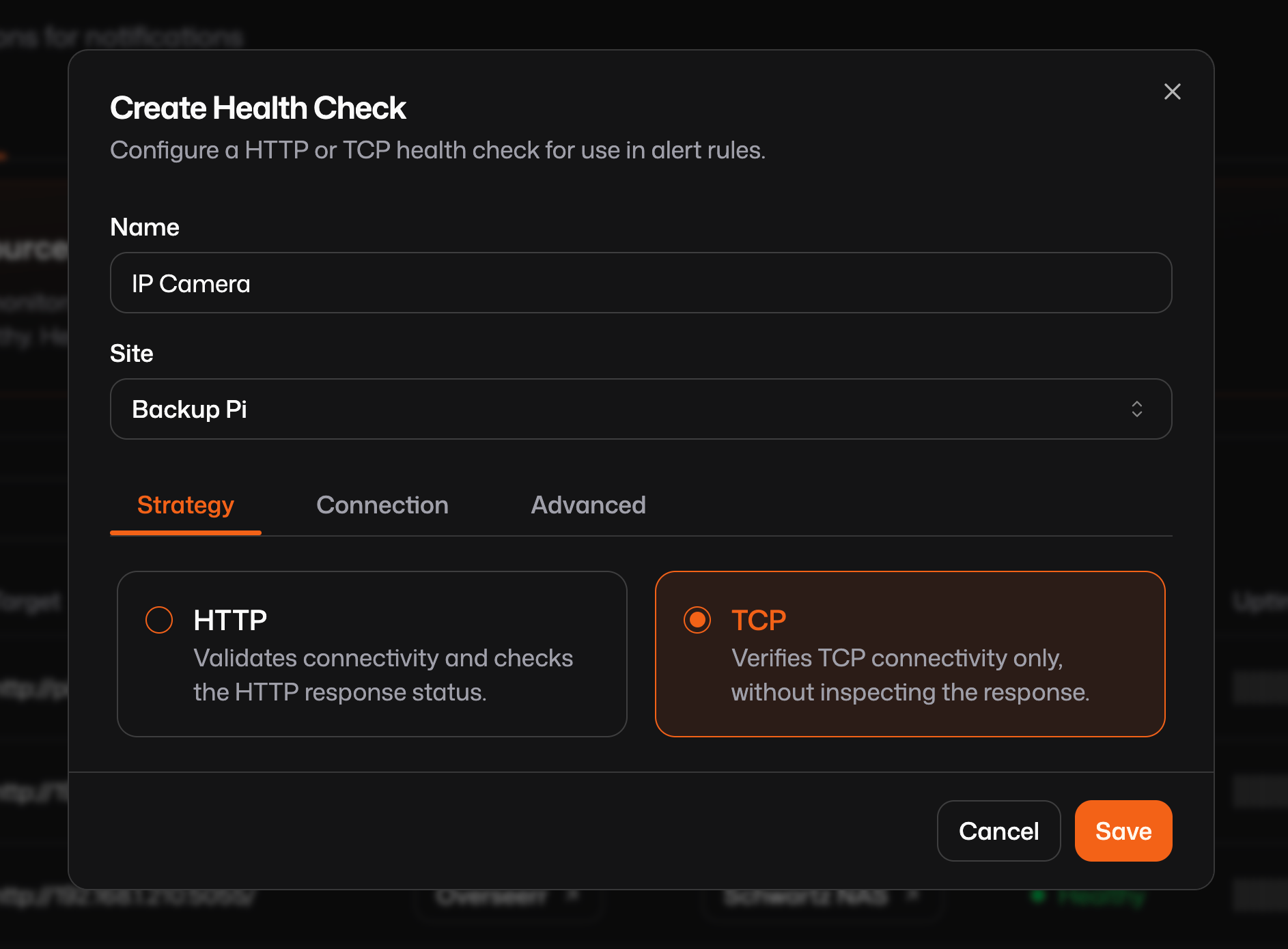
Read more about [health checks](https://docs.pangolin.net/manage/alerting/health-checks) in the docs.
### Alert Rules
Alert rules let you subscribe to state changes across sites, resources, and health checks and automatically deliver notifications when something happens. Setup involves three steps: choose a source (what to watch), a trigger (which change should fire the rule), and one or more actions (what to do).
Actions include email to users, roles, or arbitrary addresses; webhooks that POST a JSON payload to any URL; and native integrations with PagerDuty, Opsgenie, ServiceNow, and incident.io. You can stack multiple actions on the same rule.
You can create rules from the Alert rules page under Alerting, or jump directly from a site or resource detail page using the Create alert rule shortcut near the uptime graph.
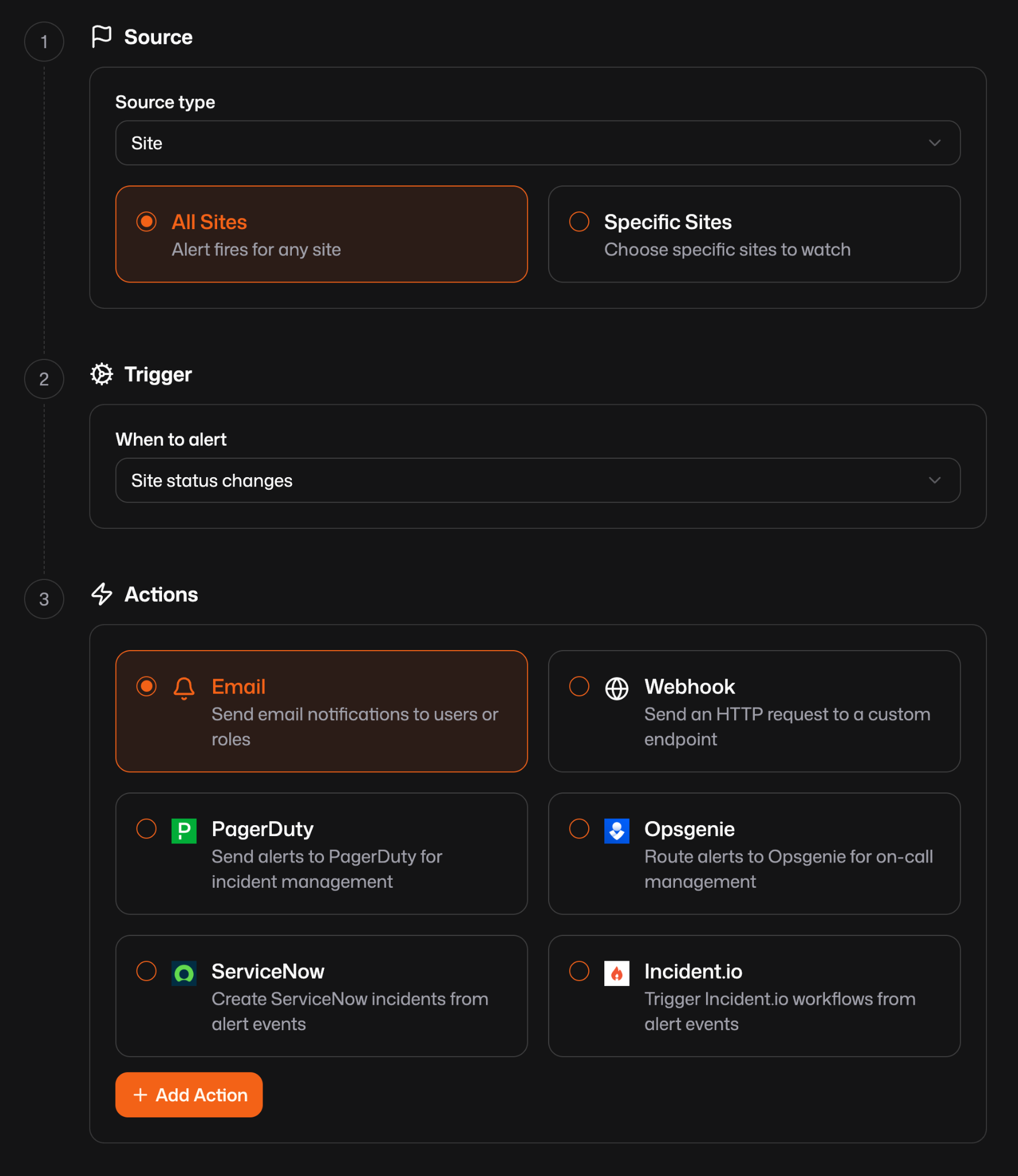
Read more about [alert rules](https://docs.pangolin.net/manage/alerting/alert-rules) in the docs.
### Wildcard Resources
Public resources now support wildcard subdomains. Set the subdomain field to \* and Pangolin routes every hostname at that level through the same resource and tunnel. Access rules and authentication apply across all matched hostnames, and the original Host header is preserved so downstream systems can continue routing as expected.
Wildcards require TLS certificates that cover \*.your-level, which means DNS-01 validation. HTTP-01 can only prove a single exact hostname. For self-hosted Pangolin, configure Traefik and Let's Encrypt for DNS-01 and set up wildcard DNS records. For Pangolin Cloud, use a domain delegation and Pangolin handles the certificates automatically.
Read more about [wildcard resources](https://docs.pangolin.net/manage/resources/public/wildcard-resources) in the docs.
### General Improvements and Bug Fixes
A handful of smaller but worthwhile additions made it into 1.18 as well:
1. **Import an identity provider across organizations**. Organization-level identity providers can now be shared across organizations. From the Identity Providers table, click Add Identity Provider and choose Import to see providers from other organizations where you're an administrator. Auto-provisioning settings are configured separately per organization since each has its own roles, but the underlying provider configuration is shared.
2. **Quickly see resources associated with a site**. On the sites table, clicking the resource count text or opening the three-dot row menu now takes you directly to the resources table with a filter already applied for that site. The site edit page also now shows a simplified list of resources associated with that site.
3. **Reject pending sites**. Admins can now reject sites from the Pending Sites tab rather than only being able to approve them.
As always, this release also includes various other UI improvements and bug fixes throughout the product.
## Looking Forward
1.18 brings features that connect to each other in meaningful ways: health checks feed into alerting, uptime feeds into alerting, multi-site routing feeds into high availability. We're excited to see how you put it all together!
Give us a star: [https://github.com/fosrl/pangolin](https://github.com/fosrl/pangolin)
Stay tuned!
---
### Pangolin Remote Nodes: Cloud Control Plane & Failover
URL: https://pangolin.net/news/pangolin-remote-nodes-guide
Published: 2026-04-23
Summary: Pangolin remote nodes let you keep the traffic edge on infrastructure you control while Pangolin Cloud handles DNS, certificates, health checks, and failover.
Category: Product
Pangolin remote nodes are for teams that want Pangolin Cloud to run the control plane while they keep the traffic edge on infrastructure they control.
You keep ingress, TLS termination, relay-capable edge handling, regional placement, and bandwidth on your own hosting footprint without also taking on Pangolin’s database, DNS, certificate lifecycle, health monitoring, and failover coordination.
This is not full self-hosting, and it does not replace sites. It is a split deployment model: Pangolin Cloud runs the coordination layer, and your remote node runs the edge that receives and serves traffic. For the broader product model behind sites and resources, see [How Pangolin Works](https://docs.pangolin.net/about/how-pangolin-works).
## Why use Pangolin remote nodes?
Pangolin Cloud is simpler to operate, but some teams do not want all traffic ingress and relay capacity to go through the cloud infrastructure.
Remote nodes solve that by moving the traffic edge onto infrastructure you choose while keeping the hard coordination work in Pangolin Cloud.
That usually matters for a few reasons:
- you want TLS termination and public ingress on infrastructure you control
- you want a point of presence closer to users or workloads
- you want more control over relay placement for private-resource fallback traffic
- you expect sustained traffic and want to spec the bandwidth requirements of the edge yourself
- you want Pangolin-managed high availability, load balancing, and failover without fully self-hosting Pangolin
## Remote node architecture
### What is a Pangolin remote node?
A remote node is a self-hosted Pangolin edge managed by Pangolin Cloud.
In practice, the node runs the following components:
- pangolin-node, which keeps the node connected to Pangolin Cloud and applies edge configuration
- Gerbil, which handles WireGuard tunnel and relay behavior
- Traefik, which handles HTTP(S) routing and TLS termination
This is the part of the system where traffic lands. Browser traffic for public resources can terminate here. Tunnel traffic can terminate here. Relay traffic can pass through here when a direct peer-to-peer path is not available between clients and sites.
That is why a remote node is lighter than full self-hosting. You are running the traffic edge, not the whole platform.
### What runs on a remote node, and what Pangolin Cloud still manages
Remote nodes make the most sense once you separate the control plane from the data plane.
Pangolin Cloud stays responsible for the control plane:
- the dashboard and API
- configuration state for sites, resources, domains, and policies
- certificate issuance and renewal
- DNS answers for Pangolin-managed hostnames
- node health monitoring
- failover decisions
- synchronization of routes and edge configuration
Your remote node is the data plane:
- it receives and serves traffic on your infrastructure
- it uses your network path and bandwidth
- it terminates tunnels and HTTPS sessions
- it can relay traffic when clients cannot establish a direct path
That split is the whole point. You get control over where traffic runs without taking on the operational burden of the supporting control-plane stack.
### Do remote nodes replace sites?
Remote nodes do not replace [sites](https://docs.pangolin.net/manage/sites/understanding-sites), or the site connector (often called Newt). The connector is still the site that links a private network back into Pangolin. Sites still define where resources live. Access is still granted at the resource layer.
Remote nodes change where the Pangolin traffic edge runs.
That means the system still works through the same core model:
- sites connect private networks into Pangolin
- resources define what users are allowed to reach
- remote nodes receive and serve traffic at the edge
- Pangolin Cloud coordinates the system around them
If someone is trying to understand remote nodes as “the new thing that replaces Newt,” they are using the wrong frame.
### How remote nodes work with public and private resources
Remote nodes matter for both public and private traffic, but not in the same way.
For [Public Resources](https://docs.pangolin.net/manage/resources/understanding-resources#public-resources), the remote node acts as the front door. It can terminate HTTPS, route requests, and serve traffic from infrastructure you control instead of from Pangolin Cloud’s shared edge.
For [Private Resources](https://docs.pangolin.net/manage/resources/understanding-resources#private-resources), the remote node is not the site connector and not the resource itself. Private resources still depend on the site layer behind the connector. What the remote node changes is where relay-capable edge handling can happen when direct peer-to-peer connectivity is not available.
In practice:
- for public resources, remote nodes directly affect where user-facing web traffic lands
- for private resources, remote nodes affect fallback and relay behavior, not the basic site model
Use this mental model: public traffic can terminate on the remote node, while private traffic still relies on sites and clients, with the remote node helping when relaying is needed.
### Why remote nodes need Pangolin-managed DNS
Remote nodes only deliver clean failover if Pangolin can move traffic between edges without forcing you to change the public hostname manually.
That is why Pangolin needs authority over resource DNS for remote-node deployments. If you pin a hostname to one remote node with a static A record, you lose most of the operational benefit of Pangolin-managed failover. The hostname now points at one IP, and recovery depends on manual DNS changes and resolver cache timing.
For remote nodes, Pangolin needs to be able to:
- move a hostname between remote nodes
- fail traffic over from a remote node to cloud infrastructure
- keep the same public hostname while the serving edge changes
- manage certificate validation records
The practical rule is simple: if you want Pangolin-managed HA, do not point resource hostnames directly at a remote node IP with a static A record.
Use a Pangolin-controlled DNS path instead:
- delegate a domain or subdomain with NS records when Pangolin should manage that resource namespace
- use a CNAME when you want to keep your main DNS provider and let Pangolin control the final destination for a hostname
### Why remote nodes are easier than full self-hosting
The strongest reason to use remote nodes instead of full self-hosting is that Pangolin Cloud keeps the coordination work off your plate.
In a fully self-hosted high-availability deployment, you are not just running edge services. You are also responsible for the systems around them: persistent state, DNS, certificate coordination, health checks, node synchronization, and the logic that lets one edge take over cleanly from another.
With remote nodes, Pangolin Cloud handles that layer for you.
That means:
- no hand-managed certificate copying between edges
- no manual reverse-proxy sync across nodes
- easier node replacement when an edge needs to be rebuilt
- cleaner failover because the standby edge already has the right hostname and routing state
- ability to run more than one Pangolin instance with a shared dashboard and backend
That is the real difference between running some traffic handling yourself and running the whole platform.
### How remote-node failover works
Remote nodes are most useful when you think about them as part of a coordinated edge system, not as a single server with cloud branding.
If you run multiple remote nodes, Pangolin can move traffic between them when one node becomes unhealthy. The destination node already has the configuration and certificate state it needs to serve the same hostname, so failover does not depend on rebuilding the edge first.
Pangolin can also fail traffic over from your remote node to cloud infrastructure. That gives you a useful operating model: keep traffic on your own edge during normal operation, but avoid a hard outage when your self-hosted edge is unavailable.
That fallback is one of the reasons DNS control matters so much. Pangolin can only move traffic cleanly if it can move the hostname.
## Remote nodes vs full self-hosting
These options sound close, but they solve different problems.
With a remote node, you run the edge and Pangolin Cloud runs the coordination layer. With full self-hosting, you run both.
| Deployment model | Who runs the control plane | Who runs the traffic edge | Best fit |
| --- | --- | --- | --- |
| **Pangolin Cloud** | Pangolin Cloud | Pangolin Cloud | Teams that want the lowest operational burden |
| **Pangolin Cloud + remote nodes** | Pangolin Cloud | You | Teams that want a self-hosted edge without self-hosting the full platform |
| **Full self-hosting** | You | You | Teams that want full ownership of the platform and its supporting infrastructure |
Remote nodes are the better fit when you want:
- a self-hosted edge with hosted coordination
- regional or provider-specific edge placement
- Pangolin-managed DNS, certificates, and failover
- less operational complexity than a full HA self-hosted deployment
Full self-hosting is the better fit when you want:
- complete ownership of the control plane as well as the edge
- self-managed DNS and certificate workflows
- self-managed database and coordination layers
- full responsibility for HA design and maintenance
The mistake is treating remote nodes as a halfway marketing term for self-hosting. They are a specific split: self-hosted traffic edge, hosted control plane.
## Which deployment model should you choose?
Use this as the quick decision version:
| If you want... | Choose... |
| --- | --- |
| the simplest setup with hosted ingress and hosted coordination | **Pangolin Cloud** |
| traffic handling on your own infrastructure, but managed DNS, certificates, and failover | **Pangolin Cloud + remote nodes** |
| full control over the control plane, edge, and supporting services | **Full self-hosting** |
## When to choose a Pangolin remote node
Choose a remote node when Pangolin Cloud is the right operating model overall, but you want more control over where traffic is handled.
That is usually the right call when:
- your team wants hosted coordination but self-hosted ingress
- you need regional edge placement for users, workloads, or compliance
- you want TLS termination on infrastructure you control
- you want your own hosting footprint to carry relay-capable traffic
- you want failover and HA without building the full control-plane stack yourself
If Pangolin Cloud already meets your traffic-handling requirements, you may not need remote nodes. If you want to own the entire platform end to end, remote nodes are also not the final step. Full self-hosting is.
## Conclusion
Remote nodes let you keep the Pangolin traffic edge on infrastructure you control without forcing you to self-host the control plane behind it.
That gives you a cleaner middle ground between plain Pangolin Cloud and full self-hosting. You keep control over ingress, relay-capable edge placement, and traffic capacity. Pangolin Cloud keeps the DNS, certificates, health monitoring, and failover machinery that make the system practical to run.
If that is the deployment tradeoff you want, remote nodes are the right model.
For deeper architecture detail, the most useful references are [How Pangolin Works](https://docs.pangolin.net/about/how-pangolin-works), [System Architecture](https://docs.pangolin.net/development/system-architecture), and [Understanding Sites](https://docs.pangolin.net/manage/sites/understanding-sites).
## FAQ
**What are Pangolin remote nodes?**
_Pangolin remote nodes are self-hosted traffic edges managed by Pangolin Cloud. They allow you to run tunnels, TLS termination, and traffic handling on infrastructure you control, while Pangolin Cloud manages DNS, certificates, health checks, and failover._
**Do Pangolin remote nodes support high availability?**
_Yes. Pangolin remote nodes enable high availability by allowing Pangolin Cloud to coordinate traffic routing and automatic failover between nodes or to cloud infrastructure._
**Do remote nodes replace Newt?**
_No. Newt still connects sites into Pangolin. Remote nodes only change where the traffic edge runs, not how sites connect or how resources are defined._
**What runs on a Pangolin remote node?**
_A Pangolin remote node runs pangolin-node, Gerbil, and Traefik. Together, these components handle edge connectivity, WireGuard tunnel and relay behaviour, HTTP(S) routing, and TLS termination._
**Why does Pangolin manage DNS for remote nodes?**
_Pangolin manages DNS to support seamless failover and routing. This allows a resource hostname to move between remote nodes or fall back to cloud infrastructure without changing the public URL. Using static A records removes this flexibility and breaks failover._
**Are Pangolin remote nodes only used for public resources?**
_No. Remote nodes primarily handle public resource traffic, but they also play a role in private resource relay when a direct peer-to-peer connection cannot be established._
**When should you use remote nodes instead of full self-hosting?**
_Use Pangolin remote nodes when you want a self-hosted edge without managing the full control plane. Full self-hosting is a better fit if you need control over the database, DNS, certificate workflows, and high availability coordination._
**Can Pangolin fail over between remote nodes?**
_Yes. Pangolin supports automatic failover between remote nodes and can also route traffic from a remote node to cloud infrastructure when configured as a fallback._
---
### Ignition Remote Access Without Open Ports
URL: https://pangolin.net/news/ignition-remote-access-without-open-ports
Published: 2026-04-22
Summary: Keep Ignition private while providing authenticated browser access and narrow engineering connectivity without open ports.
Category: Guides
Ignition remote access gets complicated when every user is treated the same. Operators checking dashboards, integrators opening the Designer, and vendors on short support windows do not need the same path. When teams ignore that, they usually end up with either a port forwarding or a broad VPN.
## Ignition remote access needs two access models
Before looking at the access methods, it helps to define the types of access teams are usually trying to support.
Some users only need dashboards, alarms, reports, and other browser-based tools. That is an application-access problem.
Other users need access to the Designer or administrative functions. That is a private-connectivity problem.
Because these workflows have different requirements, they should be handled differently.
## How teams usually solve Ignition remote access
Teams usually default to two methods: opening a port or using a VPN. Both can provide remote access, but both come with trade-offs.
Opening a port is straightforward from a networking perspective. The user reaches the application through an IP address and port, but that also creates a standing path from the internet to the application.
A VPN is often a better alternative than opening a port because the user must authenticate before joining the remote network, and traffic between the user device and the remote environment is encrypted.
## Why open ports and broad VPNs break down
Open ports may provide quick access, but they also create a direct inbound path from the internet to the Gateway. That increases exposure, adds operational overhead, and often leaves a sensitive application reachable in a way it was not designed for.
VPNs reduce that exposure, but they bring their own complexity. User access has to be distributed and managed, revocation has to be handled cleanly, and many VPNs grant far broader network access than most users actually need.
That matters in Ignition because the Gateway sits in front of projects, devices, data, and administrative control. In both cases, the result is usually more reach than the task calls for.
## Implementation model
### How to provide Ignition remote access without open ports
A cleaner approach is to establish an outbound connection from the environment where Ignition is hosted and put the Gateway behind an authenticated access layer. That allows browser-based access without directly exposing the private environment to the internet, while ensuring users authenticate before they reach the interface.
Users who need the Designer or administrative access can still be given private connectivity, but with tighter policy enforcement than a traditional VPN, limiting access to the specific hosts and ideally the specific ports they actually need.
### Reference architecture for Ignition remote access
A practical deployment looks like this:
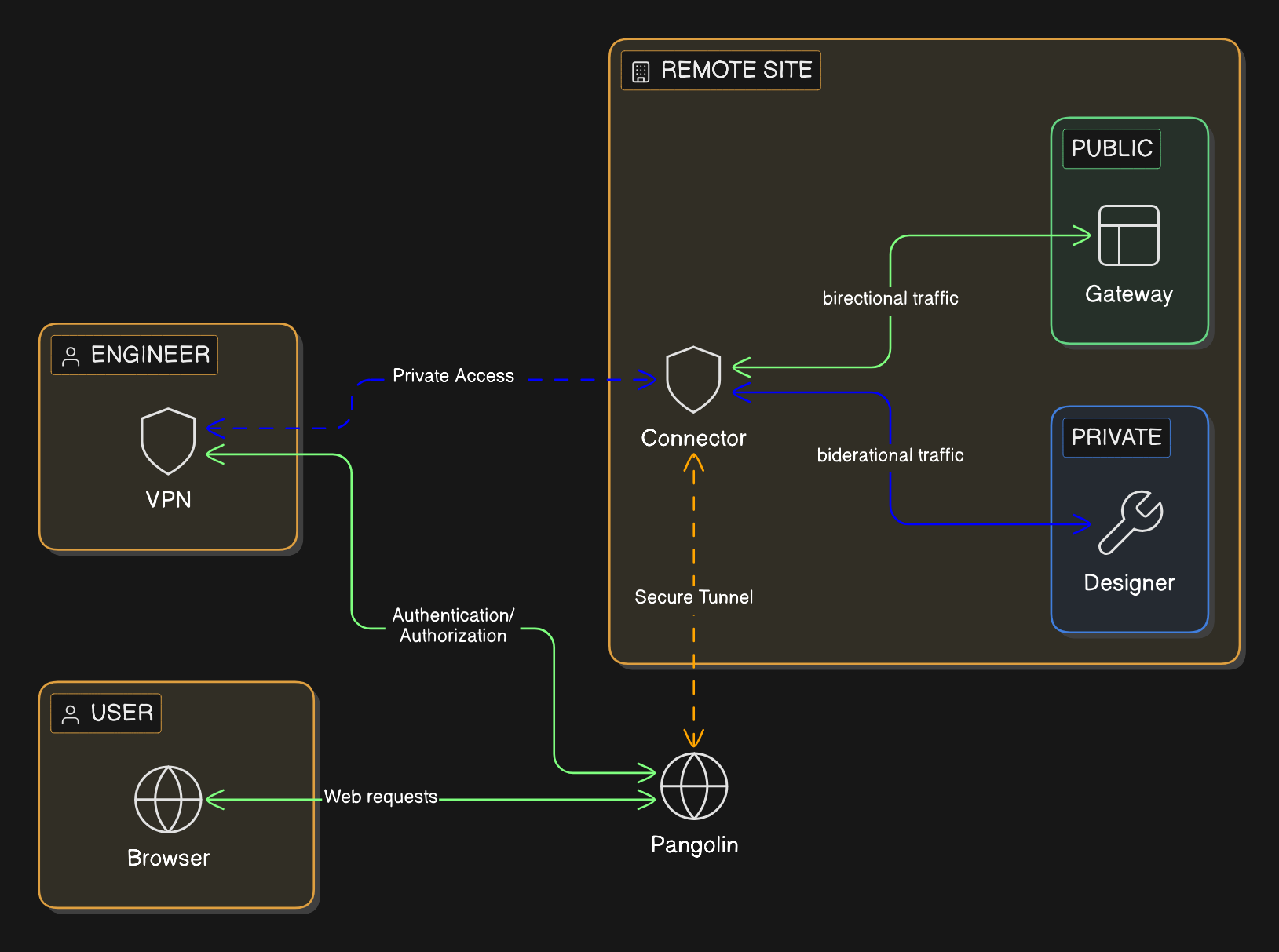
1. The Ignition Gateway remains on a private network with no public inbound exposure. No publically open ports.
2. An outbound only connector establishes the private path from the building’s network, rather than relying on inbound internet access.
3. The Gateway is published with a domain name and HTTPS through an authenticated access portal that proxies traffic to the application port.
4. Users who only need browser access are given that path and nothing broader. They don’t have to install client-side software.
5. Users who need direct connections to the network are given authenticated connectivity only to the exact hosts they require. They aren’t given access to the entire network unless you give explicit permission.
6. Every instance of access is tied back to a user’s identity for better control, auditability, and maintainability. Contractor access remains narrow and time-bounded rather than becoming a permanent network entitlement. It becomes easy to manage users, network resources, and access controls in a single pane of glass.
### How Pangolin improves Ignition remote access
For browser-based access, Pangolin can publish Ignition through [Public Resources](https://docs.pangolin.net/manage/resources/understanding-resources#public-resources). Users connect through a managed hostname over HTTPS/TLS, authentication happens first, and the Gateway stays private. Browser-only users do not need client-side VPN software.
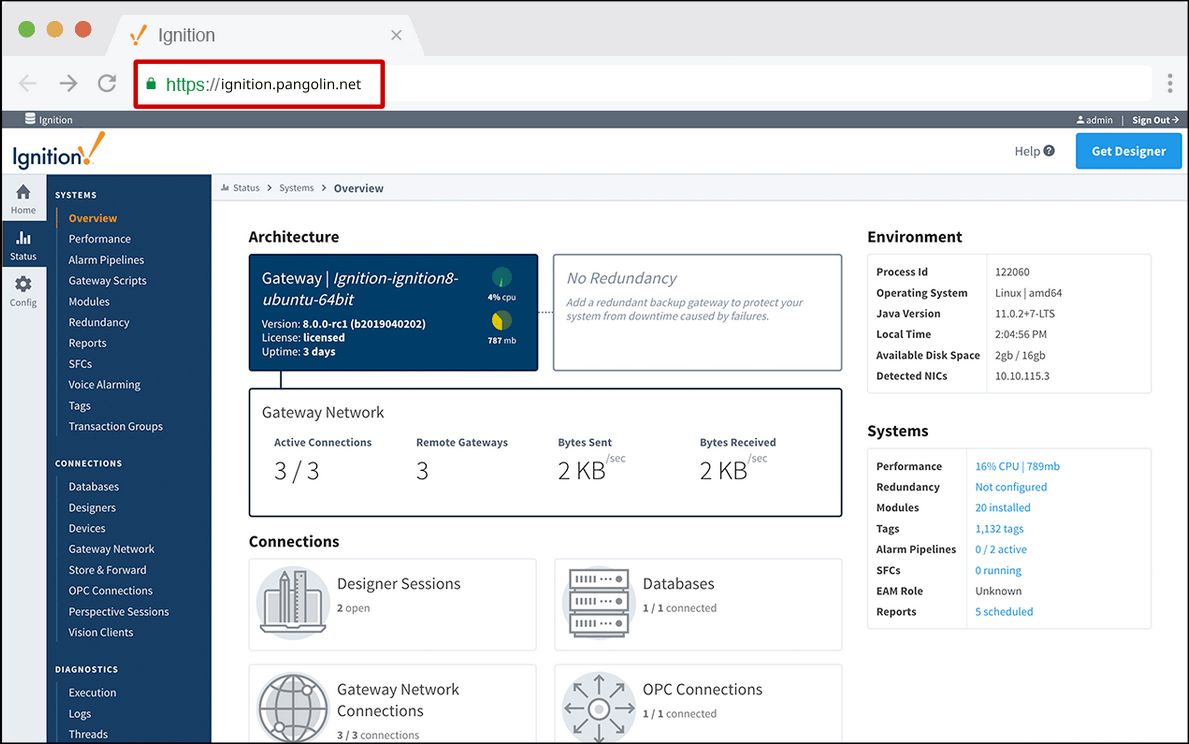
For the Designer and other workflows that require direct connections to systems, Pangolin can provide [Private Resources](https://docs.pangolin.net/manage/resources/understanding-resources#private-resources). Users authenticate with their identity and get direct connections to systems on the network only when they need it. Access is scoped directly to specific IPs and ports. That keeps access tied to the job instead of inheriting broad network reach.
That gives teams a cleaner access model:
- browser users get the Ignition interface they need without exposing the Gateway
- engineers get the direct path they need without making broad access the default
- vendors get narrower, time-bounded access without becoming standing network users
Pangolin is not an Ignition management platform. It is the access layer around the environment.
## Conclusion
Most Ignition remote-access problems are scope problems. Keep the Gateway private, publish browser access through an authenticated front door, and reserve direct, VPN-like connectivity for the smaller group that actually needs it and ensure it’s scoped to specific network resources.
## FAQ
**Can you provide Ignition remote access without opening inbound ports?**
_Yes. Keep Ignition on private networks, publish browser access through an authenticated layer with a managed hostname and HTTPS/TLS, and use private, VPN-like connectivity only for deeper workflows that require direct connectivity._
**Is a VPN still useful for the Ignition Designer?**
_Sometimes. Some engineering workflows still need private connectivity. The mistake is making that the default for everyone._
**What is the safer way to expose Ignition remotely?**
_Do not expose the Gateway directly. Keep it private and put an authenticated front door in front of it so identity is checked before traffic reaches Ignition._
**Should browser-based Ignition access and Designer access use the same remote-access method?**
_Usually no. They are different workflows with different connectivity and risk requirements._
**Where does Pangolin help in this architecture?**
_Pangolin can protect private browser-based Ignition access behind an authenticated HTTPS/TLS front door and provide narrower private access for engineering workflows._
---
### IoT Provisioning at Scale with Golden Edge Images
URL: https://pangolin.net/news/iot-device-provisioning-at-scale-with-golden-images-for-edge-fleets
Published: 2026-04-22
Summary: Provision IoT edge fleets with golden images, first-boot assignment, Pangolin sites, and declarative blueprints.
Category: Guides
If you run a large fleet of edge devices, provisioning IoT devices at scale is not just an imaging problem. It is an operational one.
Raspberry Pis, industrial edge boxes, cellular routers, and similar field devices are often shipped to provide remote access to equipment at sites. Getting the device online is rarely the hard part. The hard part is provisioning the tunnelling software, identity, naming, and remote-access configuration on each unit without turning every deployment into a custom setup exercise.
This is where many provisioning systems begin to break down. They rely on device-specific configuration files, certificates, or secrets being copied onto each device individually. You can script that process, but you are still carrying a per-device manufacturing workflow that becomes slower, more brittle, and harder to reason about as the fleet grows.
## Provisioning workflow
### Start with a golden image for each device class
For fleet provisioning, the golden image matters more than going through a checklist.
The image should include the base OS, the site connector, and only the minimum local config needed to complete first boot. It should be consistent enough to flash onto many devices without per-unit changes.
If every device needs its own image, the provisioning problem has simply been moved upstream into manufacturing. That slows release work, increases the number of artifacts you need to track, and makes it harder to understand what actually shipped.
The goal is not to deliver a fully customised device. The goal is to deliver a device that can customize itself safely and predictably once it comes online.
### Keep bootstrap small
Most teams overcomplicate the factory stage. They generate a new secret package for every device, copy device-specific certificates into the image, or build custom configuration bundles for each site. That can work, but it creates a brittle manufacturing workflow.
Large fleets usually need something lighter. The image should contain only the bootstrap material needed for the device to connect back and enrol. In many cases, that means using the same provisioning key, or a batch-level bootstrap credential, across a manufacturing run instead of creating a unique setup package for every unit.
The point of bootstrap material is not to define the device's final state. Its purpose is only to get the device online and into the provisioning system.
### Let first boot assign the final state
Once the device comes online, it should complete the rest of provisioning itself. That means identifying itself, receiving the correct name or assignment, and pulling the configuration it actually needs for that site. The device leaves the bench generic. First boot is what moves it into its operational role.
That is what zero-touch provisioning should mean at scale. A technician should not need to log in manually and finish the setup just because the device has reached the field. For remote-access devices, first boot should handle registration, configuration retrieval, and local role assignment automatically.
### In-field rollout should follow the same discipline.
Provisioning is not finished once the device is deployed.
If flashing the original image is the only clean part of the process, the fleet is still hard to manage. You also need a reliable way to deliver software updates and configuration changes to devices that are already in the field.
That does not mean re-imaging hardware for every change. It means building a scriptable, repeatable rollout path for updates after the first deployment.
A fleet that is easy to install but difficult to update still carries operational debt.
## Pangolin as a concrete example
Pangolin is a useful example of how to make remote-access fleet provisioning operationally manageable.
The same problems show up again and again in these deployments: too much device-specific material in the image, too much manual setup after first boot, and no clean path from flashed hardware to a usable remote-access node. That is where Pangolin helps.
You can keep the golden image generic. Instead of generating a unique connector identity for every device during manufacturing, you can ship the image with a shared [provisioning key](https://docs.pangolin.net/manage/sites/site-provisioning#site-provisioning-keys) and let the connector exchange it for real site credentials on first boot. That removes a large amount of per-device secret handling from the factory workflow.
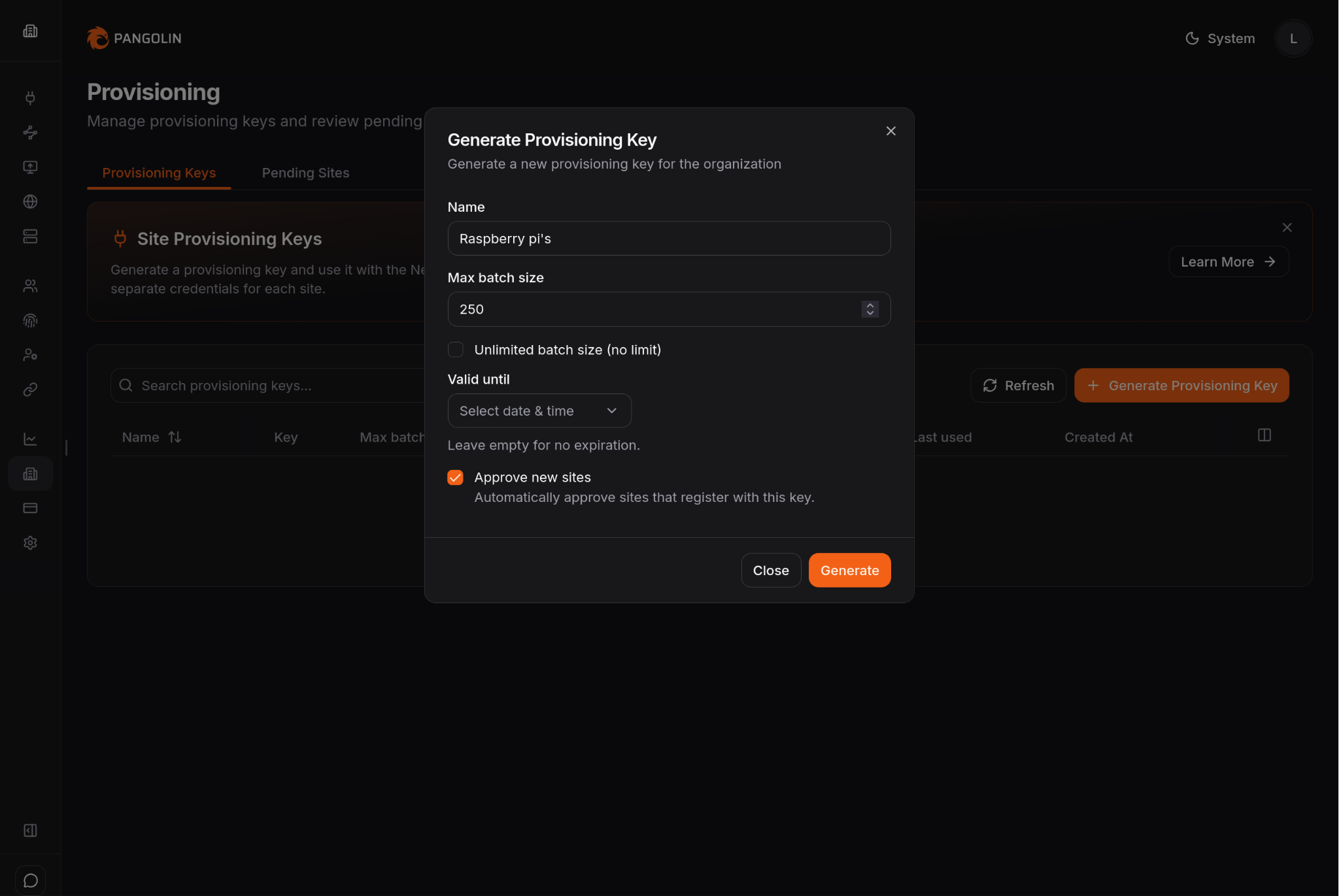
As shown above, the provisioning key can also carry usage policies, including maximum batch size, validity period, and whether new sites are approved automatically.
You can also keep the first boot responsible for the real assignment. Once the device comes online, it can register itself, create or join the correct site, and pull the configuration it actually needs. With [Blueprints](https://docs.pangolin.net/manage/blueprints), that setup can be applied automatically instead of being rebuilt by hand for every deployment.
```yaml
private-resources:
ssh-resource:
name: SSH Server
mode: host
destination: localhost
site: {{env.SERIAL_NUMBER}}-site
alias: {{env.SERIAL_NUMBER}}.example.local
tcp-ports: "22,3389"
udp-ports: "*"
disable-icmp: false
roles:
- Customer1
- DevOps
users:
- user@example.com
public-resources:
secure-resource:
name: Web Resource
protocol: http
full-domain: {{env.SERIAL_NUMBER}}.example.com
targets:
- site: {{env.SERIAL_NUMBER}}-site
hostname: localhost
method: http
port: 8080
auth:
sso-enabled: true
sso-roles:
- Member
- Admin
sso-users:
- user@example.com
```
In the Blueprint example above, the device is configured to grant access to Private Resources listening on the localhost interface. More specifically, the rules allow TCP ports 22 and 3389, and all UDP ports, as indicated by the \* character.
In the second half of the Blueprint, a Public Resource is defined. It is configured to register as a subdomain of example.com, using the device serial number as the subdomain value.
That gives you a cleaner end-to-end path: flash one image, ship the device, let it connect back, let Pangolin assign its identity and site configuration, and bring it online without per-device image edits or manual dashboard setup.
That is the real benefit. The image stays simple, first boot handles the site-specific state, and the rollout becomes repeatable across large numbers of devices.
It also produces a better operating model once the box is in the field. Rather than acting as a basic VPN endpoint on an off-the-shelf router, the device becomes part of a platform with centralized users, sites, policy, and audit visibility. It can connect outbound from behind NAT or firewalls, support both browser-based and private access, and fit into a multi-site deployment model without turning every user into a broad network user.
## Conclusion
For large edge fleets, provisioning should start with a golden image, not a pile of per-device exceptions.
Keep the bootstrap small. Let the first boot handle the real setup. Use the same repeatable path for updates after deployment.
For remote-access devices, Pangolin provides a concrete approach: ship one repeatable image with provisioning keys, let Newt bring the site online on first boot, and use Blueprints to apply resource state without recreating the same deployment by hand each time.
We also can supply our own [Pangolin edge-devices](/news/pangolin-edge-devices-drop-in-remote-access) that follow this principle.
## FAQ
**What is IoT device provisioning at scale?**
_It is the process of turning many shipped devices into working fleet members without hand-configuring each one. That usually means a repeatable image, a small bootstrap step, first-boot enrollment, and a controlled update path afterward._
**What is a golden image for edge devices?**
_A golden image is the repeatable base image you flash onto a class of devices before they leave the bench. It should contain the OS, the required software, and the minimum bootstrap material needed for first boot._
**What is zero-touch provisioning in IoT?**
_Zero-touch provisioning means the device can come online and complete its setup path without a technician finishing the install by hand. In practice, that usually means bootstrap material in the image, first-boot enrollment, and config pulled after the device connects._
**Why is per-device secret generation a problem?**
_It creates a slower and more fragile factory workflow. You can automate it, but you are still carrying device-by-device state through manufacturing instead of letting the device enroll and pull its real state later._
**What should happen when the device first comes online?**
_It should connect back, identify itself, register or name itself correctly, and pull the config it needs for that site or role._
**How does Pangolin fit into this workflow?**
_Pangolin can be part of the bootstrap path for remote-access devices. A provisioning key lets Newt come online and establish the site, and blueprints let the device apply repeatable resource configuration on first boot._
---
### Remote PLC/SCADA Access Without Open Ports
URL: https://pangolin.net/news/remote-plc-scada-access-without-open-ports
Published: 2026-04-17
Summary: Secure remote PLC and SCADA access by keeping interfaces private, closing open ports, and scoping engineering access.
Category: Guides
Remote access requests in PLC/SCADA environments usually start the same way: someone needs a dashboard, historian, engineering workstation, or PLC from outside the site. Most teams answer with port forwarding or a VPN. Both can get someone connected. Both leave behind tradeoffs that outlast the original access request.
## PLC/SCADA remote access needs two access models
One group of users only needs the SCADA application. They want dashboards, alarms, trends, historian data, or routine system visibility. In many cases, the SCADA interface or web HMI is enough. These users usually should not need client-side software just to open a browser and sign in.
Another group needs deeper reach into the environment. Control engineers, integrators, and vendors may need PLC programming tools, engineering workstations, OPC services, or other systems on the OT network. Those workflows are not the same as routine interface access, so they should not share the same path.
## How teams usually solve PLC/SCADA remote access
Most teams do not separate those access needs at the beginning. One remote-access method gets picked and then stretched across both models.
The first move is often a firewall rule and port forward to the SCADA gateway, engineering workstation, or another target. It is familiar, direct, and usually the fastest way to make something reachable, especially when the immediate goal is simply to get a screen or service working from outside the site. In practice, that means users anywhere on the internet connect to `:` to reach the downstream system.
The second option is usually a VPN. Instead of publishing the application or device itself, the user joins the remote network with VPN software first and then reaches the SCADA system, workstation, or PLC environment from inside that connection. It is safer than direct exposure because the user has to authenticate before they can reach the network, and it feels like a more complete answer when teams know some users will need more than a web interface.
## Why port forwarding and VPNs are a poor fit
Port forwarding solves reachability, but it leaves behind public exposure and operational overhead. You need inbound firewall rules and a public IP. You create a standing path from the internet to a SCADA service, gateway, or adjacent industrial system that usually was not meant to be publicly reachable. You also leave users managing raw IP-and-port combinations when a managed hostname and HTTPS would be cleaner for the web-facing part of the environment.
VPNs remove some of that public exposure, but they introduce a different set of problems. Client rollout, certificates or keys, revocation, and contractor offboarding all become part of the day-to-day burden. They also tend to grant broad network reach by default, which means a user who only needs one application, one workstation, or a short support session often gets more access than the task requires.
## Implementation model
### How to provide PLC/SCADA remote access without open ports
A better design starts with an outbound connection from inside the industrial environment and separates the browser workflow from the engineering workflow. Publish the SCADA interface behind an authenticated access layer so users sign in before requests ever reach the backend. That gives users browser-based access without directly exposing the industrial environment to the internet.
For PLC programming, engineering tools, vendor support, and other non-browser work, provide private connectivity only to the hosts and ports involved. That preserves the deeper path when it is genuinely needed without making it the default for everyone else. The goal is not to remove deeper access entirely. It is to stop granting full-network reach when a user only needs one workstation, one PLC, or a small set of approved systems.
### Reference architecture for PLC/SCADA remote access
A practical deployment looks like this:
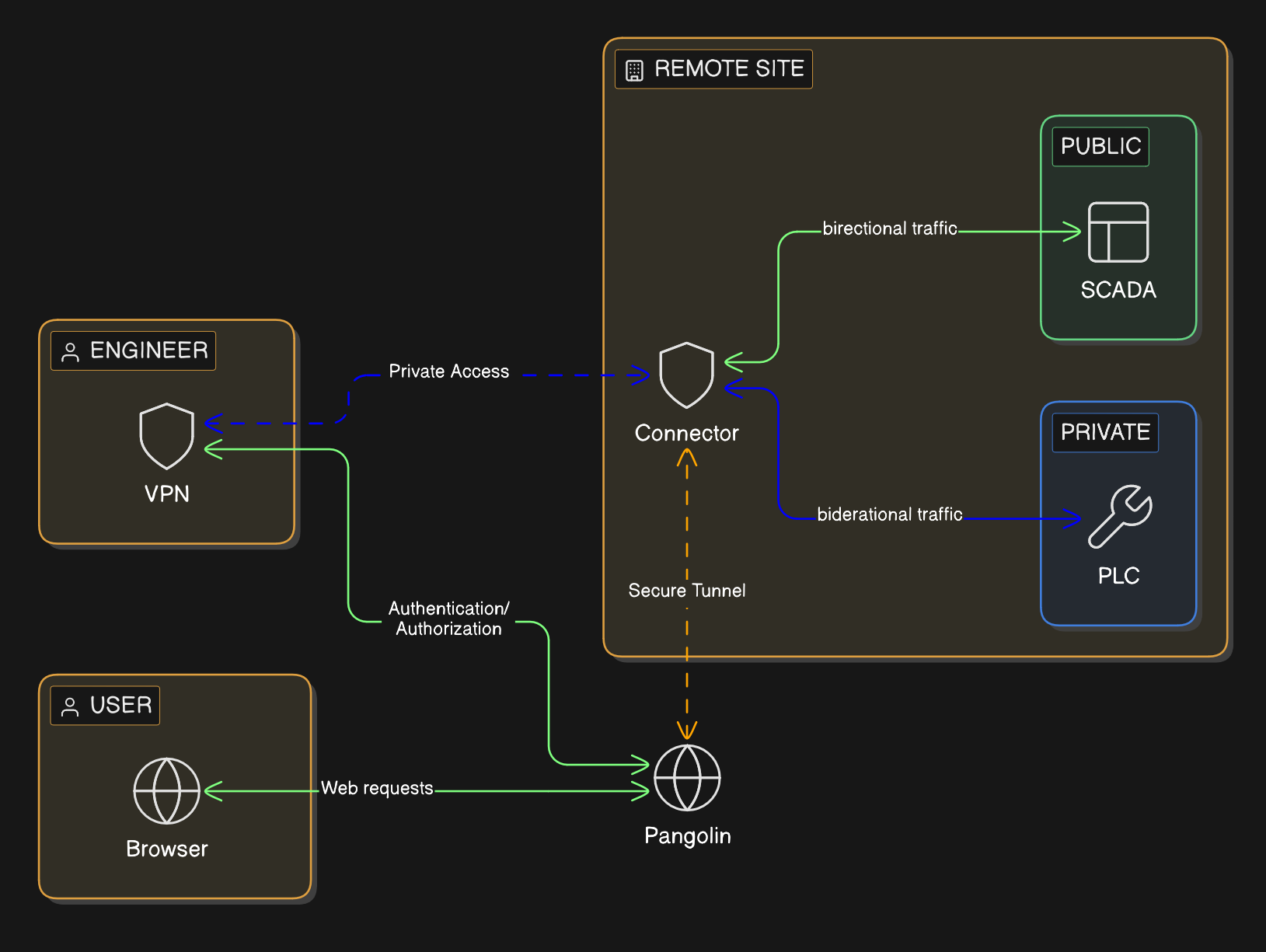
- SCADA gateways, historians, PLCs, and related services stay on private address space with no public inbound exposure.
- A connector or tunnel originates outbound from the site instead of waiting for inbound internet traffic.
- The SCADA interface is published through an authenticated portal with a domain name and HTTPS.
- Users who only need dashboards or HMIs get application-level access and do not need client-side VPN software.
- Engineers, integrators, and vendors get authenticated private connectivity only to the hosts and ports involved in their work.
- Every access path ties back to user identity, which makes review, audit, and temporary third-party access easier to manage.
This is closer to how industrial teams actually operate. The plant manager, operator, controls engineer, and vendor do not need the same path, so the architecture should stop treating them as if they do.
### Where Pangolin fits
Pangolin can support both sides of that model. In Pangolin, you define a site for the remote industrial network and install a connector on a Windows or Linux system inside that environment.
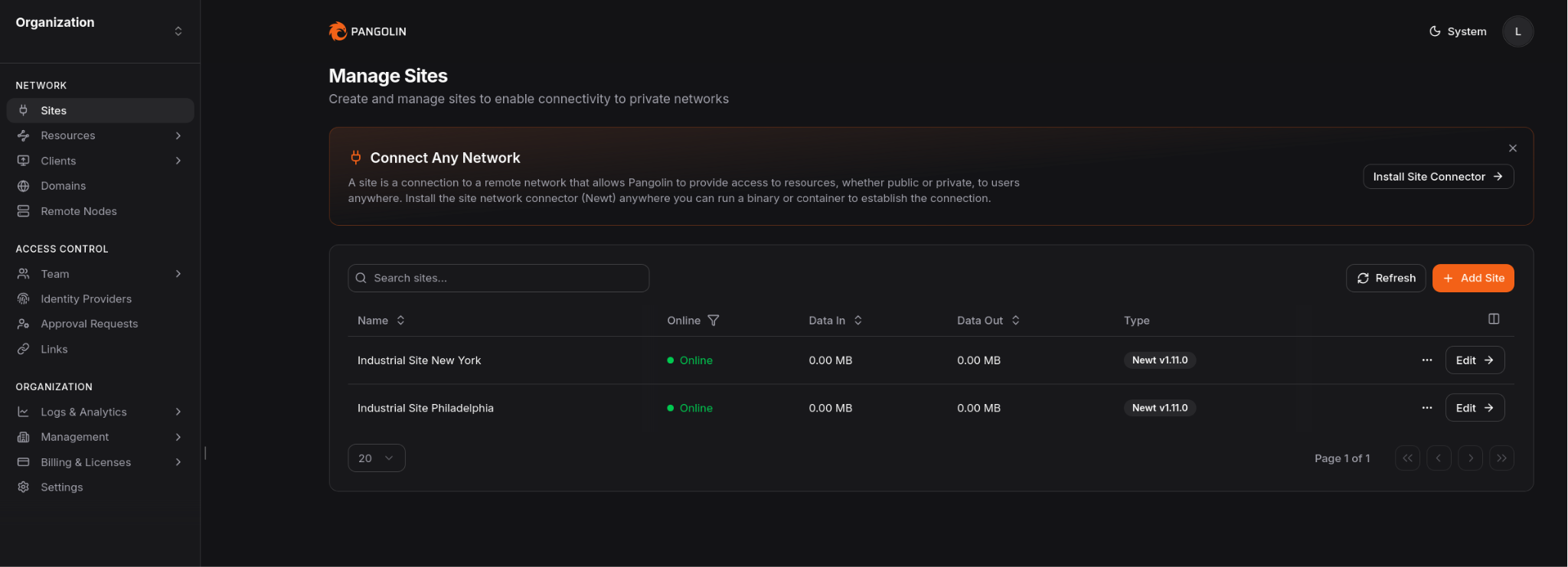
That connector establishes the outbound path for both browser access to private applications and narrower private access when direct network reach is required.
Pangolin can enforce an authenticated access layer in front of private web applications using [Public Resources](https://docs.pangolin.net/manage/resources/understanding-resources#public-resources). Users connect through a managed domain over HTTPS, authenticate first, and then reach the backend service. That means routine users can reach the SCADA interface they need without exposing the origin or installing client-side VPN software.
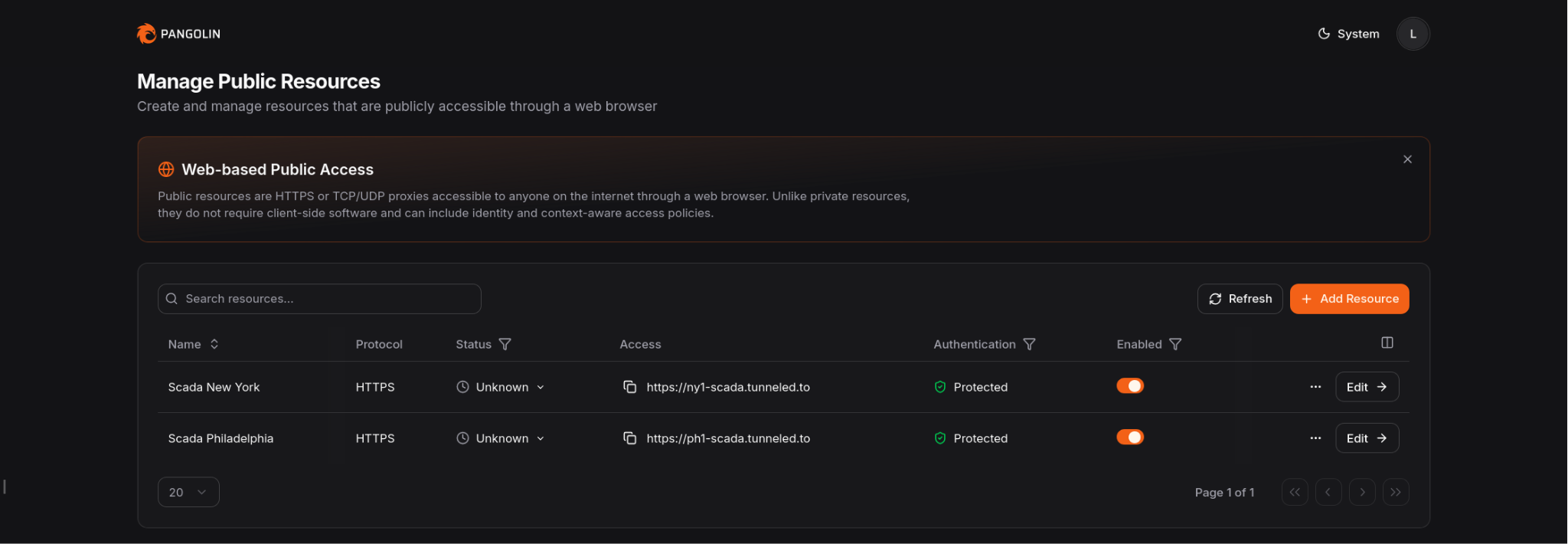
When the job requires deeper OT access, Pangolin can provide [Private Resources](https://docs.pangolin.net/manage/resources/understanding-resources#private-resources) for specific hosts, subnets, and ports. Users authenticate with their identity and use client software only when that deeper path is required. Admins can keep access narrow instead of dropping users onto the full network.
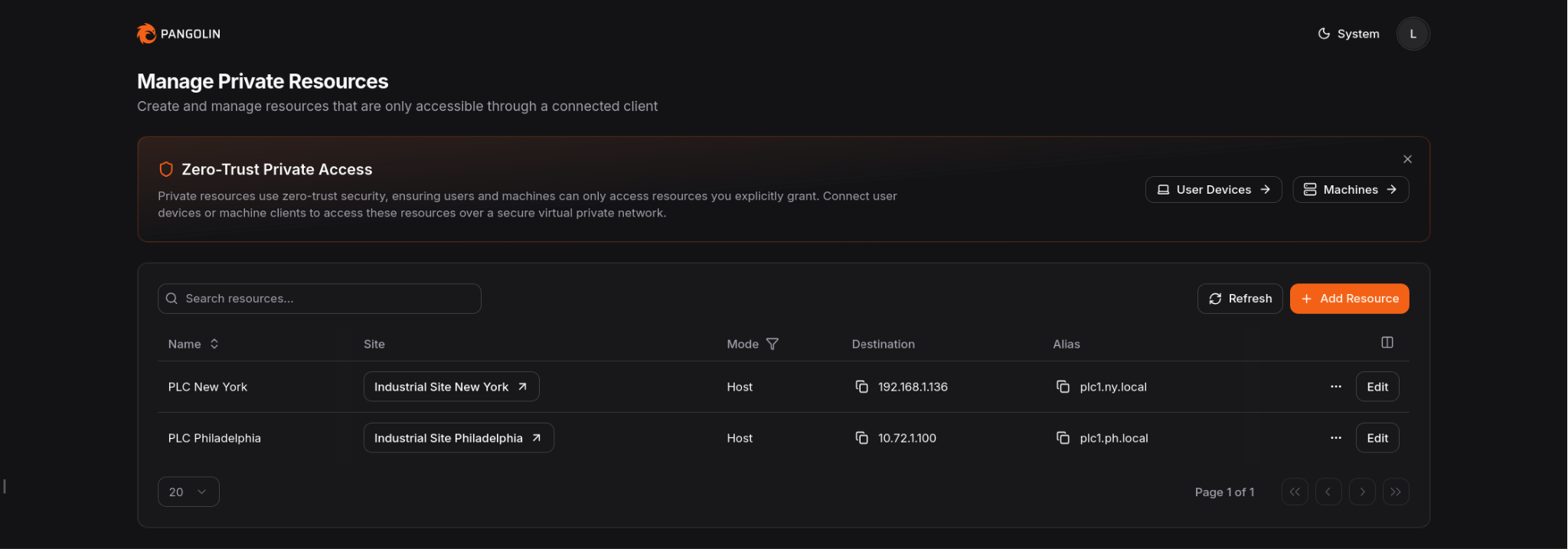
The result is a narrower access model: browser access for routine SCADA work, resource-scoped private access for controls and vendor workflows, and fewer reasons to keep inbound ports or broad VPN access around.
## Conclusion
Most PLC/SCADA remote access issues are really access-design issues. The challenge is not just getting people connected. It is deciding what each person should be allowed to reach while keeping the rest of the environment private.
Split SCADA access from engineering access. Keep the industrial environment off the public internet. Put the SCADA interface behind an authenticated front door. Reserve direct connectivity for the smaller set of users and tools that actually need it.
That is a cleaner way to handle remote PLC/SCADA access without relying on open ports.
## FAQ
**Can you provide PLC/SCADA remote access without opening inbound ports?**
_Yes. Keep SCADA systems, PLCs, and related services on private networks. Publish the SCADA interface through an authenticated access layer, and use narrower private connectivity only for the workflows that need it._
**Is a VPN still useful for PLC access?**
_Sometimes. Some engineering workflows still need private connectivity. The point is to stop making that the default for every remote user._
**What is the safer way to expose a SCADA interface remotely?**
_Do not expose it directly. Keep it private and put an authenticated front door in front of it so identity is checked before traffic reaches the backend._
**Should the SCADA application and PLC access use the same remote-access method?**
_Usually no. They are different workflows with different risk and connectivity requirements._
**Where does Pangolin help in this architecture?**
_Pangolin can protect the private SCADA application behind an authenticated access layer and provide narrower private access for PLCs, engineering tools, and other internal industrial systems._
---
### Remote Access for Tridium Niagara Without Open Ports
URL: https://pangolin.net/news/remote-access-for-tridium-niagara-without-open-ports
Published: 2026-04-16
Summary: Provide Tridium Niagara remote access with authenticated browser access and narrow engineering paths without open ports.
Category: Guides
At first glance, remote access to Tridium Niagara can seem simple. It is a web interface with an address and a port, so the first question is how can we provide remote access. This usually means giving someone access to alarms, graphics, schedules, or Niagara Workbench. Most teams do that with either port forwarding or a VPN. Both work, but both come with tradeoffs. This article looks at those approaches and then at a more secure model that avoids open ports.
## Tridium Niagara remote access needs two paths
Before looking at access methods, it helps to separate the two access needs most teams are trying to support.
Routine access is for users who need to check alarms, graphics, schedules, or general system status. In most cases, access to the Niagara interface is enough. Usually, you don’t want these users to install client-side software, so instead they should be able to access from any web browser as long as they can pass the authentication portal.
Some users, like engineers, need direct connectivity to systems on the network. For example, they might need to connect desktop (thick client) software to devices on the LAN or run commands while they are remote. These users can install client side software to establish scoped tunnels to the remote networks.
## How Tridium Niagara remote access is usually approached
Most teams do not build separate access paths for those two needs at the start. They pick one method and try to make it cover everything.
When a user needs access to an application, the first thought is often to open a port on the firewall and forward it to the application. It is familiar, direct, and usually the fastest way to get someone connected, especially when the immediate goal is simply to make the interface reachable. This means users anywhere in the world go to `:` to access the downstream service.
The second method is to use a VPN. Instead of publishing the application itself, the user connects to the remote network with VPN software first and then reaches Niagara from inside that private connection. It is more secure than port forwarding because the user has to authenticate before they can access the remote network. It also feels like a more complete answer when teams know some users will need deeper access, not just the web interface. VPNs usually grant broad network access to the entire remote network.
## Why port forwarding and VPNs fall short
Port forwarding may solve access quickly, but it often introduces ongoing operational burden and unnecessary risk such as information exposure. You need to set up your firewall to open an inbound only port to a device on your network. You also need a public IP address. This creates a direct open path to the application on the open internet, and many applications are not designed to be exposed safely. Additionally, you have to remember the \:\ combo, when it’d be more convenient, instead, to have a friendly domain name of your choice with an encrypted HTTPS connection.
VPNs avoid some of that exposure, but they add their own complexity. You have to distribute keys or certificates to your users so they can connect from their own computers which gets complicated as your user-base grows. Keys are long-lived, and if lost or stolen can grant an unwanted user access. They’re hard to revoke when a user leaves the organization, and VPNs most often provide broad network wide access to every device meaning users can access more than just what you want them to.
## Implementation model
### How to provide Tridium Niagara remote access without open ports
A cleaner approach is to establish an outbound connection from the environment where Niagara is hosted and put the web UI behind an authenticated access layer. That gives browser based access to the interface without directly exposing the environment to the internet, and users must log in first.
Engineers and integrators who need Workbench or other non-browser tools can still be given private connectivity, much like a VPN, but with policy enforcement that limits access only to specific hosts (IPs) on the network. Ideally, scope access down to specific ports.
### Reference architecture for Niagara remote access
A practical deployment looks like this:
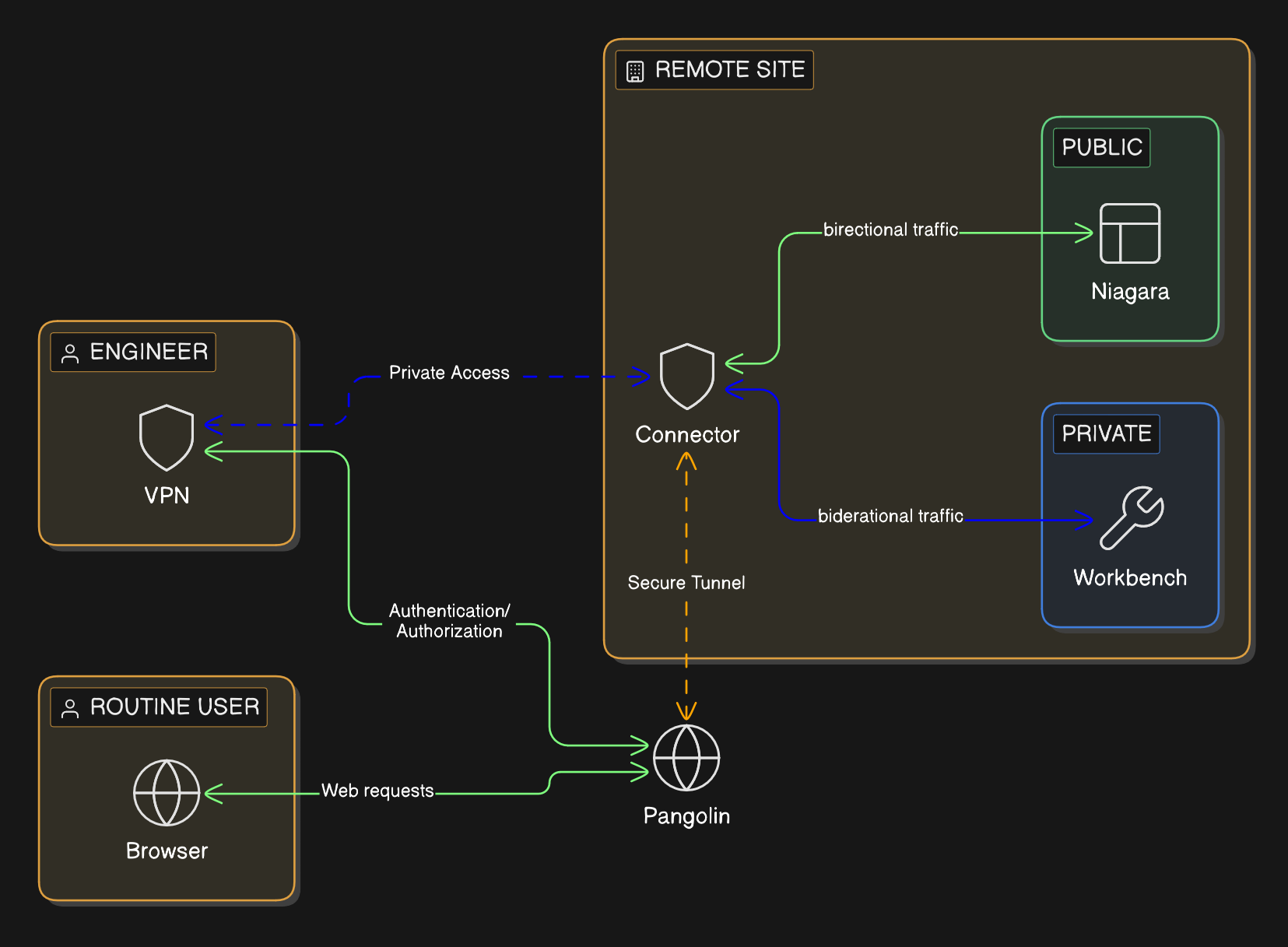
1. The Niagara server, station, or controller remains on a private network with no public inbound exposure. No publically open ports.
2. An outbound only connector or tunnel establishes the private path from the building’s network, rather than relying on inbound internet access.
3. The web UI is published with a domain name and HTTPS through an authenticated access portal that proxies traffic to the application port.
4. Users who only need browser access are given that path and nothing broader. They don’t have to install client-side software.
5. Engineers and integrators who need direct connections to the network are given authenticated connectivity only to the exact hosts they require. They aren’t given access to the entire network unless you give explicit permission.
6. Every instance of access is tied back to a user’s identity for better control, auditability, and maintainability. Contractor access remains narrow and time-bounded rather than becoming a permanent network entitlement. It becomes easy to manage users, network resources, and access controls in a single pane of glass.
This model lines up more closely with how BAS teams actually work as it's easier to grant access to the user role and job requirements.
### Where Pangolin fits
Pangolin supports both sides of the Niagara remote access model. In Pangolin, you define a site. A site is the remote building network you need access to. Then you install a software connector on any Windows or Linux machine in the network.
The connector creates an outbound tunnel that both tunnels out the Niagara web UI for browser-based access and provides scoped VPN-like access to specific IPs and ports when direct connections are needed to the remote network.
For the Niagara web UI, Pangolin can sit in front of the private web applications as an authenticated access layer using [Public Resources](https://docs.pangolin.net/manage/resources/understanding-resources#public-resources). Users must authenticate and connect through a domain name (URL) of your choice and an HTTPS connection Any user with a web browser can access the authenticated web portal meaning they don’t need to install any client side VPN software. Authentication happens before the request reaches the backend, meaning the service stays private.
For Workbench and other engineering workflows, Pangolin can provide private, resource-scoped connectivity through [Private Resources](https://docs.pangolin.net/manage/resources/understanding-resources#private-resources), without relying on public exposure or broad VPN access. Use Private Resources when you need access to a specific IP/host or subnet on a remote network. Users must download client side software and authenticate with their identity. The administrator gives the user access to specific IPs and ports, called resources, on the network of the connector, so access remains scoped down to the port level.
Pangolin does not force every Niagara use case through one blunt remote-access method. It gives BAS teams a cleaner and more controlled way to apply the right access path to each workflow. It has the best of both worlds, browser based access with an authentication portal for simple access, and client based access for when direct connections are needed. Both of these replace your legacy VPN and help you close down inbound ports.
## Conclusion
Most Niagara remote access problems are really access design problems. The issue is not just how to connect users, but how to give each user the right level of access without exposing more than necessary.
Separating web access from direct connectivity access leads to a cleaner and more secure design. Keep Niagara private, put the interface behind an authenticated front door, and reserve deeper connectivity for engineers, integrators, and tools that genuinely need it while keeping it scoped.
That is the more maintainable way to handle Tridium Niagara remote access without relying on open ports.
## FAQ
**Can you provide Tridium Niagara remote access without opening inbound ports?**
_Yes. Keep Niagara on private networks, publish the interface through an authenticated access layer, and use private connectivity only for the workflows that need deeper reach._
**Is a VPN still useful for Niagara Workbench?**
_Sometimes. Some engineering workflows still need private connectivity. The point is to stop making that the default for everyone._
**What is the safer way to expose the Niagara web UI remotely?**
_Do not expose it directly. Keep it private and place an authenticated front door in front of it so identity is checked before traffic reaches Niagara._
**Should the Niagara web interface and Workbench use the same remote-access method?**
_Usually no. They are different workflows with different risk and connectivity requirements._
**Where does Pangolin help in this architecture?**
_Pangolin can protect the private web interface behind an authenticated front door and provide narrower private access for engineering workflows._
---
### Pangolin 1.17 - Full RBAC, Site Provisioning Keys, Log Streaming
URL: https://pangolin.net/news/1-17-release
Published: 2026-04-03
Summary: Pangolin 1.17 improves roles, identity provider mapping, site provisioning, connection logs, and log streaming.
Category: Product
Pangolin 1.17 brings a wave of quality-of-life improvements that strengthen existing functionality around roles, identity providers, site provisioning, logging, and more. Let's dig in!
## Release highlights
### Multiple Roles per User
Pangolin has always let you define as many custom roles as you'd like, but believe it or not, for over a year Pangolin only supported one role per user - a strict one-to-one relationship. This made it surprisingly difficult to map your team's real-world structure to access controls in Pangolin. What if a user spans the dev team, the DevOps team, and also needs access to the support team's resources?
Now, each user can be a member of one or many roles - there's no limit. This brings full RBAC to Pangolin. Create a role for developers, DevOps, and support, then place your users accordingly. At the resource level, simply define which roles have access, and a user will be able to reach any resource that falls within the union of all their assigned roles.
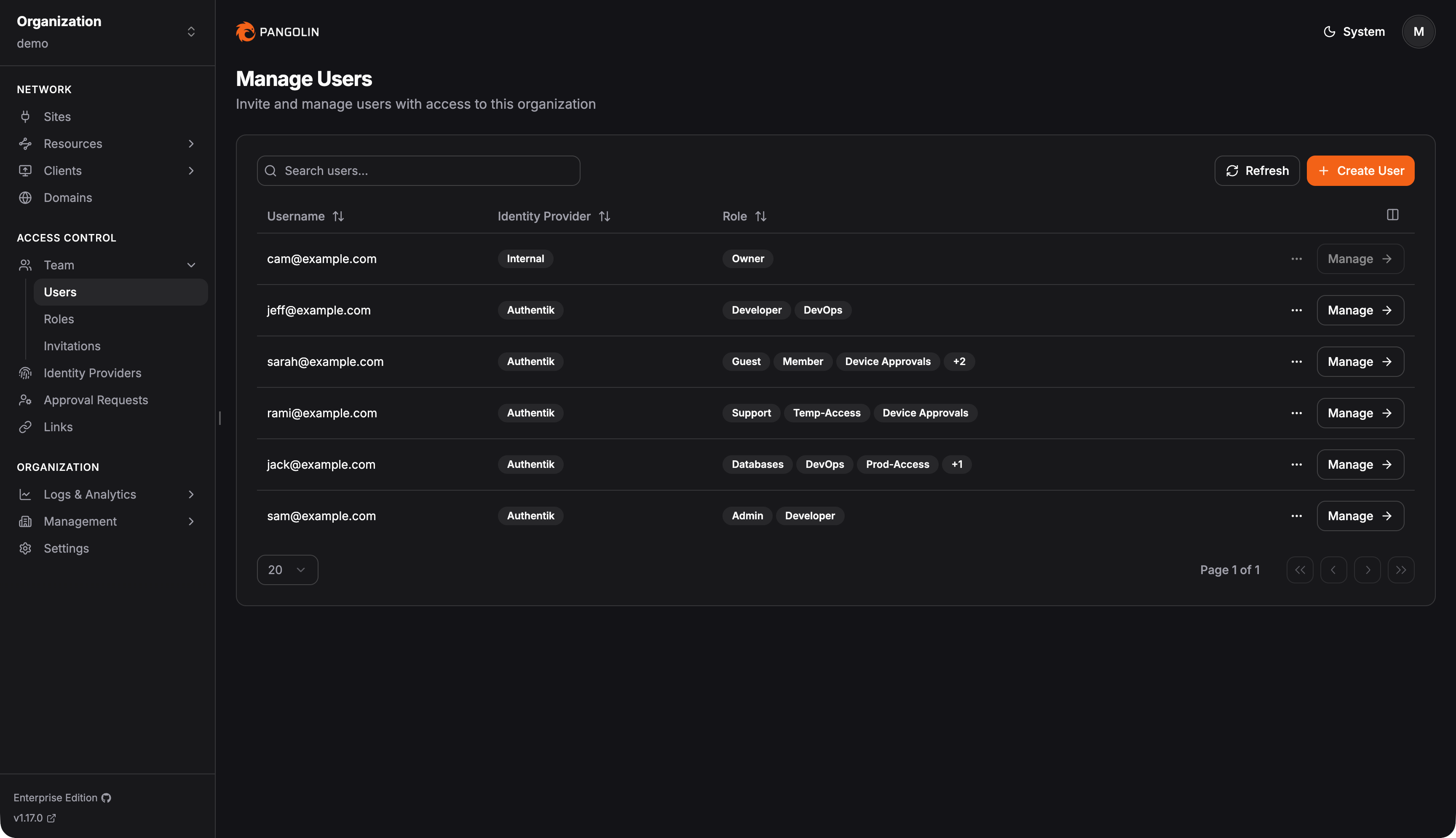
### Improved Identity Provider Role Mapping
With the addition of multiple roles, identity provider role mapping had to be updated as well. Role mapping here refers to the configuration admins set up when enabling auto-provisioning, so that users synced from the identity provider at login are automatically placed into the appropriate Pangolin roles based on data returned from the provider.
There are now three options when configuring role mappings in auto-provisioning settings: fixed roles, the mapping builder, and raw expression.
Fixed roles is the simplest option. It places all users who log in through the identity provider into the same set of roles. Use this when you don't need dynamic mapping and it's fine to apply a blanket role assignment across everyone. You can always manually adjust roles on individual users after they've been auto-provisioned. This is the easiest, lowest-friction way to get started.
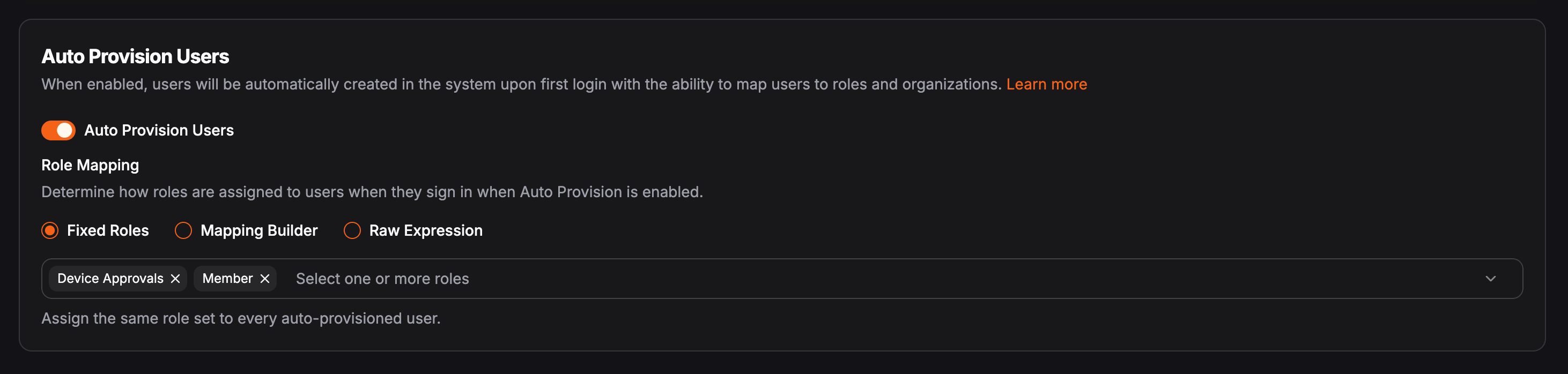
The mapping builder is a new addition that makes it easy to dynamically map roles from your identity provider to Pangolin roles. Say a user logs in from Azure and belongs to several groups there. Azure identifies those groups with its own internal ID strings. The mapping builder is how you translate those to Pangolin roles without writing any expressions. First, pick the claim in the OIDC token where roles are passed - often groups. Then define a 1:1 mapping for each role: on the left, the role ID from the identity provider; on the right, the equivalent role name in Pangolin.
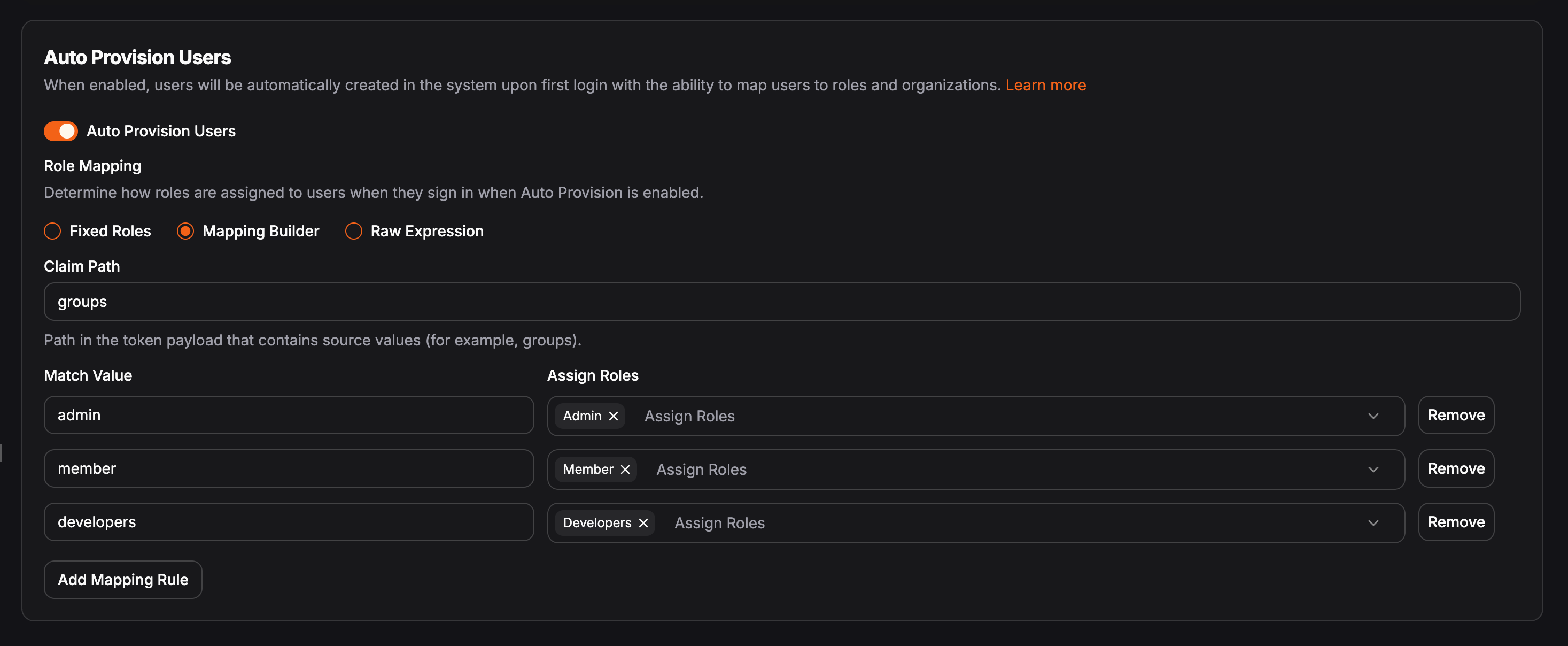
The raw expression option is the most flexible - and the most complex. This is how most users previously defined mappings in Pangolin. You provide a raw JMESPath expression that must return a string or array of strings representing the roles the user should be placed into. This enables nearly infinite possibilities. If you can write a logical expression for it, it will work. You could do something like: if the user's first name starts with "B," their email ends in @domain.com, and their last name is exactly six characters long, add them to the admin group. Not sure why you'd ever need that, but you get the idea.
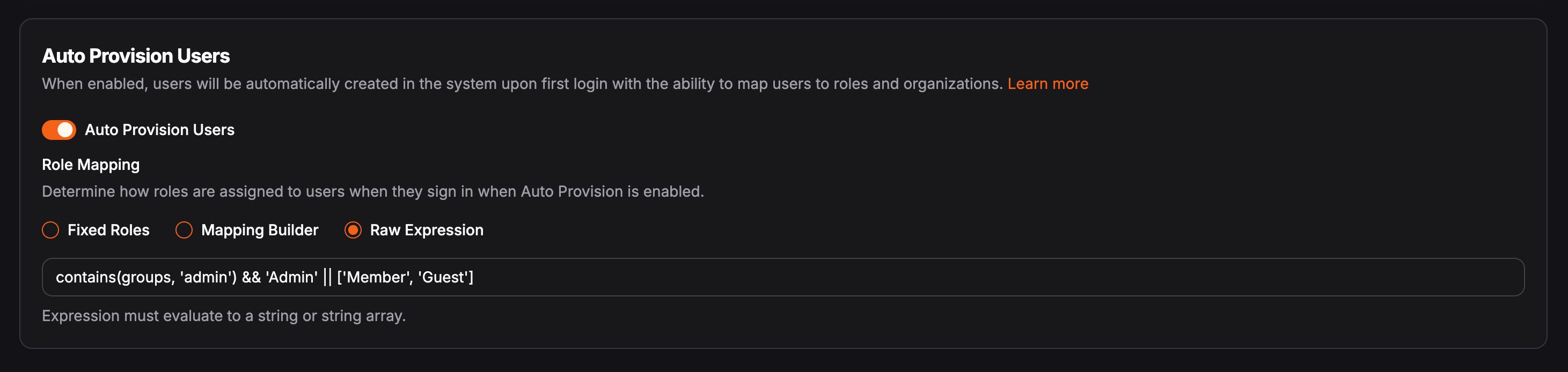
Read more about [identity providers](https://docs.pangolin.net/manage/identity-providers/add-an-idp) and [auto provisioning](https://docs.pangolin.net/manage/identity-providers/auto-provisioning) in the docs.
### Google and Azure Identity Providers
We've added Google and Azure as built-in templates for the global identity provider type. For those unfamiliar, Pangolin supports two types of identity providers: global and organization-level. Organization-level providers are scoped to a single organization and are useful when a tenant has their own identity provider that shouldn't appear on the main login page. Global providers are server-level and show up on the main login page for all users.
Google and Azure templates have been available for organization-level providers for a while - we've now brought them to the global level as well, making setup easier for those who need it there.
### Site Provisioning Keys
As you may already know, a Pangolin site authenticates using two components: an ID and a secret - both randomly generated strings you receive when creating a site for the first time. This works fine at small scale, but gets unwieldy fast.
This is especially common in IoT scenarios, where sites are deployed to fleets of edge devices and each device needs its own credentials. Previously, you'd have to script against the API to generate an ID-secret pair per site, then find a way to push those credentials to each device individually. With provisioning keys, you can generate a single long-lived token, embed it into your device image before deployment, or push it to every device with one script.
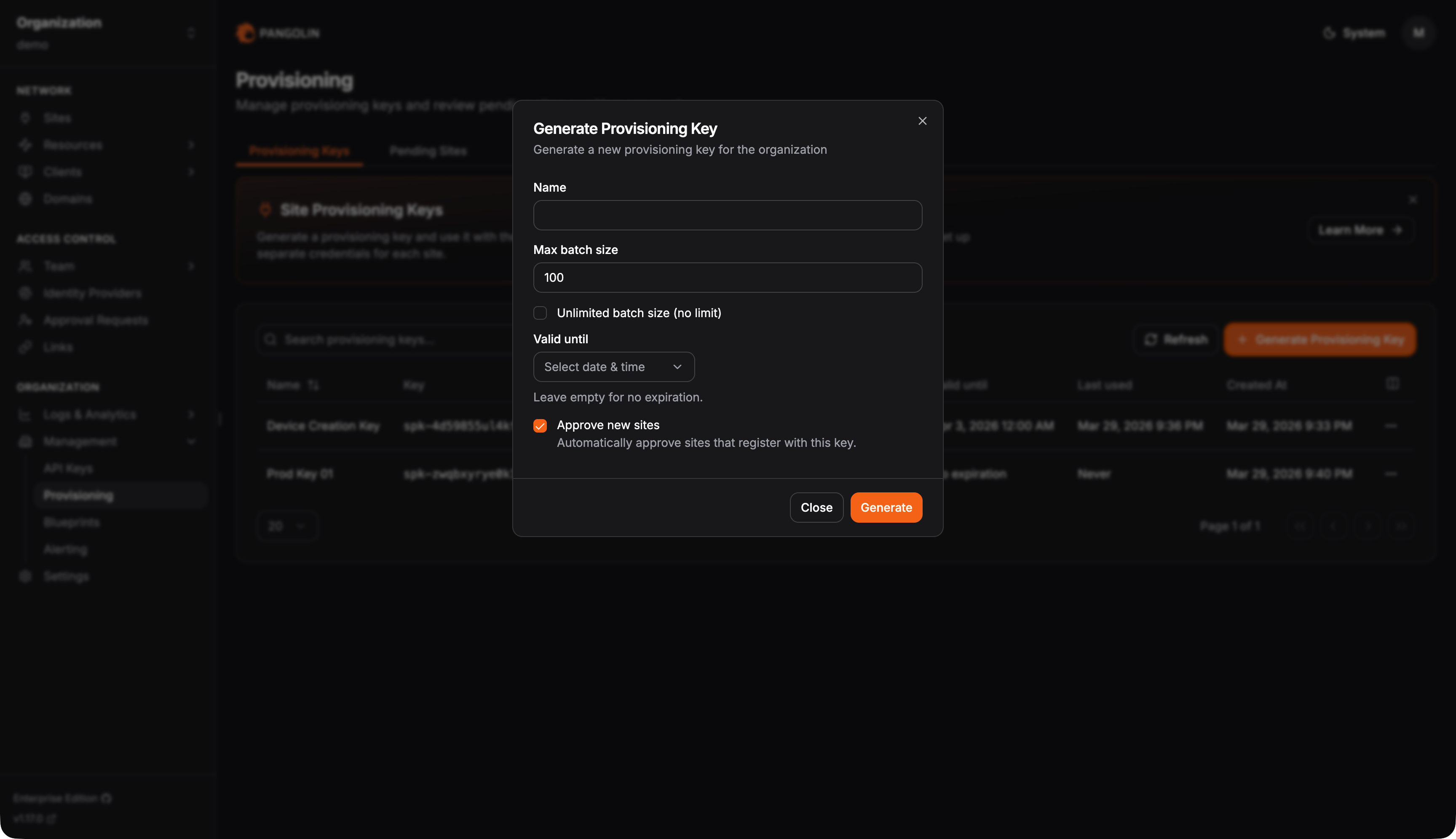
When a site (Newt) starts up with a provisioning key, it reaches out to Pangolin, exchanges the key for an ID-secret pair, replaces the provisioning key with the new credentials, and immediately comes online. Combine this with [Pangolin Blueprints](https://docs.pangolin.net/manage/blueprints) for declarative configuration, and you have a straightforward way to provision large fleets of Pangolin sites for remote connectivity.
```yaml
private-resources:
ssh-resource:
name: SSH Server
mode: host
destination: localhost
site: {{env.SERIAL_NUMBER}}-site
alias: {{env.SERIAL_NUMBER}}.example.local
tcp-ports: "22,3389"
udp-ports: "*"
disable-icmp: false
roles:
- Customer1
- DevOps
users:
- user@example.com
public-resources:
secure-resource:
name: Web Resource
protocol: http
full-domain: {{env.SERIAL_NUMBER}}.example.com
targets:
- site: {{env.SERIAL_NUMBER}}-site
hostname: localhost
method: http
port: 8080
auth:
sso-enabled: true
sso-roles:
- Member
- Admin
sso-users:
- user@example.com
```
Provisioning keys also support a maximum usage count and an expiration time. Say you need to provision 250 devices over the course of a week - set the max usage to 250 and the expiration to one week. Once either threshold is met, the key becomes inactive and the Pangolin server will reject it. It's worth noting that provisioning keys are not API keys - they cannot be used for any other actions in Pangolin and exist solely for this one purpose.
Optionally, sites provisioned via a provisioning key can be placed into a pending state. These will appear under the Pending Sites tab on the provisioning page, giving admins a single place to review newly provisioned sites and manually approve them before they move into production.
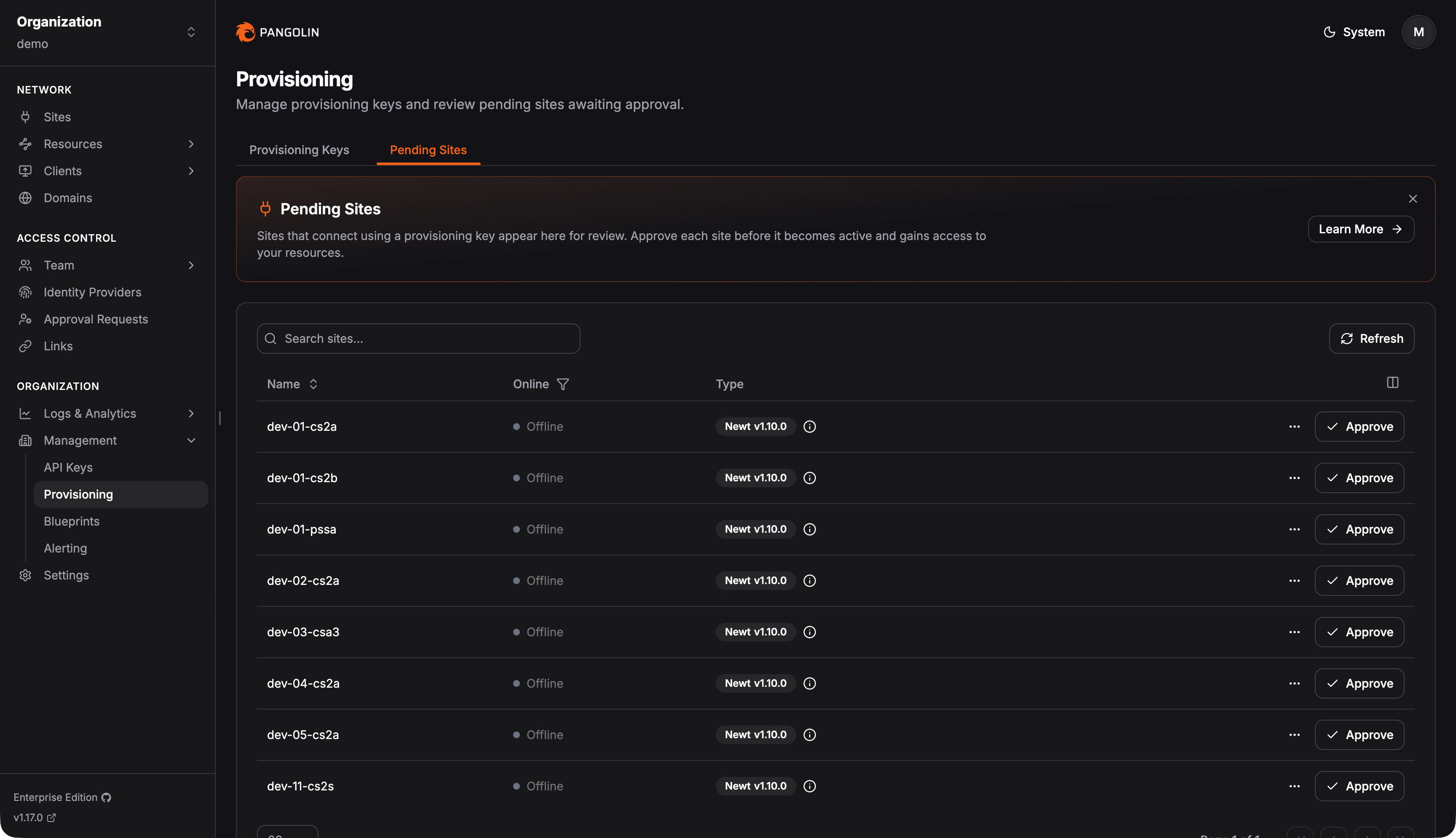
Read more about [site provisioning keys](https://docs.pangolin.net/manage/sites/site-provisioning) in the docs.
### Connection Logs
Pangolin now logs raw TCP and UDP sessions between the Pangolin client (CLI, Mac, Windows, iOS, Android, etc.) and private resources. This applies to zero-trust private resources accessed over the Pangolin network - not public, browser-based resources, which have had access logs for some time.
Use connection logs as an audit trail to understand which users are accessing which private resources, when, and for how long.
Read more about [connection logs](https://docs.pangolin.net/manage/analytics/connection) in the docs.
### Log Streaming
Pangolin now supports streaming log events to third-party data collectors like Datadog, Splunk, or Microsoft Sentinel - commonly referred to as SIEM integration. You define a destination, a push method (HTTP, S3, etc.), and which Pangolin log types to forward: access logs, action logs, connection logs, or request logs. Pangolin will automatically push events to your external service as they're generated.
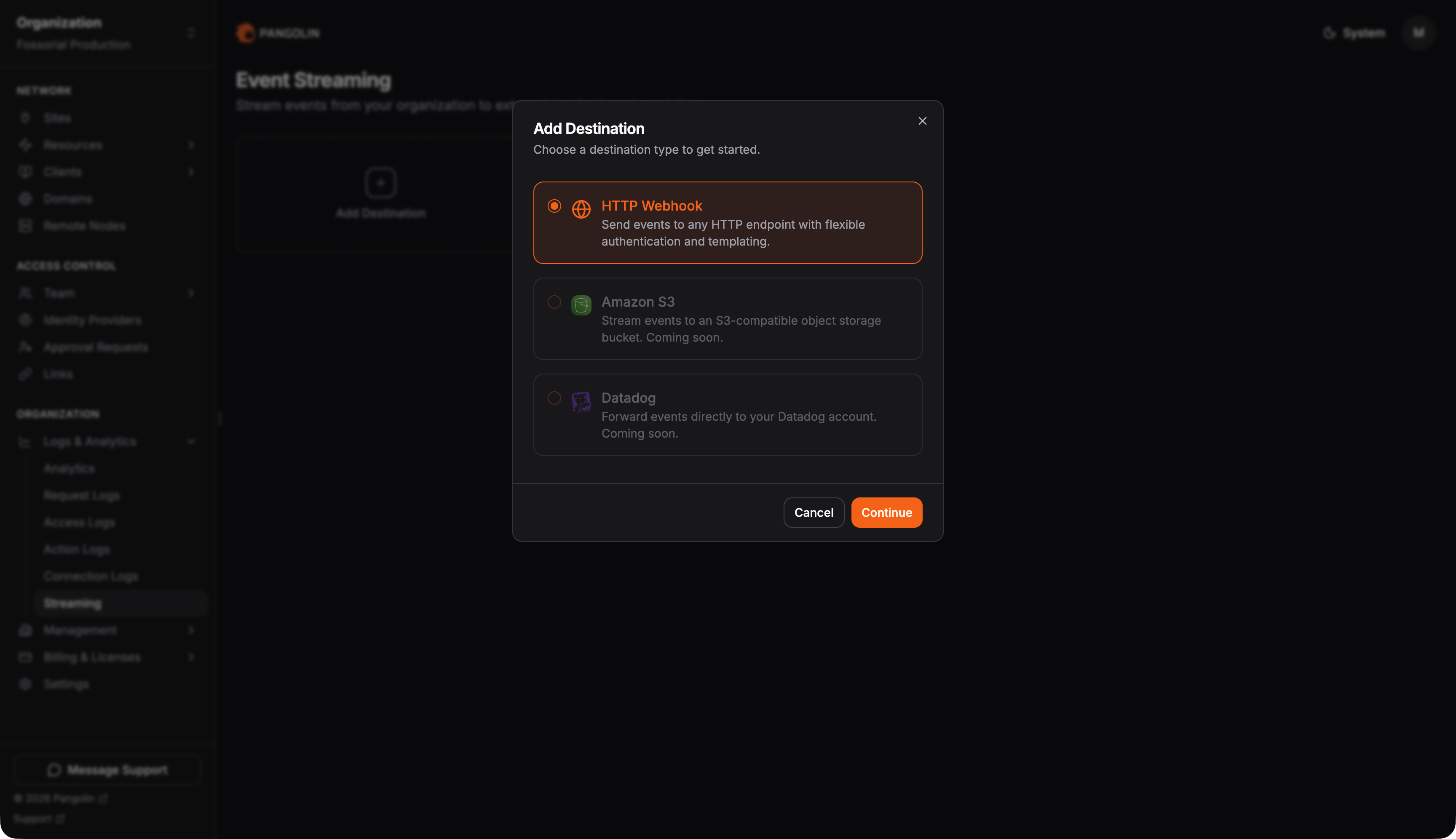 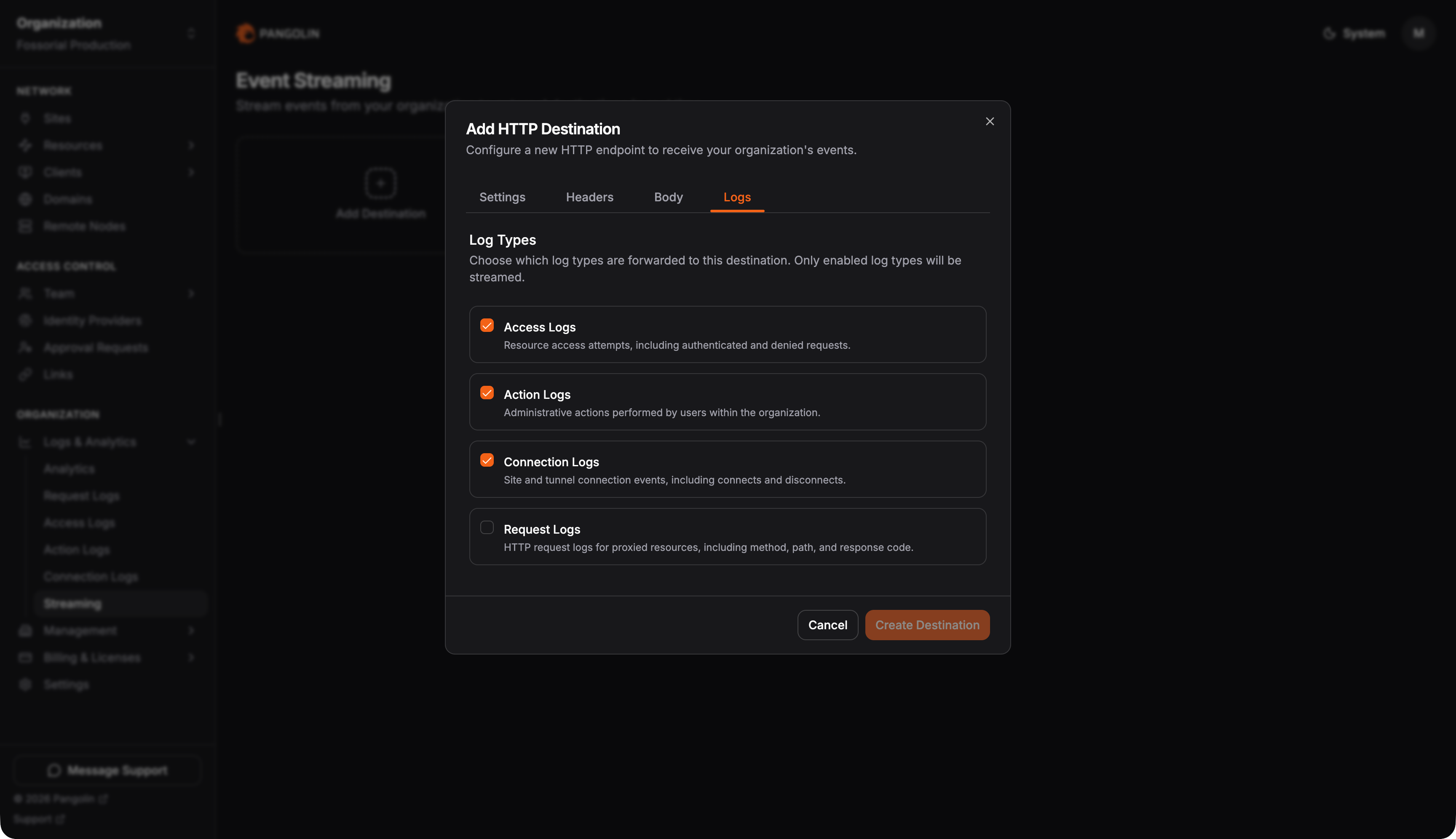
Read more about [log streaming](https://docs.pangolin.net/manage/analytics/streaming) in the docs.
## Looking Forward
We're expecting to pick up the pace of releases compared to the stretches between 1.15, 1.16, and 1.17. There's a lot in development and a lot on the horizon - we can't wait to get it all out into the open.
Give us a star: [https://github.com/fosrl/pangolin](https://github.com/fosrl/pangolin)
Stay tuned!
---
### What is an Identity-Aware Proxy (IAP)?
URL: https://pangolin.net/news/what-is-an-identity-aware-proxy
Published: 2026-04-02
Summary: Learn what an identity-aware proxy is, how it compares to VPNs and ZTNA, and how Pangolin protects private web apps.
Category: Engineering
An identity-aware proxy is an access layer that sits in front of an application or service and decides whether a request should be allowed before it reaches the backend.
Instead of trusting a user because they are on the corporate network or connected through a VPN, an identity-aware proxy checks identity, evaluates policy, and grants access only to the specific resource the user is allowed to reach. In more mature implementations, it can also consider context such as group membership, IP range, device trust, location, or session conditions.
That makes identity-aware proxies an important part of [modern Zero Trust access models](https://csrc.nist.gov/pubs/sp/800/207/final). Rather than relying on network location as proof of trust, they move the access decision closer to the application itself.
If you only want the short version, the model is simple:
- A user requests an internal application.
- The proxy checks for a valid session or redirects the user to an identity provider.
- Identity and policy are evaluated before traffic is forwarded.
- If the request is approved, traffic reaches the backend.
- If the request is denied, the application stays protected.
One terminology note is worth clearing up early. Identity-Aware Proxy is both a generic architectural concept and the product name Google uses for its own [Identity-Aware Proxy](https://docs.cloud.google.com/iap/docs/concepts-overview). In this article, the term refers to the broader category.
## Identity-aware proxy fundamentals
### What an identity-aware proxy is and how it works
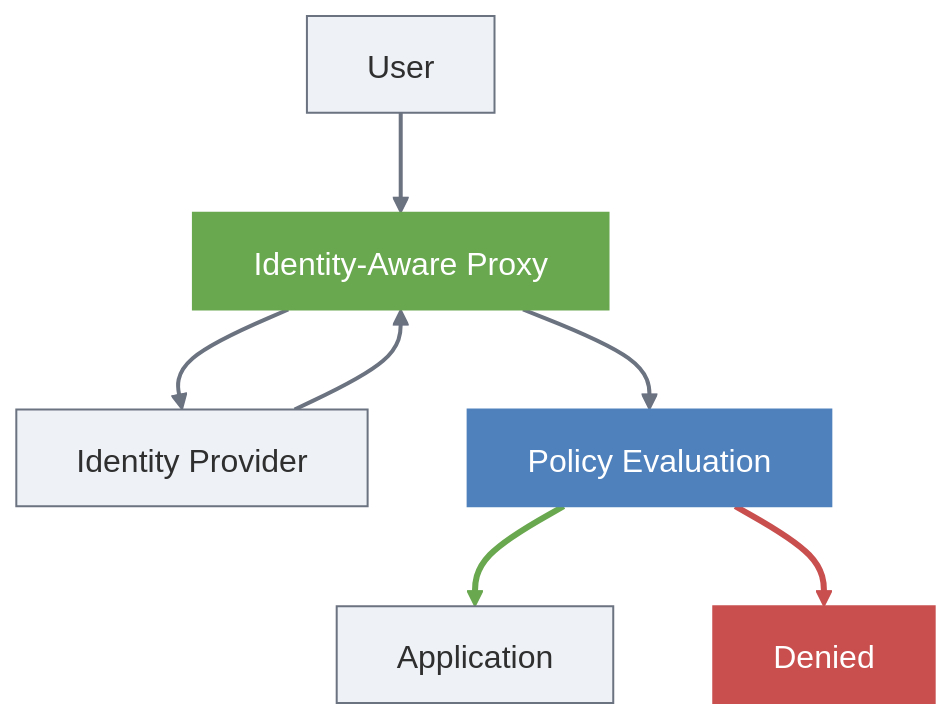
The simplest way to understand an identity-aware proxy is to compare it with a standard reverse proxy.
A reverse proxy sits in front of an application and handles traffic on its behalf. It can terminate TLS, route requests, and present a clean public hostname. Those are useful functions, but they do not make it identity-aware on their own.
An identity-aware proxy adds access control to that front door. It does not just decide where traffic should go. It decides whether the request should be allowed before it reaches the application.
In practice, every request reaches the proxy first. The proxy checks whether the user has a valid session and, if needed, redirects them to an identity provider such as Okta, Microsoft Entra ID, Google Workspace, or Authentik. Once the user is authenticated, the proxy evaluates the request against policy.
That policy can include group membership, role, source IP, device posture, session age, geography, or reauthentication requirements.
If the request satisfies policy, the proxy forwards it to the backend. If not, the request is denied or the user is challenged for stronger authentication. Once traffic is approved, the backend receives only requests that have already passed those checks.
Many identity-aware proxies also pass trusted identity context downstream through headers such as Remote-User, Remote-Email, Remote-Name, or Remote-Role, which can help applications use identity information without building the full authentication stack themselves.
This model works best when the backend is not directly exposed and only trusts requests that come through the intended access layer.
### Why identity-aware proxies matter
Most organizations no longer operate inside a single, well-defined network perimeter.
Applications now span cloud platforms, on-prem environments, branch offices, and hybrid infrastructure. Employees work remotely, and contractors or partners often need access to only a small number of internal tools. In that environment, broad network access is harder to justify and harder to control.
That is where older access models begin to show their limits. A traditional VPN usually grants network-level access first and relies on downstream controls to restrict what happens next. A standard reverse proxy can publish or route traffic, but it does not automatically make access decisions based on identity and context.
An identity-aware proxy moves the access decision to the start of the request path. Instead of asking whether a user is on the right network, it asks whether this specific identity should be allowed to reach this specific application under these conditions.
This reduces unnecessary trust and makes access easier to scope. If a contractor needs one dashboard, they should not also inherit broad access to an internal subnet. If an employee needs browser-based access to an admin tool, that access should be enforced at the application front door.
### Identity-aware proxy vs reverse proxy vs VPN vs ZTNA
These terms are related, but they are not the same thing.
| Term | Main role | Access model | What to remember |
| --- | --- | --- | --- |
| **Reverse proxy** | Routes traffic to backend services | Application traffic flow | Useful, but not identity-aware by default |
| **Identity-aware proxy** | Enforces identity and policy in front of an application | Application-level, usually protocol-aware access | Grants access to a specific application or service |
| **VPN** | Connects a user or device to a private network | Network-level access | Provides broader connectivity to a network |
| **ZTNA** | Applies identity, policy, and least privilege to private access | Resource-level access | A broader access model, not a single product |
In simple terms, a reverse proxy handles traffic, an identity-aware proxy handles traffic and access decisions, a VPN provides network connectivity, and ZTNA is the broader model that can include proxies, clients, and policy engines.
An identity-aware proxy is not the same as ZTNA. It is often one part of a ZTNA architecture, especially for browser-based access to internal applications, but ZTNA usually extends beyond a single enforcement point.
Another important distinction is how they operate. An identity-aware proxy is usually protocol-aware, most often for HTTP and HTTPS, while a VPN works at a lower level by routing traffic into a private network. That is why a VPN often grants broader access, while an identity-aware proxy is better suited to controlling access to a specific application or service.
### Benefits of an identity-aware proxy
When implemented well, identity-aware proxies offer several clear benefits:
1. More precise access control. Users get access to a specific application instead of broad network access.
2. Less implicit trust. Access is based on identity and context, such as location, device state, session age, or time-limited access.
3. Better third-party access. Contractors, partners, and vendors can be given access to one application without exposing a wider network.
4. Centralised policy. Security teams can manage access rules for identities, groups, and context in one place.
5. Better visibility and auditability. A central enforcement layer makes it easier to log sign-ins, access decisions, and application access.
6. A simpler experience for web apps. For many internal applications, browser-based access is easier than requiring a full VPN connection.
### Common use cases
Identity-aware proxies are most useful when users need access to a specific application rather than a broader network.
Common use cases include:
- internal web applications
- admin dashboards and control panels
- developer portals and staging tools
- partner and contractor access
- hybrid-hosted applications
- private applications that should remain off the public internet
This model is especially effective for protecting browser-based access to private services without exposing more of the environment than necessary.
### Limitations and tradeoffs
Identity-aware proxies are useful, but they are not a complete security architecture.
They do not replace application authorization, and they do not remove the need for logging, monitoring, or strong identity hygiene. They are often strongest for HTTP and browser-based access, although some platforms extend beyond that. They also depend on clear policy design and a reliable identity layer.
They are much less effective if the origin can still be reached directly and bypass the proxy. If the application remains directly exposed, the proxy becomes optional rather than authoritative. A well-designed deployment makes the proxy the real front door, not just one possible path.
### What to look for in an identity-aware proxy solution
If you are comparing platforms, ask a few practical questions:
- Does it integrate cleanly with your identity provider?
- Can it enforce deny-by-default access to specific resources?
- Can it protect private origins without exposing them directly?
- Can the backend verify that requests came through the intended access path?
- Does it support the mix of browser-based and broader private access your environment needs?
- Does it provide enough visibility for support, audit, and incident response?
The strongest solution is not the one with the longest feature list. It is the one that fits your access model and can be operated consistently.
## Where Pangolin fits
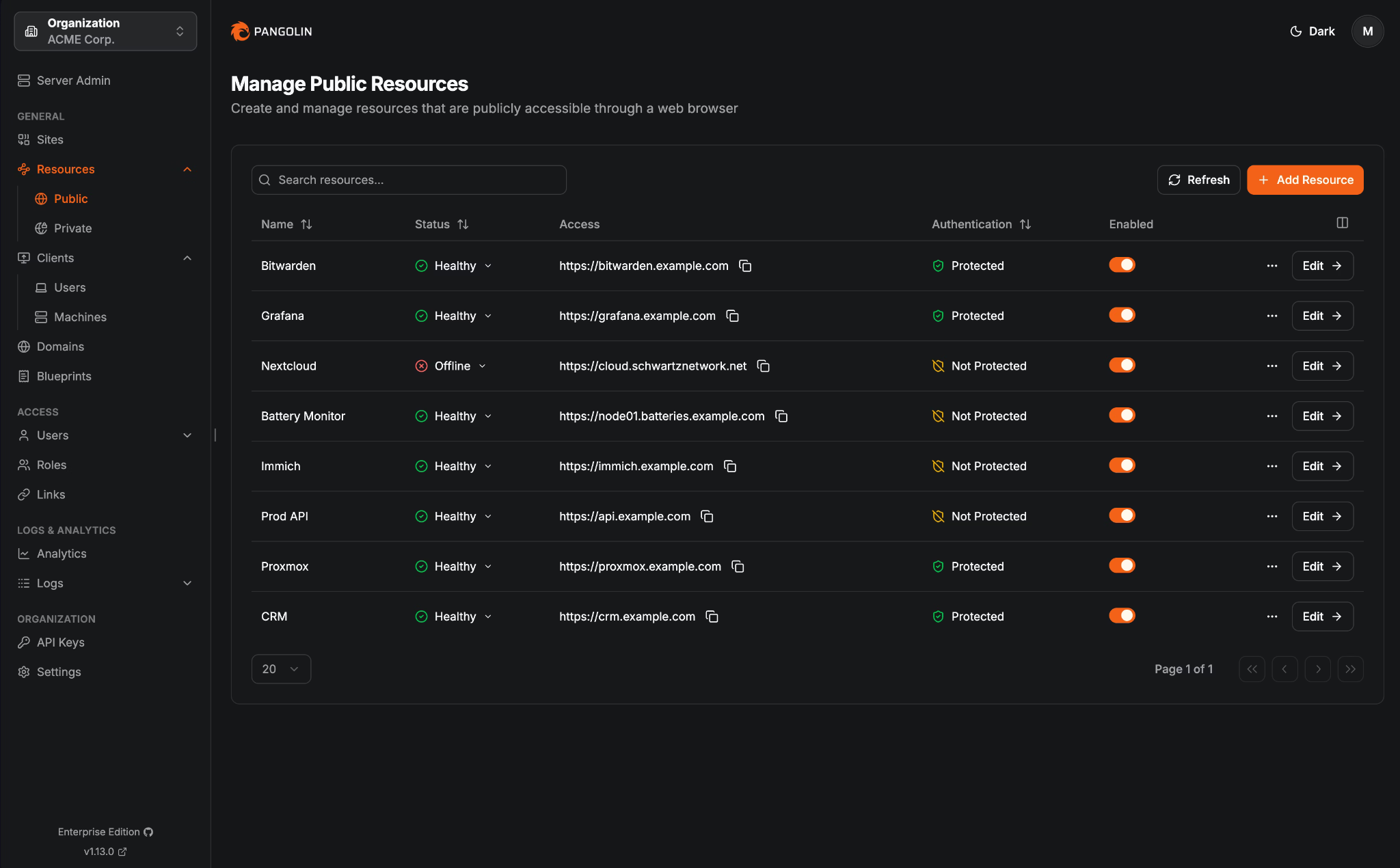
Pangolin fits this conversation well because it can implement the identity-aware proxy pattern for private web applications while also supporting broader private access models.
For browser-based access, requests hit the Pangolin server first, not the backend service directly. Pangolin evaluates identity, policy, and request context at that front door, and only approved traffic is forwarded down the tunnel to the protected resource. This creates clear separation between the access decision point and the service being protected.
That separation matters because it keeps the backend off the public internet, makes the access layer authoritative, and reduces the risk of the application being treated as directly reachable infrastructure. Instead of exposing a service and then trying to secure it in place, Pangolin keeps it behind the access layer and only carries approved traffic to it.
Pangolin is built around sites, resources, and access control. Sites connect networks back to Pangolin, while resources define the applications, hosts, or ranges users are allowed to reach. In practice, access is granted at the resource layer, while connectivity to the backend is delivered through the site hosting that resource.
That structure makes Pangolin more than a simple publishing layer. It provides an identity-aware front door for private applications while keeping the protected service behind a tunnelled access path rather than directly exposed.
## Pangolin for browser-based access to private apps
For public HTTPS resources, Pangolin can sit in front of an internal web application and provide a browser-based access path without exposing the backend directly.
In practical terms, Pangolin can:
- present a browser-based route to the application
- require authentication before traffic reaches the backend
- apply policy based on users, roles, countries, IPs, and CIDRs
- keep the backend on a private network behind a site connector
For teams looking for a cleaner way to publish and protect private applications, that maps closely to what they usually mean by an identity-aware proxy.
## Pangolin beyond the proxy pattern
Pangolin is not limited to browser-based front-door access.
Its private resources support identity-based access to internal services through the Pangolin client. Access is still granted at the resource layer, but the control model differs from a standard identity-aware reverse proxy. Rather than simply placing a proxy in front of HTTP traffic, Pangolin can provide identity-based private connectivity to the systems and services a user has been allowed to reach.
This matters because many organizations do not have a single access problem. They need a consistent way to control access to internal web tools, private services, administrative paths, and hybrid infrastructure.
Pangolin is useful here because:
- sites run behind firewalls and deny traffic by default
- resources must be explicitly defined and assigned
- external identity can be connected through OAuth2 and OIDC
- public and private access patterns can be managed in one platform
That makes Pangolin more than a simple identity-aware proxy. It is better understood as a private access platform that includes identity-aware proxy behaviour for web applications and extends into broader Zero Trust private access.
## Related reading
- [How ZTNA Works](/news/how-ztna-works)
- [Tunneled Reverse Proxy Architecture](/news/tunneled-reverse-proxy)
- [Secure Remote Access: Enterprise ZTNA Implementation Guide](/news/secure-remote-access)
## Final thoughts
An identity-aware proxy is an application front door that makes access decisions based on identity and policy rather than inherited network trust.
It is a strong fit for internal web applications, partner access, contractor access, and other scenarios where broad VPN reach is unnecessary or undesirable. It also fits naturally into Zero Trust and ZTNA architectures because it moves access control closer to the resource.
For Pangolin, this is a useful entry point because it connects directly to a common buyer question: how do you protect private applications without defaulting to broad VPN access or direct exposure?
Pangolin is compelling in that conversation because it can serve as the identity-aware front door for browser-based access while also supporting broader private-resource access when the problem extends beyond a single web app.
## FAQ
**Is an identity-aware proxy the same as a reverse proxy?**
_No. A reverse proxy handles traffic routing and mediation. An identity-aware proxy adds authentication and policy enforcement before traffic reaches the application._
**Is an identity-aware proxy the same as ZTNA?**
_No. An identity-aware proxy is often one component inside a ZTNA architecture. ZTNA is the broader secure access model._
**Does an identity-aware proxy replace a VPN?**
_Sometimes, especially for browser-based access to internal applications. Not always. Many organizations use both patterns during migration or for different use cases._
**Can an identity-aware proxy protect non-web applications?**
_Some platforms extend beyond web apps, but the classic identity-aware proxy pattern is usually strongest for HTTP and browser-based access. Broader private access often requires a client or a different access path._
**Does Pangolin count as an identity-aware proxy?**
_For authenticated public HTTPS resources, yes. More broadly, Pangolin is a private access platform that also supports client-based private resources._
## Further reading
- [NIST SP 800-207: Zero Trust Architecture](https://csrc.nist.gov/pubs/sp/800/207/final)
- [Google Cloud Identity-Aware Proxy overview](https://docs.cloud.google.com/iap/docs/concepts-overview)
- [Google Cloud Identity-Aware Proxy documentation](https://docs.cloud.google.com/iap/docs)
- [How Pangolin Works](https://docs.pangolin.net/about/how-pangolin-works)
- [Pangolin System Architecture](https://docs.pangolin.net/development/system-architecture)
- [Understanding Pangolin Resources](https://docs.pangolin.net/manage/resources/understanding-resources)
- [Understanding Pangolin Sites](https://docs.pangolin.net/manage/sites/understanding-sites)
- [Install Pangolin Sites](https://docs.pangolin.net/manage/sites/install-site)
---
### Modernizing Enterprise SSH Access
URL: https://pangolin.net/news/modernizing-enterprise-ssh-access
Published: 2026-03-24
Summary: Modernize enterprise SSH with identity-driven access, short-lived credentials, and private connectivity instead of static keys.
Category: Product
SSH remains one of the most important protocols in enterprise infrastructure, but the way many organizations manage SSH access has not kept pace with the way infrastructure has changed.
Teams now operate across cloud platforms, on-prem environments, remote workforces, and hybrid networks. Security expectations have shifted with them. Access is expected to be tied to identity, tightly scoped, and easy to review. Yet in many enterprises, SSH still depends on patterns that were designed for a different era: static keys that live too long, bastion hosts that accumulate operational baggage, manual account changes on individual systems, and VPN access that reaches far beyond the original task.
The result is familiar. SSH still works, but the workflow around it becomes messy. Security teams are left asking who still has access. Platform teams are left maintaining exceptions. Offboarding becomes harder than it should be. Audits turn into archaeology. What starts as a straightforward administrative protocol slowly turns into a governance problem.
That is why SSH modernization matters. The issue is no longer just how to reach a server. It is how to make access to private infrastructure secure, manageable, and consistent with the way enterprises now think about risk.
Pangolin fits into that conversation because it brings SSH into a broader private access model instead of treating it as a completely separate workflow.
## Challenges of Managing Enterprise SSH Access Over Time
SSH is rarely difficult on day one. It becomes difficult over time, usually for the same reason many infrastructure systems become difficult: the environment grows faster than the operating model around it.
One team adds a bastion because it is the quickest way to centralize access. Another distributes keys because it is easier than formalizing identity-driven access. Another keeps using a VPN because it already exists. None of these decisions look unreasonable in isolation. The trouble comes later, when those choices overlap and harden into a patchwork of access paths, local exceptions, and unclear ownership.
At that point, the problem is not the protocol. The problem is that SSH access has become fragmented. Some people authenticate one way, others another. Some environments are tightly controlled, others depend on old habits. Revoking access is slower than granting it. Logging exists, but not always in one place or in a form that makes governance easy.
This is the pattern many enterprises are trying to escape. The goal is not just to improve the shell experience. The goal is to stop SSH from being one of the last unmanaged corners of the infrastructure estate.
## What enterprises are really trying to solve
When a company starts evaluating SSH modernization, it is usually responding to a broader set of pressures.
The security team wants less credential sprawl and a cleaner answer to access reviews. The platform team wants to reduce the number of manual steps involved in onboarding and offboarding. Infrastructure leaders want to modernize bastion access without blowing up familiar architecture patterns. Engineering leaders want developers and operators to reach the systems they need without dragging broad network access and brittle workarounds behind them.
Put simply, enterprises are not searching for a better SSH client. They are trying to figure out how private infrastructure access should work in an environment where identity, policy, and auditability matter far more than they used to.
That is why SSH should not be framed as an isolated problem. It sits inside a larger question about how access to private systems is granted, governed, and withdrawn.
## SSH modernization patterns
### Static Keys, Bastion Hosts, and VPNs: Strains in Traditional SSH Access Models
Traditional SSH environments are often built from sensible components: static keys, local accounts, bastion hosts, and VPN connectivity. None of those elements are inherently wrong. The problem is the way they tend to age.
Static keys are a good example. They are easy to issue, but much harder to track over time. Once they have been copied across users, laptops, and environments, confidence starts to erode. You can no longer be sure which credentials still matter, which ones are stale, or whether revocation is as complete as you think it is.
Bastion hosts solve a different problem by centralizing ingress. That can be useful, especially in segmented environments, but bastions often become overloaded with operational responsibility. They need to be secured, maintained, monitored, and explained. In some organizations, the bastion becomes the answer to every access question without ever becoming a clean governance layer.
VPNs introduce another kind of drag. They are often used because they are already there, not because they are the best fit for the specific task. A user may only need SSH access to one administrative path, but the VPN gives them a much wider slice of the network. That gap between what is needed and what is granted is exactly where enterprises start to feel uncomfortable.
Taken together, these patterns create more than inconvenience. They create uncertainty. The access path exists, but the control model around it is harder to reason about with confidence.
### What modern SSH access looks like in practice
Modernizing SSH does not mean throwing away everything familiar. It means changing the logic behind how access is controlled.
In a stronger model, SSH access is tied more closely to workforce identity, so permissions follow the same lifecycle as the people using them. Credentials are temporary or centrally governed rather than scattered and long-lived. Access decisions are easier to review, revoke, and explain. Teams can still preserve controlled access paths where they need them, but without defaulting to broad network trust as the foundation.
The practical difference is important. Instead of treating SSH as a narrow technical protocol that sits outside the rest of access governance, enterprises start treating it as another private resource that needs clear ownership, policy, and auditability.
That shift is what makes SSH modernization meaningful. It is not just a cleaner login path. It is a cleaner operating model.
## How Pangolin changes the shape of the problem
Pangolin is most useful when it is understood as a private access platform that includes SSH, rather than as a stand-alone SSH tool.
That distinction matters because most enterprises are already dealing with more than one access problem at a time. They are securing internal applications, administrative interfaces, private services, and infrastructure endpoints all at once. If SSH is handled in isolation, it often becomes one more disconnected workflow that has to be governed separately.
Pangolin takes a different approach by bringing SSH into the same broader access model used for private resources. That gives teams a more coherent way to think about access across the environment. It also reduces the temptation to solve each access problem with a separate product and a separate set of operational habits.
For enterprise teams, that is often the bigger win. The value is not just that SSH works through Pangolin. The value is that SSH stops sitting off to the side as a special-case exception.
## Reducing key sprawl without adding more friction
One of the oldest SSH problems is also one of the hardest to clean up: the spread of long-lived keys across users, machines, and environments.
This is where Pangolin offers a more modern approach. By supporting temporary, signed access, it gives enterprises a way to move away from the idea that every user needs a persistent key relationship with every relevant system. That makes credential hygiene easier to manage and reduces the amount of trust that quietly accumulates over time.
Just as important, it does this without pushing teams toward yet another disconnected process. Engineers do not want one access model for internal applications, another for private networking, and a third for servers. A better SSH model is one that improves control while making the overall experience simpler, not more fragmented.
## Modernizing bastion access without abandoning familiar architecture
Bastion hosts remain a normal part of enterprise infrastructure, and for good reason. Many teams still want a controlled path into production or segmented environments. The issue is not the existence of the bastion. The issue is everything that tends to collect around it.
Over time, bastion-based access can become a bundle of manual steps, host hardening work, local policy exceptions, and uneven identity controls. It still functions, but it no longer feels modern or especially clean.
Pangolin helps here by supporting SSH in ways that can fit both direct and bastion-style models. That matters because most enterprise migrations are gradual. Teams need room to improve identity alignment and access governance without pretending they can redesign the entire environment in one move.
In practice, that makes modernization more realistic. It lets enterprises improve the control model around SSH while respecting the fact that infrastructure tends to evolve in stages.
## Bringing SSH closer to enterprise identity
One of the clearest signs that an SSH environment is maturing is that access starts following identity instead of drifting away from it.
Pangolin supports external identity providers through OAuth2 and OIDC, which makes it easier to connect SSH and other private resource access to the same identity layer used elsewhere in the business. That matters because governance gets much easier once onboarding, offboarding, and access review processes are not fighting against separate local workflows.
This is where SSH stops being mostly a credential distribution problem and starts becoming a policy problem. That is a better place for enterprises to operate from. Identity systems already carry the lifecycle information the business trusts. When infrastructure access lines up with that model, control becomes easier to maintain and easier to explain.
## Why this matters beyond SSH itself
Most enterprises are not trying to modernize SSH for its own sake. They are trying to reduce sprawl in the way private resources are accessed overall.
That is why Pangolin has a stronger story as a private access platform than as a single-purpose SSH product. It lets organizations think about SSH in the same conversation as internal applications, administrative tools, and other private services. That does not just simplify tooling. It improves the clarity of the access model itself.
And that clarity matters. The more systems an organization has, the more expensive fragmented access becomes. Every extra workflow creates more places for ownership to blur, for exceptions to pile up, and for security reviews to become harder than they need to be.
## What to look for in an SSH modernization effort
The most useful way to evaluate any SSH modernization approach is to ask whether it improves the system around SSH, not just the act of connecting.
Does it reduce long-lived credentials? Does it align access with identity and lifecycle controls? Does it help limit access to what is actually needed? Does it make audits, reviews, and offboarding easier? Does it fit into the wider way the organization wants to manage private access?
Those questions matter more than a feature checklist. Enterprises do not struggle with SSH because the protocol is weak. They struggle because access has grown into an awkward mix of habits, exceptions, and inherited infrastructure. A good modernization effort brings that complexity back under control.
## Final thoughts
Enterprise SSH access does not have to remain tied to static keys, manual provisioning, and broad network reach.
The stronger path is to bring SSH into an identity-driven, policy-aware access model that is easier to manage and easier to trust over time. That is where Pangolin is compelling. It does not just provide another way to reach a server. It helps enterprises make SSH part of a cleaner, more consistent approach to private infrastructure access. For a practical getting-started guide, see [How to SSH with Pangolin](/news/how-to-ssh-with-pangolin).
---
### How Does ZTNA Work? Unlocking the Secrets of Enhanced Security
URL: https://pangolin.net/news/how-ztna-works
Published: 2026-03-20
Summary: Learn how ZTNA works, why it differs from VPN-based remote access, and how identity, device posture, and policy combine to protect private applications.
Category: Engineering
Zero Trust Network Access, or ZTNA, is a modern way to control access to private applications and services. Instead of placing users on a network and trusting them once they are inside, ZTNA evaluates each request based on identity, device posture, context, and policy before granting access.
In practical terms, ZTNA works by placing an identity- and policy-aware control layer between users and private resources. When a user tries to reach an internal app, the system authenticates the user, checks device and session signals, evaluates policy, and allows access only to the specific resource they are authorized to use.
That is the core shift. Traditional remote access is network-centric. ZTNA is resource-centric.
This matters because most organizations no longer operate inside a clean perimeter. Users work remotely. Contractors need narrow access. Applications span cloud environments, internal infrastructure, and hybrid networks. In that world, “trusted once connected” creates too much exposure.
If you only need the short version, this is how ZTNA works:
- a user requests access to a private app or service
- the platform verifies identity through an IdP, often with MFA
- device posture and other contextual signals are checked
- a policy engine decides whether access should be allowed
- the user gets access only to the approved resource
- the session can be monitored, revalidated, or revoked if risk changes
## What is ZTNA?
ZTNA provides secure access to private applications and services without exposing broad network access to the user. It is commonly used to replace or reduce reliance on traditional VPNs, especially for web apps, internal tools, admin interfaces, and hybrid environments.
ZTNA is closely related to Zero Trust, but the two are not the same thing.
Zero Trust is the broader security model. NIST describes Zero Trust as an approach that moves security away from assumptions based on network location and toward continuous evaluation of users, assets, and resources. ZTNA is one practical way to apply that idea to access control.
So if Zero Trust is the strategy, ZTNA is one access pattern within that strategy.
That distinction matters. Many vendors market ZTNA as if it is the whole Zero Trust story. It is not. A complete Zero Trust architecture also includes identity security, endpoints, workloads, data protection, telemetry, and policy enforcement across the environment. ZTNA is one important part of that picture because access to private resources is one of the most visible and urgent problems organizations need to solve.
## Why organizations moved toward ZTNA
ZTNA gained traction because the assumptions behind legacy remote access no longer hold up well.
Traditional VPNs were designed for a world where users connected back into a central corporate network. Once connected, they often received broad network reach and could interact with multiple internal systems beyond the original purpose of the session. That may have been acceptable in more centralized environments, but it creates real problems in modern infrastructure:
- users often need access to one application, not a whole subnet
- contractors and third parties should not receive broad internal reach
- internal applications are spread across cloud, on-prem, and hybrid systems
- identity risk can change during a session
- endpoint trust is variable
- lateral movement becomes a larger concern when network access is wide
ZTNA addresses those issues by narrowing access to the resource level and making policy decisions based on more than whether a user successfully connected to the network.
## How ZTNA works step by step
The simplest way to understand ZTNA is to follow a single access request from start to finish.
### 1. A user tries to access a private application or service
The process starts when a user attempts to reach an internal application, service, admin console, or other protected resource.
That request might come from:
- a browser session to an internal web app
- a remote employee trying to reach a private tool
- a contractor accessing a limited internal system
- an administrator connecting to a sensitive service
In a legacy model, this often begins with a VPN connection to the broader network. In a ZTNA model, the request is directed to a broker, gateway, or policy enforcement point that sits in front of the resource.
### 2. The system verifies identity
Before access is granted, the ZTNA system checks who the user is. This typically happens through integration with an identity provider such as Microsoft Entra ID, Okta, Google Workspace, or another SSO platform.
This stage often includes:
- single sign-on
- multi-factor authentication
- group or role lookup
- session validation
Identity is the first major input into the access decision. If the user cannot be strongly authenticated, access should stop there.
### 3. The system evaluates context and device posture
ZTNA does not stop at identity. Strong implementations also evaluate the context around the request.
That can include:
- device health or posture
- operating system status
- certificate presence
- geographic location
- time of access
- network characteristics
- previous user behavior
- risk signals from security tools
This matters because an authenticated user is not automatically a safe request. A valid identity coming from an unmanaged device, an unusual location, or a high-risk session may require stronger controls or may be denied altogether.
This reflects a core Zero Trust principle: a valid login alone is not enough to justify access.
### 4. A policy engine decides whether access should be allowed
Once identity and context are available, the ZTNA platform evaluates policy.
This is the decision layer. A policy engine answers questions such as:
- Is this user allowed to access this specific application?
- Is their device trusted enough for this resource?
- Does this request meet location, time, or risk requirements?
- Should additional authentication be required?
- Should access be read-only, temporary, or fully blocked?
NIST’s Zero Trust Architecture model describes this kind of policy-based decision-making as central to Zero Trust. The practical point is simple: access is not granted because someone is “inside the network.” It is granted because a defined policy says this request is acceptable for this resource under these conditions.
### 5. Access is granted only to the specific resource
If the request is approved, the user is connected only to the application or service they are authorized to use.
This is one of the biggest differences between ZTNA and traditional VPNs.
A VPN often creates a network path first and then relies on segmentation, ACLs, or internal controls to limit what happens next. ZTNA is designed to avoid that broad first step. The user receives access to the intended resource, not a wider portion of the network.
That narrower access model reduces unnecessary exposure and can limit lateral movement opportunities if an account or session is compromised.
### 6. The session is monitored and can be re-evaluated
Strong ZTNA systems do not assume that a session is trustworthy forever just because it passed the first check.
Risk can change during a session. Device posture can drift. Identity risk can rise. Behavior can become suspicious. Policies can change. As a result, Zero Trust guidance generally favors continuous or repeated validation rather than one-time trust at login.
As conditions change, the system may:
- re-check session validity
- trigger re-authentication
- revoke access if risk rises
- log activity for audit and detection
This is another major difference from legacy access models that rely heavily on a trusted tunnel after the initial connection is established.
## ZTNA workflow at a glance
| Step | What happens | Why it matters |
| --- | --- | --- |
| **User request** | A user attempts to reach a private app or service | Access starts at the resource, not the network |
| **Identity check** | The platform verifies identity through SSO, MFA, and directory data | Confirms who is making the request |
| **Context evaluation** | Device posture, location, time, and other signals are reviewed | Helps detect risky or non-compliant sessions |
| **Policy decision** | Rules determine whether access should be allowed, denied, or challenged | Enforces least-privilege access |
| **Resource connection** | The user is connected only to the approved app or service | Limits attack surface and lateral movement |
| **Continuous validation** | The session can be monitored and re-evaluated | Prevents one-time trust from lasting indefinitely |
## What components make ZTNA work?
Different vendors use different terms, but most ZTNA architectures rely on a familiar set of building blocks.
| Component | Role in the architecture |
| --- | --- |
| **Identity provider** | Authenticates the user and supplies signals such as roles, group membership, and MFA status |
| **Policy engine** | Decides whether a request should be allowed, denied, or challenged based on defined rules |
| **Policy enforcement point or access broker** | Sits between the user and the resource and enforces the policy decision |
| **Device posture and context signals** | Supplies information about endpoint health, certificates, location, risk, and session context |
| **Resource connectors or protected application paths** | Provide a controlled path from the protected resource to the access layer |
| **Logging and monitoring** | Capture access decisions and activity for troubleshooting, audits, and incident response |
## ZTNA vs VPN: what actually changes?
The most useful way to explain the difference is this: a VPN connects a user to a network, while ZTNA connects an authorized user to a specific resource.
That does not mean all VPNs are inherently insecure or that every ZTNA product solves every access problem. It means the underlying trust model is different.
| Area | Traditional VPN | ZTNA |
| --- | --- | --- |
| **Access model** | Connects the user to a network | Connects the user to a specific app or service |
| **Trust decision** | Often concentrated at initial login | Evaluated before access and often during the session |
| **Scope of access** | Can be broader than the user actually needs | Intended to be limited to approved resources |
| **Lateral movement risk** | Higher if the user lands on a wider network segment | Lower because access is narrower by design |
| **Policy inputs** | Often identity plus network controls | Identity, device posture, context, and policy |
| **Migration reality** | Often already deployed for legacy access | Frequently introduced gradually alongside VPNs |
This narrower model helps reduce attack surface and makes access easier to reason about.
In practice, most organizations do not replace VPNs overnight. Many run VPNs and ZTNA side by side for a period, and some legacy protocols or operational requirements still make VPNs useful in specific cases. The real shift is that broad network access stops being the default answer for every remote access problem.
## Where ZTNA fits inside a Zero Trust architecture
One of the most common misunderstandings in this category is treating ZTNA as if it equals Zero Trust.
It does not.
ZTNA primarily addresses access to applications and services. Zero Trust architecture is wider. According to NIST and NCSC guidance, a full Zero Trust program also includes:
- strong identity governance
- device trust and health validation
- policy-based decision-making
- monitoring and telemetry
- workload and resource protection
- segmentation and data protection
- continuous verification and adaptive response
ZTNA is best understood as the access layer that applies Zero Trust principles to user-to-resource connectivity. Its effectiveness depends on the quality of the surrounding identity, endpoint, and policy ecosystem.
## Benefits of ZTNA
When implemented well, ZTNA delivers several practical benefits:
- reduced implicit trust because users are not trusted simply for being “on the network”
- more granular access because permissions can be tied to specific applications and services
- lower lateral movement risk because users are not broadly placed on internal network segments
- better support for remote, third-party, and contractor access because access can be narrow and auditable
- stronger policy consistency because decisions can be applied through a centralized control layer
## Tradeoffs and limitations
ZTNA has clear benefits, but it also has practical limits:
- ZTNA is not a complete security architecture and does not replace identity security, endpoint management, threat detection, or data protection
- policy quality matters, so messy roles, unmanaged exceptions, and weak device trust lead to weak outcomes
- legacy apps and unusual protocols may require more design work than modern web applications
- device posture signals are only as strong as the endpoint tooling behind them
- migration usually requires inventory work, policy design, identity cleanup, and staged rollout
## What to look for in a ZTNA solution
If an organization is evaluating ZTNA, the most important questions are not just about features. They are about how well the platform supports a workable access model in the real environment.
Look for:
- strong identity provider integration
- clear and granular policy controls
- support for both public and private application access patterns
- visibility into access events and decision logs
- support for modern MFA and adaptive access flows
- a deployment model that does not require excessive complexity
- a realistic path for mixed environments during migration
The right solution should make access both safer and easier to manage. If it adds too much operational friction or only works for a narrow set of applications, adoption will stall.
## Common questions about how ZTNA works
### Is ZTNA the same as Zero Trust?
No. ZTNA is one access-control approach within a broader Zero Trust architecture.
### Does ZTNA replace a VPN?
Sometimes, but not always immediately. Many organizations use ZTNA to replace VPN access for specific applications first, then reduce VPN reliance over time.
### Is ZTNA only for remote workers?
No. It is useful anywhere an organization wants policy-based, identity-aware access to private resources, including internal admins, contractors, vendors, and hybrid teams.
### Does ZTNA only protect web applications?
No. Web applications are often the easiest starting point, but support for other protocols depends on the platform architecture.
### What is the biggest difference between ZTNA and legacy remote access?
Legacy remote access often grants network connectivity first. ZTNA evaluates the request first and grants access only to the approved resource.
### Is ZTNA enough on its own?
No. ZTNA improves access control, but it works best when paired with strong identity security, endpoint visibility, logging, and broader Zero Trust policy enforcement.
## Final takeaway
ZTNA works by putting identity, device trust, and policy checks in front of private resources so that users get access only to what they are explicitly allowed to use. That makes it fundamentally different from legacy remote access models that begin by extending network connectivity and trusting users too broadly once they are inside.
For organizations modernizing secure access, that shift is the real value. ZTNA does not solve every Zero Trust problem on its own, but it gives security and infrastructure teams a stronger way to control who can access what, under which conditions, and for how long.
## Sources
- [NIST SP 800-207, Zero Trust Architecture](https://csrc.nist.gov/pubs/sp/800/207/final)
- [NCSC, Demystifying Zero Trust](https://www.ncsc.gov.uk/collection/zero-trust/demystifying-zero-trust)
- [NCSC, Zero trust architecture design principles](https://www.ncsc.gov.uk/collection/zero-trust/architecture-design-principles)
- [BeyondCorp reference site](https://www.beyondcorp.com/)
## Related reading
- [How to SSH with Pangolin](/news/how-to-ssh-with-pangolin)
- [What is an Identity-Aware Proxy?](/news/what-is-an-identity-aware-proxy)
- [Secure Remote Access: Enterprise ZTNA Implementation Guide](/news/secure-remote-access)
- [How Pangolin Works](https://docs.pangolin.net/about/how-pangolin-works)
---
### Pangolin for MSPs: Secure Remote Access Per Customer
URL: https://pangolin.net/news/pangolin-for-msps
Published: 2026-03-16
Summary: Pangolin helps MSPs replace VPN sprawl with a multi-tenant, identity-based remote access platform built to scale across client environments.
Category: Product
Most MSPs did not set out to build a different remote-access stack for every client. It just happened one request at a time.
One customer already had a VPN in place, so the MSP kept it. Another needed an internal web app exposed to a few users, so a reverse proxy got added. Another had a vendor who needed temporary access, so somebody opened a rule or stood up a jump box. A year later, the MSP is supporting a pile of access patterns that all solve roughly the same problem in slightly different ways.
That is the real issue. MSPs are usually not missing access tools. They are carrying too many of them, and the inconsistency starts showing up everywhere: onboarding takes longer, support gets harder, technicians keep context-switching between clients, and users often end up with more access than the job called for.
## The remote access problem is not the same for every user
Most client environments need two different things.
Some users only need a private web app. That might be an admin portal, an internal dashboard, a line-of-business application, or some other browser-based system that should stay private.
Other users need deeper access. MSP technicians, engineers, and vendors may need a specific host, service, or subnet behind the environment.
Those should not be treated as the same request. If a browser user gets a VPN because that is the default tool, they inherit client rollout and more network reach than they needed. If a technician workflow gets forced through whatever web-facing access pattern is already available, the MSP usually ends up with awkward exceptions that nobody likes maintaining.
## Key details
### Why MSP remote access stacks get messy
Messy access stacks are usually the result of small local decisions.
Teams add one more VPN because a client already uses it. They add one more reverse proxy because somebody needs a portal reachable. They keep one more firewall hole because removing it would take coordination. Each decision is understandable on its own. Together, they create a service model that is harder to scale.
At that point, the MSP is not really standardizing access. It is managing drift.
That drift has a cost:
- support teams have to remember too many client-specific exceptions
- onboarding a new customer takes more design work than it should
- access reviews are harder because every environment is a little different
- offboarding contractors and vendors gets riskier when access is scattered across tools
### What a cleaner secure remote access model looks like
A better approach is to separate the browser path from the deeper private path and keep both inside one consistent system.
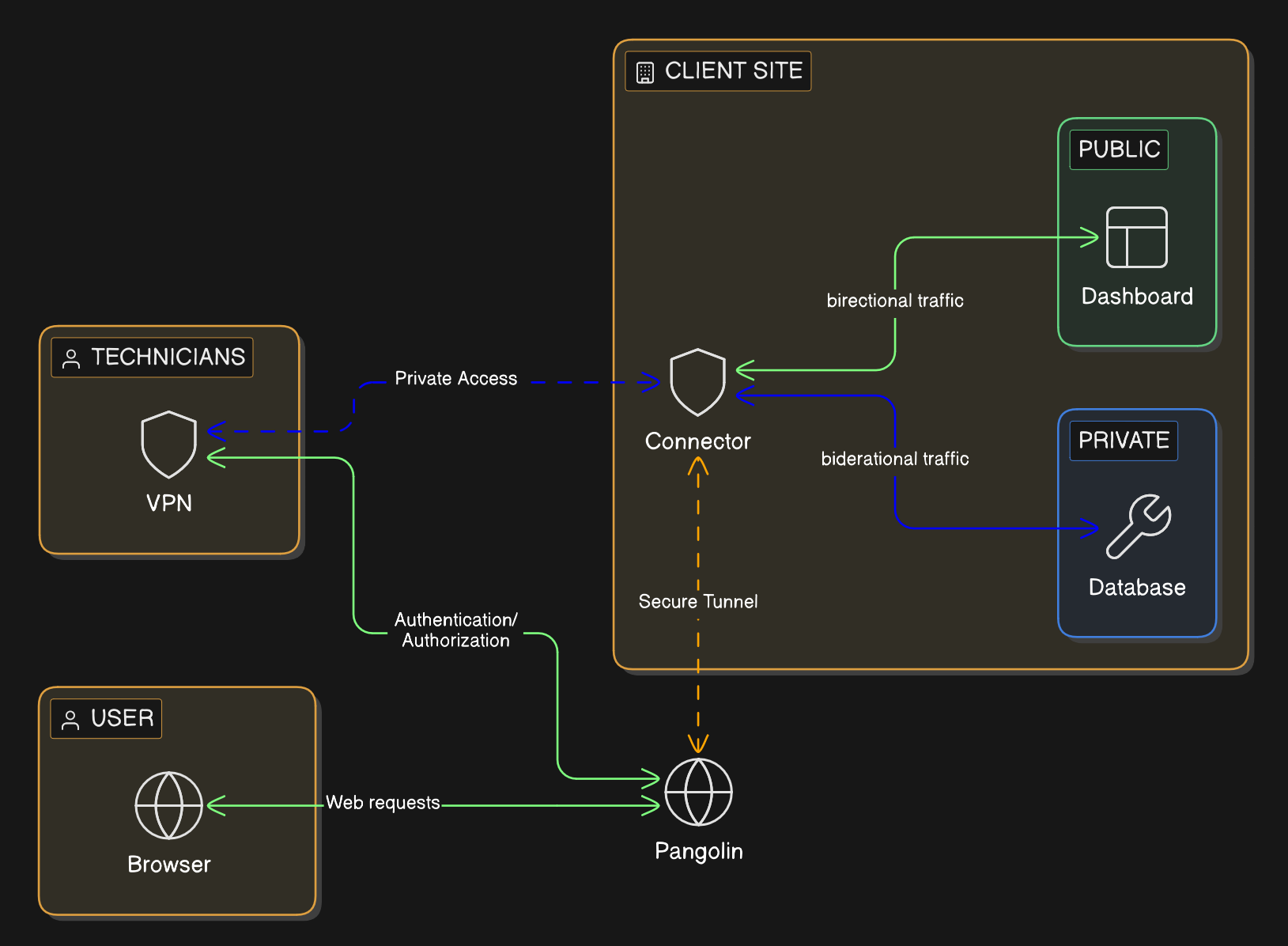
Browser users should get a managed hostname, HTTPS, and an authenticated front door in front of the private application. They should not need client software just to open a page.
Technicians and vendors who need deeper reach should get a narrower private path tied to the systems involved in the work. That keeps private connectivity available when it is needed without making broad network access the default answer for everybody else.
That model is easier for an MSP to run because it lines up with real jobs. Staff opening an internal app, a support engineer reaching an admin service, and a contractor connecting for a short maintenance window do not need the same access path.
### Where Pangolin helps
Pangolin gives MSPs a way to run that split access model across many client environments from one platform.
Each client can be kept in its own organization with its own users, resources, and policies. That gives the MSP tenant separation without forcing it to support a different remote-access product for each customer. For the broader architecture, see [How Pangolin Works](https://docs.pangolin.net/about/how-pangolin-works).
For browser-based access to private applications, Pangolin uses [Public Resources](https://docs.pangolin.net/manage/resources/understanding-resources#public-resources). The user connects through a managed hostname over HTTPS, authenticates first, and then reaches the backend service. The app stays private, and the user does not need a VPN just to open it in a browser.
For deeper workflows, Pangolin uses [Private Resources](https://docs.pangolin.net/manage/resources/understanding-resources#private-resources). The MSP can grant access to the specific private target involved instead of dropping the user onto a broad section of the client network.
That gives MSPs a practical split:
- browser users get the application they need without broad network access
- technicians get the deeper path only when the job calls for it
- vendors can be granted narrower access that is easier to review and revoke
- clients stay separated without turning the MSP stack into a patchwork
### Why that matters commercially
The best MSP platforms do not just improve security. They reduce operational waste.
If secure access can be delivered from one repeatable model, the MSP spends less time maintaining exceptions and more time running a service it can scale. That shows up in faster onboarding, cleaner support workflows, and a more credible story when clients ask how access is controlled.
Pangolin also gives MSPs something they can package more cleanly. Instead of selling a loose combination of VPNs, proxies, and special cases, the MSP can offer a standard access layer for private apps, technician workflows, and client separation. With [Blueprints](https://docs.pangolin.net/manage/blueprints), that model can also become more repeatable across deployments.
## Conclusion
Most MSPs do not need more remote-access products. They need fewer exceptions.
Pangolin gives them a cleaner way to handle private web access, deeper technician access, and multi-client separation from one operating model. That makes the security story tighter, but it also makes the service easier to deliver.
For MSPs, that is the point. Secure access should be something the team can standardize, not something it has to reinvent for every client.
## FAQ
**What remote access solution works best for MSPs?**
_The best fit is usually a model that separates private web access from deeper technician access. That keeps browser users out of unnecessary VPN workflows while still giving engineers and vendors the narrower private path they need._
**How do MSPs stop every client from becoming a one-off remote access setup?**
_They standardize the access model instead of standardizing on a single blunt tool. If the same platform can handle private web apps, technician access, and client separation, the MSP can repeat that pattern across clients without rebuilding the stack every time._
**Can an MSP give client staff secure browser access without installing a VPN?**
_Yes. If the job is opening a private web application, the cleaner design is an authenticated browser path with a managed hostname and HTTPS. The user signs in first and reaches the app without joining the full client network._
**What is the right way to handle technician and vendor access for MSP clients?**
_Give them the specific private access path the work requires and avoid leaving behind standing broad network access. That keeps support practical while making offboarding and access review easier._
**Why would an MSP use Pangolin instead of piling on more VPNs and proxies?**
_Pangolin gives the MSP one platform for private web access, narrower private connectivity, and tenant separation. That reduces tool sprawl and makes secure remote access easier to package as a repeatable service._
---
### What Is a Tunneled Reverse Proxy? Architecture & Uses
URL: https://pangolin.net/news/tunneled-reverse-proxy
Published: 2026-03-13
Summary: Learn how tunneled reverse proxies publish private apps through outbound tunnels without broad VPN access or exposed networks.
Category: Engineering
Enterprises need a way to publish private applications without exposing private infrastructure to the internet.
In practice, that creates a familiar tradeoff. Teams either open inbound paths to internal services and increase their attack surface, or they rely on broad VPN access that gives users more network reach than they actually need. Neither approach fits well with modern enterprise security.
A tunneled reverse proxy solves that problem with a different model. It lets organizations publish private applications through a controlled access layer while the backend stays behind firewalls, private IP space, and NAT. Instead of exposing the application network directly, the connection is established outward from the private environment and tied back to an authenticated front door.
This is why tunneled reverse proxies have become more relevant to enterprise security, infrastructure, and platform teams. The problem is not just connectivity. It is secure application delivery, least-privilege access, auditability, and operational consistency across hybrid environments.
That direction aligns closely with [NIST SP 800-207: Zero Trust Architecture](https://www.nist.gov/publications/zero-trust-architecture).
In this guide, we explain what a tunneled reverse proxy is, how it works, how it differs from a standard reverse proxy, where it fits in enterprise architecture, and how platforms like Pangolin can implement this model in practice.
## Tunneled Reverse Proxy Definition
A tunneled reverse proxy is an application delivery model where a reverse proxy presents a public or managed access point for users, while backend traffic reaches private applications through an encrypted outbound tunnel established from inside the private environment.
The proxy handles routing, TLS, identity checks, and access policy. The origin stays private and does not require direct inbound exposure.
At its core, the model combines three things:
- Reverse proxy behavior at the edge
- Encrypted tunnel-based connectivity on the backend
- Controlled access to private applications without direct network exposure
## Tunneled reverse proxy fundamentals
### What Is a Reverse Proxy?
A reverse proxy sits in front of one or more backend services and handles incoming requests on their behalf.
Users connect to the reverse proxy, not directly to the application. The proxy then forwards traffic to the correct backend service and can apply controls such as:
- TLS termination
- Hostname routing
- Authentication
- Access control
- Header management
- Request policy
In a standard reverse proxy deployment, the proxy still needs direct network reachability to the origin. That usually means the backend is on the same network, in the same cloud environment, or otherwise reachable through routing and firewall rules.
That model works well in many environments, but it becomes harder when the backend application lives in a private network that is intentionally not exposed inbound.
### What Makes a Reverse Proxy Tunneled?
A tunneled reverse proxy changes how the proxy reaches the backend.
Instead of depending on inbound reachability to the private application, a connector inside the private network establishes an outbound tunnel back to the access layer. User traffic arrives at the reverse proxy, passes authentication and policy checks, and is then forwarded through that tunnel to the internal service.
The application remains private, but it is still reachable through a managed entry point.
That architectural inversion is the key. The private side initiates the connection outward. This allows enterprises to publish internal services without opening inbound firewall ports across remote environments, branch sites, data centers, or private cloud networks.
For enterprise teams, that is usually easier to govern, easier to deploy across mixed environments, and safer to scale.
### How a Tunneled Reverse Proxy Works
At a high level, the request flow looks like this:
1. A user requests an internal application through a managed hostname.
2. The request reaches the reverse proxy or edge gateway.
3. The gateway applies TLS, identity checks, and access policy.
4. Approved traffic is forwarded through an encrypted tunnel.
5. A connector inside the private network receives the traffic and forwards it to the application.
6. The response returns through the same path to the user.
This is what makes tunneled reverse proxies effective for hybrid infrastructure. They let organizations keep applications where they already live, whether that is on-prem, in private cloud networks, in branch offices, or behind customer firewalls, while still placing a consistent access layer in front of them.
### Tunneled Reverse Proxy vs Standard Reverse Proxy
From the user’s perspective, a standard reverse proxy and a tunneled reverse proxy can look similar. Both may present the same hostname, TLS certificate, and login experience.
The real difference is on the backend side.
A standard reverse proxy assumes it can directly reach the origin through normal routing. A tunneled reverse proxy assumes the origin may not be reachable inbound at all, so it relies on an outbound connector and a maintained tunnel from the private environment.
For enterprises, that changes both the security model and the operating model.
A tunneled reverse proxy reduces direct exposure of internal infrastructure because applications do not need public IP addresses or inbound openings. In return, the access platform takes responsibility for connector lifecycle, tunnel health, resource definitions, access policy, and the secure path between the edge and the origin.
That tradeoff is often worth it because the enterprise gains a controlled access layer instead of direct network exposure.
### Tunneled Reverse Proxy vs VPN
This is one of the most important distinctions for enterprise buyers.
A VPN is usually network-first. Once connected, the user gains some level of network reachability to a subnet, segment, or broader internal environment.
A tunneled reverse proxy is usually application-first. It is designed to expose specific services, hostnames, or routes instead of expanding general network access.
That difference matters because most enterprises are trying to reduce lateral movement, avoid over-permissioning, and apply policy at the resource level.
This is exactly the direction set out in zero trust architecture, where access decisions are centered on subjects, resources, and policy rather than broad trust in a network zone.
A tunneled reverse proxy does not replace every VPN use case. It solves a different and increasingly common one: secure access to private applications without granting broad internal network reach.
## When a Tunneled Reverse Proxy Is the Right Fit
A tunneled reverse proxy is most useful when the goal is controlled access to a defined application or service, not broad access to an internal network.
It is usually a strong fit when:
- The application must stay behind NAT, a firewall, or private addressing
- Users only need access to a specific app, hostname, or route
- The organization wants identity-aware access controls at the application layer
- Infrastructure is spread across cloud, on-prem, branch, or customer-managed environments
- Teams want to reduce inbound exposure without redesigning the underlying application
It is usually a weaker fit when users need full network-level access to many internal systems at once, or when the use case depends on protocols and workflows better served by a broader private networking model.
## Why Enterprises Use Tunneled Reverse Proxies
The reasons are practical. For most teams, the value comes from reducing exposure while making private applications easier to publish and govern.
1. Reduced inbound exposure. Many internal applications were never designed to sit directly on the public internet. A tunneled reverse proxy lets enterprises keep those services behind firewalls while still making them available to authorized users through a managed access point.
2. Better fit for zero trust access. A tunneled reverse proxy places identity, policy, and access control at the application front door. That makes it a strong fit for zero trust strategies built around least privilege and resource-level access.
3. Easier publishing behind NAT or restrictive firewalls. This is one of the most common operational drivers. Enterprises often need to expose services in branch offices, private cloud networks, data centers, or customer environments where inbound changes are undesirable or impossible. Outbound tunnel models are built for exactly this scenario.
4. Simpler hybrid infrastructure access. Modern enterprises run applications across multiple environments. A tunneled reverse proxy gives teams one access layer for services that live across on-prem, cloud, edge, and remote networks.
5. Safer access to legacy applications. Older applications often cannot support modern identity and access patterns on their own. A tunneled reverse proxy lets teams place security and access controls in front of them without forcing a full redesign.
## Common Enterprise Use Cases
This model is most useful when a team needs controlled access to a specific private service rather than broad network reach.
- Secure access to internal web applications. Dashboards, internal portals, admin panels, and line-of-business applications are strong candidates because they can be published through a browser-based access layer without exposing the underlying network.
- Contractor and partner access. External users usually need access to one application, not an entire corporate network. A tunneled reverse proxy is a cleaner fit for this than broad VPN access.
- Hybrid cloud publishing. When services are split across cloud and on-prem environments, a tunneled reverse proxy provides a consistent way to publish and protect them.
- SaaS callbacks and inbound webhooks. Some external platforms need to reach private services. A tunneled reverse proxy can provide a controlled public entry point while the backend remains private.
- Fast-moving projects and temporary access. Migrations, acquisitions, remote sites, and time-sensitive rollouts often need secure access quickly. Tunnel-based models reduce the networking overhead involved in standing that up.
## Security Considerations
A tunneled reverse proxy can improve security posture significantly, but only when it is deployed as part of a deliberate access model. The key controls to evaluate are:
- Identity and policy enforcement. The biggest value comes from making access decisions at the edge based on identity, policy, and context rather than just IP reachability. This is the point where a tunneled reverse proxy becomes part of a zero trust architecture instead of just a transport mechanism.
- Connector trust. The connector becomes part of the trusted path. Enrollment, credentials, upgrade hygiene, and scoping all matter. The tunnel is only as trustworthy as the connector maintaining it.
- Deny-by-default exposure. A strong model does not expose services simply because a connector is installed. Resources should be explicitly defined, and access should be explicitly assigned.
- Auditability. Enterprise access layers need logs, visibility, and clear ownership. Application publishing is not just a networking task. It is part of security operations, access governance, and compliance.
- Reduced lateral movement. When access is granted to a defined application instead of a broader internal network, the blast radius is smaller. This is one of the main reasons application-first access models are increasingly preferred over broad network-first approaches.
## What to Look for in a Tunneled Reverse Proxy Platform
When evaluating platforms, do not just ask whether they can create a tunnel.
Ask whether they can:
- Enforce identity-aware policy
- Define resources cleanly
- Keep the backend private by default
- Support browser-based access for web applications
- Support private access patterns where needed
- Scale across multiple sites and environments
- Provide operational clarity for deployment, policy, and monitoring
Those are the capabilities that turn a tunnel into an enterprise access layer.
The best platforms combine secure publishing, access control, and operational structure in one system.
## How Pangolin Fits This Model
Pangolin is one example of a platform built around this model.
In Pangolin, resources are the applications, hosts, or network ranges made available for remote access. Public resources act as reverse proxies to backend services. Sites connect Pangolin to the networks where those resources live. Newt is the connector that establishes secure connectivity to remote networks and routes traffic to targets.
By default, nothing is exposed. Resources must be explicitly defined, and access must be explicitly assigned.
This architecture matters because it separates access, policy, and connectivity in a way that maps cleanly to enterprise operating models.
Relevant documentation:
- [Pangolin Resources](https://docs.pangolin.net/manage/resources/understanding-resources)
- [Pangolin Sites](https://docs.pangolin.net/manage/sites/understanding-sites)
In practice, that shows up in four ways:
1. Browser-based access without client-side software. For web applications, Pangolin provides public HTTPS resources that sit behind an authenticated reverse proxy. Users access those resources in a browser, and Pangolin applies identity and context-aware access policies before traffic reaches the backend.
2. Secure outbound connectivity from remote networks. Pangolin sites are designed to run behind a firewall, not on the public internet. Users do not connect to sites directly. They connect to resources, and Pangolin handles the path between the access layer and the private network through the site and connector architecture. For most deployments, Newt sites are the recommended model because they expose remote resources through a managed tunnel and do not require NAT configuration.
3. Resource-level access instead of broad network exposure. Pangolin is built around resource-based access. Users connect to resources, not to entire networks by default. That makes it easier to deliver least-privilege access for internal applications while keeping the blast radius smaller than broad network-first approaches.
4. One platform for public and private access patterns. Public resources are ideal for browser-based application publishing through an authenticated reverse proxy. Private resources support broader zero-trust VPN-style access when a client-based model is the better fit. This gives enterprises one platform that can handle both application-first access and broader private connectivity where needed.
Pangolin sites can also be deployed redundantly. Resources are deny-by-default, and the platform is structured around explicit definitions for sites, resources, and access control.
That combination makes Pangolin relevant for teams that want more than a simple tunneling utility. It gives them a governed way to publish, protect, and manage private access.
For broader context, see [Pangolin vs Reverse Proxy vs VPN](https://docs.pangolin.net/about/pangolin-vs-reverse-proxy-vs-vpn).
## Why This Matters for Enterprise Architecture
Enterprises do not need more disconnected access tools. They need a consistent model for delivering secure access across mixed infrastructure.
A tunneled reverse proxy is valuable because it solves more than one problem at once. It reduces inbound exposure, improves access control, supports hybrid environments, and creates a cleaner operating boundary around private applications.
That is why this pattern fits so well into modern zero trust architecture. It is not just about tunneling traffic. It is about controlling how private applications are published, protected, and governed.
## Final Thoughts
A tunneled reverse proxy is more than a clever way to move traffic. It is a practical pattern for publishing private applications securely without exposing the underlying network.
It combines the control of a reverse proxy with the reach of an outbound tunnel, allowing enterprises to deliver access without broadening internal network exposure. For teams moving away from broad VPN access and toward resource-level, identity-aware security, it is an increasingly important architectural building block.
The core value is not tunneling for its own sake. The value is being able to publish private applications through a controlled access layer with better security, clearer governance, and less operational friction across hybrid environments.
For organizations evaluating this pattern, the important questions are whether the platform keeps backends private by default, applies access policy at the right layer, and gives teams enough operational clarity to manage the system over time. Platforms like Pangolin are relevant when they satisfy those requirements without turning private access into another collection of disconnected tools.
## Related reading
- [What is an Identity-Aware Proxy?](/news/what-is-an-identity-aware-proxy)
- [Building a Peer-to-Peer Alternative to Cloudflare Tunnels](/news/building-a-peer-to-edge-peer-reverse-proxy)
- [How Pangolin Works](https://docs.pangolin.net/about/how-pangolin-works)
## FAQ
**Is a tunneled reverse proxy the same as a VPN?**
_No. A VPN is usually network-first and expands reachability into an internal environment. A tunneled reverse proxy is usually application-first and exposes specific services through a controlled access layer._
**Does a tunneled reverse proxy require inbound firewall changes?**
_Not in the typical model. The defining pattern is that the private side establishes an outbound connection to the access layer, which reduces the need for inbound exposure._
**When should an enterprise use a tunneled reverse proxy?**
_Use it when you need to publish private applications securely, reduce inbound exposure, and apply policy at the resource level instead of granting broad internal network access._
**How does Pangolin fit this model?**
_Pangolin uses sites to connect remote networks, Newt as the connector, and resources as the units of access. Public resources act as reverse proxies, while access remains explicitly defined and deny-by-default._
---
### Comparison - Pangolin vs. WireGuard
URL: https://pangolin.net/news/pangolin-vs-wireguard
Published: 2026-03-12
Summary: Compare WireGuard tunnels with Pangolin’s full remote access platform for identity, policy, automation, and browser access.
Category: Product
## The Difference Between a Tunnel and a Complete Zero Trust Access Platform
The comparison between Pangolin and WireGuard often misses a key distinction. While WireGuard is a superb, high-performance Layer 3 tunnel protocol, it functions purely as a secure network interface, not a complete remote access solution. Pangolin, however, is a full remote access platform that uses WireGuard as its foundation. It builds upon WireGuard by integrating essential features for real-world secure deployment, including identity management, policy enforcement, automation, and a user experience that doesn't demand specialized networking knowledge.
If you appreciate WireGuard, you will find Pangolin an ideal solution. It allows you to manage access at scale without the time and effort required to build the missing platform layer yourself.
## Quick comparison
| Feature | Pangolin | WireGuard |
| --- | --- | --- |
| **Core function** | ✓ Remote access platform with a control plane, identity, and policy | Secure Layer 3 tunnel protocol and interface |
| **Mental model** | ✓ Users, roles, resources, sites, policies | Keys, peers, routes, allowed IPs |
| **Access control** | ✓ Zero trust, deny by default, identity based access to resources | Network level, enforced by routing and firewall rules |
| **Connectivity** | ✓ Automated NAT traversal with hole punching and relay fallback | You design topology and handle NAT realities, often using keepalives |
| **Web access** | ✓ First class browser access through an integrated proxy and access layer | Not included. You add a reverse proxy separately |
## WireGuard: A minimalist tunnel protocol that you assemble into a solution
WireGuard is intentionally simple. You create a virtual interface, exchange public keys, define which IP ranges are routed through the tunnel, and bring the interface up. It gives you a strong foundation that is small, auditable, and fast.
That simplicity is also where most teams feel the friction. WireGuard’s model is “cryptokey routing”. You associate a peer public key with what it is allowed to reach, and everything else depends on the system you build around those primitives.
### Problem 1: Key exchange is simple once, then becomes a scaling problem
For small setups, WireGuard's simplicity, often likened to exchanging SSH keys, holds true.
However, the complexity escalates significantly with larger deployments involving numerous users, multiple sites, external contractors, frequent device changes, and the requirement for auditable security from a dedicated team. In these scenarios, WireGuard lacks essential features such as an enrollment workflow, an identity directory, or a robust policy engine. Organizations are left to manually manage key issuance, device approval, and, critically, access revocation across all locations where peer configurations are defined.
Consequently, many WireGuard implementations quickly evolve into unmanaged "DIY access control" systems.
### Problem 2: Key storage becomes your security model
WireGuard long term keys live wherever your configuration lives. That might be on endpoints as configuration files, in automation tooling, in a password manager, or in a configuration repository. The protocol is secure, but your security posture is now strongly influenced by how well you manage secret sprawl and configuration drift.
Common failure modes include:
- Key and configuration sprawl across laptops, servers, and administrator machines.
- Revocation that is slow or incomplete, because it depends on updating many distributed configurations.
- Configuration mistakes that grant broad network access by accident, especially through routes and allowed IP ranges.
- A lack of consistent auditing, because the access decision is encoded in static configuration.
### Problem 3: Access control is network oriented, not identity oriented
WireGuard does not know what an “employee”, “contractor”, “database”, or “admin panel” is. It moves packets. Least privilege is possible, but you implement it using routing, IP plans, and firewalls, and you must keep those rules correct over time.
In practice, this is why WireGuard deployments often start narrowly and then drift toward broader access than intended as exceptions pile up.
### Problem 4: NAT and reachability introduce routine operational work
WireGuard is silent when idle by design. In NAT heavy environments, peers may require persistent keepalives to maintain inbound reachability. This is a normal trade off of keeping the protocol minimal, but it pushes deployment complexity up into operations.
The result is a familiar set of issues: a peer works at home but not on hotel Wi Fi, it works on one mobile network but not another, or it requires additional infrastructure like hubs and jump hosts to provide consistent connectivity.
### The result
WireGuard is powerful, but it is a building block. It gives you a fast encrypted tunnel. It leaves key distribution, lifecycle management, policy design, NAT traversal strategy, and day two operations to you.
## Pangolin: WireGuard transport, with identity, policy, and automation added
Pangolin’s value is that it turns WireGuard from a great tunnel into a complete access product. Pangolin is a zero trust access platform built on WireGuard. It shifts the model away from IP level plumbing and toward users, roles, and resources.
## How Pangolin solves WireGuard’s biggest operational problems
### Solution to Problem 1 and 2: Replace key exchange chaos with a managed control plane
Instead of treating every peer configuration as a hand crafted artefact, Pangolin introduces a control plane that coordinates connectivity and access. The architecture includes a control plane with a web interface, API, authentication, a database, and WebSocket coordination, plus components that manage WireGuard tunnels and connectivity.
Pangolin offers a client credential model that streamlines operations by eliminating the need to distribute static peer configurations across an organization. Clients first set up a control channel and then use ephemeral keys to establish their WireGuard tunnels.
The practical benefit is straightforward: teams stop spending time managing peer files and start managing access policy.
### Solution to Problem 3: Move from network access to resource access
Pangolin’s resource model is explicit: access must be granted to users, roles, or machines for a WireGuard tunnel to be established to the site hosting the resource. The default posture is denied by default.
Instead of giving someone a tunnel into a network and hoping firewall rules stay perfect, Pangolin encourages a safer model: define the resources that matter, then grant access to those resources based on identity.
This aligns with how organisations actually think about risk. People need access to a database, an internal dashboard, or a subnet used by a staging environment. They rarely need unrestricted network presence.
### Solution to Problem 4: Make NAT traversal and connectivity selection a product feature
Pangolin directly addresses the real world mess of NAT and firewalls.
Pangolin implements a two-stage connectivity strategy. It initially tries to achieve direct peer-to-peer connection using NAT hole punching. If a direct path fails, it reverts to relaying traffic via Gerbil. Critically, this relay forwards WireGuard packets while maintaining the integrity of the end-to-end WireGuard encryption.
This enhancement shifts the user experience from a dependence on network conditions, where "the VPN sometimes works," to an automatic resolution where "the client finds a working path." The benefit is a reduced need for users to implement manual network adjustments and fragile workarounds.
## Pangolin also adds two capabilities WireGuard does not try to provide
### First class browser access for web applications
WireGuard does not include web access. Pangolin includes a reverse proxy and middleware layer that provides browser based access for public resources, integrated with the same identity and access control system.
This is a major difference for teams that want a single system for both web applications and private TCP or UDP services.
### Platform workflows for teams, not just tunnels
Pangolin offers a more advanced operational framework than Wireguard. This framework is built around concepts such as sites and resources, and features deployment and configuration workflows optimized for continuous management, rather than focusing solely on a one-time initial setup.
## The trade off, and why Pangolin is usually the practical choice
The fundamental difference between Pangolin and WireGuard is the scope of their features.
WireGuard is celebrated for its elegance and minimalism. It is the ideal choice for environments with simple network topologies where an organization prefers to manage and build its own custom access system around a core tunneling protocol.
Pangolin, by contrast, provides a more comprehensive platform. While this means introducing more components and complexity, it integrates many features that most teams ultimately need to develop internally: Identity-based access policies, default-deny resource access control, automatic NAT traversal with relay as a backup, and built-in web access.
For the majority of organizations, this comprehensive trade-off is beneficial. Pangolin utilizes WireGuard's high-level security and performance characteristics at the transport layer, but extends them with a platform layer that creates a truly scalable, usable access solution.
## Related comparisons
- [How to SSH with Pangolin](/news/how-to-ssh-with-pangolin)
- [Pangolin vs. Tailscale](/news/pangolin-v-tailscale)
- [Pangolin vs. NetBird](/news/pangolin-v-netbird)
- [How Pangolin Punches Through NATs and Firewalls](/news/nat-holepunching)
---
### Comparison - Pangolin vs. Teleport
URL: https://pangolin.net/news/pangolin-vs-teleport
Published: 2026-03-11
Summary: Compare Pangolin and Teleport across workforce access, engineering sessions, protocol coverage, and zero trust architecture.
Category: Product
## Network-First Zero Trust Access vs. Protocol-First Access Broker
At first glance, Pangolin and Teleport appear to solve a similar problem: controlling access to private resources and improving on legacy methods within the broader Zero Trust conversation.
But they are built for different jobs.
Teleport is a protocol-first access broker. It is designed to manage and audit access to specific infrastructure resource types such as SSH, Kubernetes, databases, desktops, and internal applications. It's an excellent fit for organizations requiring deep control over engineering and administrative sessions.
Pangolin is a network-first Zero Trust Access Platform built on top of WireGuard. It begins with secure private connectivity and then applies identity-based policy to control access across the entire business for both regular users and the engineering team. This makes Pangolin better suited for organizations that want to move beyond traditional VPNs and deliver secure access consistently across the entire workforce.
This is the core difference:
- Teleport is built primarily around infrastructure access.
- Pangolin is built to become the private access layer for the enterprise.
## Two Products, Two Different Access Strategies
When evaluating remote access, the most important question is not which product has the longest feature list, but which access model fits the organization.
Teleport takes a session-centric approach. It brokers and governs access to supported resource types, with a strong emphasis on auditability and administrative control.
Pangolin takes a connectivity-first approach. It creates secure private access across networks, then enforces Zero Trust policy, ensuring users only reach the applications, services, and systems they are authorized to use.
This fundamental difference shapes everything from user experience to deployment strategy and long-term scalability.
## Where Teleport Fits
Teleport is a credible choice when the access challenge is centered on engineering infrastructure.
If your primary concern is controlling privileged access to SSH servers, Kubernetes clusters, databases, and similar technical resources, Teleport aligns well with that requirement. It is especially relevant when compliance, session governance, and detailed administrative auditing are major drivers. For this use case, Teleport is focused and capable.
The issue is that most enterprises are not trying to solve access only for engineering teams. They are trying to solve access problems for everyone.
## The Enterprise Access Gap
In most organizations, secure private access is no longer limited to developers and infrastructure teams.
Modern enterprises need a single approach that can support employees, contractors, and partners across a wide range of internal applications, services, and systems. The challenge is not just privileged engineering access. It is delivering secure, reliable access across the business without creating separate tools, policies, and workflows for different teams.
This is where protocol-first products begin to show their limits. Teleport is strongest when access maps neatly to infrastructure workflows. Enterprises, however, rarely operate in neat categories. They need one secure access layer that can support engineering and non-engineering teams alike, across many types of private resources.
That is the problem Pangolin is built to solve.
## Pangolin: Zero Trust Private Access for the Entire Enterprise
Pangolin is designed for organizations that want to replace broad-trust VPNs with a modern Zero Trust model without creating separate access silos for different teams.
Rather than starting with a narrow list of protocols, Pangolin starts with the enterprise reality: people across the business need secure access to private resources from anywhere, on any network, without exposing more access than necessary.
Pangolin provides this by combining secure network connectivity with identity-based access control, giving organizations a single platform for private access across browser-based applications, internal services, and private network resources.
The result is not just a tool for engineers. It is a platform for enterprise access.
### 1\. A Better Alternative to Legacy VPNs
Traditional VPNs are difficult to scale cleanly because they extend broad network trust where organizations actually need precise access control.
Pangolin takes a different approach. It provides secure private connectivity, but access is governed by identity and policy rather than implicit network trust. Users get access only to the resources they are allowed to use, not blanket access to the network.
For enterprises, this is a meaningful shift. It reduces the attack surface, improves segmentation, and delivers a more modern access experience without the operational baggage of legacy VPN architecture.
### 2\. One Platform for the Whole Workforce
Most access products are either too broad in trust or too narrow in audience. Pangolin is positioned in the middle, where enterprises increasingly need to operate. It supports the engineering team, but it is not limited to the engineering team.
That means one platform can support:
- Developers accessing infrastructure and internal tooling.
- Sales teams reaching internal systems securely from remote locations.
- Support teams using private dashboards and admin interfaces.
- Operations teams connecting to internal services and file resources.
- Third parties like contractors receiving tightly scoped access to only what they need.
This is a major commercial distinction. Pangolin is not just an infrastructure access product; it is a workforce access platform.
### 3\. A Network-First Architecture That Scales with Real Environments
Enterprise environments are messy. They contain internal applications, bespoke services, legacy platforms, non-standard ports, file systems, admin consoles, and business-critical tools that do not fit neatly into a few protocol categories.
Pangolin is built for that reality. Instead of requiring connectivity and access to be configured machine by machine, Pangolin is designed around site-level connectivity. You deploy connectivity once at the site or network level, then make resources within that private environment available through policy. That reduces deployment overhead, simplifies expansion, and makes it easier to bring large or mixed environments under one access model.
A network-first Zero Trust Access Platform is better aligned to how enterprises actually operate. With Pangolin, the question is not whether a resource belongs to the right technical bucket, but whether the user should have access. That creates a more consistent policy model across the business and avoids the fragmentation that often appears when different teams rely on different access tools for different classes of resource.
### 4\. A Simpler User Experience with Stronger Control
Enterprise security tools fail when they create too much friction for end-users or too much complexity for administrators. Pangolin is designed to reduce both.
Users get a simpler experience: they authenticate once and access the resources they have been granted. Administrators get a clearer operating model centered on users, resources, sites, and policy. Security teams get stronger control without having to rely on outdated network-level trust assumptions.
This balance matters in enterprise adoption. The best access platform is not only secure it is the one the business can realistically deploy, scale, and manage.
## Where Teleport Remains Strong
Teleport still has a clear advantage in one area: deep infrastructure session governance.
If the main requirement is detailed auditing of administrative access to supported protocols, Teleport is a strong option. Organizations with highly specialized compliance requirements or a narrow focus on engineering access control may prefer that model.
That is an important distinction, and it should be acknowledged clearly. But for many enterprises, that is not the primary buying decision.
The larger challenge is replacing fragmented remote access with one secure, scalable, Zero Trust platform that works across the business. That is where Pangolin has the stronger story.
## Why This Matters for Enterprise Buyers
Enterprise leaders are not just selecting a product; they are choosing an operating model for private access.
Do you want a platform primarily optimized for controlling technical sessions for infrastructure teams?
Or do you want a platform that can become the secure access foundation for the broader enterprise?
That is the real choice.
## Final Recommendation
Choose Pangolin if your organization wants to move beyond VPNs and standardize on a modern Zero Trust Access Platform for the enterprise. It is the stronger fit when you need one platform that can securely serve engineering, IT, operations, support, sales, and other teams without forcing access into separate silos.
Choose Teleport if your main requirement is protocol-specific governance for engineering infrastructure and deep session auditing for administrative workflows.
In simple terms:
- Teleport is built to control infrastructure sessions.
- Pangolin is built to secure enterprise access.
## Related comparisons
- [Pangolin vs. WireGuard](/news/pangolin-vs-wireguard)
- [Modernizing Enterprise SSH Access](/news/modernizing-enterprise-ssh-access)
- [How to SSH with Pangolin](/news/how-to-ssh-with-pangolin)
---
### Comparison - Pangolin vs. Zscaler
URL: https://pangolin.net/news/pangolin-v-zscaler
Published: 2026-03-03
Summary: How a self-hostable open-source access platform and an enterprise cloud security suite differ in architecture, traffic routing, deployment, and fit.
Category: Product
Pangolin and Zscaler Private Access (ZPA) both provide zero-trust, identity-based access to private resources. They share the same core idea: users get access to specific applications, not a whole network. Under the hood, however, they differ significantly in architecture, traffic routing, deployment model, scope, and who they are built for. This article outlines what each does and where they diverge.
## What is Pangolin?
Pangolin is an open-source, identity-based remote access platform built on WireGuard. It is resource-centric: you define specific hosts or applications users can reach, not whole networks. You deploy a lightweight connector (a site) on a machine that has access to a network - office LAN, VPS, cloud VPC, or home lab. Anything that site can reach can be defined as a resource (web app, database, SSH host, internal API). You grant users and roles access to specific resources; users see only what you allow. No open ports: sites use outbound-only tunnels, and clients use NAT hole punching or relay.
The full stack is open source. You can self-host the entire platform, use Pangolin Cloud, or use the cloud control plane and self-host only relay nodes so traffic stays on your infrastructure. Pangolin combines reverse proxy and VPN: web apps can be reached in the browser with no client; databases and [SSH](/news/how-to-ssh-with-pangolin) use the Pangolin client. Both paths share the same identity and permissions.
## What is Zscaler Private Access?
Zscaler Private Access (ZPA) is a cloud-native, enterprise-grade zero-trust access control solution. It is designed for large organizations that need to provide access to private resources - whether on-premises or hosted in the cloud - to all users regardless of location. It is one part of the broader Zscaler platform; a separate subscription, Zscaler Internet Access (ZIA), handles internet and SaaS traffic.
You deploy App Connectors on your private resources. Each App Connector establishes an outbound proxy connection to the nearest Zscaler data center. Users install the Zscaler client, which also connects outbound to the nearest Zscaler data center. Zscaler's Private Service Edges - running across a global network of more than 150 data centers - link the two connections together. All user traffic passes through Zscaler's cloud infrastructure; there are no direct connections between users and resources.
Zscaler's control plane is cloud-hosted and multi-tenant. There is no self-hosted option. Pricing is opaque and requires consultation with Zscaler or a reseller. The platform is aimed at large enterprises with dedicated security teams that need comprehensive policy enforcement, compliance monitoring, and DLP at scale.
## How the two compare
The table below summarizes the main differences. The sections after it walk through each area in order.
| Feature | Pangolin | Zscaler |
| --- | --- | --- |
| **Architecture** | ✓ Hub-and-spoke; control plane + sites; clients connect directly to sites via WireGuard | Proxy-based; all traffic routed through Zscaler's global cloud data centers |
| **Access model** | ✓ Resources (web apps, hosts, ports); FQDN or IP; role-based access control | Resources (apps/hosts); policies based on identity, device, and group |
| **Self-hosting** | ✓ Self-hostable or cloud; full control over data and infrastructure | Cloud-only; all traffic passes through Zscaler's infrastructure |
| **Open source** | ✓ Server and clients fully open source (AGPLv3 or Commercial License) | Closed source; proprietary |
| **SSO / IdP** | ✓ Built-in SSO with OIDC; connects to any OIDC-compatible IdP | Integrates with enterprise identity providers |
| **Web app exposure** | ✓ Clientless browser access; identity-aware reverse proxy; custom domains; automatic SSL | Zscaler Browser portal can be used to access clientless |
| **Pricing** | ✓ Transparent; self-hostable for free; clear cloud plan pricing | Opaque; requires consultation with Zscaler or a reseller |
| **Target** | ✓ Teams of any size; self-hosters to enterprises | Large enterprises with dedicated security teams |
| **Scope** | ✓ Unified platform: VPN + reverse proxy + identity in one product | ZPA for private access; ZIA is a separate subscription for internet/SaaS traffic |
| **Device security** | ✓ Device posture checks; device approvals; device fingerprinting | Device posture checks; identity and device-based access policies |
| **Transport** | ✓ WireGuard; NAT traversal via P2P or relay; no open ports | TLS-based proxy tunnels through Zscaler cloud; no open ports |
## Detailed comparison
### Architecture
In both systems you deploy a connector on a network, define resources behind it, grant users access to those resources, and require no open inbound ports. The similarities end there.
Pangolin uses direct connections. When a client accesses a resource, the Pangolin server facilitates discovery and NAT traversal, then the client and site establish a WireGuard tunnel directly - peer-to-peer when possible, through a relay only when NAT prevents a direct link. Data travels on the shortest path.
Zscaler uses a proxied architecture. The App Connector on your resource connects outbound to the nearest Zscaler data center. The Zscaler client on the user's device connects outbound to the nearest Zscaler data center. Zscaler's Private Service Edge in that data center links the two connections together. Every byte of traffic passes through Zscaler's cloud infrastructure. Latency depends on how close users and resources are to their respective nearest data center. There are no direct connections between user devices and resources.
### Traffic routing and performance
Because Pangolin establishes direct WireGuard connections between the client and the site, traffic takes the most efficient path between user and resource. Relay is only used as a fallback when NAT traversal cannot establish a direct link. This keeps latency low and avoids routing traffic through third-party infrastructure.
Zscaler routes all traffic through its network of 150+ Private Service Edges globally. This centralized routing means performance is dependent on cloud routing efficiency and the distance to the nearest Zscaler data center. Users and resources that are far from Zscaler edges may experience higher latency.
### Web apps and clientless access
Pangolin can expose web applications without a VPN client. Users open a URL, sign in (e.g. with SSO), and reach the app in the browser. Pangolin acts as an identity-aware reverse proxy and provisions SSL certificates automatically. You can add pin codes, passcodes, user auth, email whitelists, and more per resource. Pangolin supports custom domain names for web resources. That fits contractors, BYOD, or quick access to internal tools when you do not want to install a client everywhere.
Zscaler Private Access does have a browser access feature - ZPA Browser Access - that provides clientless access to private web apps through a Zscaler-hosted user portal. It is aimed at BYOD and third-party users on unmanaged devices. However, there are meaningful differences in how the two approaches work. Zscaler's browser access is portal-based: users log in to a Zscaler-managed user portal that lists their authorized apps. Pangolin gives each resource its own URL with a custom domain you control - `tools.yourcompany.com`, `grafana.yourcompany.com` - and a single shared portal. Private app FQDNs are obscured from users in Zscaler's model by design, which limits direct linking and bookmarking. Pangolin's resources are first-class URLs.
### Deployment and data sovereignty
Pangolin can run fully on your own infrastructure. You can self-host the server, control plane, and all relay nodes. Alternatively, you can use Pangolin Cloud and optionally add your own relay nodes so traffic stays on your infrastructure while using the cloud control plane. Traffic between clients and sites travels directly between them; it does not pass through Pangolin's servers once the tunnel is established unless it needs to be routed through a relay node when it is still end-to-end encrypted.
With Zscaler Private Access, all traffic is routed through Zscaler's global cloud data centers. There is no self-hosted option for the control plane or for the traffic path. All user and resource traffic passes through Zscaler infrastructure by design - that is how Zscaler applies security inspection. If your organization's policy or regulations require that traffic stay on your own infrastructure, or if you simply prefer not to send all traffic through a third-party cloud, Pangolin's architecture supports that; Zscaler's does not.
### Scope and product model
Pangolin is a unified platform. Private resource access (VPN-style, via the client) and public web app exposure (reverse proxy, browser-based) are part of the same product, managed with the same identity and permissions, deployed as one system.
Zscaler is a broader security suite split into separate products. Zscaler Private Access handles access to private resources (on-premises or cloud-hosted). Zscaler Internet Access is a separate subscription that manages internet and SaaS traffic - threat protection, secure web gateway, CASB, and DLP for outbound internet traffic. If you need both, you subscribe to both. Zscaler's suite is comprehensive, but it means more products, more complexity, and more cost.
### Setup and operational complexity
Pangolin is designed to be lightweight to deploy. You have the server (self-hosted or cloud), deploy a site connector on a network, define resources, and set up users. The setup is approachable for small teams and individual operators and just enterprise IT departments alike.
Zscaler requires substantial configuration before deployment: administrators must define access control policies, security rules, compliance settings, and integrate with identity providers. The platform is designed for large enterprises with dedicated security teams. Smaller teams or those without full-time security personnel will likely find the operational overhead significant.
### Pricing and transparency
Pangolin is open source and self-hostable at no cost in addition to the Enterprise Edition which has published pricing. Pangolin Cloud has clear, published pricing. You know what you are paying before you commit.
Zscaler's pricing is opaque. There is no published price list; you must contact Zscaler or a reseller for a quote. Enterprise agreements are custom, and the total cost depends on features, seat counts, and which products (ZPA, ZIA, and others) you need. For teams that want predictable, transparent costs, Pangolin's model is straightforward; Zscaler's is not.
### Open source
Pangolin's server and clients are open source under the AGPLv3 or a Commercial License. You can run, inspect, and modify the full stack.
Zscaler is proprietary. The platform is entirely closed source. You cannot self-host any component or inspect the code. If transparency, auditability, or the freedom to run and modify the system matter to you, Pangolin's licensing and architecture support that.
### Device security
Both platforms support device posture checks: they collect information about security-relevant settings on the device - disk encryption, firewall status, antivirus, OS version - and allow you to enforce access policies based on posture.
Pangolin adds a device approvals feature. When enabled, all new devices are denied by default. Admins see a queue of pending devices and must explicitly approve each one before it can connect. That gives you explicit control over the device inventory, not just the user account.
### Tenancy
Pangolin supports multiple organizations under one account, with the ability to share or assign users and resources across them. That makes it well suited for MSPs or teams managing multiple environments from one place.
Zscaler is single-tenant by signup. Each organization gets its own tenant; managing multiple separate organizations is not a native capability in the same way.
### Best fit
**Choose Pangolin if** you want a zero-trust, resource-centric access platform that is lightweight to deploy, transparent in pricing, and open source. Pangolin is self-hostable if you need full control over your infrastructure and traffic, and it includes both client-based private access and clientless browser access for web apps in one unified system. It fits teams of any size - from a self-hosted home lab to a multi-site enterprise.
**Choose Zscaler if** you are a large enterprise with a dedicated security team that requires a comprehensive cloud security suite with advanced threat protection, DLP, and a secure web gateway at global scale. Zscaler fits organizations with strict compliance and monitoring requirements that can manage complex configuration and enterprise pricing, and that are comfortable routing all traffic through Zscaler's cloud infrastructure.
## Related comparisons
- [How to SSH with Pangolin](/news/how-to-ssh-with-pangolin)
- [Pangolin vs. Cloudflare One](/news/pangolin-v-cloudflare)
- [Pangolin vs. Twingate](/news/pangolin-v-twingate)
- [How ZTNA Works](/news/how-ztna-works)
## Try Pangolin
[Get started with Pangolin](https://app.pangolin.net/). You can self-host the server or sign up for the cloud and try it with no commitment.
## Get in touch
If you want more detail on how Pangolin can fit your setup, [reach out](/contact).
---
### Pangolin 1.16 - Certificate Based SSH
URL: https://pangolin.net/news/1-16-0-release
Published: 2026-02-27
Summary: Pangolin 1.16 adds certificate-based SSH, short-lived credentials, and just-in-time user provisioning for private infrastructure.
Category: Product
If you've ever managed SSH access for a team, you know the drill: generate keys, copy them to servers, remember which key goes where, revoke access when someone leaves, and pray nobody puts their private key in a public GitHub repo. It's tedious, error-prone, and doesn't scale.
We built Pangolin to make private access simple and secure - whether you're accessing a web app through your browser or connecting directly to private resources. Today, we're taking that mission to the terminal.
Pangolin 1.16.0 introduces native SSH support with certificate-based authentication and PAM integration. No more managing SSH keys. No more `ssh-copy-id`. Just use your Pangolin identity to connect to any server, and let Pangolin handle the rest.
## Release highlights
### SSH the way it should be
Here's what SSH access looks like with the Pangolin CLI and any resource alias:
```shell
$ pangolin ssh vm-01.prod.example.com
Welcome to Ubuntu 24.04.2 LTS (GNU/Linux 6.14.0-1010-aws aarch64)
System information as of Sat Feb 28 01:41:10 UTC 2026
System load: 0.0 Temperature: -273.1 C
Usage of /: 23.9% of 29.95GB Processes: 155
Memory usage: 48% Users logged in: 0
Swap usage: 0% IPv4 address for ens5: 10.30.0.212
Last login: Mon Feb 23 19:36:15 2026 from 10.30.2.199
p-owen@vm-01.prod.example.com:~$
```
Behind the scenes, Pangolin:
1. Generates a temporary key pair on your machine
2. Sends the public key to Pangolin's server along with your identity
3. Verifies you have access to that resource
4. Signs your public key with your organization's certificate authority
5. Establishes the SSH connection using the short-lived certificate
The certificate is valid for just 5 minutes - long enough to establish a connection, short enough to limit blast radius if something goes wrong. Once you're connected, your session can stay open as long as you need it.
You need to be connected to the Pangolin network to make the SSH connection.
### Identity-based access control
SSH access in Pangolin follows the same zero-trust principles as everything else in the platform. You create a private resource for each server you want to SSH into, grant access to specific users or roles, and ensure TCP port 22 is allowed in the resource's port restrictions.
No access granted on the resource? No SSH session. It's that simple.
This means your SSH access policies live in the same place as your web app and private network policies. One dashboard, one source of truth, one audit log.
### Just-in-time user provisioning
Here's where it gets interesting. When you SSH into a server through Pangolin, we don't just authenticate you - we provision your user account on the fly.
Pangolin derives your username from your identity (the part before the `@`), creates a home directory, and sets up the account with the right permissions before your SSH session even starts. If the username is already taken in your organization, we add a numeric suffix to keep it unique.
This happens automatically through PAM (Privileged Access Management), the same authentication framework your Linux server already uses. No manual account creation and you dont need to pre-provisioning users across dozens of servers. User settings can be configured on a per-role basis:
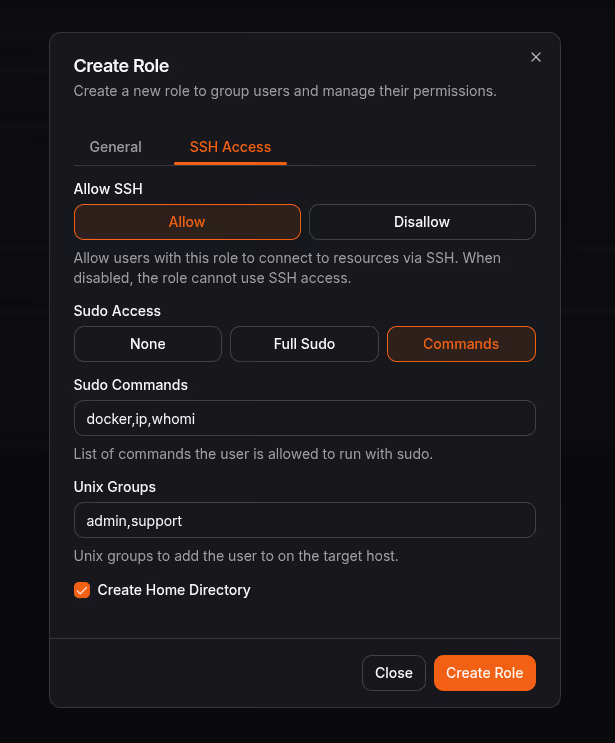
### Built into Newt, your site connector
The magic happens in Newt, Pangolin's site connector that already handles your private network connectivity. When you run Newt with the `--auth-daemon` flag, it becomes an SSH authentication daemon for the host it runs on:
```shell
$ sudo newt --id --secret --endpoint --auth-daemon
```
Then configure your SSH server to trust Pangolin's certificate authority and use Newt to resolve principals. Add these lines to `/etc/ssh/sshd_config`:
```ocaml
TrustedUserCAKeys /etc/ssh/ca.pem
AuthorizedPrincipalsCommand /usr/local/bin/newt auth-daemon principals --username %u
AuthorizedPrincipalsCommandUser root
```
Restart SSH, and you're done. Your server now accepts certificate-based authentication from any Pangolin user with access to that resource. The OpenSSH server will check with Newt to see if the user is authorized, and if so, allow the connection.
### For more complex setups: external auth daemons
If you need to SSH into multiple servers that don't run Newt themselves, Pangolin supports an external auth daemon architecture. One host runs Newt as a bastion, and each target server runs Pangolin's auth daemon. Newt proxies SSH connections through to the target servers, and the auth daemon handles user provisioning and certificate validation.
This is perfect for environments where you have a jump host or bastion pattern. We won't dive into the details here, but if that's your setup, check out our [SSH documentation](https://docs.pangolin.net/manage/ssh) for the full configuration guide. For a current overview of browser and private CLI SSH, see [How to SSH with Pangolin](/news/how-to-ssh-with-pangolin).
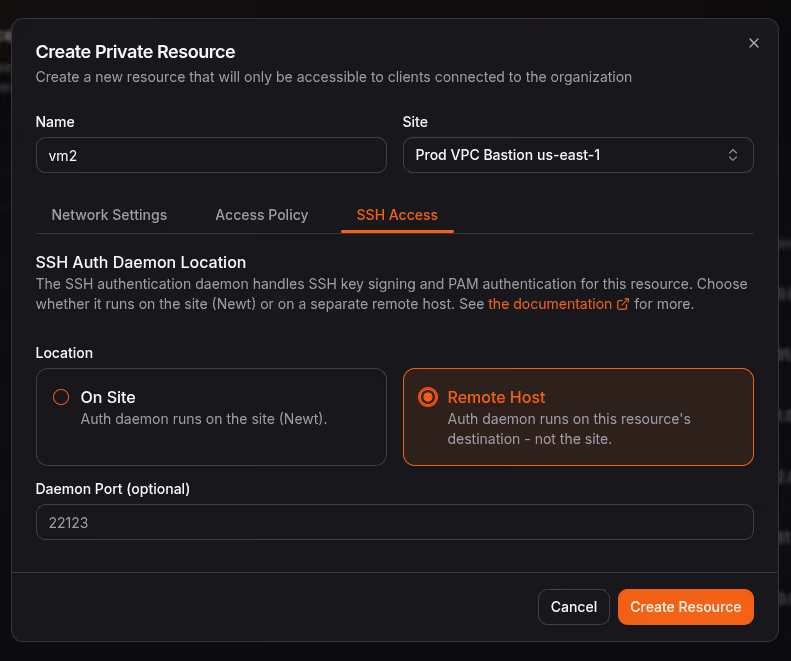
### Short-lived certificates, long-term security
Traditional SSH key management is a mess because keys are long-lived. Someone generates a key, copies it to a server, and it sits there forever - or until someone remembers to remove it. With Pangolin's certificate-based approach, keys are ephemeral by design.
Each certificate is valid for just 5 minutes from the moment it's issued. That's enough time to establish your connection, but not enough time for an attacker to do much with a compromised certificate. And because certificates are signed by your organization's CA, you can revoke access instantly by removing a user from the resource - no need to hunt down keys scattered across servers.
## Give it a try!
Pangolin 1.16.0 is live today. If you're tired of managing SSH keys and want terminal access that's as secure and simple as the rest of your Pangolin setup, this release is for you.
You can get started with a free account on [Pangolin Cloud](https://app.pangolin.net/), or self-host with the Open Source Community or Enterprise Editions.
**Also in this release:**
- Add list of accessible private resources to non-admin/member landing page
- Add server side pagination, filter, sort, and search to major tables
- Add support pathname in logo URL for branding
- Add delete account from profile
- Add improved user prompt dialogs to installer script
- Other minor bug fixes and visual enhancements
---
### How Pangolin Punches Through NATs and Firewalls
URL: https://pangolin.net/news/nat-holepunching
Published: 2026-02-26
Summary: A deep dive into how Pangolin establishes direct peer-to-peer connections through NAT devices and firewalls without opening ports.
Category: Engineering
## How Pangolin Navigates NATs and Firewalls
Pangolin is designed to forge encrypted links between your hardware and distant networks without the headache of manual port forwarding or wrestling with complicated router settings. This deep dive explores the mechanics of establishing direct peer-to-peer communication across Network Address Translators (NATs) and stateful security barriers. We will break down the challenge from the ground up, illustrating how Pangolin connects a mobile device to a remote site regardless of the digital hurdles in between. Whether your traffic originates from a public Wi-Fi hotspot, a restrictive corporate office, or a standard home router, our system coordinates multiple techniques to find the most efficient data path.
## NAT traversal fundamentals
### The Core Essentials: UDP and Socket Management
Before we can bypass NAT constraints, two architectural prerequisites must be met. First, the communication must rely on `UDP` rather than `TCP`. While traversing `TCP` is technically possible, it is notoriously cumbersome and often requires invasive kernel-level adjustments. Because Pangolin is built on `WireGuard` — which is natively `UDP`-based — it is perfectly primed for this kind of traversal.
Second, the application must maintain absolute authority over the network `socket`. Successful NAT traversal involves managing auxiliary packets alongside the primary protocol traffic. You cannot achieve this by simply using a high-level, "black box" library. The traversal logic and the main data stream have to operate on the exact same `socket`, as NAT devices assign unique mappings to every individual `socket`. Once these foundations are set, we can tackle the primary obstacles: firewalls and NATs.
### Navigating Stateful Firewalls
Stateful firewalls represent the first, more manageable hurdle. Since nearly every NAT device includes a stateful firewall, mastering this is a prerequisite for broader connectivity. You likely interact with these daily via Windows Defender, Linux `iptables`, or cloud-based security groups. While they are highly flexible, most follow a simple "default-deny" logic: outbound traffic is fine, but unsolicited inbound traffic is blocked.
However, "inbound" and "outbound" are just conceptual labels; on the wire, there are only individual packets. How does the firewall decide what to let in?
The secret is the "state". The firewall keeps a log of outgoing packets and uses that history to vet incoming ones. For `UDP`, the rule is simple: the firewall allows an incoming packet only if it matches a destination that the internal device recently messaged. If your laptop pings a remote server, the firewall makes a mental note to let that specific server ping you back. Because the trusted internal device started the conversation, the firewall assumes the response is safe.
### The Deadlock of Facing Firewalls
This logic works great for simple client-server models, but it creates a "who goes first?" dilemma when two firewalled clients try to talk directly. Both sides are waiting for the other to initiate, but neither can receive the initial "hello" because their respective firewalls block it. While opening ports manually is an option, it is a nightmare to manage at scale and impossible on networks you don't control, like at an airport. We need a more elegant workaround.
### Piercing the Veil Without Manual Setup
The key is that an outbound packet must clear the path before an inbound one can enter. Crucially, the firewall doesn't care if the original outgoing packet actually reached its destination; it only cares that the attempt was made. To exploit this, both peers must first know each other's `ip:port`. Pangolin uses a central coordination server to swap this metadata securely.
Once the peers have each other’s addresses, they start firing `UDP` packets at one another. Many of these initial packets will vanish into the void, which is a normal part of the process. Consider a laptop and a server:
- The laptop sends a packet to the server. It clears the laptop's firewall but is killed by the server's corporate firewall.
- Crucially, the laptop's firewall is now "open" for a response from the server.
- Simultaneously, the server sends a packet to the laptop.
- Because the laptop’s firewall already saw an outbound attempt to the server, it identifies this incoming packet as a valid "response" and lets it through.
- Now the server’s firewall also opens up, recognizing the laptop as a legitimate contact.
By sending a follow-up packet, the laptop completes the bridge. We have now forced a two-way street through two defensive walls that were designed to stay closed.
### Vital Considerations for Success
This process requires precision. What are the traps?
- **Timing is everything:** Both sides need to try connecting at roughly the same time so the firewall windows overlap. Rather than guessing, Pangolin uses a coordination "side channel" to sync the start time using the `websocket` connection to the Pangolin server.
- **The Gerbil Role:** The coordination and relay (`Gerbil`) handles this discovery and provides a safety net if direct paths fail.
- **Staying Alive:** Firewalls have short memories (often just 30 seconds for `UDP`). We have to send "heartbeat" packets regularly to keep the connection active.
- **Layering:** The best part is that this works regardless of how many firewall layers are stacked in between, as long as they all allow outbound traffic.
## The NAT Complication
NAT devices add a layer of translation to the firewall logic. Because your home network uses private IP space (like `192.168.1.0/24`) that cannot be routed on the open internet, your router must act as a translator.
When your laptop (`192.168.1.50:1234`) sends data to a server at `77.88.99.100:5678`, your router intercepts it. It picks a random available port on its own public interface—for example, `11.22.33.44:4242`. It then creates a mapping: internal `192.168.1.50:1234` is now represented globally as `11.22.33.44:4242`.
The remote server only ever sees the public address (`11.22.33.44:4242`) and sends its replies there. The router then transparently swaps the addresses back so your laptop receives the data without ever knowing its "identity" was changed.
However, some "difficult" corporate NATs change this mapping for every new destination. If you send data to one peer at `55.66.77.88:1234` and another at `77.88.99.100:2345`, a restrictive NAT might assign you two completely different public ports on `11.22.33.44`, breaking the simple discovery model.
## Finding Your Public Identity
The problem is that neither peer knows where to aim their packets because their public `ip:port` doesn't technically exist until they start talking. To solve this, Pangolin asks our `Gerbil` relay servers: "How do I look to you?". The server tells the client its observed public `ip:port`, and the client then shares that info with its peers using the central Pangolin server. This is why using the same `socket` for the protocol and the discovery is mandatory; a new `socket` would result in a totally different NAT mapping.
## When Simple Discovery Stalls
While this works for most home users, it often fails on "high-security" corporate NATs. Some "easy" NATs use the same public mapping for every destination. However, "difficult" NATs create a unique mapping for every single destination you contact. If the port you use to talk to the `Gerbil` server is different from the port you use to talk to your peer, the connection will fail.
## Relay and fallback behavior
### The Safety Net: Gerbil Relay Servers
When all the NAT-piercing tricks in the book fail, Pangolin doesn't give up. We utilize a relay system where both sides connect to a middleman that passes packets between them. While this adds a slight bit of latency, if the relay is well-positioned, the impact is minimal. It is infinitely better than having no connection at all.
Some environments are so restrictive they block everything but `DNS` traffic. In these cases, no amount of cleverness can force a direct path. `Gerbil` acts as a multi-tool: it handles the initial handshake, helps with endpoint discovery, and steps in as a high-performance relay whenever a direct peer-to-peer path is blocked.
### How the Relay Works
The relay server hosts a simple `UDP` socket for the clients on default port `21820`. Any client can send `WireGuard` packets to this port and the `Gerbil` server identifies them as `WG` packets using their headers. If its a relay `WireGuard` connection it checks with all of the sites connected using their direct backhaul `WireGuard` tunnels. If the destination site is already connected and ready to accept traffic from the client, it sends it right down that same tunnel we use for proxy connections. When a client connects to the relay, it establishes a secure `WireGuard` tunnel end to end. The relay then forwards packets between the two clients as needed. This allows us to maintain end-to-end encryption and authentication, even when the traffic is passing through an intermediary.
While some services use the `WebRTC` standard `STUN` and `TURN` protocols for NAT traversal and relaying, we built our own custom solution to have more control over the process and to optimize for our specific use case. The relay server is designed to be lightweight and efficient, minimizing latency while maximizing reliability.
### From the Site's Perspective
When a site connects to the `Gerbil` relay, it establishes a secure `WireGuard` tunnel end to end — directly to the relay server. This tunnel is used for the public pangolin application resources that use proxy connections from the Pangolin server. Its the secure transport to get from the proxy to the site. The nice thing is we can also use this same tunnel to forward packets for clients that are connecting through the relay. This means that even if a client is connecting through the relay, the traffic is still encrypted end-to-end between the client and the site, with the relay simply acting as a pass-through.
### How Pangolin Discovers the Best Path
To connect, we first compile a list of "candidate" endpoints - every possible way to reach a site.
We swap these lists via the `websocket` backend side channel and then blast probe packets at every single candidate on the list. These "pings" serve two roles: they punch through the NAT/firewall and they measure the quality of the path.
We don't just guess which path is best; we observe which ones actually work and select the one with the lowest round-trip latency. This prioritizes direct `WAN` over relays. Because we start communicating through the relay immediately, the connection feels instant, even while we are quietly upgrading you to a faster direct path in the background.
### Same Network Detection
Sometimes the client and the site are already on the same local network. Pangolin detects this during candidate discovery by probing local `ip:port` addresses alongside public ones.
When both peers are on the same LAN, they form a direct peer-to-peer connection over the local network. Packets stay inside the network and are never routed out to the internet. In this case the connection does not use the `Gerbil` relay at all; traffic goes straight from client to site on the LAN.
This is the fastest path available. Local round-trip times are typically a fraction of a WAN or relay path, and the connection avoids unnecessary egress through your router or ISP.
## Maintenance and Security
Connections are living things. Pangolin continuously sends probes to keep NAT mappings from expiring and to ensure the path is still healthy. If a direct path suddenly dies, we immediately drop back to the `Gerbil` relay and start searching for a new direct route.
Security is baked into the protocol itself. Because we use `WireGuard`'s public key crypto, it doesn't matter which IP path we use; the data is always encrypted and authenticated end-to-end. Even our discovery packets are encrypted to prevent any potential tampering.
## Summary of the Process
1. **Identify** all local and public `ip:port` candidates.
2. **Coordinate** with peers via the `Gerbil` side channel to swap keys and addresses.
3. **Initiate** immediate connectivity through the `Gerbil` relay (skipped when peers are already on the same LAN).
4. **Probe** all direct paths to pierce firewalls and NATs, including same-network local candidates.
5. **Upgrade** to the fastest discovered direct path transparently, preferring local LAN when available.
6. **Monitor** and fail back to relays if the network environment changes.
The result is a connection that is as robust as it is fast, working in nearly every network configuration on the planet.
**Would you like me to help you set up a self-hosted `Gerbil` server or walk through the `WireGuard` configuration for your specific site?**
## Learn more
Want to see Pangolin's NAT traversal in action? [Get started](https://app.pangolin.net/) with a free account or [self-host](https://docs.pangolin.net/self-host/quick-install) the open-source server.
For questions about how Pangolin handles your specific network environment, [reach out](/contact) to our team.
---
### Comparison - Pangolin vs. Cloudflare One
URL: https://pangolin.net/news/pangolin-v-cloudflare
Published: 2026-02-23
Summary: How an open-source, self-hostable remote access platform compares to Cloudflare One (ZTNA, WARP, Access, and Tunnel).
Category: Product
Pangolin and Cloudflare One both provide identity-based access to internal applications without a traditional VPN. Cloudflare One is a cloud-only suite: Access for application access, WARP as the client, and Cloudflare Tunnel (cloudflared) for outbound ingress from your network. Pangolin is an open-source, self-hostable platform built on WireGuard with P2P connectivity that combines a tunneled reverse proxy for web apps with client-based access for [SSH](/news/how-to-ssh-with-pangolin), databases, and other TCP resources. This article outlines what each does and where they differ.
## What is Pangolin?
Pangolin is an open-source, identity-based remote access platform built on WireGuard. It is resource-centric: you define specific hosts or applications users can reach, not whole networks. You deploy a lightweight connector (a site) on a machine that has access to a network—office LAN, VPS, cloud VPC, or home lab. Anything that site can reach can be defined as a resource (web app, database, SSH host, internal API). You grant users and roles access to specific resources; users see only what you allow. Every request is validated against your rules and user- or role-based access—not just at login. No open ports: sites use outbound-only tunnels, and clients use NAT hole punching for peer-to-peer connections or relay.
Access policies and filtering are defined in the control plane and propagated to the edge—sites and clients—so rules are enforced everywhere: on relay paths, on peer-to-peer connections, and for clientless web access. The full stack is open source. You can self-host the entire platform, use Pangolin Cloud, or use the cloud control plane and self-host only relay nodes so traffic stays on your infrastructure. Pangolin combines reverse proxy and VPN: web apps can be reached in the browser with no client; databases and SSH use the Pangolin client. Both paths share the same identity and permissions.
## What is Cloudflare One?
Cloudflare One is Cloudflare’s zero trust platform. It includes **Cloudflare Access** (identity-based access to applications), **WARP** (the client on user devices), and **Cloudflare Tunnel** (cloudflared), which runs in your network and creates an outbound tunnel to Cloudflare’s edge so you can expose apps without opening ports.
For web applications, users open a URL, authenticate (e.g. via an identity provider or one-time PIN), and reach the app in the browser. No VPN client is required. Access validates each request. Traffic flows: user → Cloudflare edge → Tunnel (cloudflared) → your origin. The tunnel is outbound-only from your side, so no public IP or port forwarding is needed; it works from behind CGNAT or a home router.
For non-HTTP resources (SSH, RDP, databases, internal APIs), users run the WARP client (or the Access client for some flows). Traffic goes device → WARP → Cloudflare edge → Tunnel → your resource. So Cloudflare supports both web (clientless) and TCP application access, with one control plane and one identity model.
Cloudflare One is cloud-only: the control plane, edge, and routing all run on Cloudflare’s global network. You cannot self-host the Access or Gateway control plane. Cloudflared (the tunnel daemon) is open source; the rest of the stack is proprietary. Cloudflare One often bundles in **Gateway** (DNS and HTTP filtering, DLP) when traffic is routed through WARP, so it doubles as a secure web gateway (SWG) and ZTNA.
## How the two compare
The table below summarizes the main differences. The sections after it walk through each area in order.
| Feature | Pangolin | Cloudflare One |
| --- | --- | --- |
| **Architecture** | ✓ Control plane + sites; browser or client to resources | Access + WARP + Tunnel; traffic via Cloudflare edge |
| **Access model** | ✓ Resources; role-based; deny-by-default | Access policies; identity-based |
| **Self-hosting** | ✓ Full self-hosting or cloud; your infra optional | Cloud-only; no self-hosted control plane |
| **Open source** | ✓ Server and clients open source (AGPLv3 / Commercial) | cloudflared only; Access and WARP proprietary |
| **Web app exposure** | ✓ Clientless; tunneled reverse proxy; custom domains | Clientless; Tunnel; custom domains |
| **Non-HTTP access** | ✓ Pangolin client; hole punch or relay to site | WARP; traffic via Cloudflare edge to Tunnel |
| **SaaS web gateway** | ✓ Can proxy SaaS apps through sites | Gateway for general DNS/HTTP; Access for apps |
| **Device posture** | ✓ Enforced per resource before access | Enforced per resource before access |
## Detailed comparison
### Architecture
Both systems use an outbound tunnel from your network so you never open ports. In Cloudflare’s case, you run cloudflared (the Tunnel daemon) on a machine that can reach your apps. It connects out to Cloudflare; browser and WARP traffic hit Cloudflare’s edge and are sent through the tunnel to that machine and on to the origin. The control plane is Cloudflare’s; you configure Access policies and Tunnel routes in the dashboard or API.
Pangolin uses a site (connector) in each network. For web, the site opens an outbound tunnel to Pangolin; browser traffic flows via Pangolin (control plane or your relay) through that tunnel to the site and then to the app. For SSH, databases, and other TCP, the Pangolin client connects to the site—directly via NAT hole punching when possible, or via a relay when not. See [How to SSH with Pangolin](/news/how-to-ssh-with-pangolin) for browser and private CLI setup. The control plane can be self-hosted or Pangolin Cloud; you can also self-host relay nodes so no traffic touches third-party infrastructure.
So: both support tunneled, clientless web access and client-based access to non-HTTP resources. The main architectural differences are where the control plane and data path run (yours vs. Cloudflare’s) and how the client reaches the resource (P2P or relay in Pangolin vs. always via Cloudflare in WARP).
### Web apps and clientless access
Pangolin and Cloudflare both expose internal web apps without a VPN client. Users open a URL, authenticate (e.g. SSO), and use the app in the browser. Every request can be validated against identity and policy. Both use an outbound tunnel from your network (Pangolin site vs. cloudflared), so no open ports or public IP are required; both work from behind CGNAT.
Pangolin lets you run the control plane and relays yourself, so all traffic can stay on your infrastructure. Cloudflare routes traffic through its global edge; you can use Regional Data Residency options where available to keep data in a chosen region, but you cannot self-host the Access or Tunnel control plane. Pangolin also supports custom domains and automatic SSL for web resources, plus per-resource options (pin codes, passcodes, email whitelists). Cloudflare offers custom hostnames and strong DNS/CDN integration.
### Client path: peer-to-peer vs. always via edge
For non-HTTP access (SSH, RDP, databases), the data path differs.
With **Pangolin**, the client tries to form a direct connection to the site using NAT hole punching. If that succeeds, traffic is peer-to-peer: client ↔ site ↔ resource, with no relay. If hole punching fails, traffic relays through a Pangolin server or your self-hosted relay. Either way, access policies and filtering are defined in the control plane and propagated to the edge—the client and the site both enforce the same rules, so policy is applied even when the data path is direct. The relay is a fallback for connectivity; you can eliminate third-party from the path entirely by self-hosting.
With **Cloudflare One**, the WARP client sends traffic to Cloudflare’s edge; from there it goes through the Tunnel (cloudflared) to your resource. There is no direct client-to-origin path; every connection passes through Cloudflare. That gives a consistent path and lets Gateway apply DNS/HTTP policy, but it adds latency and means all traffic crosses Cloudflare’s network.
If you want the option of direct client-to-connector connectivity and full self-hosting of the data path, Pangolin supports that. If you want one vendor for ZTNA and secure web gateway with traffic always on their edge, Cloudflare One fits.
### NAT traversal and tunneled ingress
Both Pangolin and Cloudflare use a tunnel-at-the-end-of-the-reverse-proxy model. Your network only needs outbound internet; the connector (Pangolin site or cloudflared) opens a tunnel, and browser traffic reaches your apps through it. No port forwarding, no public IP, and it works behind CGNAT.
Pangolin’s client path adds NAT hole punching so that client-to-site traffic can go direct when possible; Cloudflare’s client path is always device → WARP → Cloudflare edge → Tunnel → origin. So for web, the NAT story is similar (outbound tunnel); for the client, Pangolin can avoid a relay when the network allows it.
### Self-hosting and data sovereignty
Pangolin can run entirely on your infrastructure: self-host the server, sites, and relay nodes. You can also use Pangolin Cloud but self-host only relays so traffic never leaves your side. The control plane and all data can stay under your control.
Cloudflare One is offered only as a managed service. You cannot self-host Access, WARP’s coordination, or the Tunnel control plane. Data flows through Cloudflare’s global network (with optional regional constraints where the product supports it). If you need the control plane and data path fully on your own infrastructure or in your own cloud, Pangolin supports that; Cloudflare One does not.
### Data sovereignty
With Cloudflare One, SSL termination and decryption happen on Cloudflare’s servers. They could, in principle, man-in-the-middle that traffic (we’re not saying they do). With Pangolin you can self-host the relays, so TLS terminates on infrastructure you control and traffic never passes through a third party. That improves privacy and is also useful when you need to stream high-bandwidth content through the proxy without sending it over someone else’s network.
### Gateway and secure web gateway (SWG)
Cloudflare One often includes Gateway: when users have WARP enabled, their DNS and HTTP traffic can be sent to Cloudflare for filtering, DLP, and policy. So Cloudflare One is both ZTNA (access to your private apps) and an SWG (control over general internet-bound traffic). Pangolin does not filter general web traffic. It can, however, act as a web gateway for SaaS apps: you can proxy any web traffic through Pangolin sites so that access to Salesforce, Jira, or other SaaS applications is subject to your identity and resource policies—traffic to those apps flows through Pangolin and is gated by the same rules as your internal resources. If you only need private app access (internal + optional SaaS via proxy), Pangolin covers that without full SWG. If you want ZTNA and broad SWG (DNS/HTTP filtering of all internet traffic) from one vendor and are fine with cloud-only, Cloudflare One covers both.
### Device posture enforcement
Both Pangolin and Cloudflare One support device posture enforcement. You can require that devices meet certain conditions (e.g. disk encryption enabled, firewall on, OS version, antivirus present) before access is granted. Policies are applied to resources: access to a given app or host can be gated on posture checks, so only compliant devices can reach it. In both platforms, posture is evaluated and enforced before access is allowed; users on non-compliant devices are denied or prompted to remediate.
### Open source
Pangolin’s server and clients are open source under the AGPLv3 or a Commercial License. You can run, inspect, and modify the full stack. Cloudflare’s Tunnel daemon (cloudflared) is open source; Access, WARP, and the Zero Trust control plane are proprietary. For full transparency and the ability to self-host and modify the entire access stack, Pangolin provides that; with Cloudflare you depend on their closed-source control plane and clients.
### Best fit
**Choose Pangolin if** you want open-source, self-hostable remote access with the option of peer-to-peer client connections and no third-party in the data path. Pangolin fits when you need both web and non-HTTP resources under one identity model and want full control over where the control plane and traffic run.
**Choose Cloudflare One if** you want a single cloud vendor for ZTNA and optional secure web gateway (Gateway), are fine with all traffic passing through Cloudflare’s edge, and do not need to self-host the control plane. Cloudflare One fits when you value global edge scale and integration with Cloudflare’s DNS, CDN, and DDoS products.
## Related comparisons
- [How to SSH with Pangolin](/news/how-to-ssh-with-pangolin)
- [Pangolin vs. Tailscale](/news/pangolin-v-tailscale)
- [Pangolin vs. Pomerium](/news/pangolin-v-pomerium)
- [Tunneled Reverse Proxy Architecture](/news/tunneled-reverse-proxy)
## Try Pangolin
[Get started with Pangolin](https://app.pangolin.net/). You can self-host the server or sign up for the cloud and try it with no commitment.
## Get in touch
If you want more detail on how Pangolin can fit your setup, [reach out](/contact).
---
### Comparison - Pangolin vs. Pomerium
URL: https://pangolin.net/news/pangolin-v-pomerium
Published: 2026-02-23
Summary: How an identity-based remote access platform and an identity-aware reverse proxy differ in scope, layer, and deployment.
Category: Product
Pangolin and Pomerium both provide identity-aware access to internal applications. Pomerium is an identity and context-aware reverse proxy focused on HTTP-based services at Layer 7. Pangolin is an identity-based remote access platform built on WireGuard that combines a reverse proxy for web apps with client-based access for databases, SSH, and other non-HTTP resources. This article outlines what each does and where they fit.
## What is Pangolin?
Pangolin is an open-source, identity-based remote access platform built on WireGuard. It is resource-centric: you define specific hosts or applications users can reach, not whole networks. You deploy a lightweight connector (a site) on a machine that has access to a network—office LAN, VPS, cloud VPC, or home lab. Anything that site can reach can be defined as a resource (web app, database, SSH host, internal API). You grant users and roles access to specific resources; users see only what you allow. Every request is validated against your rules and user- or role-based access—not just at login. No open ports: sites use outbound-only tunnels, and clients use NAT hole punching for peer to peer connections or relay.
The full stack is open source. You can self-host the entire platform, use Pangolin Cloud, or use the cloud control plane and self-host only relay nodes so traffic stays on your infrastructure. Pangolin combines reverse proxy and VPN: web apps can be reached in the browser with no client; databases and SSH use the Pangolin client. Both paths share the same identity and permissions.
## What is Pomerium?
Pomerium is an identity and context-aware reverse proxy that secures access to internal web applications and HTTP-based services. You deploy Pomerium at the edge in front of your apps; every HTTP request is validated against identity and context (user, device, policy) before being proxied to the backend. There is no VPN or overlay: traffic goes directly to Pomerium, which then forwards it to the origin. No client is required for users accessing HTTP services.
Pomerium is open source and can be self-hosted. It integrates with a wide range of identity providers and supports continuous verification—every request is checked, not just the initial login. Because it sits at the edge in front of your services, there is no backhauling of traffic through third-party relays; latency and bandwidth stay under your control. Pomerium is built for Layer 7: it excels at securing web applications and APIs. It does not provide built-in Layer 4 access (e.g. direct SSH or database connections) in the same way a VPN or connector-based system does.
## How the two compare
The table below summarizes the main differences. The sections after it walk through each area in order.
| Feature | Pangolin | Pomerium |
| --- | --- | --- |
| **Architecture** | ✓ Control plane + remote sites; clients or browser connect to resources | Reverse proxy at edge; every HTTP request validated |
| **Layer** | ✓ Layer 7 (web) and Layer 4 (SSH, DBs, arbitrary TCP) | Layer 7 (HTTP) only |
| **Access model** | ✓ Resources (web apps, hosts, ports); role-based; deny-by-default | Per-route policy; identity and context-aware; every request verified |
| **Self-hosting** | ✓ Self-hostable or cloud; full control over data and infrastructure | Self-hostable or cloud; infrastructure under your control |
| **Open source** | ✓ Open source | Open source |
| **SSO / IdP** | ✓ Built-in SSO with any IdP that supports OIDC | Supports a wide range of IdPs |
| **Web app exposure** | ✓ Clientless browser access, identity-aware reverse proxy, custom domains, automatic SSL | Clientless browser access, identity-aware reverse proxy, custom domains, automatic SSL |
| **Non-HTTP access** | ✓ Yes: SSH, databases, internal APIs, arbitrary TCP via Pangolin client | Not in scope; HTTP-based services only |
| **Client required** | ✓ Not required for web; for non-web resources (SSH, DBs) | Not required for HTTP-based services |
## Detailed comparison
### Architecture
Pomerium is a reverse proxy. You put it in front of your web applications and APIs. Users hit Pomerium’s URL; Pomerium authenticates them (e.g. via IdP), applies policy, and proxies the request to the origin. The data path is user → Pomerium → origin. There is no VPN tunnel and no connector in your network for HTTP: the proxy is the only gateway.
Pangolin uses a connector (site) in each network. For web apps, the site runs an outbound tunnel so that browser traffic can reach internal applications without opening ports—similar in spirit to an ingress tunnel (e.g. Cloudflare Tunnel). For SSH, databases, and other non-HTTP resources, the Pangolin client connects to the site and tunnels traffic to the resource. So Pangolin has two data paths: browser → Pangolin (control plane / relay / tunnel) → site → web app, and client → site → resource. Both paths use the same identity and resource-based access control.
If you only have HTTP-based internal apps and want a single component (reverse proxy) at the edge with no client and no connector in the private network, Pomerium’s model is a natural fit. If you need both HTTP apps and non-HTTP resources (databases, SSH, legacy TCP services) with one control plane and one identity model, Pangolin covers both.
### Layer 7 vs. Layer 4
Pomerium operates at Layer 7. It secures HTTP and HTTPS traffic. It does not provide a general way to reach a database on port 5432, an SSH server on 22, or an internal service on an arbitrary TCP port. Those use cases are outside its design. Documentation and comparisons often note that “application gating” for non-HTTP protocols is not Pomerium’s focus.
Pangolin is built for both. Web applications are exposed through an identity-aware reverse proxy (clientless). Databases, [SSH hosts](/news/how-to-ssh-with-pangolin), and other TCP resources are exposed as resources and reached through the Pangolin client. One platform handles “who can open this URL in a browser” and “who can connect to this database or SSH host.” If your environment mixes web apps and non-HTTP services, Pangolin gives you a single place to define resources and grant access.
### Web apps and clientless access
Both Pangolin and Pomerium can expose internal web applications without a VPN client. Users open a URL, authenticate (e.g. SSO), and use the app in the browser. In both cases, every request can be validated against identity and policy.
Pomerium is deployed at the edge in front of your services. There is no extra hop through a relay; traffic goes to your proxy and then to the origin. That minimizes latency and keeps the path simple.
Pangolin’s clientless web access uses an outbound tunnel from a site (connector) in your network. You don’t open ports; the tunnel carries traffic from Pangolin to the site and then to the app. You can run the Pangolin control plane and relays yourself so that no traffic goes over third-party infrastructure. Pangolin also supports custom domains and automatic SSL for web resources, plus extra controls (pin codes, passcodes, email whitelists) per resource.
So: for “reverse proxy only, at edge, HTTP only,” Pomerium is a strong fit. For “reverse proxy plus client-based access to everything else, with optional full self-hosting,” Pangolin covers both.
### NAT traversal
Pangolin uses NAT traversal in two ways: for the reverse proxy (web access) and for client-based access. The two mechanisms are different but both avoid the need to open ports or have a public IP on your private resources.
**Tunneled reverse proxy.** Pangolin is a _tunneled_ reverse proxy: the tunnel sits at the _end_ of the reverse proxy, in your network. You run a site (connector) on a machine that has outbound internet access. That site opens an outbound tunnel to Pangolin; it never listens on a public port. So you can expose web apps (and other resources) that live on any network that has an outbound connection—including behind CGNAT, behind a home router, or in a VPC with no public IP. No port forwarding, no public IP, and no inbound firewall rules are required. Browser traffic reaches your app by flowing through that outbound tunnel. The tunnel is what makes the reverse proxy work from behind NAT.
**Client: peer-to-peer or relay.** When a user connects with the Pangolin client (e.g. to SSH or a database), the client tries to form a direct connection to the site using NAT hole punching. If that succeeds, traffic goes peer-to-peer: client ↔ site ↔ resource, with no relay in the path. If hole punching fails (e.g. symmetric NAT or restrictive corporate firewalls), the connection falls back to relaying through a Pangolin server (or your self-hosted relay). So client traffic either goes direct or via a single relay; the control plane coordinates discovery and helps establish the path.
**Contrast with Pomerium.** Pomerium is a reverse proxy that receives _inbound_ traffic. You deploy it at the edge—in front of your apps—where users (or the internet) can reach it. Pomerium does not initiate an outbound tunnel from behind your firewall; it is the endpoint that users hit. So Pomerium (or the load balancer in front of it) must be reachable: it needs a public address or at least internal reachability from your users. That typically means deploying it in a DMZ, a cloud VPC with a public LB, or similar. NAT traversal in the "no open ports, works behind CGNAT" sense is not part of Pomerium's model—the proxy is the thing that is reached, not a process behind NAT opening a tunnel. If your apps are behind CGNAT or a home connection with no way to expose a public endpoint, Pomerium cannot sit there; you'd need some other way to get traffic to Pomerium (e.g. another tunnel or VPN to a reachable network). Pangolin's tunneled reverse proxy is built for exactly that case: the resource can be on any network with outbound internet, and the tunnel makes it reachable without opening ports.
### Deployment and data sovereignty
Both Pangolin and Pomerium can be self-hosted. You run the components on your own infrastructure and keep the control plane and data under your control.
Pangolin offers flexibility: fully self-hosted (server, sites, and optionally your own relay nodes) or Pangolin Cloud with optional self-hosted relays so traffic never leaves your side. Pomerium is typically self-hosted at the edge; there is no separate “relay” layer because the proxy is the gateway. If your main concern is “no third-party in the data path,” both can achieve that when self-hosted; Pomerium does it by design for HTTP (no relay at all), and Pangolin does it when you self-host the control plane and relays.
### Relays and availability
Pomerium’s architecture does not rely on a third-party relay. The proxy runs in your environment; availability depends on your deployment.
Pangolin can run without any third-party relay: you self-host the server and your own relay nodes. In that setup, connection establishment and data flow stay on your infrastructure. If you use Pangolin Cloud and its relays, then availability of new connections depends on that service; existing connections can still use direct or self-hosted relay paths depending on configuration. So “no dependency on someone else’s relay” is achievable with Pangolin by self-hosting.
### Identity providers and access control
Both platforms integrate with identity providers and support fine-grained access policy. Pomerium is known for supporting a wide variety of IdPs and for validating every request (continuous verification). Pangolin uses OIDC for SSO and works with any IdP that supports it; you manage access to resources via roles and optional device posture, and the same identity applies to both web and client-based access.
Neither requires you to hand-edit low-level ACLs; both offer a higher-level model (routes/policies in Pomerium, resources and roles in Pangolin).
### Use cases
**Pomerium is a good fit when:**
- You need to secure internal web applications and HTTP APIs.
- You want a reverse proxy at the edge with no client and no connector in the private network.
- You are comfortable with Layer 7 only and will use other tools (or no access) for SSH, databases, and other non-HTTP services.
**Pangolin is a good fit when:**
- You need both web applications and non-HTTP resources (databases, SSH, internal APIs) behind one identity and one control plane.
- You want optional clientless web access plus client-based access for everything else.
- You want to self-host the full stack (control plane and relays) or keep traffic on your own relay nodes while using the cloud control plane.
A common recommendation in the space is to use a tool like Pomerium for HTTP-based services and a Layer 4 or VPN-style tool for backend infrastructure and servers. Pangolin is designed to cover both in one system: identity-aware reverse proxy for web apps and resource-based access (via client) for Layer 4, so you can consolidate if that simplifies your architecture.
### Open source
Both Pangolin and Pomerium are open source. You can run, inspect, and modify the code. Pangolin’s server and clients are under AGPLv3 or a Commercial License; you can self-host the entire platform. Pomerium’s proxy and related components are open source and self-hosted at the edge.
### Best fit
**Choose Pangolin if** you want one platform for both web applications and non-HTTP resources (SSH, databases, internal APIs). You get clientless web access and client-based access with the same identity and permissions, and you can self-host the full stack or keep traffic on your own relays.
**Choose Pomerium if** you only need to secure HTTP-based internal applications and want a reverse proxy at the edge with no client and no relay dependency. Pomerium is a strong fit when Layer 7 is the only concern and you prefer a single-purpose proxy.
## Related comparisons
- [How to SSH with Pangolin](/news/how-to-ssh-with-pangolin)
- [Pangolin vs. Cloudflare One](/news/pangolin-v-cloudflare)
- [What is an Identity-Aware Proxy?](/news/what-is-an-identity-aware-proxy)
- [Pangolin vs. Twingate](/news/pangolin-v-twingate)
## Try Pangolin
[Get started with Pangolin](https://app.pangolin.net/). You can self-host the server or sign up for the cloud and try it with no commitment.
## Get in touch
If you want more detail on how Pangolin can fit your setup, [reach out](/contact).
---
### Comparison - Twingate vs. NetBird
URL: https://pangolin.net/news/twingate-v-netbird
Published: 2026-02-23
Summary: How Twingate and NetBird are solving different problems in modern remote access.
Category: Product
Twingate and NetBird both provide zero-trust remote access, but they take fundamentally different approaches. Twingate focuses on resource-centric access through connectors with a cloud-only control plane. NetBird builds peer-to-peer overlay networks where devices connect directly to each other. This article outlines what each does and where they diverge.
## What is Twingate?
Twingate is a zero-trust remote access platform that gives users access to specific resources (hosts or applications by FQDN or IP), not whole networks. You deploy connectors in your private networks; they maintain outbound connections only, so no open ports are required. Users connect to resources by FQDN or IP; the system handles routing and encryption over their proprietary TLS-based tunnels, using direct connections when possible and relaying when not.
You define logical networks in the dashboard and assign connectors to them. You then define resources behind those connectors. Users install the Twingate client, sign in, and get access to only the resources you have allowed. Access is deny-by-default and resource-centric: you grant access to specific applications or hosts, not entire networks.
Twingate is closed source and uses a cloud-hosted, multi-tenant control plane. The Controller is always hosted by Twingate; you cannot self-host it. Connectors and Relays run in your infrastructure or Twingate's, but the control plane - where configuration and ACLs live - is cloud-only.
## What is NetBird?
NetBird is a zero-trust, peer-to-peer overlay VPN built on WireGuard. It creates a private network where your devices can talk to each other over the internet using direct, encrypted connections.
Devices join the network by running the NetBird client. Each device gets an IP on the overlay network. Once connected, devices can reach each other directly. You never open ports. NetBird uses NAT hole punching and key exchange so devices can form direct WireGuard links through firewalls; when hole punching fails, traffic relays through NetBird's infrastructure.
NetBird is built for device-to-device and server-to-server connectivity. You add devices to the network and control access using group-based policies managed through a UI with buttons and dropdowns, rather than editing complex configuration files. The model is "devices on a shared network" rather than "users and resources."
NetBird offers both a fully managed cloud service and a self-hosted option. Both the client agent (including mobile apps) and the coordination server are fully open source.
## How the two compare
The table below summarizes the main differences. The sections after it walk through each area in order.
| Feature | Twingate | NetBird |
| --- | --- | --- |
| **Architecture** | ✓ Controller + Relays + Connectors + Clients; Controller never touches data | Peer-to-peer VPN; devices connect directly to each other |
| **Access model** | ✓ Resources (FQDN/IP); ACLs for Clients and Connectors | Peer-to-peer device connectivity; groups and policies |
| **Self-hosting** | ✓ Controller is cloud-only, multi-tenant | Both SaaS and self-hosted options; full control if self-hosting |
| **Open source** | ✓ Closed source; no self-hosted control plane | Fully open source: client agents and coordination server |
| **SSO / IdP** | ✓ Delegates authentication to IdP | Built-in SSO with OIDC free plan; advanced identity providers from Team plan |
| **Web app exposure** | ✓ Private resources only; client required for access | Peer-to-peer and basic web app exposure connectivity |
| **Tenancy** | ✓ Single tenant per signup; one tenant for your team | Single tenant per deployment |
| **Device security** | ✓ Device posture (encryption, firewall, antivirus, etc.) | Device posture checks supported |
| **Transport** | ✓ Custom protocol; TLS tunnels; NAT traversal via Relay or P2P; no open ports | WireGuard NAT traversal; no open ports |
## Detailed comparison
### Architecture
Twingate uses a hub-and-spoke architecture with a cloud-hosted Controller. You deploy Connectors in your private networks; they maintain outbound-only connections to the Controller. Users run the Twingate client and connect to Connectors (directly when NAT allows, or via Twingate's Relays when it does not). The Controller handles authentication, authorization, discovery, and coordination. Data flows from client to Connector to resource; the Controller never touches your data, only metadata for coordination.
You organize Connectors into logical networks in the dashboard. This lets you group related infrastructure and manage access at a higher level. Clients connect to the resources you allow; they do not form a mesh or talk to each other.
NetBird uses a peer-to-peer architecture. Every device forms direct WireGuard links to other devices. The NetBird control plane coordinates keys and discovery; data goes peer-to-peer when NAT allows it, or through NetBird's relays when it does not. Access is managed through distribution groups and peer groups. That works well for small to medium sets of devices that need to talk to each other. At large scale, the mesh and ACL complexity grow.
Both architectures avoid opening ports. Twingate Connectors and NetBird peers use outbound-only connections for control and coordination. Data connections use NAT traversal when possible and fall back to relaying when not.
### How clients and access work
In Twingate you think in terms of resources: specific hosts or applications identified by FQDN or IP. Admins grant users (or groups) access to specific resources. A user installs the Twingate client, signs in via their identity provider, and sees only the resources they are allowed to use. Access is deny-by-default. No resource is reachable until you grant it. Twingate supports both interactive user devices and machine clients for servers, CI/CD, and other automated systems.
In NetBird you think in terms of devices (peers) on a network. You install the client on each device that should be on the network. Access is managed through distribution groups and peer groups, which can be configured via a UI. Distribution groups automate the application of configurations (routing, DNS, etc.) to groups of peers, while peer groups automate routing configuration. The unit of access is the device. Once devices are on the network and policy allows, they can communicate with each other using their overlay IPs.
### Access control and security
Twingate uses the UI to define who can access which specific resources. Admins manage everything from the dashboard. You use groups and resource-based ACLs to segment access. SSO and identity providers plug in for authentication; Twingate delegates all authentication to your IdP. Policies are resource-centric: "this group can reach this host on these ports." Both declarative setup (via Terraform or API) and UI-based management are supported.
NetBird uses UI controls for access management through groups and policies. Admins manage everything from the admin console. NetBird supports device security posture checks. SSO with popular identity providers and MFA is available in the free plan, with advanced identity providers supported from the Team plan onwards. The focus is on network-level connectivity between devices with user-friendly policy management.
Both platforms support device posture checks: they gather information about security-related settings on the device, such as whether disk encryption is enabled, the firewall is on, antivirus is present and up to date, OS version, and similar. You can use this data in access policies to allow or deny access based on posture.
### Web apps and clientless access
Twingate is built around private Resources only. Access to private Resources requires the Twingate client on the user's device. There is no built-in, clientless browser path for web applications. If you need to provide access to internal web apps, users must install and use the Twingate client.
NetBird has peer-to-peer device connectivity and web application exposure. NetBird primarily is about connecting devices to each other, but do have the ability to route traffic through a reverse proxy running on the NetBird server with basic access controls.
### Deployment and data sovereignty
Twingate operates as a cloud-hosted service. The Controller (control plane) is managed by Twingate; you do not self-host it. Connectors run in your infrastructure (on-premises, cloud VPCs, etc.), and you can optionally deploy your own relay nodes to keep data traffic on your infrastructure. However, the control plane - where configuration, ACLs, and user data live - remains cloud-only. If you require the entire control plane and all metadata to run on your own infrastructure, Twingate does not offer that option.
NetBird offers both a fully managed cloud service and a self-hosted option. With self-hosting, you run the entire NetBird stack - control plane, coordination server, and optionally your own relay nodes - on your own infrastructure. This gives you full control over data and sovereignty. The cloud service reduces operational overhead while NetBird manages the infrastructure. NetBird does not currently support hybrid deployments where you use the cloud control plane but host your own relay nodes.
### Scaling and connector model
Twingate uses a connector-per-network model. You deploy one Connector (or a few for redundancy) in each private network or segment. You then define Resources - specific hosts, applications, or services - behind that Connector. Users can have access to Resources across multiple networks simultaneously. The Connector handles routing to those Resources. This model scales by adding Connectors and Resources. You do not maintain a large overlay IP space, and you do not manage peer-to-peer connections between all devices. If you have two cloud VPCs - one with production databases and one with staging servers - you deploy two Connectors and define Resources in each. Users connect to the Connectors, not to individual servers. The operational complexity is linear: more networks mean more Connectors, but not exponentially more connections or ACL entries.
NetBird's mesh grows with every device. Each device gets an overlay IP. You manage that address space and keep your groups and policies in sync as the network grows. For big fleets, the mesh network complexity can become a real concern. The "N-squared" problem of mesh networks applies: as you add devices, the number of potential peer connections and ACL rules grows quadratically. DNS in NetBird is node-oriented: names point at devices on the network, rather than resources on a remote network.
With NetBird, if you need to access resources in a network, you have two main options: install the NetBird client on every device you want to reach, or set up exit nodes that route traffic into a network. The latter requires switching between exit nodes if you need access to multiple networks. For large deployments with many resources, this can become complex compared to a connector-per-network model.
### Tenancy
Twingate is single-tenant. When you sign up, you get one tenant for your organization. Managing multiple separate organizations (e.g., as an MSP serving many customers) requires separate Twingate accounts or using their special MSP service and is less natural than a multi-org model.
NetBird Cloud offers an MSP Portal designed for Managed Service Providers. MSPs can manage multiple customer tenants from a single NetBird account., Self-hosted NetBird deployments follow a single-tenant model where each deployment serves one organization.
### Device security
Both platforms support device posture checks: gathering information about security settings on user devices. You can use posture data in access policies to allow or deny access based on device security state.
Twingate enforces posture checks on a per-Resource basis. You can require that a device meets certain security criteria before it can access a Resource. Twingate also supports device fingerprinting: collecting device-specific identifiers like serial numbers and hardware information to recognize and track devices over time.
NetBird offers device posture as well through partners like Crowdstrike and some built in controls. You can require that devices meet posture requirements to join the NetBird network. Posture checks are enforced at the network level or via policies.
### Open source
Twingate is fully closed source. You cannot inspect, modify, or self-host the Controller or any part of the platform. The entire stack - clients, Connectors, Controller, and relays - is proprietary.
NetBird is fully open source. The client agent and coordination server are available for you to run, inspect, and modify. You can self-host the entire stack if you choose.
### Best fit
**Choose Twingate if** you want zero-trust, resource-centric access where you grant users access to specific applications, databases, or servers - not entire networks. Twingate fits organizations that think in terms of "who can access which internal app or service" and want a system that enforces deny-by-default access without requiring users to understand networking. It is a good fit if you are comfortable with a cloud-only control plane and do not need clientless web access or self-hosting the control plane.
**Choose NetBird if** you want a peer-to-peer VPN focused on device-to-device and server-to-server connectivity with full open source transparency and optional self-hosting. NetBird fits small to medium overlay networks where device-to-device connectivity is the main goal and you value the ability to run the entire stack on your own infrastructure.
### Consider Pangolin as an alternative
If you are evaluating Twingate for zero-trust, resource-centric access but want more flexibility or control, **Pangolin** is worth considering. Like Twingate, Pangolin uses a connector-based model (Pangolin calls them sites). You deploy lightweight connectors in your networks, define resources (web apps, databases, SSH hosts, APIs), and grant users access to specific resources. Access is deny-by-default. Clients connect directly to sites, not to each other.
If you are considering NetBird for peer-to-peer connectivity but want a more resource-centric model with clientless web access and self-hosting options, Pangolin is also a strong alternative. Pangolin's architecture combines the best of both worlds: it supports resource-centric access like Twingate while also offering clientless web access and full self-hosting options like NetBird.
Where Pangolin differs:
- **Open source and self-hostable**: Pangolin's server and clients are fully open source (AGPLv3 or Commercial License). You can self-host the entire platform if you need full control over the control plane and data. Alternatively, use Pangolin Cloud and optionally deploy your own relay nodes to keep traffic on your infrastructure.
- **Clientless web access**: Pangolin can expose web applications without a client. Users open a URL, sign in (e.g., with SSO), and reach the app in the browser. Pangolin can act as an identity-aware reverse proxy with automatic SSL certificates, custom domains, and layered authentication (pin codes, passcodes, user auth, email whitelists) in addition to VPN capabilities. This fits contractors, BYOD, or quick access to internal tools without installing software.
- **Built on WireGuard**: Pangolin uses the same proven, open-source WireGuard protocol that NetBird is built on, not a proprietary transport like Twingate.
- **Multi-tenancy**: Pangolin supports multiple organizations under one account. You can share users and resources across organizations, making it well suited for MSPs or teams managing multiple customers.
Pangolin combines the resource-centric, zero-trust model of Twingate with clientless web access, full self-hosting options, and the transparency and flexibility of open source like NetBird. If those capabilities matter to you, Pangolin is a strong alternative.
## Try Pangolin
[Get started with Pangolin](https://app.pangolin.net/). You can self-host the server or sign up for the cloud and try it with no commitment.
## Get in touch
If you want more detail on how Pangolin compares to Twingate or Tailscale for your specific setup, [reach out](/contact).
---
### Comparison - Twingate vs. Tailscale
URL: https://pangolin.net/news/twingate-v-tailscale
Published: 2026-02-23
Summary: How Twingate and Tailscale are solving different problems in modern remote access.
Category: Product
Twingate and Tailscale both provide secure remote access without traditional VPNs. They take different approaches: Twingate is built around zero-trust resource access, while Tailscale creates a mesh network where devices can talk to each other. This article outlines what each platform does and where they diverge, so you can see which fits your needs.
## What is Twingate?
Twingate is a zero-trust remote access platform that gives users access to specific resources - hosts or applications identified by FQDN or IP - rather than entire networks. You deploy connectors in your private networks; they maintain outbound-only connections to Twingate's cloud control plane, so no inbound ports are required. Users connect to resources by FQDN or IP; the system handles routing and encryption over proprietary TLS-based tunnels, using direct peer-to-peer connections when possible and relaying through Twingate's infrastructure when not.
The model is resource-centric: you define specific applications, databases, or servers as Resources in the dashboard. You then grant users or groups access to specific Resources. Users install the Twingate client, sign in, and see only what they are authorized to access. Access is deny-by-default. Twingate is closed source and operates as a cloud-hosted, multi-tenant service. You do not self-host the control plane (called the Controller).
## What is Tailscale?
Tailscale is a mesh-based overlay VPN service built on WireGuard. It creates a private network, called a tailnet, where your devices can talk to each other over the internet as if they were on the same LAN.
Devices join the tailnet by running the Tailscale client. Each device gets an IP address on the overlay network. Once connected, devices can reach each other directly using those IPs. Tailscale uses NAT hole punching and WireGuard key exchange so devices can form direct links through firewalls without opening ports; when direct connections fail, traffic relays through Tailscale's DERP (Designated Encrypted Relay for Packets) infrastructure.
Tailscale is built for device-to-device and server-to-server connectivity. The mental model is "devices on a shared private network" rather than "users accessing specific resources." You control who can reach what using ACLs (access control lists) written in JSON. Tailscale runs as a cloud-only service with their hosted control plane. A community project called Headscale reimplements the Tailscale control plane for self-hosting, but it is not an official Tailscale product and requires you to maintain it yourself.
## How the two compare
The table below summarizes the main differences. The sections after it walk through each area in order.
| Feature | Twingate | Tailscale |
| --- | --- | --- |
| **Architecture** | ✓ Controller + Connectors + Clients; resource-centric access | Mesh-based VPN with overlay network; devices peer directly |
| **Access model** | ✓ Resources (FQDN/IP); ACLs for Clients and Connectors; deny-by-default | Devices (nodes) on tailnet; JSON ACLs define network access |
| **Self-hosting** | ✓ Controller is cloud-only, multi-tenant | Cloud only; Headscale is community-supported alternative |
| **Open source** | ✓ Closed source; no self-hosted control plane | Client daemon partially open source; server closed source |
| **SSO / IdP** | ✓ Delegates authentication to IdP | Built-in SSO with OIDC |
| **Web app exposure** | ✓ Private resources only; client required for access | Tailscale Funnel for public ingress; limited auth, shared domain |
| **Transport** | ✓ Custom protocol; TLS tunnels; NAT traversal via Relay or P2P; no open ports | WireGuard; NAT traversal via DERP relay or P2P; no open ports |
| **Device security** | ✓ Device posture (encryption, firewall, antivirus, etc.) | Device posture checks available |
| **Tenancy** | ✓ Single tenant per signup; one tenant for your team | Single tailnet per account |
| **Scaling model** | ✓ Add Connectors per network; define Resources behind each | Add devices to mesh; manage overlay IPs and ACLs |
## Detailed comparison
### Architecture
Twingate and Tailscale use fundamentally different architectures to solve remote access.
Twingate uses a connector-based, hub-and-spoke model. Connectors run in your private networks and maintain outbound-only connections to the cloud. When a user wants to access a Resource, their client connects directly to a Connector (peer-to-peer when possible, or via Twingate's relay when NAT traversal fails). Clients do not talk to each other; they only reach the Resources you have granted them access to. This keeps the model simple: you scale by adding Connectors to new networks and defining Resources behind them.
Tailscale uses a full mesh architecture. Every device in the tailnet can form direct WireGuard links to every other device. Data flows peer-to-peer when possible; when direct connections fail, traffic routes through Tailscale's DERP relay servers. The network model is "all devices on one virtual network" (subject to ACLs). This works well for small to medium sets of devices that need to talk to each other. At larger scale, managing the mesh topology, overlay IP space, and ACL complexity grows with the number of devices.
### How clients and access work
Twingate organizes access around resources: specific applications, hosts, or services identified by FQDN or IP. Admins define Resources in the dashboard and grant users or groups access to them. Users install the Twingate client, sign in, and see only the Resources they are authorized to use. Access is deny-by-default: nothing is reachable until you explicitly grant it. Sessions are per Resource, and the client handles routing transparently. Twingate also supports service accounts for machine-to-machine access - servers, CI/CD pipelines, and other non-interactive systems that need to reach private Resources.
Tailscale organizes access around devices (nodes) on a tailnet. You install the client on each device that should join the network. Each device gets an overlay IP address (typically in the `100.x.x.x` CGNAT range). ACLs define which nodes (or tags) can reach which other nodes, subnets, or ports. The unit of access is the device or subnet, not a named application. It is powerful for network-level control, but less direct for "grant this user access to this specific app" without thinking in terms of IPs, ports, and device tags.
### Access control and security
Twingate provides a dashboard to define who can access which Resources. You grant access to users and groups. Twingate delegates authentication to your identity provider (Okta, Azure AD, Google Workspace, and others). The system manages who can access what and pushes this to Clients and Connectors; you do not edit ACLs by hand. Twingate also supports device posture checks: you can require that devices have disk encryption enabled, a firewall running, antivirus up to date, and similar security settings before granting access. Policies are resource-centric: "this group can access this database" or "these users can reach this internal API."
Tailscale uses JSON ACLs written in a policy file. You define rules that allow or deny traffic between nodes, by tag, user, or to specific ports and subnets. It is network-centric: you think in terms of IP ranges, ports, and device tags. Tailscale also supports SSO via OIDC and device posture checks (called device authorization). The main lever for access control is the ACL file, which you edit in the Tailscale admin console or manage via gitops. It gives you fine-grained networking control, but it is less intuitive for application-level access policies like "grant this person access to Grafana."
### Web apps and clientless access
Twingate is built for private Resource access. All access requires the Twingate client installed on the user's device. There is no built-in, clientless browser path for web applications. If you need users to access internal web apps, they must install the client first. Twingate does not function as an identity-aware reverse proxy with custom domains and public URLs for web resources.
Tailscale offers Tailscale Funnel for exposing services from your tailnet to the public internet. Funnel lets you route public HTTPS traffic through the tailnet to a local service without opening ports. However, Funnel has limitations for web app access: authentication options are limited (primarily tailnet member access or fully public), and all Funnel resources share the same base domain (e.g., `*.ts.net`) - you control only the subdomain, not the full domain. Funnel is not designed as a full identity-based reverse proxy for internal web apps with strong authentication, custom domains, and per-resource access control. It is more akin to a quick way to expose a service publicly, similar to ngrok or Cloudflare Tunnel, but with less emphasis on identity and access management.
Neither platform offers the same level of clientless, identity-aware web access that a platform like Pangolin provides (see below).
### Deployment and data sovereignty
Twingate operates as a cloud-hosted service. The Controller (control plane) is managed by Twingate; you do not self-host it. Connectors run in your infrastructure (on-premises, cloud VPCs, etc.), and you can optionally deploy your own relay nodes to keep data traffic on your infrastructure. However, the control plane - where configuration, ACLs, and user data live - remains cloud-only. If you require the entire control plane and all metadata to run on your own infrastructure, Twingate does not offer that option.
Tailscale also operates as a cloud-only service. You depend on Tailscale's hosted coordination server and DERP relay infrastructure. Tailscale's client daemon (tailscaled) is partially open source, but the coordination server is proprietary. Headscale is a community-built, open-source implementation of the Tailscale coordination server. Some teams use Headscale to self-host the control plane, but you are responsible for deploying, maintaining, and operating it. It is not an official Tailscale product, and it may lag behind Tailscale's feature set. You can also self-host DERP relay nodes to keep traffic off Tailscale's infrastructure, but the coordination server remains cloud-only unless you use Headscale.
### Scaling and connector/device model
Twingate uses a connector-per-network model. You deploy one Connector (or a few for redundancy) in each private network or segment. You then define Resources - specific hosts, applications, or services - behind that Connector. Users can have access to Resources across multiple networks simultaneously. The Connector handles routing to those Resources. This model scales by adding Connectors and Resources. You do not maintain a large overlay IP space, and you do not manage peer-to-peer connections between all devices. If you have two cloud VPCs - one with production databases and one with staging servers - you deploy two Connectors and define Resources in each. Users connect to the Connectors, not to individual servers. The operational complexity is linear: more networks mean more Connectors, but not exponentially more connections or ACL entries.
Tailscale uses a device-per-node model. Each device you want to access must either run the Tailscale client. In the same two-VPC scenario, you would install the Tailscale client on every database server and virtual machine you want to access. This becomes more complex in large deployments with many resources, especially for resources that cannot run the Tailscale client - like managed databases, appliances, or services where you do not control the OS. Each device gets an overlay IP address (typically in the `100.x.x.x` range), and you manage that address space as the tailnet grows. You also manage ACLs that define which nodes can reach which other nodes or subnets. At large scale, the mesh and ACL complexity can grow significantly: adding more devices means more peer relationships, more overlay IPs to track, and longer ACL files.
### Device security
Both platforms support device posture checks: gathering information about security settings on user devices. This includes whether disk encryption is enabled, the firewall is on, antivirus is present and up to date, OS version, and similar. You can use posture data in access policies to allow or deny access based on device security state.
Twingate enforces posture checks on a per-Resource basis. You can require that a device meets certain security criteria before it can access a Resource. Twingate also supports device fingerprinting: collecting device-specific identifiers like serial numbers and hardware information to recognize and track devices over time.
Tailscale offers device posture through its device authorization feature. You can require that devices meet posture requirements to join the tailnet or access certain nodes. Posture checks are enforced at the tailnet level or via ACL rules.
### Tenancy
Twingate is single-tenant. When you sign up, you get one tenant for your organization. Managing multiple separate organizations (e.g., as an MSP serving many customers) requires separate Twingate accounts or using their special MSP service and is less natural than a multi-org model.
Tailscale is also single-tenant by default: one tailnet per account. Tailscale does offer a feature for larger organizations to create multiple tailnets under one umbrella, but the primary model is one tailnet for one team or organization.
### Open source
Twingate is fully closed source. You cannot inspect, modify, or self-host the Controller or any part of the platform. The entire stack - clients, Connectors, Controller, and relays - is proprietary.
Tailscale has a partially open-source model. The Tailscale client daemon (`tailscaled`) and some libraries are open source. Full client applications (mobile apps, GUI apps) and the coordination server are proprietary. You cannot self-host the official Tailscale coordination server. **Headscale** is an independent, open-source reimplementation of the coordination server that you can self-host, but it is maintained by the community and may not have feature parity with Tailscale's official service.
### Best fit
**Choose Twingate if** you want zero-trust, resource-centric access where you grant users access to specific applications, databases, or servers - not entire networks. Twingate fits organizations that think in terms of "who can access which internal app or service" and want a system that enforces deny-by-default access without requiring users to understand networking. It is a good fit if you are comfortable with a cloud-only control plane and do not need clientless web access or self-hosting the control plane.
**Choose Tailscale if** you want a simple mesh VPN where devices and servers can talk to each other as if on a private LAN. Tailscale fits small to medium deployments where device-to-device or server-to-server connectivity is the main goal, and you are comfortable expressing access policy in JSON ACLs. It works well when you control the devices and can install the Tailscale client on them. Tailscale is also a good fit if you value the WireGuard protocol and want a service that is partially open source, with the option to use Headscale for self-hosting the control plane if needed.
### Consider Pangolin as an alternative to Twingate
If you are evaluating Twingate for zero-trust, resource-centric access but want more flexibility or control, **Pangolin** is worth considering.
Like Twingate, Pangolin uses a connector-based model (Pangolin calls them sites). You deploy lightweight connectors in your networks, define resources (web apps, databases, SSH hosts, APIs), and grant users access to specific resources. Access is deny-by-default. Clients connect directly to sites, not to each other.
Where Pangolin differs:
**Open source and self-hostable**: Pangolin's server and clients are fully open source (AGPLv3 or Commercial License). You can self-host the entire platform if you need full control over the control plane and data. Alternatively, use Pangolin Cloud and optionally deploy your own relay nodes to keep traffic on your infrastructure.
**Clientless web access**: Pangolin can expose web applications without a client. Users open a URL, sign in (e.g., with SSO), and reach the app in the browser. Pangolin can act as an identity-aware reverse proxy with automatic SSL certificates, custom domains, and layered authentication (pin codes, passcodes, user auth, email whitelists) in addition to VPN capabilities. This fits contractors, BYOD, or quick access to internal tools without installing software.
**Built on WireGuard**: Pangolin uses the same proven, open-source WireGuard protocol that Tailscale is built on, not a proprietary transport.
**Multi-tenancy**: Pangolin supports multiple organizations under one account. You can share users and resources across organizations, making it well suited for MSPs or teams managing multiple customers.
Pangolin combines the resource-centric, zero-trust model of Twingate with clientless web access, full self-hosting options, and the transparency and flexibility of open source. If those capabilities matter to you, Pangolin is a strong alternative.
## Try Pangolin
[Get started with Pangolin](https://app.pangolin.net/). You can self-host the server or sign up for the cloud and try it with no commitment.
## Get in touch
If you want more detail on how Pangolin compares to Twingate or Tailscale for your specific setup, [reach out](/contact).
---
### Pangolin SSO with Google, Microsoft & OAuth2/OIDC
URL: https://pangolin.net/news/idp-support
Published: 2026-02-17
Summary: You can now log in to Pangolin with your existing identity provider - including Google, Microsoft, and any OAuth2/OIDC compatible IdP.
Category: Guides
## External Identity Provider SSO with Pangolin
Managing access to applications across different networks and clouds is often messy. Traditional reverse proxies get scattered in different places, each with its own login logic and credentials. Maintaining them means duplicating authentication and policies everywhere.
Pangolin simplifies this. It provides a centralized, managed proxy layer:
- Secure tunnels to any environment such as a datacenter, office, IoT device, or multi‑cloud.
- Apps exposed in the browser without VPN clients.
- Identity and access control managed from one dashboard.
Because Pangolin becomes the front door for your apps, Single Sign‑On (SSO) is essential. Users should log in once with the accounts they already use, and admins should be able to manage access from a single source of truth.
That’s why Pangolin Cloud now supports Google Workspace and Microsoft Entra ID (Azure AD) as native identity providers, alongside any OAuth2/OIDC system.
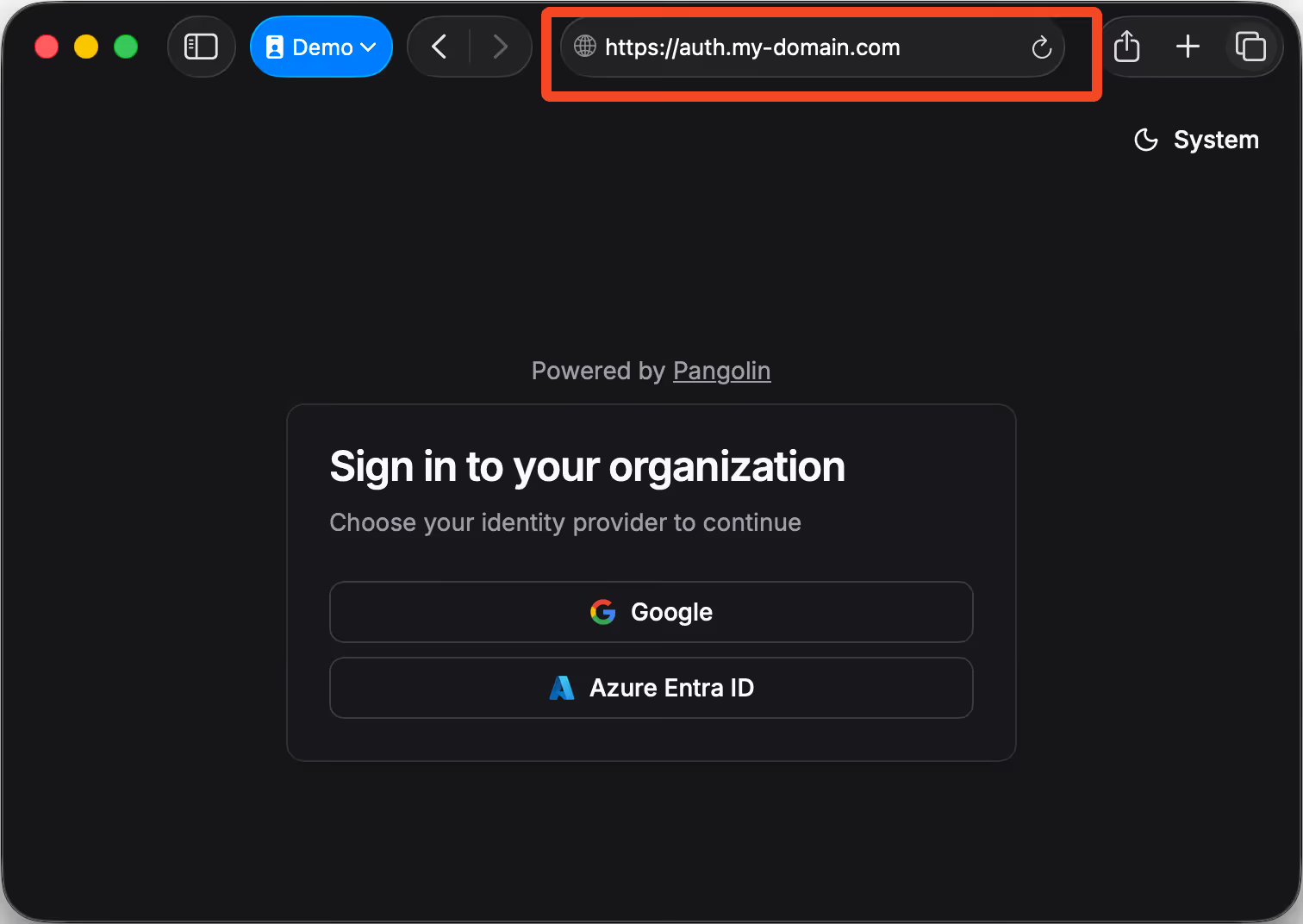
## Key details
### Why this matters
Supporting identity providers directly in Pangolin Cloud unlocks three key benefits:
- **Single Sign-On (SSO):** Your team logs in once with their existing account and seamlessly gains access to Pangolin resources, without managing a new set of usernames and passwords.
- **Centralized identity management:** Because authentication runs through your IdP, you can manage access in one place. Disable a user in Google Workspace or Microsoft Entra, and their access to Pangolin is cut off immediately.
- **Consistent security policies:** Enforce MFA, conditional access rules, and compliance requirements across Pangolin just as you do for the rest of your stack.
With **auto-provisioning**, new users can be created automatically in Pangolin at first login and assigned roles based on your IdP’s group or attribute data. No more sending invites or chasing people down to set passwords because your IdP remains the single source of truth.
### How this helps in practice
Pangolin acts as an identity-aware proxy: a central point through which you can expose internal applications securely over the internet, while managing who can access what. With IdP support in the cloud, this becomes even more powerful.
Imagine you’re exposing an internal admin dashboard, developer tooling, or a legacy web app through Pangolin. Instead of maintaining a separate login system or manually handling user credentials, you can require authentication through your existing provider. A contractor logging in with their company Google Workspace account only sees the apps they’ve been granted, while everyone else is automatically blocked. When that contract ends, disabling their Google account instantly revokes their access to Pangolin too.
For organizations running hybrid environments, this provides a consistent way to secure applications no matter where they live — on-prem, in the cloud, or on a developer’s laptop. And because Pangolin handles access at the proxy layer, you get unified visibility and control across your network without having to retrofit every app with custom authentication.
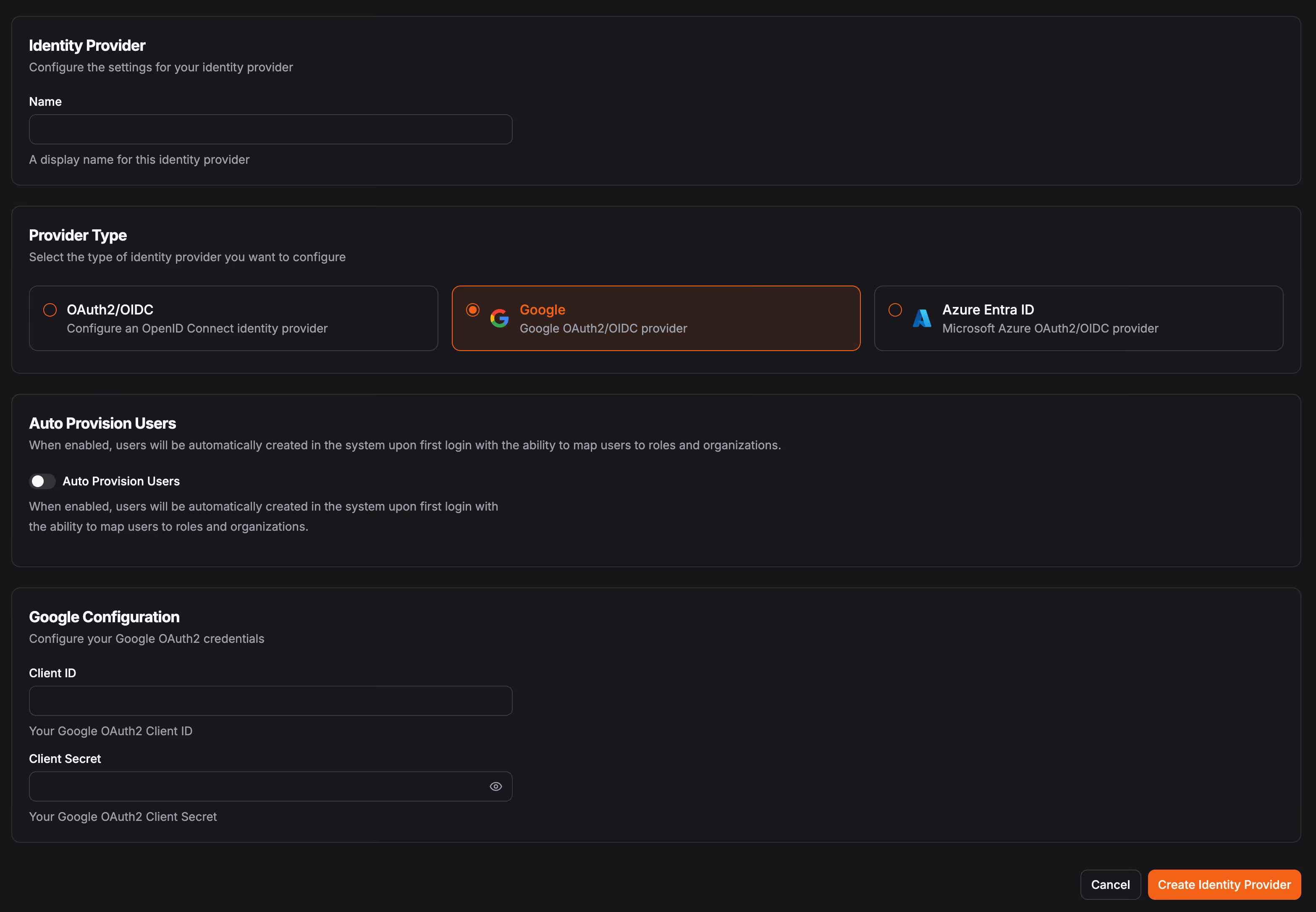
### Custom domains for authentication
Alongside identity provider support, we’ve also added a new feature that lets organizations set a **custom domain for their authentication page**. This is the page users see whenever they log in to access a Pangolin-protected resource or the Pangolin management dashboard. With a custom domain, users encounter a URL that matches your organization’s brand which increases trust and reduces confusion.
Instead of being redirected to a generic login, your team might see something like `auth.yourcompany.com` each time they authenticate. This reinforces that access is sanctioned by your organization and makes the login process more familiar. It’s especially valuable when giving access to external collaborators or contractors: the domain signals that they’re logging in through _your systems_, not a third party.
You can configure this custom domain directly in the **Organization Settings** page in the dashboard.
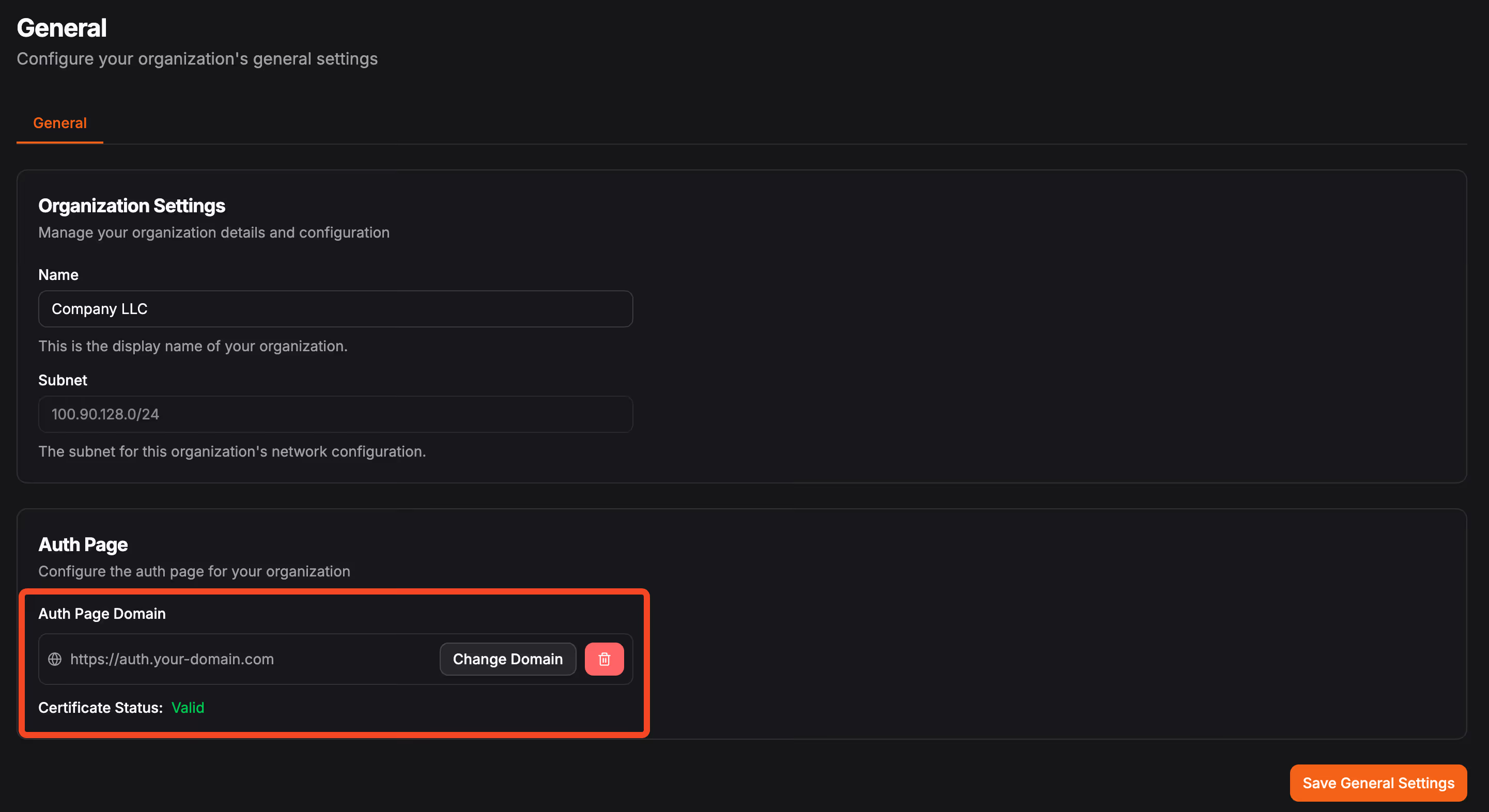
### Native Google and Microsoft integrations
While Pangolin supports any OIDC-compliant provider, we’ve gone further with dedicated integrations for **Google** and **Microsoft Entra ID**. These make setup even simpler, with configuration flows purpose-built for the ecosystems most teams are already using.
- **Google Workspace integration:** Ideal if your organization already relies on Gmail, Calendar, or Google Docs. Users authenticate directly with their existing Google accounts for seamless access to Pangolin Cloud.
- **Microsoft Entra ID integration:** Perfect for enterprises standardized on Microsoft 365 or Azure services. Leverage your existing Active Directory groups to grant and revoke access automatically.
We’ve also put together short demo videos to walk through both setups:
### Google login with Pangolin Cloud
### Microsoft Entra ID login with Pangolin Cloud
## Dive deeper
If you’re ready to try it out, we’ve documented the full setup process:
- [Set up Google login](https://docs.pangolin.net/manage/identity-providers/google)
- [Set up Microsoft Entra ID / Azure AD](https://docs.pangolin.net/manage/identity-providers/azure)
- [Add a generic OAuth2/OIDC IdP](https://docs.pangolin.net/manage/identity-providers/add-an-idp)
We’re excited to keep expanding how identity integrates with Pangolin. Give it a try and let us know how it works for your team.
---
### Comparison - Pangolin vs. Twingate
URL: https://pangolin.net/news/pangolin-v-twingate
Published: 2026-02-03
Summary: How two identity-based remote access platforms differ in architecture, web access, and deployment options.
Category: Product
Pangolin and Twingate both provide identity-based, zero-trust remote access. They share a resource-centric model: you define specific hosts or applications users can reach, rather than giving them the run of a network. Under the hood they differ in architecture, how they expose web apps, and where you can run them. This article outlines what each does and where they diverge.
## What is Pangolin?
Pangolin is an open-source, identity-based remote access platform built on WireGuard. It is resource-centric: you define specific hosts or applications users can reach, not whole networks. You deploy a lightweight connector (a site) on a machine that has access to a network—office LAN, VPS, cloud VPC, or home lab. Anything that site can reach can be defined as a resource (web app, database, SSH host, internal API). You grant users and roles access to specific resources; users see only what you allow. No open ports: sites use outbound-only tunnels, and clients use NAT hole punching or relay.
The full stack is open source. You can self-host the entire platform, use Pangolin Cloud, or use the cloud control plane and self-host only relay nodes so traffic stays on your infrastructure. Pangolin combines reverse proxy and VPN: web apps can be reached in the browser with no client; databases and [SSH](/news/how-to-ssh-with-pangolin) use the Pangolin client. Both paths share the same identity and permissions.
## What is Twingate?
Twingate is a zero-trust remote access platform that gives users access to specific resources (hosts or applications by FQDN or IP), not whole networks. You deploy connectors in your private networks; they maintain outbound connections only, so no open ports are required. Users connect to resources by FQDN or IP; the system handles routing and encryption over their proprietary TLS-based tunnels, using direct connections when possible and relaying when not. Twingate is closed source and uses a cloud-hosted, multi-tenant control plane.
## How the two compare
The table below summarizes the main differences. The sections after it walk through each area in order.
| Feature | Pangolin | Twingate |
| --- | --- | --- |
| **Architecture** | ✓ Hub-and-spoke; control plane + sites; clients connect to sites | Controller + Relays + Connectors + Clients; Controller never touches data |
| **Access model** | ✓ Resources (web apps, hosts, ports); FQDN or IP for client and browser resources; role-based | Resources (FQDN/IP); ACLs for Clients and Connectors |
| **Self-hosting** | ✓ Self-hostable or cloud; full control over data and infrastructure | Controller is cloud-only, multi-tenant |
| **Open source** | ✓ Server and clients fully open source (AGPLv3 or Commercial License) | Closed source; no self-hosted control plane |
| **SSO / IdP** | ✓ Built-in SSO with OIDC and delegated authentication to IdP | Delegates authentication to IdP |
| **Web app exposure** | ✓ Clientless browser access, identity-aware reverse proxy, custom domains, automatic SSL certificates | Private resources only; client required for access |
| **Ingress** | ✓ Clientless tunnel (like Cloudflare Tunnel/ngrok); public ingress behind firewall; load balance and failover across tunnels | Private resource access only; no public ingress tunnel |
| **Tenancy** | ✓ Multiple organizations per account; share users and resources between orgs; suited for MSPs | Single tenant per signup; one tenant for your team |
| **Device security** | ✓ Device posture (encryption, firewall, antivirus, etc.) | Device posture (encryption, firewall, antivirus, etc.) |
| **Transport** | ✓ WireGuard; NAT traversal via Relay or P2P; no open ports | Custom protocol; TLS tunnels; NAT traversal via Relay or P2P; no open ports |
## Detailed comparison
### Architecture
In both systems you deploy a connector to a network, define resources behind it, and delegate users access to those resources. Clients connect to connectors (direct or via relay); the control plane handles auth, discovery, and NAT traversal. The model is the same: no device mesh, no open ports—you scale by adding connectors and resources.
The main administrative difference is how connectors are grouped. In Twingate you define logical _networks_ in the dashboard and assign connectors to them. In Pangolin the model is flatter: you define sites in the dashboard and deploy them to your physical networks. That flat structure scales well when you have many sites—for example, IoT deployments where you may have hundreds or thousands of sites with resources.
### How clients and access work
In both systems the unit of access is the resource: a specific application, host, or port. Admins grant users (or roles/groups) access to specific resources; users get only what they are allowed. Access is deny-by-default. Users install a client, sign in, and see only their authorized resources. In Pangolin, resources can be identified by FQDN or IP for both client-based and browser-based access. Both support machine clients for servers, CI/CD, and other automated systems—not only interactive user devices.
### Access control and security
In both platforms you use the UI to delegate access to users and to roles (Pangolin) or groups (Twingate). Each system generates ACLs behind the scenes and passes them to clients and connectors to enforce; you do not edit ACLs by hand. Both support identity providers for authentication. In Pangolin you can connect any IdP that supports OIDC, whether or not Pangolin has a built-in integration. Both support declarative setup for resources, sites (or connectors), and access policy—so you can manage config via code or automation.
### Web apps and clientless access
Pangolin can expose web applications without a VPN client. Users open a URL, sign in (e.g. with SSO), and reach the app in the browser. Pangolin acts as an identity-aware reverse proxy and provisions SSL certificates for you. You can add pin codes, passcodes, user auth, email whitelists, and more per resource. Pangolin supports custom domain names for web resources. That fits contractors, BYOD, or quick access to internal tools when you do not want to install a client everywhere.
Twingate is built around private Resources only whereas Pangolin has both private and public resources. Access to private Resources requires the Twingate client on the user’s device. There is no built-in, clientless browser path for web applications in the same way. If your main need is “someone signs in via the browser and sees only the web apps I allow,” with strong auth and custom domains, Pangolin’s public resources are built for that; with Twingate you would rely on the client for all access to private resources.
### Ingress
Pangolin's clientless web access works like a Cloudflare Tunnel or ngrok: an outbound tunnel from your network that can receive public ingress and direct it to resources behind the firewall. You do not open ports. You can load balance and fail over between multiple tunnels for high availability.
Twingate is built for private resource access. It does not offer this style of public ingress tunnel; all access goes through the Twingate client to private Resources.
### Deployment and data sovereignty
Pangolin can run fully on your own infrastructure. You can self-host the server and all components, or use Pangolin Cloud and optionally add your own nodes so traffic stays on your side while using the cloud control plane. Self-hosting gives you full control over the control plane and data.
Twingate’s Controller is a hosted, multi-tenant service. You do not self-host the Controller. Connectors and Relays run in your or Twingate’s infrastructure, but the brain of the system—where config and ACLs live—is cloud-only. If you need the control plane and all data on your own infrastructure, Pangolin’s self-hosted option supports that; Twingate does not offer a self-hosted Controller.
### Scaling and connector model
Both Pangolin and Twingate use a connector-per-network model. You deploy one connector (site in Pangolin, Connector in Twingate) per network or segment. You then define resources behind that connector. Users can have access to resources on multiple networks at once; they do not need to peer with each other or with every server. The main administrative difference is grouping: Twingate lets you organize connectors into logical _networks_ in the dashboard; Pangolin uses a flatter model where you define sites and deploy them to your physical networks. When you have many sites, that flat structure can scale more easily—for example, IoT deployments with hundreds or thousands of sites and resources.
Pangolin scales by adding sites and defining more resources. You do not maintain a large overlay IP space. You can use the same addresses you use on the LAN (e.g. `192.168.1.210`) or friendly aliases like `database-east.my-org.internal`. Overlapping CIDRs are handled with alias addresses and routing.
Twingate scales in a similar way: more Connectors and more Resources. Users connect to Resources by FQDN or IP; DNS for protected Resources can be resolved via the Connector so that addressing stays local to the resource. The main scaling limit is operational: you depend on Twingate’s Controller and relay infrastructure, whereas with Pangolin you can scale and operate the whole stack yourself if you self-host.
### Tenancy
In Pangolin you can define multiple organizations under one account and share or assign users and resources across them. That makes it well suited for managing multiple tenants from a single system—for example, an MSP serving many customers.
Twingate is single-tenant. When you sign up you get one tenant for your team. Managing many separate organizations is less natural than with a multi-org model.
### Device security
Both platforms support **device posture checks**: they gather information about security-related settings on the device, such as whether disk encryption is enabled, the firewall is on, antivirus is present and up to date, OS version, and similar. You can use this data in access policies to allow or deny access based on posture.
Both also support **device fingerprinting**: collecting device-specific identifying information such as serial numbers and hardware identifiers. That lets you recognize and track devices over time and tie policy to a known device, not just a user account.
Pangolin adds a **device approvals** feature. When enabled, the system denies all new user devices by default. Admins see a feed of pending devices and can approve or deny each one; only approved devices can connect. That gives you explicit control over which devices are allowed onto the platform before any access is granted.
### Open source
Pangolin’s server and clients are open source under the AGPLv3 or a Commercial License. You can run, inspect, and modify the stack.
Twingate is proprietary. You cannot self-host the Controller or run a fully independent Twingate deployment. If transparency and the ability to run and modify the entire system matter to you, Pangolin’s licensing and self-hosting options support that.
### Best fit
**Choose Pangolin if** you want the same connector–client model for private resource access, with the option to add a tunneled reverse proxy for clientless web access. Pangolin is open source and self-hostable if you want full control over the stack, and it is built on the WireGuard protocol.
**Choose Twingate if** you are focused on private resource access and are comfortable with a cloud-only Controller. Twingate fits if you mainly need client-based access to internal hosts and applications and do not need built-in clientless web app exposure or an optional self-hosted control plane.
## Related comparisons
- [How to SSH with Pangolin](/news/how-to-ssh-with-pangolin)
- [Pangolin vs. Tailscale](/news/pangolin-v-tailscale)
- [Pangolin vs. NetBird](/news/pangolin-v-netbird)
- [Twingate vs. Tailscale](/news/twingate-v-tailscale)
## Try Pangolin
[Get started with Pangolin](https://app.pangolin.net/). You can self-host the server or sign up for the cloud and try it with no commitment.
## Get in touch
If you want more detail on how Pangolin can fit your setup, [reach out](/contact).
---
### Comparison - Pangolin vs. NetBird
URL: https://pangolin.net/news/pangolin-v-netbird
Published: 2026-01-30
Summary: A comparison of two WireGuard-powered remote access solutions and their differences in architecture, permissions, and use cases.
Category: Product
Both Pangolin and NetBird leverage WireGuard to provide secure remote access. While they address similar challenges, their approaches differ significantly. This article outlines what each solution offers and where they diverge, helping you determine which one best suits your needs.
## What is Pangolin?
Pangolin is an open-source, identity-based remote access platform built on WireGuard. You think in terms of networks, not nodes on a network. You install a lightweight connector (Pangolin calls it a site) on a machine that already has access to a network: your office LAN, a VPS, a cloud VPC, or a home lab.
That connector is the entry point. Anything it can see on the network can be turned into a resource. A resource might be a web app, a database, an SSH host, or an internal API. You grant users and roles access to specific resources. You do not necessarily grant access to the whole network. Users get only the resources you allow, and you never expose the underlying network or open ports.
Pangolin combines reverse proxy and VPN in one system. For web apps you can give users browser-based access: they sign in and reach the app without installing a client. For things like databases and [SSH](/news/how-to-ssh-with-pangolin) you give them access through the Pangolin client, which tunnels traffic to the right resource. Both paths use the same identity and permissions, so you manage users and access in one place.
You never open ports. Sites create outbound-only tunnels for web access. Clients form direct connections and use NAT hole punching when they can, falling back to relaying through the Pangolin server when they cannot.
## What is NetBird?
NetBird is a zero-trust, peer-to-peer overlay VPN built on WireGuard. It creates a private network where your devices can talk to each other over the internet using direct, encrypted connections.
Devices join the network by running the NetBird client. Each device gets an IP on the overlay network. Once connected, devices can reach each other directly. You never open ports. NetBird uses NAT hole punching and key exchange so devices can form direct WireGuard links through firewalls; when hole punching fails, traffic relays through NetBird's infrastructure.
NetBird is built for device-to-device and server-to-server connectivity. You add devices to the network and control access using group-based policies managed through a UI with buttons and dropdowns, rather than editing complex configuration files. The model is "devices on a shared network" rather than "users and resources."
NetBird offers both a fully managed cloud service and a self-hosted option. Both the client agent (including mobile apps) and the coordination server are fully open source.
## How the two compare
The table below summarizes the main differences. The sections after it walk through each area in order.
| Feature | Pangolin | NetBird |
| --- | --- | --- |
| **Architecture** | ✓ Networks and resource access via connectors; clients connect directly to sites | Peer-to-peer VPN; devices connect directly to each other |
| **Access control** | ✓ Granular, role-based access and posture checks | Groups and policies; supports device posture checks |
| **Self-hosting** | ✓ Self-hostable or cloud; full control over data and infrastructure | Both SaaS and self-hosted options; full control if self-hosting |
| **Open source** | ✓ Fully open source: client agents and coordination server | Fully open source: client agents and coordination server |
| **SSO integration** | ✓ Built-in SSO with OIDC; advanced identity providers in Enterprise Edition | Built-in SSO with OIDC free plan; advanced identity providers from Team plan |
| **Web app exposure** | ✓ Secure web access without a client and custom domains | Peer-to-peer and basic web app exposure connectivity |
| **Transport & NATs** | ✓ WireGuard NAT traversal; no open ports | WireGuard NAT traversal; no open ports |
| **Magic DNS** | ✓ Custom internal DNS names for resources | Custom internal DNS names for nodes |
## Detailed comparison
### Architecture
Pangolin uses a hub-and-spoke style. The Pangolin server is the control plane: it handles auth, keys, and coordination. Sites (connectors) in your networks connect outbound to that server. For private access, clients connect directly to sites: the server helps with discovery and NAT traversal (or relays when a direct link is not possible), but the data path is client to site to resource. Clients do not talk to each other. They only reach the resources you grant them. This keeps the model simple and scales by adding sites and resources, not by growing a mesh. This avoids the "N-squared" complexity of mesh networks, where managing peer-to-peer ACLs and large overlay IP spaces becomes exponentially harder as you scale. By keeping the underlying network hidden, Pangolin ensures that users only ever see the specific applications they are authorized to use.
NetBird uses a peer-to-peer architecture. Every device forms direct WireGuard links to other devices. The NetBird control plane coordinates keys and discovery; data goes peer-to-peer when NAT allows it, or through NetBird's relays when it does not. Access is managed through distribution groups and peer groups. That works well for small to medium sets of devices that need to talk to each other. At large scale, the mesh and ACL complexity grow.
### How clients and access work
In Pangolin you think in terms of resources: apps, servers, databases. Admins grant users or roles access to specific resources. A user installs the Pangolin client, signs in, and sees only the resources they are allowed to use. Sessions are per resource. Access is deny-by-default. No resource is reachable until you grant it.
In NetBird you think in terms of devices (peers) on a network. You install the client on each device that should be on the network. Access is managed through distribution groups and peer groups, which can be configured via a UI. Distribution groups automate the application of configurations (routing, DNS, etc.) to groups of peers, while peer groups automate routing configuration. The unit of access is the device.
### Access control and security
Pangolin uses UI control to define who can access which specific resources. Admins manage everything from the admin console. You use roles, groups, and optional device posture (OS version, disk encryption, and similar) to segment access. SSO and identity providers plug in. Policies are resource-centric: "this group can use this database" or "this role can reach this SSH host" and can also be configured from the API or YAML declaration config.
NetBird uses UI controls for access management through groups and policies. Admins manage everything from the admin console. NetBird supports device security posture checks. SSO with popular identity providers and MFA is available in the free plan, with advanced identity providers supported from the Team plan onwards. The focus is on network-level connectivity between devices with user-friendly policy management.
### Web apps and clientless access
Pangolin can expose web applications without a VPN client. Users open a URL, sign in (e.g. with SSO), and reach the app in the browser. Pangolin acts as an identity-aware reverse proxy. You can layer on pin codes, passcodes, user auth, email whitelists, and more per resource. Pangolin also lets you use custom domain names for web resources. Access is deny-by-default and tied to identity. This fits contractors, BYOD, or quick access to internal tools when you do not want to install a client everywhere.
NetBird focuses primarily on peer-to-peer device connectivity rather than web application exposure. While it can facilitate basic web app access through the overlay network from the server, it does not offer the same level of clientless web access or identity-aware reverse proxy capabilities as Pangolin. NetBird is more suited for scenarios where device-to-device connectivity is the main goal, rather than providing granular access to specific web applications.
### Deployment and data sovereignty
Pangolin can run fully on your own infrastructure. You can self-host the server and all components, or use Pangolin Cloud and optionally add your own nodes. Self-hosting gives you full control over the control plane and data. Cloud reduces operational load while still letting you keep traffic on your own node if you want.
NetBird also offers both a fully managed cloud service and a self-hosted option. NetBird does not currently support hybrid deployments where you use the cloud control plane but host your own relay nodes.
### Scaling and IP management
Pangolin scales by adding sites and defining more resources. Clients do not need to peer with each other. You do not maintain a large overlay IP space. On your LAN you might reach a resource at `192.168.1.210`. When connected with Pangolin you use the same address, or give it a friendly alias like `database-east.my-org.internal`. You can reach resources on entirely different subnets and stay connected to more than one at the same time. Overlapping CIDRs are handled with alias addresses and intelligent routing.
NetBird’s mesh grows with every device. Each device gets an overlay IP. You manage that address space and keep your groups and policies in sync as the network grows. For big fleets, the mesh network complexity can become a real concern. DNS in NetBird is node-oriented: names point at devices on the network, rather than resources on the remote network.
### Sites vs. nodes: Scaling connector-based vs. device-based networks
Pangolin and NetBird take fundamentally different approaches to connecting remote resources. Pangolin uses a connector-per-network model (sites), while NetBird uses a node-per-device model.
With Pangolin, you deploy one lightweight connector per network. For example, if you have two cloud VPCs - one with production databases and one with staging virtual machines - you would deploy two connectors (sites), one in each VPC. You then define resources for each database, VM, or service you want to access. Users can be connected to both VPCs simultaneously and access authorized resources in each. If you have a Grafana dashboard in one VPC, you can access it through your browser using the same authentication as your private VPN resources.
With NetBird, you need a node on each device or use exit nodes. In the same two-VPC scenario, you would either need to set up exit nodes in each VPC and switch between them, or install a NetBird client on every database server and virtual machine you want to access. This becomes more complex and potentially more expensive in large deployments with many resources or difficult when the resources cannot run the NetBird client like a database.
The connector model scales by adding sites and defining resources. The node model scales by adding more devices to the mesh, which increases overlay IP management and peer-to-peer coordination complexity.
### Open source
Both Pangolin and NetBird are fully open source. Pangolin's server and all clients are available under the AGPLv3 or a Commercial License. NetBird's client agent and coordination server are also fully open source. Both projects allow you to run, inspect, and modify the full stack.
### Best fit
**Choose Pangolin if** you think in terms of networks and resource access rather than server-to-server or device-to-device connectivity. You want a zero-trust remote access platform that focuses on identity and resources: granular "who can reach which app or host" and optional clientless web access. Pangolin fits replacing a traditional VPN or reverse proxy with one system that does both.
**Choose NetBird if** you want a peer-to-peer VPN focused on device-to-device and server-to-server connectivity network building. NetBird fits small to medium overlay networks where device-to-device connectivity is the main goal.
## Related comparisons
- [How to SSH with Pangolin](/news/how-to-ssh-with-pangolin)
- [Pangolin vs. Tailscale](/news/pangolin-v-tailscale)
- [Pangolin vs. WireGuard](/news/pangolin-vs-wireguard)
- [Twingate vs. NetBird](/news/twingate-v-netbird)
### FAQ
### Is Pangolin a NetBird alternative?
Yes, especially for organizations that want identity-based access to specific applications, servers, databases, and internal services. NetBird is a better fit when the core requirement is peer-to-peer connectivity between devices.
### Do Pangolin and NetBird both use WireGuard?
Yes. Both use WireGuard for encrypted transport. The main difference is the access model around it: Pangolin organizes access around sites and resources, while NetBird organizes access around peers and networks.
### Which is better for clientless web access?
Pangolin is designed to expose private web applications through an identity-aware access layer without requiring every user to install a client. NetBird is primarily an overlay VPN, so web access usually happens through the connected network path.
## Try Pangolin
[Get started with Pangolin](https://app.pangolin.net/). You can self-host the server or sign up for the cloud and try it with no commitment.
## Get in touch
If you want more detail on how Pangolin can fit your setup, [reach out](/contact).
---
### Comparison - Pangolin vs. Tailscale
URL: https://pangolin.net/news/pangolin-v-tailscale
Published: 2026-01-27
Summary: How two WireGuard-based tools for remote access differ in design, access control, and fit.
Category: Product
Pangolin and Tailscale both use WireGuard to give you secure remote access. They solve related problems in different ways. This post explains what each one is and how they differ so you can see which fits your case.
## What is Pangolin?
Pangolin is an open-source, identity-based remote access platform built on WireGuard. You think in terms of networks, not nodes on a network. You install a lightweight connector (Pangolin calls it a site) on a machine that already has access to a network: your office LAN, a VPS, a cloud VPC, or a home lab.
That connector is the entry point. Anything it can see on the network can be turned into a resource. A resource might be a web app, a database, an SSH host, or an internal API. You grant users and roles access to specific resources. You do not necessarily grant access to the whole network. Users get only the resources you allow, and you never expose the underlying network or open ports.
Pangolin combines reverse proxy and VPN in one system. For web apps you can give users browser-based access: they sign in and reach the app without installing a client. For things like databases and [SSH](/news/how-to-ssh-with-pangolin) you give them access through the Pangolin client, which tunnels traffic to the right resource. Both paths use the same identity and permissions, so you manage users and access in one place.
You never open ports. Sites create outbound-only tunnels for web access. Clients form direct connections and use NAT hole punching when they can, falling back to relaying through the Pangolin server when they cannot.
## What is Tailscale?
Tailscale is a mesh-based, overlay VPN service built on WireGuard. It creates a private network, called a tailnet, where your devices can talk to each other over the internet.
Devices join the tailnet by running the Tailscale client. Each device gets an IP on the overlay network. Once connected, devices can reach each other directly. You never open ports. Tailscale uses NAT hole punching and key exchange so devices can form direct links through firewalls; when hole punching fails, traffic relays through Tailscale’s infrastructure.
Tailscale is built for device-to-device and server-to-server connectivity. You add devices to the tailnet and then control who can reach what using ACLs (access control lists) written in JSON. The model is “devices on a shared network” rather than “users and resources.”
Tailscale runs as a cloud-only service. You use their control plane and relay infrastructure. A community project called Headscale reimplements the control plane for self-hosting, but it is not an official Tailscale product.
## How the two compare
The table below summarizes the main differences. The sections after it walk through each area in order.
| Feature | Pangolin | Tailscale |
| --- | --- | --- |
| **Architecture** | ✓ Networks and resource access via connectors; clients connect directly to sites | Mesh-based VPN with overlay network; devices peer directly |
| **Access control** | ✓ Granular, role-based access and posture checks | JSON-based ACLs at layer 4 |
| **Self-hosting** | ✓ Self-hostable or cloud; full control over data and infrastructure | Cloud only; Headscale is community-supported |
| **Open source** | ✓ Server and clients fully open source under AGPLv3 or Commercial License | Only part of clients open source; server closed source |
| **SSO integration** | ✓ Built-in SSO with OIDC | Built-in SSO with OIDC |
| **Web app exposure** | ✓ Secure web access without a client and custom domains | Tailscale Funnel exists but authentication options are limited and custom domains are not allowed |
| **Transport & NATs** | ✓ WireGuard NAT traversal; no open ports | WireGuard NAT traversal; no open ports |
| **Magic DNS** | ✓ Custom internal DNS names for resources | Custom internal DNS names for nodes |
## Detailed comparison
### Architecture
Pangolin uses a hub-and-spoke style. The Pangolin server is the control plane: it handles auth, keys, and coordination. Sites (connectors) in your networks connect outbound to that server. For private access, clients connect directly to sites: the server helps with discovery and NAT traversal (or relays when a direct link is not possible), but the data path is client to site to resource. Clients do not talk to each other. They only reach the resources you grant them. This keeps the model simple and scales by adding sites and resources, not by growing a mesh. This avoids the "N-squared" complexity of mesh networks, where managing peer-to-peer ACLs and large overlay IP spaces becomes exponentially harder as you scale. By keeping the underlying network hidden, Pangolin ensures that users only ever see the specific applications they are authorized to use.
Tailscale uses a mesh. Every device in the tailnet can form direct WireGuard links to other devices. The Tailscale control plane coordinates keys and discovery; data can go peer-to-peer when NAT allows it, or through Tailscale’s relays when it does not. The network is “every device sees every other device” (subject to ACLs). That works well for small to medium sets of devices that need to talk to each other. At large scale, the mesh and ACL complexity grow.
### How clients and access work
In Pangolin you think in terms of resources: apps, servers, databases. Admins grant users or roles access to specific resources. A user installs the Pangolin client, signs in, and sees only the resources they are allowed to use. Sessions are per resource. Access is deny-by-default. No resource is reachable until you grant it.
In Tailscale you think in terms of devices (nodes) on a tailnet. You install the client on each device that should be on the network. ACLs define which nodes (or tags) can reach which other nodes, subnets, or ports. The unit of access is the device, not a named application or resource. You get fine-grained networking, but you express it in JSON and in terms of IPs, ports, and tags.
### Access control and security
Pangolin gives you a UI, API, and YAML to define who can access which resources. You use roles, groups, and optional device posture (OS version, disk encryption, and similar). SSO and identity providers plug in. You do not write low-level ACLs. Policies are resource-centric: “this group can use this database” or “this role can reach this SSH host.”
Tailscale uses JSON ACLs. You write rules that allow or deny traffic between nodes, by tag, or to certain ports. Tailscale has some device posture and SSO, but the main lever is the ACL file. It is powerful for network-level policy. It is less direct for “grant this person access to this one app or server” without thinking in terms of device IPs and ports.
### Web apps and clientless access
Pangolin can expose web applications without a VPN client. Users open a URL, sign in (e.g. with SSO), and reach the app in the browser. Pangolin acts as an identity-aware reverse proxy. You can layer on pin codes, passcodes, user auth, email whitelists, and more per resource. Pangolin also lets you use custom domain names for web resources. Access is deny-by-default and tied to identity. This fits contractors, BYOD, or quick access to internal tools when you do not want to install a client everywhere.
Tailscale has Funnel for public ingress to services. Funnel offers weaker authentication options than Pangolin. Auth methods are limited, and all Funnel resources share the same base domain (e.g. `*.ts.net`); you only control the subdomain. It is not built as a full identity-based reverse proxy for internal web apps. If your main need is “someone signs in and sees only the web apps I allow,” with strong auth and custom domains, Pangolin’s model fits that.
### Deployment and data sovereignty
Pangolin can run fully on your own infrastructure. You can self-host the server and all components, or use Pangolin Cloud and optionally add your own nodes so traffic stays private while using the cloud control plane. Self-hosting gives you full control over the control plane and data. Cloud reduces operational load while still letting you keep traffic on your own node if you want.
Tailscale is offered only as a managed cloud service. You depend on their control plane and relay infrastructure. Headscale is an open-source, community-built control plane that speaks the Tailscale protocol. Some teams use it to self-host, but you maintain and operate it yourself; it is not Tailscale’s product. Users can self host relay nodes to keep traffic off Tailscale’s infrastructure, but the control plane remains cloud-only.
### Scaling and IP management
Pangolin scales by adding sites and defining more resources. Clients do not need to peer with each other. You do not maintain a large overlay IP space. On your LAN you might reach a resource at `192.168.1.210`. When connected with Pangolin you use the same address, or give it a friendly alias like `database-east.my-org.internal`. You can reach resources on entirely different subnets and stay connected to more than one at the same time. Overlapping CIDRs are handled with alias addresses and intelligent routing.
Tailscale’s mesh grows with every device. Each device gets an overlay IP. You manage that address space and keep ACLs in sync as the tailnet grows. For big fleets, the mesh and ACL complexity can become a real concern. DNS in Tailscale is node-oriented: names point at devices on the tailnet, rather than resources on the remote network.
### Sites vs. nodes: Scaling connector-based vs. device-based networks
Pangolin and Tailscale take fundamentally different approaches to connecting remote resources. Pangolin uses a connector-per-network model (sites), while Tailscale uses a device-per-node model.
With Pangolin, you deploy one lightweight connector per network. For example, if you have two cloud VPCs - one with production databases and one with staging virtual machines - you would deploy two connectors (sites), one in each VPC. You then define resources for each database, VM, or service you want to access. Users can be connected to both VPCs simultaneously and access authorized resources in each. If you have a Grafana dashboard in one VPC, you can access it through your browser using the same authentication as your private VPN resources.
With Tailscale, you need to install the client on each device you want to access, or use subnet routers. In the same two-VPC scenario, you would either need to set up subnet routers in each VPC (which route traffic to entire subnets rather than specific resources), or install the Tailscale client on every database server and virtual machine you want to access. This becomes more complex in large deployments with many resources, especially when the resources cannot run the Tailscale client (like managed databases or appliances).
The connector model scales by adding sites and defining resources. The device model scales by adding more nodes to the mesh, which increases overlay IP management and peer-to-peer coordination complexity.
### Open source
Pangolin’s server and clients are open source under the AGPLv3 or a Commercial License. You can run, inspect, and modify the full stack.
Tailscale’s client daemon (tailscaled) is partially open source. Full client apps (e.g. mobile) and the control plane are proprietary. You cannot self-host the official Tailscale backend; Headscale is a separate, community implementation.
### Best fit
**Choose Pangolin if** you think in terms of networks and resource access rather than server-to-server or device-to-device connectivity. You want a zero-trust remote access platform that focuses on identity and resources: granular “who can reach which app or host,” optional clientless web access, and the option to self-host the whole thing. Pangolin fits replacing a traditional VPN or reverse proxy with one system that does both.
**Choose Tailscale if** you want a simple mesh VPN so devices and servers can talk to each other. You are fine with a cloud-only control plane and expressing policy in JSON ACLs. Tailscale fits small to medium tailnets where device-to-device connectivity is the main goal.
## Related comparisons
- [How to SSH with Pangolin](/news/how-to-ssh-with-pangolin)
- [Pangolin vs. NetBird](/news/pangolin-v-netbird)
- [Pangolin vs. WireGuard](/news/pangolin-vs-wireguard)
- [Pangolin vs. Twingate](/news/pangolin-v-twingate)
### FAQ
### Is Pangolin a Tailscale alternative?
Yes, for teams that want remote access organized around users, resources, and private applications instead of a device mesh. Tailscale is often stronger when the primary goal is simple device-to-device connectivity.
### Can Pangolin replace a VPN for internal apps?
Yes. Pangolin can provide browser-based access for internal web apps and client-based private access for SSH, databases, APIs, and other services, with policies scoped to specific resources.
### Which is better for self-hosting?
Pangolin supports a self-hosted server and clients as part of the core product. Tailscale’s official control plane is cloud-hosted; Headscale exists for self-hosting, but it is a community implementation rather than the official Tailscale backend.
## Try Pangolin
[Get started with Pangolin](https://app.pangolin.net/). You can self-host the server or sign up for the cloud and try it with no commitment.
## Get in touch
If you want more detail on how Pangolin can fit your setup, [reach out](/contact).
---
### Pangolin 1.15: Mobile Apps, Device Approvals & Posture
URL: https://pangolin.net/news/1-15-0-release
Published: 2026-01-23
Summary: Pangolin 1.15 adds iOS and Android apps, device approvals, posture tracking, fingerprinting, and stability improvements.
Category: Product
One year ago, in January 2025, we unleashed the very first beta of Pangolin. To be honest, it was a bit lean and had a few "character-building" bugs - but it quickly struck a chord as the go-to open-source alternative to Cloudflare Tunnels for browser-based access.
Fast forward to today, and Pangolin has grown up. We’ve spent the last year stabilizing the core, expanding the feature set, and watching our community thrive. At the end of 2025, we introduced a major new category: Zero-Trust Private Access. This was our answer to months of requests for VPN-like functionality, turning Pangolin into a true one-stop shop for identity-based remote access - whether you’re using a browser or a direct client connection.
Today, we are thrilled to release Pangolin 1.15.0. This update officially takes Private Access out of beta and introduces some heavy hitters: iOS and Android apps, device fingerprinting, posture tracking, and more.
## Release highlights
### iOS/iPadOS and Android
Developing for mobile is a journey through the seven circles of... well, let’s just call it "challenging." Beyond the technical hurdles, there’s the arduous dance with Apple and Google to get through the App Store gates.
After weeks of refreshing our developer dashboards, the wait is over. You can now take your zero-trust network on the road:
- **iPhone and iPad**: Download on the [Apple App Store](https://apps.apple.com/kz/app/pangolin-client/id6757407406).
- **Android**: Download on the [Google Play Store](https://play.google.com/store/apps/details?id=net.pangolin.Pangolin).
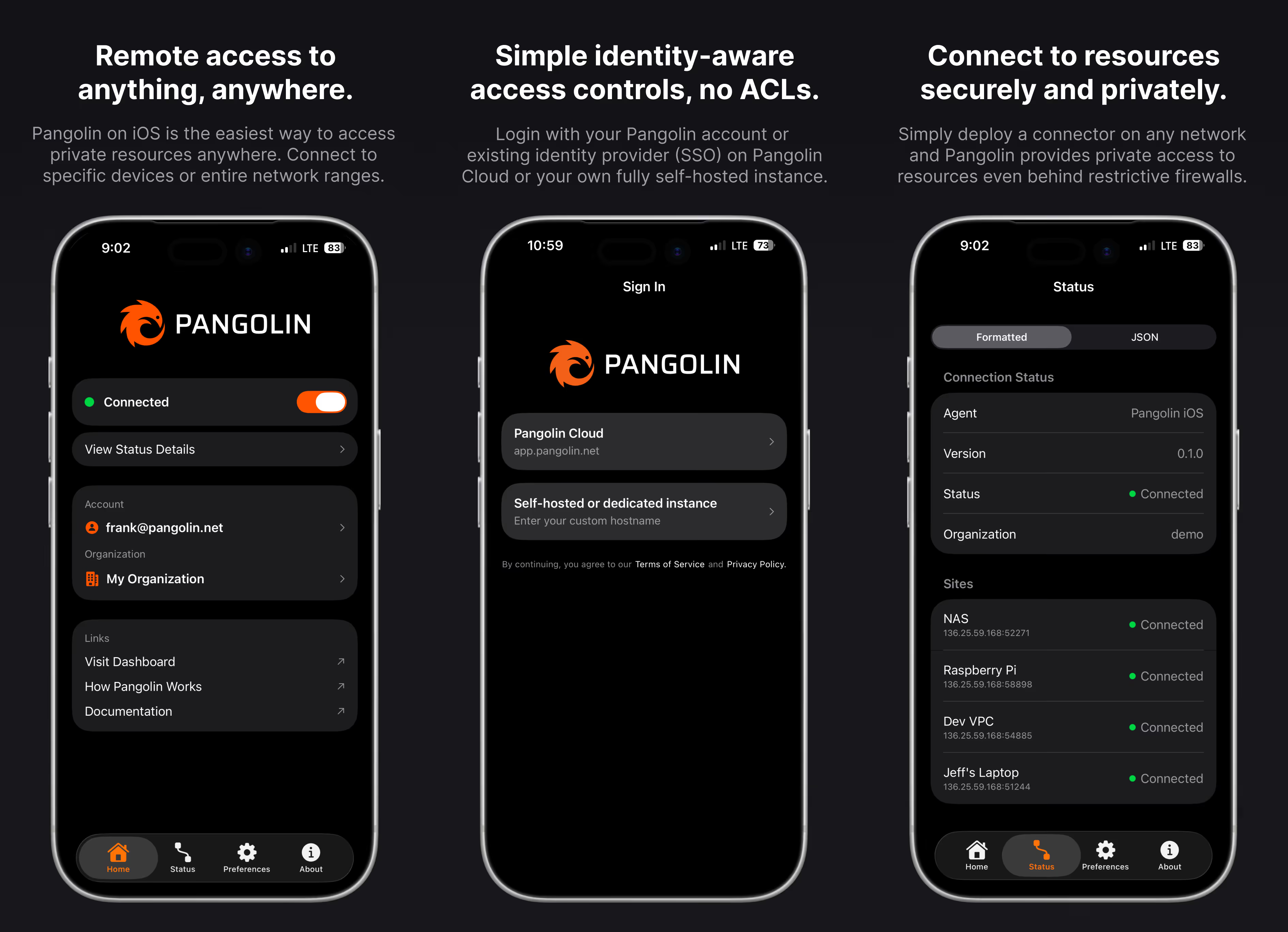
### Device Fingerprint and Posture Collection
Long-time users likely remember Olm, our Go-based client (named after the small, cave-dwelling salamander). Olm is the workhorse under the hood, handling everything from holepunching and NAT traversal to websocket enforcement.
We architected Olm to be as headless and portable as possible, which allowed us to use it as the "brain" for all of our clients across Mac, Windows, Linux, and iOS and Android. In addition to the Olm core, now each client can collect specific device data to help you secure your perimeter.
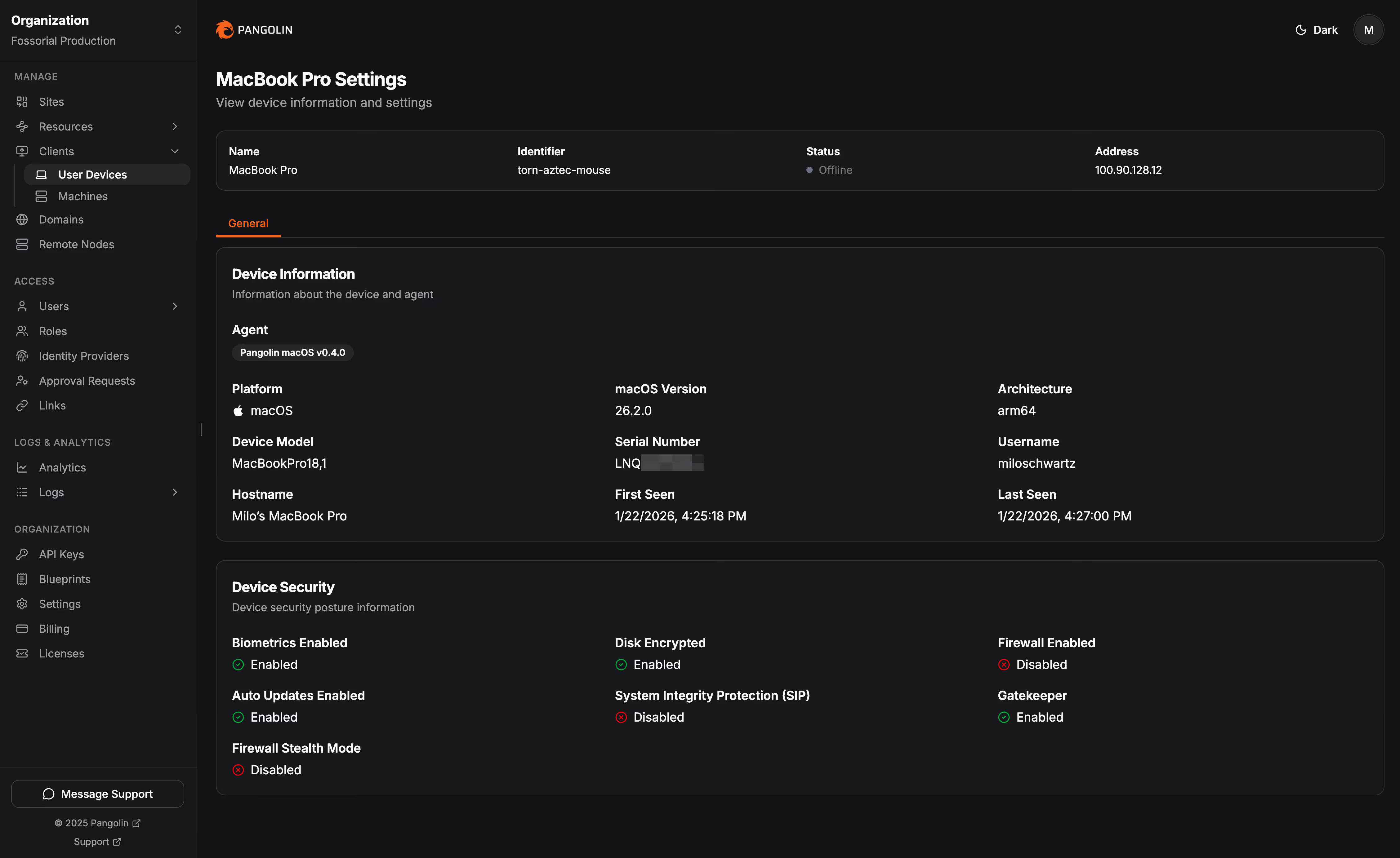
**What is fingerprinting?** It’s like a digital ID card for your hardware. We collect identifying info like serial numbers, OS versions, and hostnames. This helps admins distinguish between "Bob's Work Laptop" and "Bob's 4th Replacement Laptop," and it ensures that if you block a device, it stays blocked, even if the user tries to wipe their credentials.
What are posture checks? Fingerprinting tells us who the device is; posture checks tell us if the device is healthy. We look for security vitals like:
- Disk encryption status
- Firewall status
- Antivirus activity
- And more…
You can dive into the details in our [docs](https://docs.pangolin.net/manage/clients/fingerprinting).
### Device Approvals
Pangolin Private Access is built on zero-trust principles: admins explicitly define which users and roles can access specific hosts and network ranges. However, until now, those principles primarily applied to resources. By default, a user could connect any number of devices as long as they could log in with an approved account. With version 1.15, we are extending zero-trust to the hardware layer by introducing Device Approvals.
When enabled on a user’s role, Pangolin shifts to a "deny by default" stance for new hardware. Even with valid credentials, a new device is entirely blocked until an admin decisively approves the connection. This works hand-in-hand with our new device posture and fingerprinting features, allowing admins to verify that a device is trusted and secure before letting it through the door.
You can manage this on a per-role basis within the Pangolin dashboard. We’ve added an Approvals Feed to the sidebar where you can see a running log of pending requests. Admins can use this feed to quickly review device details and either approve or deny access, ensuring that only authorized hardware can touch your network.
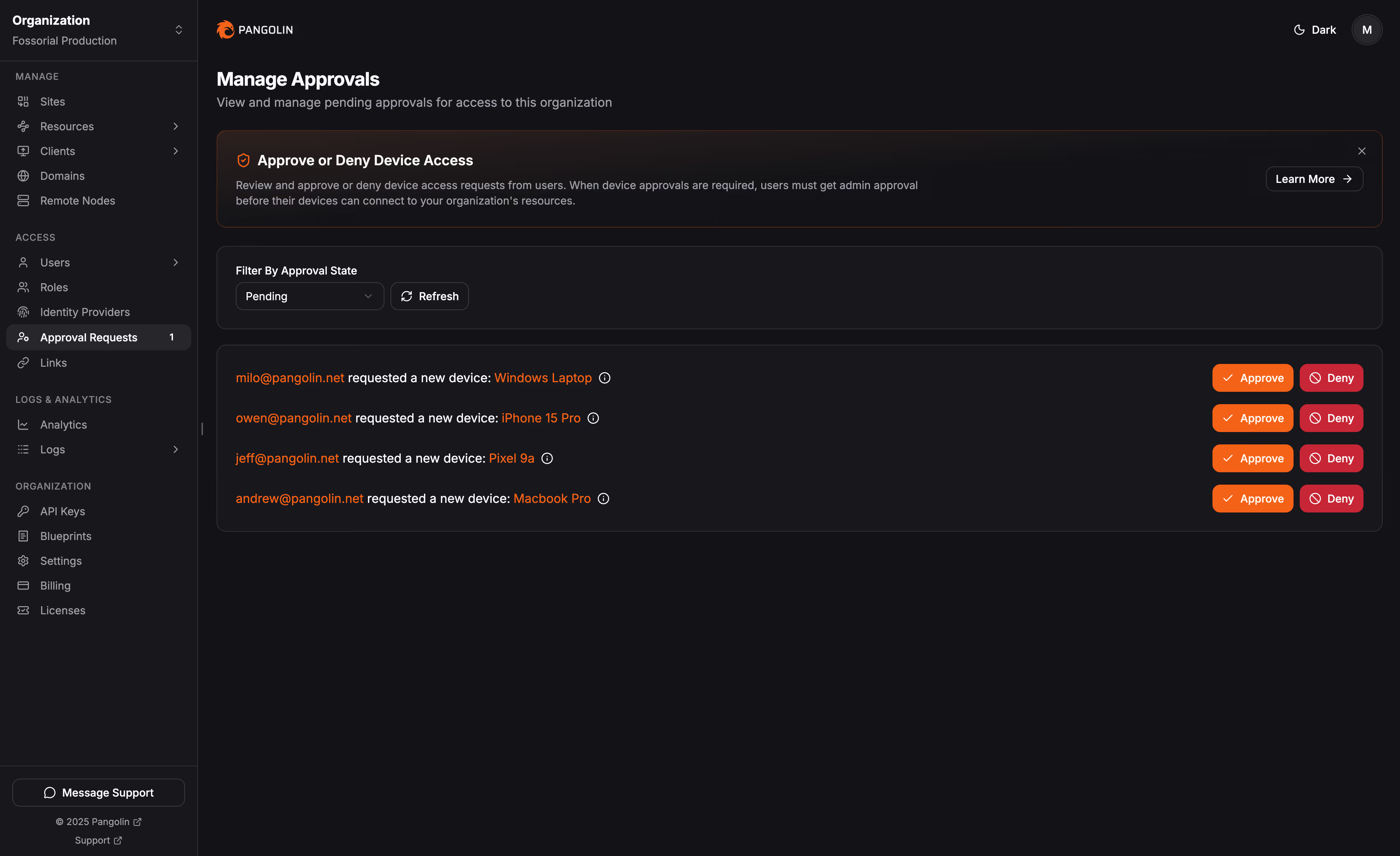 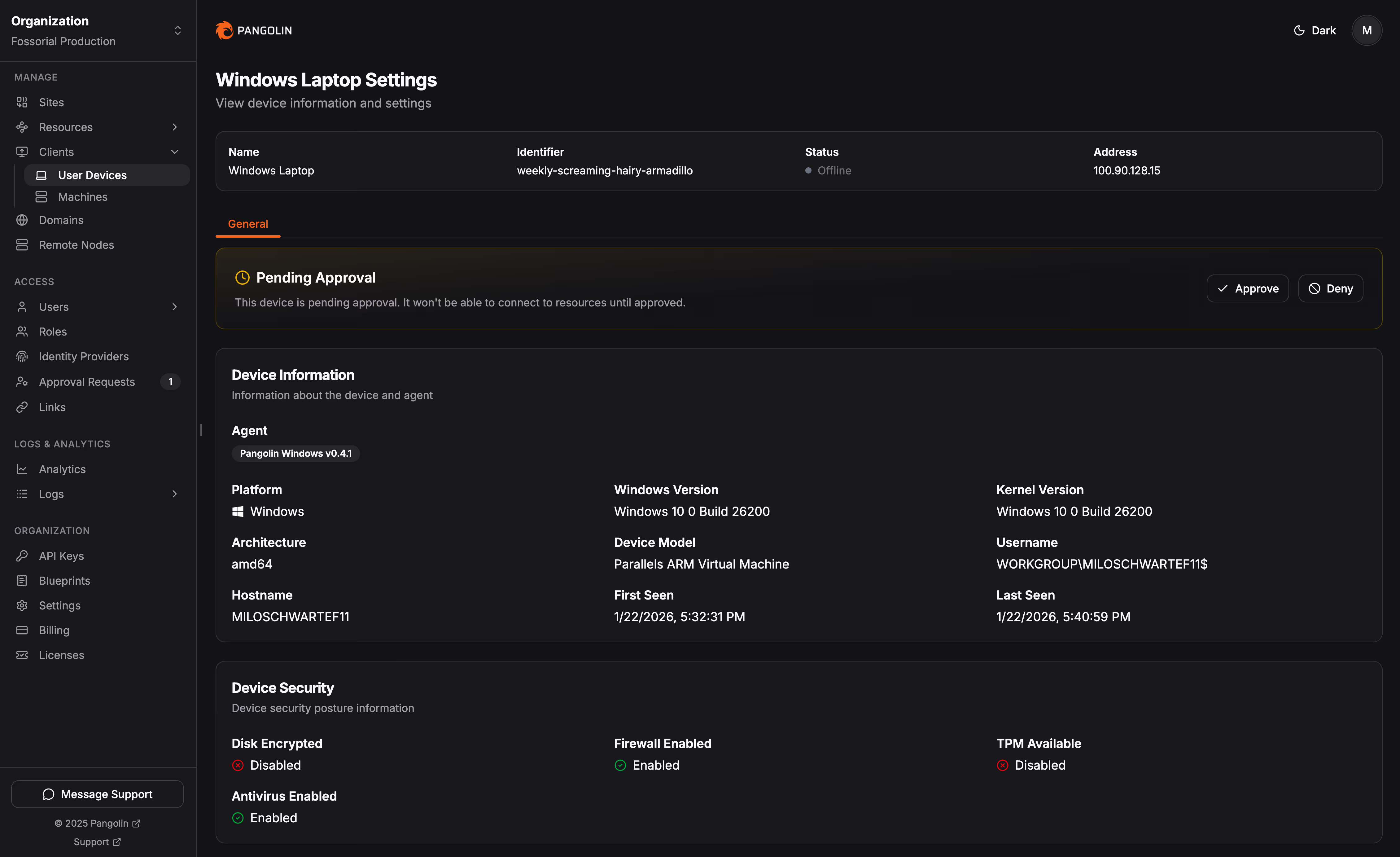
### Device Blocking and Archiving
Have a device that’s gone rogue or been lost? You can now officially Block it via the Action Menu (three dots). This moves the device to a restricted list and kills its access immediately.
You’ll also notice you can’t "delete" a device; you can only Archive it.
**Why no delete button?** For security, Pangolin keeps a permanent record of every device that has touched your resources. If you could delete a device entirely, an admin's "Block" rule would vanish with it. Archiving keeps your UI clean of old or duplicate devices while keeping your security audit trail intact.
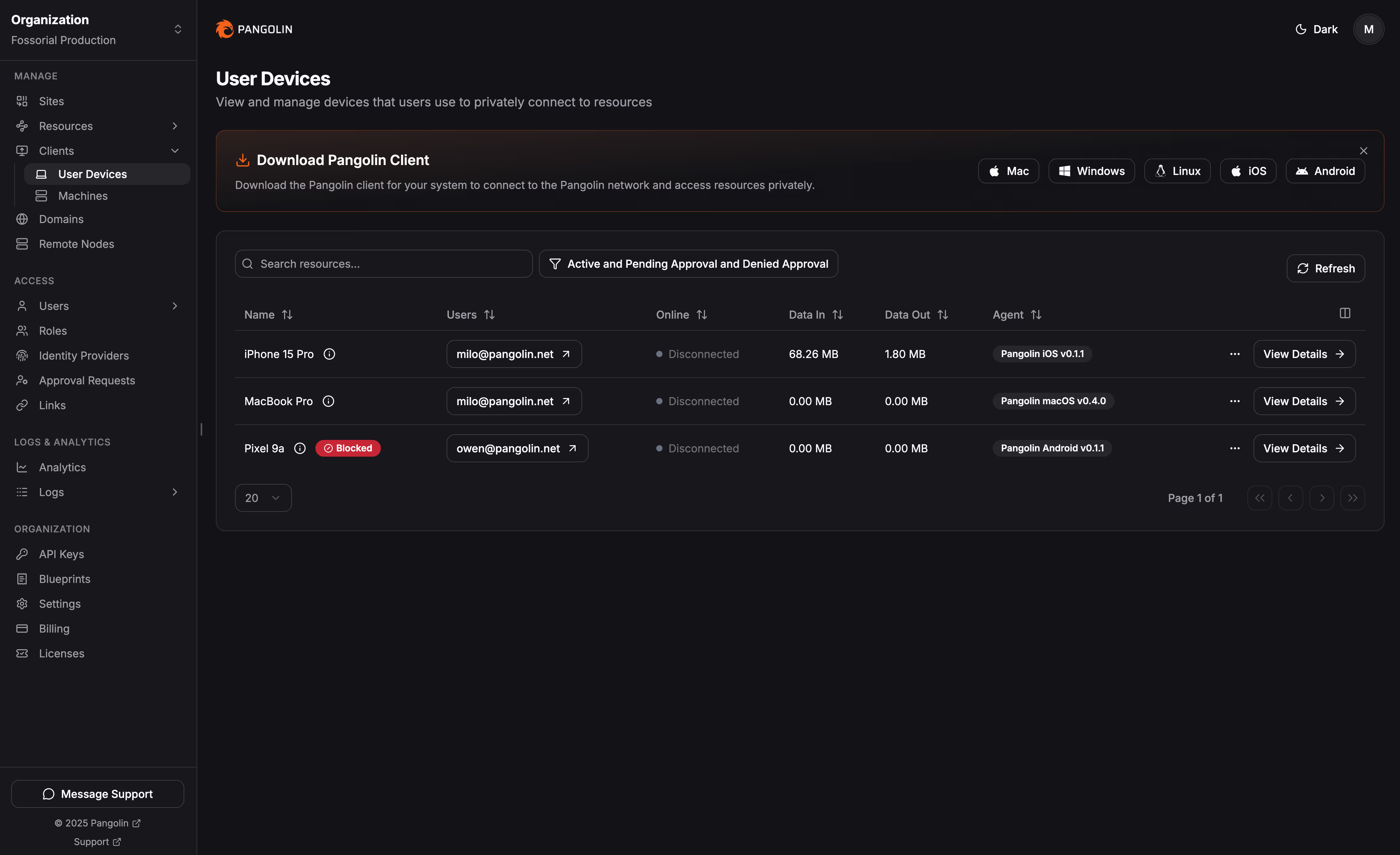
### General Stability Improvements
As demonstrated by dropping the beta tag from the private access features in Pangolin, we worked hard on stability and performance for all of Pangolin’s clients and private connectivity features.
## Give it a try!
We are incredibly proud of 1.15.0. Between the mobile apps and the new zero-trust controls, Pangolin is more flexible and secure than ever.
You can jump in today with a free account on [Pangolin Cloud](https://app.pangolin.net/). or stick to your roots and self-host the Open Source Community or Enterprise Editions.
Thanks for being part of the journey!
---
### Declarative Configuration with YAML and Docker Labels
URL: https://pangolin.net/news/blueprints
Published: 2025-09-23
Summary: Pangolin Blueprints let you manage resources as code with YAML or Docker labels, making configurations automated, consistent, and scalable.
Category: Guides
## Managing Resources at Scale with Pangolin Blueprints
When teams expose services across multiple environments, the biggest challenges are usually consistency and scale. You might run a mix of cloud services, on‑prem systems, or even IoT devices in the field. Each environment has different access methods and security considerations, but you still need a single way to expose them securely, apply authentication, and control traffic.
Pangolin Blueprints provide a way to define this centrally. Instead of applying reverse proxy rules manually in different places, you describe each resource once using a declarative configuration. Pangolin then applies that configuration, ensuring that proxies, authentication, and target mappings stay consistent no matter where the service runs.
## Key details
### Examples: YAML and Docker Labels
A Blueprint for a single HTTP service can be described in YAML. Below, a Grafana instance in a VPC is exposed at a domain with SSO enabled:
```yaml
proxy-resources:
grafana:
name: Grafana
protocol: http
full-domain: grafana.example.com
auth:
sso-enabled: true
targets:
- hostname: localhost
port: 3000
method: http
```
For containerized workloads, you can define the same setup directly in a `docker-compose.yml` file using labels. The Newt agent detects these at startup and automatically provisions them in Pangolin:
```yaml
services:
grafana:
image: grafana/grafana
container_name: grafana
labels:
- pangolin.proxy-resources.grafana.name=Grafana
- pangolin.proxy-resources.grafana.full-domain=grafana.example.com
- pangolin.proxy-resources.grafana.protocol=http
- pangolin.proxy-resources.grafana.auth.sso-enabled=true
- pangolin.proxy-resources.grafana.targets[0].method=http
- pangolin.proxy-resources.grafana.targets[0].port=3000
```
This approach means you don’t need to configure the proxy separately. Your Compose stack definition and your network access controls live in one place.
### Watch It in Action
This short walkthrough shows a Grafana service being exposed with a Pangolin Blueprint, both through YAML and Docker labels.
### How Teams Use Blueprints
Once services can be declared as code, a wide set of use cases follow naturally:
- **Temporary environments**: Spin up a staging or preview stack with Docker Compose and have Pangolin automatically register domains, enforce authentication, and route traffic without extra configuration.
- **Multiple offices or sites**: Connect tunnels from different physical networks into Pangolin, then apply the same proxy rules and security policies consistently across locations.
- **IoT and edge environments**: Define resources for devices that exist outside your main datacenter and manage access centrally, with the same login rules as cloud applications.
- **Hybrid and multi‑cloud setups**: Expose services running across providers while keeping control of how traffic flows and what authentication is required, all from one dashboard.
Blueprints also make it easier to handle traffic distribution and availability. You can attach multiple targets to a single resource, allowing Pangolin to automatically balance requests across services or fail over if one goes offline.
Here’s an example of a resource with two HTTP backends:
```yaml
proxy-resources:
webapp:
name: WebApp
protocol: http
full-domain: app.example.com
targets:
- hostname: localhost
port: 8080
method: http
site: "aws-vpc-01"
- hostname: localhost
port: 8080
method: http
site: "aws-vpc-02"
```
For developers and operators, this keeps traffic rules explicit. Adding or removing targets is done through the config file rather than by re‑entering settings into a UI.
### Centralized Control
Another advantage of Blueprints is centralization. Access policies, authentication rules, and connection definitions are applied at the proxy layer and enforced the same way across all resources. For example:
- Require SSO for certain applications while leaving others public.
- Apply path‑based rules to allow or block specific endpoints.
- Restrict access to resources by IP or region.
Because these settings are declarative, they can be versioned, audited, and reviewed in the same way as application code. This reduces configuration drift and makes it easier for teams to collaborate on network and access policies.
## Final Thoughts
Pangolin Blueprints provide a way to treat reverse proxy configurations as code and deploy applications that exist on any network anywhere. Whether you define YAML files checked into Git, or embed labels in Compose stacks, service definitions and access controls are created automatically when infrastructure comes online.
That makes it straightforward to manage reverse proxies, authentication policies, load balancing, and site‑to‑site connections from a single place without duplicating manual steps across environments.
Learn more by reading our [documentation](https://docs.pangolin.net/manage/blueprints).
---
### Pangolin Cloud is Now Available in Europe
URL: https://pangolin.net/news/pangolin-cloud-eu
Published: 2025-09-04
Summary: We've deployed dedicated points of presence in the EU for our European cloud users.
Category: Engineering
Last month, we launched Pangolin Cloud in beta with points of presence (PoPs) across North America. Since then, performance has been pretty solid, and we’ve been steadily improving the experience to make sure your sites just work.
Today, we’re excited to share that Pangolin Cloud is spreading across the pond: **we’ve added a brand-new region in the EU.**
## What this means for you
When you connect to Pangolin Cloud, Newt automatically picks the best PoP for you based on real-time metrics (with latency being the big one). Once connected, all your users are routed through the closest PoP before reaching your private network.
With our new EU region, users in Europe will now see faster, more reliable connections. Simply set up your sites as usual, and Newt will automatically pick the best PoP.
## Key details
### Looking ahead
We’re planning to roll out more PoPs worldwide in regions where our users need them most. Pangolin Cloud is still early, and your feedback is a huge part of shaping where we go next.
If you’re trying it out, we'd love to hear from you -- drop us a note at [**contact@pangolin.net**](mailto:contact@pangolin.net) with your thoughts, questions, or how you’re using Pangolin Cloud.
### Don’t forget: self-hosted nodes
Within Pangolin Cloud, you can also use our [**remote nodes**](https://docs.pangolin.net/manage/remote-node/understanding-nodes) option. This lets you deploy your own PoP in any region you choose. Your tunnels will always connect directly to your server, giving you the benefits of self-hosting (data sovereignty, control, and proximity to your VPS) while still taking advantage of cloud features like geo-blocking, high availability, and health checks, for example.
## Try it today
Whether you’re in North America, Europe, or running your own node, Pangolin Cloud is here to make ingress to your as simple, secure, and reliable as possible. [Try it out](https://app.pangolin.net/auth/signup) and let us know what you think!
---
### Health Checks and Load Balancing on Targets for Resources
URL: https://pangolin.net/news/health-check
Published: 2025-08-29
Summary: Configure Pangolin health checks and target-level load balancing to improve resource availability.
Category: Guides
**Health checks and automatic failover** are in Pangolin Cloud, remote node Pangolin instances, and self-hosted editions! This powerful combination of intelligent load balancing and automated health monitoring makes it incredibly simple to build resilient, high-availability applications that can handle failures gracefully.
## Release highlights
### What's New?
### Target-Level Site Assignment
We've restructured how sites work in Pangolin. Instead of attaching sites directly to resources, **sites are now attached to individual targets**. This architectural change unlocks new capabilities:
- **Cross-site redundancy**: Deploy targets across different sites for geographic failover
- **Cross-site load balancing**: Load balance users between different sites hosting many instances of the application
### Automatic Load Balancing
When you add multiple targets to a resource, Pangolin automatically begins **round-robin load balancing** between them if they are attached to the same node. Traffic is distributed evenly across all healthy targets.
### Intelligent Health Monitoring
The health check system continuously monitors your targets from inside Newt and automatically removes unhealthy instances from the load balancing rotation.
## See It In Action
Here's how simple it is to set up high-availability load balancing:
---
### How to Geo-block with Pangolin
URL: https://pangolin.net/news/how-to-geoblock
Published: 2025-08-29
Summary: Learn how to use Pangolin rules to geo-block resources and limit access by country or region.
Category: Guides
We're excited to announce that Pangolin now supports native geo blocking functionality within our cloud platform, remote node instances, and self-hosted editions. This allows you to have granular control over who can access your resources based on their geographic location (country, city, state).
## Release highlights
### What's New?
Geo blocking can be set up in the rules tab for any of your connected resources, and you'll find a new "Country" option alongside the existing IP and IP range filters. From there, you can create sophisticated access control policies.
You can combine country-based restrictions with other rule types like IP addresses, CIDR ranges, and path matching to create layered security policies that fit your exact needs.
### Common Use Cases
**Security Hardening**: Reduce your attack surface by blocking access from regions with high levels of malicious activity or areas where you don't expect legitimate users.
**Resource Optimization**: Prevent unnecessary load on your services from regions where you don't operate, helping you optimize performance and costs.
### Flexible Configuration Options
Pangolin's geo blocking supports multiple configuration patterns:
- **Allowlist**: Create "Allow" rules for approved countries and deny all others
- **Blocklist**: Block specific high-risk countries while allowing access from everywhere else
- **Hybrid Policies**: Combine geographic restrictions with authentication requirements using "Pass to Auth" actions
The rules process in priority order, giving you fine-grained control over complex access scenarios. For example, you might allow direct access from your headquarters country while requiring authentication from trusted partner countries and blocking access entirely from high-risk regions.
### Real-World Example
Here's a typical configuration for a company operating in the US, UK, and Germany:
1. **Priority 1**: Allow - Country: United States
2. **Priority 2**: Allow - Country: United Kingdom
3. **Priority 3**: Allow - Country: Germany
4. **Priority 4**: Deny - Country: ALL
This setup provides immediate access for users in your approved regions while blocking everyone else.
### Important Considerations
While geo blocking provides valuable security benefits, it's important to remember that IP geolocation isn't always 100% accurate. Users with VPNs, proxies, or mobile networks may appear to be from different countries than expected. We recommend testing your rules thoroughly and considering how legitimate users might be affected.
---
### Self-hosted Remote Nodes - What Are They, and Why Do They Exist?
URL: https://pangolin.net/news/manage-self-hosted
Published: 2025-08-29
Summary: Learn about our new remote node self-hosted offering, which combines the best of self-hosted and cloud solutions.
Category: Guides
**Remote Nodes for Pangolin** are a deployment option that combines the control and privacy of self-hosting with the reliability and convenience of cloud management. This hybrid approach gives you high availability and cloud features without the operational complexity.
## How Remote Nodes Work
Remote Nodes split responsibilities between you and us:
**You control the data plane**: Your Pangolin node runs on your infrastructure, handling all tunnels, SSL termination, and traffic processing. Your data never leaves your servers.
**We handle the control plane**: Pangolin Cloud manages DNS coordination, certificate management, database operations, backups, monitoring, and the dashboard interface.
When you deploy a Remote Node, it connects back to Pangolin Cloud for coordination while keeping all traffic processing local to your infrastructure. This architecture enables powerful features like automatic failover between multiple nodes and seamless integration with our cloud points of presence.
## Key details
### Quick Installation Overview
Getting started with a Remote Node deployment is remarkably simple. The installation process looks nearly identical to a standard Pangolin install, with just a few additional configuration steps.
### Key Benefits
### High Availability by Default
Deploy multiple Remote Nodes across different regions or providers. If one goes down, traffic automatically fails over to healthy nodes. You can even configure failover to our cloud infrastructure during maintenance windows.
### Reduced Operational Burden
No more database migrations, backup management, or complex monitoring setup. We handle the operational complexity in the cloud while you focus on your core business.
The cloud dashboard evolves rapidly with new features and improvements. Your Remote Nodes stay current automatically without manual intervention.
### Global Load Balancing
Users automatically connect to the closest healthy node, with intelligent routing and failover between your self-hosted Remote Nodes and cloud points of presence.
### Complete Data Control
Despite cloud coordination, all your traffic and sensitive data flows through your own servers. You maintain complete control over data transit and compliance requirements.
Because data flows through your servers, you don’t pay data costs on the cloud to route your traffic!
### How It Differs from Regular Self-Hosted
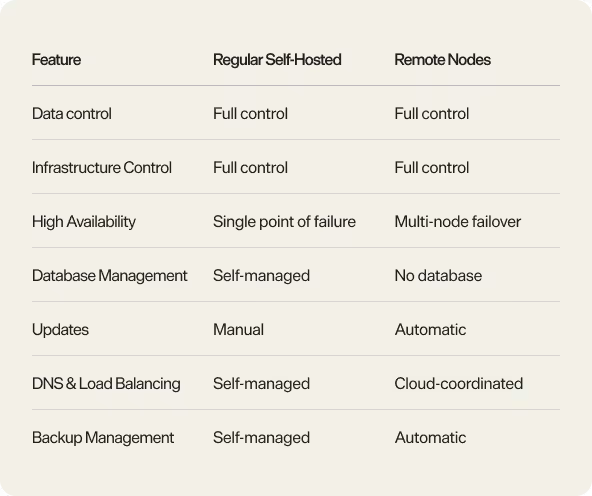
### Perfect for Production Workloads
Remote Nodes are ideal for organizations that need:
- **Enterprise reliability** without enterprise complexity
- **Data sovereignty** with operational simplicity
- **High availability** across multiple regions
- **Compliance requirements** that mandate self-hosted infrastructure
- **Reduced operational overhead** while maintaining control
_Ready to experience the best of both worlds?_ [_Get started with Remote Nodes in Pangolin today_](https://app.pangolin.net/auth/signup) _and see how enterprise-grade reliability doesn't have to mean giving up control._
---
## Customer Stories
### Customer stories
URL: https://pangolin.net/customers
See how organizations use Pangolin to connect and protect their workforce, AI agents, and infrastructure with an open and secure zero trust platform.
---
### Mozilla Secures Access to Kubernetes with Pangolin
URL: https://pangolin.net/customers/mozilla-secures-k8s-with-pangolin
Published: 2026-09-18
Summary: Mozilla builds open internet products like Firefox and Thunderbird that connect people. Using Pangolin, Mozilla gives engineers secure, zero-trust access and authenticated ingress to ephemeral development Kubernetes environments without the friction of legacy VPNs or vulnerability of public deployments.
Industry: Internet
Company size: Enterprise
## Challenge
At Mozilla, engineers frequently spin up ephemeral Kubernetes development clusters that have all of the tools they need to develop and test new features against a repeatable preview environment. These clusters are not persistent and are created and destroyed on demand, so any access solution had to be provisioned and torn down just as quickly, without leaving stale credentials or exposed endpoints behind.
## Solution
Pangolin delivered a declarative, programmatically configurable way to provide secure, temporary, and authenticated ingress to these environments. Blueprints let Mozilla define the resources and access rules for a cluster as YAML and apply them from the same pipeline that creates the cluster, so ingress comes up automatically as part of provisioning and disappears cleanly when the cluster is destroyed. No manual dashboard work was required and nothing is left listening once the environment is gone. Because access is identity-based rather than network-based, engineers reach a running preview environment with a single authenticated link instead of a shared kubeconfig or VPN profile, and the cluster itself is never exposed to the public internet, even temporarily.
## Impact
- Ingress for ephemeral clusters is provisioned and torn down automatically as part of the same pipeline that creates and destroys the cluster
- Engineers get a single authenticated link to a preview environment instead of a shared kubeconfig or VPN profile
- No cluster is ever exposed on the public internet, even temporarily, during development and test cycles
- Blueprint-driven automation replaced manual, one-off CLI configuration for every new environment
---
### H&M & Gill Capital Use Pangolin to Provide SDWAN for Hundreds of Stores
URL: https://pangolin.net/customers/hm-pos-backhaul-with-pangolin
Published: 2026-08-23
Summary: Gill Capital is a leading fashion and lifestyle retail group, bringing excitement and energy to the retail scene through an impressive portfolio of vibrant global brands. Gill Capital and H&M have deployed Pangolin across their cloud infrastructure and fleet of point of sale systems to create a secure reliable network for backhaul connectivity and remote management of in store equipment.
Industry: Retail
Company size: Enterprise
## Challenge
Gill Capital manages hundreds of stores from top brands like H&M across Southeast Asia. They needed to replace legacy backhaul networking from existing hardware based big network vendors across the whole store fleet with a modern, zero-trust solution. Their point-of-sale systems need to talk to resources in their cloud environment and vice versa. Additionally, engineers and support personnel need remote access to these locations to support in-store staff.
## Solution
Pangolin delivered an all-in-one networking solution that provides SDWAN-style backhaul networking from individual POS devices to their cloud environment. Each device runs as its own site, connecting outbound to remote nodes running in the cloud VPC without any inbound ports or public IPs to manage. This let Gill Capital monitor uptime and scope access down to a per-device level while keeping a persistent, fast, and secure tunnel for business critical data.
Additionally, support personnel and engineers were given access through their central identity provider, so the same roles that govern their other systems now determine exactly which stores and devices each person can reach so no separate VPN accounts or shared credentials per location were required.
## Impact
- Backhaul connectivity live across 100+ brick-and-mortar locations without provisioning public IPs or opening inbound firewall ports
- Store-level health and uptime visible from a single dashboard instead of scattered per-site tooling
- Engineers and support staff reach only the stores and devices their role covers, scoped through the existing identity provider
- New-store networking rollout standardized into a repeatable, zero-touch process instead of one-off backhaul configuration
---
### Fidelity Secures Remote Access To On Property Operational Technology With Pangolin
URL: https://pangolin.net/customers/fidelity-building-management-with-pangolin
Published: 2026-07-09
Summary: Fidelity and Smart Building Technologies are the industry leaders in building automation systems, energy management systems, facility monitoring services, critical systems monitoring, and smart lighting solutions. Using Pangolin, Fidelity and SBT provide remote access for engineers and contractors to properties they control using simple, sharable, and secure credentials. They were able to replace legacy vpn-in-a-box solutions no longer meeting their needs.
Industry: Building Management
Company size: Enterprise
## Challenge
At Fidelity and Smart Building Technologies, operators are managing hundreds of properties, each with its own mix of building automation, energy management, and monitoring systems. Previously, they were deploying Tosibox devices (a "VPN-in-a-box" solution) to each location and provisioning contractors and internal personnel with physical, USB-based access credentials. They needed a unified, drop-in replacement that kept buildings logically separated and secure while still letting them generate access credentials quickly for external personnel.
## Solution
Pangolin delivered an all-in-one remote access hub that provides identity-based, context-aware connections to every system on a property. Each site maps to a property, so access to one building's operational technology never bleeds into another's, and administrators can grant a contractor or engineer scoped access to only the resource they need to work on. Instead of shipping and tracking physical USB credentials, admins issue easy-to-generate, ephemeral access tied to a person's identity, so credentials is handed out in minutes and revoked the moment a job is done. Because every connection is authenticated and encrypted end-to-end using a lightweight single binary, there is no VPN hardware to install, ship, or maintain at each site.
## Impact
- Easy VPN and web based access provided to contractors and internal personnel
- Physical USB credentials replaced with ephemeral, identity-based access that can be issued or revoked in minutes
- Properties stay logically isolated from one another, even though access is managed from a single central hub
---
### Lumistry Manages Thousands of Remote Raspberry Pis with Pangolin
URL: https://pangolin.net/customers/lumistry-iot-device-management
Published: 2026-05-03
Summary: Lumistry builds a robust suite of patient engagement solutions for pharmacies. Using Pangolin, Lumistry provides secure SSH and HTTP remote access to thousands of embedded linux devices - Raspberry Pis - out in the field to their engineering and support teams.
Industry: Healthcare
Company size: Enterprise
## Challenge
Lumistry has deployed thousands of Raspberry Pi embedded Linux devices to customer environments. They sit behind firewalls Lumistry does not control, geographically distributed across the country. In addition, they have thousands of cloud-based virtual machines performing similar business logic. For their team of support personnel and engineering experts, they needed a unified system, tied to their existing identities, to get SSH access to manage and troubleshoot these instances that was end to end encrypted to work within their strick HIPAA framework.
## Solution
Pangolin delivered an all-in-one remote access hub that provides identity-based, context-aware connections to all of the remote systems. It ties directly into their identity provider, so support and engineering staff authenticate with the credentials and roles they already have rather than a separate set of SSH keys. Using the CLI with basic `pangolin ssh resource` commands, they were able to quickly and easily roll out SSH access across thousands of devices without distributing, tracking, or rotating individual keys by hand. Each device behind a customer firewall creates an outbound tunnel and becomes just another resource reachable through the nearest site. Additionally leveraging private HTTPS resources they were able to expose internal on device dashboards while still keeping the connection end to end encrypted.
## Impact
- SSH access to 3,100+ remote Raspberry Pis and cloud virtual machines without distributing or rotating static SSH keys
- Support and engineering teams reach devices through the same central IDP roles they already use, with access revoked instantly when someone changes teams
- Devices sitting behind firewalls Lumistry doesn't control are reachable without coordinating inbound access with the customer's network team
- Engineers troubleshoot directly with `pangolin ssh` instead of routing through shared jump hosts
---
## Downloads
### Downloads
URL: https://pangolin.net/downloads
# Downloads
Download Pangolin clients for desktop and mobile platforms.
### macOS
Requires macOS Sonoma 14.0 or later.
Primary action: Download Pangolin for macOS
### Windows
Requires Windows 10 or later.
Primary action: Download Pangolin for Windows
### Linux
Available for most Linux distributions.
Primary action: View Installation Instructions
### iOS
Requires iOS 17.0 or later.
Primary action: Download on the App Store
### Android
Requires Android 7.0 or later.
Primary action: Get it on Google Play
---
### macOS
URL: https://pangolin.net/downloads/mac
Requires macOS Sonoma 14.0 or later.
Primary action: Download Pangolin for macOS
---
### Windows
URL: https://pangolin.net/downloads/windows
Requires Windows 10 or later.
Primary action: Download Pangolin for Windows
---
### Linux
URL: https://pangolin.net/downloads/linux
Available for most Linux distributions.
Primary action: View Installation Instructions
---
### iOS
URL: https://pangolin.net/downloads/ios
Requires iOS 17.0 or later.
Primary action: Download on the App Store
Store: https://apps.apple.com/us/app/pangolin-client/id6757407406
---
### Android
URL: https://pangolin.net/downloads/android
Requires Android 7.0 or later.
Primary action: Get it on Google Play
Store: https://play.google.com/store/apps/details?id=net.pangolin.Pangolin
---
## Legal
### Privacy policy
URL: https://pangolin.net/privacy
## **FOSSORIAL PRIVACY POLICY**
Last modified: June 9, 2026
Fossorial Inc. ("**Fossorial**," "**we**," "**us**," or "**our**") has prepared this Privacy Policy to explain (1) what personal information we collect, (2) how we use and share that information, and (3) your choices concerning our privacy and information practices.
### **Applicability of this Privacy Policy**
We provide self-hosted and cloud-based identity and secure access tools that let you safely share internal websites and applications over the internet... This Privacy Policy applies exclusively to personal information that we collect in connection with our public marketing websites (including [https://pangolin.net](https://pangolin.net)), our billing transactions via Stripe, and basic account registration metrics.
If you are an enterprise customer or business entity utilizing Fossorial to route infrastructure connections, this public Privacy Policy does not apply to the personal information, technical metadata, or network payloads that we process on your behalf as your service provider. Our processing of your secure production data is instead strictly governed by the Fossorial Data Protection Addendum (DPA) incorporated into our Terms of Service.
## **1. Personal Information We Collect**
### **1.1. Information You Provide to Us**
- **Account information:** When you create an account to use the Services, we collect information such as your email address, password, and other similar account registration information.
- **Business contact information:** If you are a representative of one of our actual or prospective customers, suppliers or business partners, we may collect personal information about you (such as your name, work email, place of work, role, and other contact details) when entering into an agreement with your company or otherwise the during the course of our relationship with your company.
- **Payment information** needed to complete your transactions with us, including name, payment card information, and billing information. This information is processed by our payment service provider(s), which may handle your payment information in accordance with its or their own privacy policy(ies). We do not have access to your full payment card information.
- **Feedback or correspondence,** such as information you provide when you contact us with questions, surveys, feedback, reviews, or otherwise correspond with us online.
- **Usage information,** such as information about how you use the Services and interact with us.
- **Marketing information,** such as your preferences for receiving communications about our activities, services, and publications, and details about how you engage with our communications.
- **Other information** that we may collect which is not specifically listed here, but which we will use in accordance with this Privacy Policy or as otherwise disclosed at the time of collection.
### **1.2. Information We Obtain from Third Parties**
We may obtain your personal information from other third parties, such as marketing partners, publicly-available sources and data providers, for the purposes of marketing products and services that may interest you, delivering personalized communications, and other similar activities. In addition, we may maintain pages on social media platforms, such as LinkedIn, Twitter, Instagram, and other third-party platforms. When you visit or interact with our pages on those platforms, the platform provider's privacy policy will apply to your interactions and their collection, use and processing of your personal information. You or the platforms may provide us with information through the platform, and we will treat such information in accordance with this Privacy Policy.
### **1.3. Automatic Data Collection**
We and our service providers may automatically log information about you, your computer or mobile device, and your interaction over time with our Services, our communications and other online services. This applies to visitors of our websites and may include:
- **Device data,** such as your computer's or mobile device's operating system type and version, manufacturer and model, browser type, screen resolution, RAM and disk size, CPU usage, device type (e.g., phone, tablet), IP address, unique identifiers (including identifiers used for advertising purposes), language settings, mobile device carrier, radio/network information (e.g., WiFi, LTE, 4G), and general location information such as city, state or geographic area.
- **Online activity data,** such as pages or screens you viewed, how long you spent on a page or screen, browsing history, navigation paths between pages or screens, information about your activity on a page or screen, access times, and duration of access, and whether you have opened our marketing emails or clicked links within them. We may use third party tools to assist with capturing online activity data.
- **Email Open/Click Information.** We may use pixels in our email campaigns that allow us to collect your email and IP address as well as the date and time you open an email or click on any links in the email that we may send to you.
We may use the following tools for automatic data collection:
- **Cookies,** which are text files that websites store on a visitor's device to uniquely identify the visitor's browser or to store information or settings in the browser for the purpose of helping you navigate between pages efficiently, remembering your preferences, enabling functionality, helping us understand user activity and patterns, and facilitating online advertising.
- **Local storage technologies,** like HTML5, that provide cookie-equivalent functionality but can store larger amounts of data, including on your device outside of your browser in connection with specific applications.
- **Web beacons,** also known as pixel tags or clear GIFs, which are used to demonstrate that a webpage or email was accessed or opened, or that certain content was viewed or clicked.
## **2. How We Use Your Personal Information**
### **2.1. To Operate Our Services**
Including to:
- Provide, operate, maintain, secure and improve our Services.
- Provide information about our Services.
- Communicate with you about our Services, including by sending you announcements, updates, security alerts, and support and administrative messages.
- Respond to your requests, questions and feedback.
### **2.2. To Improve, Monitor, Personalize, and Protect Our Services**
Which includes:
- Enriching your user experience and customise your relationship with us;
- Protecting the security of our Services;
- Preventing and detecting security threats, fraud or other criminal or malicious activities; and
- Administering content, promotion, sweepstakes, surveys, voting polls and other Website features.
### **2.3. Marketing and Advertising**
We may from time-to-time send you direct marketing communications as permitted by law, including, but not limited to, notifying you of special promotions, offers and events via email. Unless we're required to obtain your consent to send you marketing communications, we will rely on our legitimate business interests to market to you. You may opt out of our marketing communications as described in the "**Opt out of marketing communications**" section below.
### **2.4. For Research and Development**
We may use data for research and development purposes, including to analyze and improve our Services and our business. If personal information is included, we may create aggregated, de-identified, or other anonymous data from personal information we collect. We make personal information into anonymous data by removing information that makes the data personally identifiable to you. We may use this anonymous data and share it with third parties for our lawful business purposes, including to analyze and improve our Services and promote our business.
### **2.5. Compliance and Protection**
To comply with our legal obligations, we may use personal information to:
- Comply with applicable laws, lawful requests, and legal process, such as to respond to subpoenas or requests from government authorities.
- Protect our, your or others' rights, privacy, safety or property (including by making and defending legal claims).
- Audit our internal processes for compliance with legal and contractual requirements and internal policies.
- Enforce the terms and conditions that govern our Services.
- Prevent, identify, investigate and deter fraudulent, harmful, unauthorized, unethical or illegal activity, including cyberattacks and identity theft.
## **3. How We Share Your Personal Information**
- **Service providers.** We may share your personal information with third party companies and individuals that provide services on our behalf or help us operate our Services (such as lawyers, bankers, auditors, insurers, and providers that assist with hosting, analytics, email delivery, marketing, and database management).
- **Authorities and others.** We may disclose your personal information to law enforcement, government authorities, and private parties, as we believe in good faith to be necessary or appropriate for the compliance and protection purposes described above.
- **Business transfers.** We may sell, transfer or otherwise share some or all of our business or assets, including your personal information, in connection with a business transaction (or potential business transaction) such as a corporate divestiture, merger, consolidation, acquisition, reorganization or sale of assets, or in the event of bankruptcy or dissolution. In such a case, we will make reasonable efforts to require the recipient to honor this Privacy Policy.
- **Affiliates:** We may share personal information with our current and future affiliates, meaning an entity that controls, is controlled by, or is under common control with us. Our affiliates may use the personal information we share in a manner consistent with this Privacy Policy.
## **4. Your Choices**
### **4.1. Access or Update Your Information**
If you have registered for an account with us, you may review and update certain personal information in your account profile by logging into the account.
### **4.2. Opt Out of Marketing Communications**
You may opt out of marketing-related communications – both emails and texts – by following the opt-out or unsubscribe instructions in the communications you receive from us or by contacting us as provided in the "**How to contact us**" section below. You may continue to receive Services-related and other non-marketing communications.
### **4.3. Opt Out of Online Tracking**
There are a number of ways to opt out of having your online activity and device data collected through our Services, which we have summarized below:
- **Blocking cookies in your browser.** Most browsers let you remove or reject cookies, including cookies used for interest-based advertising. To do this, follow the instructions in your browser settings. Many browsers accept cookies by default until you change your settings. For more information about cookies, including how to see what cookies have been set on your device and how to manage and delete them, visit [www.allaboutcookies.org](http://www.allaboutcookies.org/).
- **Blocking advertising ID use in your mobile settings.** Your mobile device settings may provide functionality to limit use of the advertising ID associated with your mobile device for interest-based advertising purposes.
- **Using privacy plug-ins or browsers.** You can block our Services from setting cookies by using a browser with privacy features, like [Brave](https://brave.com/), or installing browser plugins like [Privacy Badger](https://privacybadger.org/), [DuckDuckGo](https://duckduckgo.com/), [Ghostery](https://www.ghostery.com/) or [uBlock Origin](https://ublock.org/en), and configuring them to block cookies/trackers.
- **Google Analytics.** We use Google Analytics to help us better understand how people engage with our Services by collecting information and creating reports about how users use our Services. For more information on Google Analytics, click [here](https://marketingplatform.google.com/about/analytics/). For more information about Google's privacy practices, click [here](https://www.google.com/policies/privacy/partners/). You can opt out of Google Analytics by downloading and installing the browser plug-in available at: [https://tools.google.com/dlpage/gaoptout](https://tools.google.com/dlpage/gaoptout).
- **Platform opt-outs.** The following advertising partners offer opt-out features that let you opt out of use of your information for interest-based advertising:
- [Google](https://adssettings.google.com/anonymous?hl=en)
- [Facebook](https://www.facebook.com/about/ads)
- [LinkedIn](https://www.linkedin.com/mypreferences/d/categories/ads)
- [Microsoft](https://account.microsoft.com/privacy/ad-settings/signedout)
- **Advertising industry opt-out tools.** You can also use these opt-out options to limit use of your information for interest-based advertising by participating companies:
- [Digital Advertising Alliance](https://optout.aboutads.info/?c=2&lang=EN)
- [Network Advertising Initiative](https://optout.networkadvertising.org/?c=1)
Note that because these opt-out mechanisms are specific to the device or browser on which they are exercised, you will need to opt out on every browser and device that you use.
### **4.4. Do Not Track**
Some Internet browsers may be configured to send "Do Not Track" signals to the online services that you visit. We currently do not respond to "Do Not Track" or similar signals. To find out more about "Do Not Track," please visit [http://www.allaboutdnt.com](http://www.allaboutdnt.com/).
## **5. Data Retention**
We may retain your personal information for as long as it is reasonably needed to maintain and expand our relationship and provide you with our Services; in order to comply with our legal and contractual obligations; or to protect ourselves from any potential disputes. To determine the appropriate retention period for personal information, we consider the amount, nature, and sensitivity of such information, the potential risk of harm from unauthorized use or disclosure of such information, the purposes for which we process it, and the applicable legal requirements.
## **6. Other Sites, Mobile Applications and Services**
Our Services may contain links to other websites, mobile applications, and other online services operated by third parties. These links are not an endorsement of, or representation that we are affiliated with, any third party. In addition, our content may be included on web pages or in mobile applications or online services that are not associated with us. We do not control third party websites, mobile applications or online services, and we are not responsible for their actions. Other websites and services follow different rules regarding the collection, use and sharing of your personal information. We encourage you to read the privacy policies of the other websites and mobile applications and online services you use.
## **7. Security Practices**
We use reasonable organizational, technical and administrative measures designed to protect against unauthorized access, misuse, loss, disclosure, alteration and destruction of personal information we maintain. Unfortunately, data transmission over the Internet cannot be guaranteed as completely secure. Therefore, while we strive to protect your personal information, we cannot guarantee the security of personal information. If we are required to notify you about a situation involving your data, we may do so by email or telephone to the extent permitted by law.
## **8. Children**
Our Services are not intended for children, and we do not collect personal information from them. We define "children" as anyone under 18 years old. If we learn we have collected or received personal information from a child without verification of parental consent, we will delete the information. If you believe we might have any information from or about a child, please contact us via the contract information noted below.
## **9. Changes to this Privacy Policy**
We reserve the right to modify this Privacy Policy at any time. If we make material changes to this Privacy Policy, we will notify you by updating the date of this Privacy Policy and posting it on our Services. We may also provide notification of changes in another way that we believe is reasonably likely to reach you, such as via e-mail (if you have an account where we have your contact information) or another manner through our Services.
Any modifications to this Privacy Policy will be effective upon our posting the new terms and/or upon implementation of the new changes on our Services (or as otherwise indicated at the time of posting). In all cases, your continued use of the Services after the posting of any modified Privacy Policy indicates your acceptance of the terms of the modified Privacy Policy.
## **10. How to Contact Us**
If you have any questions or concerns, you can reach us by email at [privacy@pangolin.net](mailto:privacy@pangolin.net).
---
### Terms of service
URL: https://pangolin.net/tos
# **FOSSORIAL TERMS OF SERVICE**
Last modified: June 9, 2026
Fossorial, Inc. (“**Fossorial**”, “**we**”, “**us**”, or “**our**”) has made these Terms of Service (the “**Agreement**”) available to explain the terms and conditions by which you may access and use (a) Fossorial’s tools and services made available through [https://pangolin.net/](https://pangolin.net/) and (b) other related products and services that link to this Agreement (collectively, the “**Services**”).
You must read this Agreement carefully as it governs your use of the Services. By accessing or using the Services, you signify that you have read, understand, and agree to be bound by this Agreement in its entirety. If you do not agree, you are not authorized to access or use of our Services and should not use our Services.
PLEASE READ THIS AGREEMENT CAREFULLY, AS THEY CONTAIN AN AGREEMENT TO ARBITRATE AND OTHER IMPORTANT INFORMATION REGARDING YOUR LEGAL RIGHTS, REMEDIES, AND OBLIGATIONS. THE AGREEMENT TO ARBITRATE REQUIRES (WITH LIMITED EXCEPTION) THAT YOU SUBMIT CLAIMS YOU HAVE AGAINST US TO BINDING AND FINAL ARBITRATION, AND FURTHER (1) YOU WILL ONLY BE PERMITTED TO PURSUE CLAIMS AGAINST FOSSORIAL ON AN INDIVIDUAL BASIS, NOT AS A PLAINTIFF OR CLASS MEMBER IN ANY CLASS OR REPRESENTATIVE ACTION OR PROCEEDING, (2) YOU WILL ONLY BE PERMITTED TO SEEK RELIEF (INCLUDING MONETARY, INJUNCTIVE, AND DECLARATORY RELIEF) ON AN INDIVIDUAL BASIS, AND (3) YOU MAY NOT BE ABLE TO HAVE ANY CLAIMS YOU HAVE AGAINST US RESOLVED BY A JURY OR IN A COURT OF LAW.
### **Fossorial Services**
- **Our Services.** Fossorial provides self-hosted and cloud based tools that let you securely access and share internal websites and applications over the internet without opening ports or setting up a VPN. We are constantly improving the Services. You agree and acknowledge that the Services is subject to modification and change, including but not limited to how connections are managed and what features are available to you.
- **Registration.** In order to use certain portions of the Services, you must register an account by providing us with your name, email, and other information requested in our registration form. You agree to provide us with complete and accurate registration information. You may not attempt to impersonate another person in registration. If you are registering for our Services on behalf of an organization, you warrant that you are authorized to agree to this Agreement on their behalf. You agree to be responsible for the security of your account including all usernames, passwords, API tokens, OAuth credentials, and other access credentials associated with your account. You accept that you are solely responsible for all activities that take place through your account, and that failure to limit access to your devices or browser may permit unauthorized use by third-parties. Only one user may use the Services per registered account. Each user of the Services may only have one account. You agree to notify Fossorial promptly of any actual or suspected unauthorized use of your account. Fossorial reserves the right to suspend access to any account that Fossorial reasonably determines may have been accessed or used by an unauthorized third party and will provide immediate notice of such to you.
- **No Minors Permitted.** Our Services are not intended for minors under the age of 18. If you are a minor under the age of 18, please do not register for our Services or send any personal information to us. If you have reason to believe that a minor under the age of 18 is using our Services, please let us know immediately at [support@pangolin.net](mailto:support@pangolin.net) and we will seek to revoke access and delete any associated information as quickly as possible.
- **Additional Policies.** You agree and acknowledge that your use of the Services is subject to our Privacy Policy available at [https://pangolin.net/privacy](https://pangolin.net/privacy). Furthermore, if you are a business, enterprise, or organization utilizing the Services to handle or route data on behalf of your end users, you acknowledge and agree that our processing of such data is governed strictly by the Fossorial Data Protection Addendum (“**DPA**”), located at [https://pangolin.net/dpa](https://pangolin.net/dpa). The terms of the DPA are hereby incorporated by reference into, and form an essential, legally binding part of, this Agreement.
## **1. Usage Requirements**
### **1.1. Use of Services**
You may access, and we grant you a non-exclusive right to use, the Services in accordance with this Agreement. You will comply with this Agreement and all applicable laws when using the Services. We and our affiliates own all rights, title, and interest in and to the Services, including the underlying technology and intellectual property rights therein.
### **1.2. Content**
You retain ownership of all content, materials, documentations, and any other information you provide or use in conjunction with the Services (“**User Content**”). Subject to your compliance with this Agreement and to the extent Fossorial acquires any right in any User Content, Fossorial hereby assigns to you all its right, title and interest in and to your User Content. During the term of this Agreement, Fossorial may use your User Content as reasonably necessary to provide you with access to the Services. In addition, during and after the term of this Agreement, Fossorial may use your User Content to comply with applicable laws and enforce our policies. You are responsible for all User Content, including for ensuring that it does not violate any applicable law or this Agreement.
### **1.3. Feedback**
We appreciate feedback, comments, ideas, proposals and suggestions for improvements (collectively, “**Feedback**”). If you provide any Feedback to Fossorial, you hereby grant Fossorial the right to freely use such Feedback to maintain, improve, and enhance Fossorial’s current and future products, services and technologies without restriction or compensation to you.
### **1.4. Usage Data**
You agree that Fossorial will have the right to collect and analyze data and other information relating to the access, use, and performance of the Services (“**Usage Data**”), and Fossorial will be free (during and after the term of this Agreement) to use Usage Data in de-identified or aggregated form to maintain, improve, train, finetune, and enhance Fossorial’s current and future products, services and technologies. Examples of Usage Data include technical logs, metadata, telemetry data, and any other information about how you use and interact with the Services.
### **1.5. Services Restrictions**
You may not:
- **(i)** use the Services in a way that infringes, misappropriates or violates any person’s rights;
- **(ii)** reverse assemble, reverse compile, decompile, translate or otherwise attempt to discover the source code or underlying components of models, algorithms, and systems of the Services (except to the extent such restrictions are contrary to applicable law);
- **(iii)** use the Services to develop products and services that compete with Fossorial;
- **(iv)** use the Services for phishing, malware distribution, or other deceptive practices;
- **(v)** use any automated or programmatic method to extract data from the Services, including scraping, web harvesting, or web data extraction;
- **(vi)** send us any personal information of children under 13 or the applicable age of digital consent; or
- **(vii)** use the Services in violation of any applicable laws and regulations (including any export control laws). You will comply with any rate limits and other requirements in our documentation.
### **1.6. User Conduct**
You represent, warrant, and covenant that:
- **(i)** any User Content you transfer via the Services have been legally obtained and belong to you;
- **(ii)** you will not upload or create any User Content that contains gore, sexual abuse material or any content that exploits or promotes harm to any individual;
- **(iii)** you will not engage in any conduct that is or could be considered illegal, obscene, defamatory, threatening, intimidating, harassing, hateful or racially or ethnically offensive;
- **(iv)** you will not use the Services for any purpose not expressly authorized in this Agreement, including, but not limited to, any high-risk or regulated activities (such as military, medical, nuclear, or critical infrastructure operations);
- **(v)** you will not provide any false, inaccurate or misleading information while using the Services, or engage in any activity that operates to defraud Fossorial, other users of the Services, or any other person or entity;
- **(vi)** you will not create Fossorial authentication subdomains that include deceptive, infringing, or offensive terms, or impersonate third-party businesses, organizations, or individuals ;
- **(vii)** you will not interfere with or disrupt the Services or servers or networks connected to the Services, or disobey any requirements, procedures, policies, or regulations of networks connected to the Services;
- **(viii)** you will not impersonate any person or entity, or falsely state or otherwise misrepresent your affiliation with a person or entity;
- **(ix)** you will not infringe, misappropriate or violate any intellectual property, privacy, publicity or other proprietary rights of Fossorial or any third party;
- **(x)** you will not disguise your location through IP proxying or other methods; and
- **(xi)** you will not obtain or attempt to access or otherwise obtain any content or information through any means not intentionally made available or provided for through the Services, including attempting to avoid, bypass, remove, deactivate, impair, descramble or otherwise circumvent any technological measure implemented by us or any of our service providers or any other third party to protect the Services.
### **1.7. User Responsibility**
If you deploy any self-hosted components of the Services, you acknowledge and agree that you are solely responsible for the integration, deployment, configuration, operation, and security of such components. You assume full ownership, liability, and warranty obligations related to your deployment, including, without limitation, any system failures, data breaches, operational misconfigurations, or violations of applicable law arising from your use. You further acknowledge that you are responsible for:
- **(i)** all activity of your end users and their compliance with this Agreement;
- **(ii)** complying with all applicable laws and any relevant third-party terms of service, including providing clear and conspicuous notice to end users that you may monitor their traffic or activities through the Services;
- **(iii)** forwarding your end users’ DNS queries, web traffic, or internal traffic to Fossorial via valid forwarding mechanisms described in our documentation (e.g., the tunneling client, IPSec tunnels); and
- **(iv)** configuring and maintaining your third-party identity provider for use with the Services.
For any self-hosted deployments of the Software, Customer acknowledges that Fossorial does not host, store, or possess access to Customer's underlying network traffic, payloads, or interactive developer sessions. Consequently, the DPA shall apply strictly "as applicable" to the technical account telemetry, registration logs, and license validation metadata that physically transmit to Fossorial’s managed systems.
### **1.8. Confidentiality**
In connection with the Services, you may be given access to certain Confidential Information of Fossorial. You may use Confidential Information only as needed to use the Services as permitted under this Agreement. You may not disclose Confidential Information to any third party, and you will protect Confidential Information in the same manner that you protect your own confidential information of a similar nature, using at least reasonable care. “**Confidential Information**” means nonpublic information that Fossorial or its affiliates or third parties designate as confidential or should reasonably be considered confidential under the circumstances, including software, specifications, and other nonpublic business information. Confidential Information does not include information that:
- **(i)** is or becomes generally available to the public through no fault of yours
- **(ii)** you already possess without any confidentiality obligations when you received it under this Agreement
- **(iii)** is rightfully disclosed to you by a third party without any confidentiality obligations or
- **(iv)** you independently developed without using Confidential Information.
You may disclose Confidential Information when required by law or the valid order of a court or other governmental authority if you give reasonable prior written notice to Fossorial and use reasonable efforts to limit the scope of disclosure, including assisting us with challenging the disclosure requirement, in each case where possible.
### **1.9. Third Party Services**
To the extent you use any third party software, services, or other products in connection with your use of the Services (“**Third Party Services**”), any such Third Party Services are subject to their own terms, and we are not responsible for any such Third Party Service.
### **1.10. Security Obligations**
You are solely responsible for securing your self-hosted deployment of the Services. Fossorial disclaims all liability for any security incidents, data loss, or breaches resulting from your deployment, including any misconfigurations, failure to implement recommended security controls, or non-compliance with applicable legal or regulatory requirements.
## **2. Fees and Payments**
### **2.1. Fees and Billing**
To the extent the Services are made available to you for a subscription fee, you will pay all fees charged to your account (“**Fees**”) according to the prices and terms on the applicable pricing page, or as otherwise agreed between us in writing. We have the right to correct pricing errors or mistakes even if we have already issued an invoice or received payment. To pay the subscription fee, you may be required to select a payment plan and provide information regarding your credit card or other payment instrument. You represent and warrant to Fossorial that such information is true and that you are authorized to use the payment instrument. You will promptly update your account information with Fossorial or Stripe (as defined below), as applicable, of any changes (for example, a change in your billing address or credit card expiration date) that may occur. If your payment plan includes an ongoing subscription that is automatically renewed periodically, you hereby authorize Fossorial (through Stripe) to bill your payment instrument in advance on such periodic basis in accordance with the terms of the applicable payment plan until you terminate your account, and you further agree to pay any charges so incurred. If you dispute any charges you must let Fossorial know within sixty (60) days after the date that Fossorial charges you, or within such longer period of time as may be required under applicable law. Payments are nonrefundable except as provided in this Agreement. You may cancel your subscription online by emailing us at: [support@pangolin.net](mailto:support@pangolin.net).
### **2.2. Payment Processing**
Notwithstanding any amounts owed to Fossorial hereunder, FOSSORIAL DOES NOT PROCESS PAYMENT FOR ANY SERVICES. To facilitate payment for the Services via bank account, credit card, or debit card, we use Stripe, Inc. and its affiliates (“**Stripe**”), a third-party payment processor. These payment processing services are provided by Stripe and are subject to the Stripe terms and conditions and other policies available at [https://stripe.com/legal](https://stripe.com/legal) and Stripe’s Global Privacy Policy available at: [https://stripe.com/privacy](https://stripe.com/privacy) (collectively, the “**Stripe Agreements**”). By agreeing to this Agreement, users that use the payment functions of the Services also agree to be bound by the Stripe Agreements, as the same may be modified by Stripe from time to time. You hereby authorize Stripe to store and continue billing your specified payment method even after such payment method has expired, to avoid interruptions in payment for your use of the Services. Please contact Stripe for more information. Fossorial assumes no liability or responsibility for any payments you make through the Services.
### **2.3. Taxes**
Unless otherwise stated, Fees do not include federal, state, local, and foreign taxes, duties, and other similar assessments (“**Taxes**”). You are responsible for all Taxes associated with your purchase, excluding Taxes based on our net income, and we may invoice you for such Taxes. You agree to timely pay such Taxes and provide us with documentation showing the payment, or additional evidence that we may reasonably require. Fossorial uses the name and address in your account registration as the place of supply for tax purposes, so you must keep this information accurate and up-to-date.
### **2.4. Changes in Fees**
We may change our prices by posting notice to your account and/or to our website. Price increases will be effective 14 days after they are posted, except for increases made for legal reasons or increases made to any free or beta services, which will be effective immediately. Any price changes will apply to the Fees charged to your account immediately after the effective date of the changes.
### **2.5. Free Tier**
Fossorial may make available a free-tier of the Services. You may only use the free tier for non-commercial purposes only. In addition, you may not create more than one account to benefit from credits provided in the free tier of the Services. If we believe you are not using the free tier in good faith, we may charge you standard fees or stop providing access to the Services. Fossorial reserves the right to modify or discontinue your access to the free tier of the Services at any time without prior notice. Fossorial will not be liable for any damages or losses resulting from such modification or discontinuation.
## **3. Term and Termination**
### **3.1. Termination; Suspension**
This Agreement takes effect when you first use the Services and remain in effect until terminated. You may terminate this Agreement at any time for any reason by discontinuing the use of the Services. We may terminate this Agreement for any reason by providing you at least 30 days’ advance notice. We may terminate this Agreement immediately upon notice to you if you materially breach this Agreement (including any breach of Sections 2.7 and 2.8), if there are changes in relationships with third party technology providers outside of our control, or to comply with law or government requests. We may suspend your access to the Services, with or without notice, if you do not comply with this Agreement, if your use poses a security risk to us or any third party, or if we suspect that your use is fraudulent or could subject us or any third party to liability. Notwithstanding anything to the contrary in this Agreement or the incorporated DPA, Fossorial reserves the absolute right to monitor Customer's platform use during any Free Trial or Free Tier to prevent platform abuse. If Fossorial reasonably suspects an account is being used for illicit activities—including fraud, network scanning, malware deployment, or phishing—Fossorial may access, monitor, and audit account logs to the extent permitted by law, and the restrictive processing terms of the DPA shall not apply to such anti-abuse investigations.
### **3.2. Effect on Termination**
Upon termination, you will stop using the Services and you will promptly return or, if instructed by us, destroy any Confidential Information. The sections of this Agreement which by their nature should survive termination or expiration should survive, including but not limited to Sections 2.2, 2.5, 2.6, 2.7, 2.8, 4, and 5-8.
## **4. Proprietary Rights**
### **4.1. Services Content**
You acknowledge and agree that the Services may contain content, assets, or features made available by Fossorial or other Fossorial users (“**Services Content**”) that are protected by copyright, patent, trademark, trade secret, or other proprietary rights and laws. Except as expressly set forth herein, we reserve all right, title and interest to the Services Content.
### **4.2. Trademarks**
The Fossorial name and logos are trademarks and service marks of Fossorial (collectively the “**Fossorial Trademarks**”). Other company, product, and service names and logos used and displayed via the Services may be trademarks or service marks of their respective owners who may not endorse or be affiliated with or connected to Fossorial. This Agreement and the Services do not grant you any license or right to use any of Fossorial Trademarks, without our prior written permission.
### **4.3. Publicity**
You grant Fossorial a non-exclusive, royalty-free, worldwide, irrevocable (except as set forth herein), and fully paid-up license to use your name, trademarks, service marks, and logos in connection with the marketing, advertising, and promotion of the Services. This includes, without limitation, the right to identify you as a customer in Fossorial’s online and offline marketing materials, sales collateral, social media, and other business communications. You may revoke this license at any time by providing written notice to [support@pangolin.net](mailto:support@pangolin.net); upon receipt of such notice, Fossorial will cease new use of your branding and, within a commercially reasonable timeframe, remove existing references from Fossorial’s digital properties.
### **4.4. Copyright Complaints**
Fossorial respects the intellectual property of others, and we ask our users to do the same. If you believe that your work has been copied in a way that constitutes copyright infringement, or that your intellectual property rights have been otherwise violated, you should notify Fossorial of your infringement claim in accordance with the procedure set forth below.
Fossorial will process and investigate notices of alleged infringement and will take appropriate actions under the Digital Millennium Copyright Act (“**DMCA**”) and other applicable intellectual property laws with respect to any alleged or actual infringement. A notification of claimed copyright infringement should be emailed to Fossorial’s Copyright Agent at [email address] (Subject line: “DMCA Takedown Request”).
To be effective, the notification must be in writing and contain the following information:
- **a** physical or electronic signature of a person authorized to act on behalf of the owner of the copyright or other intellectual property interest that is allegedly infringed
- **identification** of the copyrighted work or other intellectual property that you claim has been infringed, or, if multiple copyrighted works or other intellectual property are covered by a single notification, a representative list of such works or other intellectual property
- **identification** of the content that is claimed to be infringing or to be the subject of infringing activity, and where the content that you claim is infringing is located within the Services, with enough detail that we may find it within the Services
- **your** address, telephone number, and email address
- **a** statement by you that you have a good faith belief that the disputed use is not authorized by the copyright or intellectual property owner, its agent, or the law and
- **a** statement by you that the information in your notice is accurate and, under penalty of perjury, that you are the copyright or intellectual property owner or are authorized to act on the behalf of the owner of the copyright or intellectual property that is allegedly infringed.
### **4.5. Counter-Notice**
If you believe that your User Content that was removed (or to which access was disabled) is not infringing, or that you have the authorization from the copyright owner, the copyright owner’s agent, or pursuant to the law, to upload and use the content in your User Content, you may send a written counter-notice containing the following information to the Copyright Agent:
- **your** physical or electronic signature
- **identification** of the content that has been removed or to which access has been disabled and the location at which the content appeared before it was removed or disabled
- **a** statement by you, made under penalty of perjury, that you have a good faith belief that the content was removed or disabled as a result of mistake or a misidentification of the content to be removed or disabled and
- **your** name, address, telephone number, and email address, a statement that you consent to the jurisdiction of the federal court located within the Northern District of California and a statement that you will accept service of process from the person who provided notification of the alleged infringement.
If a counter-notice is received by the Copyright Agent, Fossorial will send a copy of the counter-notice to the original complaining party informing them that Fossorial may replace the removed content or cease disabling it within ten (10) business days. Unless the owner of the applicable copyrighted work or other intellectual property files an action seeking a court order against Fossorial or the user, the removed content may be replaced, or access to it restored, within ten (10) to fourteen (14) business days or more after receipt of the counter-notice, at our sole discretion.
### **4.6. Repeat Infringer Policy**
In accordance with the DMCA and other applicable law, Fossorial has adopted a policy of terminating, in appropriate circumstances and at Fossorial’s sole discretion, the accounts of users who are deemed to be repeat infringers. Fossorial may also at its sole discretion limit access to the Services and/or terminate the accounts of any users who infringe any intellectual property rights of others, whether or not there is any repeat infringement.
## **5. Indemnification Disclaimer Limitations on Liability**
### **5.1. Indemnity**
You agree to hold harmless, release, defend, and indemnify us and our officers, directors, employees, contractors, agents, affiliates, and subsidiaries from and against all claims, damages, obligations, losses, liabilities, costs, and expenses arising from: (a) your access to or use of our Services (including any User Content) or (b) your violation of any term or condition of this Agreement, the right of any third party, or any other applicable law, rule, or regulation.
### **5.2. Disclaimer**
We plan to continue to develop and improve Fossorial, but we make no guarantees or promises about how it operates or that it will function as intended, and your use is at your own risk. THE SERVICES ARE PROVIDED “AS IS.” EXCEPT TO THE EXTENT PROHIBITED BY LAW, WE AND OUR AFFILIATES AND LICENSORS MAKE NO WARRANTIES (EXPRESS, IMPLIED, STATUTORY OR OTHERWISE) WITH RESPECT TO THE SERVICES, AND DISCLAIM ALL WARRANTIES INCLUDING BUT NOT LIMITED TO WARRANTIES OF MERCHANTABILITY, FITNESS FOR A PARTICULAR PURPOSE, SATISFACTORY QUALITY, NON-INFRINGEMENT, AND QUIET ENJOYMENT, AND ANY WARRANTIES ARISING OUT OF ANY COURSE OF DEALING OR TRADE USAGE. WE DO NOT WARRANT THAT THE SERVICES WILL BE UNINTERRUPTED, ACCURATE OR ERROR FREE, OR THAT ANY USER CONTENT WILL BE SECURE OR NOT LOST OR ALTERED.
### **5.3. Limitations of Liability**
UNDER NO CIRCUMSTANCES SHALL WE OR ANY OF OUR OFFICERS, DIRECTORS, EMPLOYEES, CONTRACTORS, AGENTS, AFFILIATES, OR SUBSIDIARIES BE LIABLE TO YOU FOR ANY INDIRECT, PUNITIVE, INCIDENTAL, SPECIAL, CONSEQUENTIAL, OR EXEMPLARY DAMAGES, INCLUDING, BUT NOT LIMITED TO, DAMAGES FOR LOSS OF PROFITS, GOODWILL, USE, DATA, OR OTHER INTANGIBLE PROPERTY, ARISING OUT OF OR RELATING TO ANY ACCESS OR USE OF OR INABILITY TO ACCESS OR USE OF THE SERVICES, NOR WILL WE BE RESPONSIBLE FOR ANY DAMAGE, LOSS, OR INJURY RESULTING FROM HACKING, TAMPERING, OR OTHER UNAUTHORIZED ACCESS OR USE OF OUR SERVICES OR THE INFORMATION CONTAINED WITHIN IT, WHETHER SUCH DAMAGES ARE BASED IN CONTRACT, TORT, NEGLIGENCE, STRICT LIABILITY, OR OTHERWISE, ARISING OUT OF OR IN CONNECTION WITH AUTHORIZED OR UNAUTHORIZED USE OF OUR SERVICES.
SOME JURISDICTIONS DO NOT ALLOW THE LIMITATION OF LIABILITY FOR PERSONAL INJURY, OR OF INCIDENTAL OR CONSEQUENTIAL DAMAGES, SO THIS LIMITATION MAY NOT APPLY TO YOU. IN NO EVENT SHALL OUR TOTAL LIABILITY TO YOU FOR ALL DAMAGES (OTHER THAN AS MAY BE REQUIRED BY APPLICABLE LAW IN CASES INVOLVING PERSONAL INJURY) EXCEED IN THE AGGREGATE (A) THE AMOUNTS YOU HAVE PAID US TO US IN THE SIX (6) MONTHS PRECEDING THE DATE OF THE CLAIM OR (B) ONE HUNDRED U.S. DOLLARS ($100.00 USD) OR ITS EQUIVALENT IN THE LOCAL CURRENCY OF THE APPLICABLE JURISDICTION.
THE FOREGOING LIMITATIONS WILL NOT APPLY TO THE EXTENT PROHIBITED BY LAW.
## **6. Dispute Resolution By Binding Arbitration**
### **6.1. Agreement to Arbitrate**
This Dispute Resolution by Binding Arbitration section is referred to in this Agreement as the “**Arbitration Agreement**.” You agree that any and all disputes or claims that have arisen or may arise between you and Fossorial, whether arising out of or relating to this Agreement (including any alleged breach thereof), the Services, and any aspect of the relationship or transactions between us, shall be resolved exclusively through final and binding arbitration, rather than a court, in accordance with the terms of this Arbitration Agreement, except that you may assert individual claims in small claims court, if your claims qualify. Further, this Arbitration Agreement does not preclude you from bringing issues to the attention of federal, state, or local agencies, and such agencies can, if the law allows, seek relief against us on your behalf. You agree that, by entering into this Agreement, you and Fossorial are each waiving the right to a trial by jury or to participate in a class action. Your rights will be determined by a neutral arbitrator, not a judge or jury. The Federal Arbitration Act governs the interpretation and enforcement of this Arbitration Agreement.
### **6.2. Prohibition of Class and Representative Actions and Non-Individualized Relief**
YOU AND FOSSORIAL AGREE THAT EACH OF US MAY BRING CLAIMS AGAINST THE OTHER ONLY ON AN INDIVIDUAL BASIS AND NOT AS A PLAINTIFF OR CLASS MEMBER IN ANY PURPORTED CLASS OR REPRESENTATIVE ACTION OR PROCEEDING. UNLESS BOTH YOU AND FOSSORIAL AGREE OTHERWISE, THE ARBITRATOR MAY NOT CONSOLIDATE OR JOIN MORE THAN ONE PERSON’S OR PARTY’S CLAIMS AND MAY NOT OTHERWISE PRESIDE OVER ANY FORM OF A CONSOLIDATED, REPRESENTATIVE, OR CLASS PROCEEDING. ALSO, THE ARBITRATOR MAY AWARD RELIEF (INCLUDING MONETARY, INJUNCTIVE, AND DECLARATORY RELIEF) ONLY IN FAVOR OF THE INDIVIDUAL PARTY SEEKING RELIEF AND ONLY TO THE EXTENT NECESSARY TO PROVIDE RELIEF NECESSITATED BY THAT PARTY’S INDIVIDUAL CLAIM(S), EXCEPT THAT YOU MAY PURSUE A CLAIM FOR AND THE ARBITRATOR MAY AWARD PUBLIC INJUNCTIVE RELIEF UNDER APPLICABLE LAW TO THE EXTENT REQUIRED FOR THE ENFORCEABILITY OF THIS PROVISION.
### **6.3. Pre-Arbitration Dispute Resolution**
Fossorial is always interested in resolving disputes amicably and efficiently, and most user concerns can be resolved quickly and to the user’s satisfaction by emailing support at [support@pangolin.net](mailto:support@pangolin.net). If such efforts prove unsuccessful, a party who intends to seek arbitration must first send to the other, by certified mail, a written Notice of Dispute (“**Notice**”). The Notice to Fossorial should be sent to 169 Madison Ave, STE 81373, New York, NY 10016, United States (“**Notice Address**”). The Notice must (i) describe the nature and basis of the claim or dispute and (ii) set forth the specific relief sought. If Fossorial and you do not resolve the claim within sixty (60) calendar days after the Notice is received, you or Fossorial may commence an arbitration proceeding. During the arbitration, the amount of any settlement offer made by Fossorial or you shall not be disclosed to the arbitrator until after the arbitrator determines the amount, if any, to which you or Fossorial is entitled.
### **6.4. Arbitration Procedures**
To begin an arbitration proceeding, you must send a letter requesting arbitration and describing your dispute or claim or request for relief to the address set forth in Section 7.3. The arbitration will be conducted by JAMS, an established alternative dispute resolution provider. Disputes involving claims, counterclaims, or request for relief under $250,000, not inclusive of attorneys’ fees and interest, shall be subject to JAMS’s most current version of the Streamlined Arbitration Rules and procedures available at [http://www.jamsadr.com/rules-streamlined-arbitration/](http://www.jamsadr.com/rules-streamlined-arbitration/); all other disputes shall be subject to JAMS’s most current version of the Comprehensive Arbitration Rules and Procedures, available at [http://www.jamsadr.com/rules-comprehensive-arbitration/](http://www.jamsadr.com/rules-comprehensive-arbitration/). JAMS’s rules are also available at [www.jamsadr.com](http://www.jamsadr.com) or by calling JAMS at 800-352-5267. If JAMS is not available to arbitrate, the parties will select an alternative arbitral forum. If the arbitrator finds that you cannot afford to pay JAMS’s filing, administrative, hearing and/or other fees and cannot obtain a waiver from JAMS, Fossorial will pay them for you. In addition, Fossorial will reimburse all such JAMS’s filing, administrative, hearing and/or other fees for disputes, claims, or requests for relief totaling less than $10,000 unless the arbitrator determines the claims are frivolous. You may choose to have the arbitration conducted by telephone, based on written submissions, or in person in the county where you live or at another mutually agreed location. Any judgment on the award rendered by the arbitrator may be entered in any court of competent jurisdiction.
### **6.5. Authority of Arbitrator**
The arbitrator shall have exclusive authority to (a) determine the scope and enforceability of this Arbitration Agreement and (b) resolve any dispute related to the interpretation, applicability, enforceability or formation of this Arbitration Agreement including, but not limited to, any assertion that all or any part of this Arbitration Agreement is void or voidable. The arbitration will decide the rights and liabilities, if any, of you and Fossorial. The arbitration proceeding will not be consolidated with any other matters or joined with any other cases or parties. The arbitrator shall have the authority to grant motions dispositive of all or part of any claim. The arbitrator shall have the authority to award monetary damages and to grant any non-monetary remedy or relief available to an individual under applicable law, the arbitral forum’s rules, and this Agreement (including the Arbitration Agreement). The arbitrator shall issue a written award and statement of decision describing the essential findings and conclusions on which the award is based, including the calculation of any damages awarded. The arbitrator has the same authority to award relief on an individual basis that a judge in a court of law would have. The award of the arbitrator is final and binding upon you and us.
### **6.6. Batch Arbitration**
If seventy-five (75) or more claimants represented by the same or similar counsel file demands for arbitration raising substantially similar disputes within 90 days of each other, then you and Fossorial agree that JAMS will administer them in batches of up to seventy-five (75) claimants each (“**Batch**”), unless there are less than seventy-five (75) claimants in total or after batching, which will comprise a single Batch. JAMS will administer each Batch as a single consolidated arbitration with one arbitrator, one set of arbitration fees, and one hearing held by videoconference or in a location decided by the arbitrator for each Batch in accordance with the JAMS Mass Arbitration Rules. If any part of this section is found to be invalid or unenforceable as to a particular claimant or Batch, it will be severed and arbitrated in individual proceedings.
### **6.7. Confidentiality**
All aspects of the arbitration proceeding, and any ruling, decision, or award by the arbitrator, will be strictly confidential for the benefit of all parties.
### **6.8. Severability**
If a court or the arbitrator decides that any term or provision of this Arbitration Agreement (other than Section 8.2 above) is invalid or unenforceable, the parties agree to replace such term or provision with a term or provision that is valid and enforceable and that comes closest to expressing the intention of the invalid or unenforceable term or provision, and this Arbitration Agreement shall be enforceable as so modified. If a court or the arbitrator decides that any of the provisions of Section 8.2 are invalid or unenforceable, then the entirety of this Arbitration Agreement shall be null and void, unless such provisions are deemed to be invalid or unenforceable solely with respect to claims for public injunctive relief. The remainder of this Agreement will continue to apply.
### **6.9. Future Changes to Arbitration Agreement**
Notwithstanding any provision in this Agreement to the contrary, Fossorial agrees that if it makes any future change to this Arbitration Agreement (other than a change to the Notice Address) while you are a user of the Services, you may reject any such change by sending Fossorial written notice within thirty (30) calendar days of the change to the Notice Address provided above. By rejecting any future change, you are agreeing that you will arbitrate any dispute between us in accordance with the language of this Arbitration Agreement as of the date you first accepted this Agreement (or accepted any subsequent changes to this Agreement).
## **7. Miscellaneous**
### **7.1. Entire Agreement**
These terms constitute the entire agreement between you and us with respect to the subject matter hereof. This Agreement supersedes any and all prior or contemporaneous written and oral agreements, communications and other understandings (if any) relating to the subject matter of the terms.
### **7.2. Assignment**
You may not assign or transfer this Agreement, by operation of law or otherwise, without our prior written consent. Any attempt by you to assign or transfer this Agreement without our prior written consent shall be null and void. We may freely assign or transfer this Agreement. Subject to the foregoing, this Agreement will bind and inure to the benefit of the parties, their successors and permitted assigns.
### **7.3. Notice**
We may provide any notice to you under this Agreement using commercially reasonable means, including using public communication channels. Notices we provide by using public communication channels will be effective upon posting.
### **7.4. Modifications**
We may amend this Agreement from time to time by posting a revised version on the website, or if an update materially adversely affects your rights or obligations under this Agreement we will provide notice to you either by emailing the email associated with your account or providing an in-product notification. Those changes will become effective no sooner than 14 days after we notify you. All other changes will be effective immediately. Your continued use of the Services after any change means you agree to such change.
### **7.5. Equitable Remedies**
You acknowledge that if you violate or breach this Agreement, it may cause irreparable harm to Fossorial, and Fossorial shall have the right to seek injunctive relief against you in addition to any other legal remedies.
### **7.6. Severability**
If any provision of this Agreement shall be determined to be invalid or unenforceable under any rule, law, or regulation of any local, state, or federal government agency, such provision will be changed and interpreted to accomplish the objectives of the provision to the greatest extent possible under any applicable law and the validity or enforceability of any other provision of this Agreement shall not be affected.
### **7.7. Special Notice for International Use Export Controls**
Fossorial is headquartered in the United States. Whether inside or outside of the United States, you are solely responsible for ensuring compliance with the laws of your specific jurisdiction. Portions of the Services, the Mobile Apps and the transmission of applicable data, if any, is subject to United States export controls. No portion of the Services may be downloaded or otherwise exported or re-exported in violation of U.S. export laws. Downloading, accessing or using the Services is at your sole risk.
### **7.8. Governing Law**
This Agreement will be governed by the laws of the State of California without regard to its conflict of law provisions. With respect to any disputes or claims not subject to arbitration, as set forth below, you and Fossorial agree to submit to the personal and exclusive jurisdiction of the state and federal courts located within San Francisco, CA. The failure of Fossorial to exercise or enforce any right or provision of this Agreement will not constitute a waiver of such right or provision. If any provision of this Agreement is found by a court of competent jurisdiction to be invalid, the parties nevertheless agree that the court should endeavor to give effect to the parties’ intentions as reflected in the provision, and the other provisions of this Agreement remain in full force and effect.
---
### Data processing addendum
URL: https://pangolin.net/dpa
## **FOSSORIAL DATA PROCESSING ADDENDUM (CUSTOMER AGREEMENT)**
Last modified: June 9, 2026
This Data Protection Addendum (“DPA”) is incorporated into and forms part of the master agreement, terms of service, sales order, or other principal written or electronic agreement (the “Agreement”) by and between Fossorial, Inc. (“Fossorial,” “we,” “us,” or “our”) and the legal entity using the self-hosted or cloud-based identity, tunneling, and secure access software and services (the “Services”) as identified in the Agreement (“Customer”).
Fossorial and Customer are each referred to as a “Party” and collectively as the “Parties.” Customer enters into this DPA on behalf of itself and, to the extent applicable, its authorized Affiliates.
### **Applicability of this DPA**
This DPA applies to and takes strict precedence over the underlying Agreement to the extent of any operational or legal conflict concerning the Processing of Personal Data. Capitalized terms not explicitly defined herein shall carry the meanings assigned to them in the Agreement or applicable Data Protection Laws.
## **1. Definitions**
- **“Affiliate”** means any entity that directly or indirectly controls, is controlled by, or is under common control with a party to this DPA, where “control” refers to the direct or indirect ownership or management of more than fifty percent (50%) of the voting or equity interests of the subject entity.
- **“Contractual Documents”** means the master agreement between Fossorial and Customer together with any associated sales orders, statements of work, or service specifications.
- **“Data Protection Laws”** means all applicable regional, national, and state laws, regulations, and statutory requirements in any global jurisdiction relating to privacy, data protection, data security, data residency, or data breach notification, including, without limitation:
- The European Union General Data Protection Regulation (Regulation (EU) 2016/679) (**“GDPR”**);
- The United Kingdom Data Protection Act 2018 and the GDPR as incorporated into UK law (**“UK GDPR”**);
- The Swiss Federal Act on Data Protection (**“FADP”**);
- The California Consumer Privacy Act (Cal. Civ. Code § 1798.100 et seq.), as amended by the California Privacy Rights Act of 2020 (**“CCPA/CPRA”**); and
- Any omnibus privacy enactments passed by other U.S. states (together with the CCPA, **“U.S. Privacy Laws”**).
- **“Data Subject”** means an identified or identifiable natural person to whom Personal Data relates, and includes the term “consumer” as specified under U.S. Privacy Laws.
- **“EU SCCs”** means the Standard Contractual Clauses issued pursuant to Commission Implementing Decision (EU) 2021/914 of 4 June 2021 on standard contractual clauses for the transfer of personal data to third countries pursuant to Regulation (EU) 2016/679 of the European Parliament and of the Council.
- **“Personal Data”** means any personal data, personal information, or personally identifiable information (as defined by applicable Data Protection Laws) that Customer or its authorized end users submit, transmit, store, or route through the platform infrastructure, software, or SaaS Services.
- **“Process” or “Processing”** means any operation or set of operations performed on Personal Data or sets of Personal Data, whether or not by automated means, such as collection, recording, organization, structuring, storage, hosting, retrieval, execution, transmission, routing, dissemination, alignment, restriction, erasure, or destruction.
- **“Security Breach”** means any confirmed accidental, unauthorized, or unlawful destruction, loss, alteration, unauthorized disclosure of, or access to Personal Data processed on Fossorial’s managed infrastructure.
**Note:** For the avoidance of doubt, Security Breaches do not include unsuccessful infrastructure attempts or activities that do not compromise the security or integrity of Personal Data, including unsuccessful log-in attempts, ping sweeps, port scans, broadcast storms, denial-of-service attacks, or other routine network edge security events.
- **“Subprocessor”** means any third-party corporate entity or infrastructure provider engaged by Fossorial to assist in Processing Personal Data under the strict terms of this DPA.
- **“UK Addendum”** means the International Data Transfer Addendum to the EU Commission Standard Contractual Clauses issued by the United Kingdom Information Commissioner’s Office (ICO).
- **Core Privacy Roles:** The terms **“Business,”** **“Controller,”** **“Processor,”** and **“Service Provider”** shall carry the definitions established within applicable Data Protection Laws. For interpretation purposes, “Controller” is deemed to include a “Business” and “Processor” is deemed to include a “Service Provider.”
## **2. Roles, Scope, and Purposes of Processing**
### **2.1. Dual-Role Applicability**
The Parties acknowledge and agree that with respect to the Processing of Customer’s Personal Data via the identity platform, secure access tunnels, or cloud routing components of the Services:
- To the extent that Customer acts as the direct Controller of the data, Fossorial is its Processor.
- To the extent that Customer acts as a Processor of Personal Data on behalf of a third party, Fossorial operates as its Subprocessor.
### **2.2. Trial and Free Tier Abuse Exception**
As set forth in the underlying Agreement, Fossorial explicitly retains the right to monitor Customer's use of the Software or SaaS Services during any Free Trial or Free Tier to verify operational compliance with platform resource usage and anti-malware laws. If Fossorial reasonably suspects that Customer's account or secure tunnels are being utilized for unlawful activities—including but not limited to financial fraud, phishing, ransomware command-and-control infrastructure, or the dissemination of malicious binaries—Fossorial may access, monitor, audit, and review Customer's account metadata and activities. This DPA does not apply to Personal Data processed for these platform abuse monitoring purposes.
### **2.3. Documented Instructions**
Fossorial will Process Personal Data solely:
1. To execute its technical obligations to Customer under the underlying Agreement;
2. On Customer’s explicit documented instructions;
3. In compliance with Data Protection Laws; and
4. For the technical purposes set forth in Exhibit A of this DPA.
### **2.4. Explicit Service Provider Restrictions**
Fossorial certifiably warrants that it will:
- **i.** Not retain, use, or disclose Personal Data outside of the direct business relationship between Customer and Fossorial, or for any commercial purpose other than the specific infrastructure purposes specified in this DPA and the Agreement.
- **ii.** Not “sell” or “share” any Personal Data, as such terms are defined across applicable U.S. Privacy Laws, to any third party for behavioral advertising or monetization.
- **iii.** Not attempt to re-identify any pseudonymized, anonymized, or aggregated telemetry or technical logs derived from the operations of the Services without Customer’s express prior written permission.
- **iv.** Comply with all applicable restrictions under Data Protection Laws on combining Personal Data received from Customer with data collected from other customer interactions or separate commercial services.
- **v.** Comply with all applicable provisions of the CCPA/CPRA, providing the baseline level of privacy protection required by the CCPA/CPRA to all covered data.
### **2.5. Customer Warranties**
Customer is solely responsible for fulfilling its statutory obligations as a Controller under Data Protection Laws. Customer represents and warrants that it has executed all legally mandatory requirements (including providing clear privacy notices and obtaining active user consents) to ensure that its transmission of Personal Data through Fossorial's secure tunneling mechanisms is entirely compliant with law. Customer will not instruct Fossorial to process data in a manner that violates privacy regulations. Fossorial will immediately inform Customer if, in its professional opinion, an instruction from Customer infringes Data Protection Laws.
## **3. Personnel Confidentiality and Technical Security**
### **3.1. Authorized Personnel**
Fossorial will ensure that all employees, contractors, and engineering personnel authorized to have access to or handle the Personal Data have committed themselves to strict contractual confidentiality or are bound by an appropriate statutory obligation of confidentiality.
### **3.2. Technical and Organizational Measures**
Fossorial will implement, maintain, and test appropriate administrative, technical, physical, and organizational security controls designed to protect Personal Data against a Security Breach, as detailed in Exhibit B of this DPA.
### **3.3. Regulatory Inquiries and Data Subject Requests**
Fossorial will promptly notify Customer if it receives:
- **(i)** Any Data Subject requests exercising rights under Data Protection Laws (such as deletion or access rights); or
- **(ii)** Any formal regulatory or government inquiries regarding the data processed on Customer's behalf.
Unless compelled by law, Fossorial will not respond directly to such requests but will instead await written instructions from Customer on how to assist.
## **4. Security Breach Notification and Mitigation**
### **4.1. Notice Timeline**
Fossorial will notify Customer of any confirmed Security Breach without undue delay, and where feasible, within **72 hours** of confirming the event. Notice will be sent to the administrative or legal contact specified in the Customer's Account.
### **4.2. Mitigation and Assistance**
Fossorial will immediately take steps to mitigate the effects of any Security Breach and minimize security risks to Data Subjects. Fossorial will assist Customer in satisfying its statutory breach notification obligations by providing the following data points as they become known:
- **i.** The nature of the Security Breach, including how it occurred and the approximate categories/number of Data Subjects and records impacted;
- **ii.** The anticipated operational or security consequences of the breach; and
- **iii.** The exact remedial measures taken or planned to be taken by Fossorial.
## **5. Subprocessors**
### **5.1. General Authorization**
Customer grants Fossorial general written authorization to engage infrastructure Subprocessors (such as primary cloud hosting services, logging endpoints, or database infrastructure) to maintain the platform.
### **5.2. Notice of Updates**
An up-to-date list of authorized Subprocessors is maintained at [https://trust.pangolin.net/subprocessors](https://trust.pangolin.net/subprocessors). Customer acknowledges and agrees that it is Customer's sole responsibility to check this URL periodically for updates. Fossorial will post any new Subprocessor additions to this page at least **10 days** before authorizing the Subprocessor to process any Personal Data.
Fossorial may provide a mechanism on that page (such as an email list signup or RSS feed) where Customer can subscribe to receive automated alerts regarding changes, but the lack of a direct email from Fossorial shall not invalidate the notice.
### **5.3. Objection Mechanics**
Customer may reasonably object to a new Subprocessor within **10 days** of the addition being posted to the URL specified in Section 5.2, provided such objection is made on documented, reasonable data protection grounds. Upon receipt of a valid written objection, the Parties will cooperate in good faith to discuss alternative configurations. If the Parties cannot reach a mutually agreeable solution within **30 days**, Customer’s sole and exclusive remedy is to terminate the specific portion of the Services involving the objected-to Subprocessor upon written notice to Fossorial.
### **5.4. Downstream Agreements**
Fossorial will execute a legally binding agreement with each Subprocessor containing data protection obligations at least as restrictive as those imposed on Fossorial within this DPA.
## **6. International Data Transfers**
### **6.1. Cross-Border Compliance**
Fossorial will not engage in cross-border Processing or transmit Personal Data out of the EEA, United Kingdom, or Switzerland to a country without an adequacy decision unless it complies strictly with valid transfer mechanisms.
### **6.2. Incorporation of EU SCCs**
For data transfers subject to the GDPR, the Parties hereby agree that by executing the underlying Agreement, they are deemed to have executed and signed the EU Standard Contractual Clauses (SCCs), which are fully incorporated by reference into this DPA. The clauses are completed as follows:
- **i.** Module 2 (Controller-to-Processor) applies where Customer is a Controller and Fossorial is a Processor.
- **ii.** Module 3 (Processor-to-Processor) applies where Customer is a Processor and Fossorial is a Subprocessor.
- **iii.** Clause 7 (Docking Clause) is excluded.
- **iv.** Clause 9 (Use of sub-processors): The Parties select Option 2 (General written authorization) as governed by Section 5 of this DPA.
- **v.** Clause 11 (Redress): The optional language regarding independent dispute resolution is excluded.
- **vi.** Clause 17 (Governing Law): The Parties select the law of Ireland.
- **vii.** Clause 18 (Choice of Forum): The Parties select the courts of Ireland.
### **6.3. UK Data Transfers**
For transfers of Personal Data subject to the UK GDPR, the Parties are deemed to have executed the UK Addendum issued by the ICO. The information required within Tables 1 through 4 of the UK Addendum is mapped directly to the details specified in Section 6.2 and Exhibit A of this DPA. Either Party may terminate the UK Addendum in accordance with Section 19 of its standard terms.
### **6.4. Swiss Data Transfers**
For transfers subject to the Swiss FADP, the EU SCCs shall apply with the following adjustments:
- **i.** References to the GDPR are understood to apply to the FADP.
- **ii.** The term “Member State” shall not be interpreted to prevent Swiss Data Subjects from seeking redress or filing claims in their place of habitual residence (Switzerland).
- **iii.** The relevant supervisory authority is the Swiss Federal Data Protection and Information Commissioner.
## **7. Audit Rights**
### **7.1. Independent Audits**
Fossorial utilizes independent, third-party external auditors to perform annual security audits of its systems. These evaluations result in the generation of a confidential audit report (such as a SOC 2 Type II, ISO 27001 certificate, or equivalent standard).
### **7.2. Review Rights**
Upon reasonable written request, and no more than once per **12-month** calendar period, Fossorial will make available to Customer a copy of its most recent third-party security verification report under strict non-disclosure controls.
To the extent that this report does not provide sufficient detail to satisfy Customer's regulatory audit requirements under Data Protection Laws, Customer may submit a list of specific compliance queries, and Fossorial will provide written answers or technical documentation to demonstrate adherence to this DPA. Customer agrees that these procedures fully satisfy its statutory audit rights.
## **8. Return or Destruction of Personal Data**
### **8.1. Post-Termination Deletion**
Within **60 days** of Customer’s written request or the formal termination of the underlying Agreement, Fossorial will securely delete or return all Personal Data processed within its systems.
### **8.2. Archival Retention**
Customer acknowledges and accepts that Fossorial may retain structural fragments of Personal Data as necessary within system backups and archival media. Fossorial will securely isolate such media and delete the associated data in accordance with its routine archival rotation cycles. Fossorial will maintain the full legal protections of this DPA for any data retained until destruction is finalized.
## **9. Indemnification and Limitation of Liability**
### **9.1. Liability Cap Alignment**
To the maximum extent permitted under applicable Data Protection Laws, any liability, indemnification claims, or structural losses arising out of a breach of this DPA or a Security Breach shall be subject to the standard Limitations of Liability and commercial liability caps established within the underlying main Agreement.
## **10. Survival**
### **10.1. Indefinite Protection**
The commercial and technical provisions of this DPA shall survive the expiration or formal termination of the underlying Agreement for as long as Fossorial or its downstream Subprocessors retain or maintain any operational access to Customer's Personal Data.
## **EXHIBIT A: DETAILS OF PROCESSING AND TRANSFER**
### **A. List of Parties**
- **Data Exporter:** Customer (as identified in the main Agreement, Sales Order, or corporate registration).
- _Role:_ Controller (or Business).
- **Data Importer:** Fossorial, Inc., 169 Madison Ave, STE 81373, New York, NY 10016, United States.
- _Role:_ Processor (or Service Provider).
### **B. Description of Processing and Transfer**
- **Categories of Data Subjects:** Customer’s internal employees, software developers, security teams, network administrators, system architects, and authorized corporate end users who utilize the identity routing or tunneling platforms.
- **Categories of Personal Data:** Operational network metadata, user login records, secure connection email addresses, source and destination IP addresses, platform authentication tokens, cryptographic public keys, SSH/Kubernetes technical connection logs, configuration file schemas, and telemetry logs routing through secure access tunnels.
- **Sensitive Data:** None.
- **Frequency of Transfer:** Continuous and on-demand for the full duration of the underlying Agreement.
- **Nature and Purpose of Processing:** The Data Importer will process the data to provide secure access routing, manage zero-trust network tunnels, authenticate end users to internal infrastructure components, prevent network performance anomalies, and fulfill its engineering delivery obligations under the main Agreement.
- **Retention Period:** Personal Data is maintained for the operational duration of the Customer’s account, or as modified by explicit retention configurations, and is deleted within **60 days** following platform termination.
### **C. Competent Supervisory Authority**
The competent supervisory authority is the **Irish Data Protection Commission** (for GDPR-related transfers).
## **EXHIBIT B: TECHNICAL AND ORGANIZATIONAL MEASURES (TOMs)**
Fossorial implements the following industry-standard technical, organizational, and physical security measures to guarantee the safety and isolation of processed data:
- **1. Transport Layer Encryption:** All customer session data and tunnel routing traffic are forcefully encrypted in transit using industry-standard TLS 1.3 or SSHv2 protocols over public networks.
- **2. Access Control Architecture:** Production system clusters, data routing logs, and configuration interfaces are locked down using zero-trust access profiles. Administrative access is granted purely on the principle of least privilege and requires hardware-backed multi-factor authentication (MFA).
- **3. Continuous Infrastructure Monitoring:** Security logging agents actively track system behavior, authentication anomalies, port configurations, and edge state changes across our infrastructure platforms.
- **4. Vendor Risk Management:** All primary infrastructure hosting sub-vendors utilize SOC 2 Type II and ISO 27001 certified physical data centers with automated data isolation routines.
- **5. Operational Resiliency:** Daily backup systems maintain fully isolated recovery targets to prevent complete data loss or catastrophic state failures.
---
### Service level agreement
URL: https://pangolin.net/sla
# **FOSSORIAL SERVICE LEVEL AGREEMENT**
Last modified: June 9, 2026
This Service Level Agreement (“**SLA**”) is integrated into and forms a core component of the Subscription Agreement (the “**Agreement**”) between Fossorial, Inc. (“**Fossorial**”) and the Customer. This SLA applies to Enterprise-tier Services as identified in an Order Form and remains active throughout the duration of the Subscription Term.
## **1. Part I: Platform Availability**
### **1.1. Uptime Commitment**
Fossorial guarantees that the Services will maintain an Actual Availability of at least 99.99% during each calendar month of the Subscription Term (the “**Uptime Commitment**”). This commitment applies exclusively to Fossorial’s Cloud Enterprise-tier services and does not extend to other product offerings or tiers.
### **1.2. Service Credit Eligibility**
Should Fossorial fail to meet the Uptime Commitment in a given month, the Customer may be eligible for a Service Credit. To qualify, the Customer must report the shortfall and formally request the credit as outlined in Section 3.
Credits are calculated by multiplying the monthly service fee (X) by the Credit Percentage (Y) based on the table below:
| Actual Monthly Availability | Credit Percentage (of monthly fee) |
| :-------------------------- | :--------------------------------- |
| < 99.99% but ≥ 99.5% | 10% |
| < 99.5% but ≥ 99.0% | 20% |
| < 99.0% | 30% |
### **1.3. Claims Process and Limitations**
To initiate a credit request, the Customer must email [support@pangolin.net](mailto:support@pangolin.net) within thirty (30) days following the end of the month in which the downtime occurred. Requests must include the Account ID and the specific dates/times of the reported unavailability.
- **Issuance:** Approved credits will be applied to the Customer’s account within 30 days.
- **Nature of Credits:** Credits are non-refundable, hold no cash value, and apply only to future invoices.
- **Exclusive Remedy:** Unless otherwise stated in Section 4, Service Credits are the Customer’s sole remedy and Fossorial’s entire liability regarding uptime failures.
### **1.4. Availability Definitions**
- **Scheduled Availability:** Total minutes the Services are intended to be accessible to Authorized Users.
- **Unscheduled Downtime:** Minutes the Services are unavailable, excluding:
- Acts/omissions by the Customer or their users.
- Force majeure events or external internet outages.
- Planned maintenance (notified at least 24 hours in advance via email).
- Emergency security patching or virus-related mitigation.
- **Actual Availability:** Calculated as: Scheduled Availability - Unscheduled Downtime
## **2. Part II: Support Services**
### **2.1. Severity Classifications**
- **Level 1 (Urgent):** A total system failure or critical defect rendering the platform unusable for all production users.
- **Level 2 (High):** Major functional disruption or significant performance lag affecting a large portion of the user base.
- **Level 3 (Normal):** A component is not operating as documented, or a general technical inquiry.
- **Level 4 (Low):** General information requests or suggestions for new features.
### **2.2. Response Time Targets**
Fossorial provides tiered support based on the Customer's chosen plan. "Business Hours" are defined as 9:00 AM to 5:00 PM (Local Timezone), Monday through Friday, excluding public holidays.
| Severity Level | Bronze Support | Silver Support | Gold Support |
| :------------------- | :--------------- | :----------------- | :----------------- |
| **1. Urgent** | 4 Business Hours | 2 Hours (24/7/365) | 1 Hour (24/7/365) |
| **2. High** | 8 Business Hours | 4 Business Hours | 2 Hours (24/7/365) |
| **3. Normal** | 2 Business Days | 2 Business Days | 8 Business Hours |
| **4. Low** | 3 Business Days | 2 Business Days | 1 Business Day |
| **Allowed Contacts** | 2 Users | 3 Users | 4 Users |
---
**Note:** The response times, uptime percentages, service credits, and other commitments described in this SLA are illustrative and subject to the final terms of your executed contract. Specific commitments may vary based on deployment scope, service tier, and other factors agreed upon in your Order Form.
---
### Fossorial commercial license
URL: https://pangolin.net/fcl
# **FOSSORIAL COMMERCIAL LICENSE**
Last modified: June 9, 2026
This Fossorial Commercial License (the “**License**”) governs access to and use of Fossorial software and related licensed materials (collectively, the “**Licensed Materials**”, or “**Software**”) provided by Fossorial, Inc. (“**Fossorial**”), a Delaware corporation.
By accessing, installing, downloading, or using any portion of the Licensed Materials, you (“**Licensee**”) agree to be bound by the terms of this License as of the date you first do so (the “**Effective Date**”). Continued use constitutes acceptance. If you are entering into this License on behalf of an organization, you represent that you have authority to bind such entity, in which case “**Licensee**” refers to that entity.
This License supersedes any prior application of the GNU Affero General Public License version 3 (“**AGPLv3**”) or other open-source terms to the Licensed Materials, except where expressly re-incorporated herein (for example, in contributed open-source projects pursuant to Exhibit A).
Use of the Licensed Materials without a License Key is permitted under the free or unlicensed tier, which provides limited functionality. Access to or activation of any Paid Features requires a valid License Key under either a Personal or Enterprise License (as defined herein). By using the Licensed Materials, Licensee also agrees to Fossorial’s Terms of Service and Privacy Policy, available at [https://pangolin.net/terms-of-service.html](https://pangolin.net/terms-of-service.html) and [https://pangolin.net/privacy-policy.html](https://pangolin.net/privacy-policy.html).
## **1. LICENSE GRANTS AND RESTRICTIONS**
### **1.1. Grant of License**
Subject to the terms outlined in this License, Fossorial grants Licensee and its Affiliates (as defined in Section 8) a limited, non-exclusive, non-transferable, and non-sublicensable license.
Despite the rights granted, the Licensee acknowledges that Fossorial and/or its licensors retain all ownership and intellectual property rights in and to the Software, including any modifications or patches created by the Licensee. Any use, reproduction, alteration, display, or distribution of the Software must strictly comply with this License.
Additionally, Licensee acknowledges and agrees that this License explicitly supersedes and replaces any prior application of the GNU Affero General Public License Version 3 (the “**AGPLv3**”) or any earlier versions of the GNU Affero General Public License to the Licensed Software. Where the Licensed Software is currently distributed under the AGPLv3, this License shall take precedence in its entirety, and any terms or obligations derived from the AGPLv3 shall no longer apply unless expressly incorporated herein.
Collectively, the Software and Fossorial Materials are referred to as the “**Licensed Materials.**”
### **1.2. License Restrictions**
Licensee shall not, and shall not permit any third party to:
- **(1)** Distribute, sublicense, or make available the source code of any Licensed Software components to any third party;
- **(2)** Use Fossorial’s proprietary source code to develop, market, or distribute any competing product or derivative work that offers similar or substitute functionality to the Licensed Software;
- **(3)** Claim ownership, copyright, or patent rights over any modifications or derivatives made to Fossorial’s Licensed Software code;
- **(4)** Resell, sublicense, or repackage the Licensed Software as a competing product, standalone Software as a Service (SaaS) product, standalone offering, or derivative solution without prior written approval from Fossorial;
- **(5)** Provide, lease, lend, or otherwise make the Licensed Software available for the benefit of any third party except as expressly permitted under this License, including but not limited to timesharing, service bureau use, or outsourcing;
- **(6)** Remove, alter, or obscure any notices (including copyright, trademark, or branding) of Fossorial on or within copies of the Licensed Software;
- **(7)** Resell or redistribute the Licensed Software as-is, or provide third-party access to Fossorial container images or other deployment artifacts;
- **(8)** Allow any third party to deploy, host, or operate any component of the Licensed Software.
### **1.3. Right to Modify for Internal Use**
The Licensee is hereby granted the right to modify the Software, including its source code and accompanying materials, solely for the Licensee's Internal Use, provided that all copyright notices, disclaimers, and other proprietary notices are maintained in all copies of the modified Software.
For the purposes of this License, "Internal Use" means use of the Software, whether in its original or modified form, exclusively:
- **(1)** Within the Licensee's organization or business entity;
- **(2)** By the Licensee's employees, contractors, or agents while performing work for the Licensee;
- **(3)** On equipment owned, leased, or otherwise controlled by the Licensee;
- **(4)** For the Licensee's business or operational purposes; and
- **(5)** Not for commercial redistribution, sublicensing, or provision of the Software or any modified version thereof as a service to any third party.
- **(6)** Internal Use specifically excludes any distribution, transfer, or disclosure of the modified Software to any third party outside the Licensee's organization, except as may be expressly permitted elsewhere in this License.
Notwithstanding anything to the contrary, Licensee agrees that Fossorial and/or its licensors (as applicable) retain all right, title and interest in and to all Software incorporated in such modifications and/or patches, and all such Software may only be used, copied, modified, displayed, distributed, or otherwise exploited in full compliance with this License.
Notwithstanding the foregoing, Licensee shall not modify, alter, disable, or otherwise circumvent any license validation, telemetry, or access control mechanism included in the Software, nor use any modification for the purpose of avoiding fee payment, usage restrictions, or license enforcement. Any such action shall constitute a material breach of this License and immediately terminate all rights granted herein.
## **3. LICENSE STATE, FEES, AND SUBSCRIPTION TERM**
### **3.1. License State**
The Software may operate in either a licensed or unlicensed state. The Software shall be considered in a licensed state upon the successful input and validation of a valid License Key, as defined herein. Operating the Software in a licensed state may enable additional functionalities ("**Paid Features**") as defined in Section 8. The use of any Paid Features while the Software is in an unlicensed state constitutes a material breach of this Agreement.
### **3.2. License Tiers and Fees**
Access to a License Key requires the payment of applicable fees, except where explicitly provided for. The Licensor offers two tiers of licenses: **Personal** and **Enterprise**.
### **3.3. Personal License**
A Personal License is available free of charge. You are eligible for a Personal License if you meet at least one of the following criteria:
- **(1) Non-Commercial Use:** You are an individual using the Software for your own personal, non-commercial purposes (such as for education, personal projects, or other non-remunerative activities), irrespective of your personal annual income from other sources.
- **(2) Small-Scale Commercial Use:** You are an individual or a legal entity using the Software for commercial purposes, provided that you or your entity's gross annual revenue does not exceed one hundred thousand United States Dollars ($100,000 USD).
For clarity, any use of the Software by or for a commercial entity with a gross annual revenue exceeding $100,000 USD requires an Enterprise License.
### **3.4. Enterprise License**
Any use of the Software not expressly permitted under the Personal License tier requires an Enterprise License.
- **(1)** An Enterprise License must be procured directly from **Fossorial** subject to the execution of a separate commercial agreement and payment of the applicable fees.
- **(2)** For evaluation purposes, a temporary, self-service Enterprise License Key with a term of seven (7) days may be made available, subject to the terms of this Agreement.
### **3.5. License Key Validity and Term**
A "**License Key**" is considered valid only if it has been issued by the Licensor and is successfully authenticated by the Licensor's designated license verification server. Each License Key is subject to a specific term and will have an expiration date. Your right to use the Software in a licensed state, and to access any Paid Features, will terminate upon the expiration of the License Key.
Each Host (as defined in Section 8) may operate the Software in either a licensed or unlicensed state. Operation without a valid License Key is permitted only for use of features available under the unlicensed tier. Access to Paid Features requires that the Host be covered by a valid License Key under an active Personal or Enterprise License. Use of any Paid Features on an unlicensed Host constitutes unlicensed use and a material breach of this License.
## **4. INTELLECTUAL PROPERTY**
### **4.1. Ownership and Retention of Rights**
Fossorial retains all rights, title, and interest, including all intellectual property rights, in and to the Licensed Software, along with any modifications, enhancements, or derivative works, whether created by Fossorial, Licensee, or any third party. No rights are granted to Licensee except as expressly set forth in this License. This License does not constitute a sale and does not convey to Licensee any ownership interest in the Licensed Software or any associated intellectual property.
Any custom modifications, enhancements, or new features developed specifically for Licensee and funded by Licensee shall be subject to a separate written agreement. Licensee shall receive a non-exclusive, non-transferable license to use such custom work solely as part of its authorized Fossorial deployment.
### **4.2. Open Source Contributions**
Should Licensee choose to contribute code, improvements, or modifications to any Fossorial open-source project:
- **(1)** Licensee must execute the Contributor License Agreement (CLA) as set forth in Exhibit A.
- **(2)** All such contributions shall be the exclusive property of Fossorial and may be used at Fossorial’s sole discretion in both open-source and proprietary offerings.
- **(3)** Fossorial may license contributed code under any open-source or commercial license it selects.
- **(4)** Contributions are voluntary, and Licensee waives any rights to compensation, royalties, or licensing fees.
## **5. TECHNICAL INTEGRATION AND HOSTING**
### **5.1. Licensee's Responsibilities**
Licensee acknowledges and agrees that it is solely responsible for the integration, deployment, security, and operation of its self-hosted Fossorial components. Specifically, Licensee shall:
- **(1)** Assume full ownership, liability, and warranty obligations over its deployment, including any issues arising from system failures, security vulnerabilities, data breaches, or operational misconfigurations;
### **5.2. Security Obligations**
- **(1)** Licensee assumes full responsibility for securing and maintaining any self-hosted Fossorial components. Fossorial shall not be liable for any security incidents, breaches, or data loss resulting from Licensee’s improper deployment, misconfiguration, or lack of compliance with regulatory requirements.
- **(2)** Licensee shall indemnify and hold Fossorial harmless from any claims, fines, penalties, or damages arising from Licensee's failure to secure its hosted Fossorial deployment. ( see Section 6 and the Terms of Service for additional indemnification provisions).
## **6. INCORPORATION OF TERMS OF SERVICE**
Licensee acknowledges and agrees that its access to and use of the Licensed Materials, as well as any related Fossorial services, are also subject to Fossorial’s Terms of Service, available at [https://pangolin.net/terms-of-service.html](https://pangolin.net/terms-of-service.html) (the “**Terms of Service**”).
By entering into this License, Licensee expressly agrees to be bound by and comply with all terms, conditions, and obligations set forth in the Terms of Service, as amended from time to time. In the event of a conflict between this License and the Terms of Service, the terms of this License shall control solely with respect to the Licensed Materials.
## **7. PRIVACY AND DATA PROTECTION**
Licensee acknowledges and agrees that any collection, storage, use, or processing of personal data by Fossorial in connection with the Licensed Materials shall be governed by Fossorial’s Privacy Policy, available at [https://pangolin.net/privacy-policy.html](https://pangolin.net/privacy-policy.html) (the “**Privacy Policy**”).
By using the Licensed Materials, Licensee consents to Fossorial’s handling of information as described in the Privacy Policy. Licensee further agrees to comply with all applicable data protection and privacy laws when deploying or using the Licensed Materials.
## **8. DEFINITIONS**
- **“Affiliate”** means any entity(ies) controlling, controlled by, and/or under common control with a party hereto, where “control” means the ownership of more than 50% of the voting securities in such entity.
- **"Host"** means each individual machine (real or virtual, including servers, containers, workstations, smartphones, POS, industrial controls, gateways, sensors, IoT endpoints, or any other physical or simulated computing interface or machine) of Licensee and/or its Affiliates (including, without limitation, employees, agents or consultants thereof) with access to Licensed Material.
- **“Paid Features”** means any functionality, capability, or component of the Software that is disabled or non-functional when a Host is operating in an unlicensed state. Paid Features are enabled only when the Host is operating under a valid Personal or Enterprise License Key. Within the Software’s user interface, Paid Features are indicated or labeled with a designated badge or marker to distinguish them from features available under the free or unlicensed tier.
This License shall be governed by and construed in accordance with the laws of the State of Delaware, without regard to its conflict of laws principles.
## **EXHIBIT A - CLA**
By creating this pull request, I grant the project maintainers an unlimited, perpetual license to use, modify, and redistribute these contributions under any terms they choose, including both the AGPLv3 and the Fossorial Commercial license terms. I represent that I have the right to grant this license for all contributed content.
---
### Partner Program Agreement
URL: https://pangolin.net/partners/agreement
# **FOSSORIAL PARTNER PROGRAM AGREEMENT**
Version date: June 9, 2026
This Partner Program Agreement (the "**Agreement**") describes the terms under which Fossorial, Inc., a Delaware corporation ("**Fossorial**," "**we**," "**us**," or "**our**"), may authorize an entity ("**Partner**," "**you**," or "**your**") to participate in the Fossorial Partner Program (the "**Program**") and to market, refer, resell, implement, or otherwise support **Fossorial's products and services**, including Pangolin and any related offerings made available by Fossorial (collectively, the "**Services**").
The version of this Agreement posted at [https://pangolin.net/partners/agreement](https://pangolin.net/partners/agreement) is for reference only and is not a signing document. To join the Program, you must contact Fossorial through [https://pangolin.net/partners](https://pangolin.net/partners). If Fossorial approves your application, we will provide a separate partner agreement or membership form for execution by both parties (the "**Signing Form**"). This Agreement becomes binding only when executed on a Signing Form signed by Fossorial and Partner.
If Partner enters into this Agreement on behalf of an organization, the individual signing the Signing Form represents that they have authority to bind that organization.
## **1. Definitions**
- "**Effective Date**" means the date the Signing Form is signed by both Fossorial and Partner, or such other date stated on the Signing Form.
- "**End Customer**" means a customer of Partner to whom Partner markets, refers, resells, implements, or manages the Services.
- "**Membership Form**" means the Signing Form or any other partner application, onboarding form, order form, or similar document that Partner completes or executes with Fossorial and that identifies Partner's approved partner type, territory, or other program details.
- "**Pangolin**" means Fossorial's zero trust remote access platform and related product offerings marketed under the Pangolin name.
- "**Partner Materials**" means marketing materials, documentation, pricing information, portal access, training content, and other resources Fossorial makes available to Program participants in connection with Fossorial's products, including Pangolin.
- "**Partner Type**" means the category of Program participation approved for Partner, such as managed service provider ("**MSP**"), reseller, referral partner, or technology integrator, as designated by Fossorial in writing.
- "**Program Terms**" means the then-current description of Program benefits, pricing, discounts, deal registration rules, portal features, and other operational requirements published by Fossorial or communicated to Partner in writing.
- "**Signing Form**" means the partner agreement or membership form Fossorial provides to Partner for execution after Program approval.
## **2. Partner Program**
### **2.1. Application and Approval**
Participation in the Program requires Partner to contact Fossorial through the partner page at [https://pangolin.net/partners](https://pangolin.net/partners), complete Fossorial's partner application process, and receive written approval from Fossorial. Fossorial may approve or reject any application in its sole discretion. Approval may be limited to one or more Partner Types, territories, or Services.
If approved, Fossorial will provide Partner with a Signing Form that incorporates or references this Agreement. Partner may not represent itself as a Program participant or use Fossorial or Pangolin marks in connection with the Program until Fossorial and Partner have both signed the Signing Form.
### **2.2. Non-Exclusive Appointment**
If approved, Fossorial appoints Partner as a non-exclusive Program participant. Partner may not assign, sublicense, or transfer its Program status without Fossorial's prior written consent. Partner's rights under this Agreement are personal to Partner.
### **2.3. Program Changes**
Fossorial may modify the Program, Program Terms, Partner Materials, pricing, discounts, benefits, qualification criteria, deal registration policies, portal functionality, and this Agreement at any time in its sole discretion. Fossorial will post the current version of this Agreement at [https://pangolin.net/partners/agreement](https://pangolin.net/partners/agreement). Changes apply prospectively as of the effective date stated by Fossorial. Fossorial may, but is not required to, provide advance notice of changes. Partner's continued participation in the Program after a change becomes effective constitutes Partner's acceptance of the updated Program and Agreement. If Partner does not agree to a change, Partner's sole remedy is to terminate this Agreement in accordance with Section 11.
### **2.4. Incorporation of Fossorial Policies**
Partner's use of the Services, Partner portal, and any Fossorial-provided accounts is governed by Fossorial's Terms of Service available at [https://pangolin.net/tos](https://pangolin.net/tos) (the "**Terms of Service**"). Fossorial's Privacy Policy available at [https://pangolin.net/privacy](https://pangolin.net/privacy) (the "**Privacy Policy**") and, where applicable, Fossorial's Data Processing Addendum available at [https://pangolin.net/dpa](https://pangolin.net/dpa) (the "**DPA**") apply to personal information processed in connection with the Program and Services. In the event of a conflict between this Agreement and the Terms of Service solely with respect to Partner's participation in the Program, this Agreement controls. In all other respects, the Terms of Service, Privacy Policy, and DPA control as applicable.
## **3. Partner Activities**
### **3.1. Partner Types**
Provisions relating to a specific Partner Type apply only to the extent Partner has been approved for that Partner Type. Unless otherwise agreed in writing:
- **MSPs** may manage End Customer deployments and subscriptions through the partner portal, subject to Program Terms.
- **Resellers** may market and resell Services to End Customers in accordance with Program Terms and Section 4.
- **Referral and technology partners** may refer opportunities or integrate with the Services as described in Program Terms.
### **3.2. Partner Portal**
Fossorial may provide Partner with access to a partner portal or related tools. Partner is responsible for all activity occurring under Partner portal accounts and credentials and must maintain appropriate access controls.
### **3.3. Deal Registration**
To qualify for partner pricing, deal protection, or other deal-specific Program benefits in connection with an End Customer opportunity, Partner must submit a deal registration through Fossorial's designated process (including [https://pangolin.net/partners/register-deal](https://pangolin.net/partners/register-deal) or as otherwise directed by Fossorial) before quoting, reselling, or otherwise pursuing that opportunity, unless Fossorial agrees otherwise in writing.
Each deal registration is subject to Fossorial's approval in its sole discretion. Approval criteria, deal duration, protection scope, and continued validity of an approved registration are determined solely under the then-current Program Terms. Fossorial may reject, expire, or revoke a registration at any time. Partner has no deal protection or entitlement to partner pricing for an opportunity that was not registered and approved in accordance with this Section 3.3.
### **3.4. End Customers**
Each End Customer's access to and use of the Services must be governed by the Terms of Service (or a written enterprise agreement signed with Fossorial). Partner will not represent that it can vary the Terms of Service or any Fossorial agreement on Fossorial's behalf. Only Fossorial may agree to changes to the Terms of Service or other Fossorial end customer terms, and any such changes are binding only if agreed in a document signed by an authorized signatory of Fossorial.
Partner is solely responsible for its commercial relationship with End Customers, including pricing, contracting, implementation, support, and billing, except as expressly set forth in Program Terms or a separate written agreement between the parties. Any agreement between Partner and an End Customer relating to the Services must not conflict with the Terms of Service (or applicable Fossorial end customer agreement). In the event of a conflict, the Fossorial end customer terms prevail. Partner will inform each End Customer that use of the Services is subject to acceptance of the Terms of Service and will provide a link to [https://pangolin.net/tos](https://pangolin.net/tos) or the applicable Fossorial agreement.
Fossorial may provision Services directly to End Customers and require End Customers to accept the Terms of Service as a condition of access. Fossorial may suspend or terminate an End Customer's access if the End Customer does not accept applicable Fossorial terms or otherwise fails to comply with applicable Fossorial agreements.
Partner will notify Fossorial promptly if it becomes aware of any material breach by an End Customer of applicable Fossorial terms or of Partner's agreement with that End Customer. Partner will notify Fossorial when an End Customer's subscription to the Services or Partner's resale or management relationship with an End Customer terminates, so Fossorial may deprovision, suspend, or terminate the relevant End Customer's access as appropriate.
### **3.5. Not for Resale Access**
If Fossorial provides Partner with Services on a not-for-resale basis for demonstration, training, or internal evaluation, Partner may use those Services only for non-production purposes in accordance with instructions provided by Fossorial and the Terms of Service.
### **3.6. MSP Responsibilities**
This Section 3.6 applies only to Partners approved as MSPs.
Partner is responsible and liable for all actions and omissions occurring under Partner's partner portal accounts and any End Customer organizations, deployments, or subscriptions that Partner creates or manages through the Program, including all users, policies, and configurations in those environments.
For each End Customer that Partner manages through the Program, Partner will provide Fossorial with the End Customer's legal name, address, and other information reasonably requested by Fossorial. Partner will keep that information accurate and current and will notify Fossorial in writing of material changes.
As between Partner and Fossorial, Partner is solely responsible for all obligations to End Customers, including any warranties, representations, or commitments Partner makes regarding the Services. Partner will provide first-line support to End Customers and their users. Fossorial will provide support to Partner only, unless Fossorial agrees otherwise in writing. If an End Customer contacts Fossorial for support, Partner authorizes Fossorial to refer that request to Partner or, at Fossorial's discretion, address it directly.
If Partner provides an End Customer or other third party with access to Services or partner portal functionality, Partner remains responsible for ensuring that such third party complies with this Agreement, the Terms of Service, and applicable Program Terms.
Upon termination of this Agreement, the parties will cooperate in good faith on a reasonable transition plan for End Customers that Partner manages through the Program. Fossorial may, in its discretion, allow associated subscriptions to continue for a limited period while ownership or management of those End Customer environments is transferred to the End Customer or another authorized party.
## **4. Reseller Orders**
This Section 4 applies only to Partners approved as resellers.
Partner may submit orders to Fossorial for End Customers in the form and manner Fossorial requires. Each order is subject to Fossorial's acceptance in its sole discretion. Partner represents that information provided about End Customers is accurate and will notify Fossorial of material changes.
Unless otherwise stated in an accepted order or Program Terms, fees are due as invoiced, non-cancelable, and non-refundable. Partner is responsible for collecting payment from End Customers. Partner's payment obligations to Fossorial are independent of Partner's ability to collect from End Customers.
Resellers may set their own resale prices to End Customers unless restricted by Program Terms.
## **5. Partner Obligations**
Partner will:
- maintain a working knowledge of the Services and Program Terms relevant to Partner's Partner Type;
- conduct business professionally and in a manner that reflects favorably on Fossorial;
- comply with this Agreement, Program Terms, the Terms of Service, Privacy Policy, DPA (if applicable), and all applicable laws, including competition laws and Section 6;
- not make representations, warranties, or commitments about Fossorial or the Services except as expressly authorized in Partner Materials or Fossorial's prior written approval;
- not engage in deceptive, misleading, or unethical practices;
- not use the Services to develop or market competing products or services, or in any manner prohibited by the Terms of Service;
- promptly notify Fossorial of any unauthorized use of Partner credentials or any security incident affecting Program access; and
- designate a primary point of contact for the partnership.
Partner is solely responsible for support provided to End Customers unless Fossorial agrees otherwise in writing or as stated in Section 3.6.
## **6. Trade Compliance and Anti-Corruption**
### **6.1. Trade Compliance**
Partner will comply with all applicable U.S., U.K., E.U., and other export, import, sanctions, and trade laws governing the Services and any related technical documentation. Without limiting the foregoing, Partner will not, and will not permit any End Customer to, directly or indirectly export, re-export, provide access to, sell, or facilitate the sale of any Services:
- into or within any territory subject to comprehensive sanctions by the U.S., U.K., or E.U., which currently include Cuba, Iran, North Korea, Syria, and the Crimea, Luhansk, and Donetsk regions of Ukraine ("**Embargoed Regions**"); or
- to any individual or entity on a sanctions or restricted persons list maintained by the U.S. (including OFAC's SDN List), the U.K., or the E.U., or that is owned or controlled by any such person ("**Restricted Persons**").
Each party represents that it is not a Restricted Person, is not located or organized in an Embargoed Region, and is not owned or controlled by a Restricted Person. Partner will comply with any export license conditions notified by Fossorial and will promptly notify Fossorial if Partner learns that an End Customer may be in violation of this Section 6.1. Fossorial may suspend or terminate access to the Services for any End Customer or Partner relationship that Fossorial reasonably determines violates this Section 6.1, without refund.
### **6.2. Anti-Corruption**
Partner will comply with all applicable anti-corruption and anti-bribery laws, including the U.S. Foreign Corrupt Practices Act. Partner represents that it has not and will not, directly or indirectly, offer, give, or accept any bribe, kickback, or improper payment or gift in connection with this Agreement, except for reasonable gifts and entertainment provided in the ordinary course of business and not prohibited by applicable law. Partner will promptly notify Fossorial of any actual or suspected violation of this Section 6.2.
## **7. Marketing and Brand**
### **7.1. Trademark License**
Subject to this Agreement, each party grants the other a limited, non-exclusive, non-transferable, non-sublicensable license to use the granting party's name and logos, including Fossorial's Pangolin product marks, solely to identify the parties' Program relationship in accordance with any brand guidelines Fossorial provides. Partner will not alter Fossorial or Pangolin marks, register confusingly similar marks or domain names, or use Fossorial or Pangolin marks in a trade name, paid search keyword, or manner that implies endorsement beyond the Program relationship.
### **7.2. Marketing Materials**
Partner will not issue press releases or public statements about the relationship without Fossorial's prior written consent, except to identify Partner as an authorized Fossorial partner for Pangolin in accordance with Section 7.1. Partner will submit materials bearing Fossorial or Pangolin marks for Fossorial's reasonable review before first publication, unless those materials are unmodified from previously approved Partner Materials.
### **7.3. Ownership**
Except for the limited licenses in this Section 7, each party retains all right, title, and interest in its intellectual property. Fossorial owns all right, title, and interest in the Services and Partner Materials.
## **8. Privacy and Data Protection**
Partner will process personal information in connection with the Program and End Customer relationships in accordance with applicable law and the Privacy Policy. Where Fossorial processes personal information on Partner's behalf in connection with the Services, the DPA applies as incorporated in Section 2.4.
Partner will not cause Fossorial to violate the Privacy Policy or applicable data protection law. Partner is responsible for providing appropriate notices to End Customers and obtaining any required consents for data shared with Fossorial.
## **9. Confidentiality**
Each party may receive nonpublic information from the other that is designated confidential or that reasonably should be understood to be confidential ("**Confidential Information**"). The receiving party will use Confidential Information only to perform under this Agreement and will protect it using at least reasonable care. Confidential Information does not include information that is publicly available through no fault of the receiving party, already known without restriction, independently developed, or rightfully received from a third party.
Confidential Information may be disclosed when required by law, subject to reasonable notice and cooperation where permitted. Pricing, discounts, and nonpublic Program Terms are Fossorial Confidential Information.
The confidentiality obligations in Section 1.8 of the Terms of Service apply to Partner's use of Fossorial Confidential Information received through the Services and are incorporated by reference to the extent not inconsistent with this Section 9.
## **10. Disclaimers; Limitation of Liability; Indemnification**
**Disclaimers.** Except as expressly stated in this Agreement, the Services and Partner Materials are provided "as is." Fossorial disclaims all warranties, express or implied, including merchantability, fitness for a particular purpose, and non-infringement. Fossorial makes no warranties to End Customers through Partner.
**Limitation of Liability.** To the maximum extent permitted by law, neither party will be liable for indirect, incidental, special, consequential, or punitive damages, or for lost profits, revenues, or goodwill. Except for Partner's payment obligations, Partner's indemnification obligations, breaches of Section 7 or Section 9, violations of Section 6, or liability that cannot be limited by law, each party's total liability arising out of this Agreement will not exceed the amounts paid or payable by Partner to Fossorial under this Agreement during the twelve (12) months before the event giving rise to liability.
**Indemnification.** Partner will defend, indemnify, and hold harmless Fossorial and its officers, directors, employees, and affiliates from third-party claims arising out of: (a) Partner's breach of this Agreement; (b) Partner's services, statements, or agreements with End Customers; (c) Partner's marketing or resale activities; or (d) Partner's violation of law, including Section 6. Sections 5.1 through 5.3 of the Terms of Service apply to Partner's use of the Services and are incorporated by reference for that purpose.
## **11. Term and Termination**
### **11.1. Term**
This Agreement begins on the Effective Date and continues until terminated.
### **11.2. Termination**
Either party may terminate this Agreement for convenience on thirty (30) days' written notice. Either party may terminate immediately for a material breach that remains uncured thirty (30) days after written notice. Fossorial may suspend or terminate Partner's Program participation immediately if Partner's conduct does not reflect favorably on Fossorial, Partner becomes a direct competitor of Fossorial, or Fossorial reasonably believes continued participation poses legal, security, or reputational risk.
### **11.3. Effect of Termination**
Upon termination, Partner must cease representing itself as a Fossorial or Pangolin partner, stop using Fossorial and Pangolin marks except as required by law, and return or destroy Confidential Information. Sections intended to survive will survive, including Sections 4 (for unpaid amounts), 7.3, 8 through 10, 11.3, and 12.
Termination of this Agreement does not automatically terminate End Customer subscriptions or agreements between End Customers and Fossorial. The transition obligations in Section 3.6 apply to MSP End Customers where applicable.
## **12. General**
### **12.1. Relationship of the Parties**
The parties are independent contractors. Nothing in this Agreement creates a partnership, joint venture, agency, or employment relationship. Neither party may bind the other without written authorization.
### **12.2. Assignment**
Partner may not assign this Agreement without Fossorial's prior written consent. Any change of control of Partner is an assignment requiring consent. Fossorial may assign this Agreement without consent.
### **12.3. Notices**
Legal notices to Fossorial must be sent to Fossorial, Inc., 169 Madison Ave, STE 81373, New York, NY 10016, United States, with a copy to [legal@pangolin.net](mailto:legal@pangolin.net). Legal notices to Partner must be sent to the address or email on the Signing Form or Membership Form. Notices are effective when received, or when sent by email if no bounce-back is received.
Program communications, orders, invoices, and portal notifications may be delivered electronically through standard business channels.
### **12.4. Governing Law and Disputes**
This Agreement is governed by the laws of the State of California, without regard to conflict of law rules. Except for claims eligible for small claims court or injunctive relief, disputes arising out of this Agreement will be resolved by binding arbitration administered by JAMS in San Francisco, California under its Comprehensive Arbitration Rules. The Federal Arbitration Act governs arbitration. Each party waives class and representative actions to the fullest extent permitted by law. Section 6 of the Terms of Service applies to the extent its arbitration and dispute procedures are not inconsistent with this Section 12.4.
### **12.5. Entire Agreement**
This Agreement, together with any Membership Form, accepted orders, and incorporated Fossorial policies, is the entire agreement between the parties regarding the Program and supersedes prior discussions on that subject. This Agreement may be amended only as provided in Section 2.3 or in a writing signed by both parties.
### **12.6. Order of Precedence**
If there is a conflict among documents, the following order of precedence applies: (1) a signed amendment or order specifically referencing the conflict, (2) this Agreement, (3) Membership Form, (4) Program Terms, (5) Terms of Service.
### **12.7. Severability**
If any provision is unenforceable, the remaining provisions remain in effect and the invalid provision will be modified to the minimum extent necessary to make it enforceable.
### **12.8. Counterparts and Electronic Signatures**
The Signing Form may be executed in counterparts, including by electronic signature, each of which is an original and together constitute one instrument.
---