
Privileged access without shared credentials
Give engineers and vendors just-in-time access to production servers. Pangolin signs short-lived certificates, creates accounts from roles, and records every session, with no jump box to maintain.



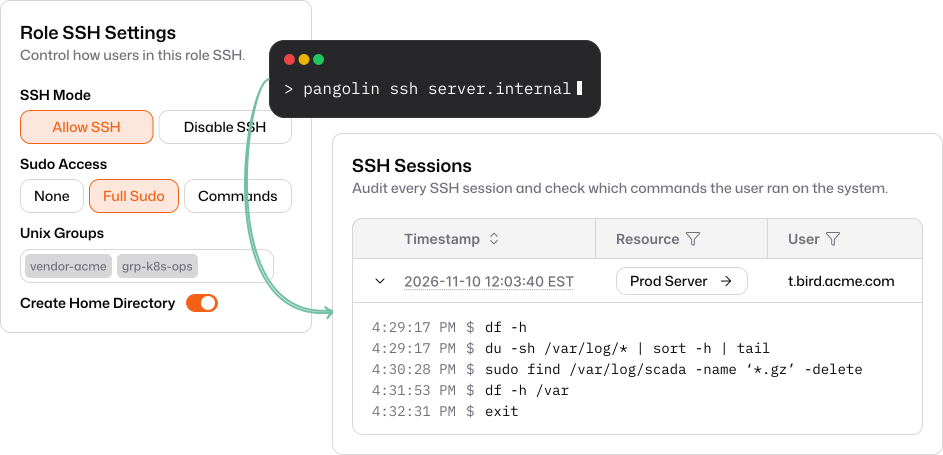
Just-in-time accounts, not shared keys
Users sign in with your identity provider. Pangolin signs a short-lived certificate and creates their account on the host the first time they connect.
Short-lived certificates
Certificates are signed by your organization’s CA for each session, so there are no long-lived keys on servers.
Accounts created on demand
Each person gets their own account on the host, never a shared root or admin login.
Offboard in one place
Remove someone in Pangolin and their path to every server goes with them.
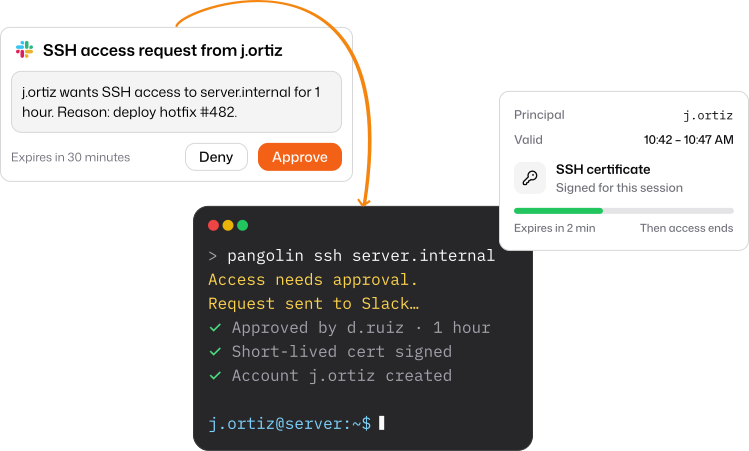
SSH, RDP, and VNC in the browser
Open privileged sessions from any browser behind the same sign-in and access rules, with nothing to install for contractors and vendors.
Full RDP and VNC clients
Control Windows servers and remote displays in a browser tab.
Browser or terminal
Use the browser, or pangolin ssh from your own terminal with your own tools.
Never exposed
Hosts stay off the public internet, with no open SSH or RDP ports.
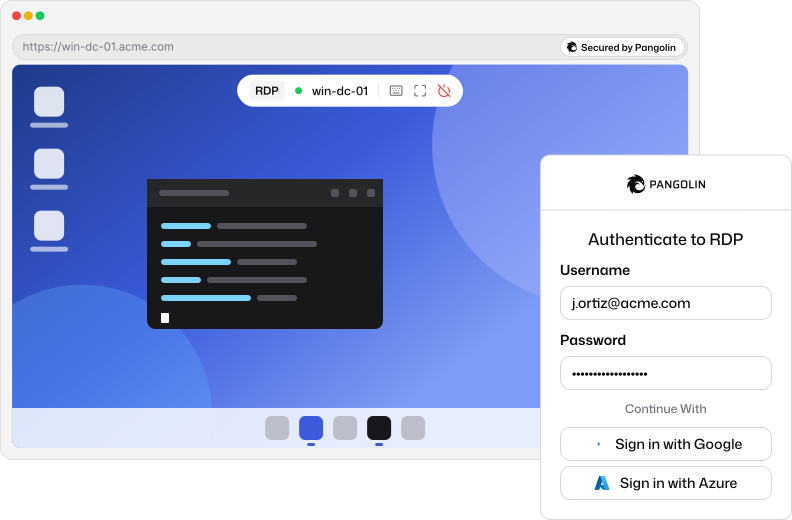
Access for as long as it’s needed
Grant access per resource, require strong sign-in, and let access expire on its own.
Per-resource access
Nothing is reachable by default. Access is granted host by host.
MFA and security keys
Require multi-factor authentication or passwordless security keys.
Revoke live sessions
End active sessions immediately, and revalidate them against your identity provider.
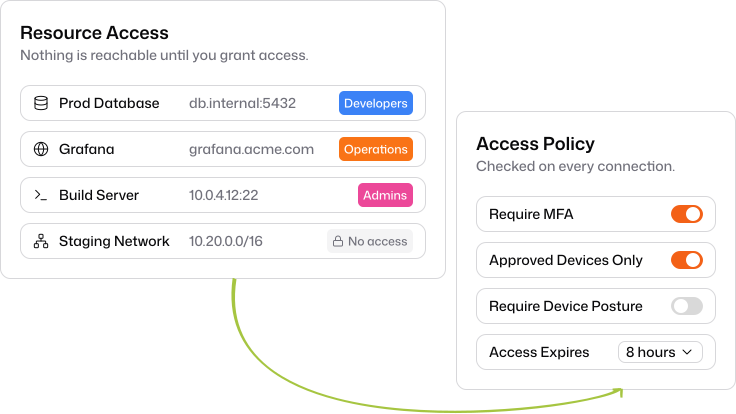
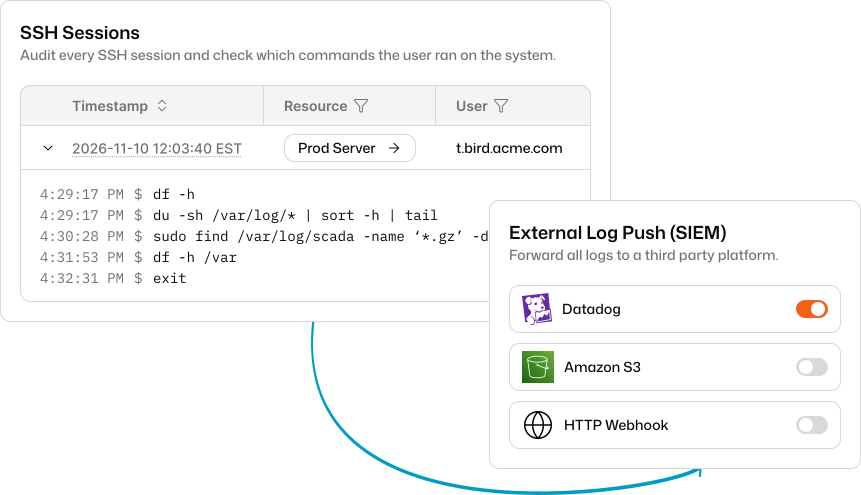
Every session on the record
Know who connected to which host, when, from where, and what they ran.
SSH session logs
Review each session and the commands run in it.
Authentication and admin logs
See every sign-in attempt and every change to the policies that allowed it.
Stream to your SIEM
Send events to an HTTP webhook or S3 for retention and alerting.
Everything you need to retire the jump box
Privileged access built on the same identity, roles, and logs as the rest of Pangolin.
Pangolin SSH mode
Run sessions on the connector host with no OpenSSH configuration.
Auth daemon for fleets
Provision users on many hosts behind a single bastion site.
Sign keys for your tools
Use pangolin ssh sign for tools that open their own SSH connections.
Session revalidation
End sessions when your identity provider revokes a user’s access.
Device approvals
Only let approved devices start privileged sessions.
Open source and self-hostable
Run Pangolin Cloud, or self-host the whole stack on your own infrastructure.
Explore other use cases
Remote Access
Identity-based access to private apps, servers, and networks.
Business VPN
Replace your legacy VPN with zero trust built on WireGuard®.
Reverse Proxy
Publish internal apps behind identity, without opening ports.
Securing AI
Identity-aware access to cloud and self-hosted models.
Zero Trust & Identity
Identity providers, roles, privileged access, and audit.